TV is back
Vimeo is a video sharing platform that was launched in 2004 by a group of filmmakers. Since then, the platform has grown to over 80 million creators — most of them artists in film, animation, music and other works of art — who’ve been able to use Vimeo as a way to share and promote their work. Vimeo was thrilled to announce their brand-new Apple TV and Android TV apps — with Samsung Smart TV too— All of which bring the best if Vimeo to the big television screen.
I led the design of the new Vimeo TV apps from Apple, Android and Samsungs platform. This was a new realm for me to step into as I have not owned a TV in over a decade. Thus I approached this project with a lot of researching from current televisions to competitive research, working closely with our Director of Product, and developers in order to being not only the best designs forward but the most practical and easy to use in the TV space. This project took me from sketches to wires, user testing and lots of prototyping.
The project launched ahead of schedule and took on a lot of praise from users. I also was invited to give an interview for the Adobe Design Blog about the future of video in UX design.
ROLES
PRODUCT DESIGN
EXPERIENCE DESIGN
VISUAL DESIGN
PROTOTYPING
░
░
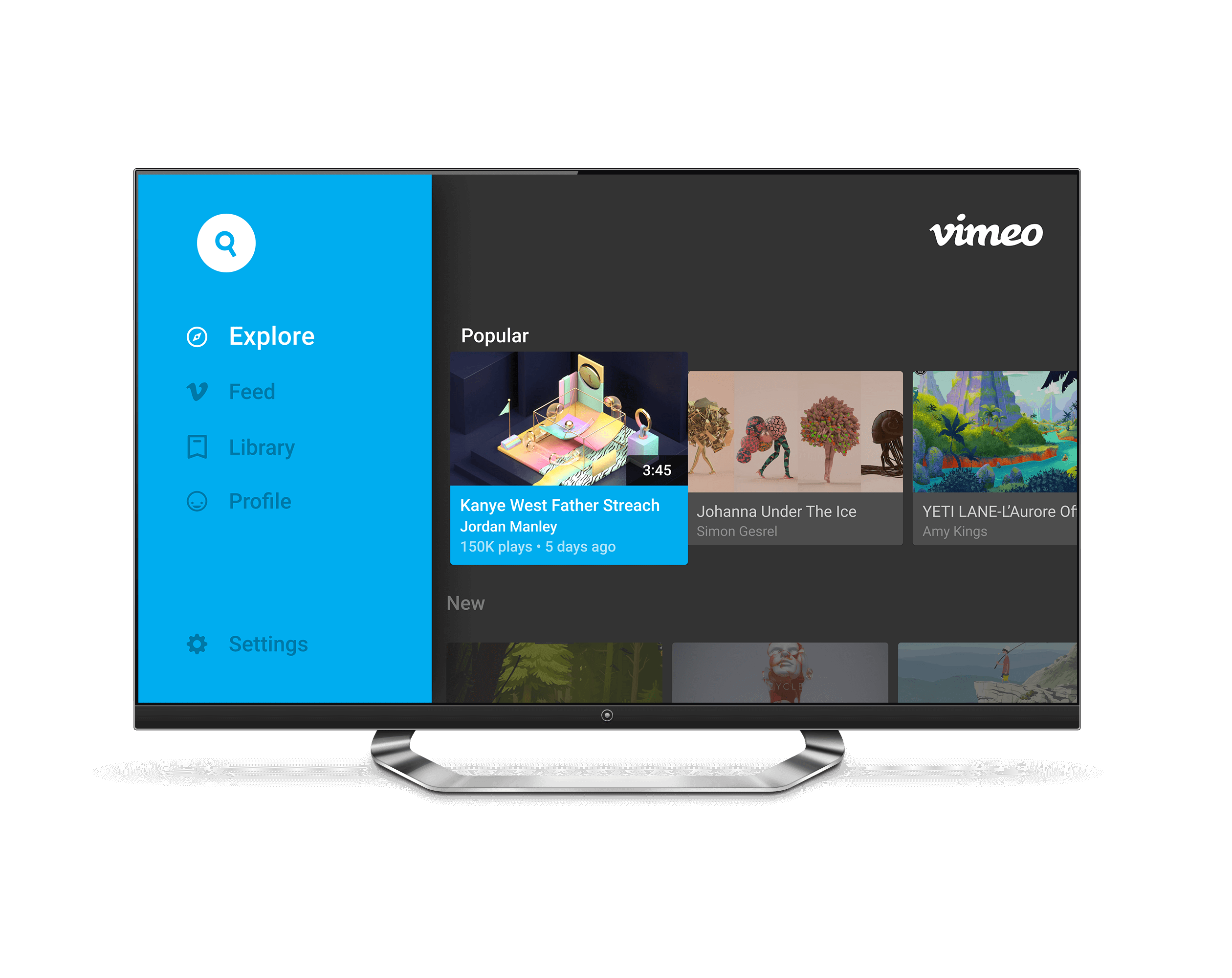
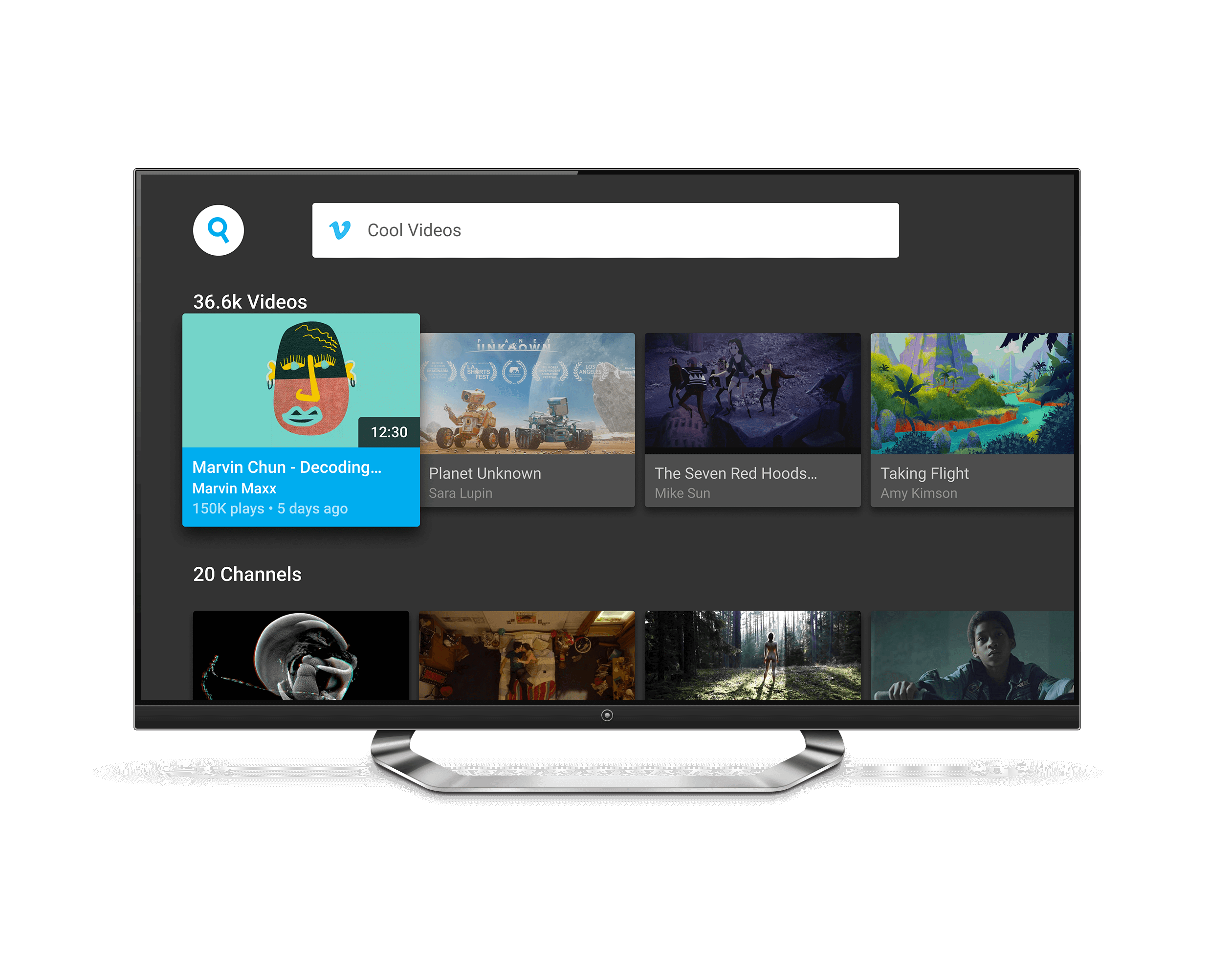
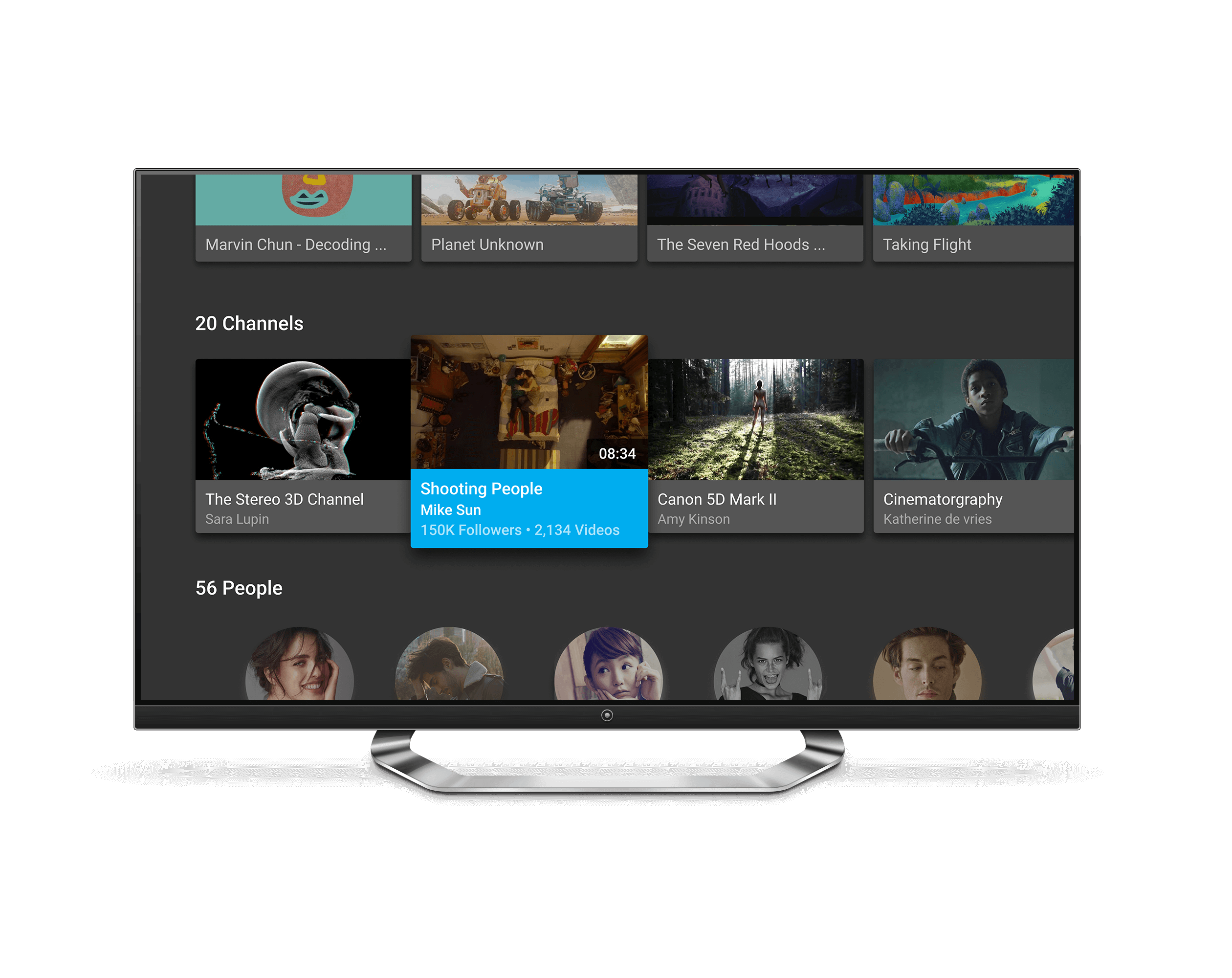
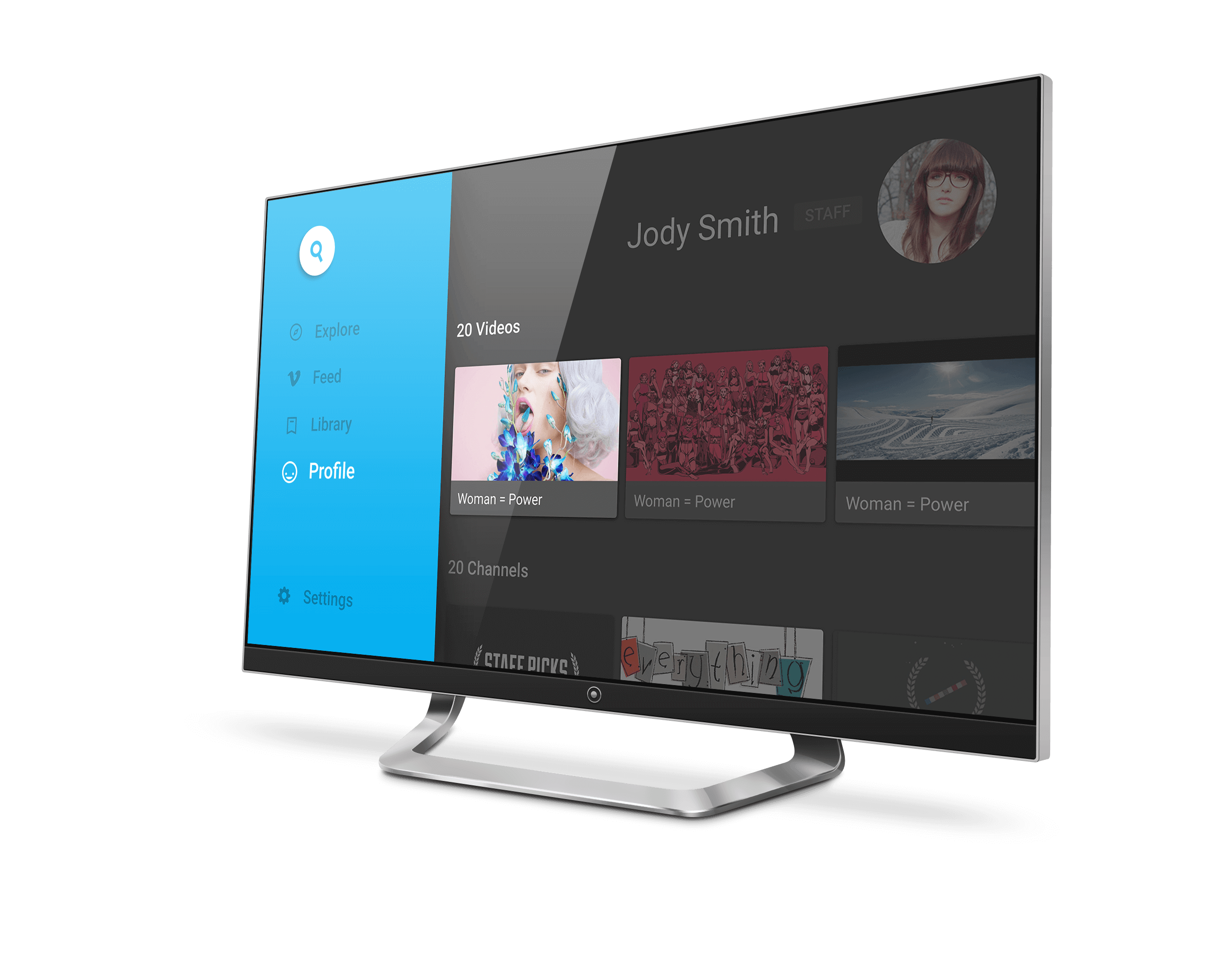
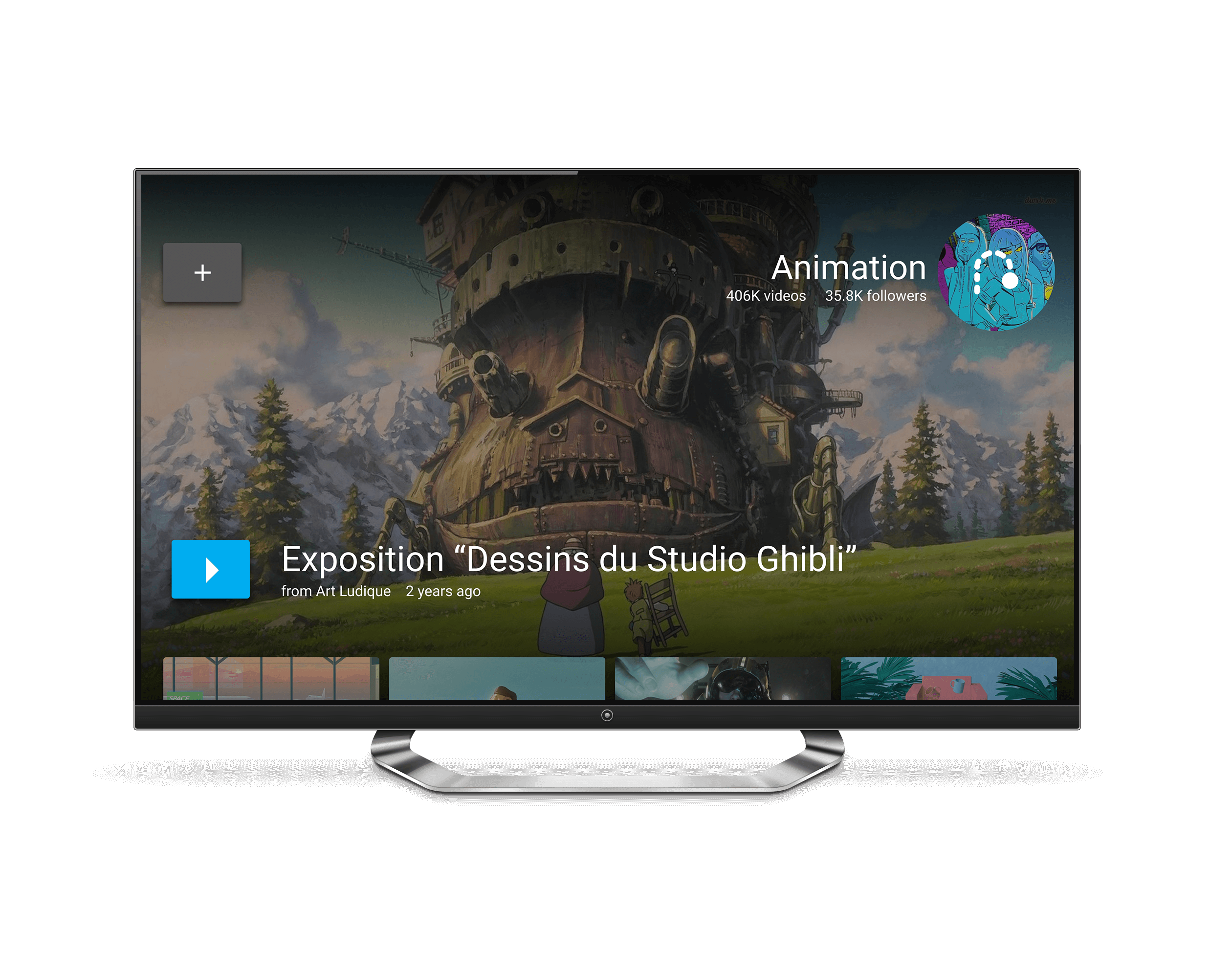
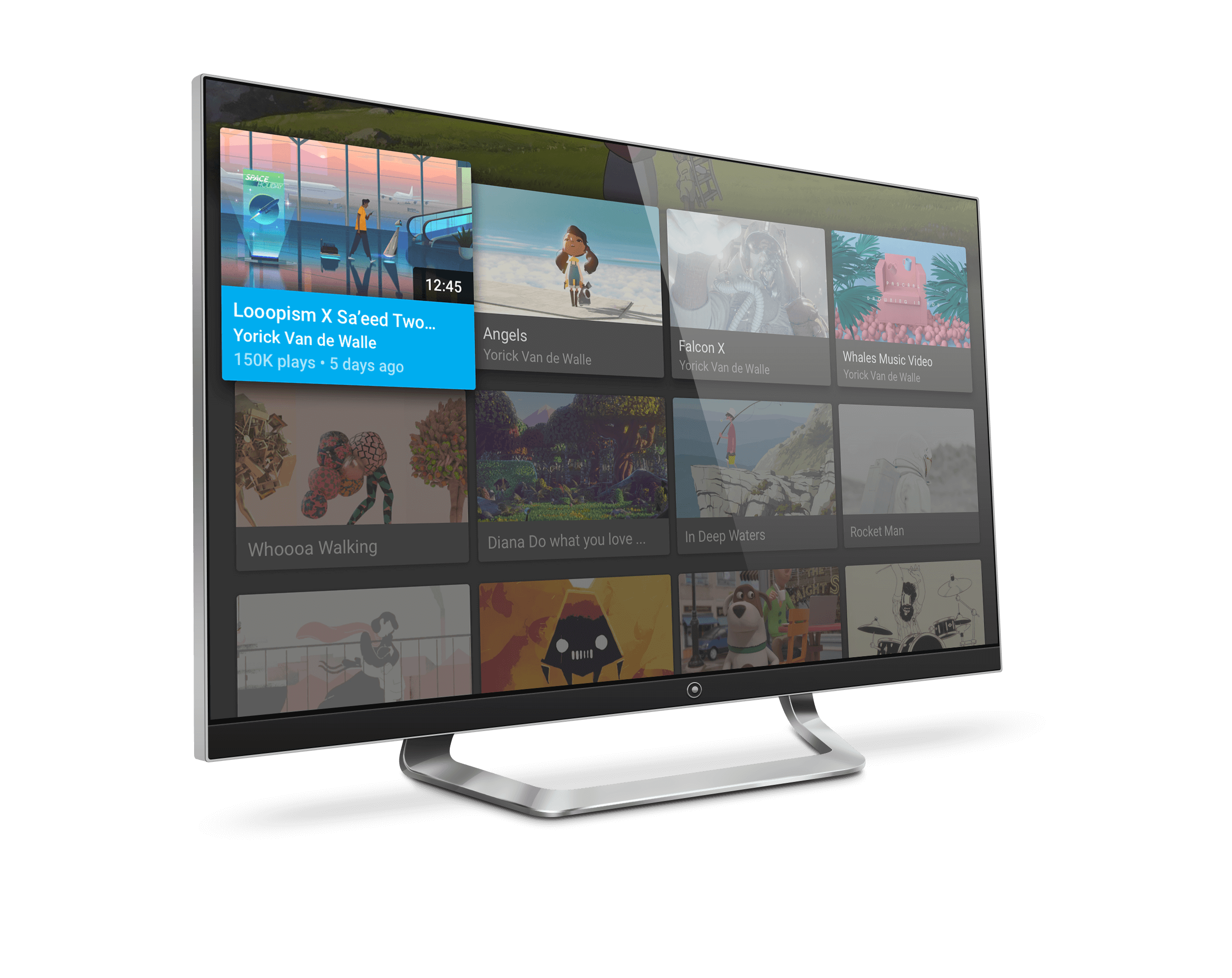
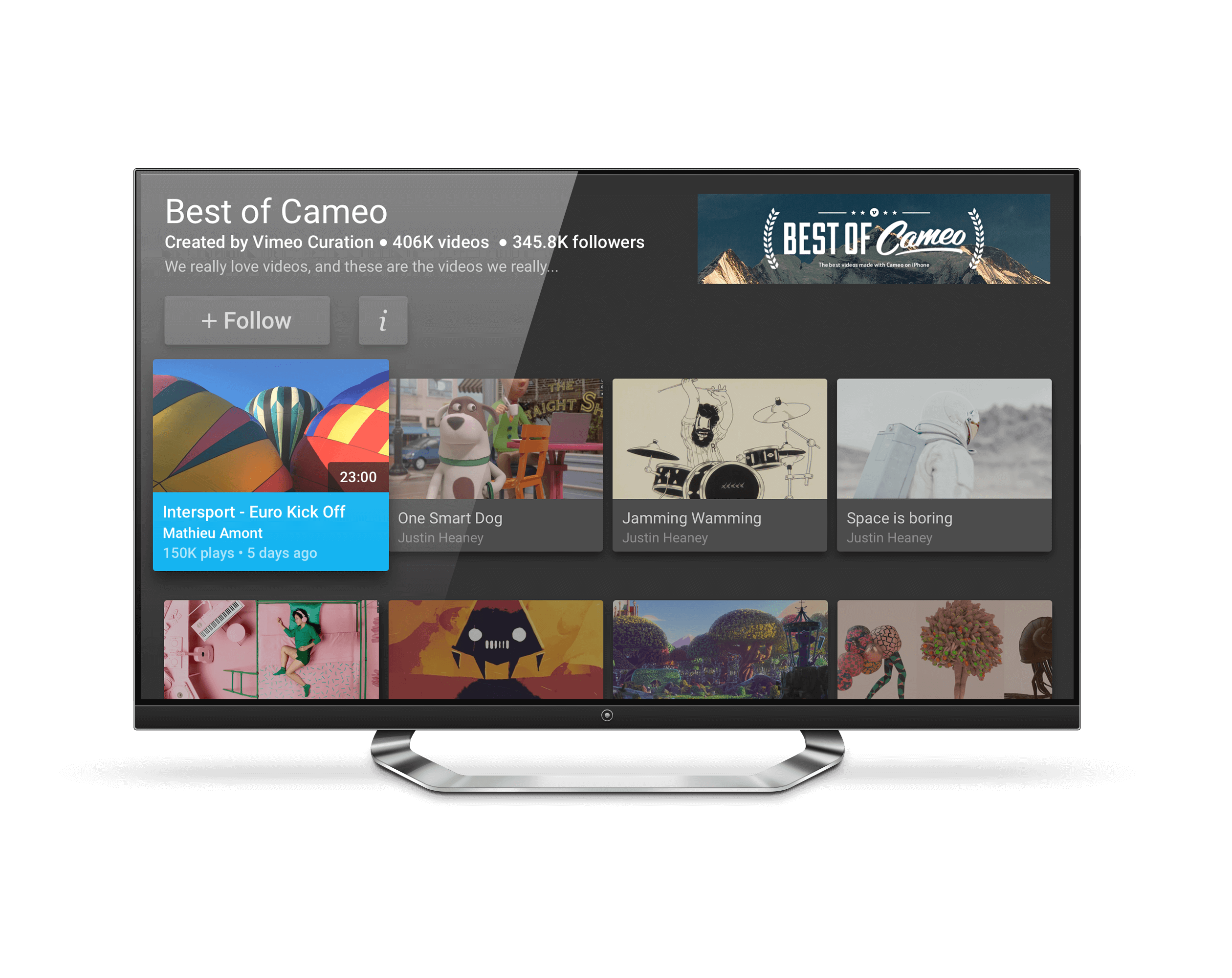
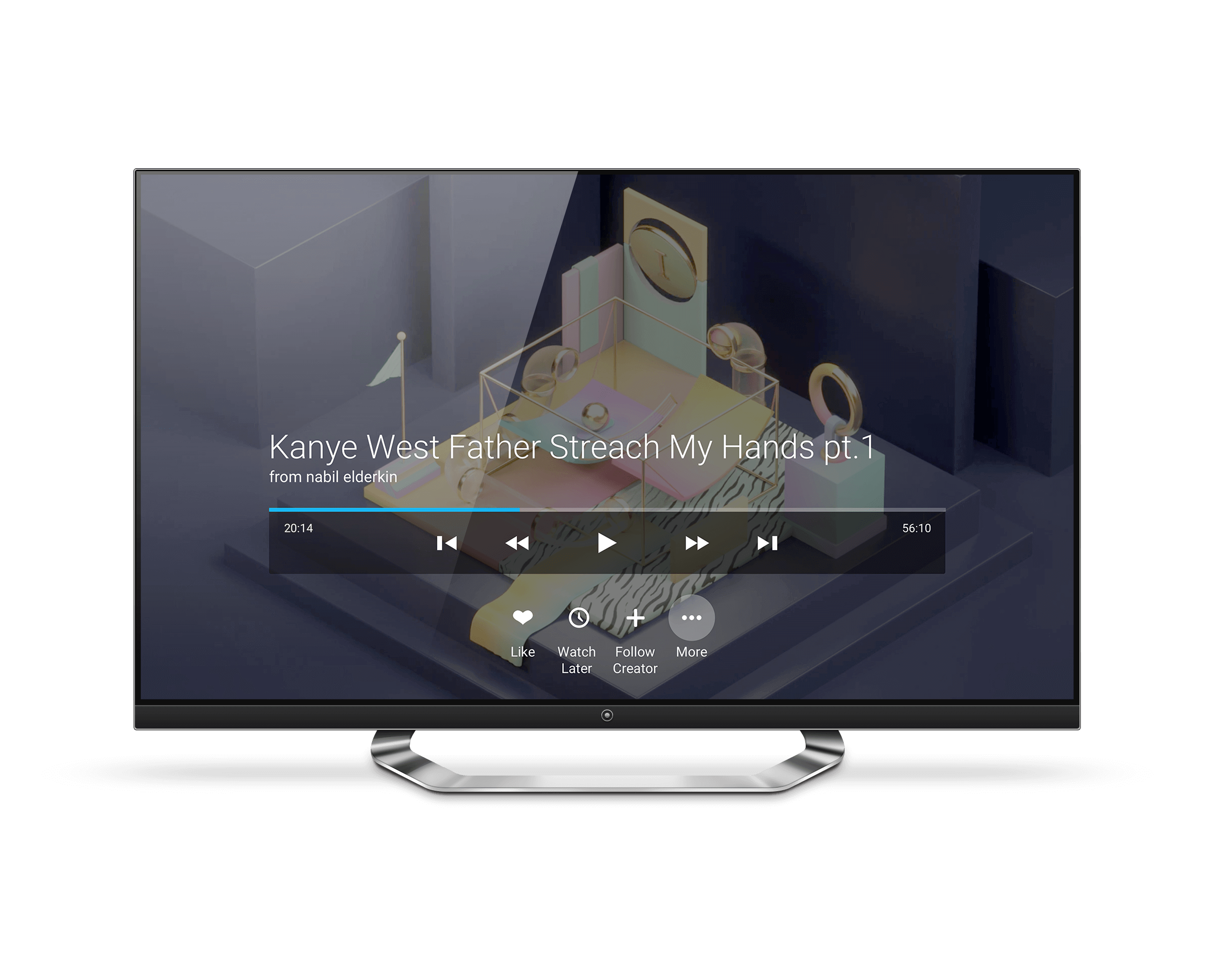
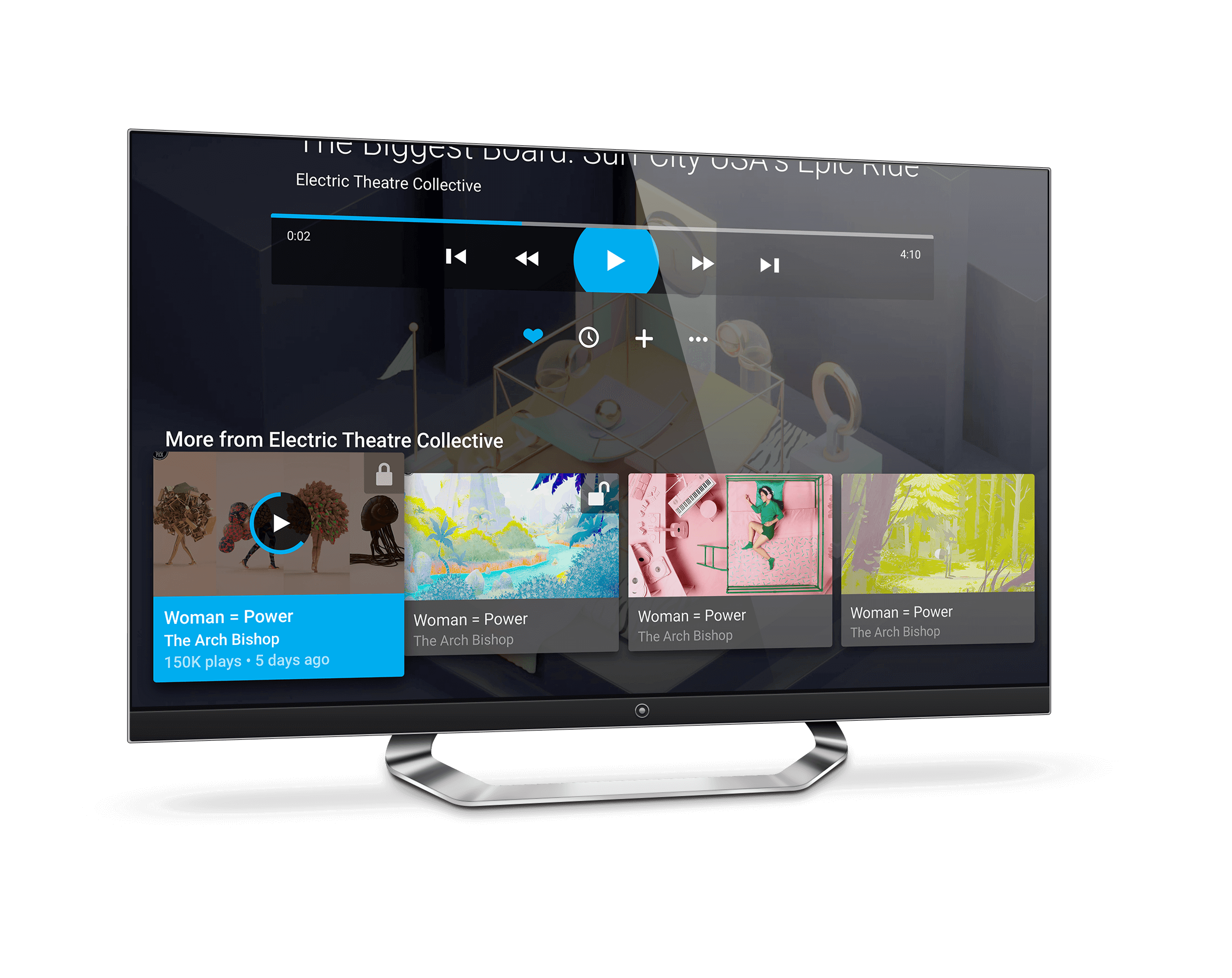
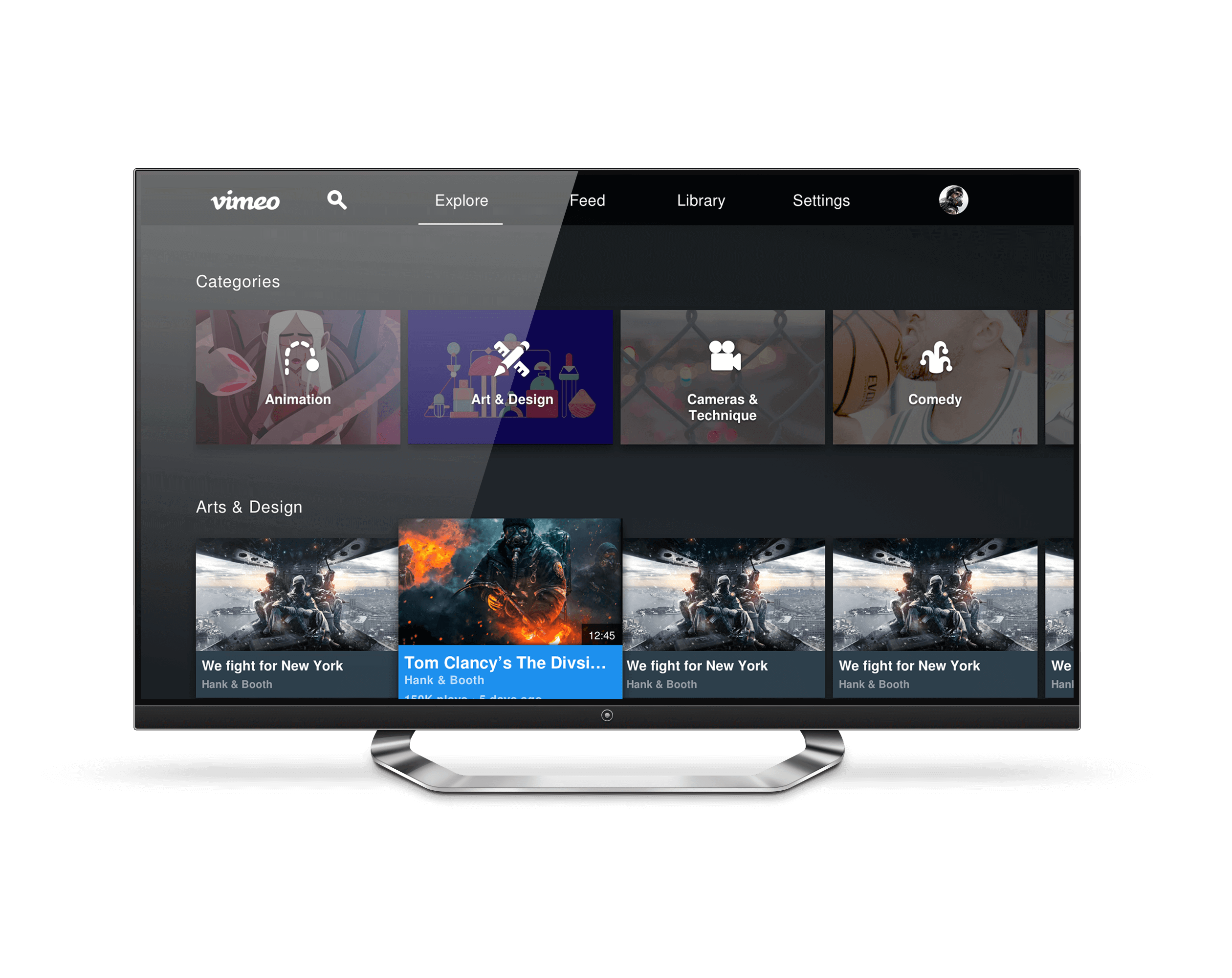
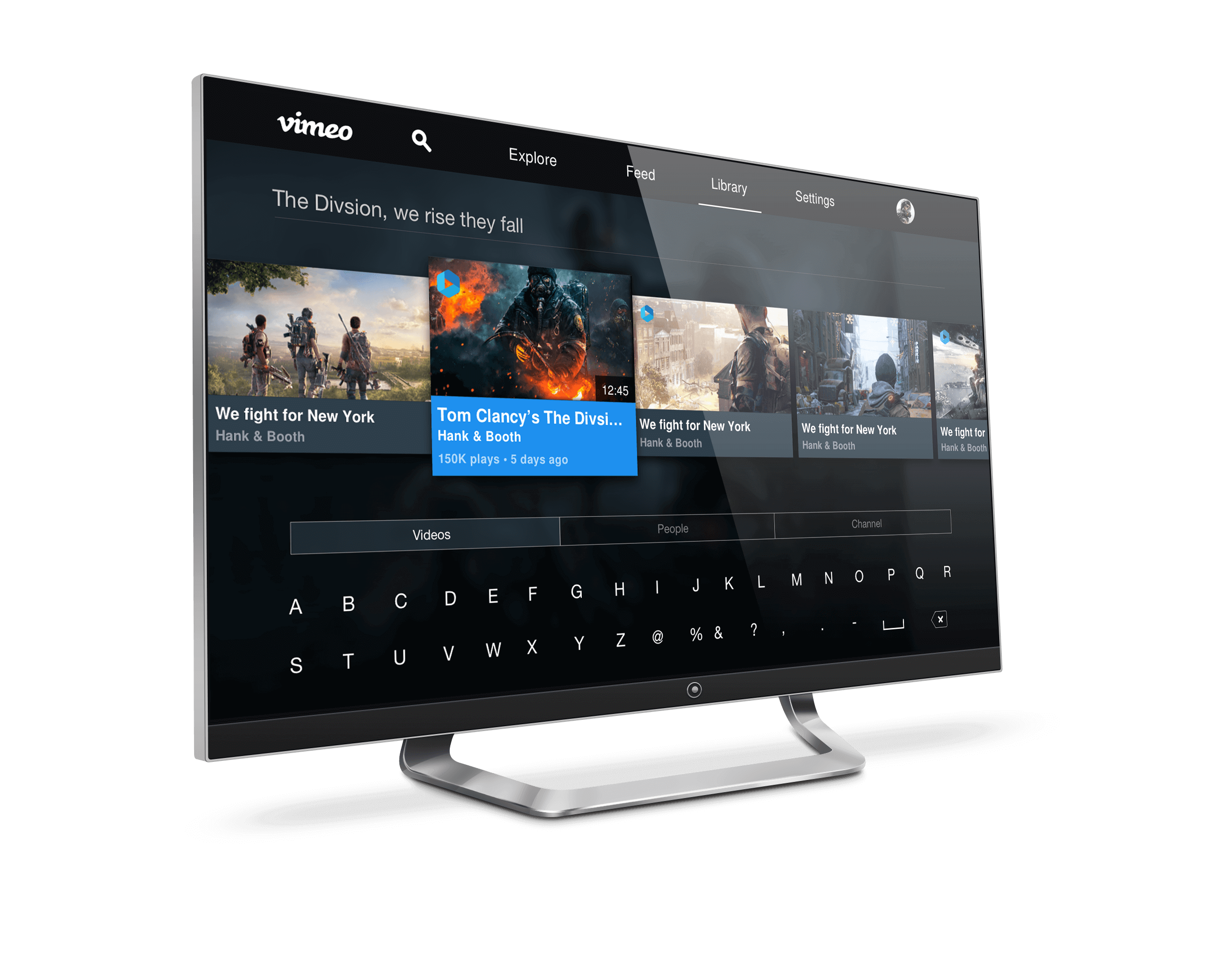
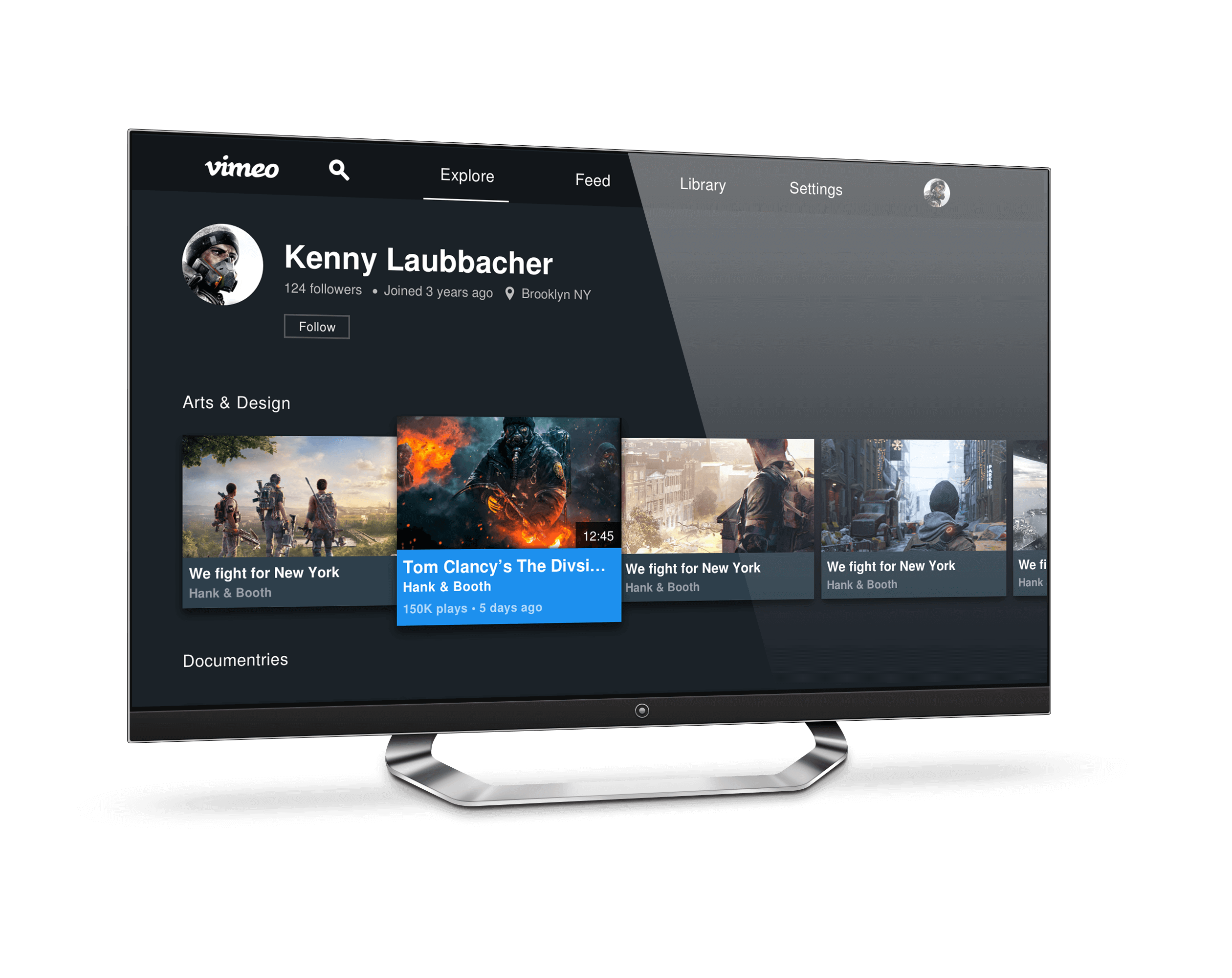
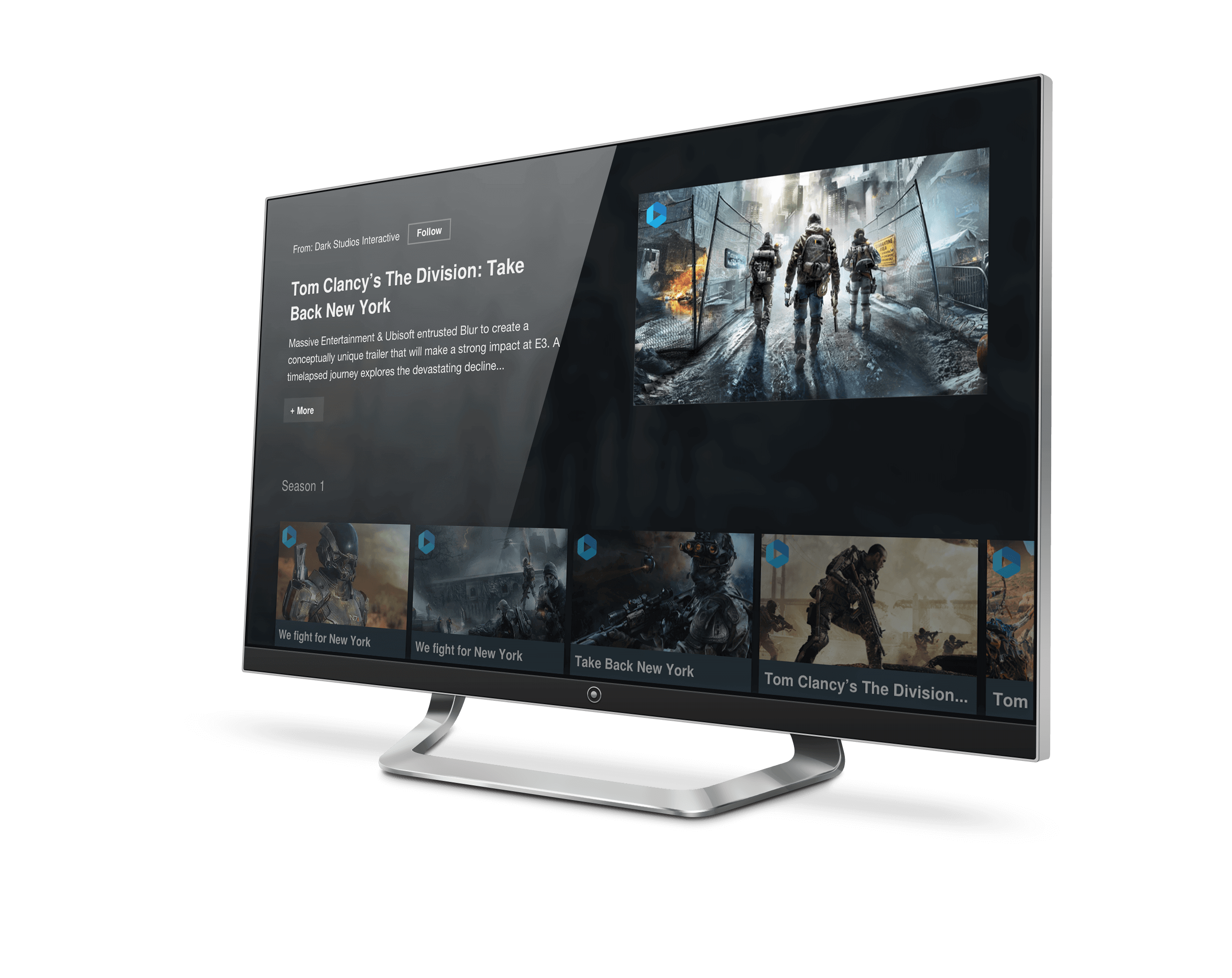
Android TV.
It was fun to work in something I was not use to designing for and thus had me learning a lot on the go and a lot of testing and research of TVs and prototyping designs to not only design something that offers a great app experience on a TV but offer a seamless viewing experience.
░
░
BTS wires & prototypes.
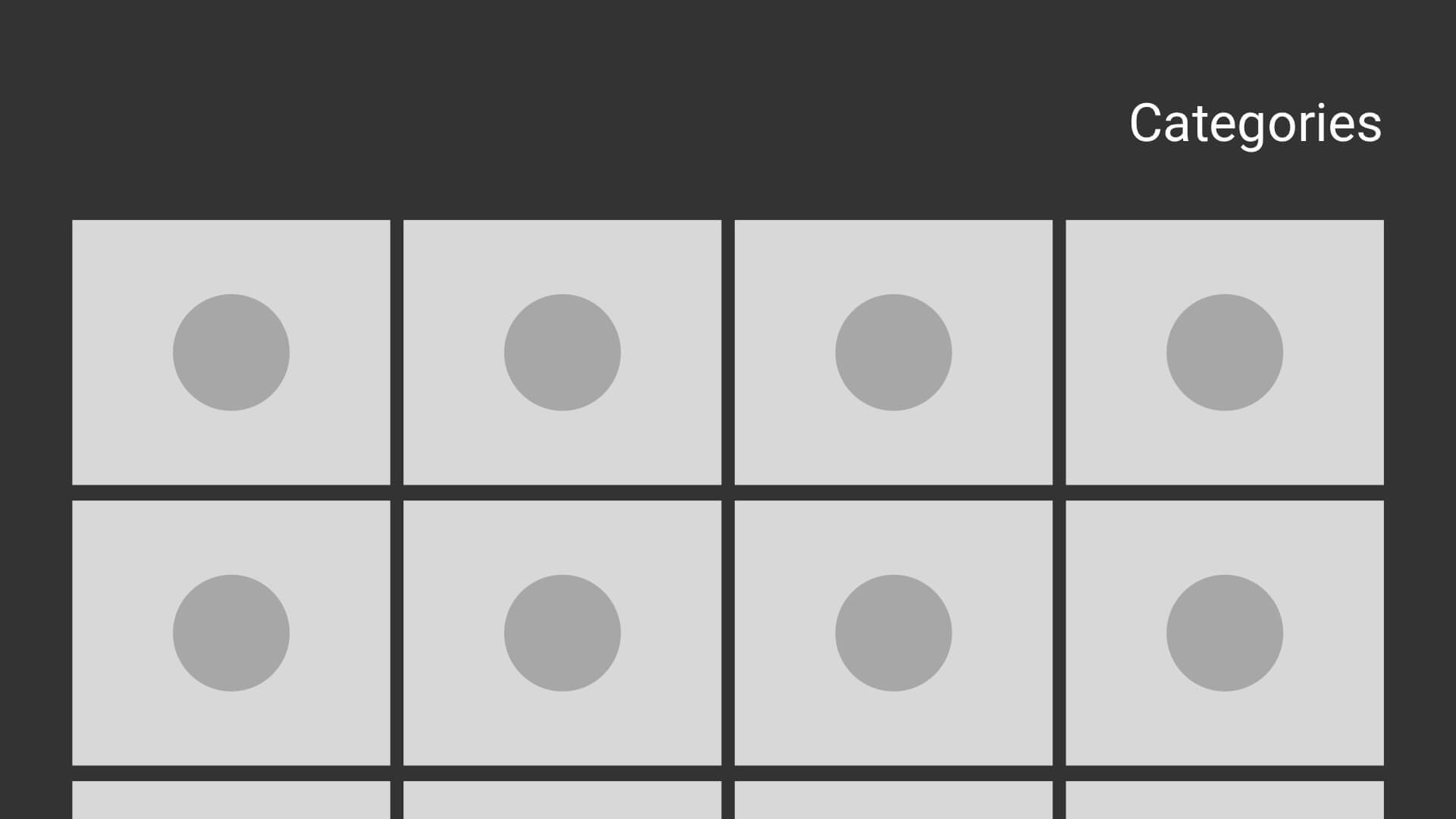
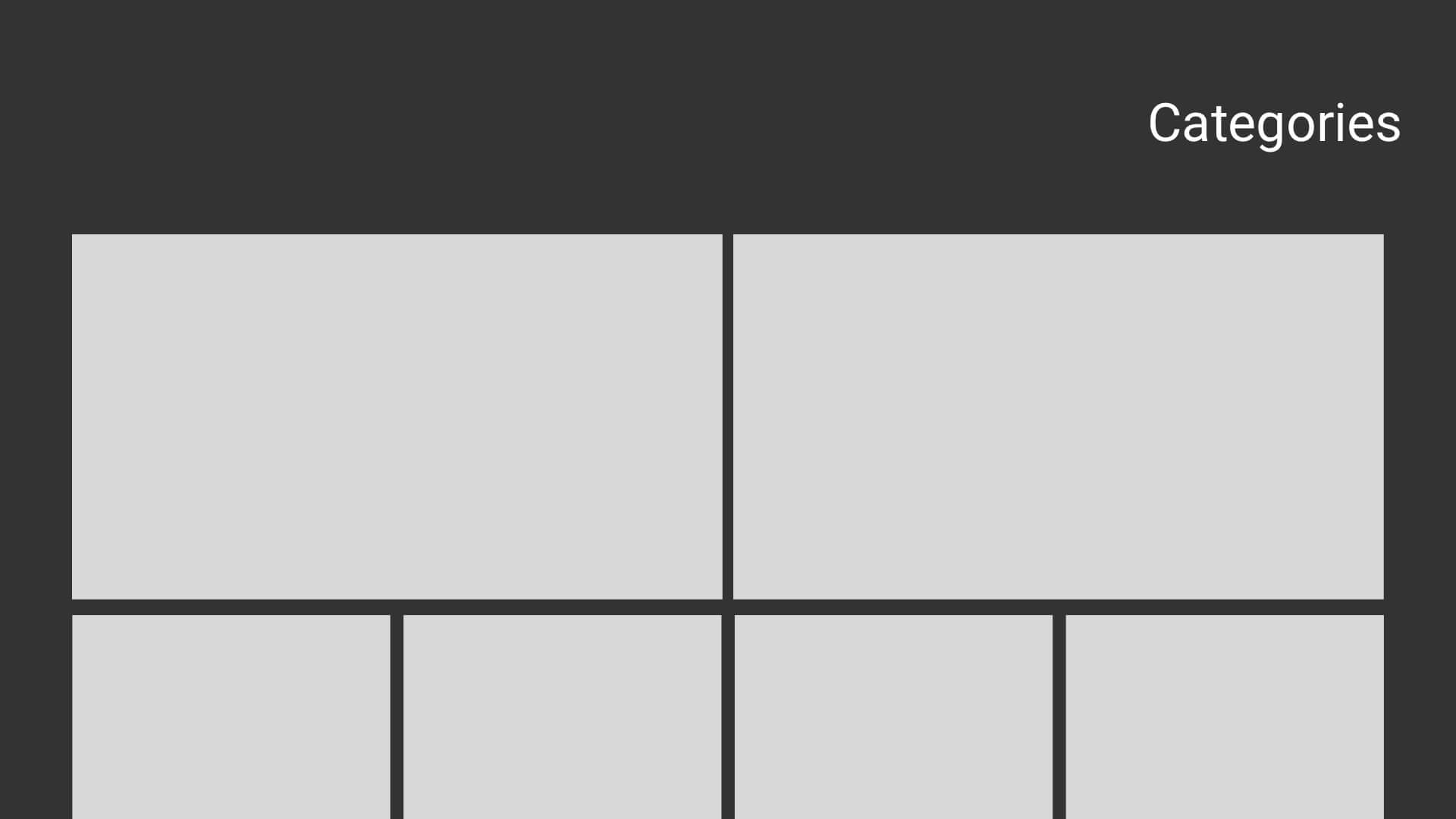
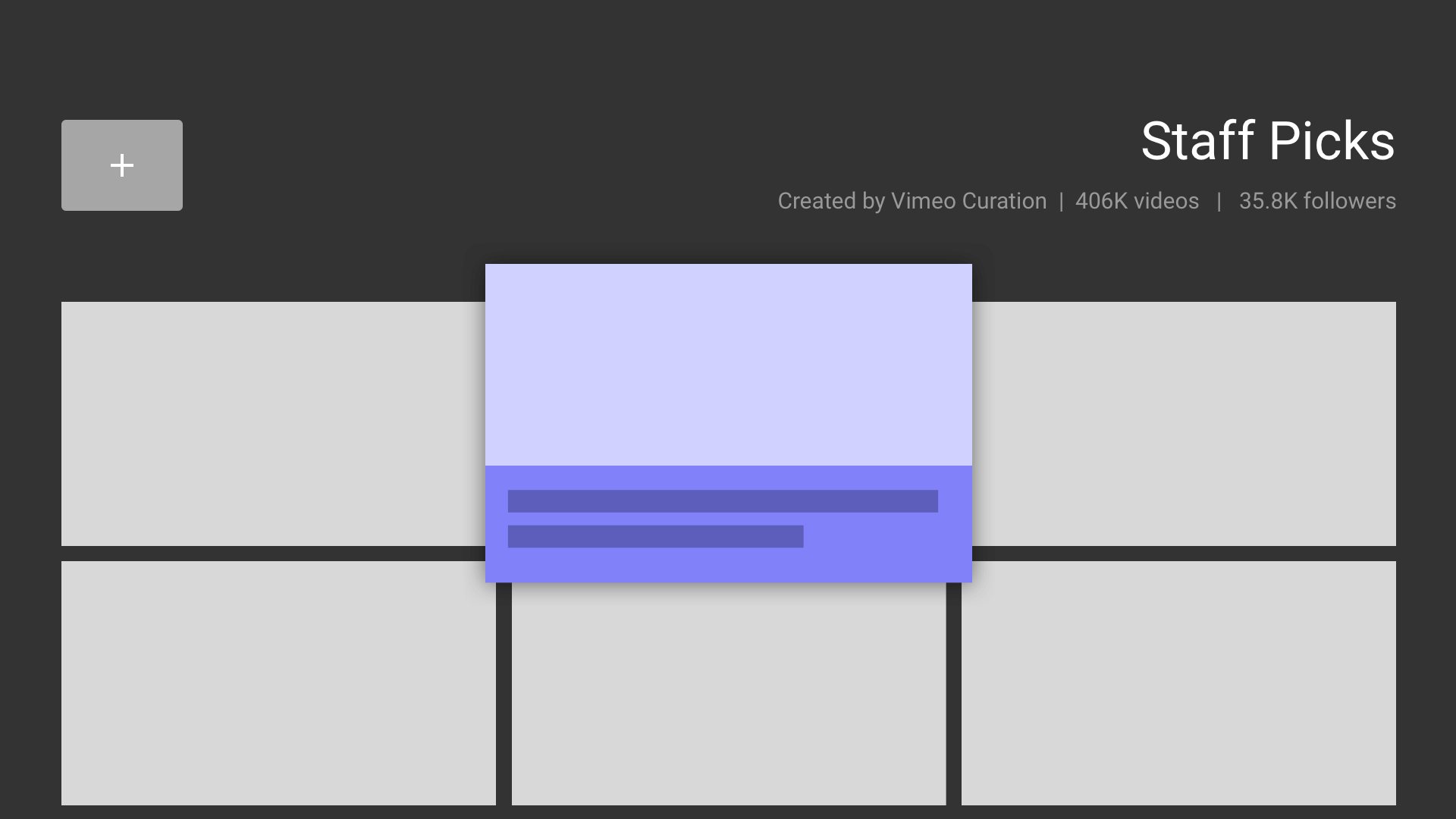
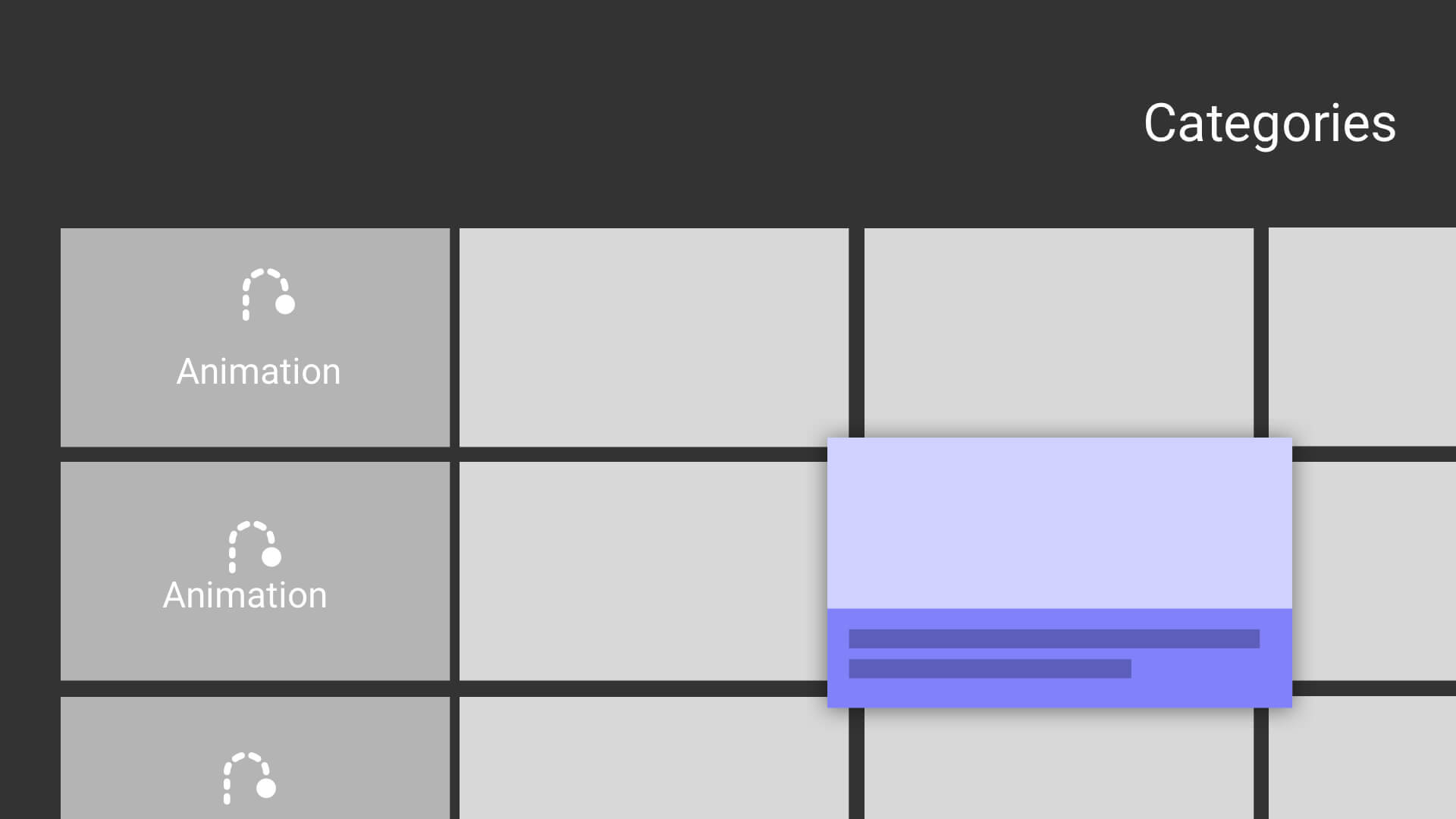
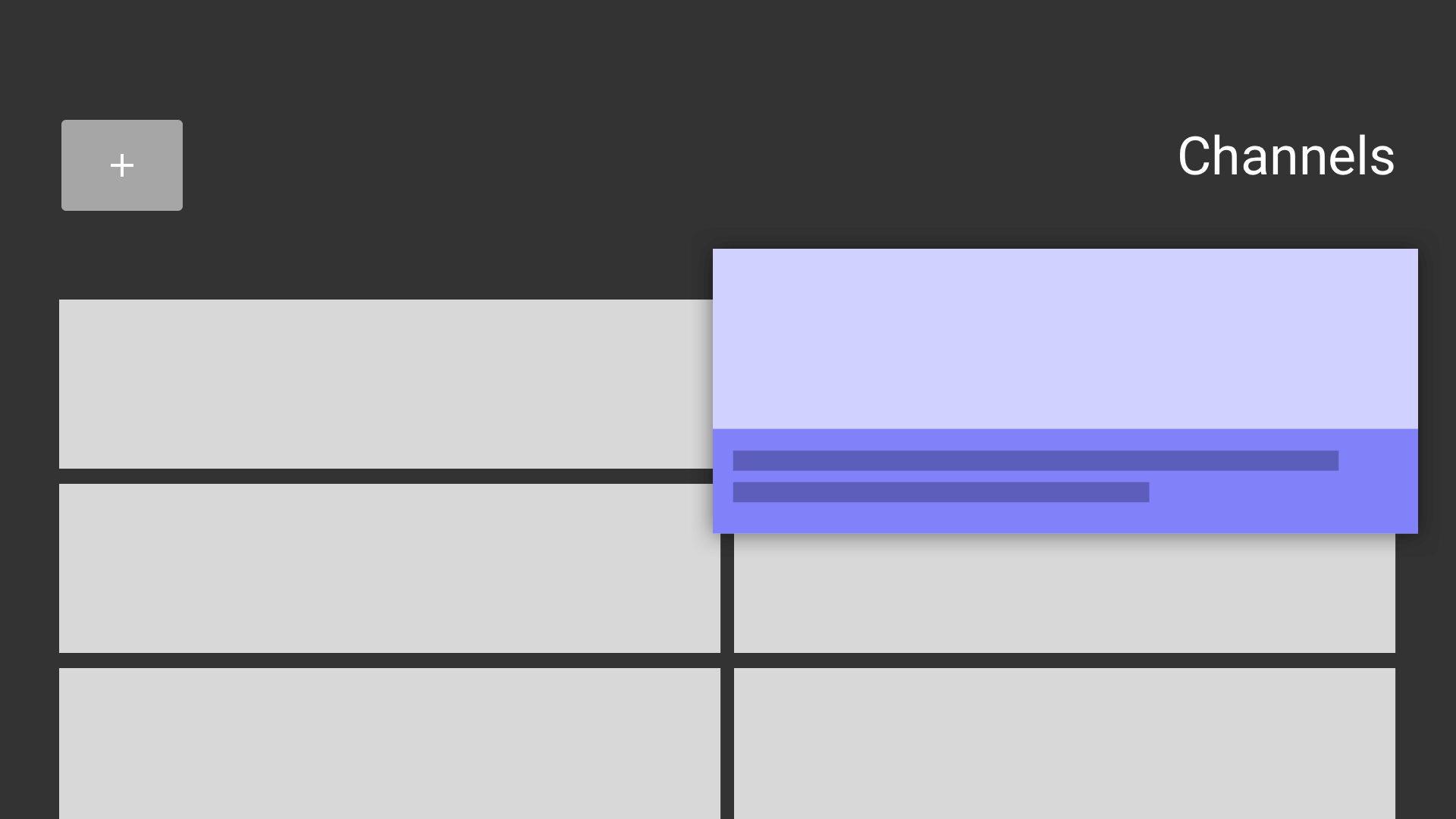
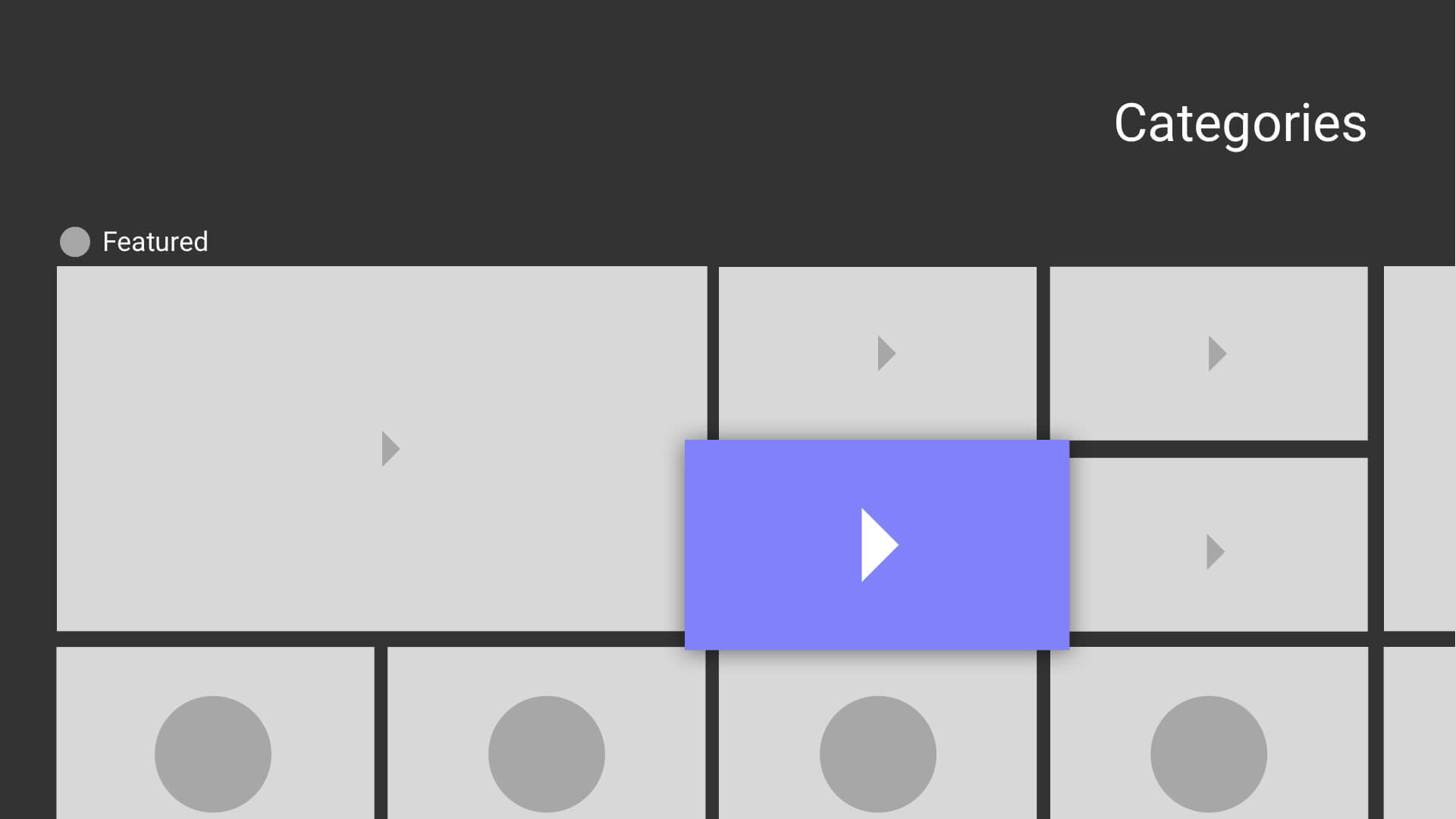
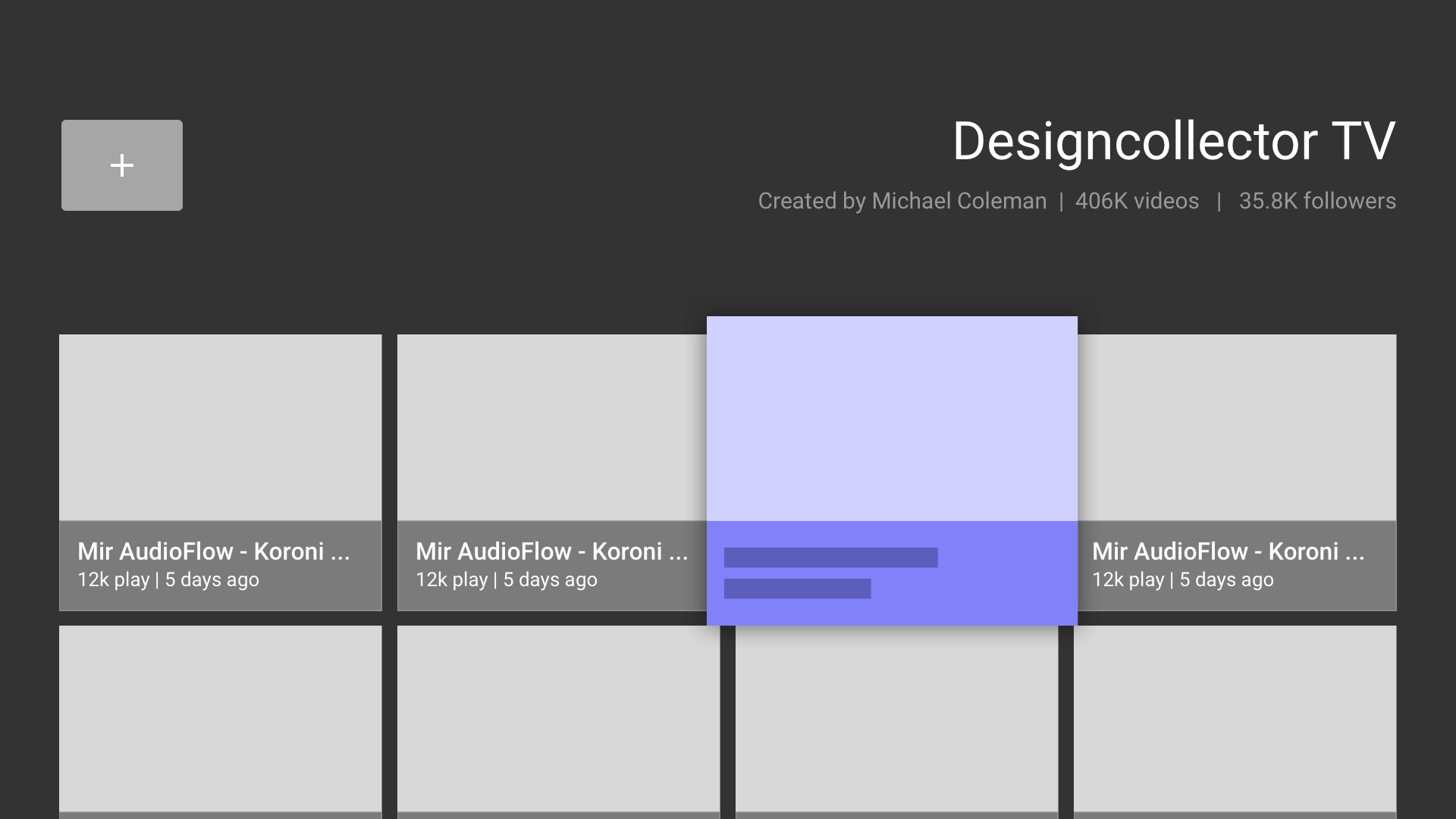
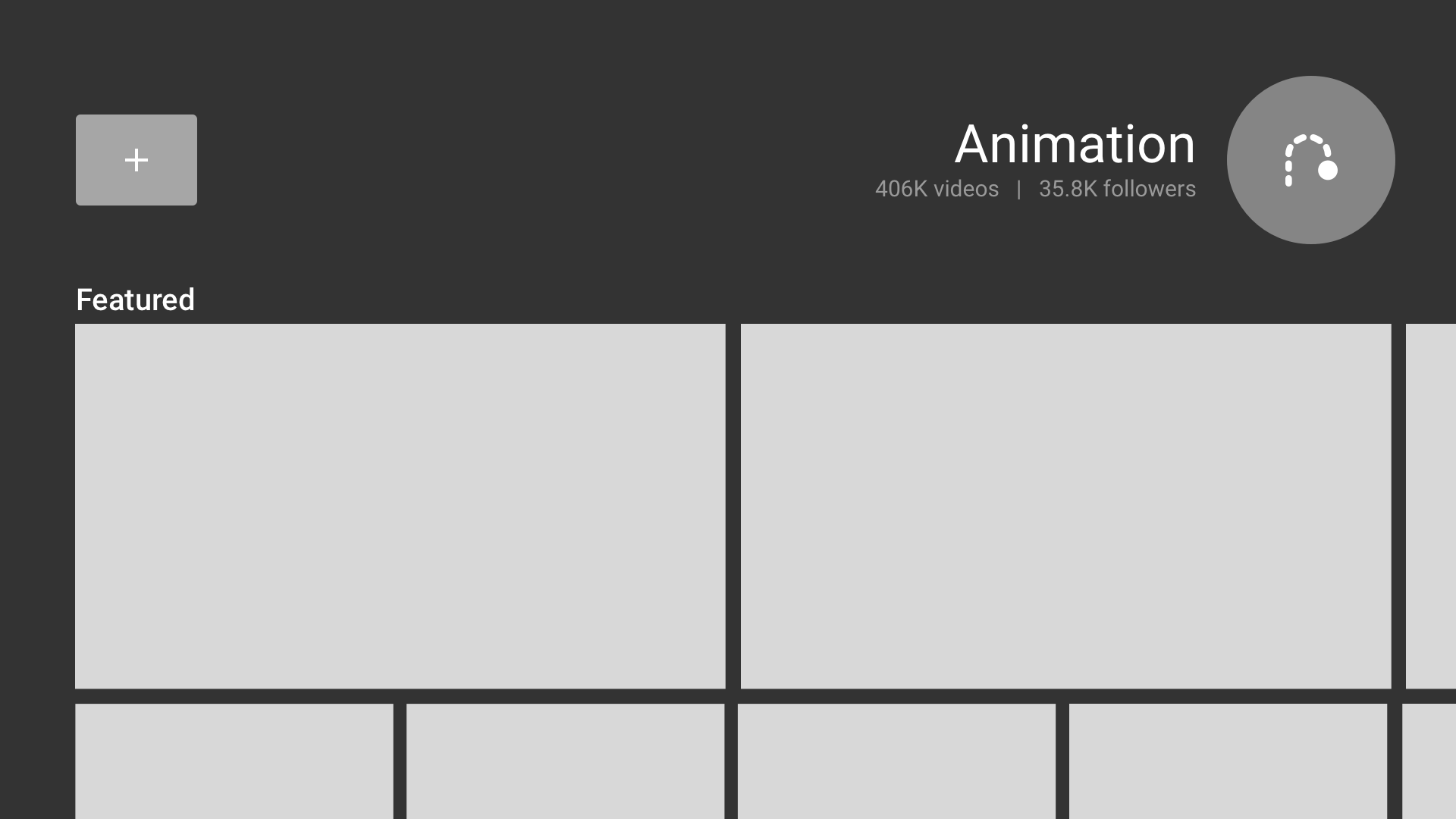
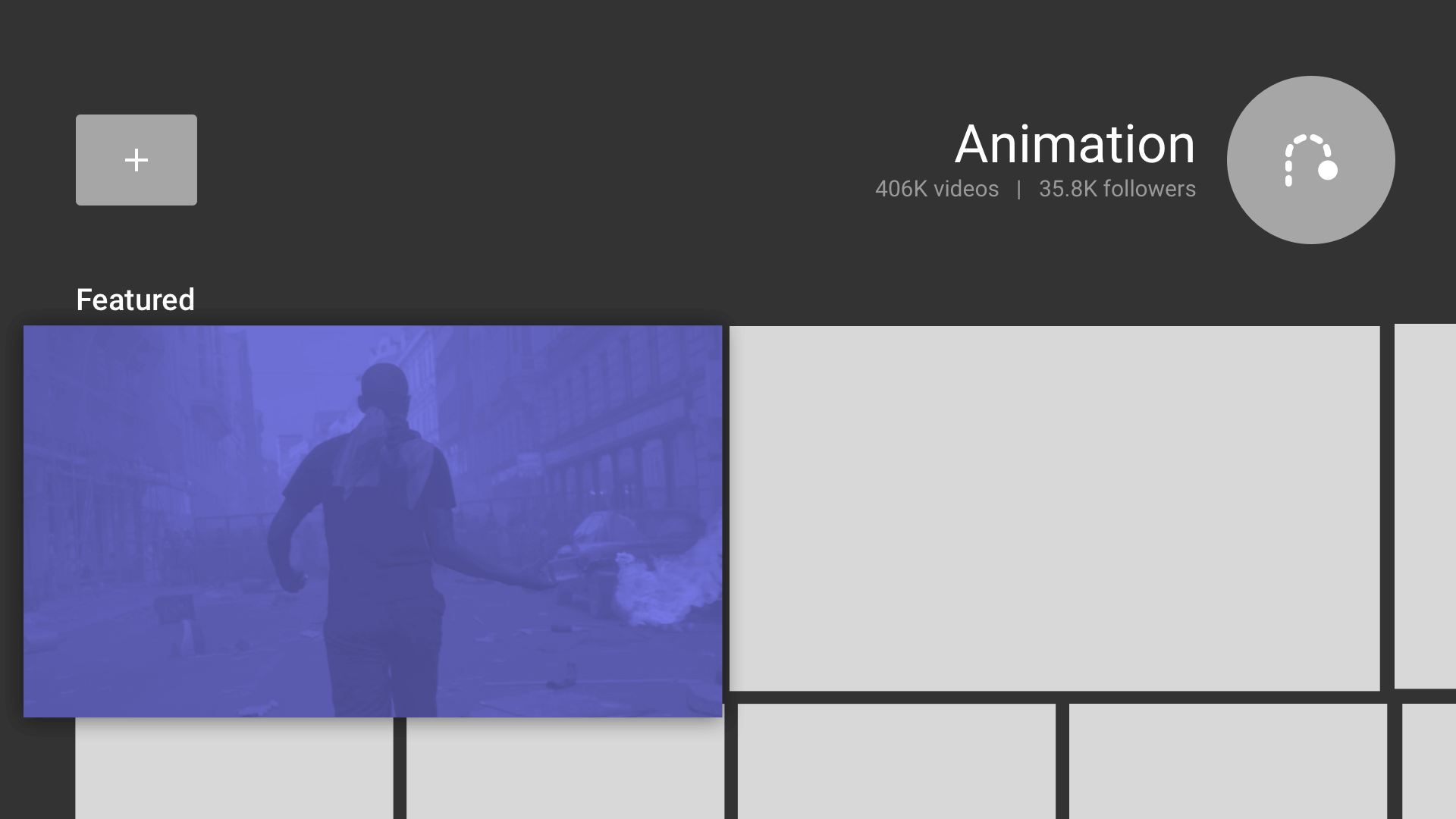
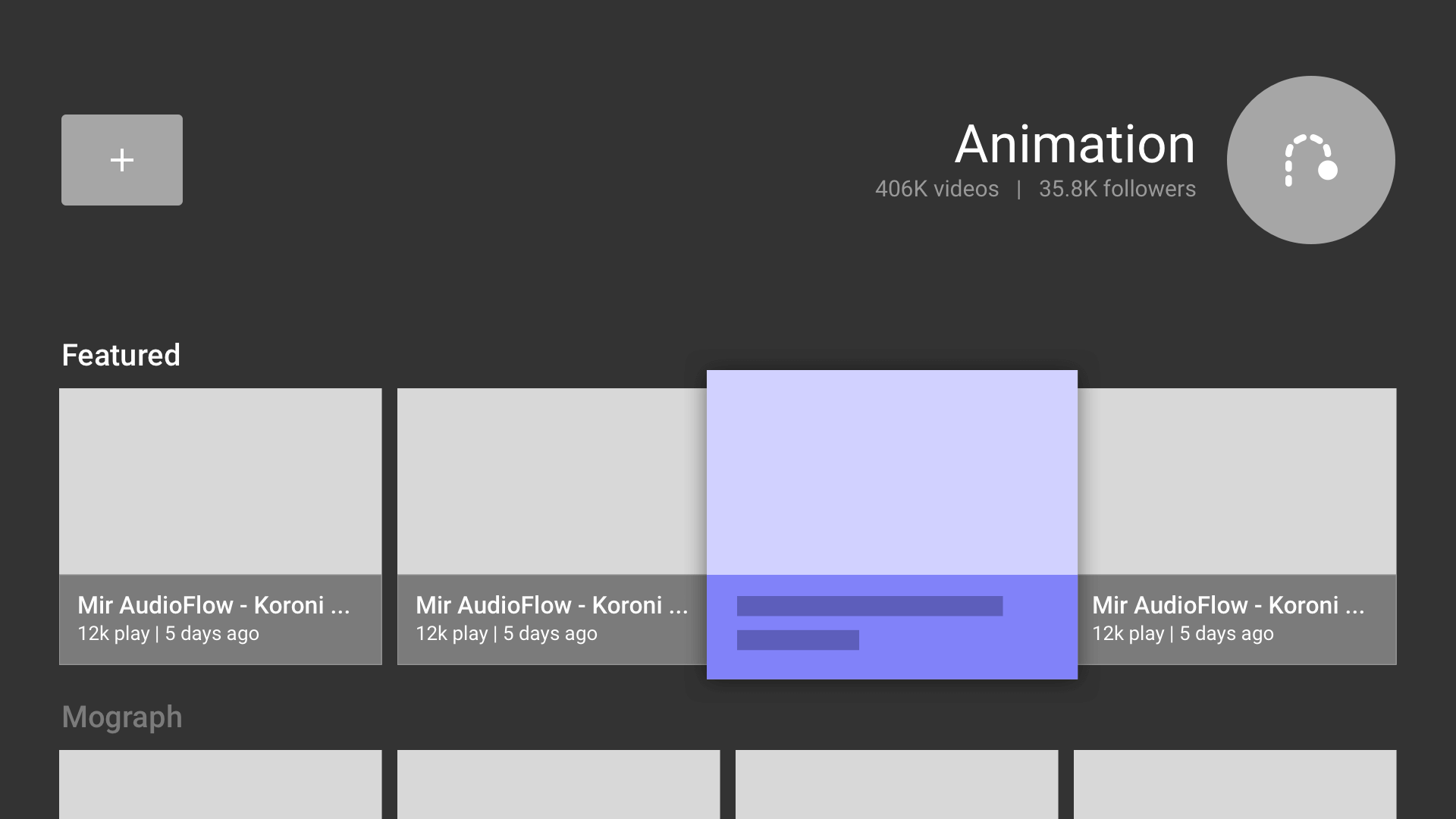
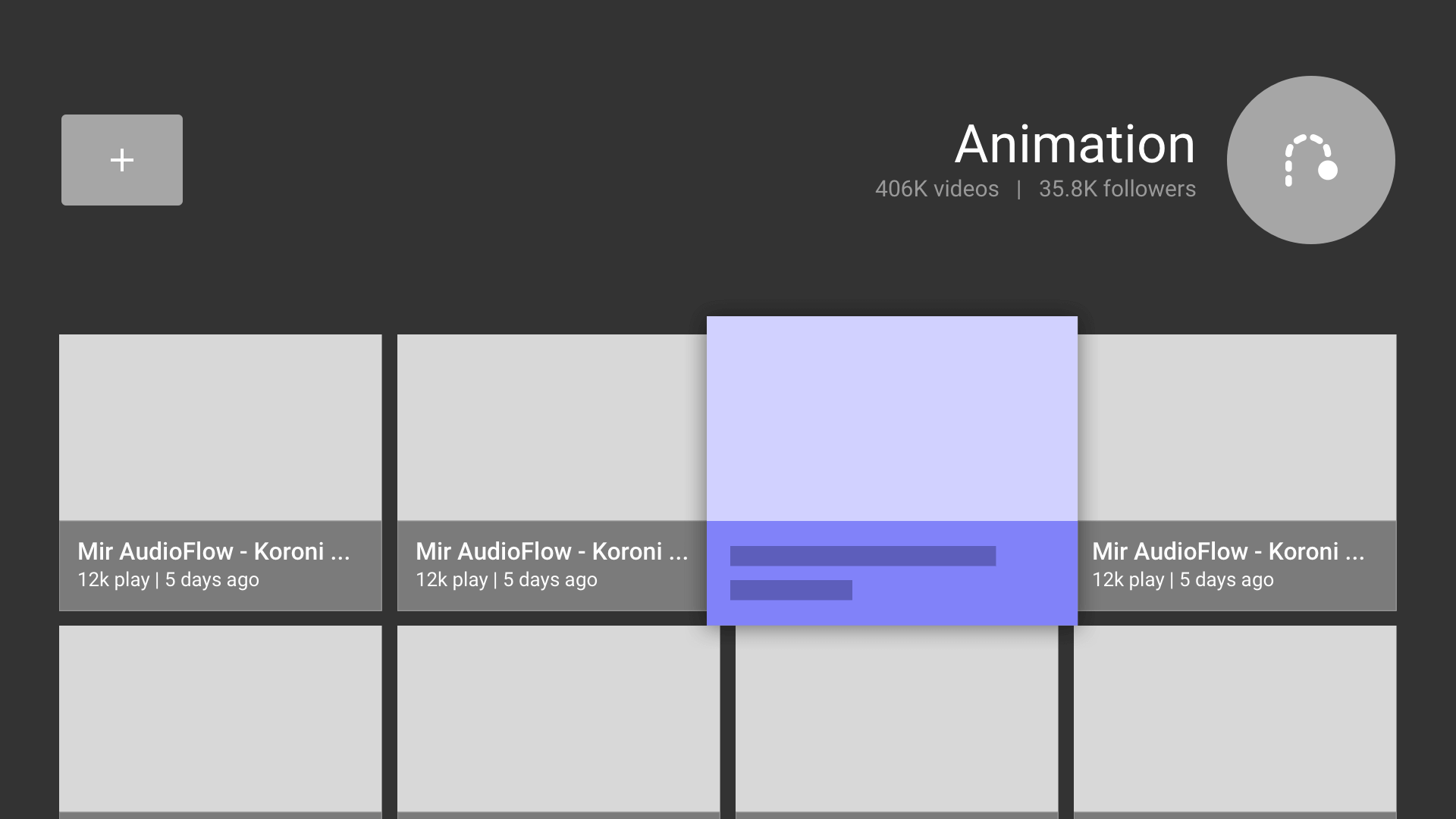
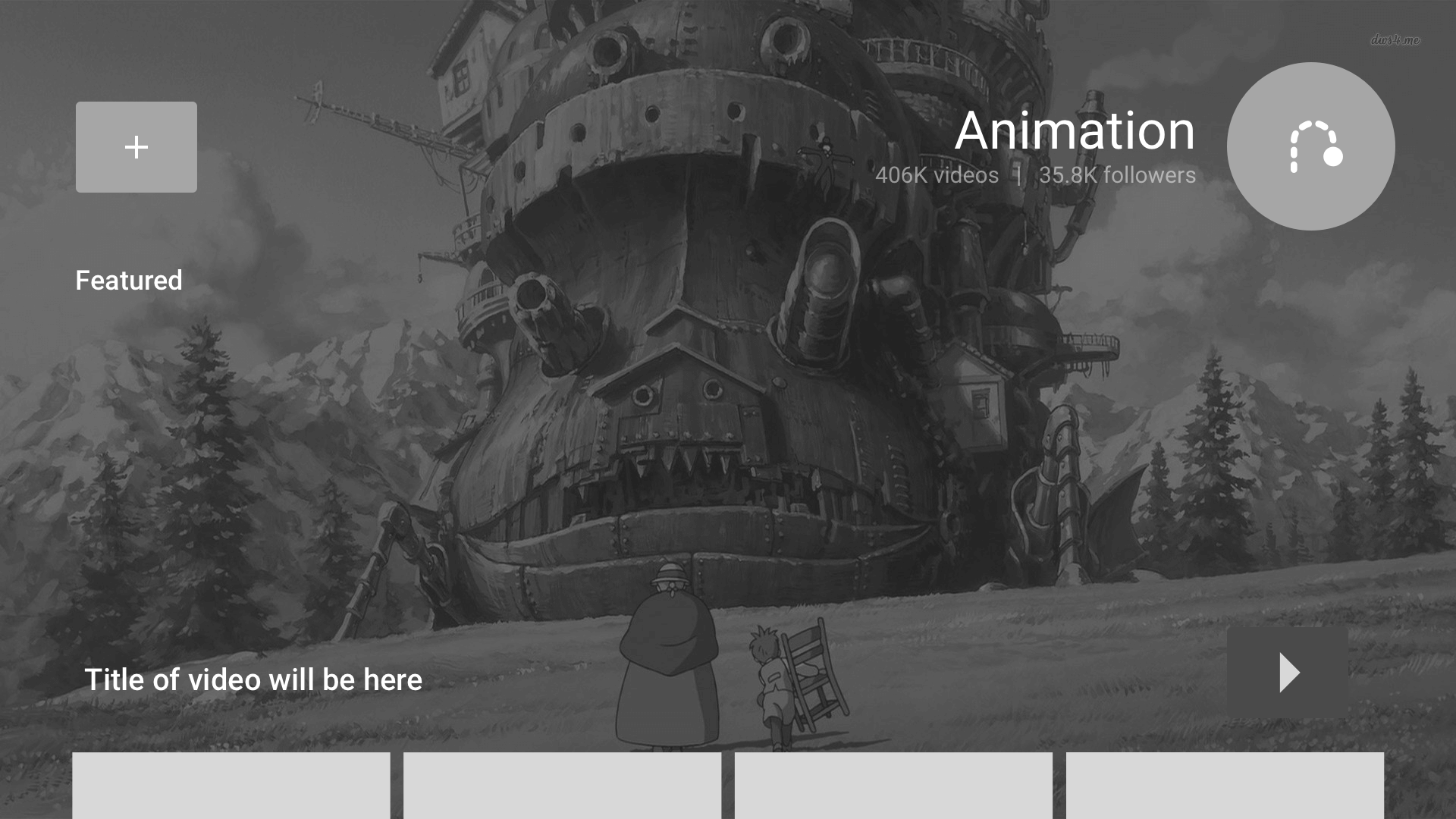
As in anything I design for, I dive into the flows, wireframes and prototypes to better get a sense of the product space and overall user experience and test if the journey is clear to a user and an enjoyable one as well.
░
░
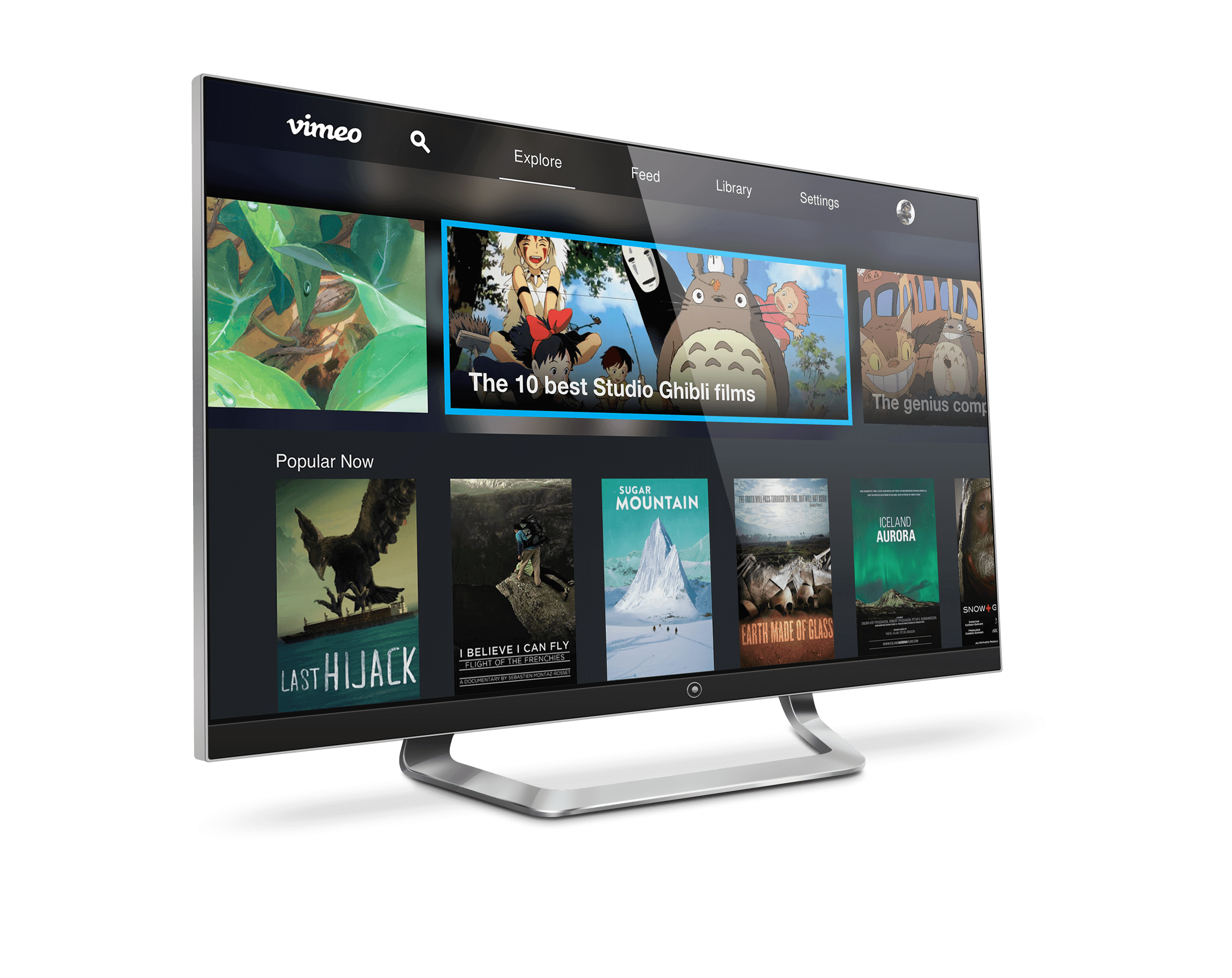
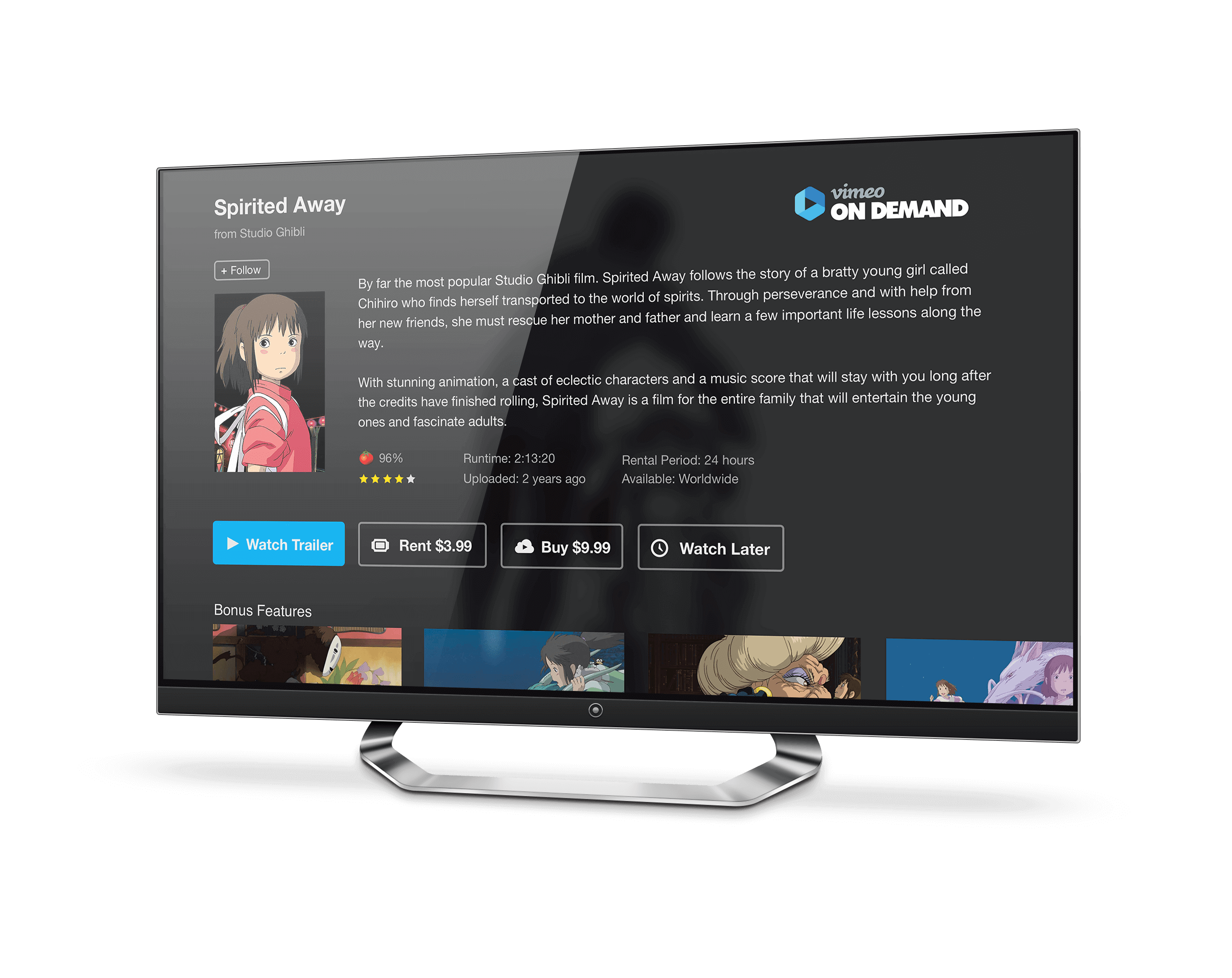
Samsung TV App.
Samsung partnered with Vimeo to have the Vimeo TV app come pre-loaded on all Samsung TVs. The Samsung app was a challenge as Samsung used an HTML 5 interface. I partnered closely with Dev to solve for the design challenges of bring an app experience in an HTML 5 format and various TV hardware setups.
░
░
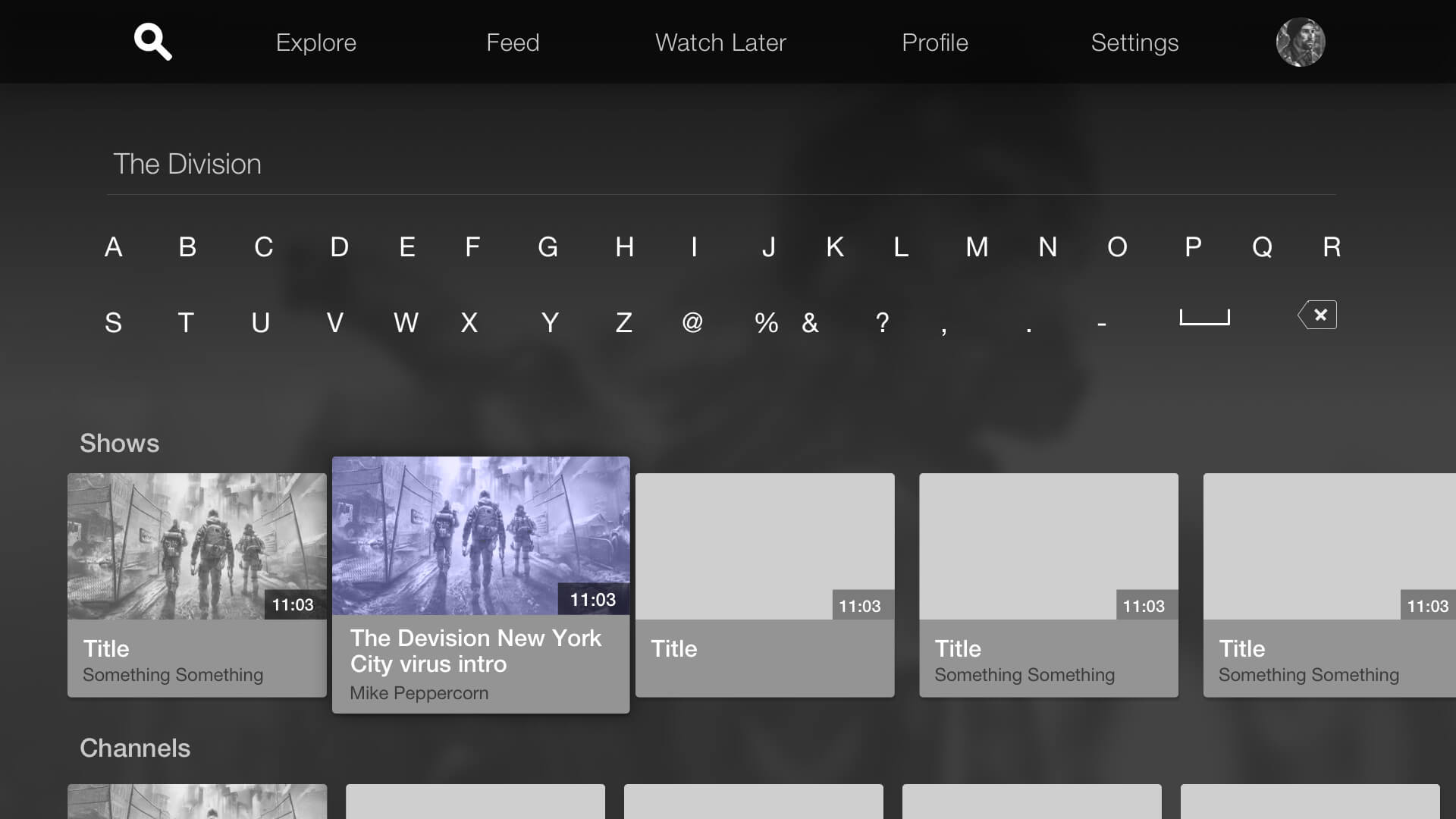
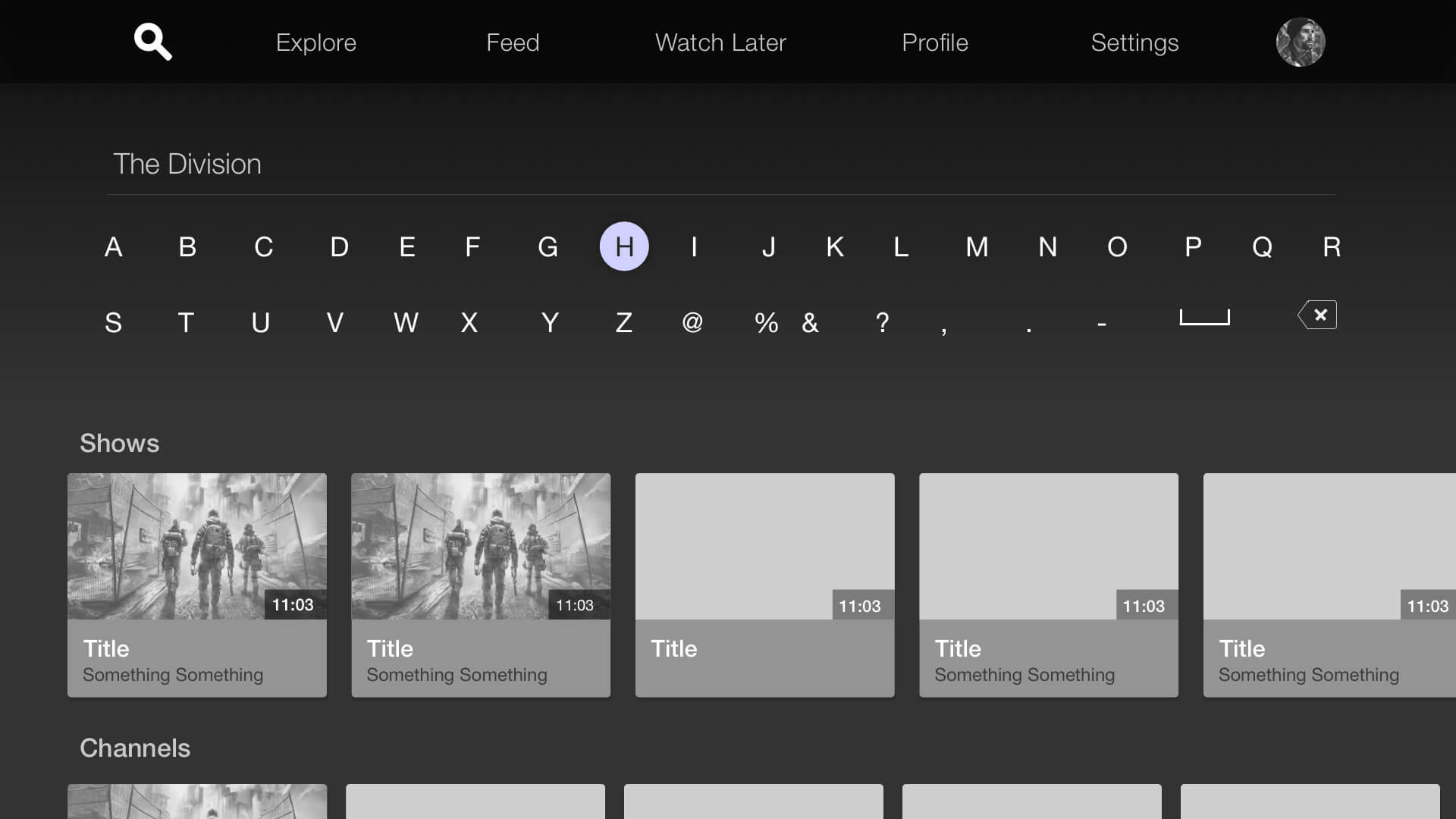
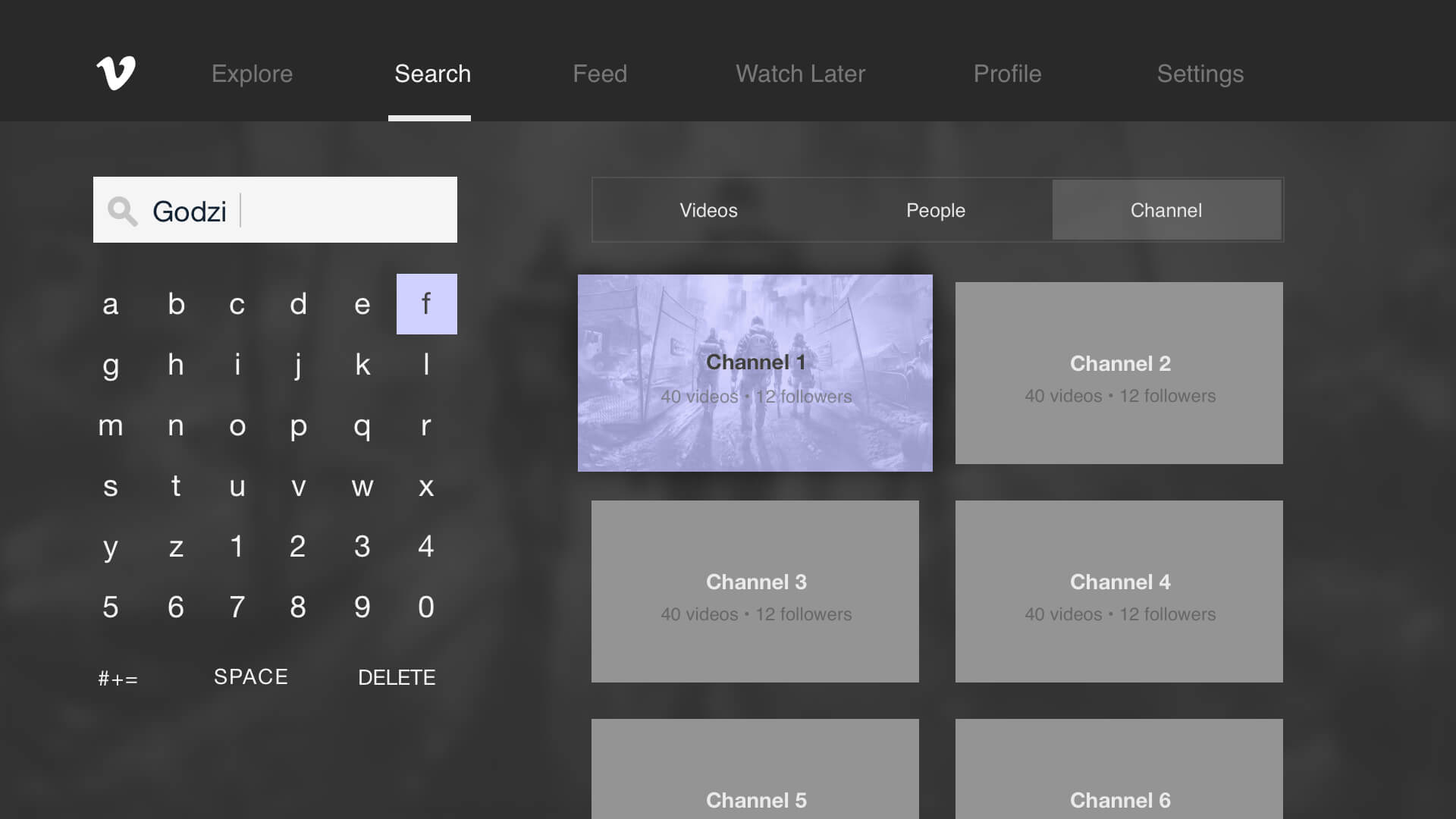
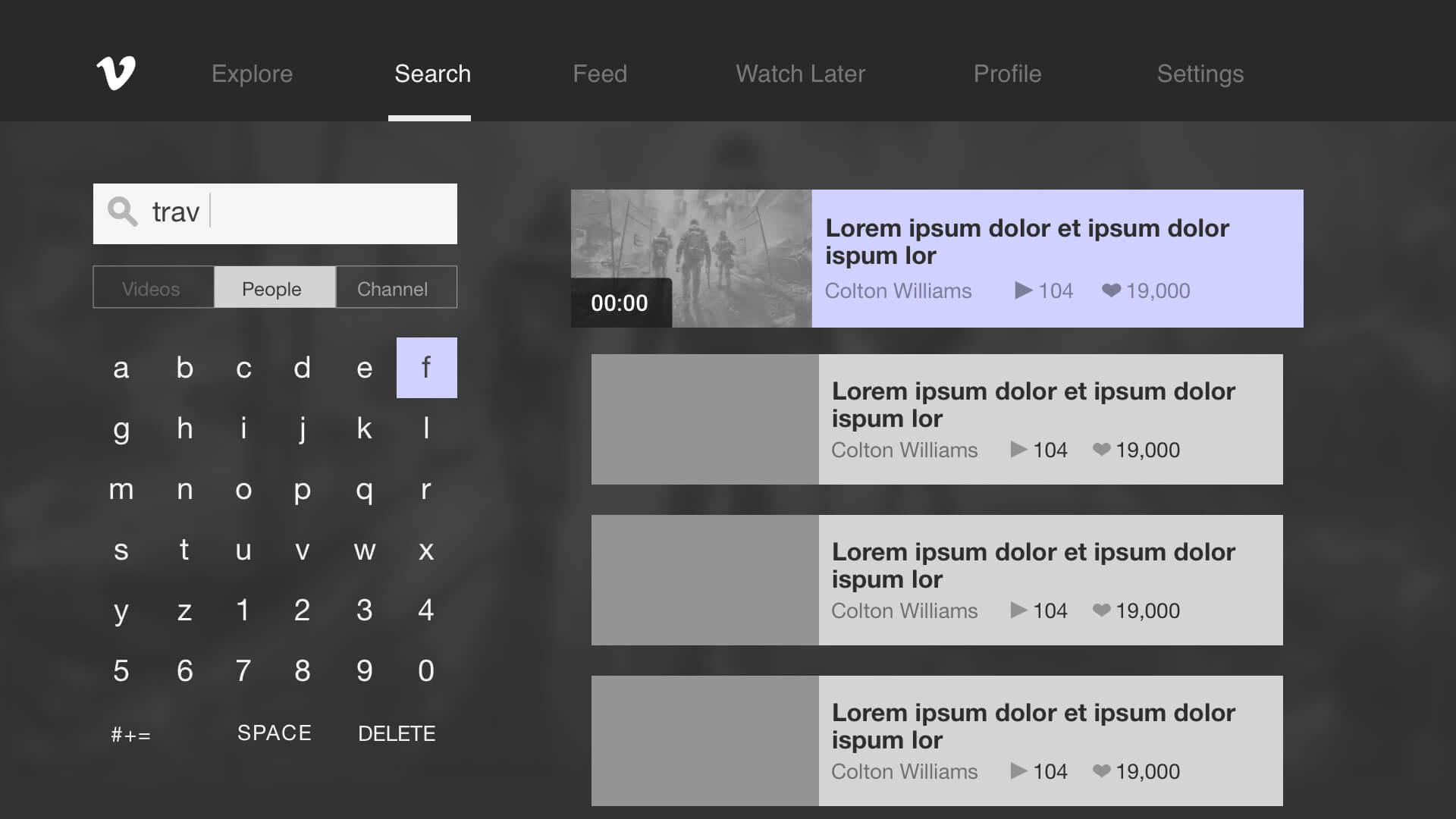
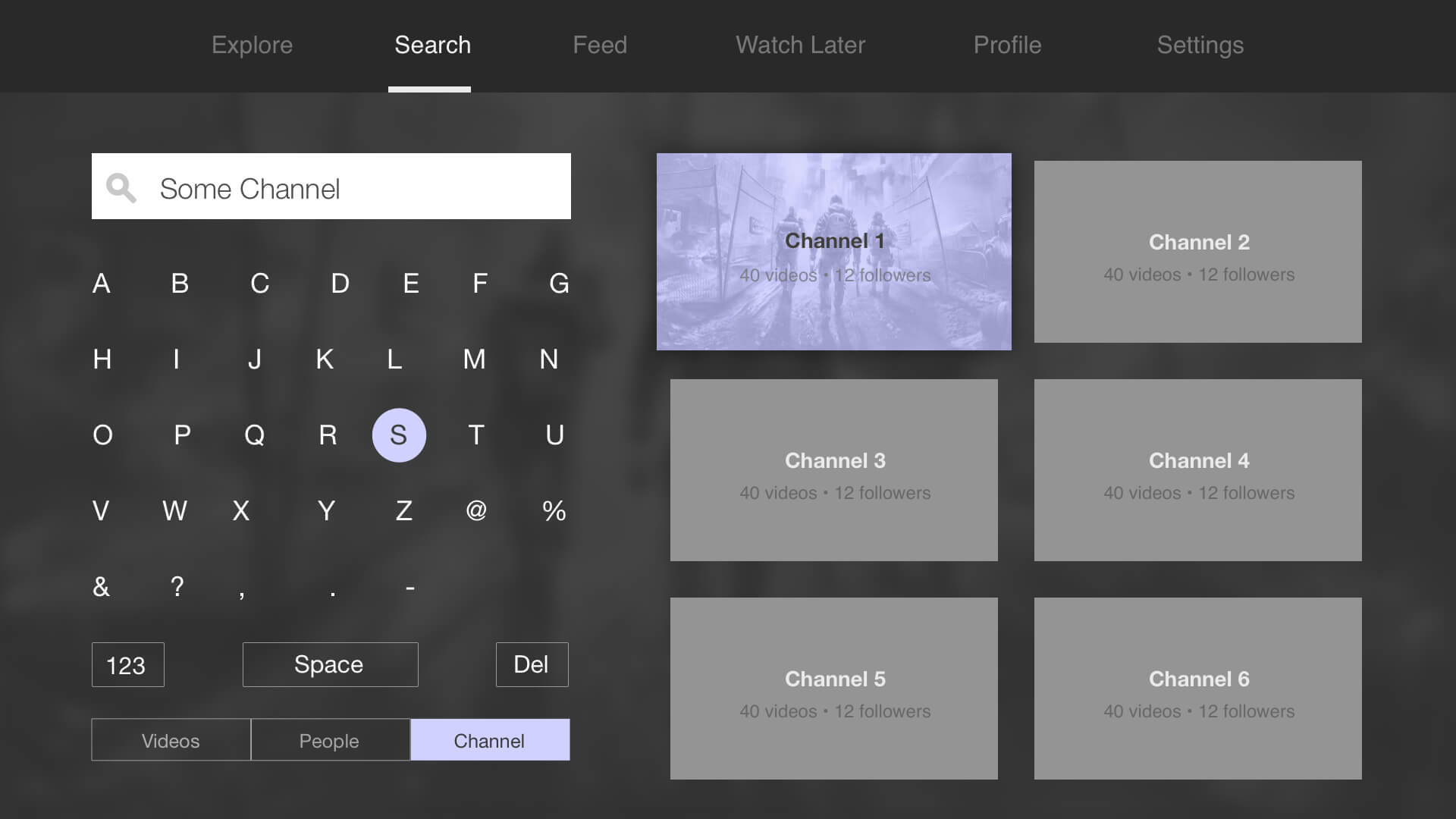
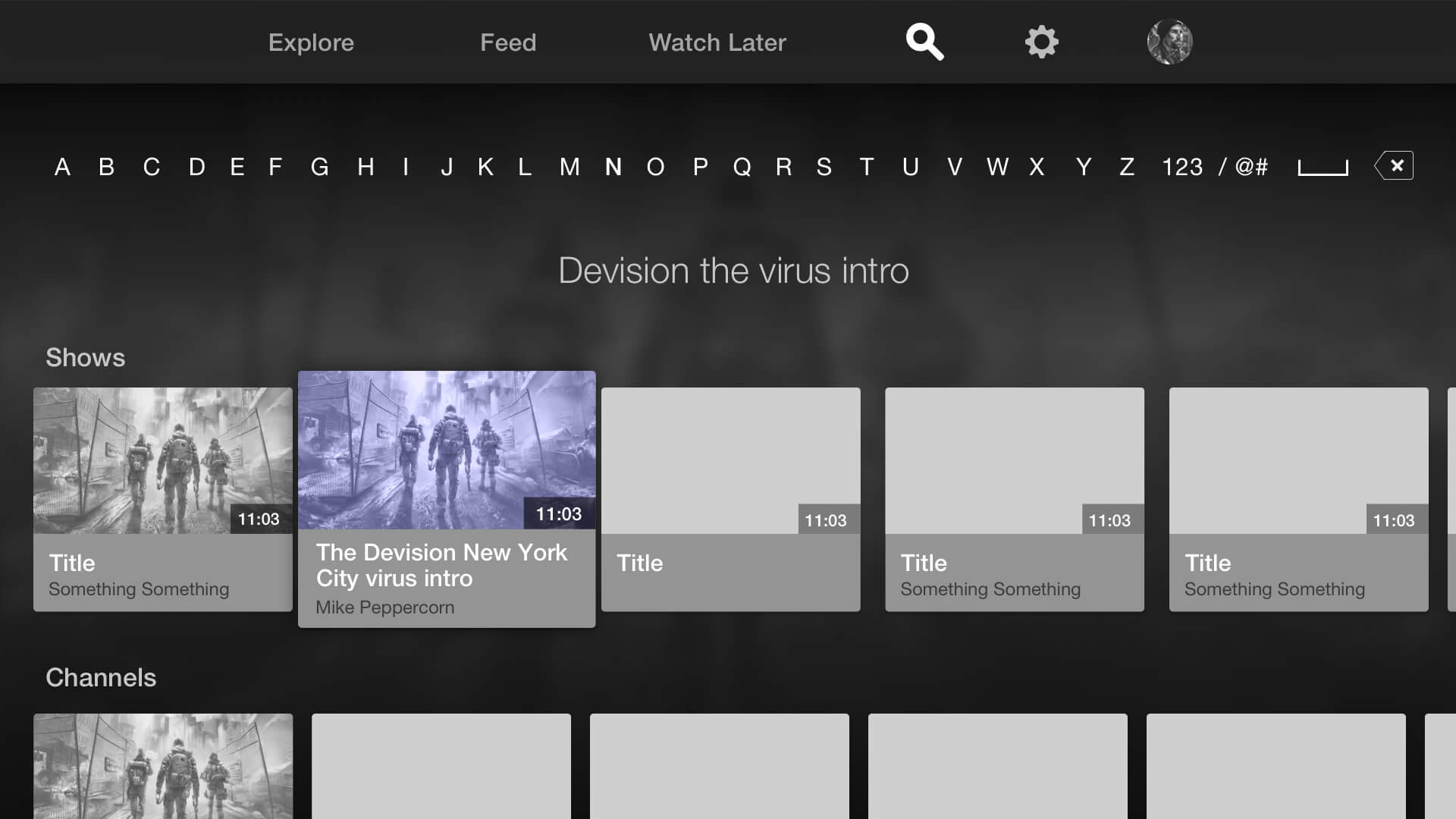
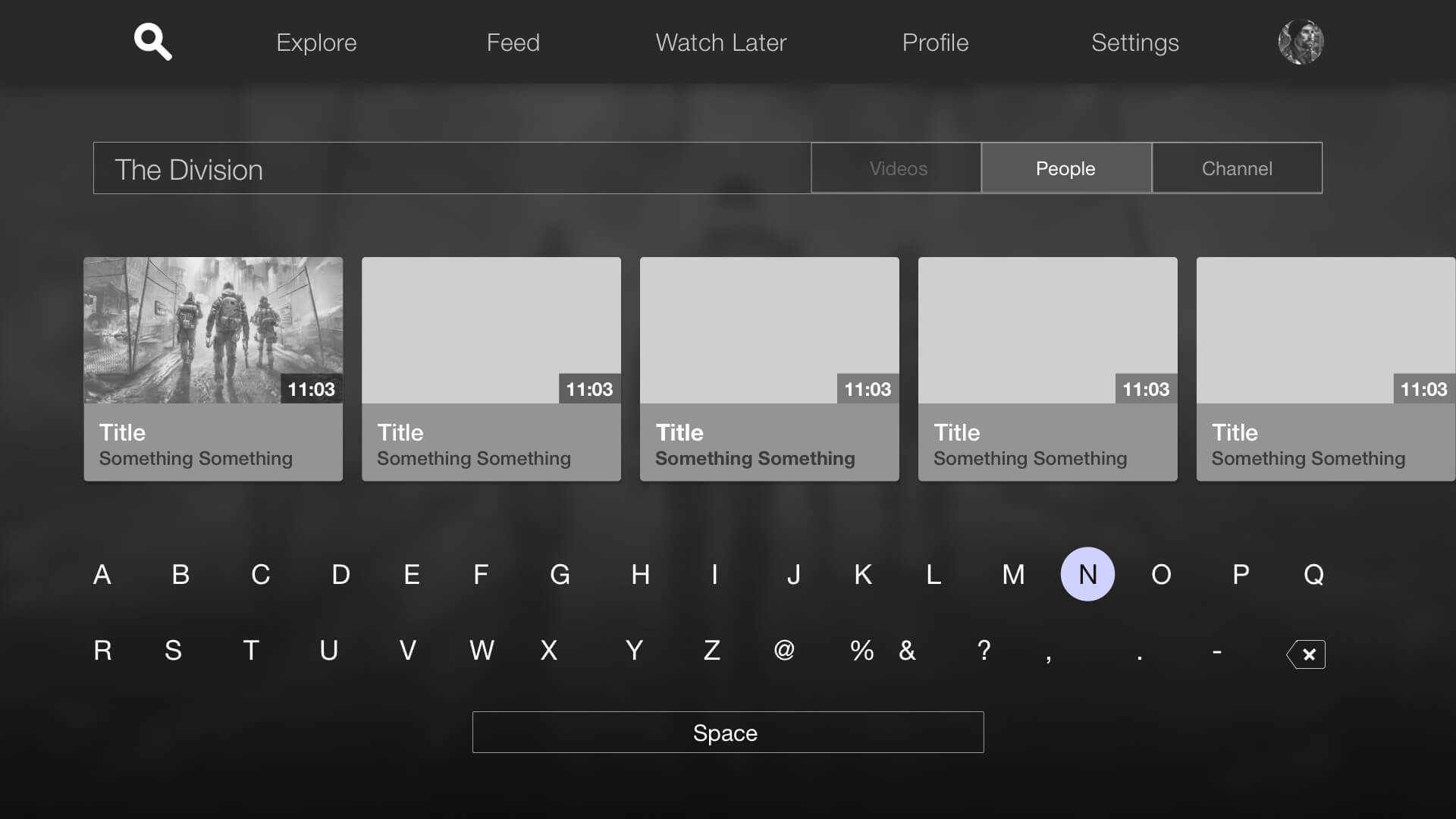
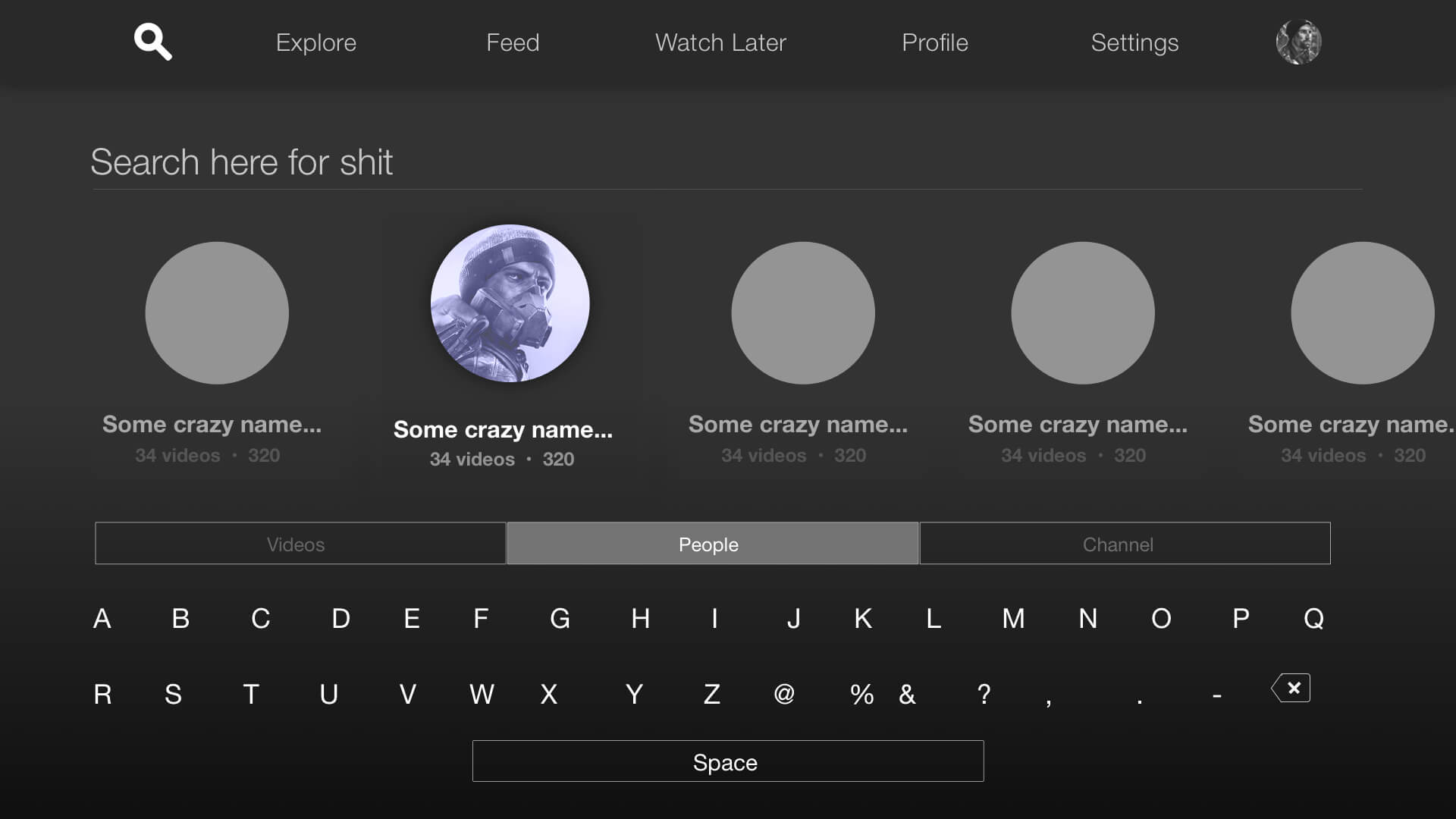
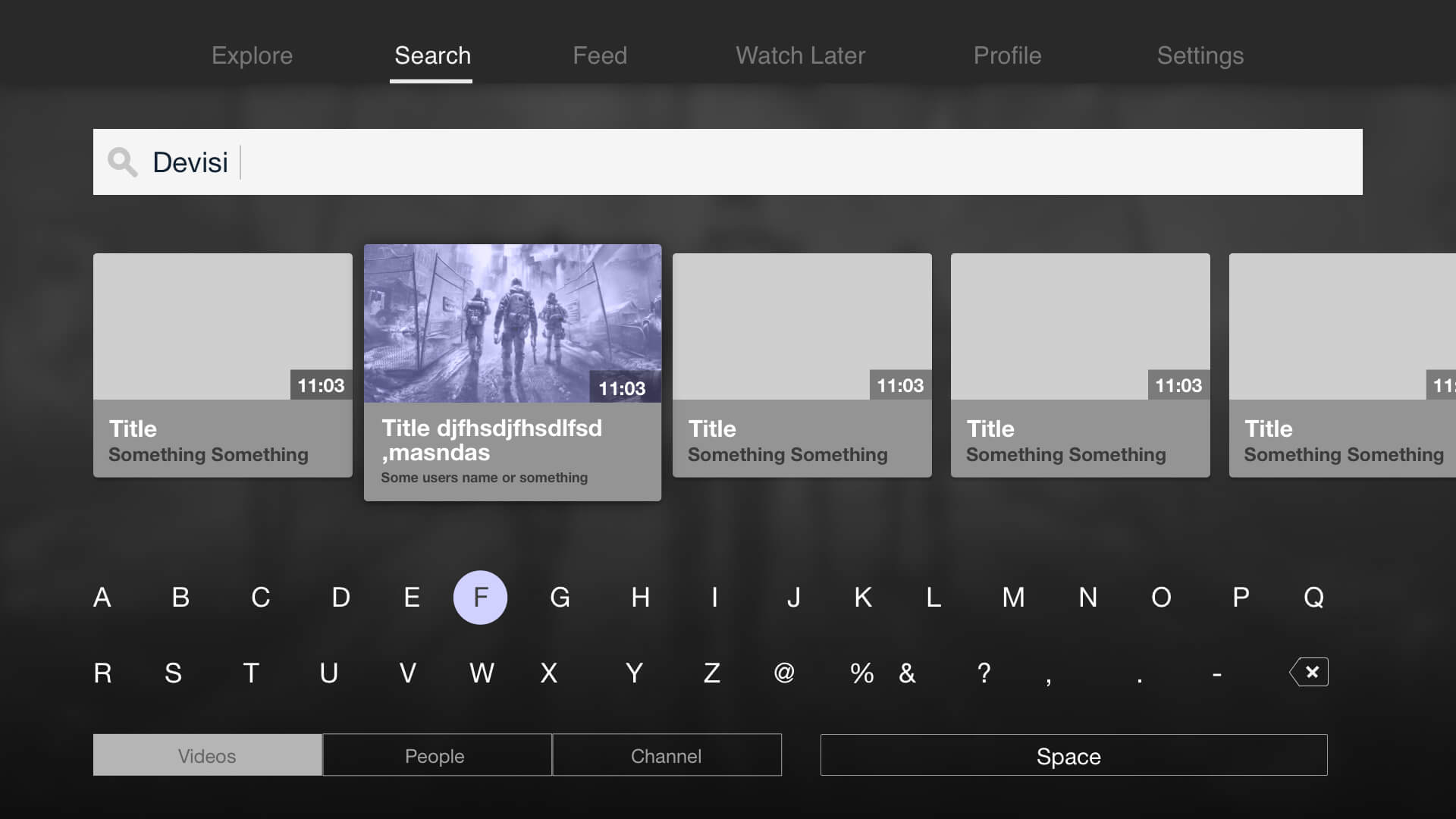
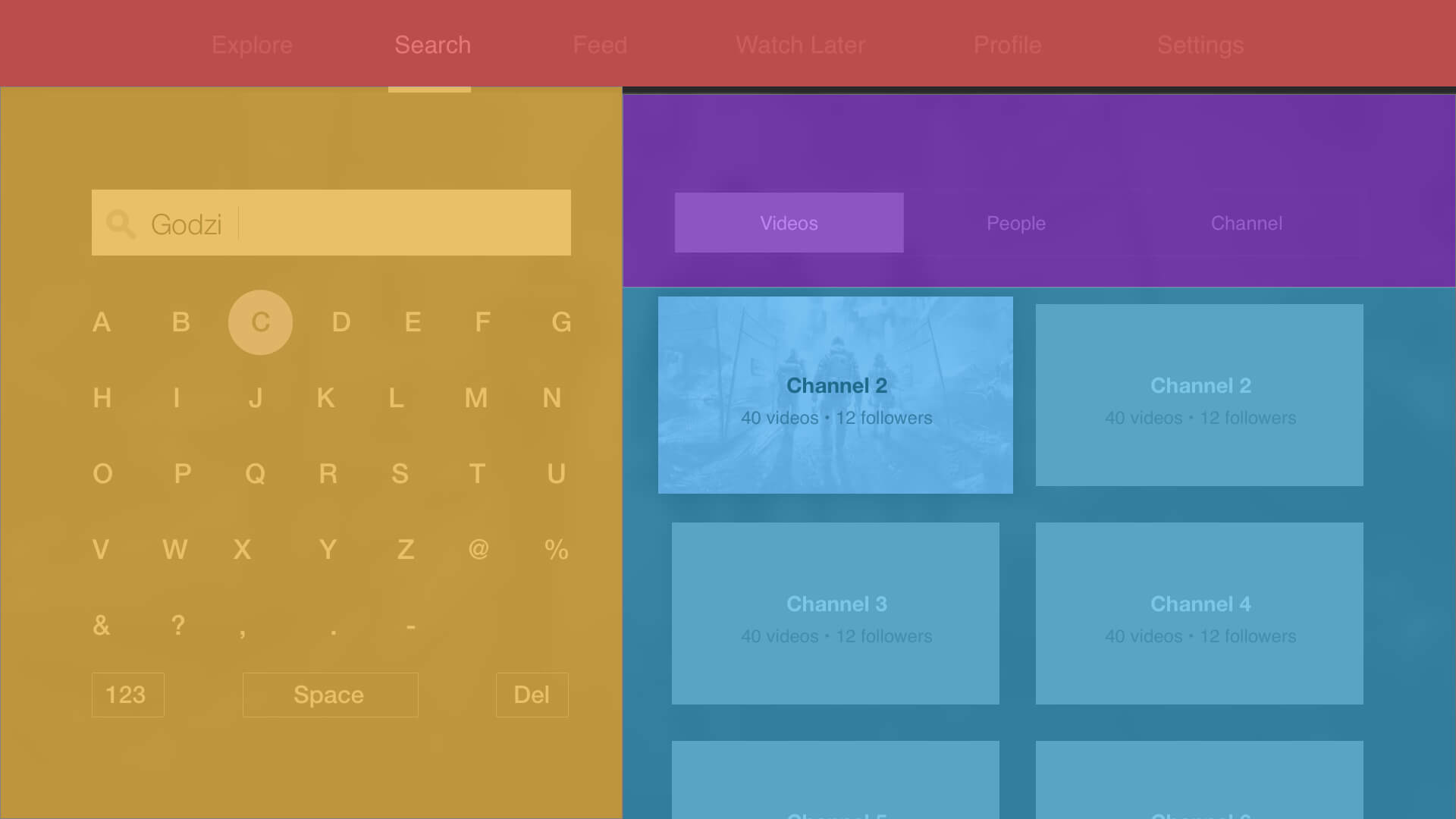
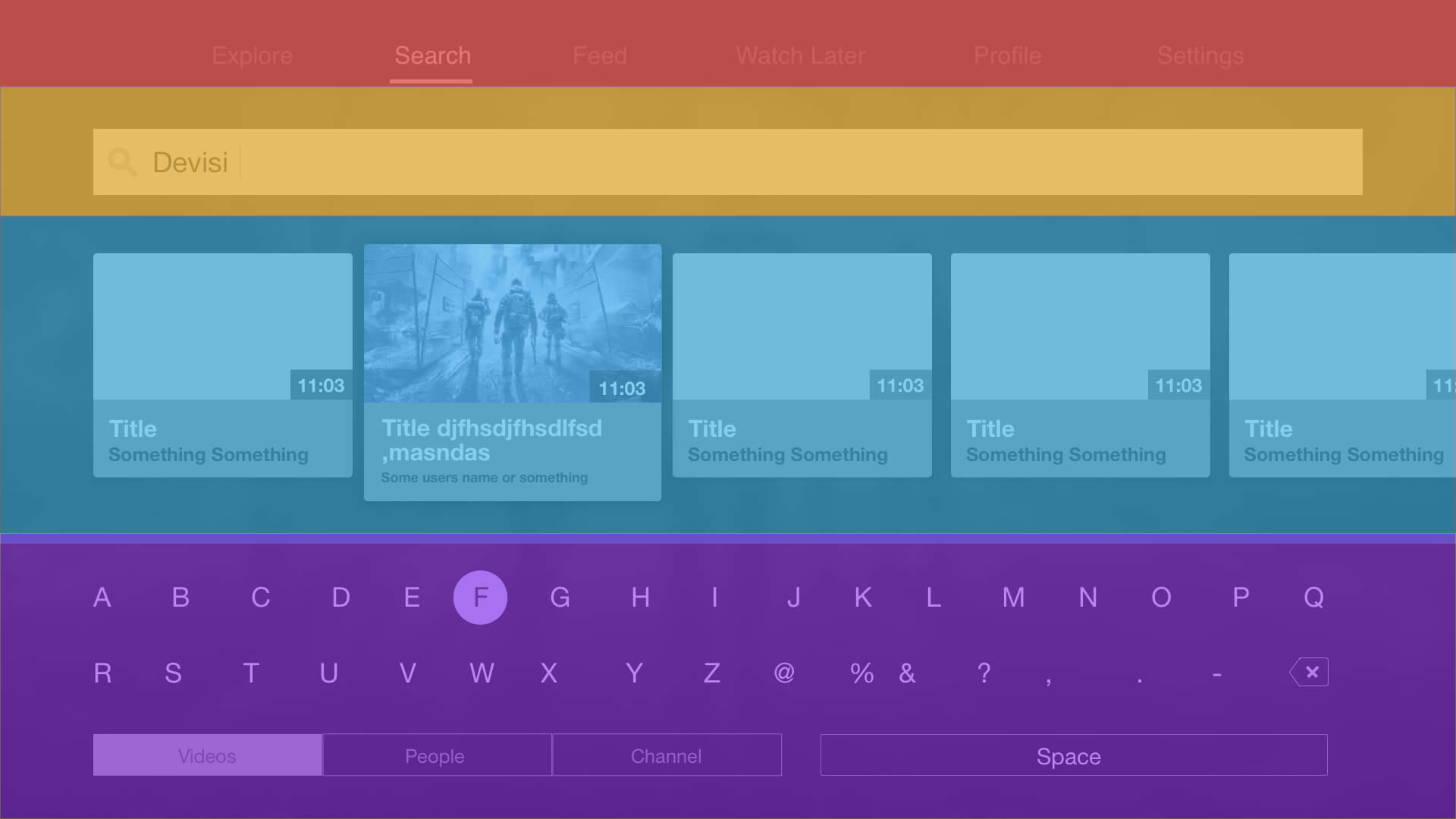
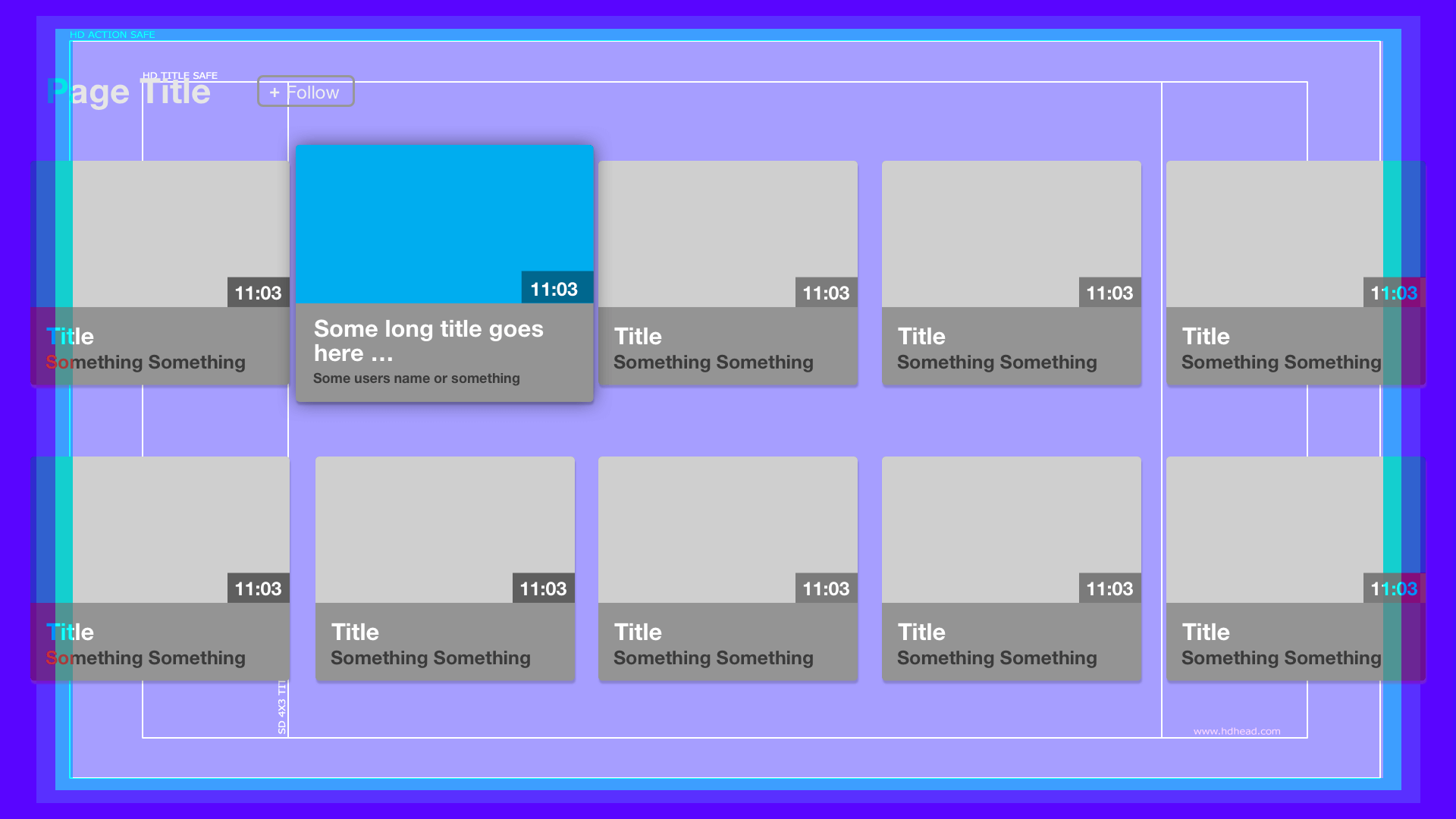
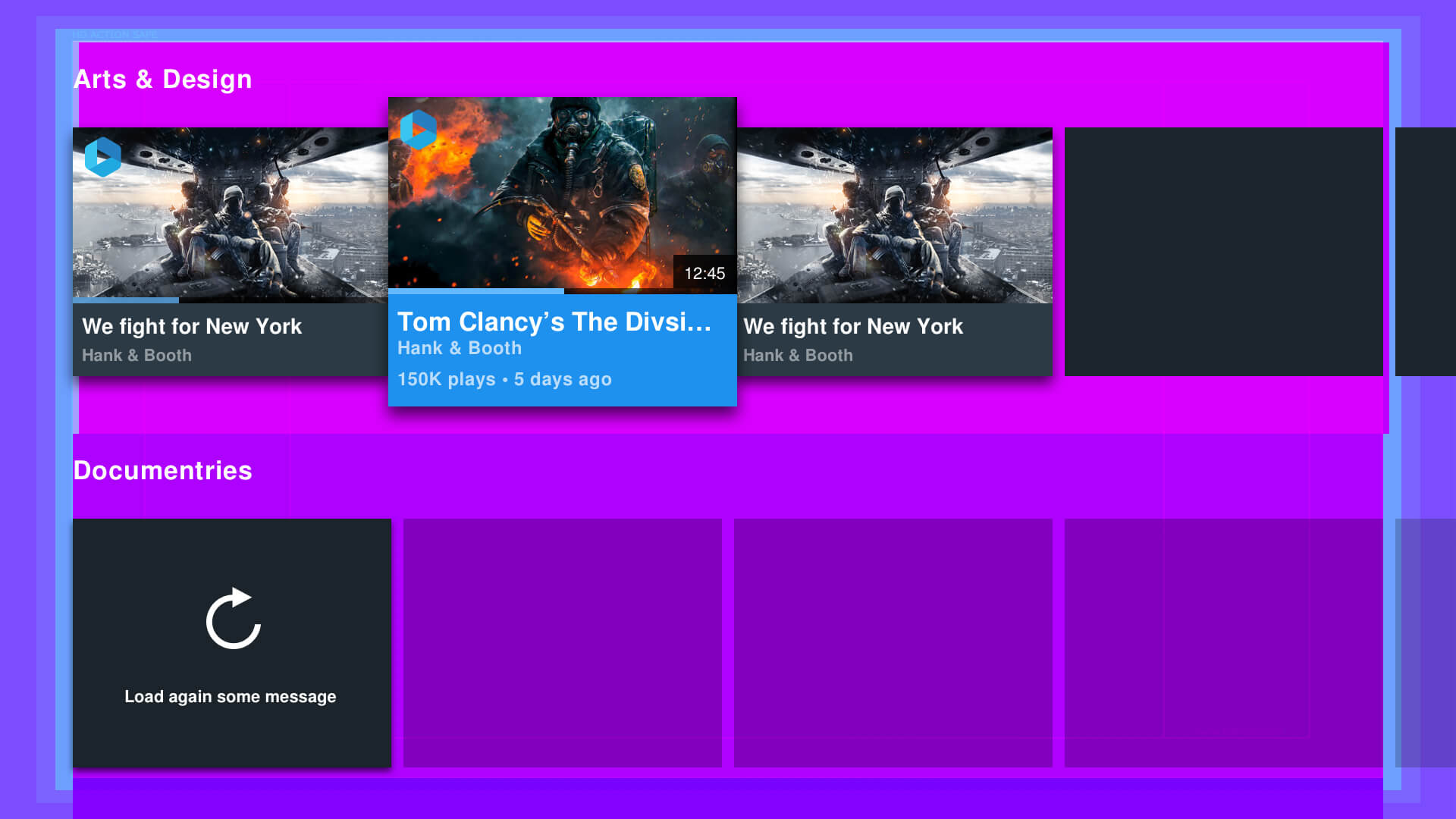
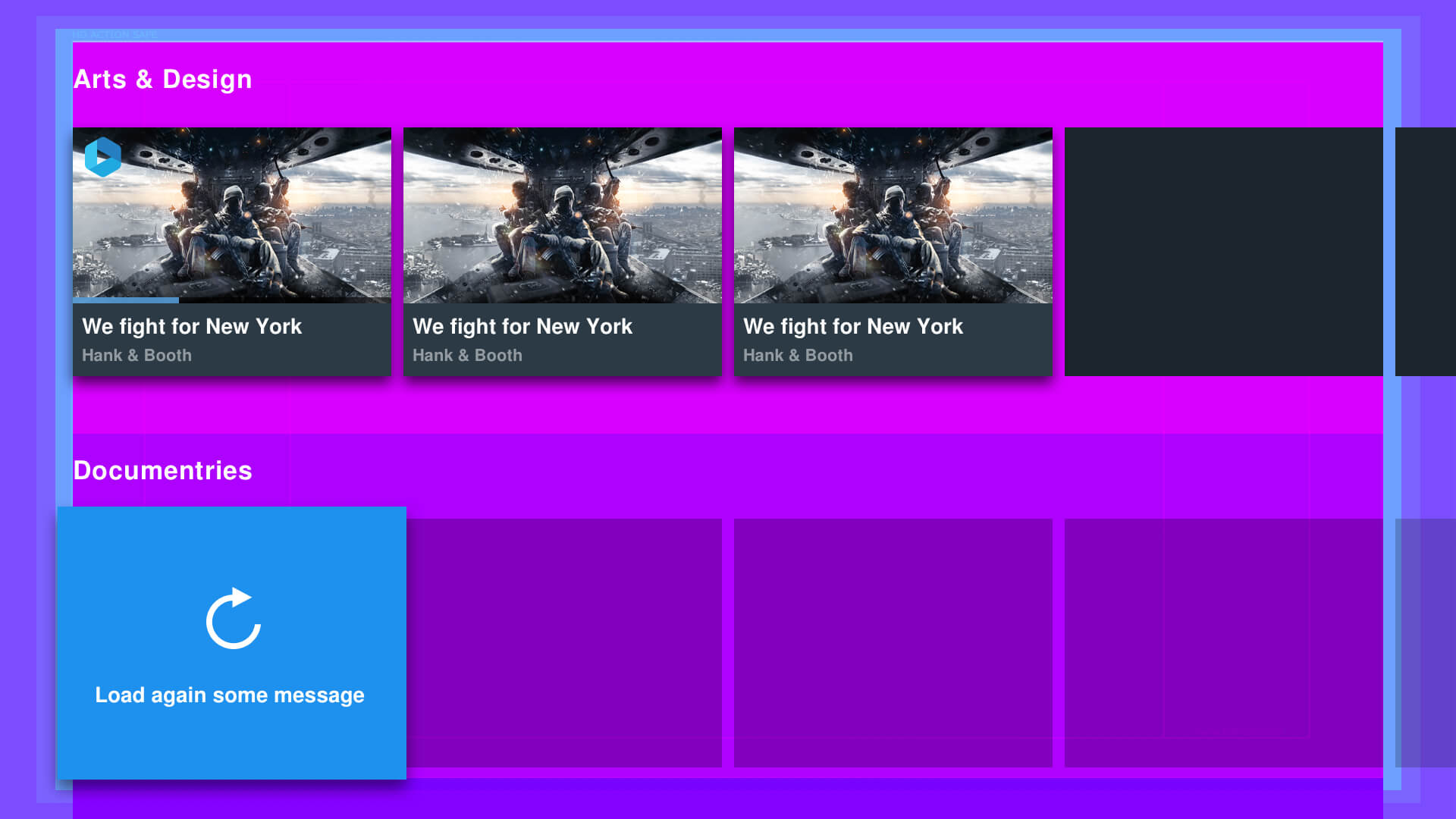
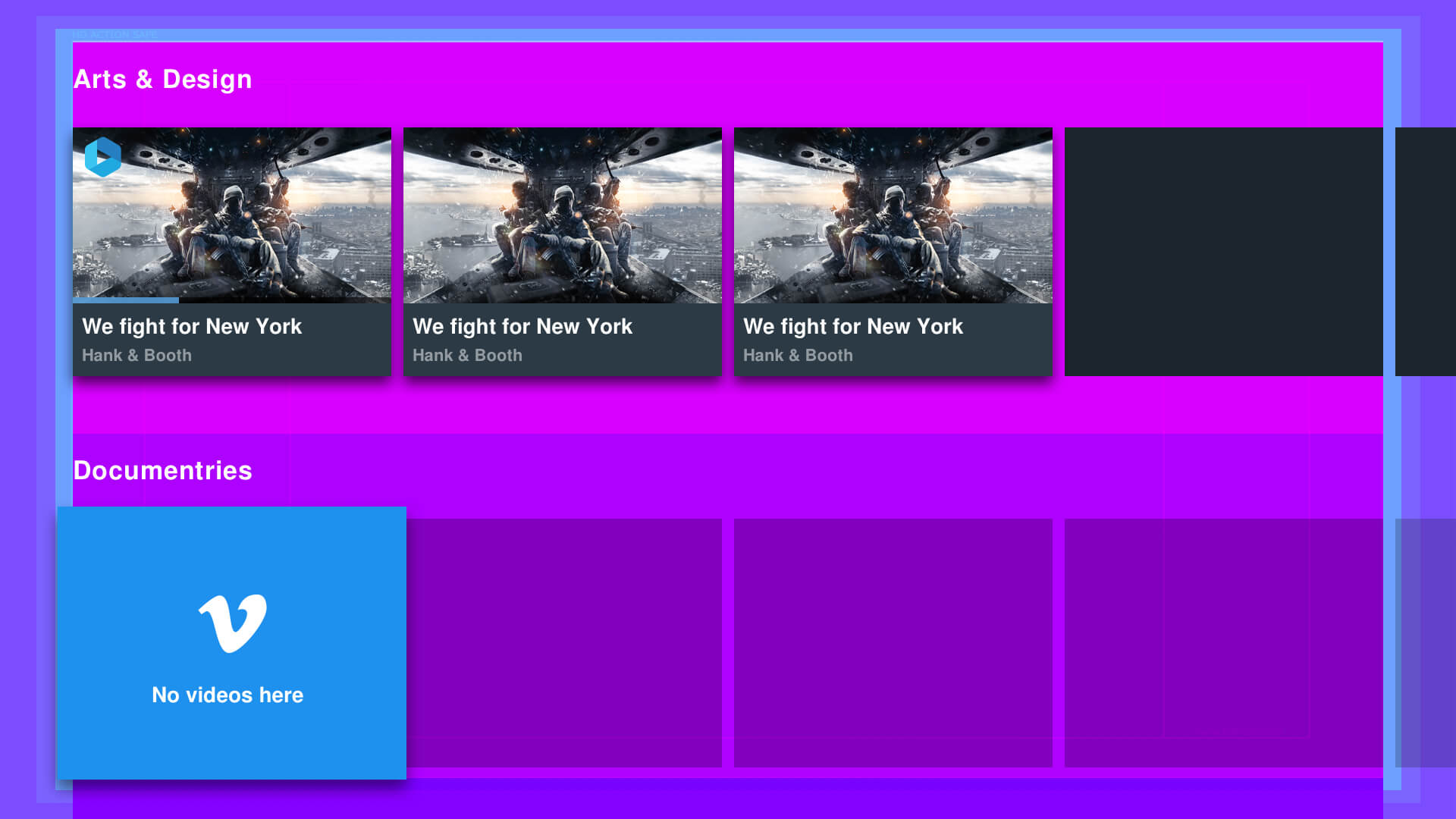
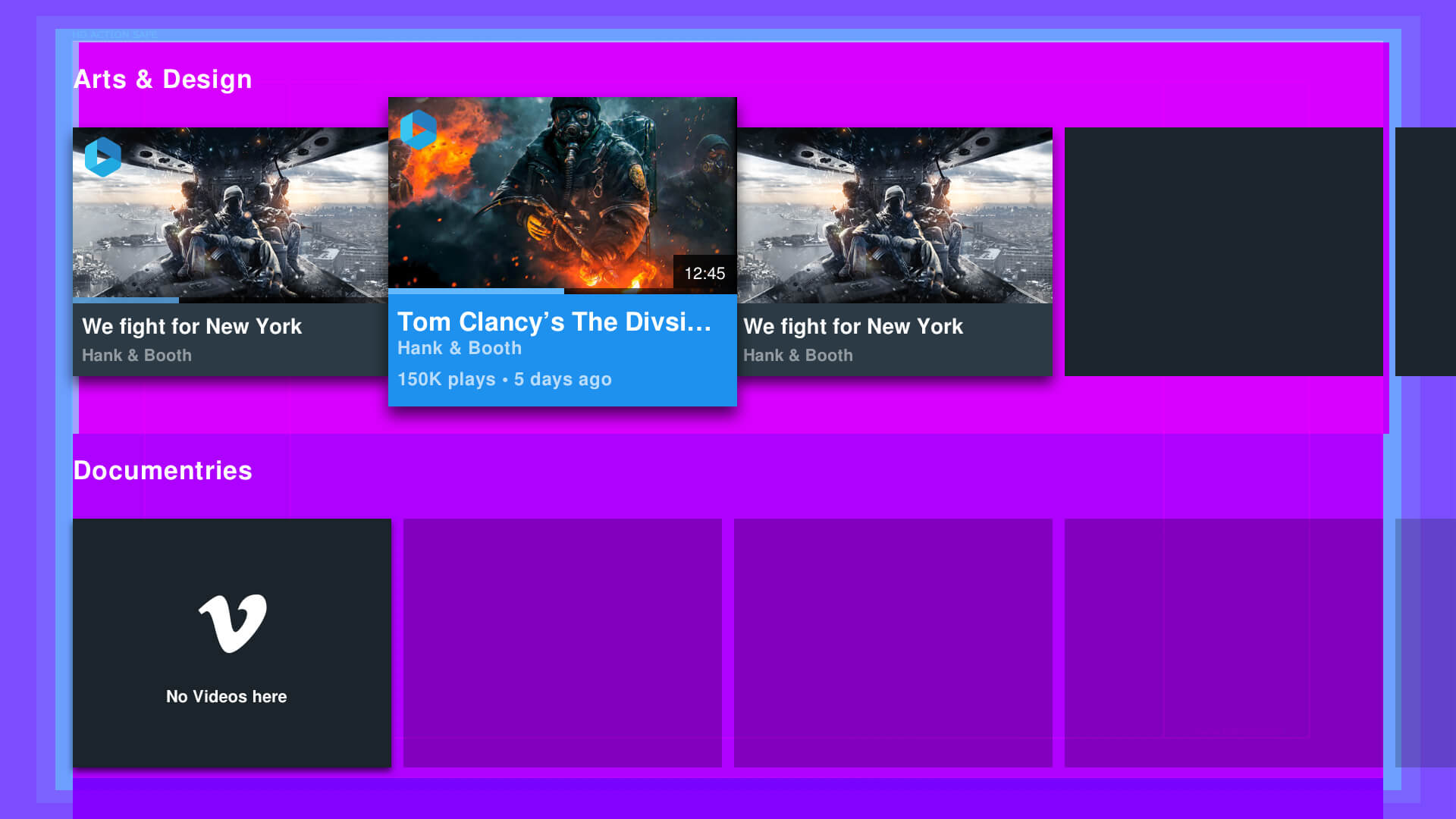
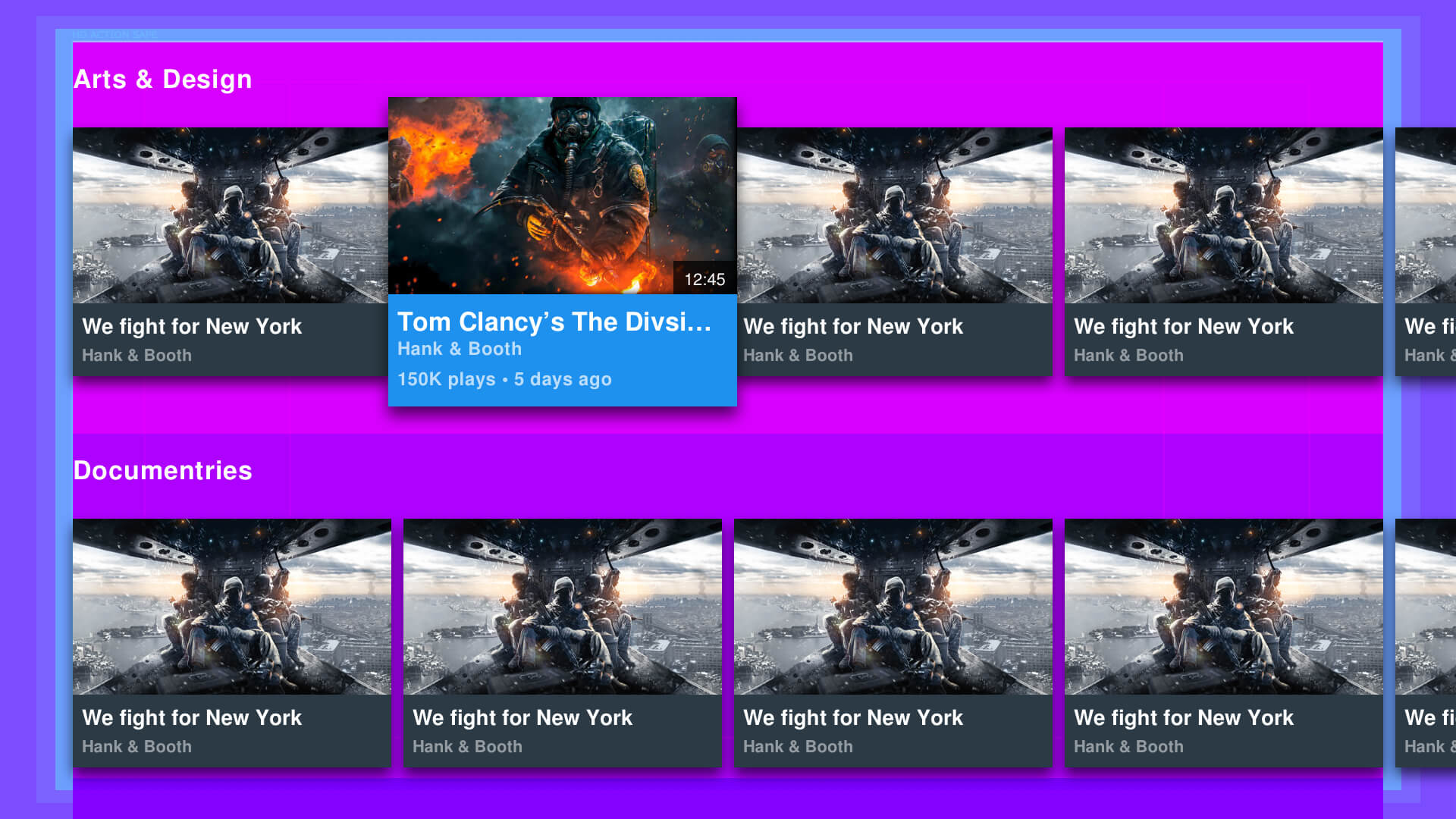
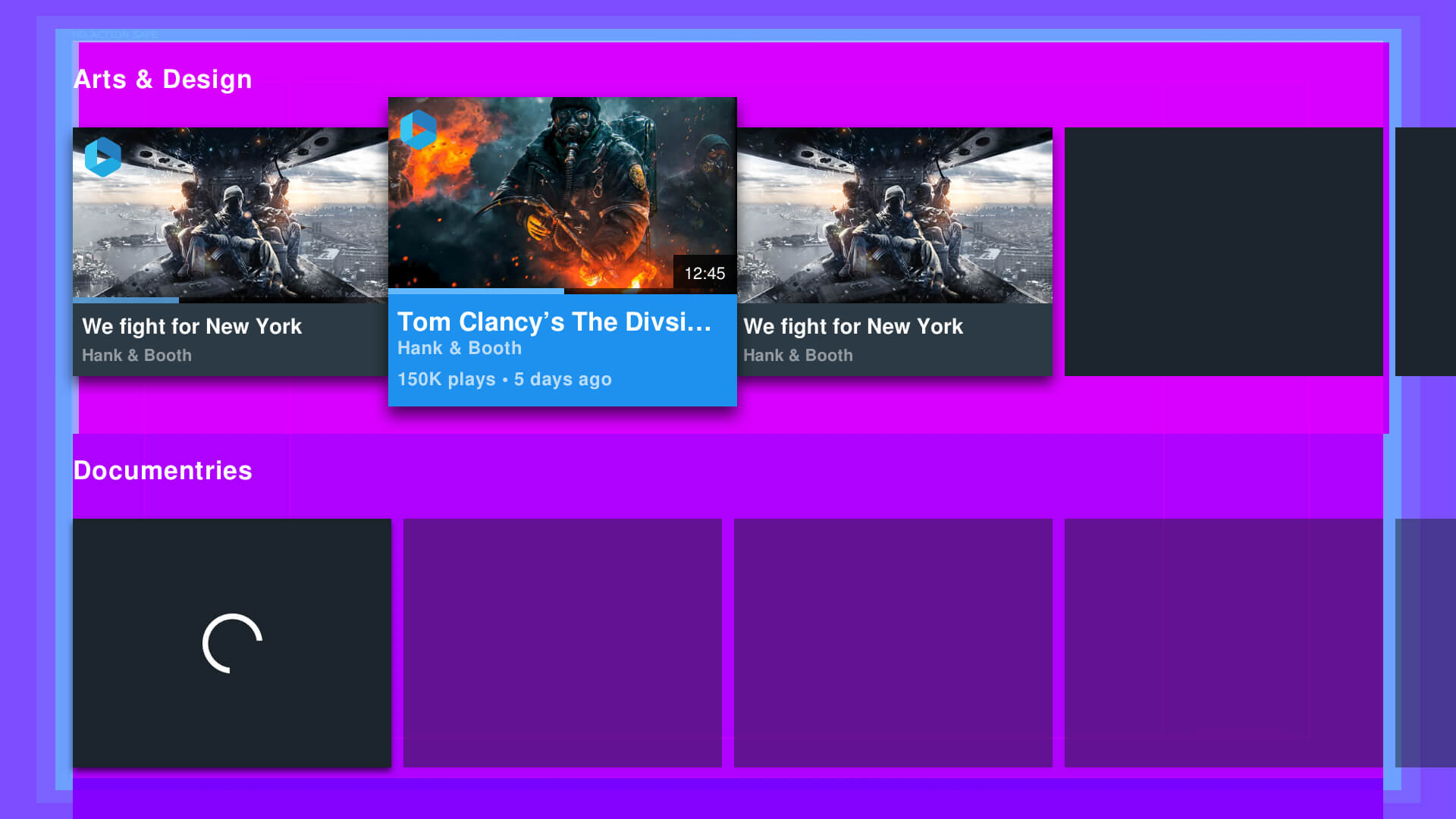
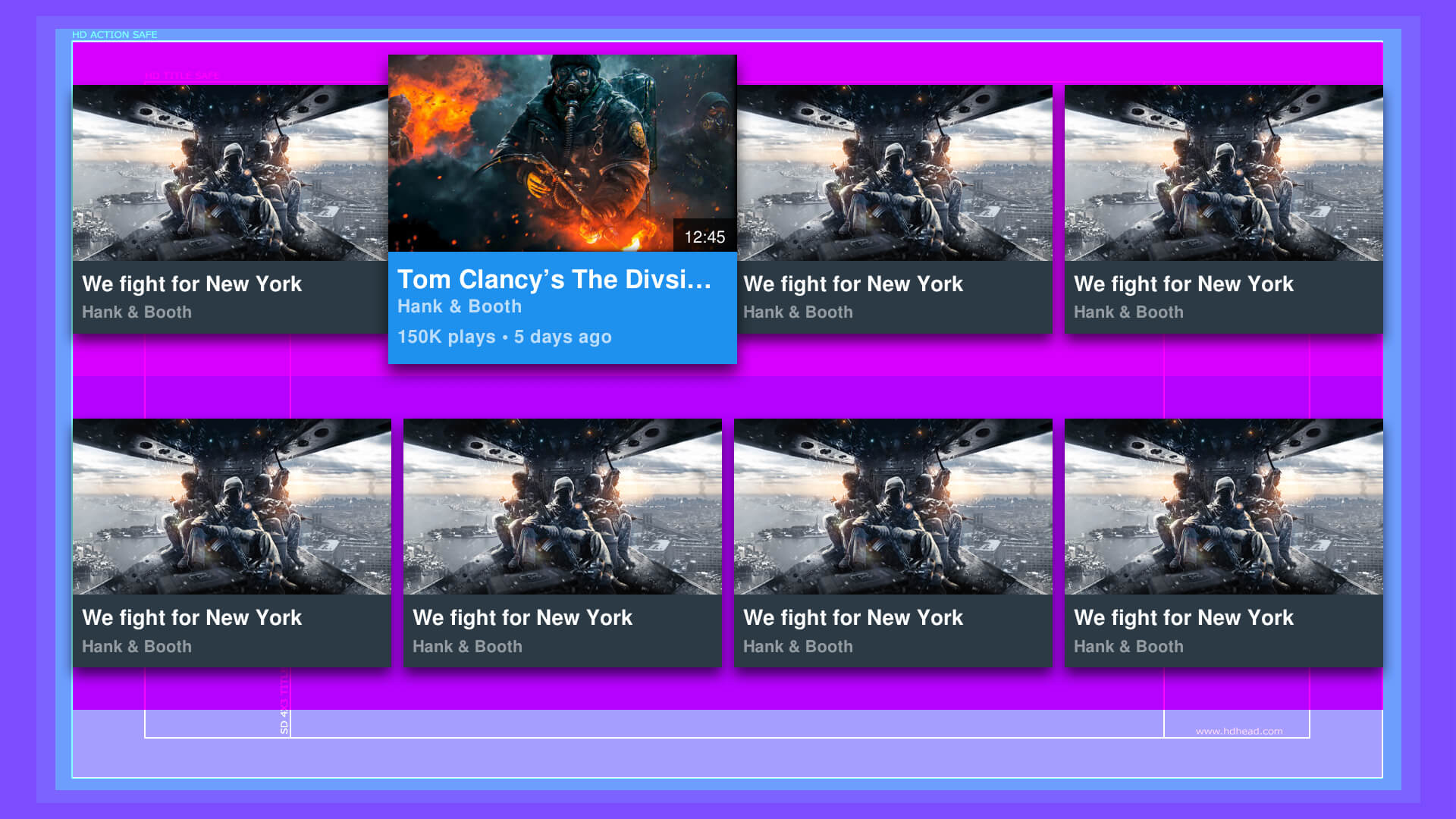
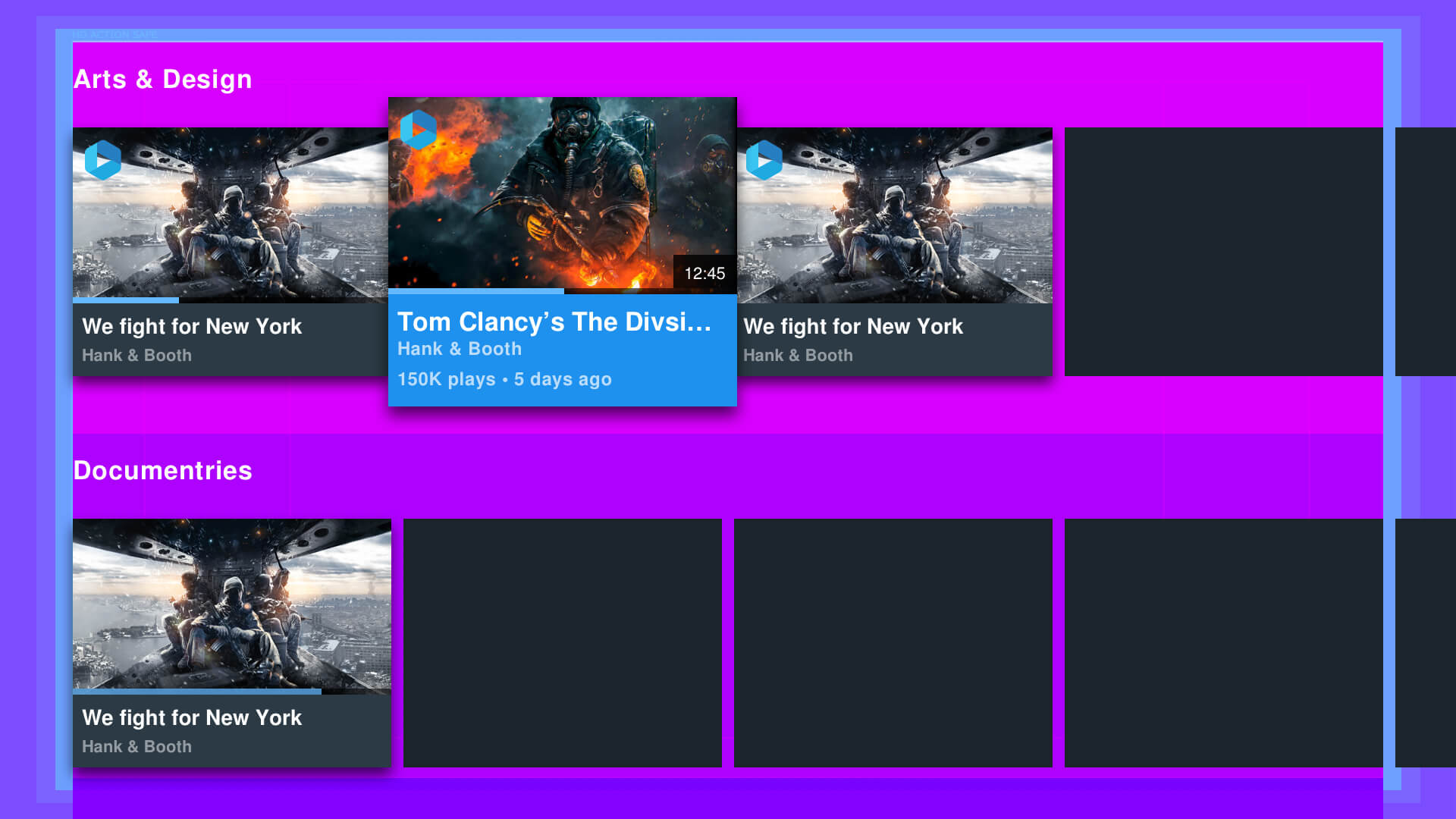
BTS of laying out a TV App.
Making a TV App isn't just about making it look good. There has structure and rules to how a TV is laid-out. Below are some screens of my Wireframing and building of master templates.
░
░
Vimeo App updates & new features sets.
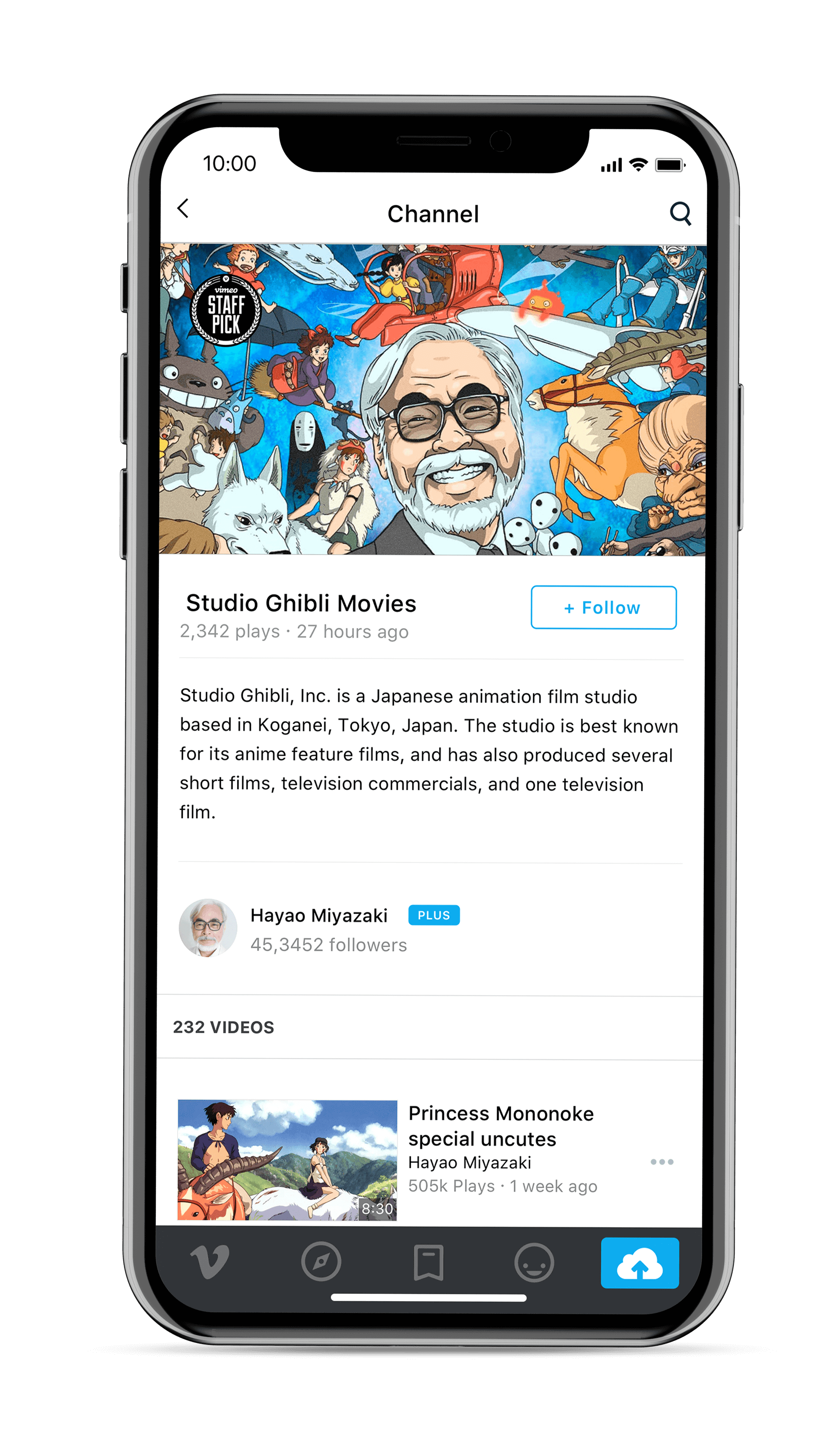
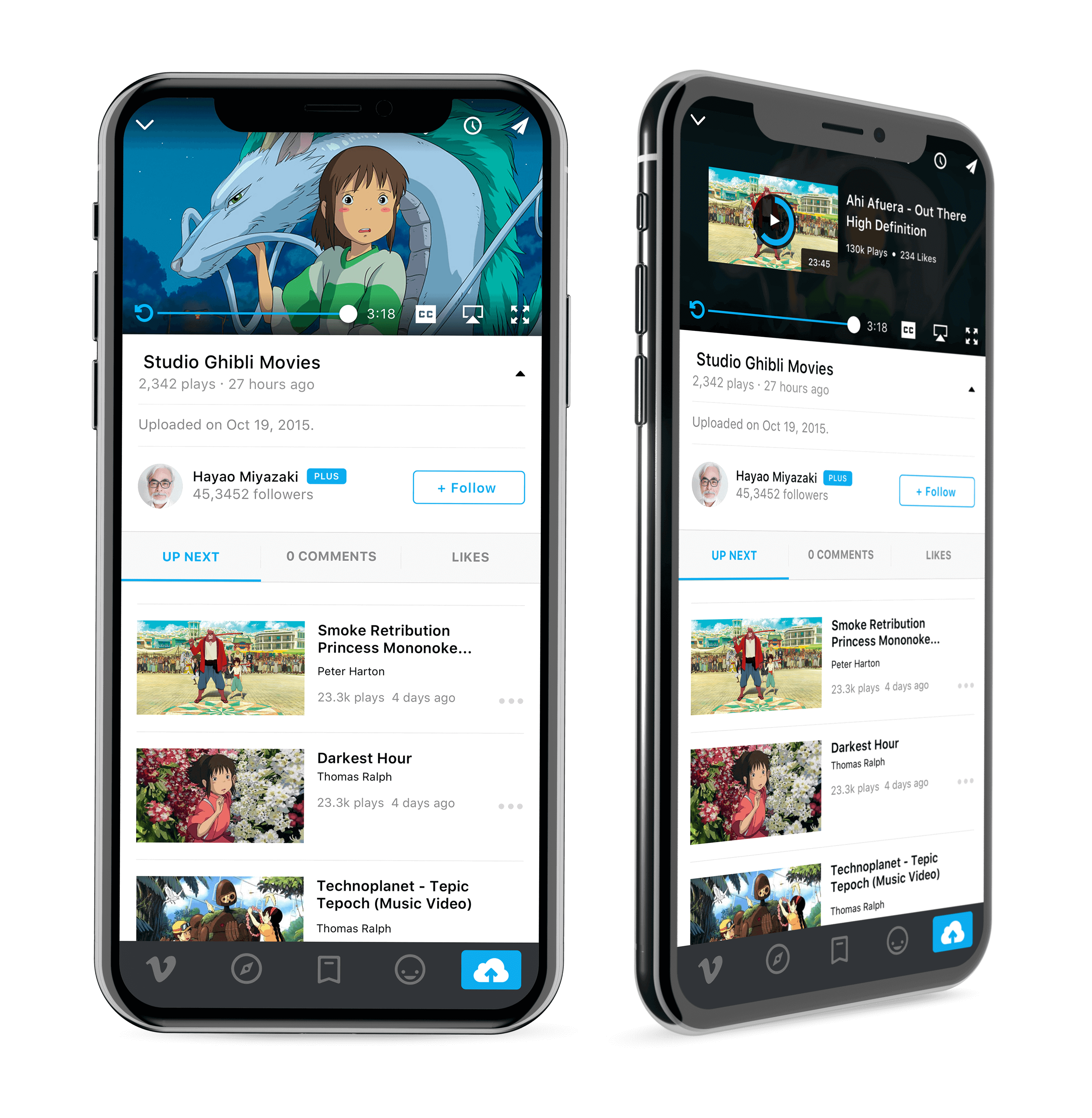
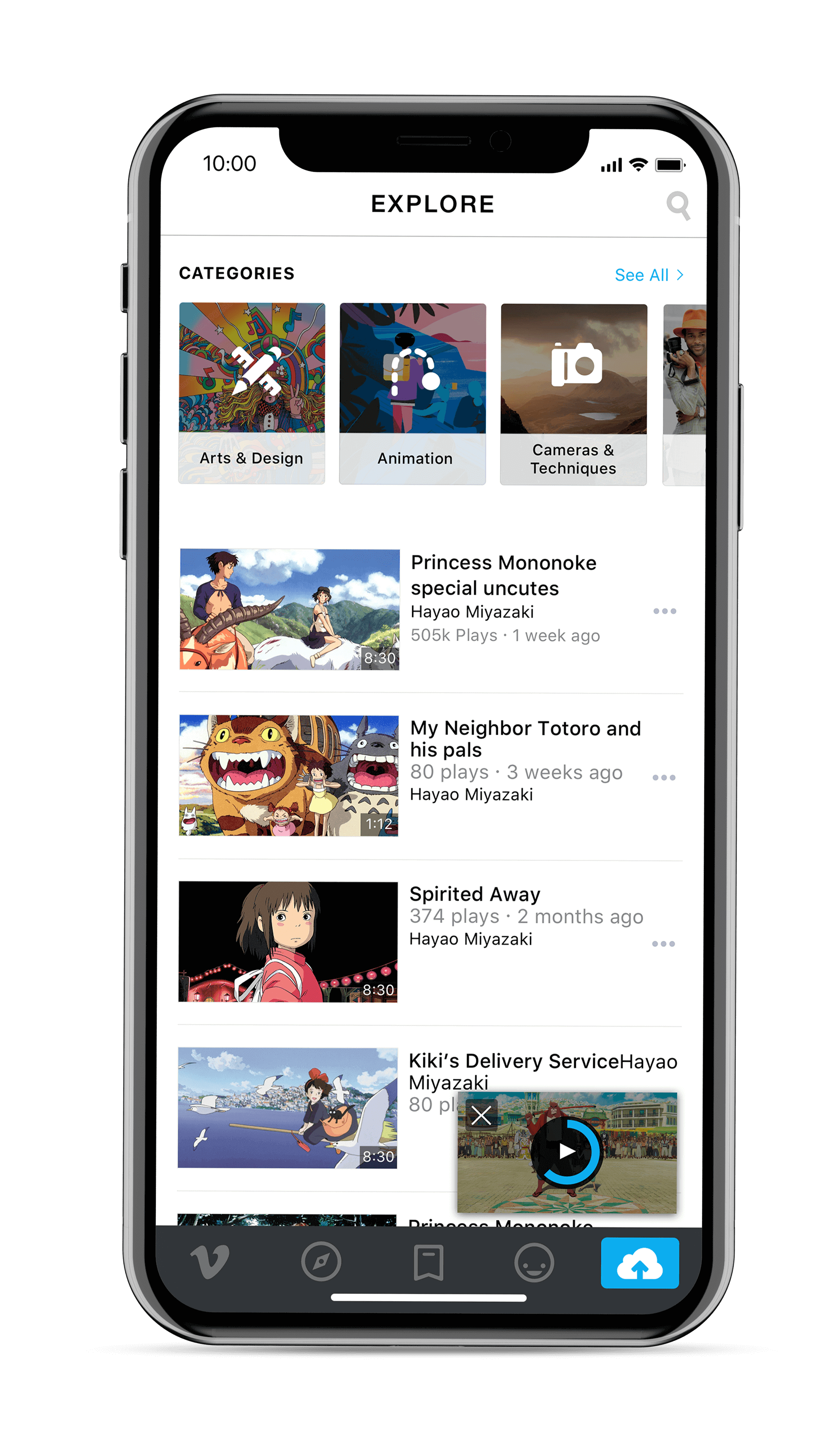
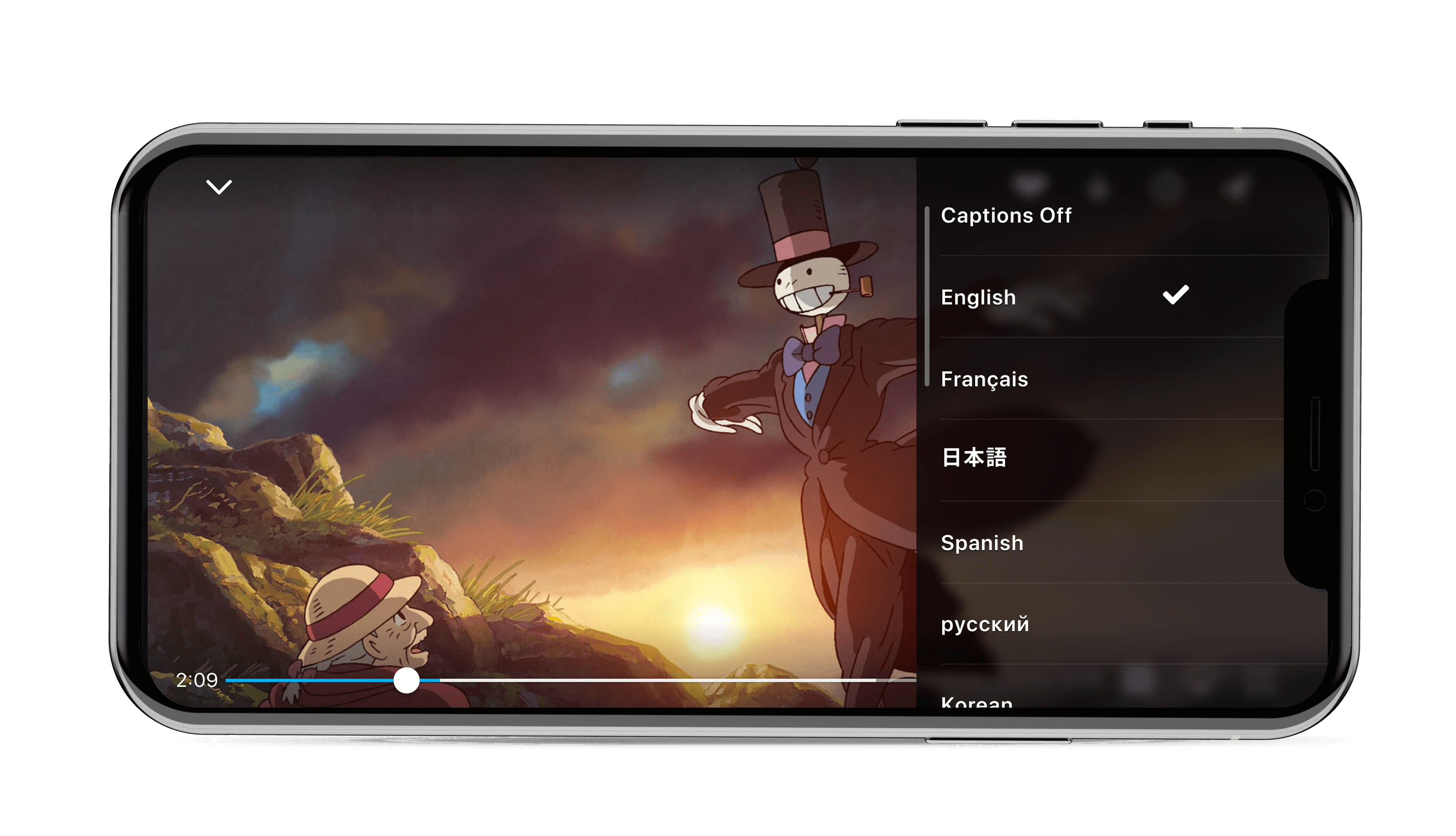
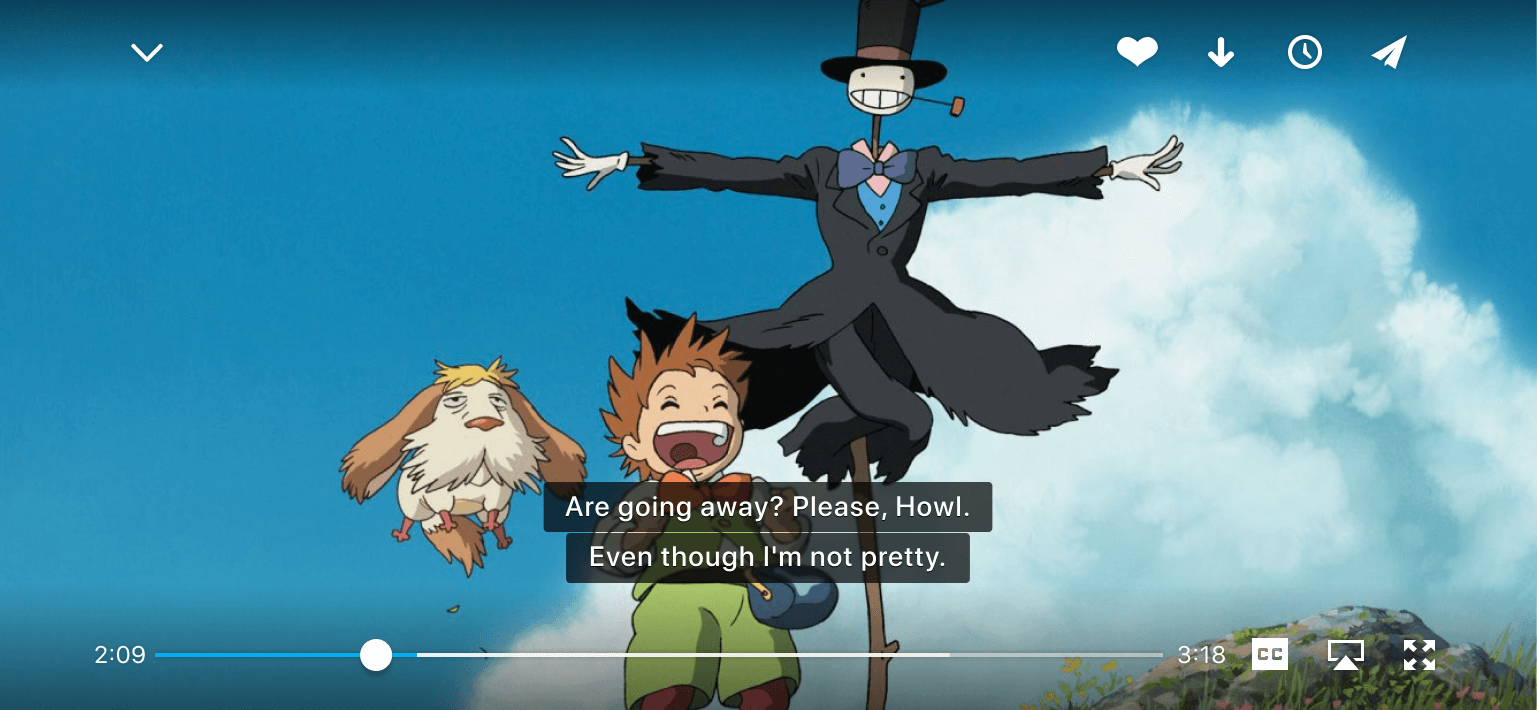
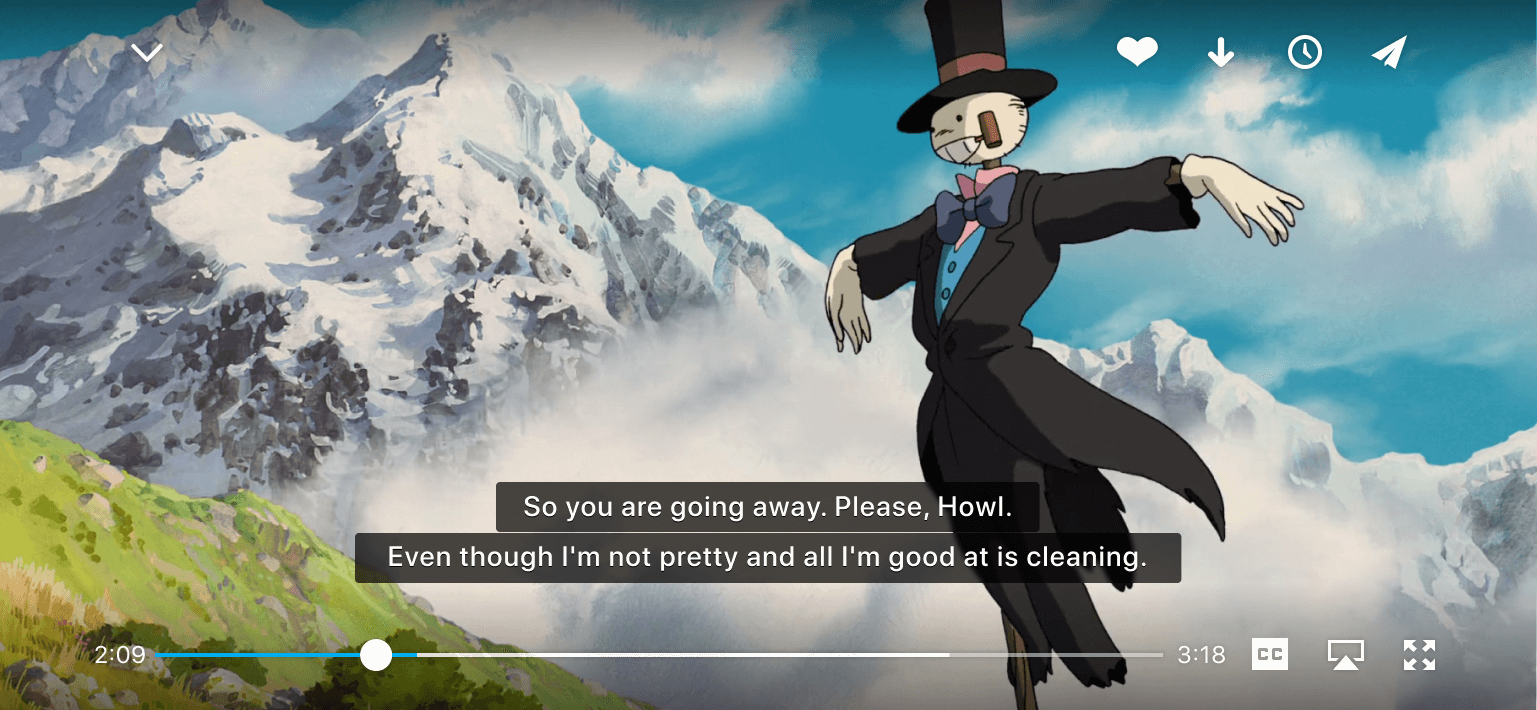
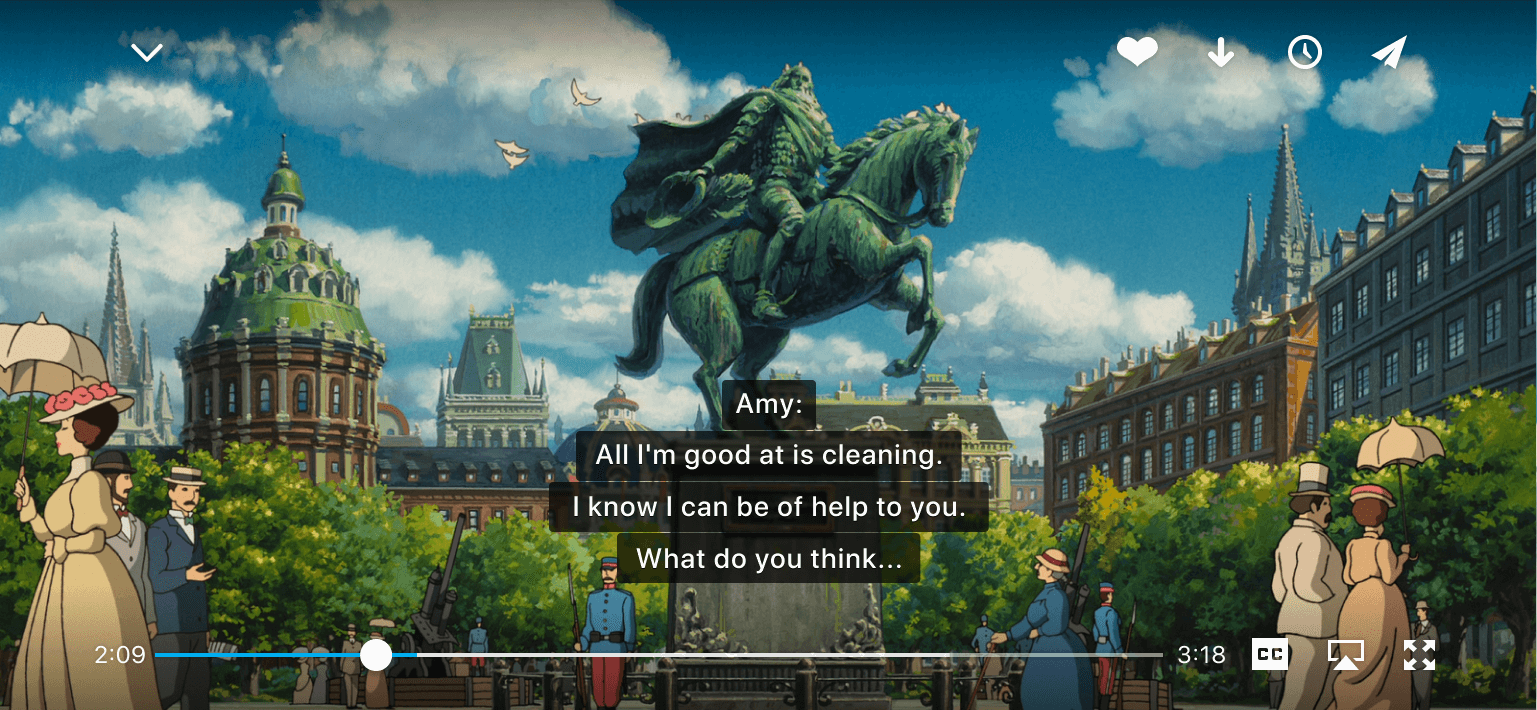
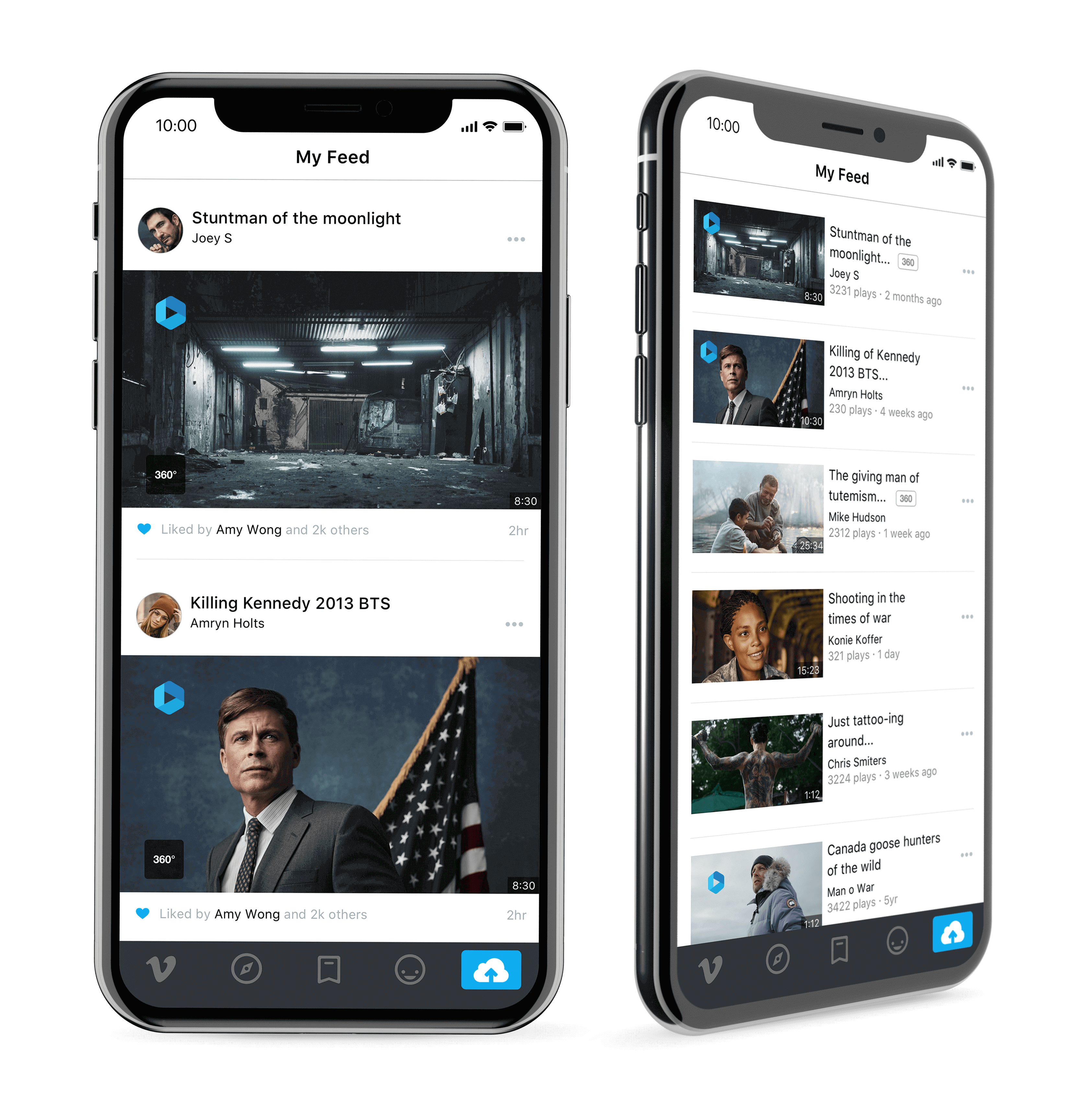
I helped lead on various Vimeo mobile app features for both iOS and Android. Such as the new continuous playback, closed-captions new video cards, updated video player, and refreshed components UI/Kits.
I really enjoyed the opportunity to work with the mobile team in creating these new features and updates for the Vimeo App, This was a fun challenge, that allow me to explore on various ways to create a better viewing experience for users.
░
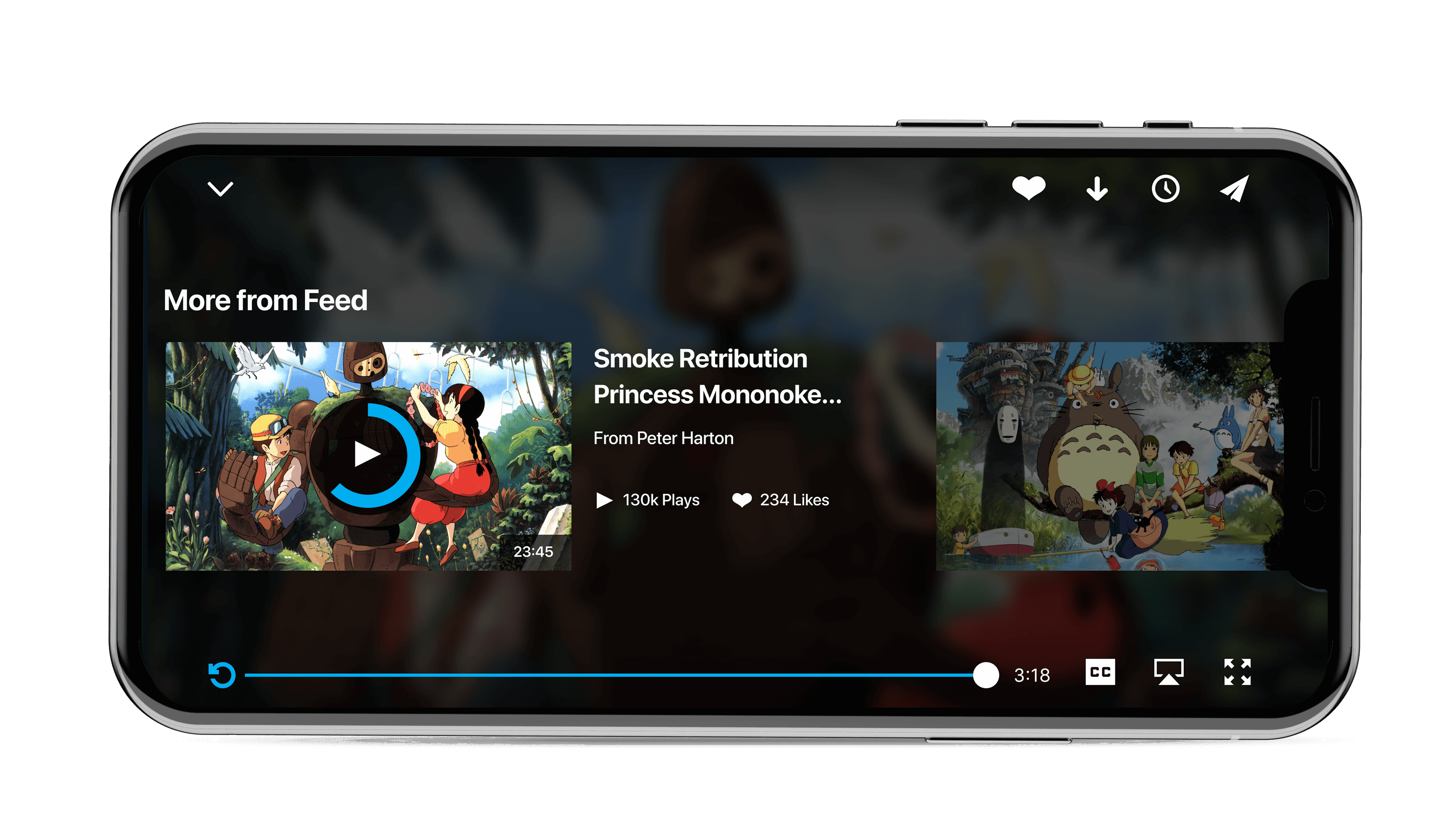
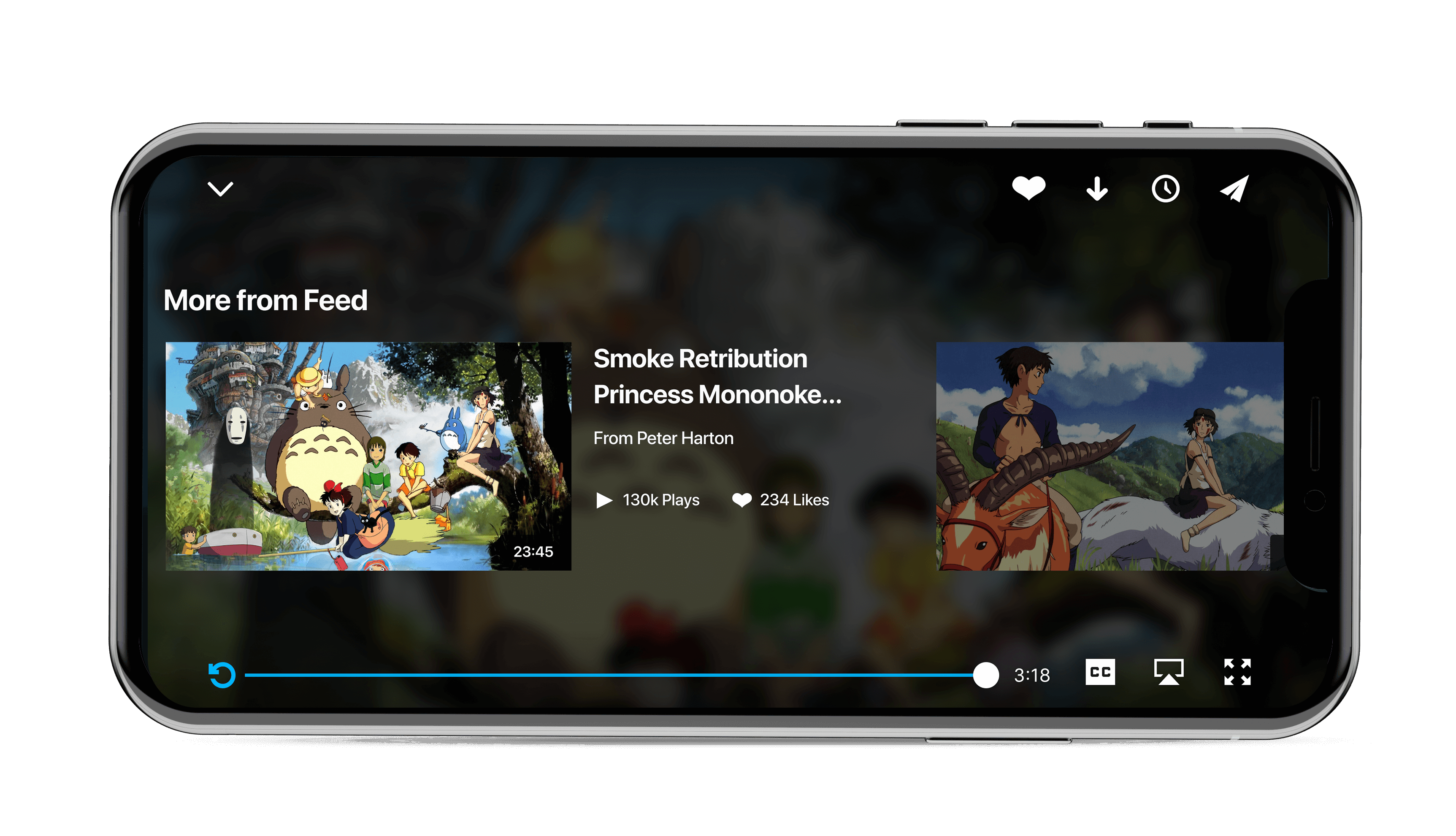
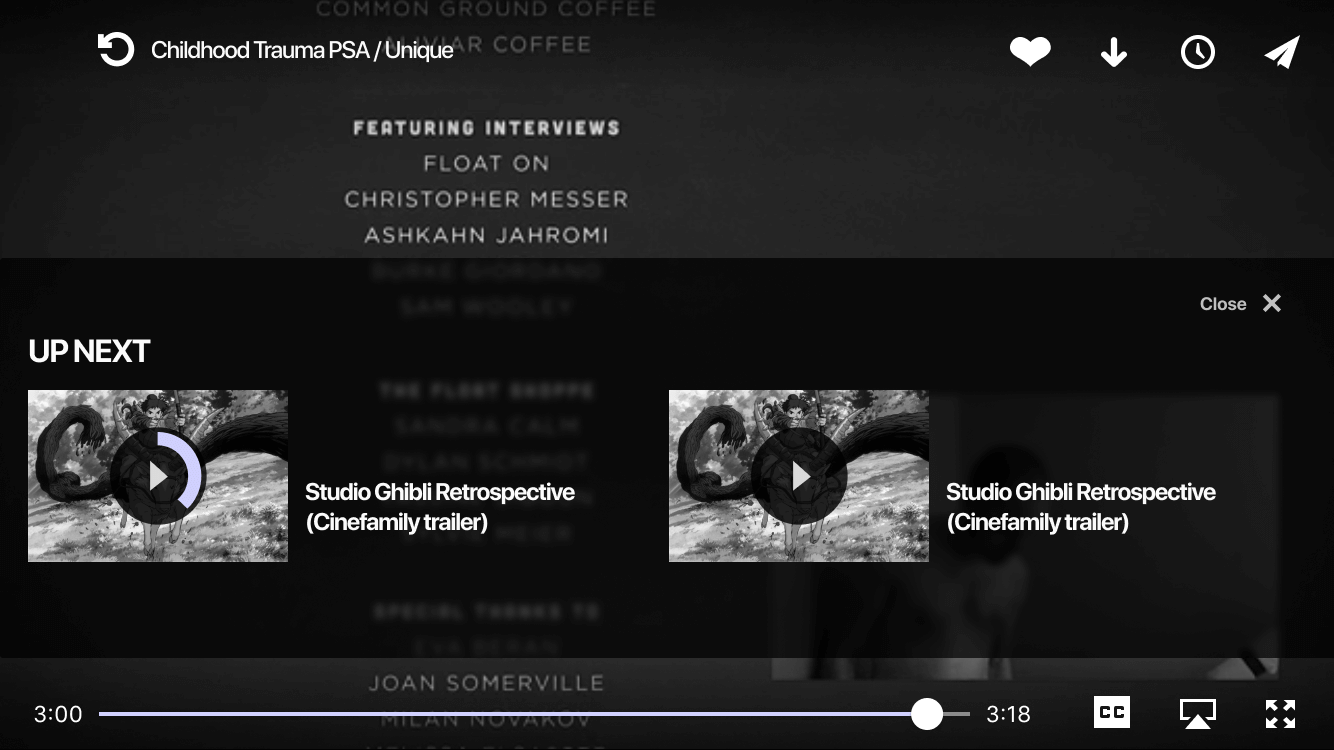
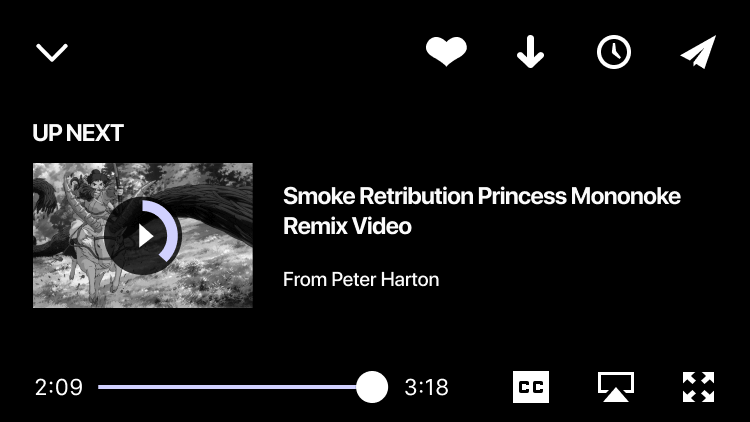
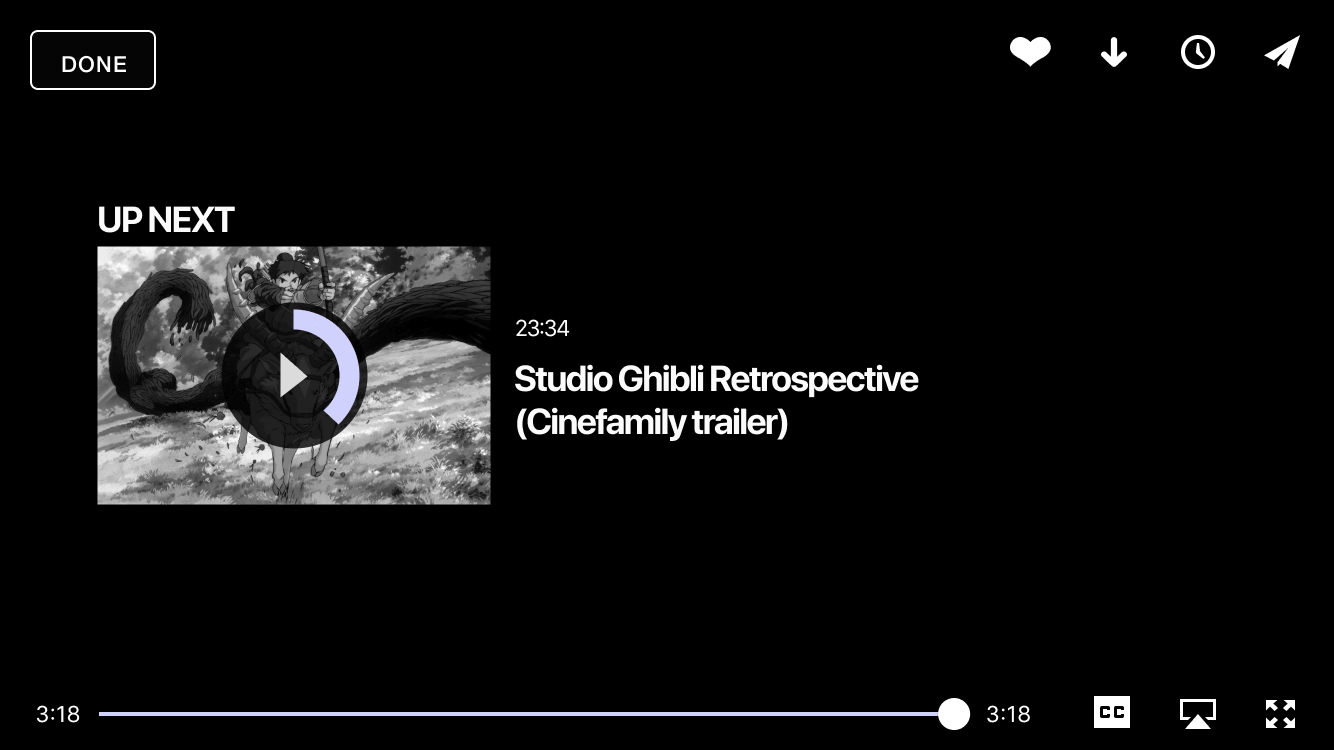
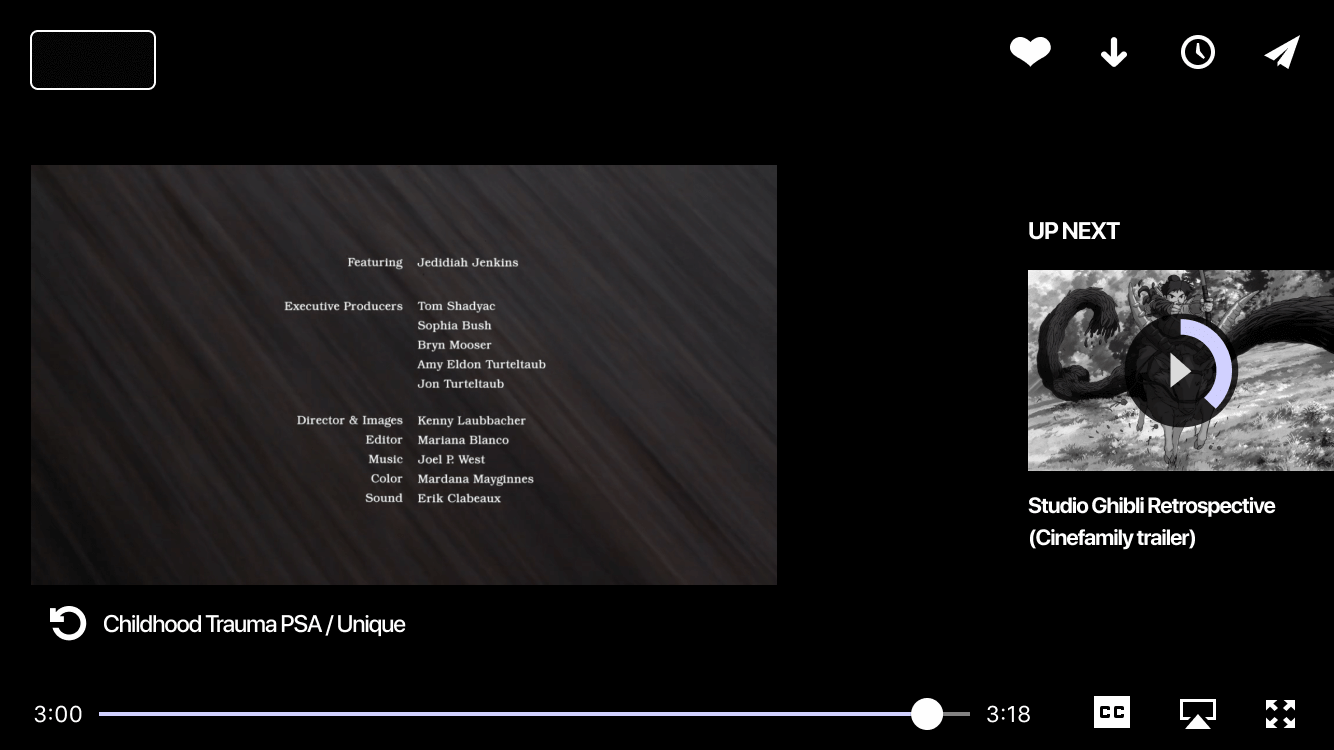
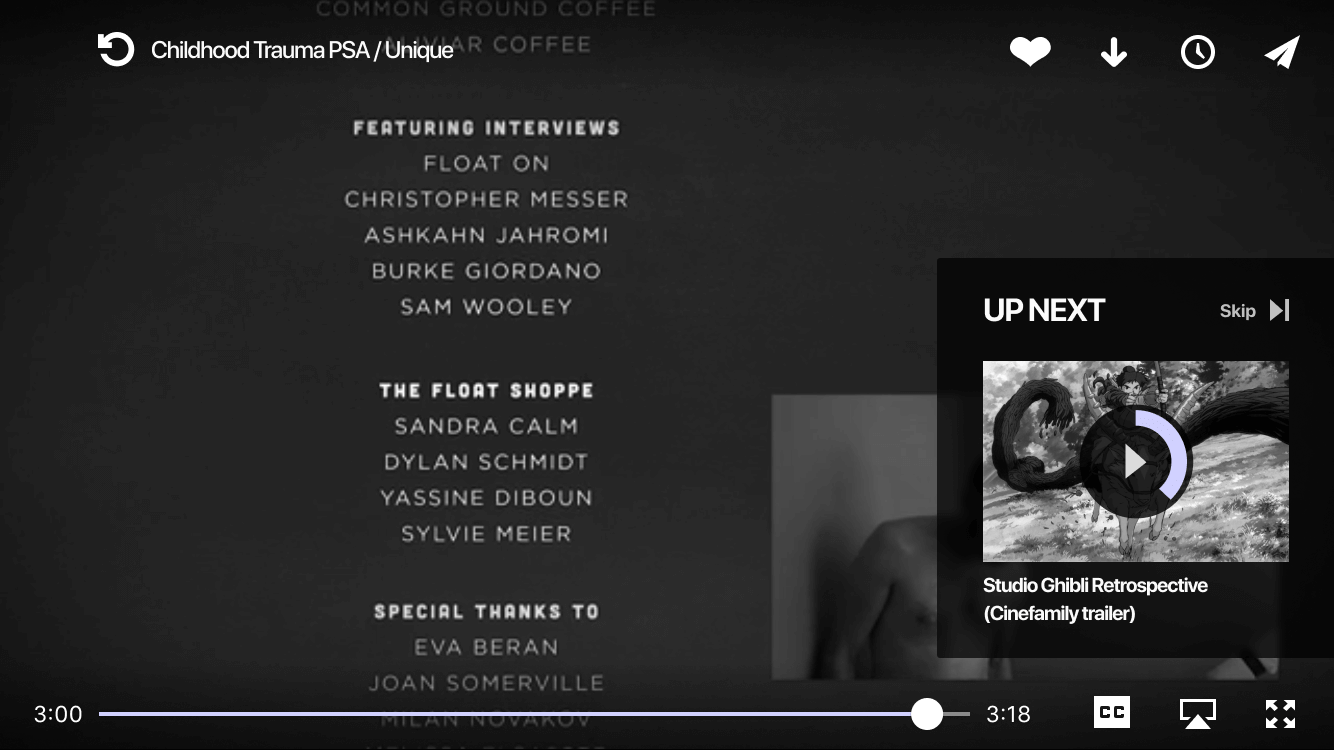
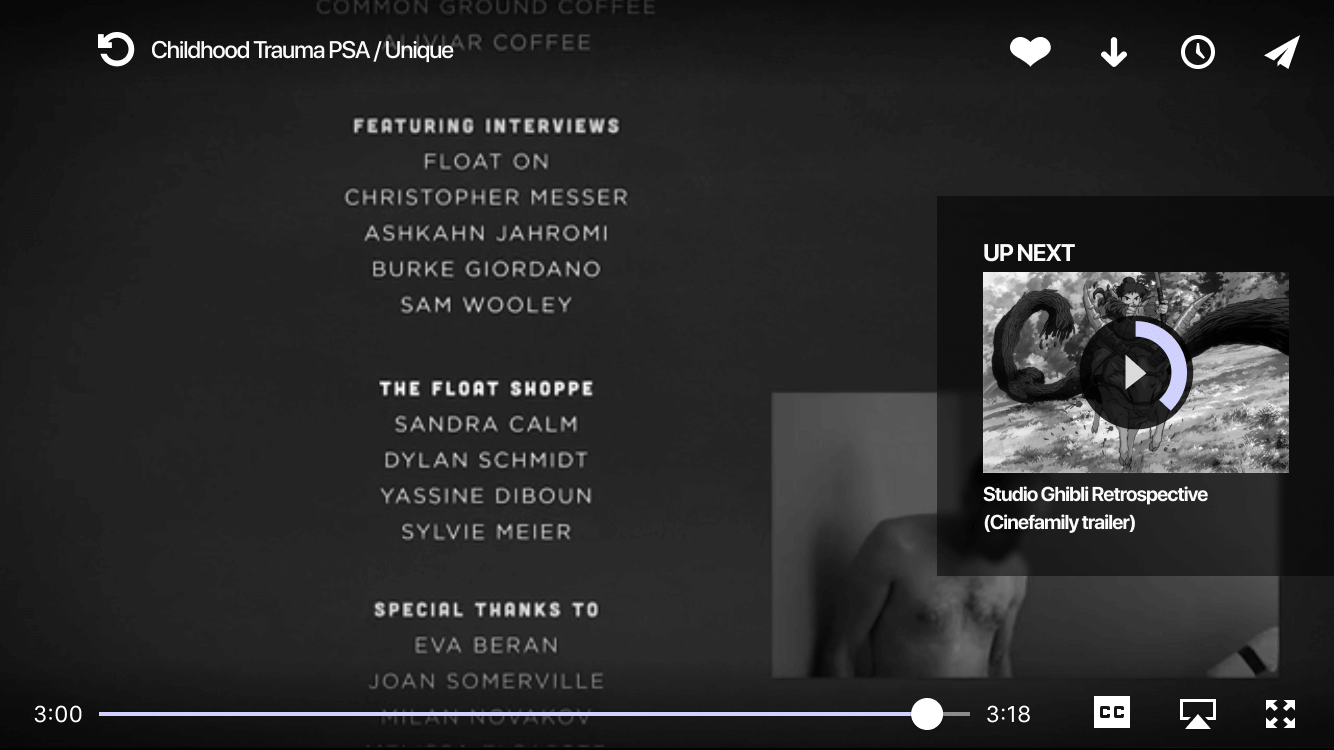
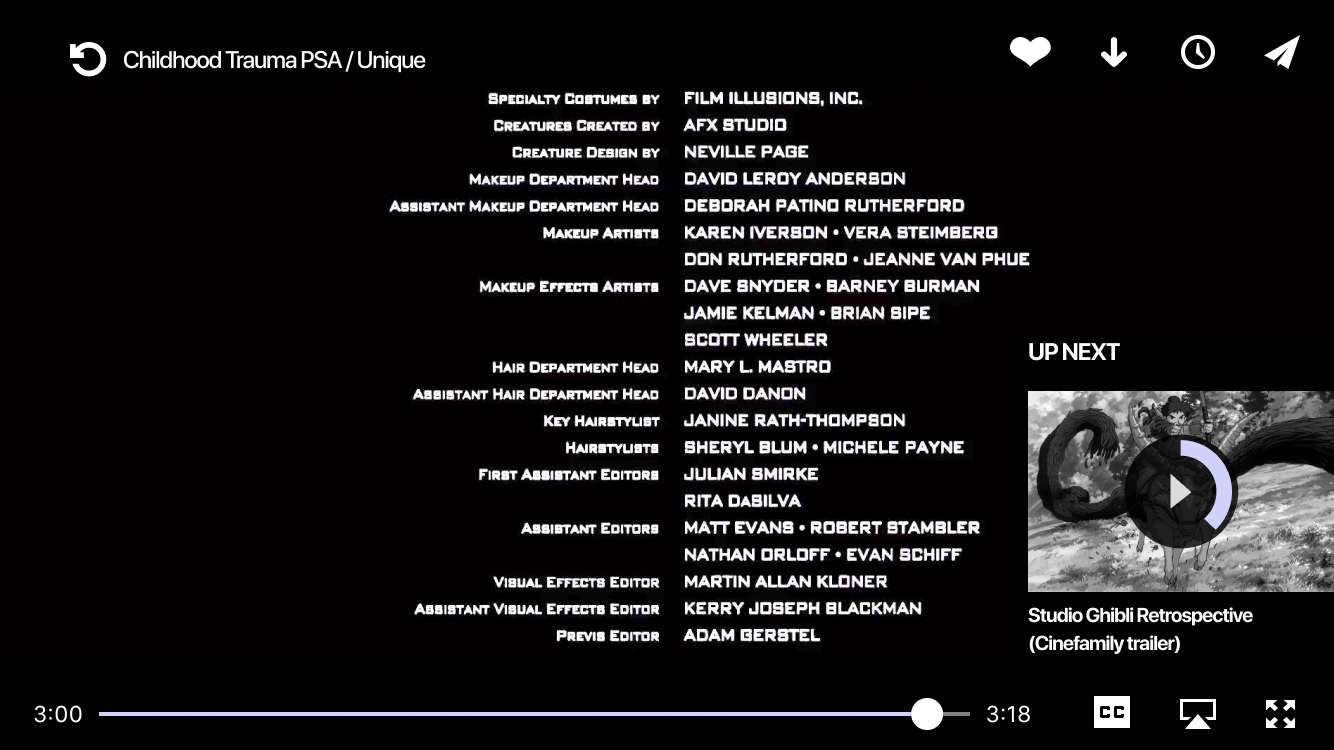
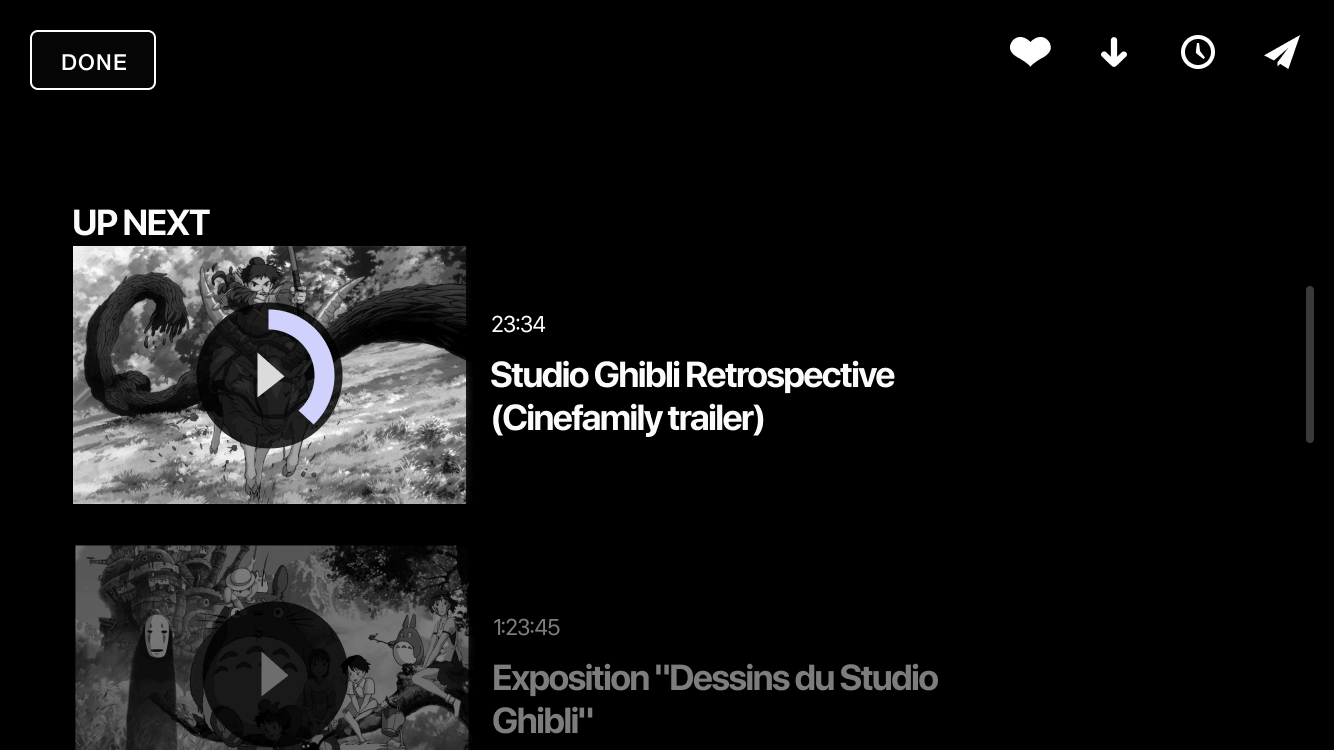
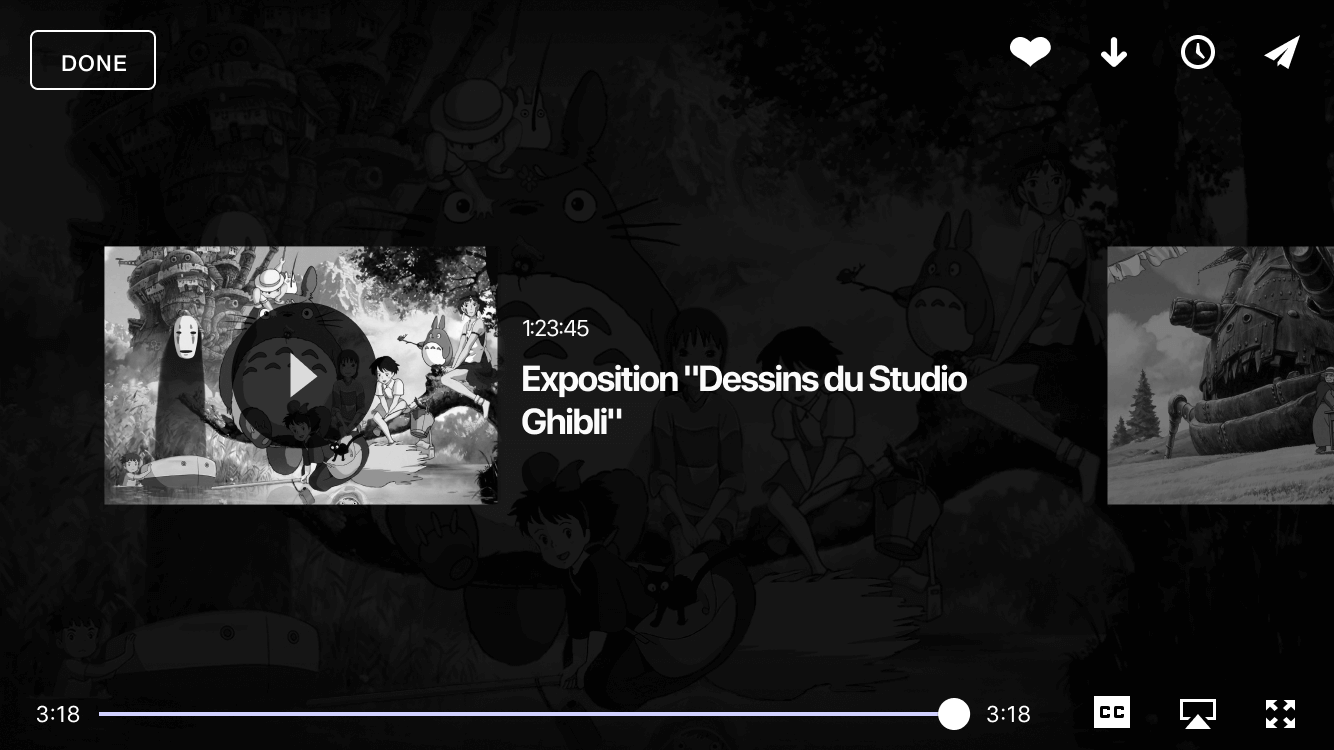
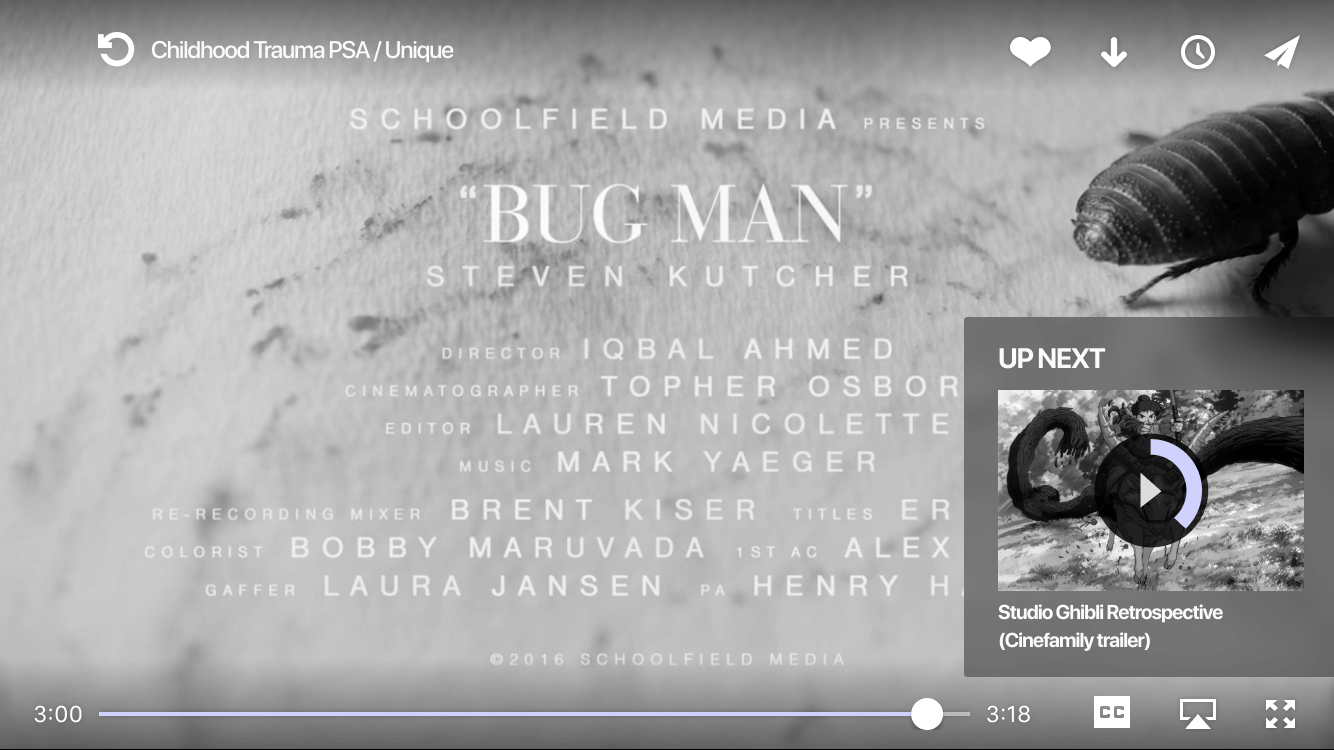
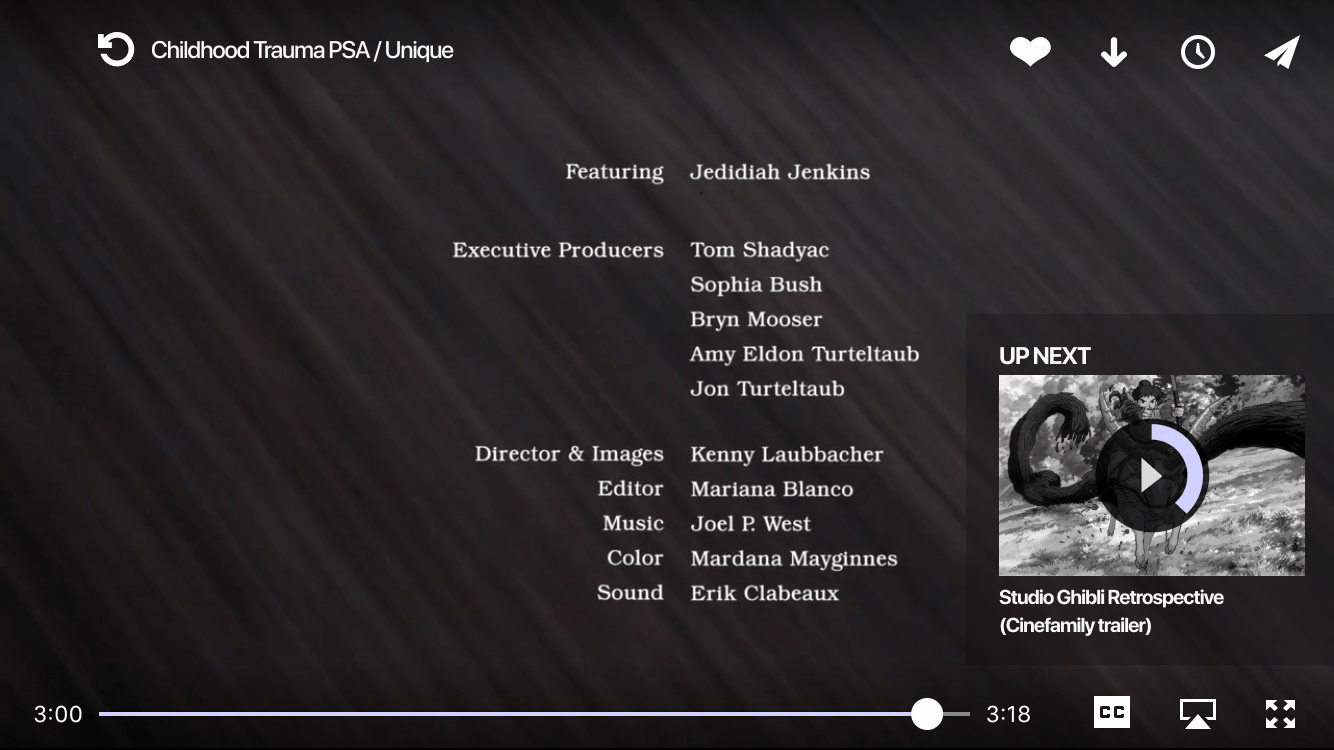
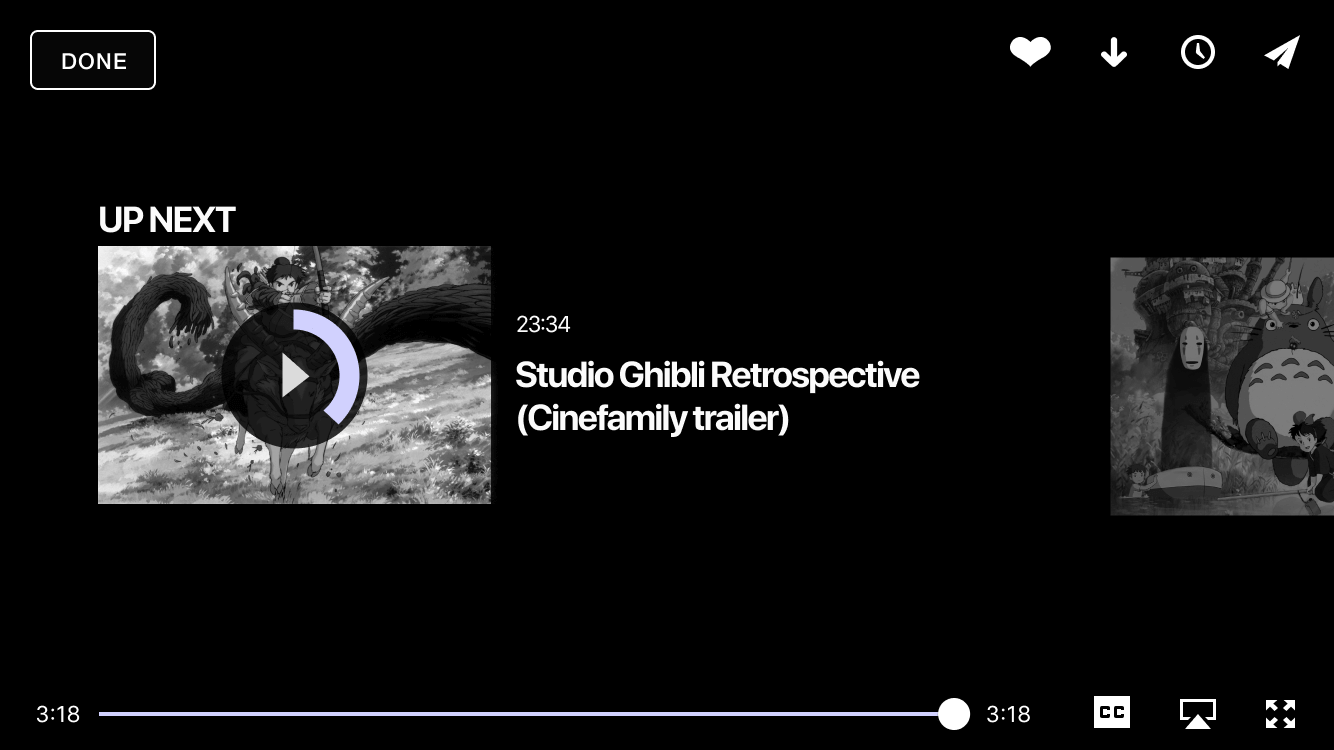
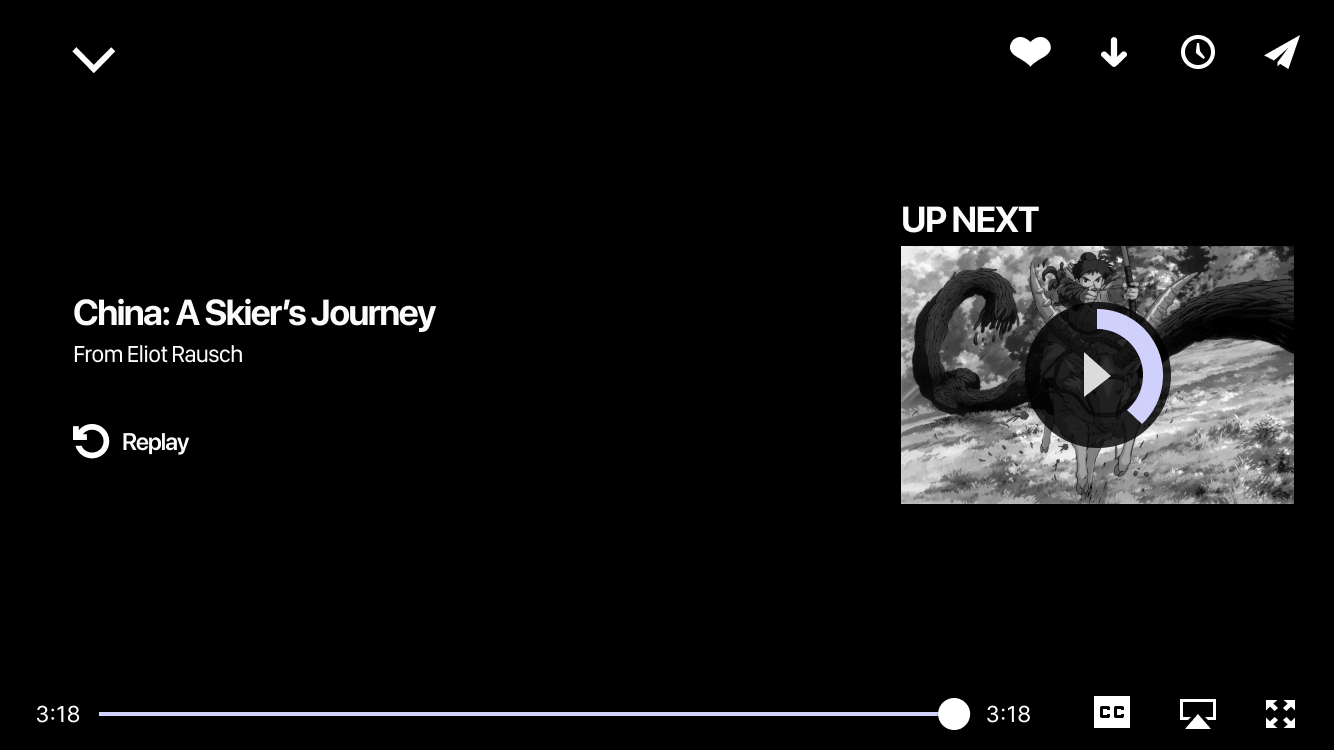
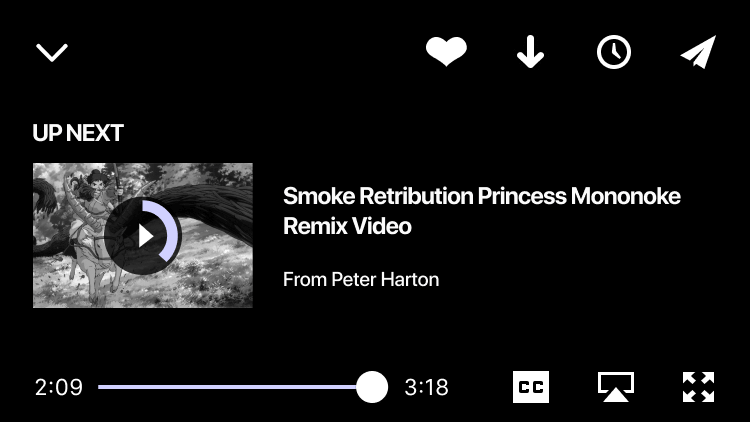
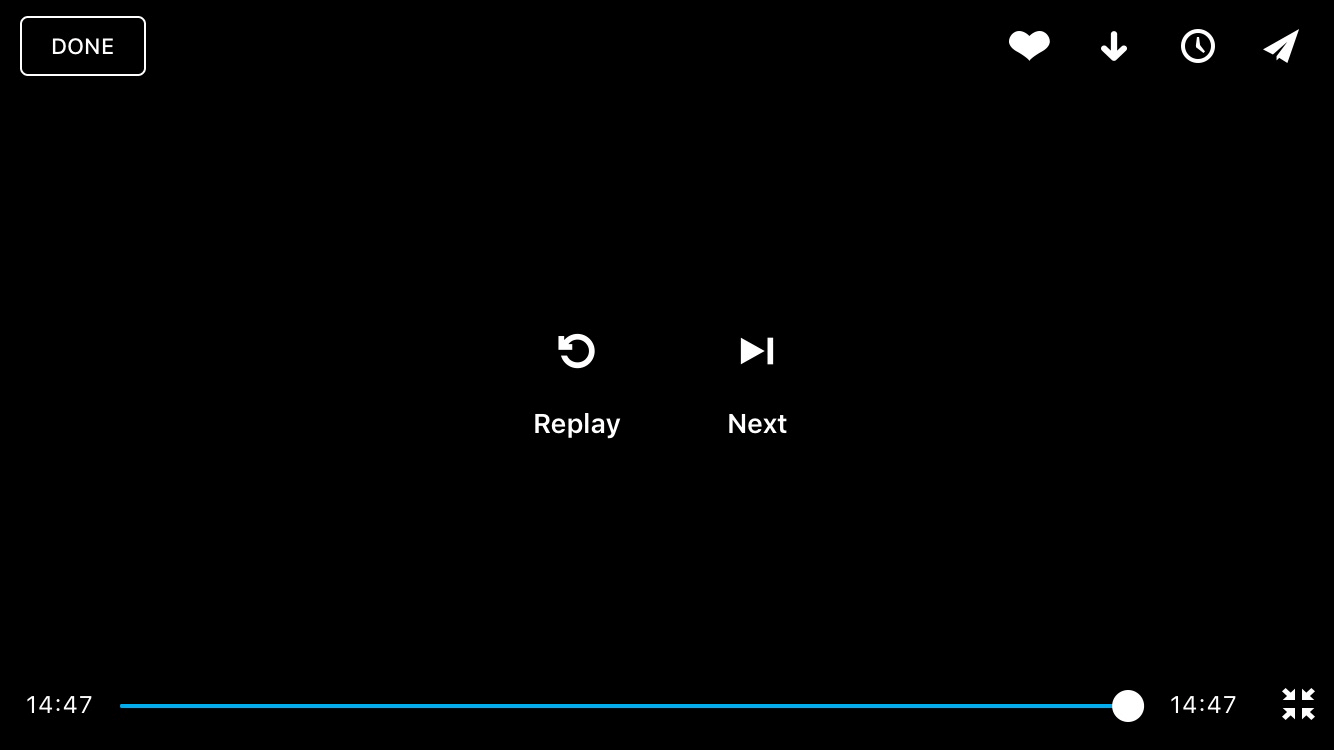
Continuous Playback
░
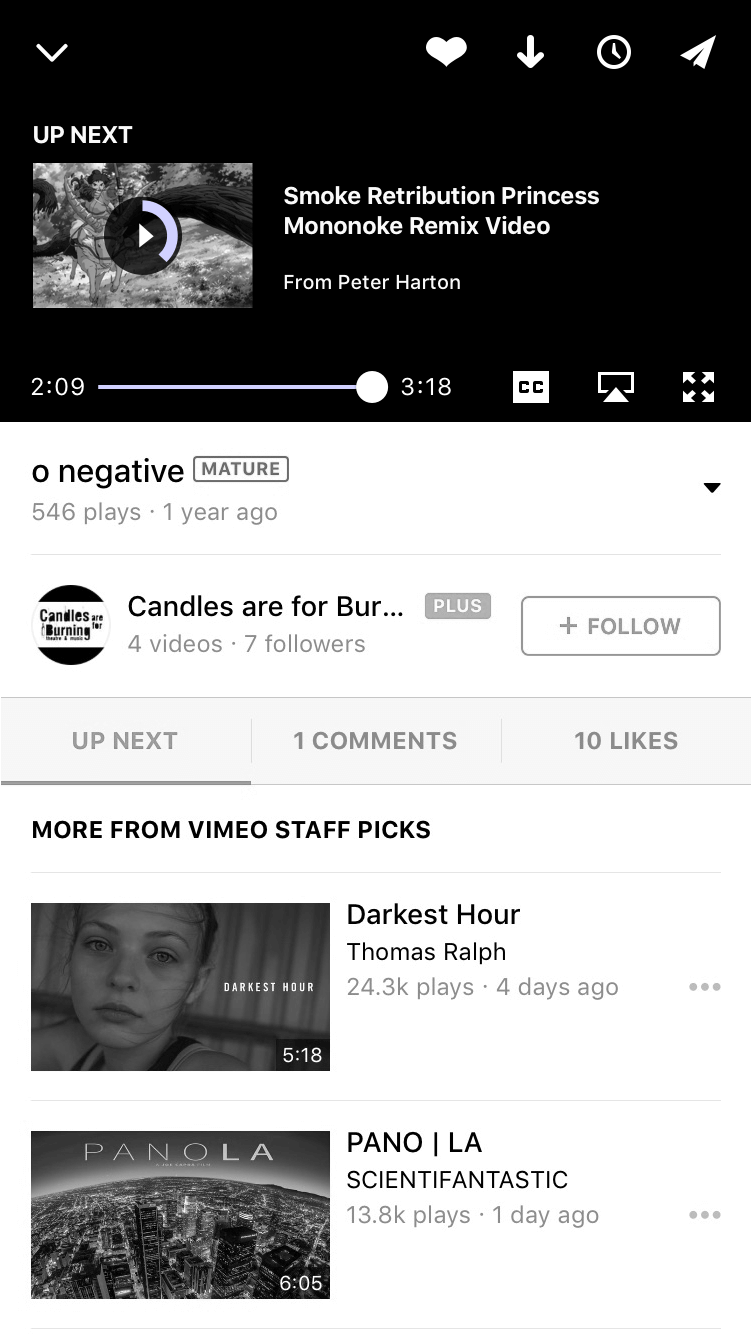
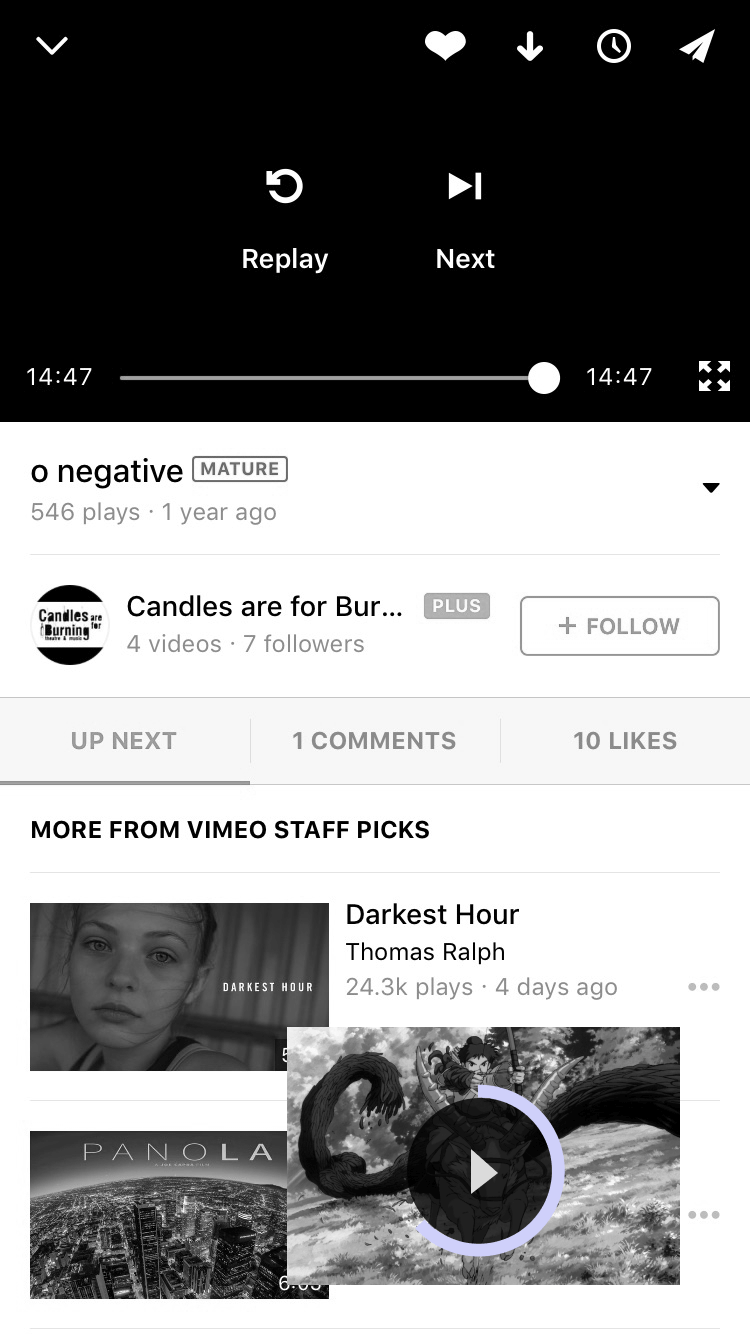
BTS of Continuous Playback.
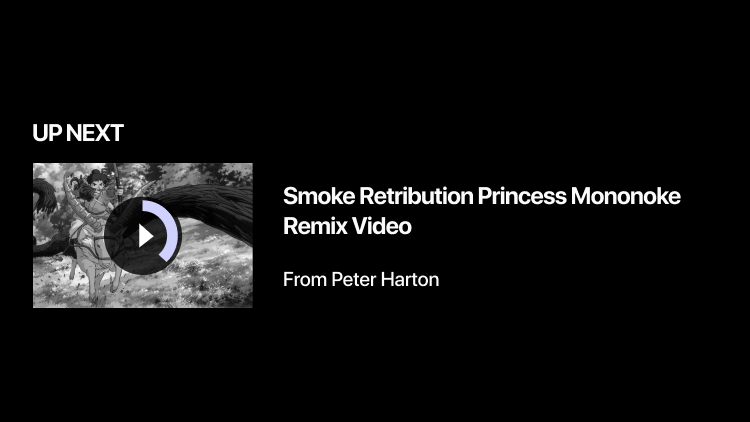
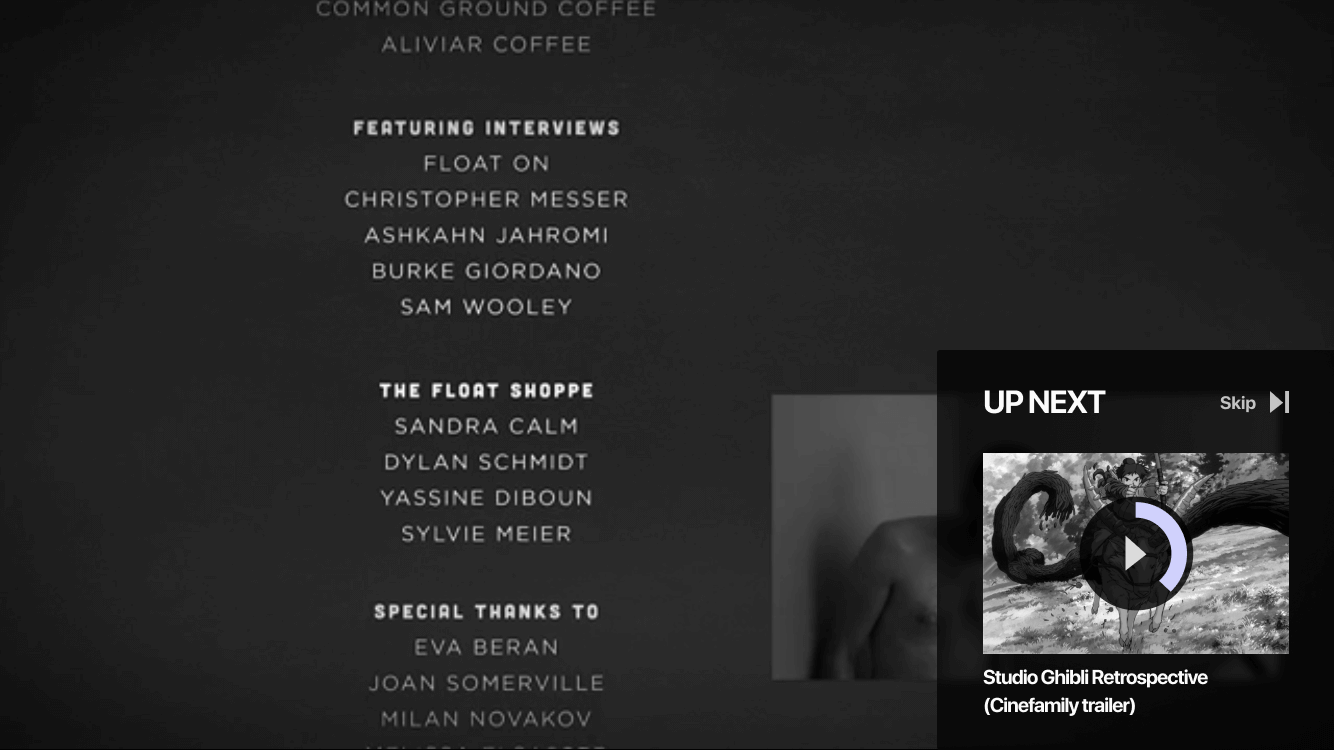
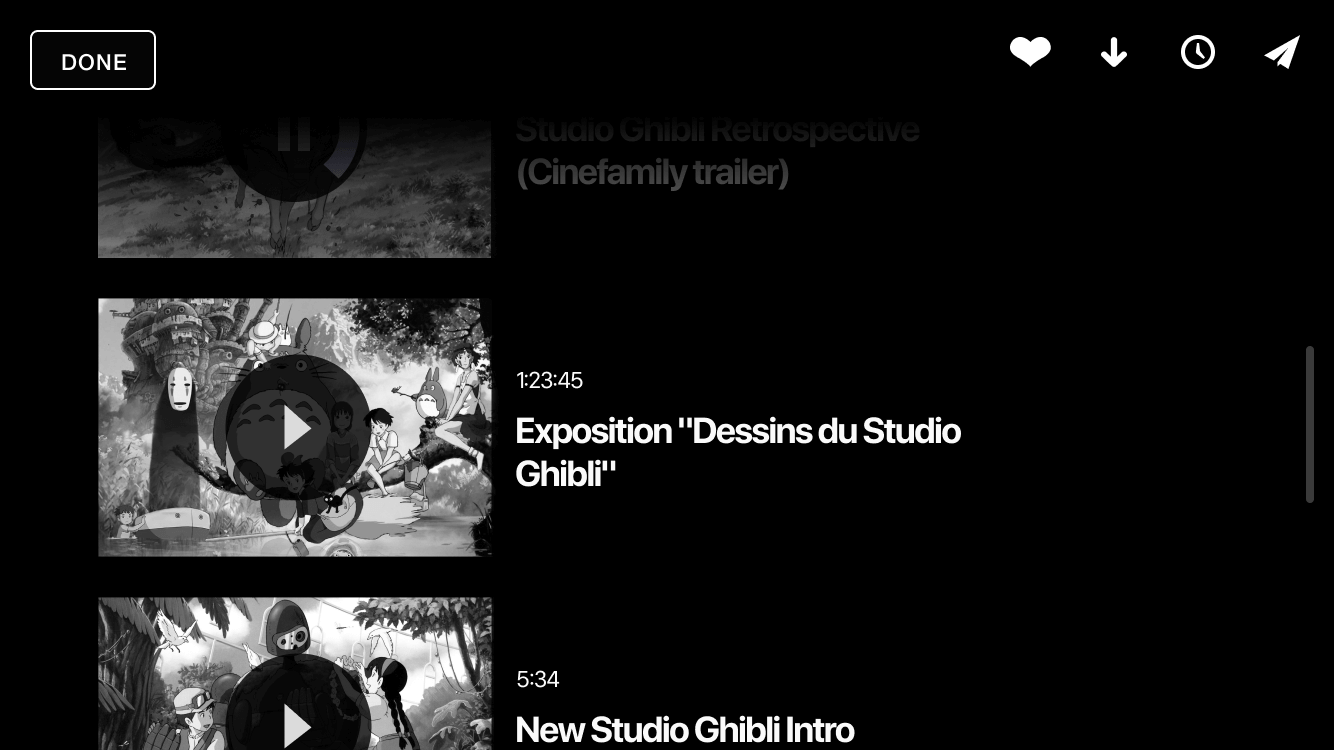
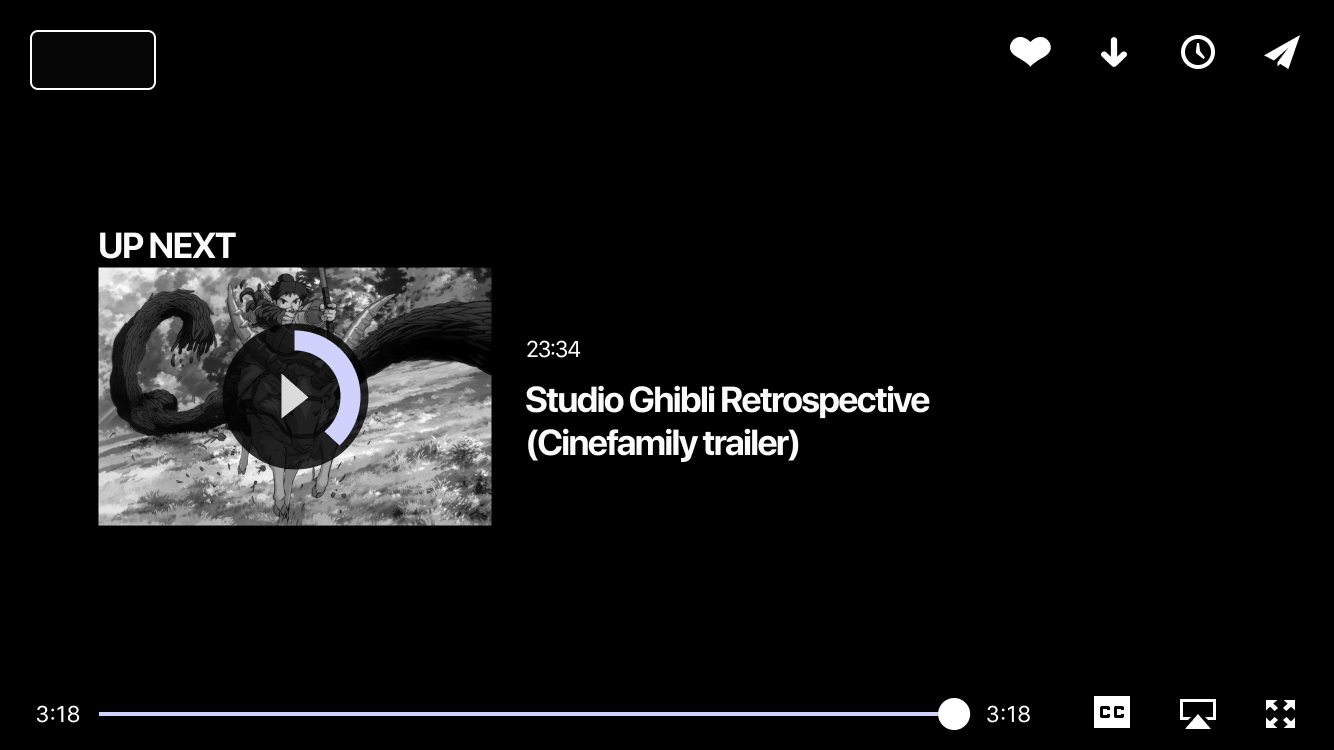
Below are a few highlights of different wireframes I was exploring with for continuous playback. My goal was to keep this as simple as possible but I also wanted to offer something delightful to the user, I opted for something fun for the landscape view where the user can slide through videos in a fun dynamic way.
░
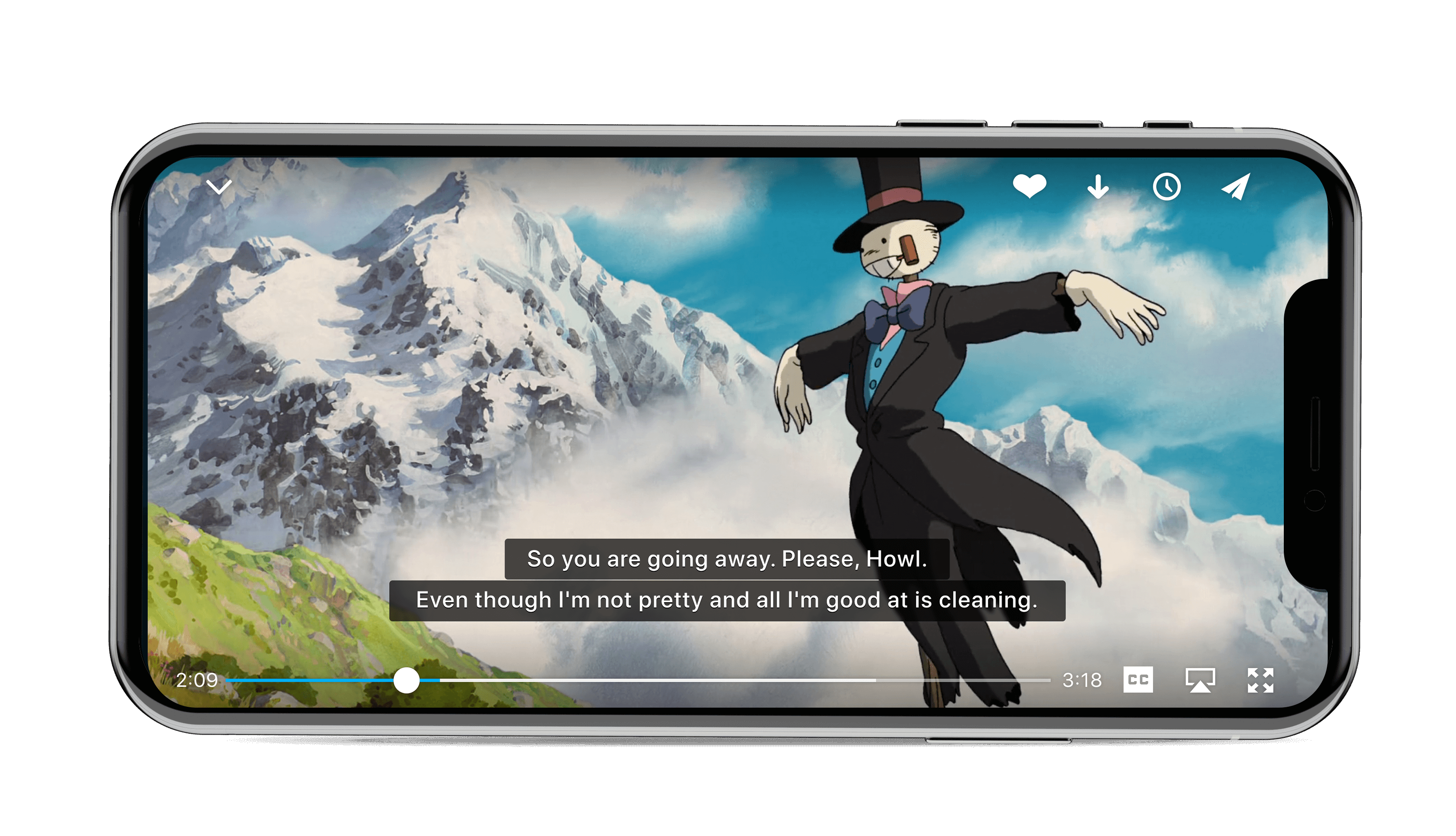
Closed Captioning
░
BTS of Closed Captioning.
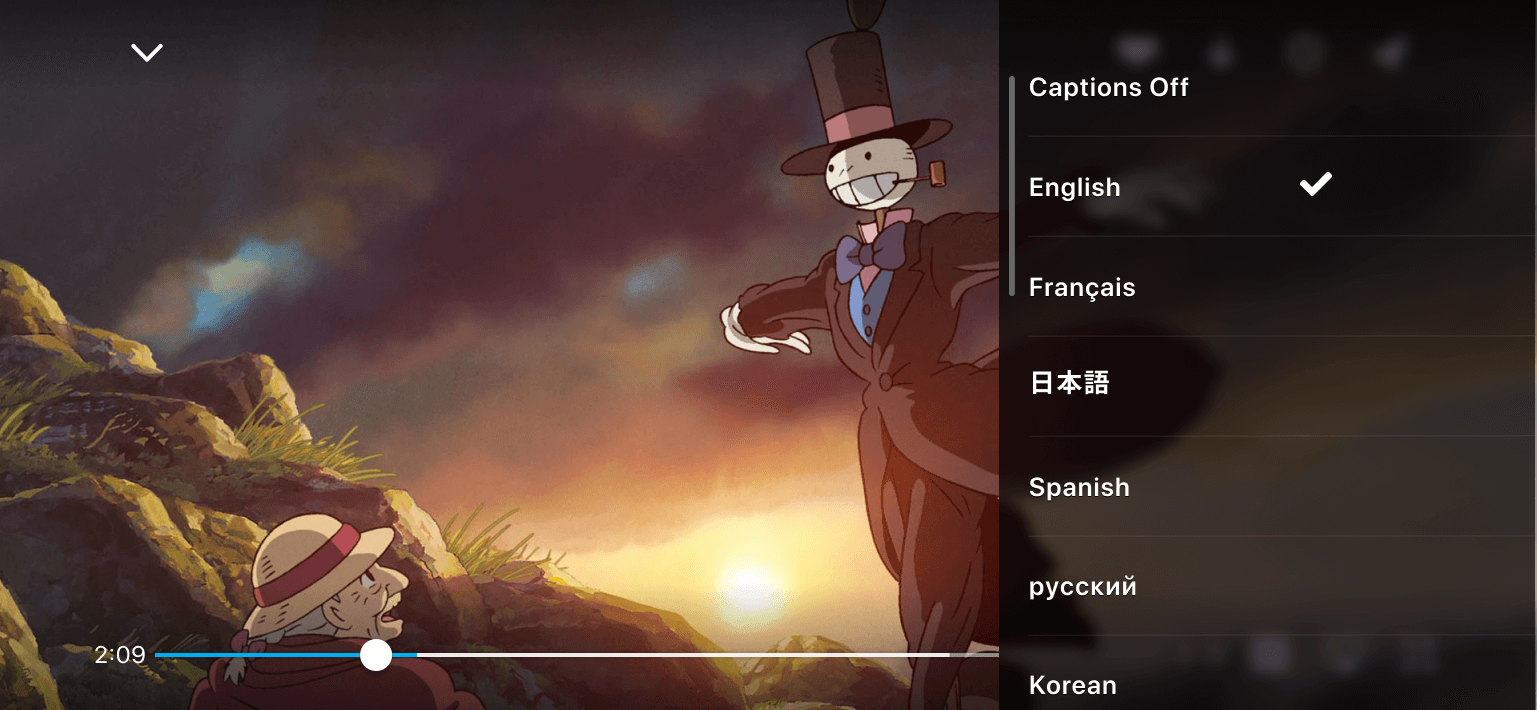
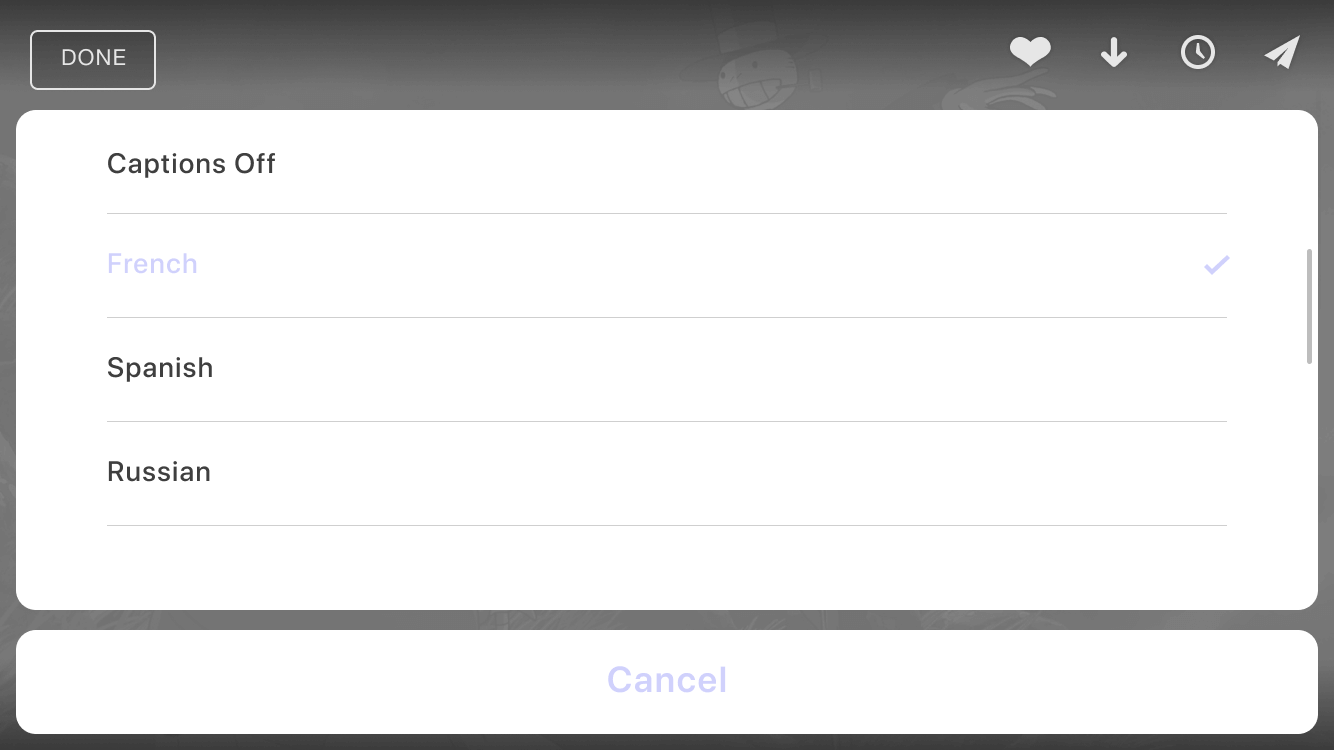
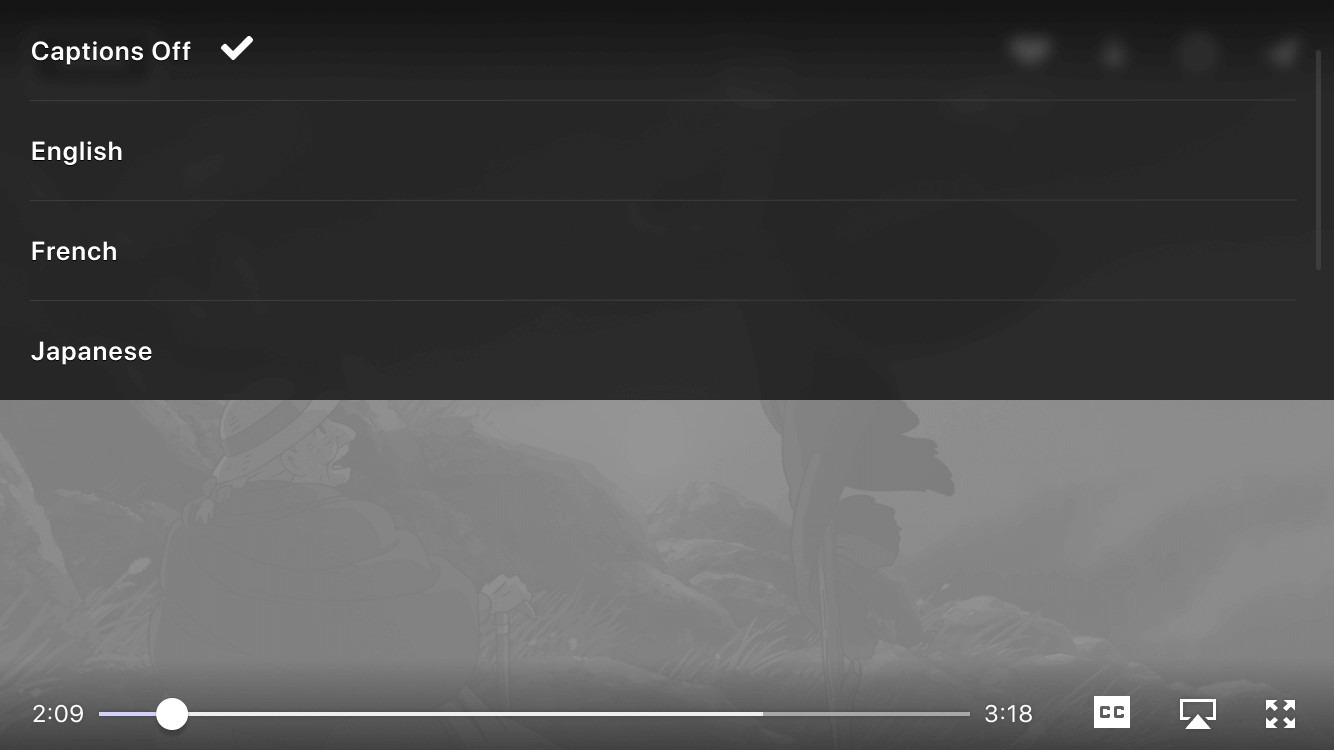
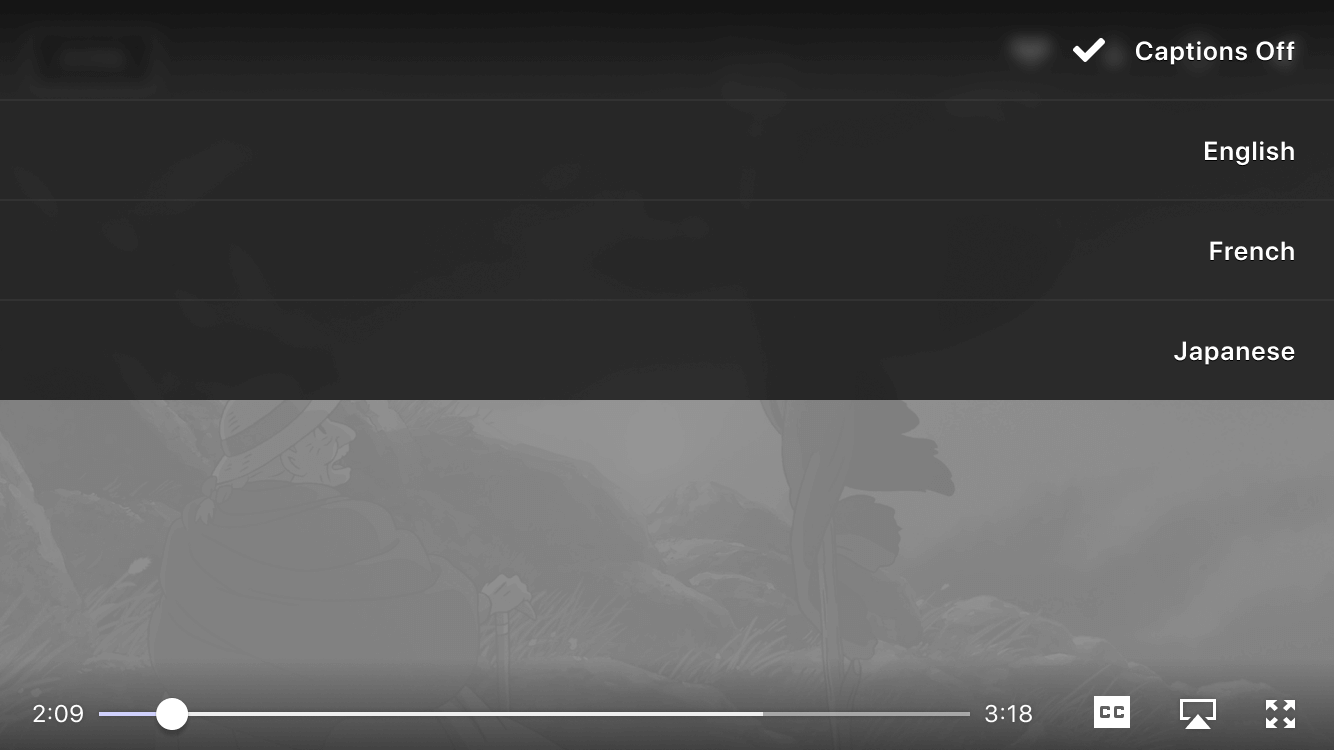
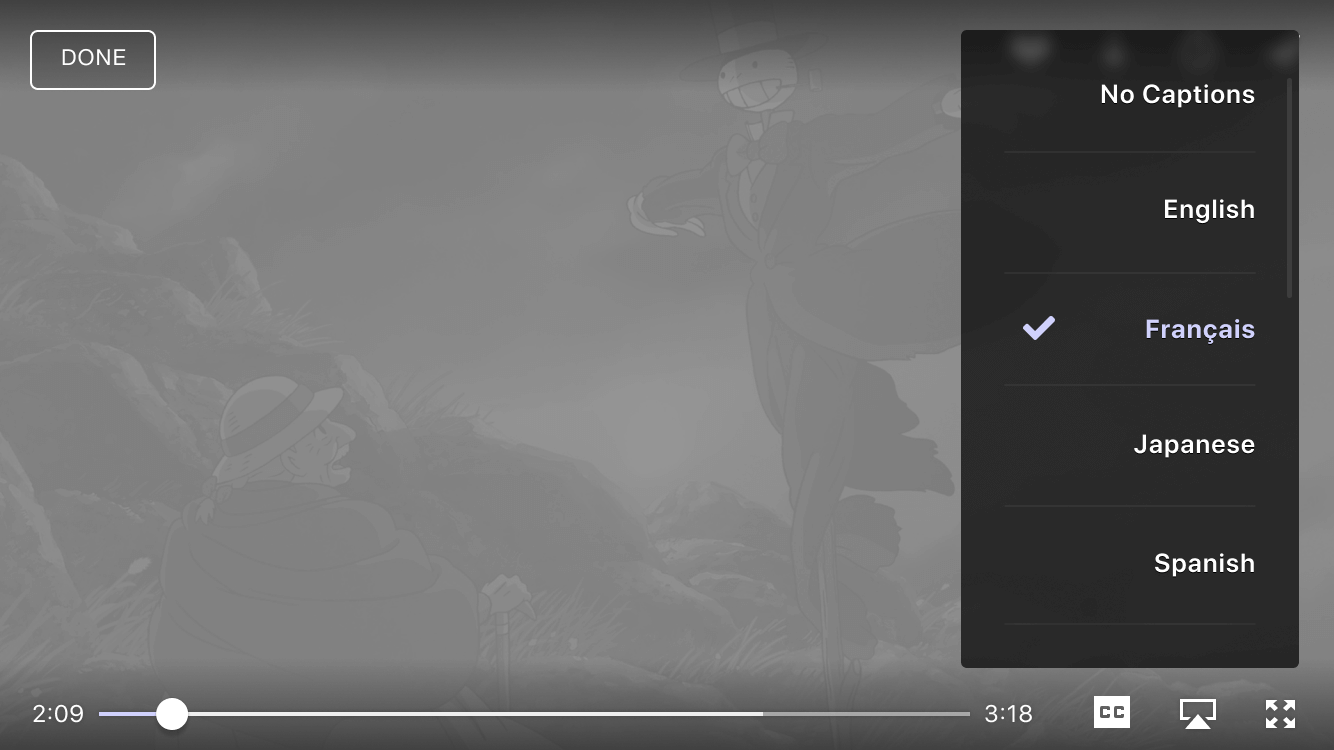
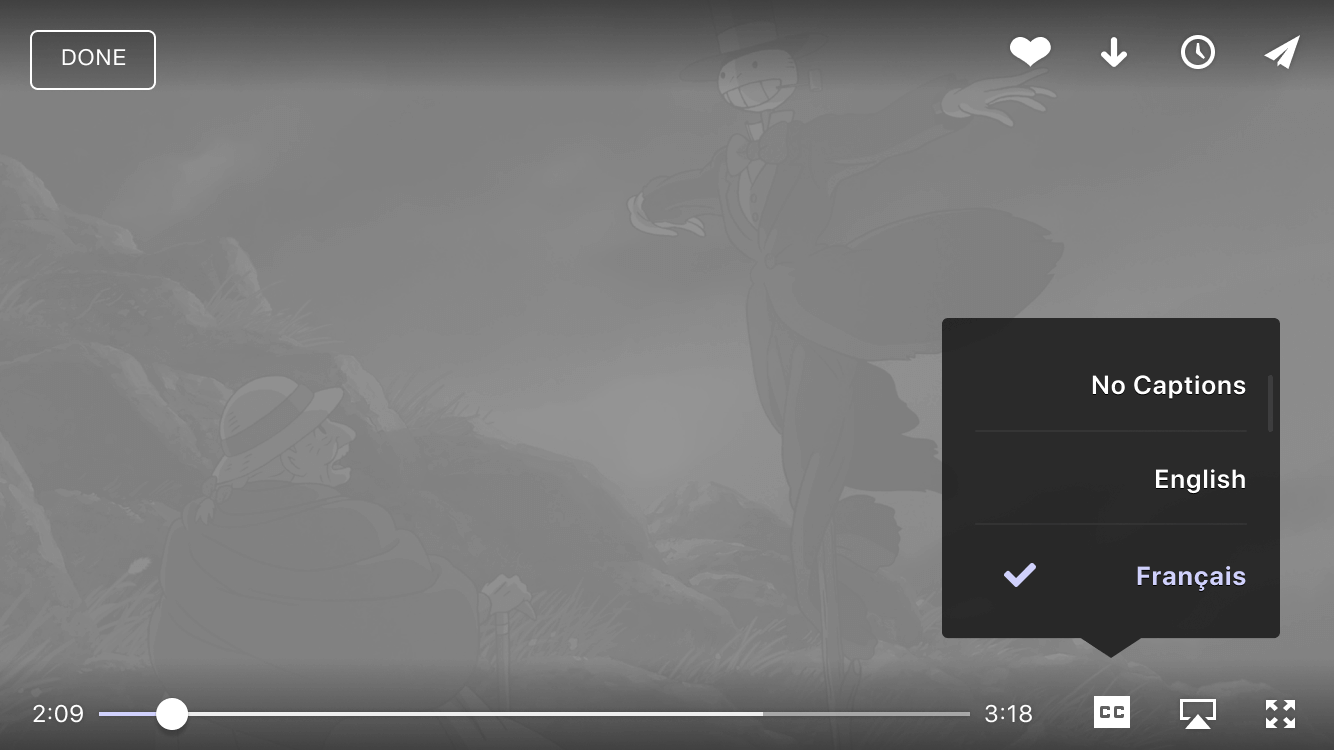
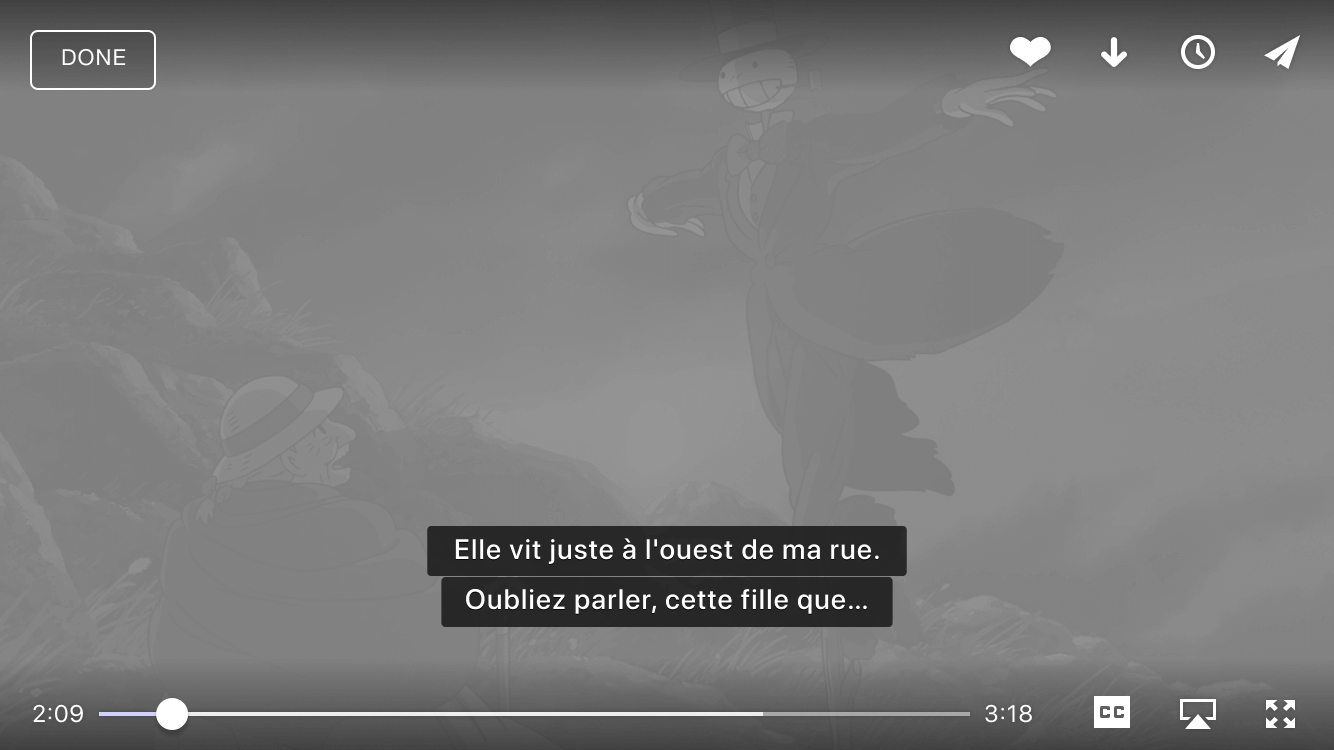
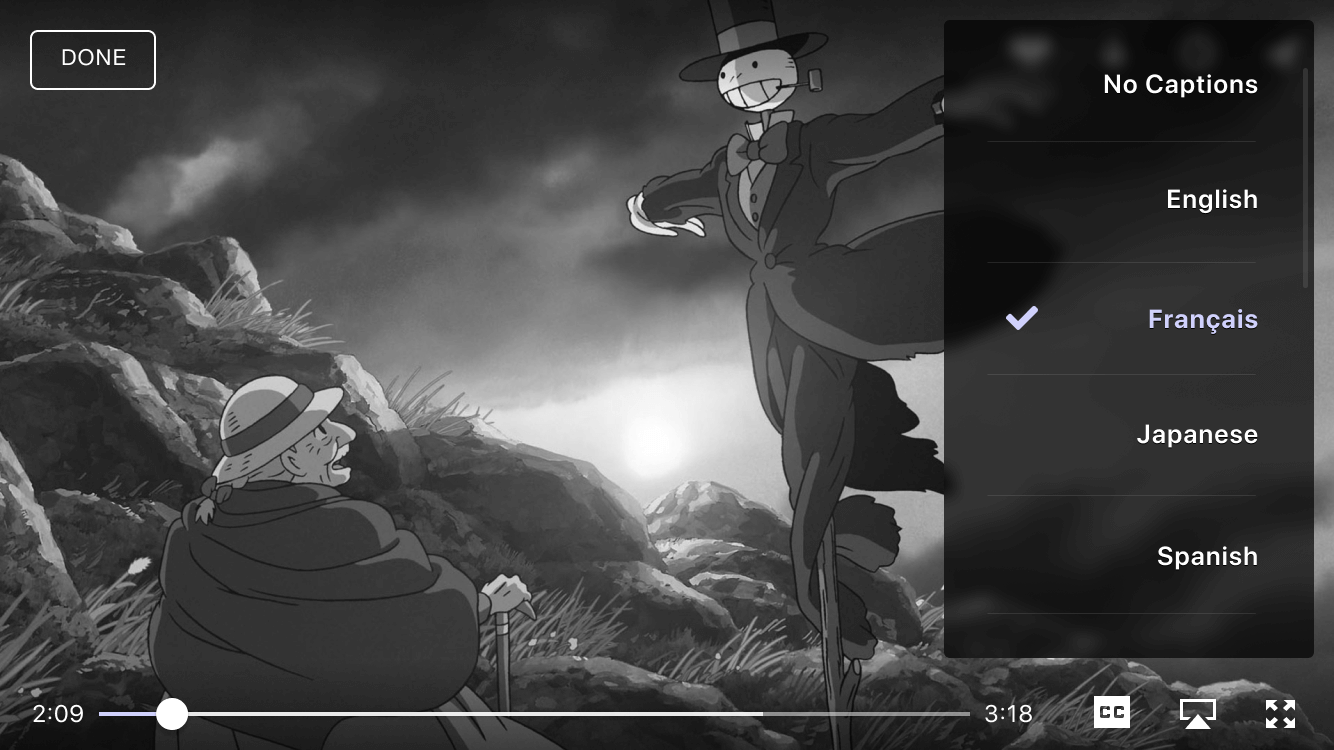
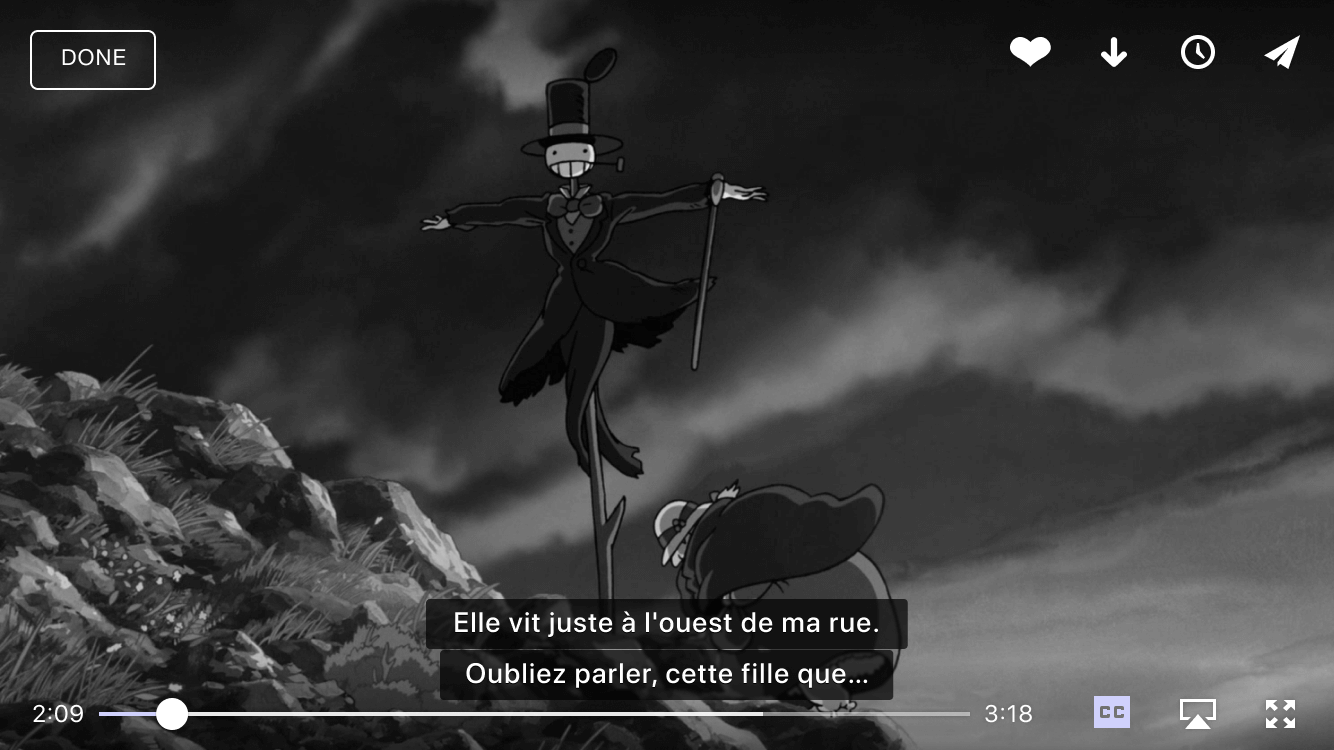
I worked on the new Closed Captioning, nothing out of this world, but it was interesting learning how the closed captioning worked, limitations, and how to work with those limitations. My main focus in the experience was keeping the dialogue as crisp and readable as possible with trying out different typefaces, spacing, subtle drop shadows for contrast and played with prototype-transitions as the dialogue scrolled through.
░
Updated Video Cards
Updated Profile page