Building good oral habits.
quip is out to prove that good design has a bigger impact on oral health than quick fix gimmicks. Quip is an electric toothbrush designed to make brushing your teeth more efficient and effective and help millions of users develop and keep good oral habits.
At quip I helped lead on the the early stages of quip-care (quip's insurance arm) from its inception form, white boarding, user research, prototyping and deliver final designs for beta. I refreshed and maintained new component UI libraries for eCom and Mobile and most recent I am the lead designer on quips new mobile venture where I am working with stakeholders, directors, PMs and developers to bring to market quips new iOS app— a new ecosystem for users to track their daily brushing, earn rewards, book appts and shop quip.
I also wrote up a case-study about the process of the quips App which can be seen via the button below.
ROLES
PRODUCT DESIGN
EXPERIENCE DESIGN
VISUAL DESIGN
PROTOTYPING
░
░
A new quip adventure.
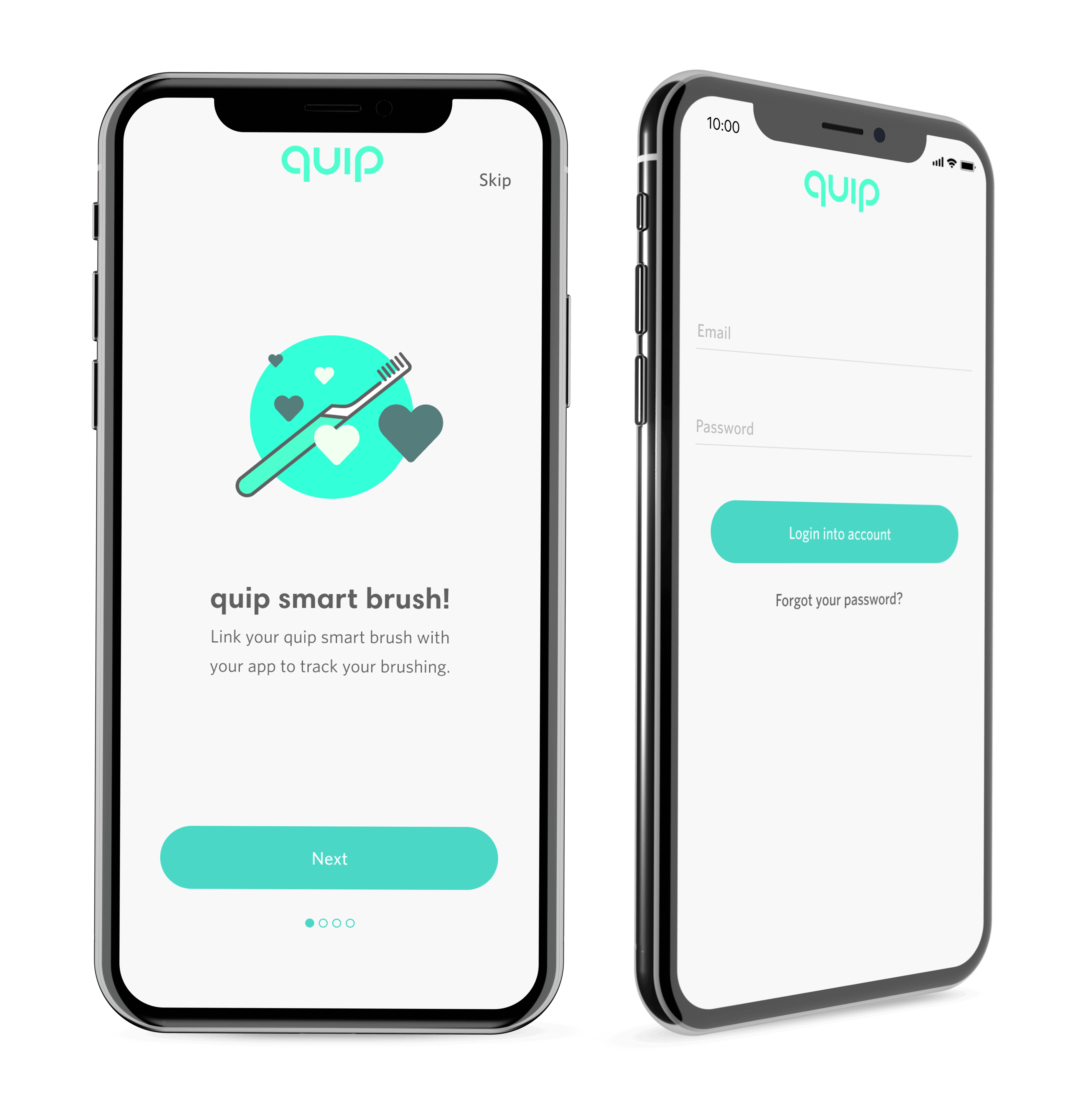
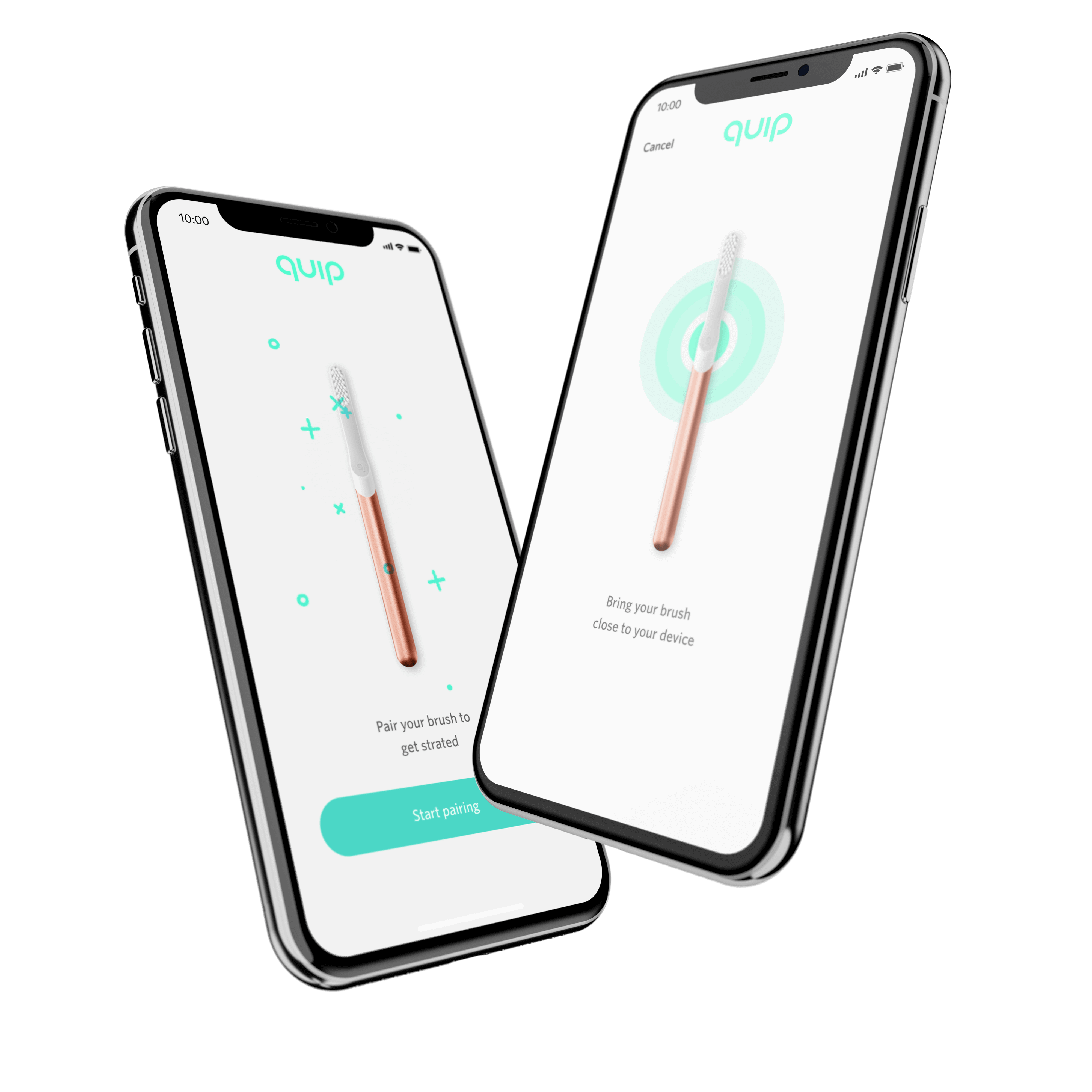
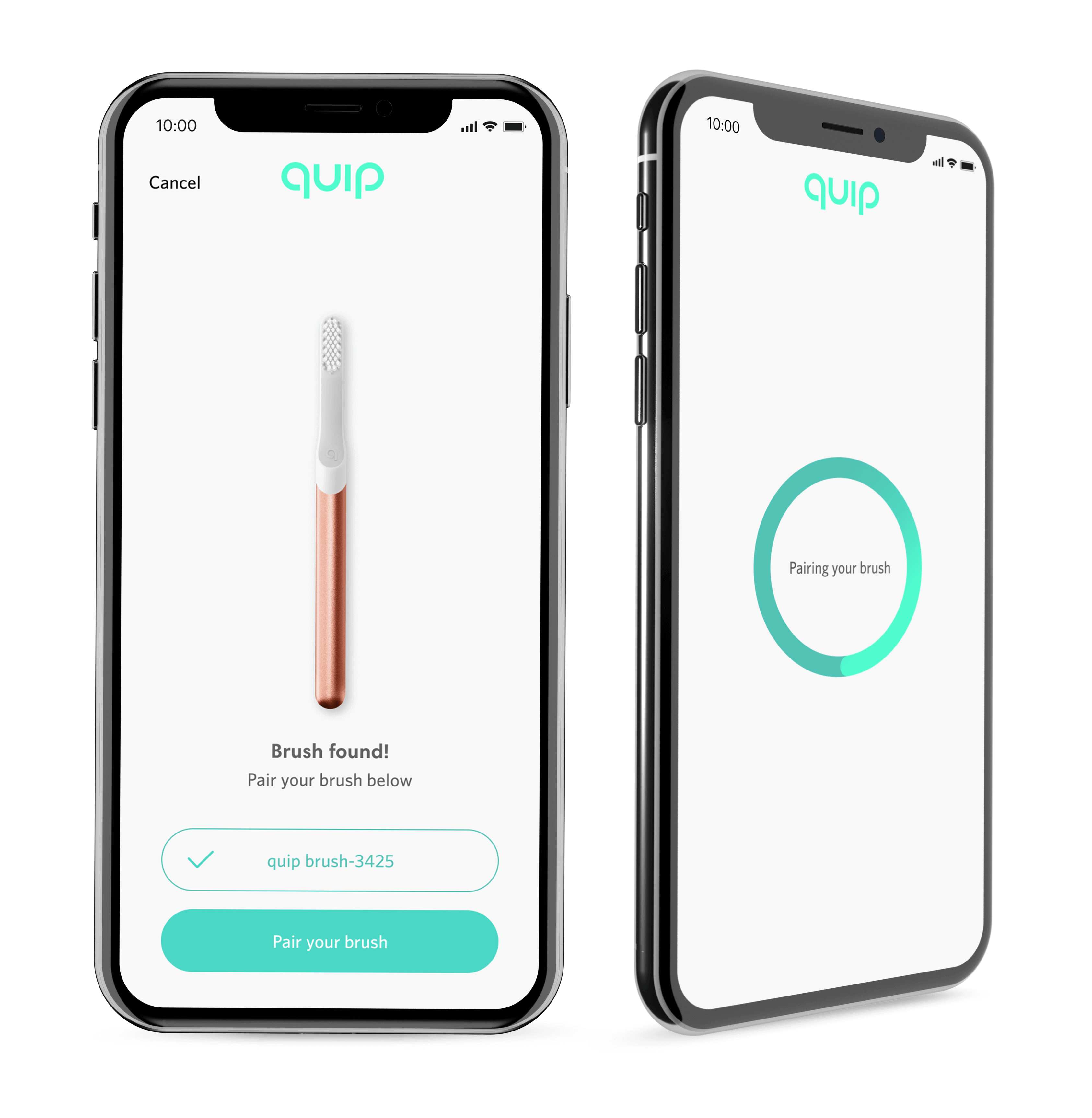
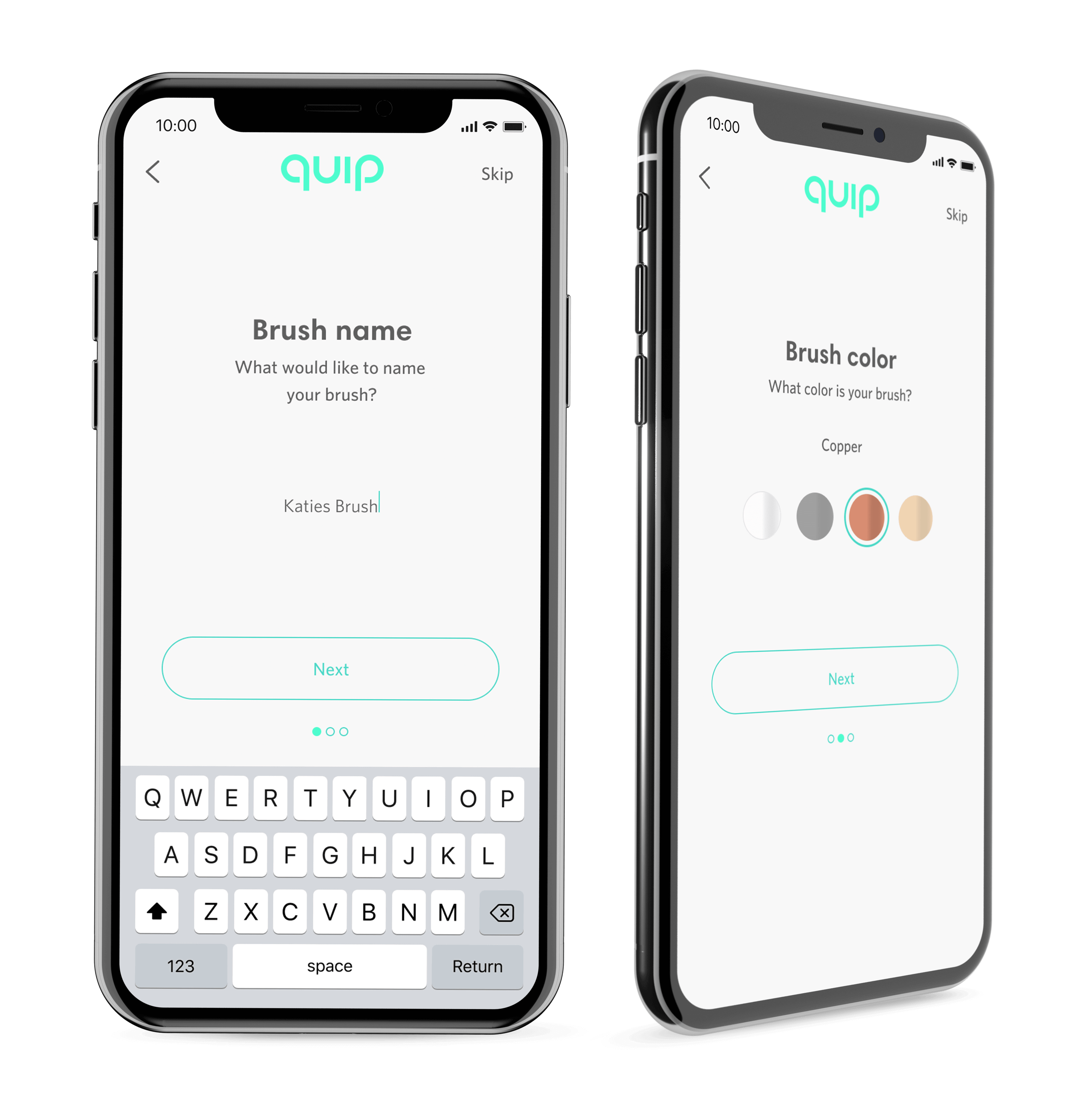
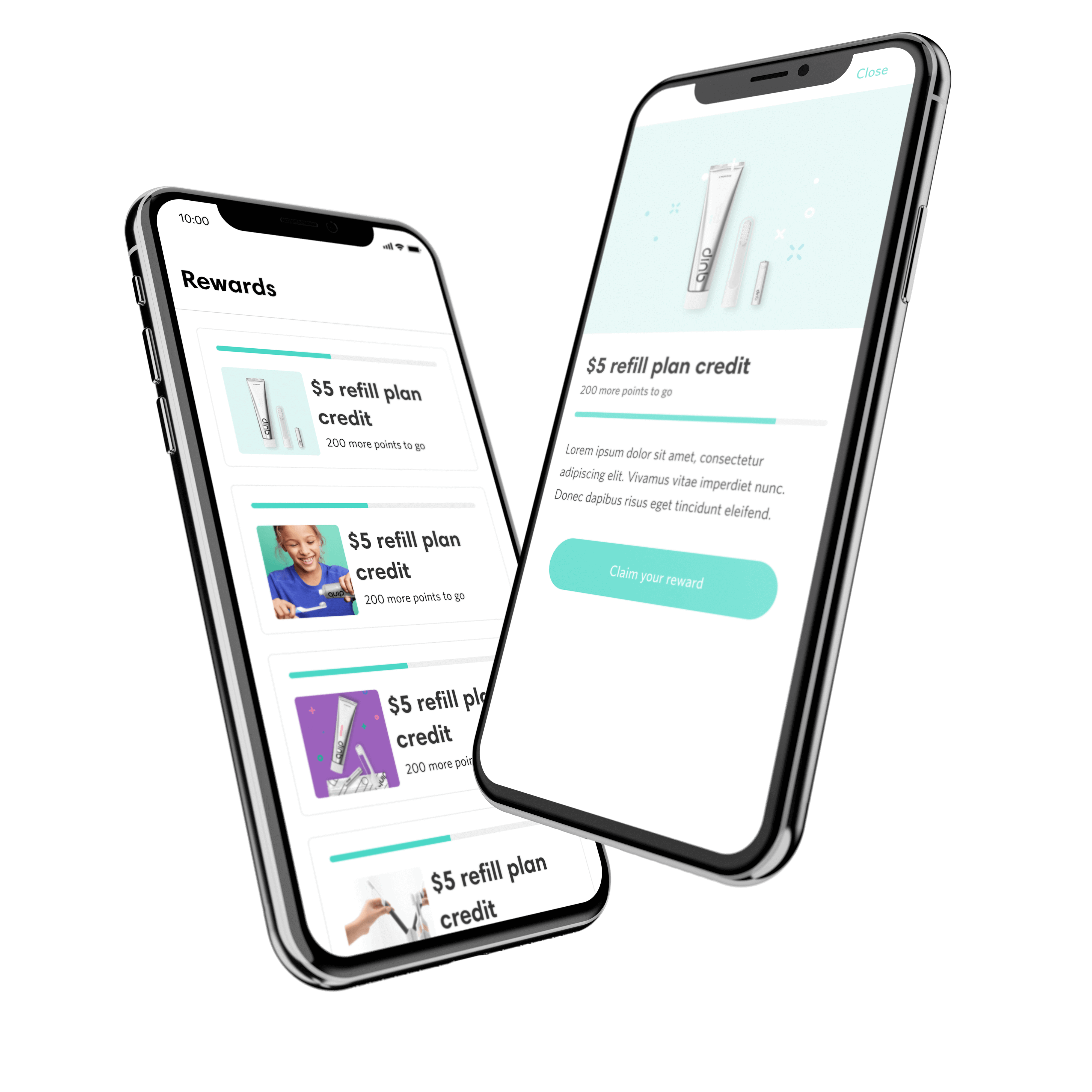
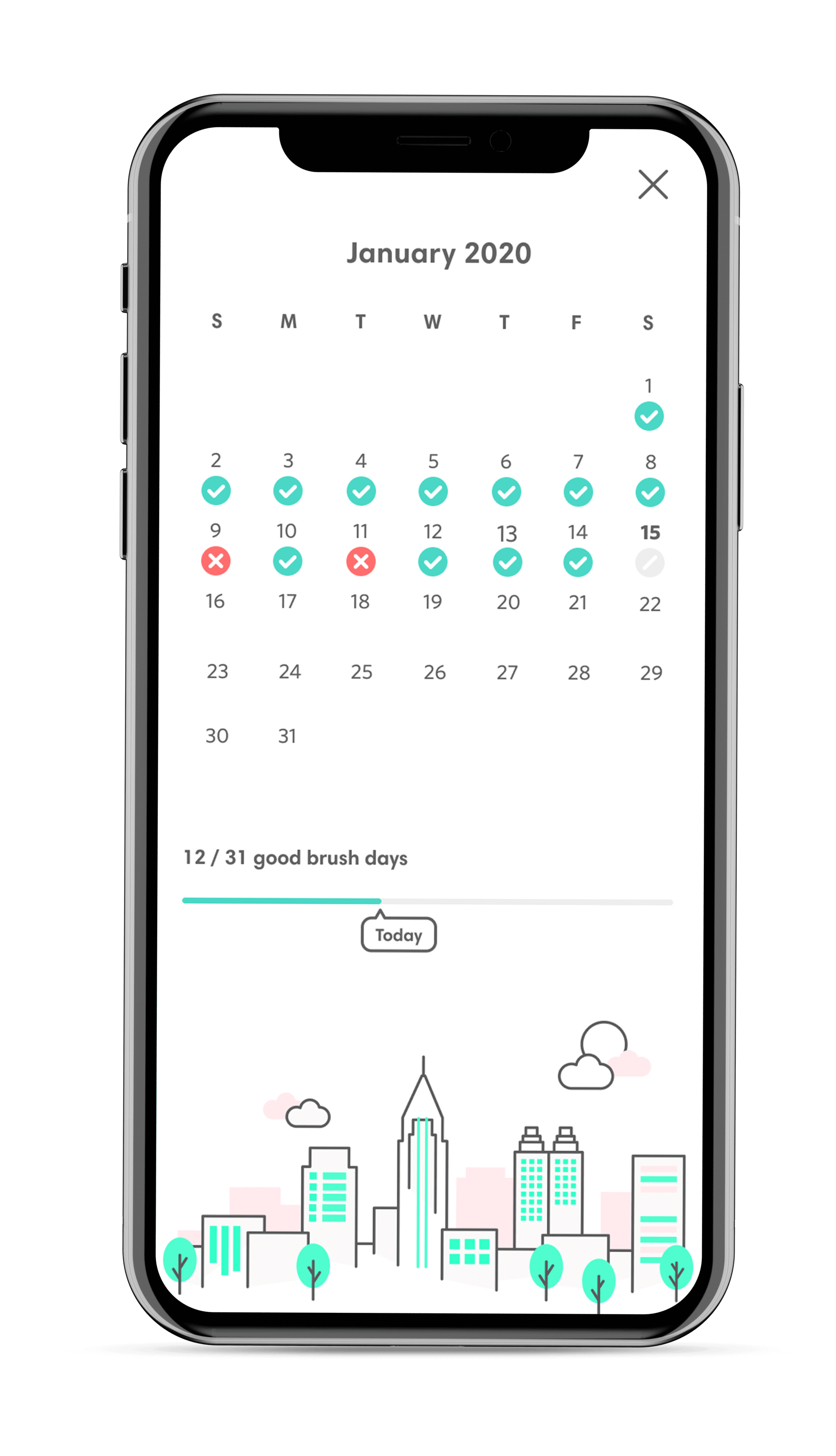
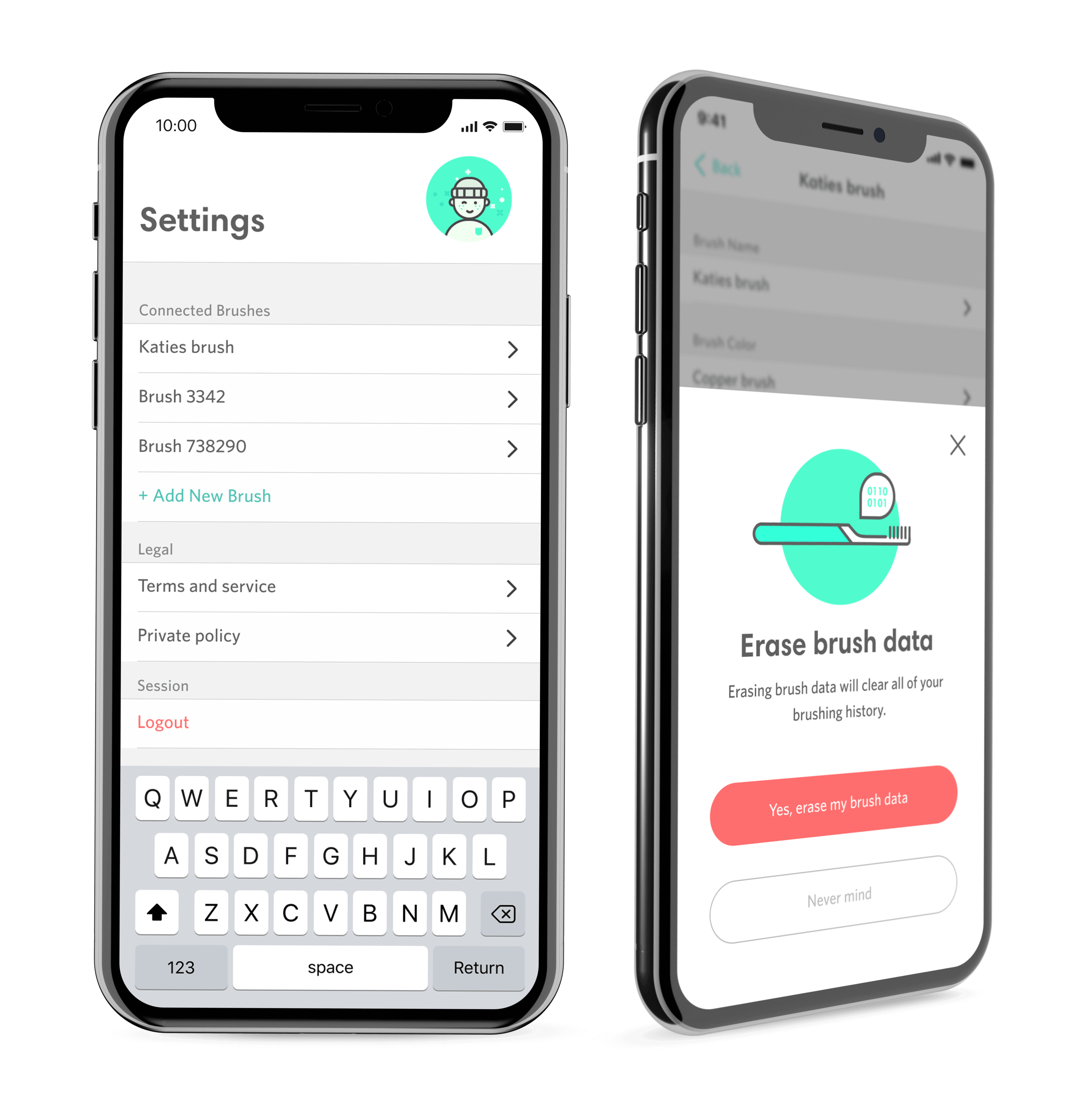
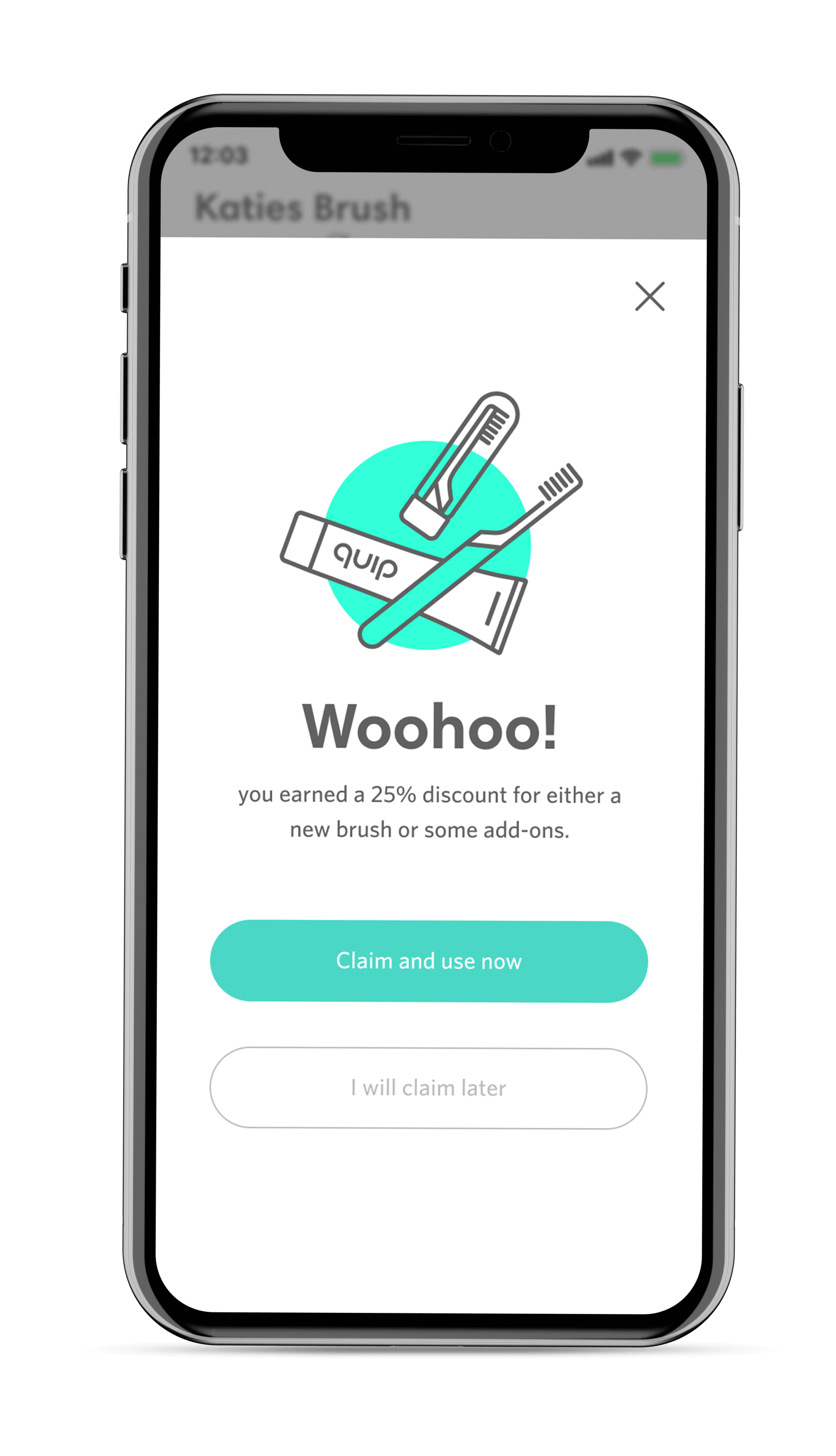
This has been an interesting project in a space I have not worked in before in terms of both hardware (brushes) and using bluetooth technologies and lots of interesting meta data to understand and use in designs clearly. Below are some samples of the current build I am designing, testing, prototyping and refining for quips new app.
░
░
Let's get prototyping.
While working across multiple teams, developers and user testers, I created a wide range of working prototypes to both showcase design solutions and to test out various features, flows and help determine pinpoints in the current app design.
Getting you set up.
This is one of the set up flows I created. I made an interactive prototype see how this on-boarding set up flow would feel in action and in turn would want to user test this clickable prototype on users to determine if user find this experience quick and easy when setting up their brush.
░
░
How does a V2 look.
In my case-study of this app, I mentioned I worked in parallel with a more polished v2 version of the Astor App with more animations, polished UI elements and added future sections such as quip-care, brush-trainers and shopping. This is the prototype of that version to test the overall experience and general flow of the app and the navigation.
░
Let's protect these lovely teeth of ours.
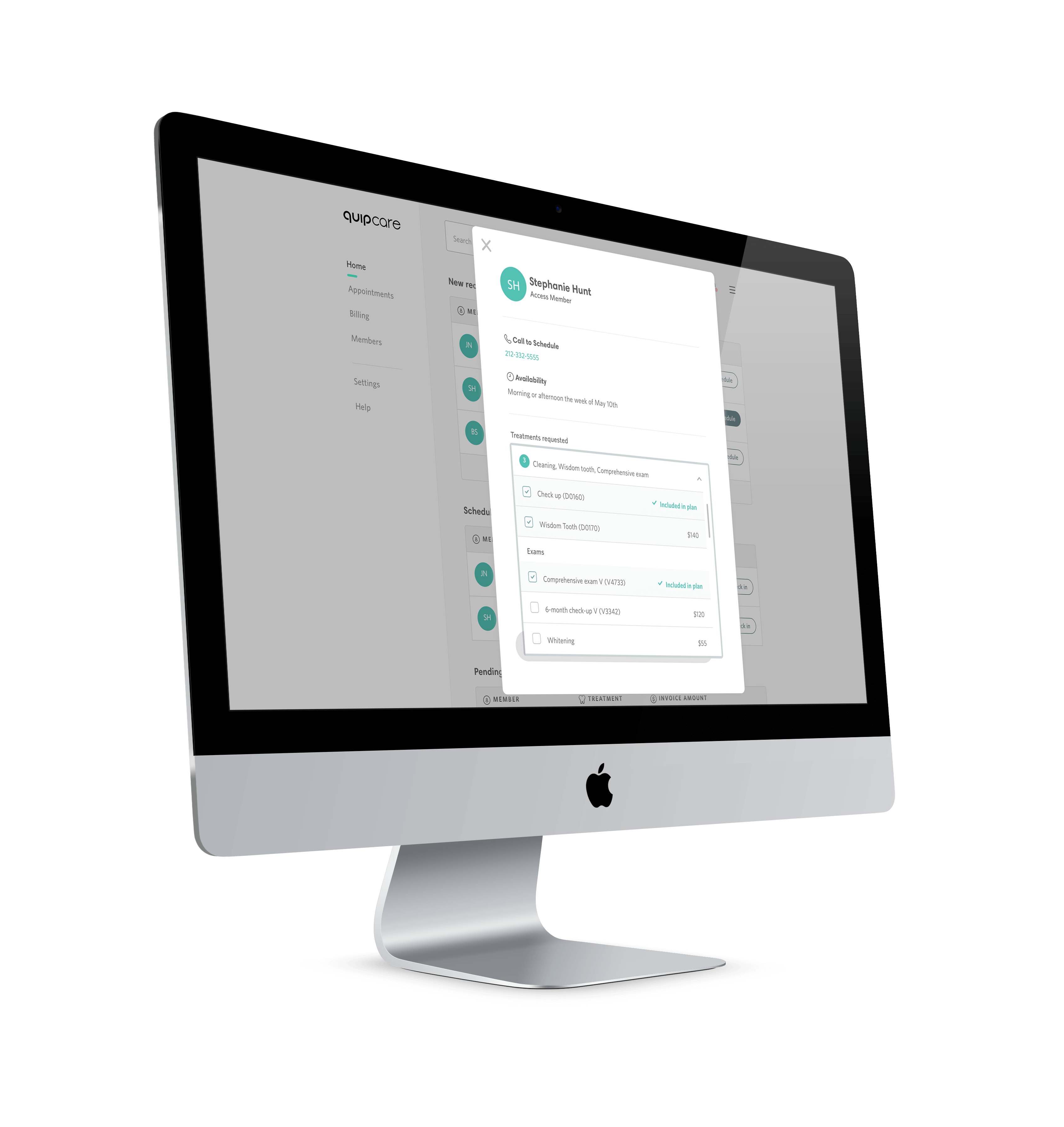
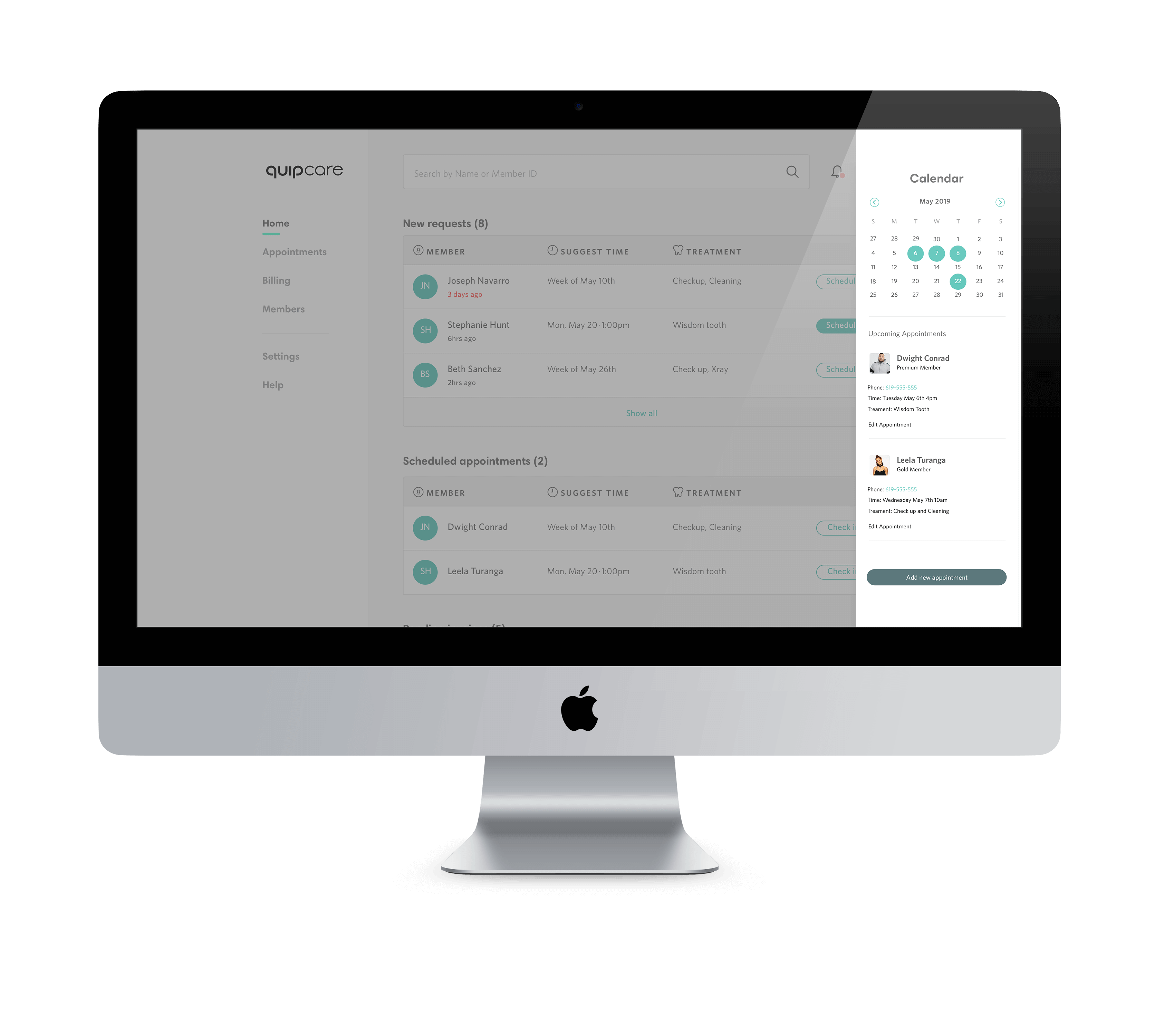
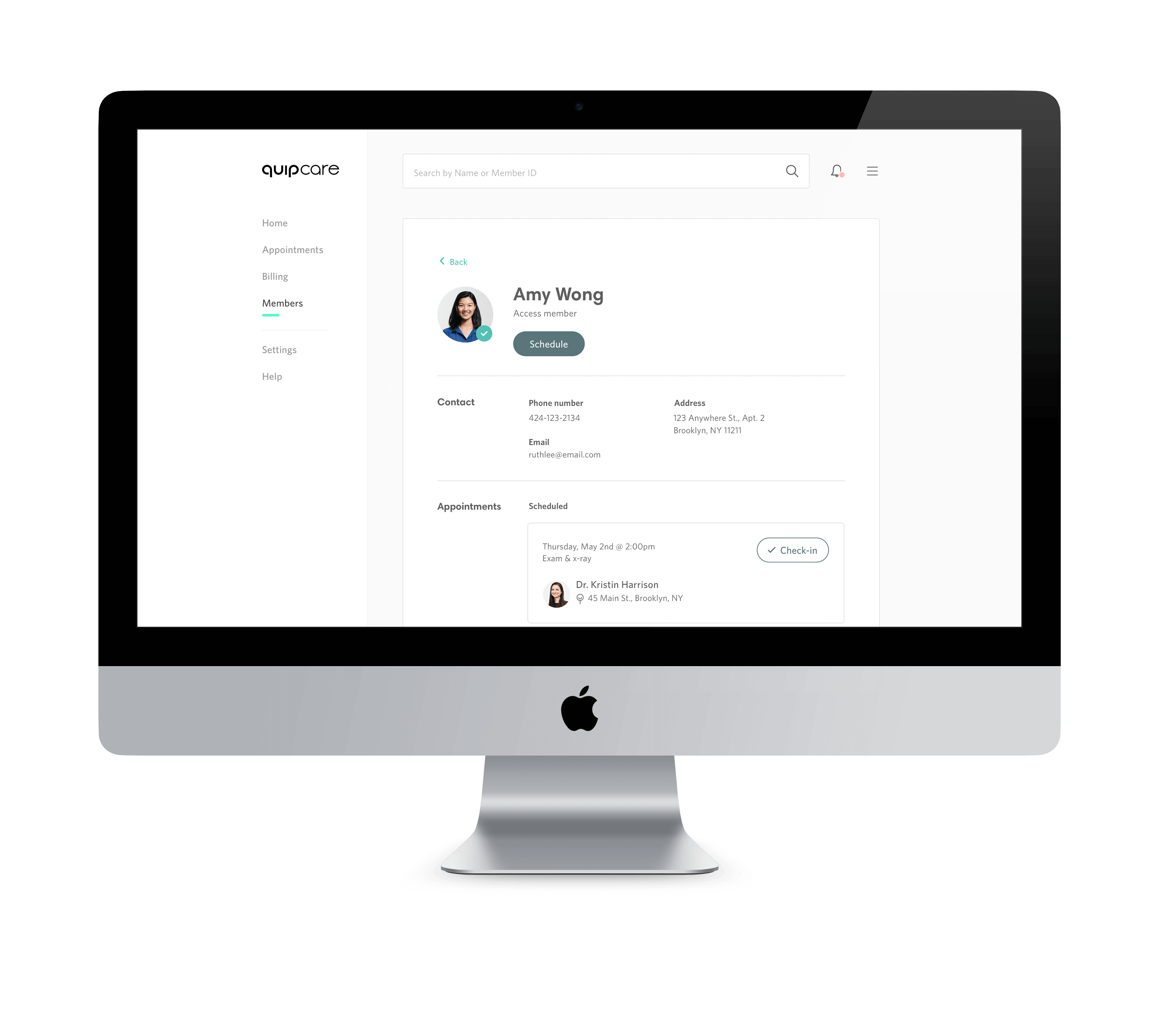
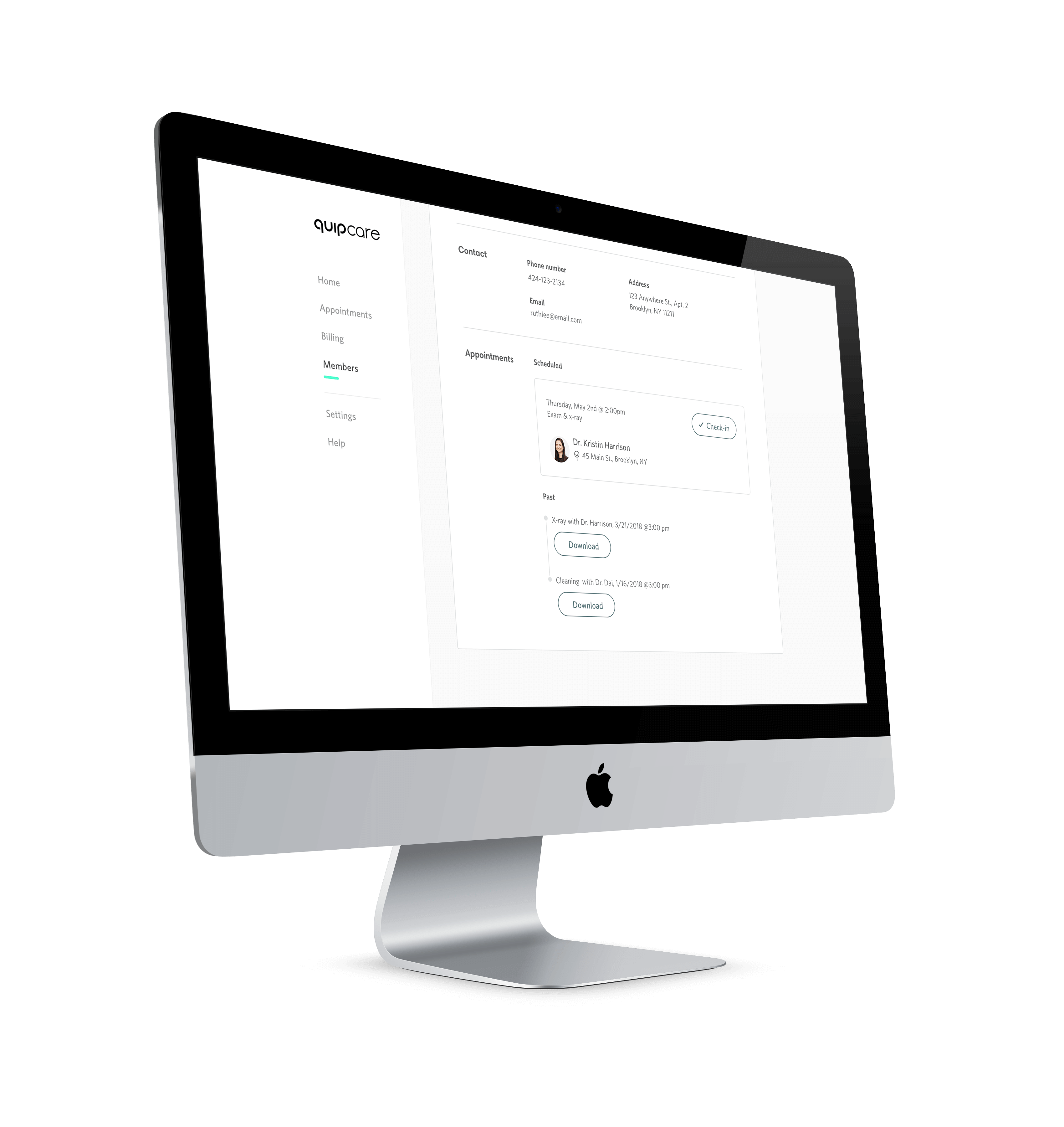
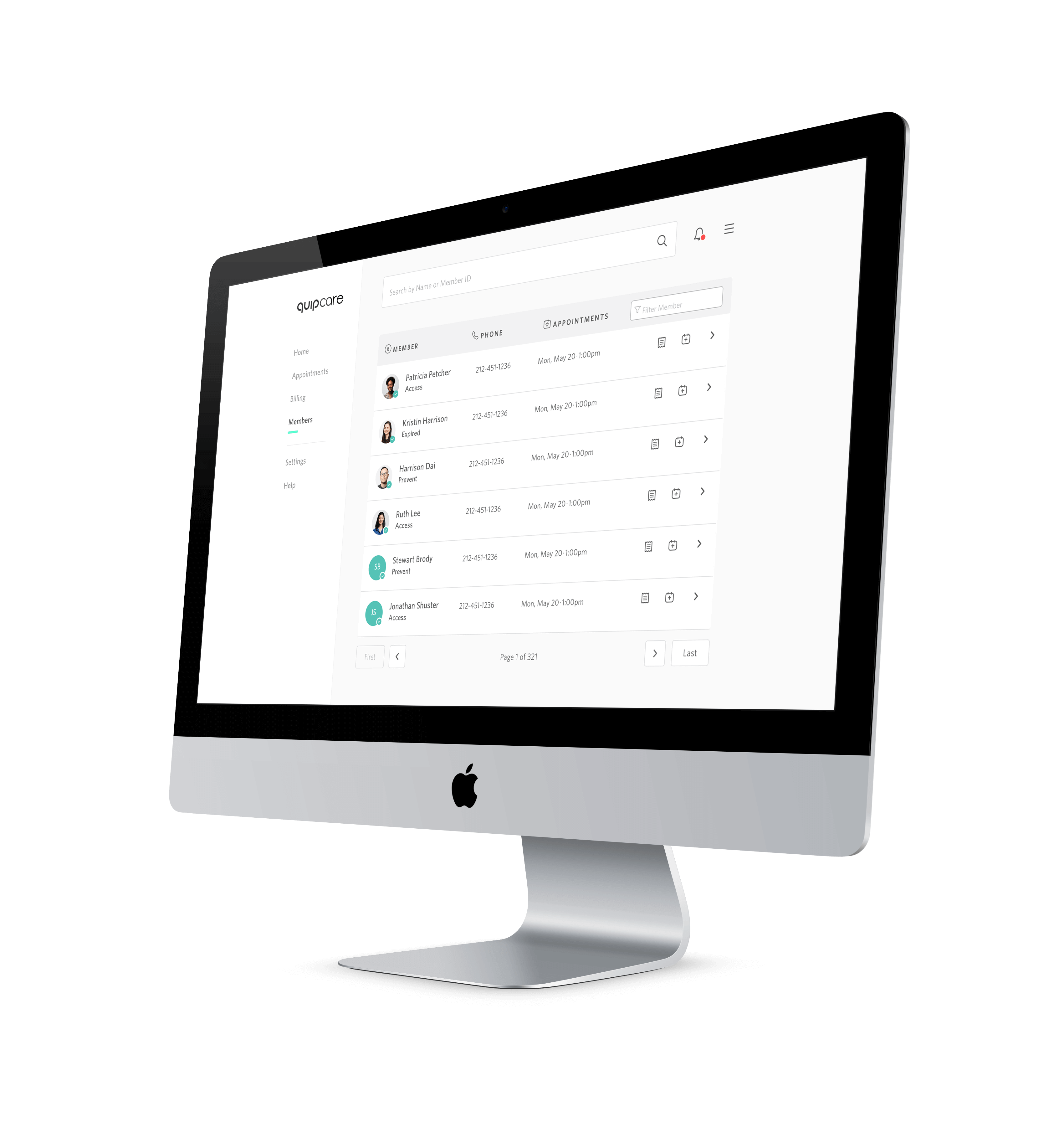
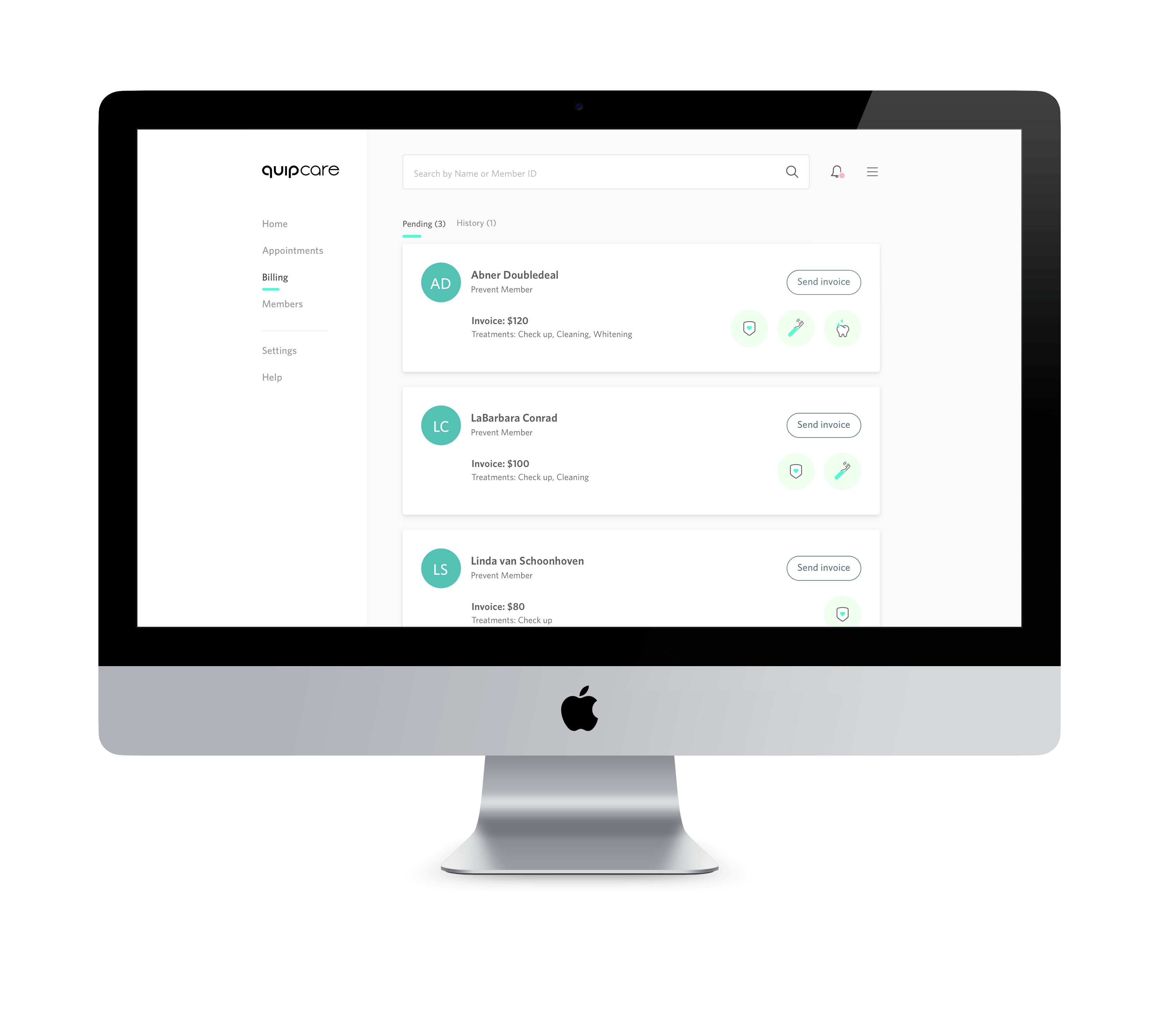
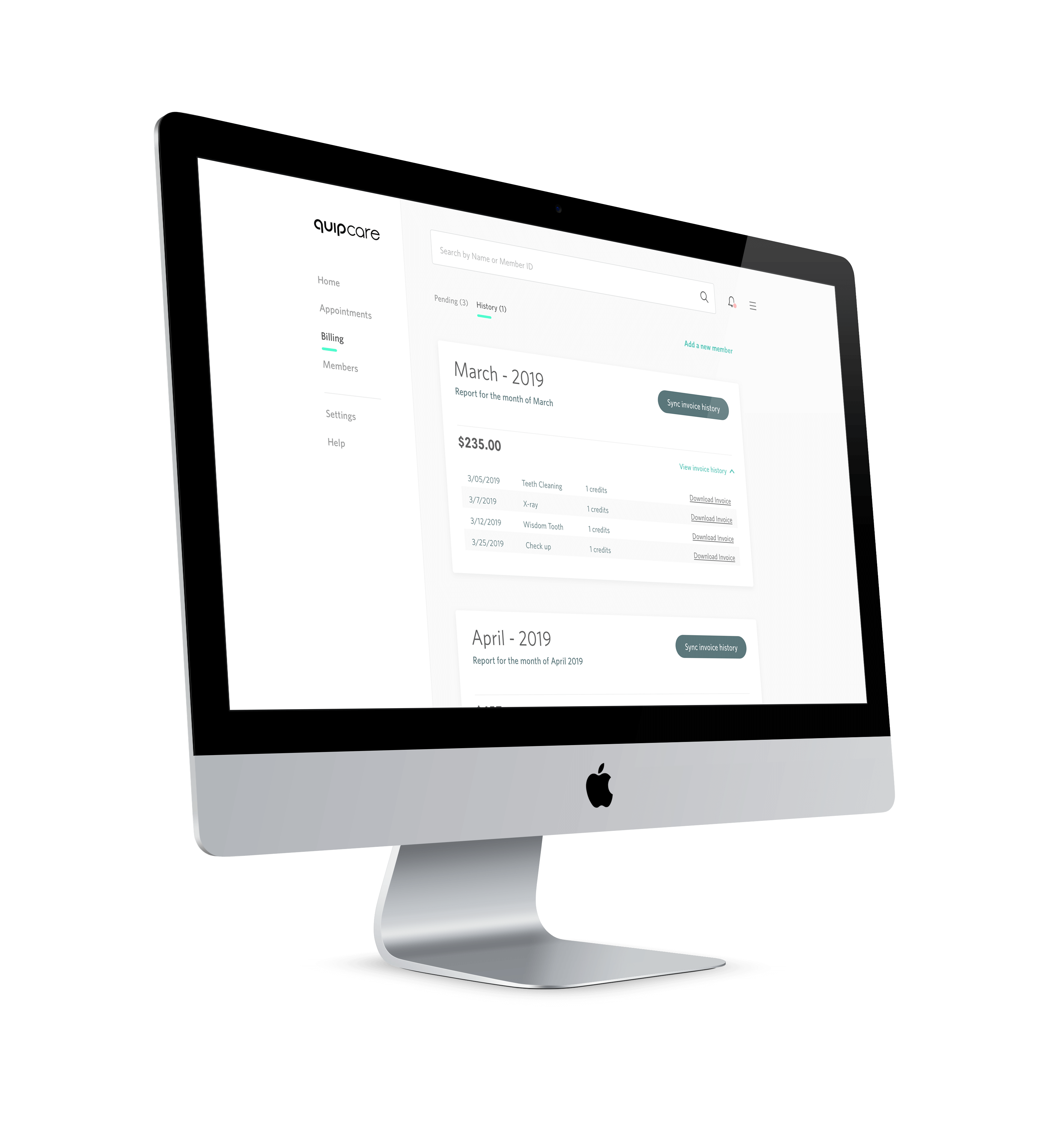
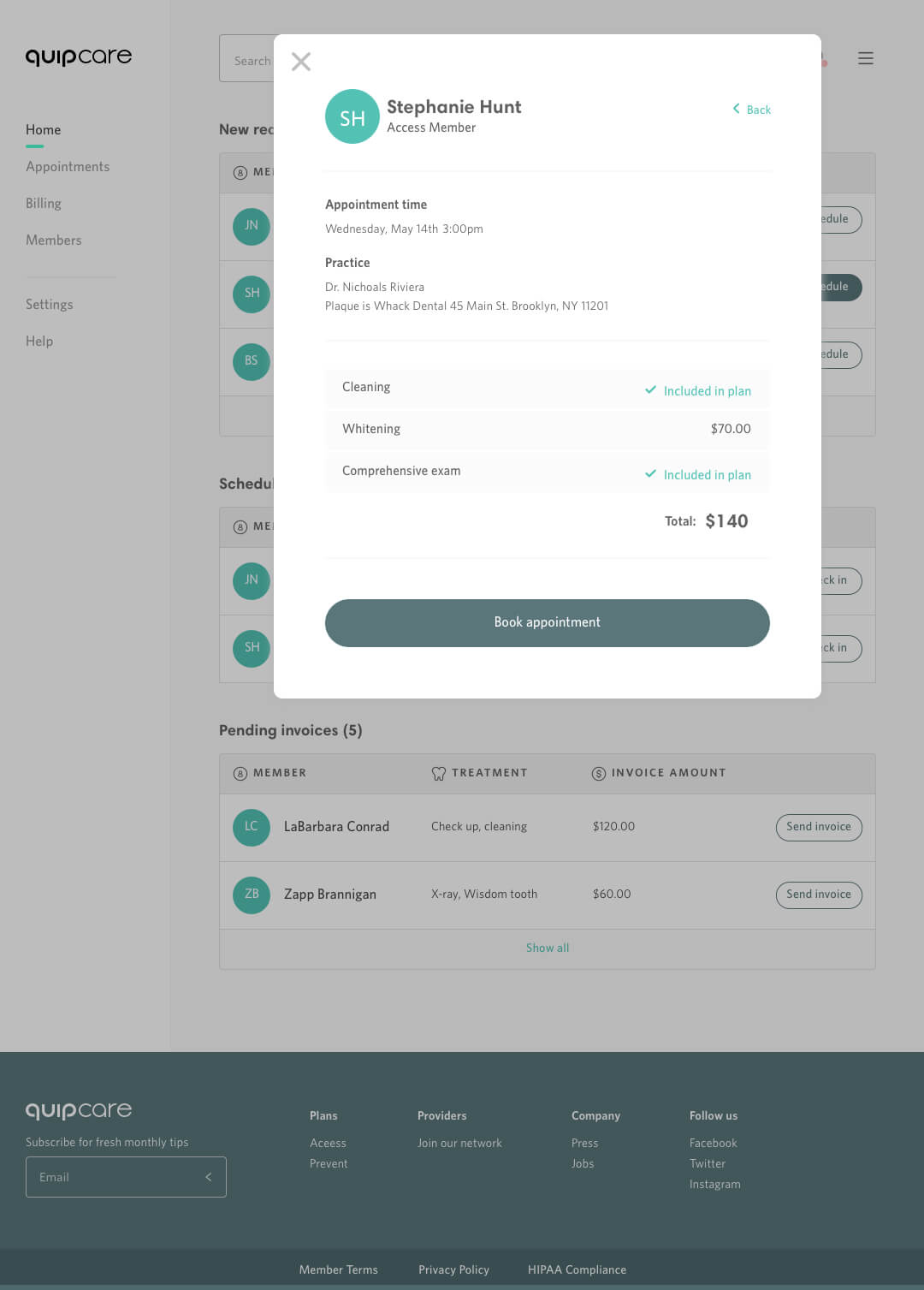
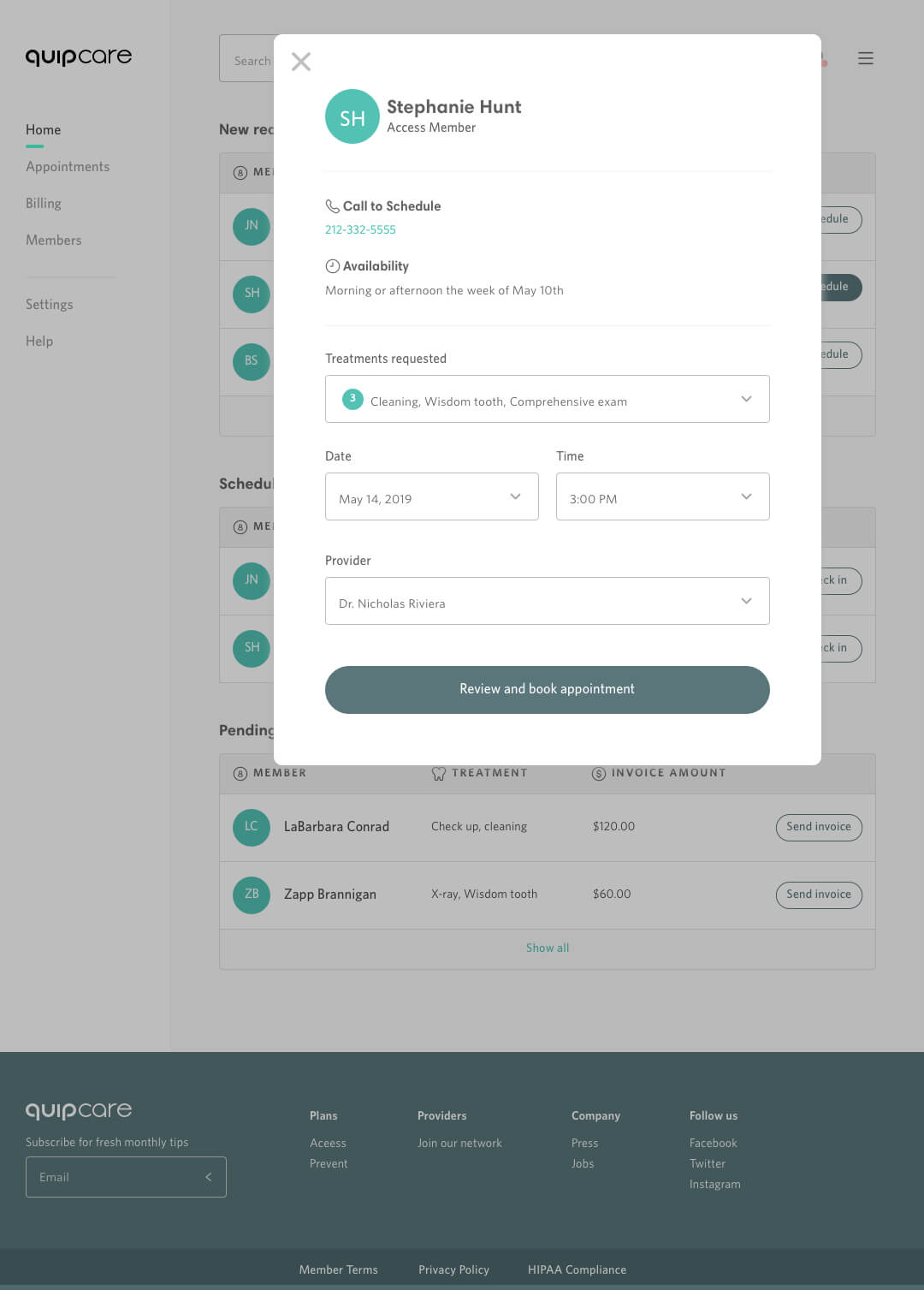
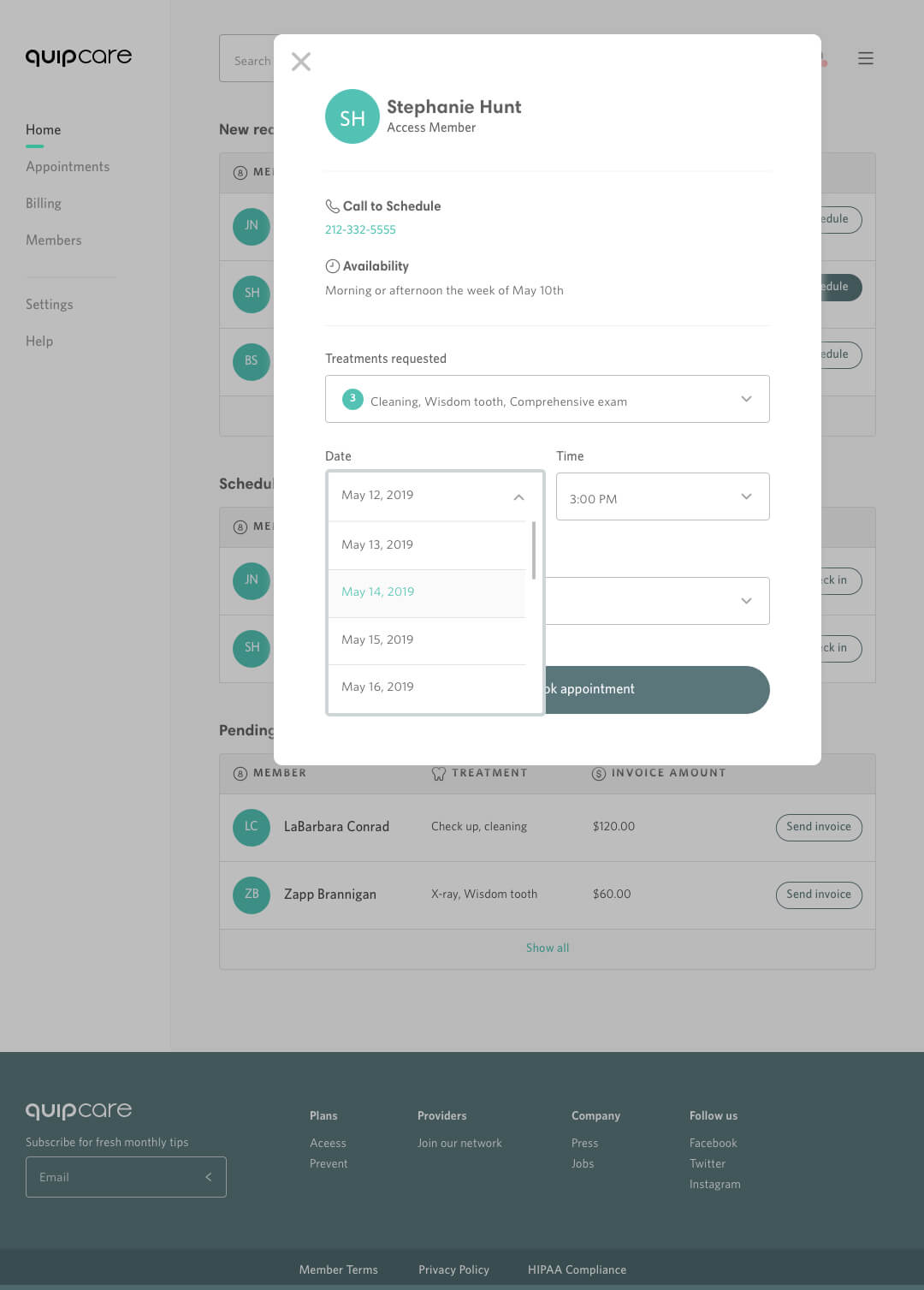
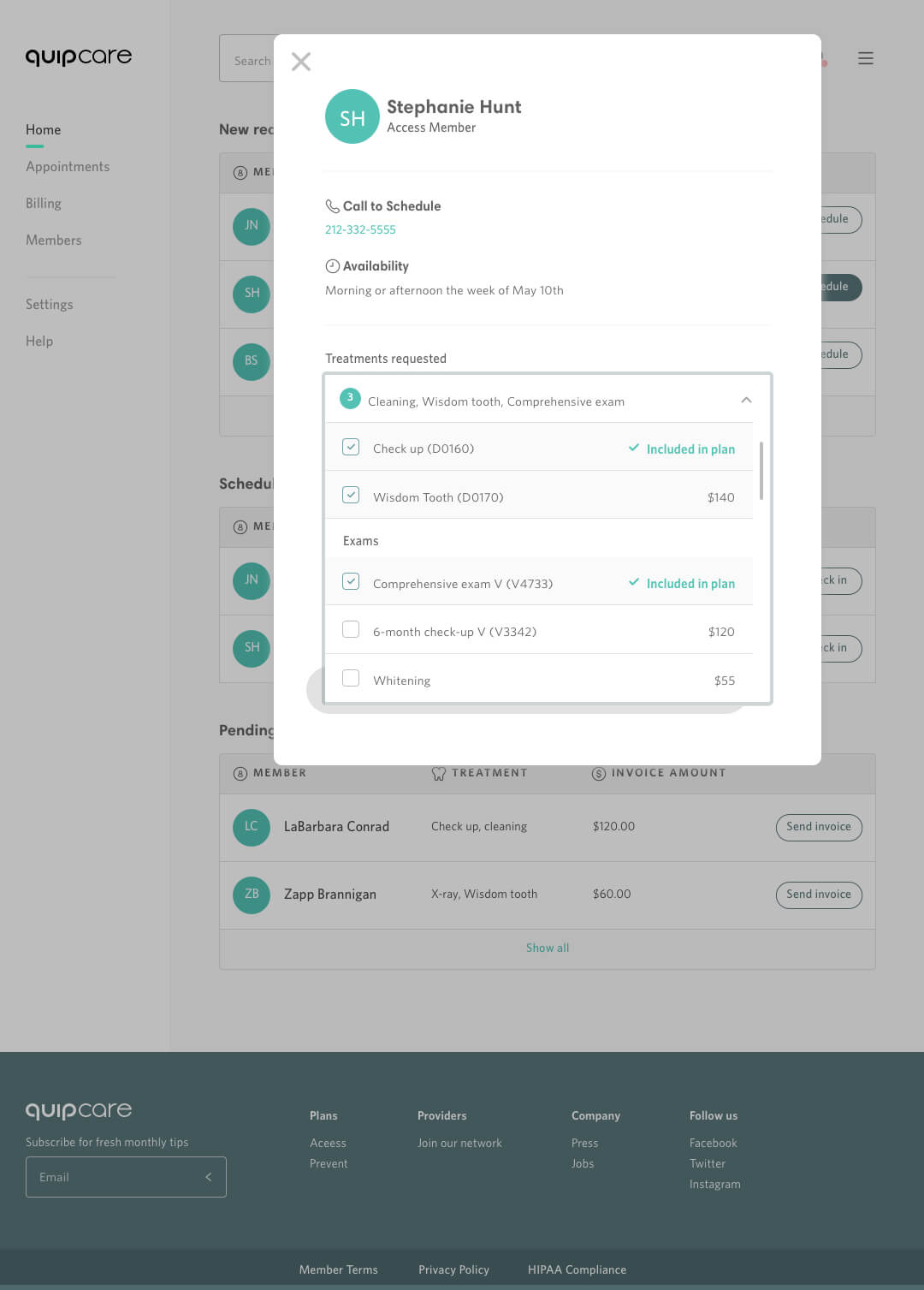
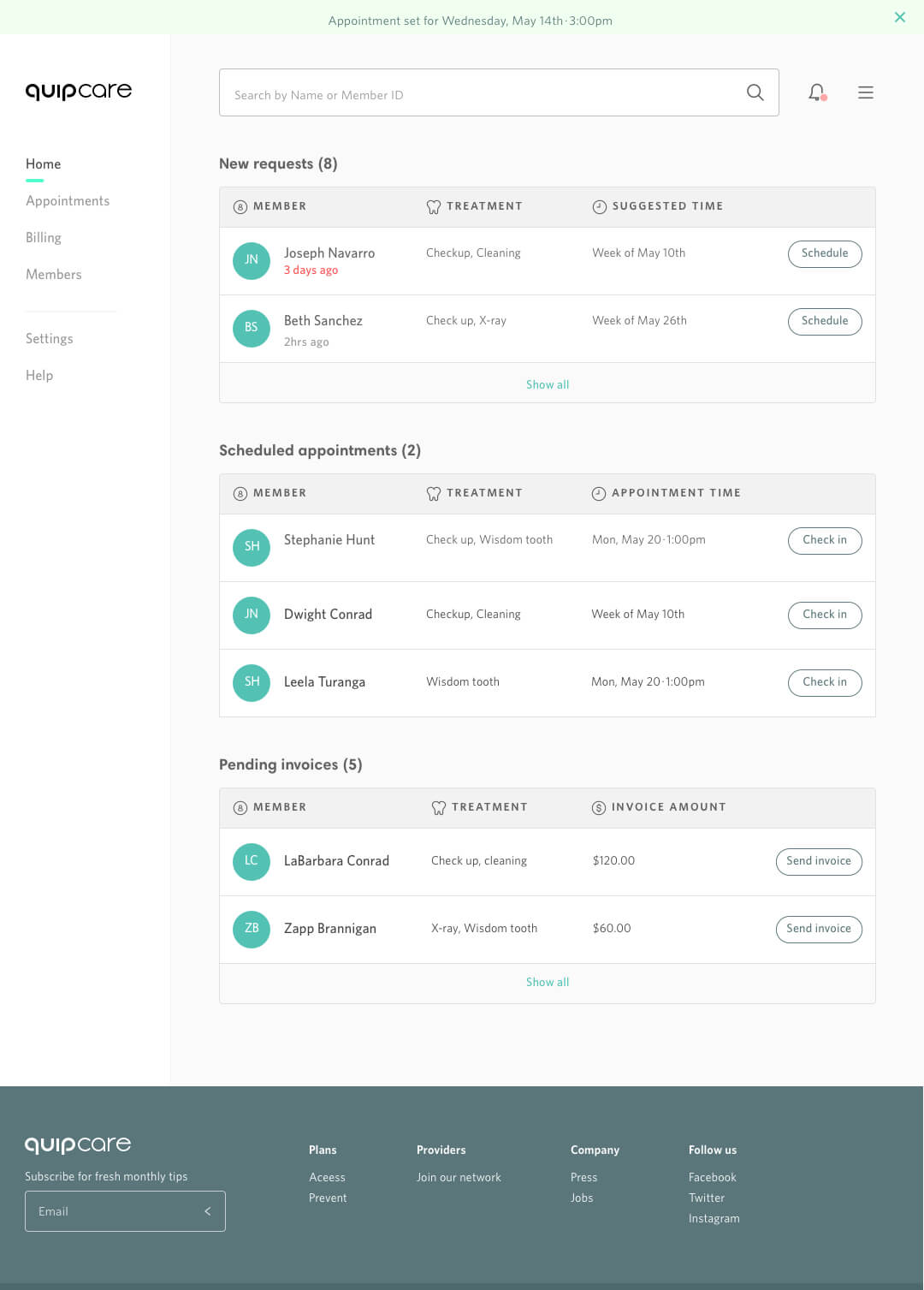
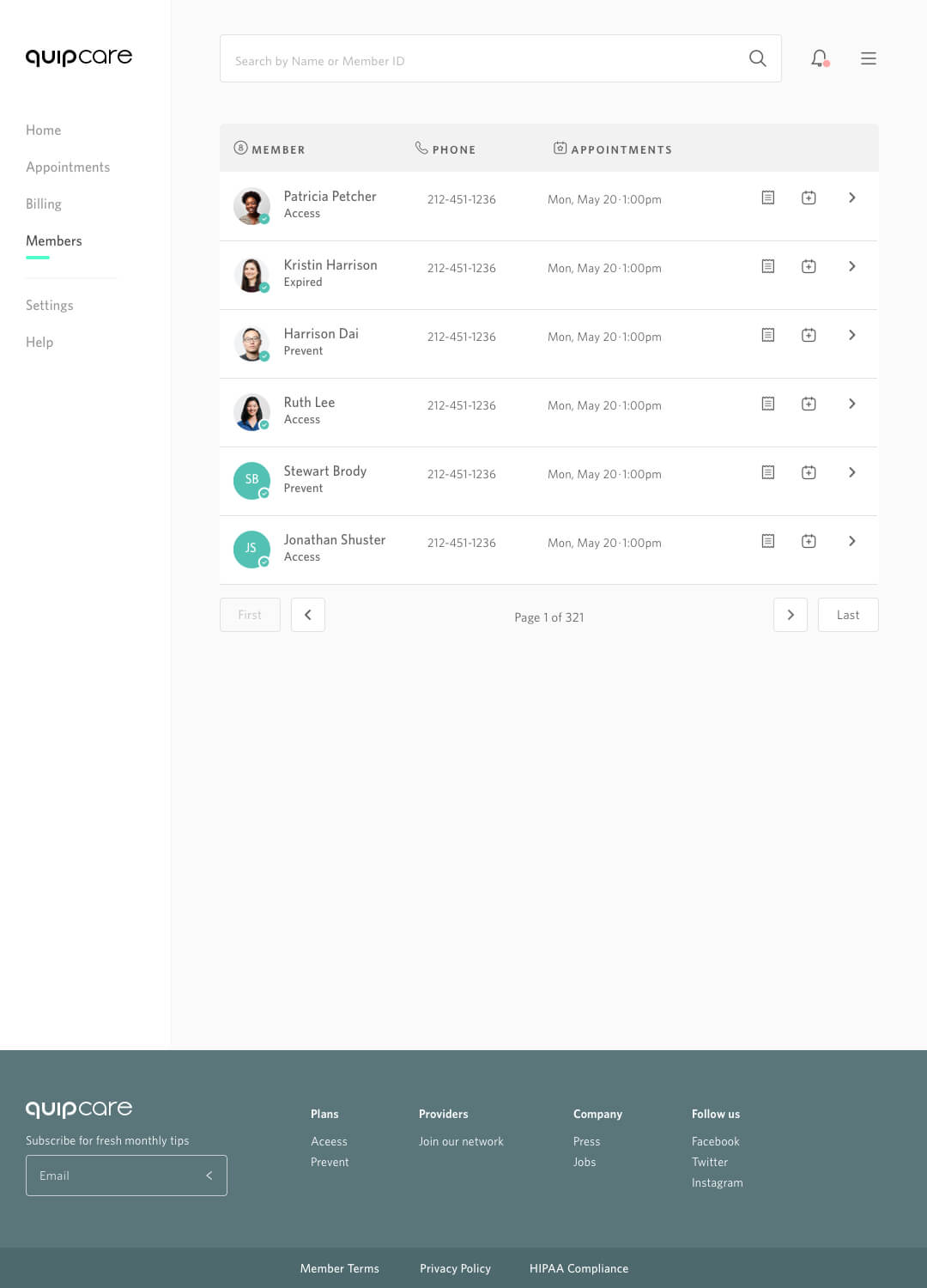
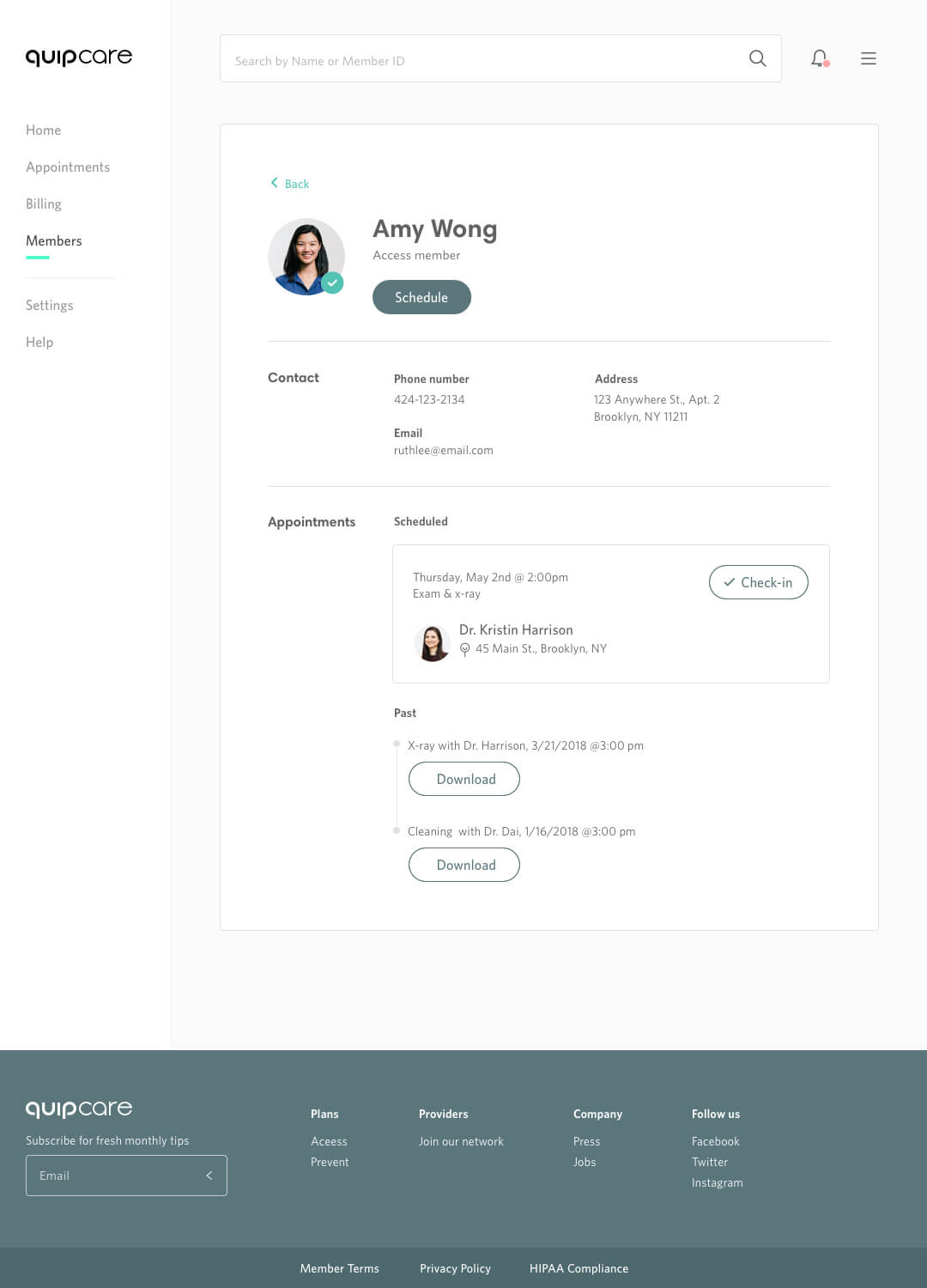
quip launched a new pre-paid insurance program in 2019. I was one of the first lead designers on the alpha/beta builds of this new arm of quips digital products on the provider experience side. The timeline for this project was very tight to beat out any competitors to be first to launch this service. We as a team manged to get out a 2 sided dashboard experience for both our providers and member users and get rolling-out a live product that is now holding on to current quip customers and brining in a new customer base for the insurance service and quip line of products.
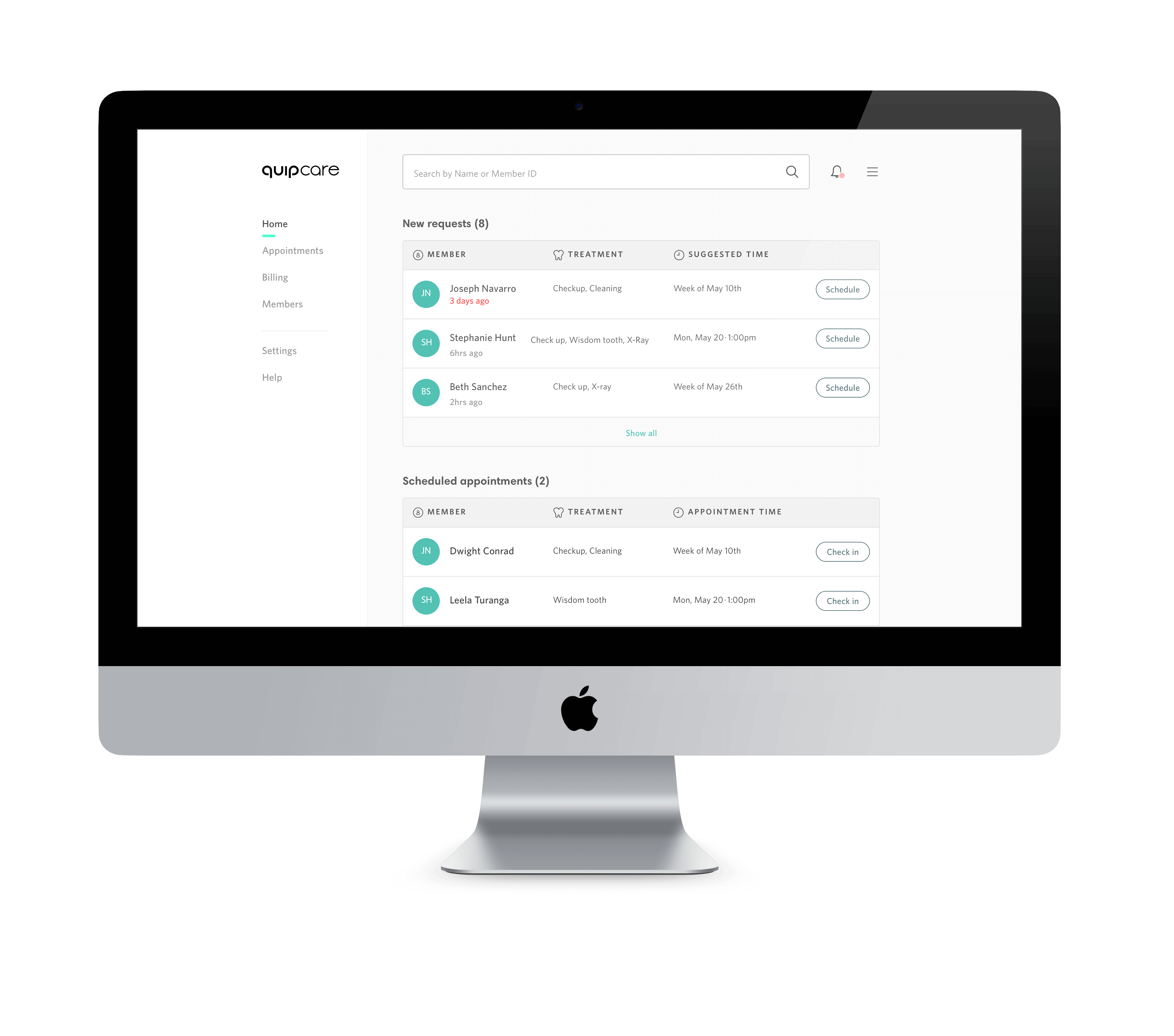
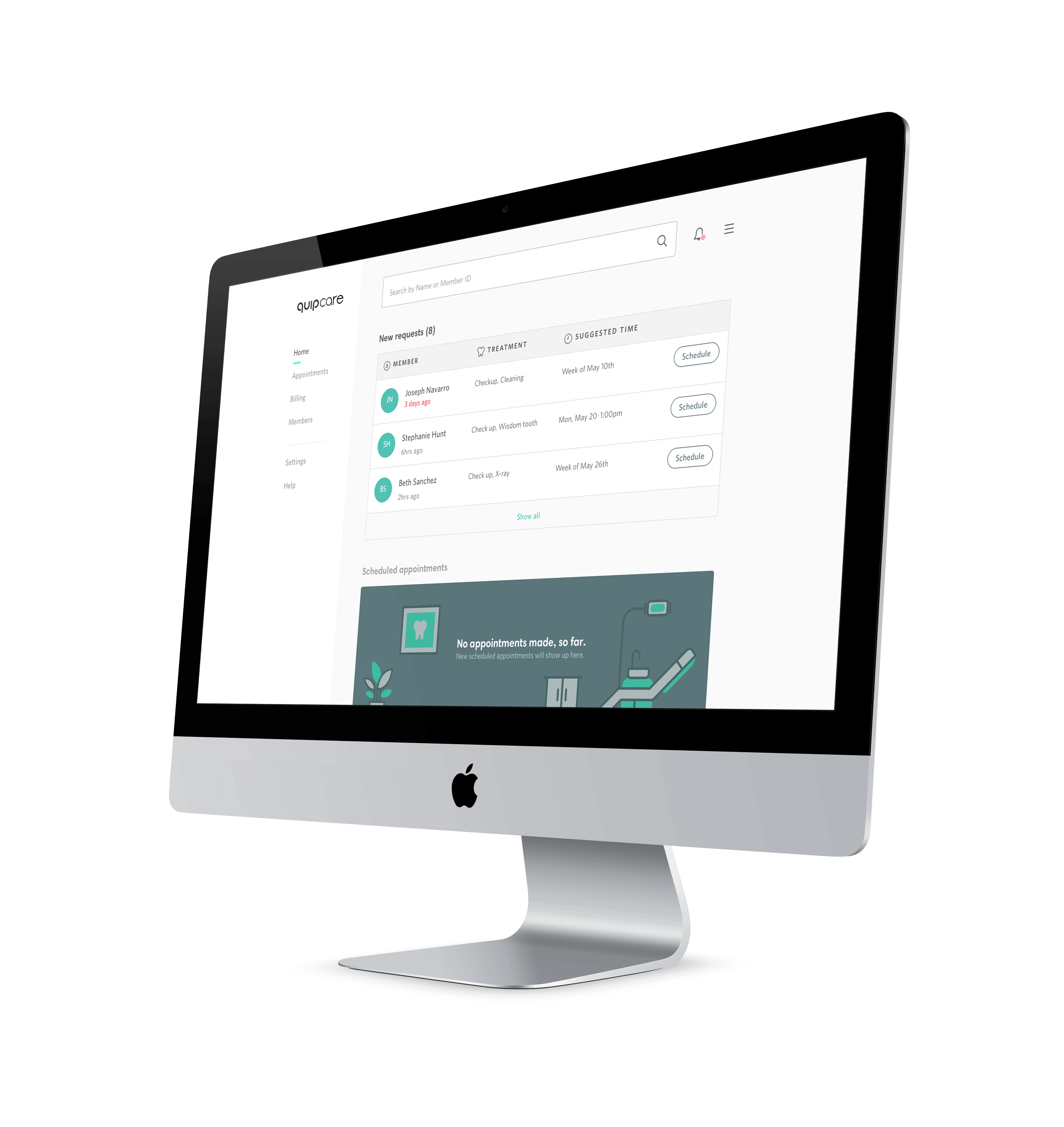
Below are just a few examples of the screens I put together and prototyped.
░
░
How does this look in action?
I often put together interactive prototypes to better get a sense of the overall user experience within the product and to help illustrate to the team what I am imagining the interaction to look and feel like.
░
░
Let's see these in their fullness.
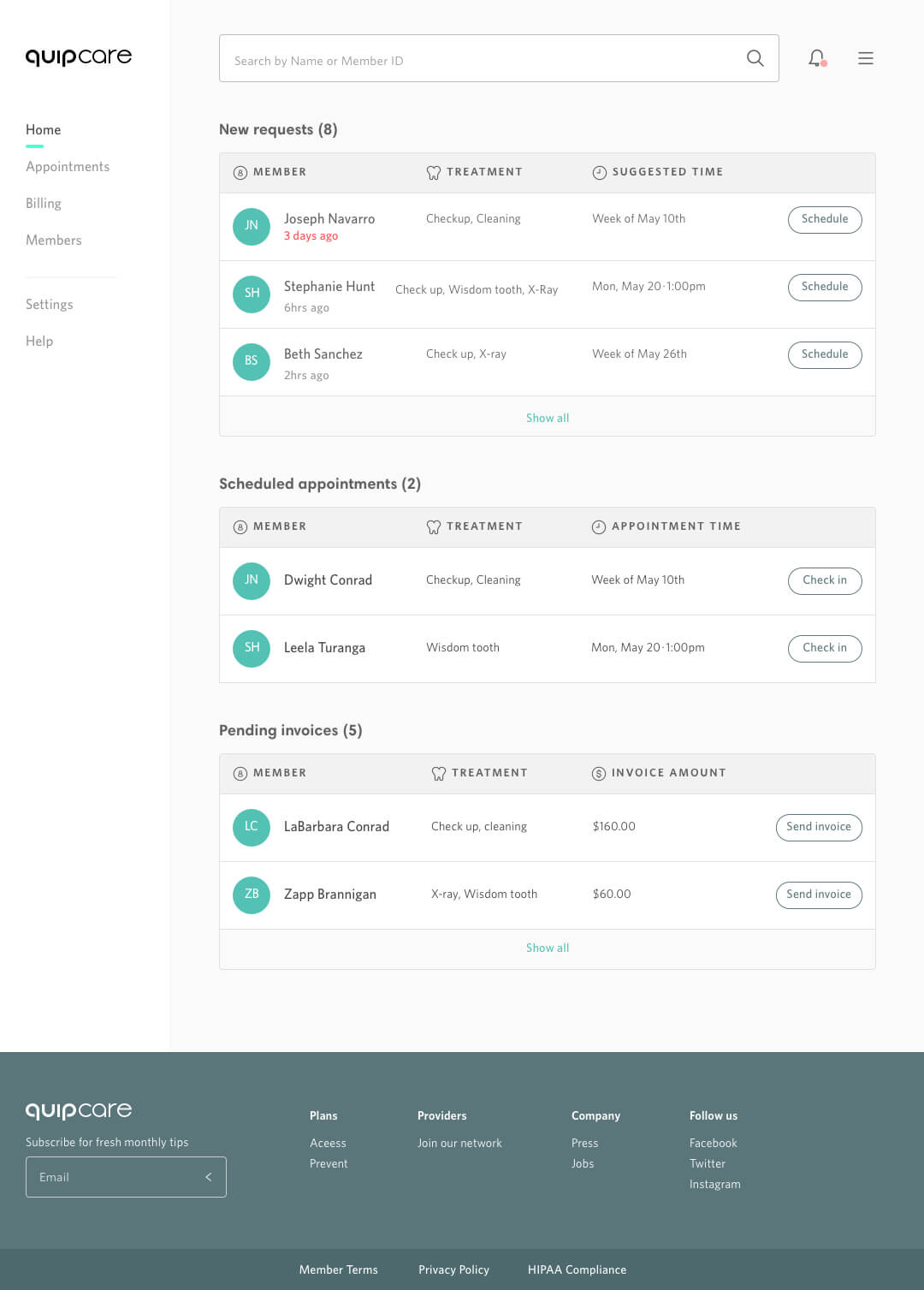
During my time on quips insurance service project "quip-care", I was tasked on creating the overall user experience and interface design for a quick launch of this service. I sought out to create as high fidelity designs as possible in order to keep the project moving at a fast steady pace. Below are some examples of some screens.
░