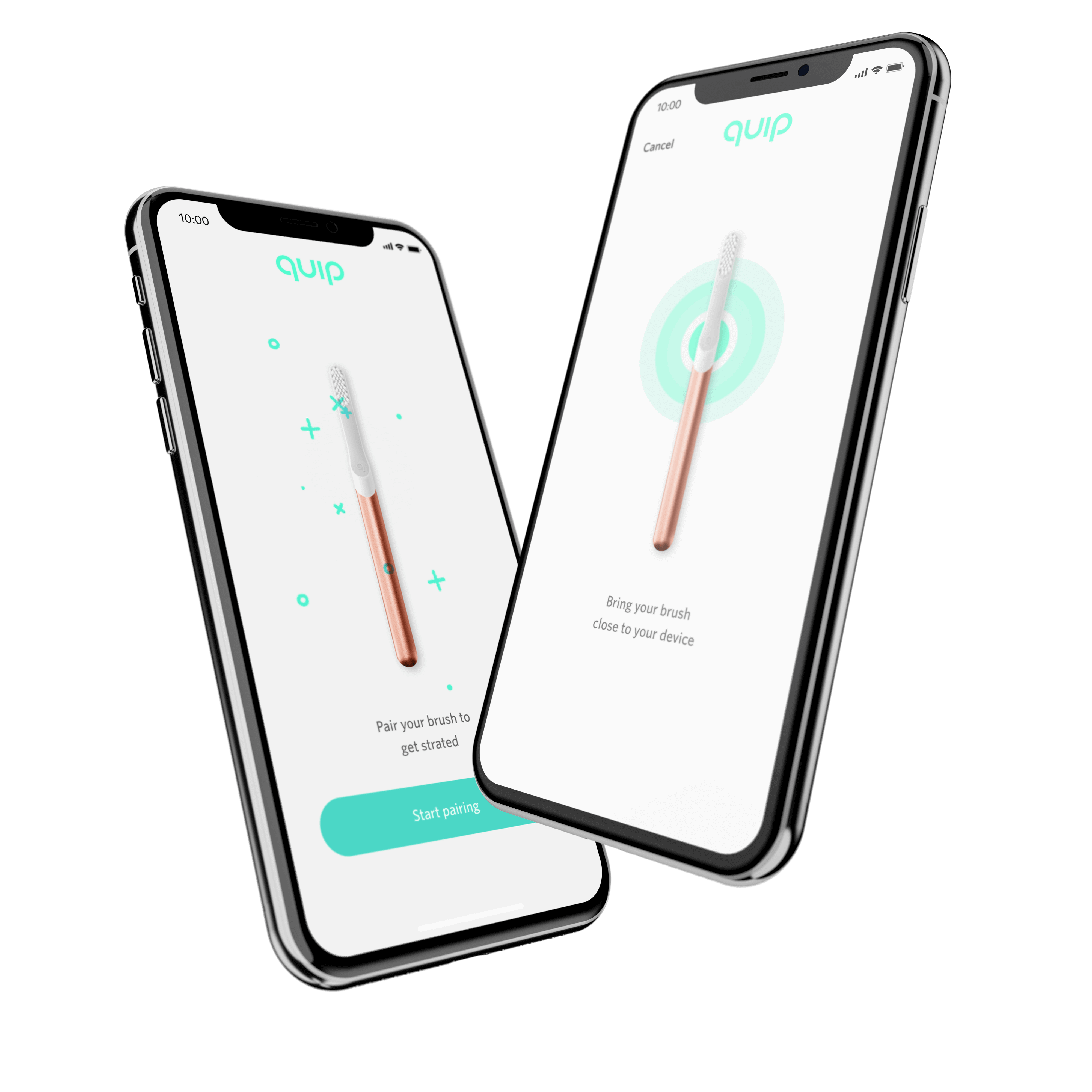
Building a new quip experience.
Quip is an electric toothbrush and oral care subscription service. Quip and dentists worked together to create a simple, affordable, and enjoyable oral care brush and service experience for everyone. Quip set out to prove that good design has a bigger impact on oral health than quick fix gimmicks.
My role at quip had me as a lead product designer for their new mobile app "Astor" (the code name of the app at the time). We wanted to create a new app to help customers begin to track and support daily good oral habits. This app too would later be a roadmap to become a larger ecosystem for customers— which would integrate the newly (at the time of this writing) quip-care service which is a new pre-paid insurance arm of quip and bring in the quip shopping experience all within one app for customers. I started off with the early start of Astor helping bring this app to life and collaborated closely with stakeholders, directors, PMs, hardware teams, developers and marketing. The biggest challenge in the beginning of this app is being so far ahead of the hardware and building something without really understanding the hardware and thus a lot of competitive research of current electic toothbrushes and their pairing-apps was a huge help to understand both the current apps/brushes out there but also how the hardware interacts with the app, limitations of the software and hardware, and pain points of current apps. When working on this project, I worked in parallel on 2 versions of the app. One for MVP to get an Alpha build out for hardware testing and user testing various designs and another app that is more polished,more robust UI, more playful immersive experience with the use of animated elements and adding in future feature sections such as quip-care, and shopping.
This is my break-down of the overall processes I used to help define, design for, test and refine the Astor app during its early course. This is still a new product and a lot of the features, use-cases, and user flows/journeys are still being polished and updated, so below are some early examples and processes used to help get us to an early Alpha MVP and in time and more work to a full featured beta and release candidate.
—Let's Go.
ROLES
PRODUCT DESIGN
EXPERIENCE DESIGN
RESEARCH
PROTOTYPING
░
Overview
With a new app in the founders eye, a roadmap and team now in action, we were left asking. Where do we start.We had a short timeline to get the app at an MVP level to reach the targeted launch goal.The goal was a challenge as we were now competing with other dental care apps such as Colgate, and Oral B in a small market space for dental apps.So where did we start?
1░
Goals
- Short term: Allow our customers to track their daily brushing and help our customers develop and support good oral habits with a simple to use app. Offer something new and exciting to customers in the dental app space without all the complexity and gimmicks other dental care apps offer, offer incentives to customers and more.
- Long term: Create a new larger ecosystem for our customers and in time a one stop app for our customers dental, subscriptions and shopping needs, by incorporating, quip-care to sync user data to care-providers and shopping to give customer quick access to manage their subscriptions, use rewards for items and more in future versions. Keep customers coming back to the app (Sticky users) which in turn allows quip opportunities to keep long-term customers and stronger loyalty with current customers.
2░
Approach
Work closely with PMs, hardware team,Dev and stakeholders to form a roadmap and better understanding of what we are building for our customers
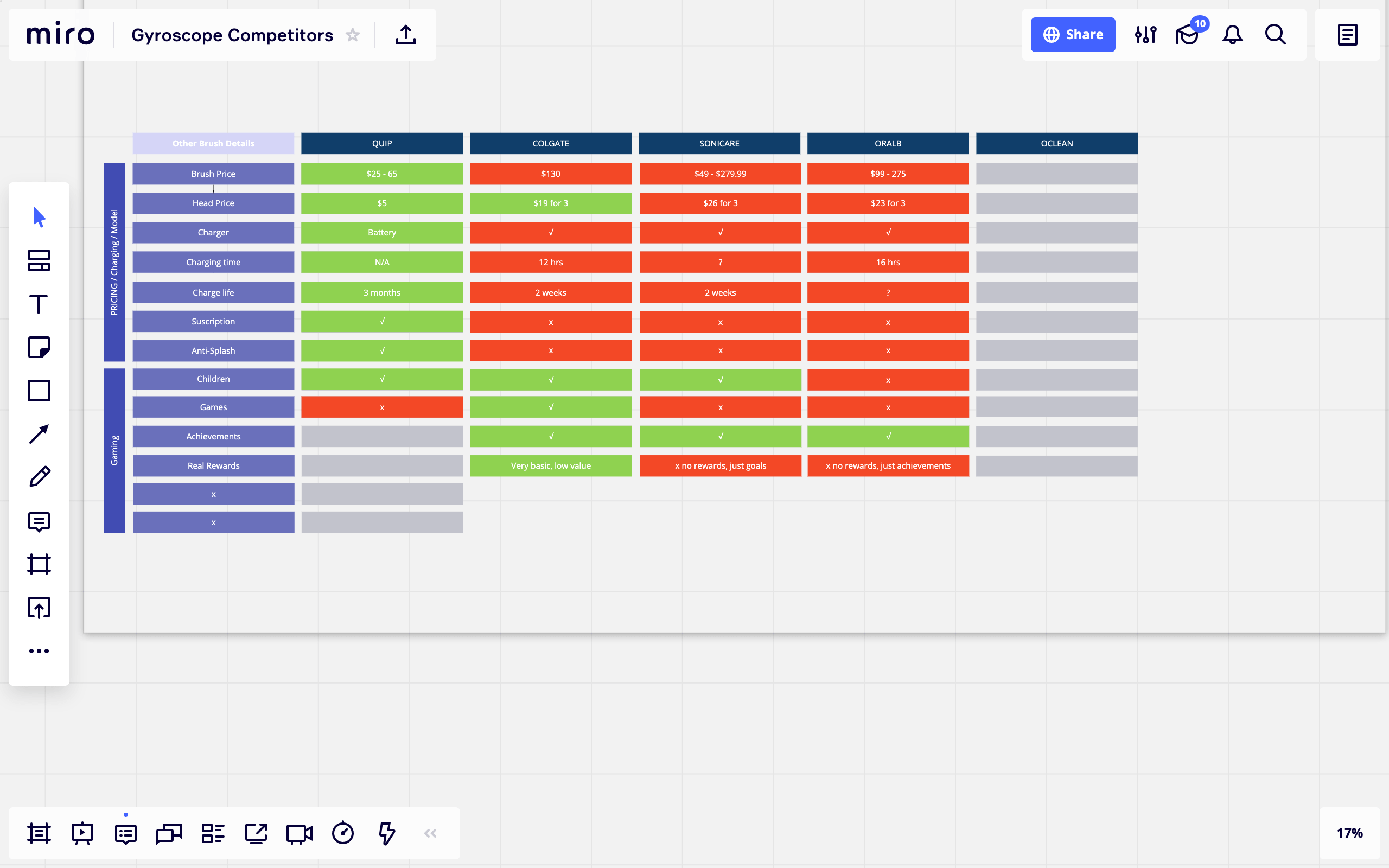
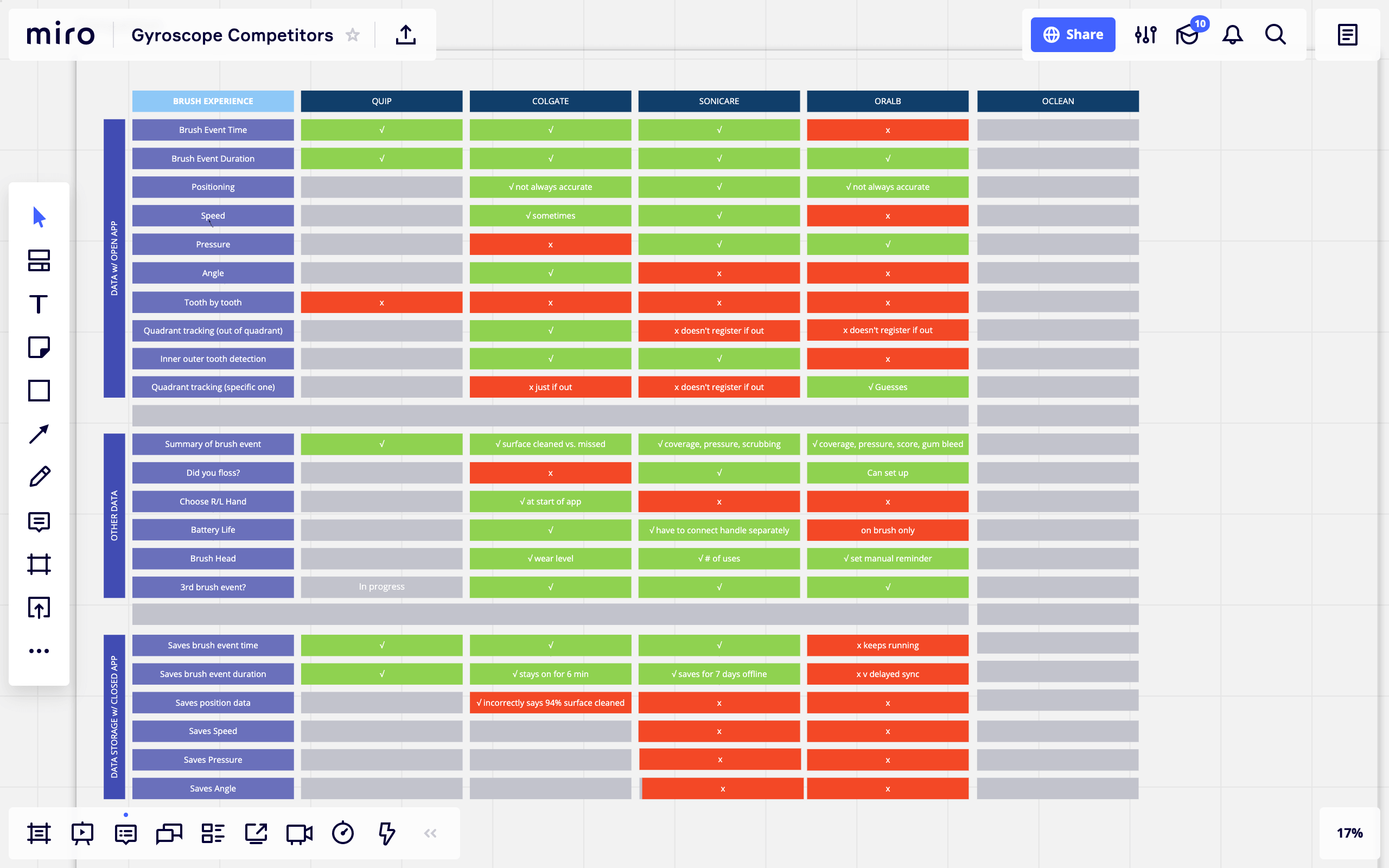
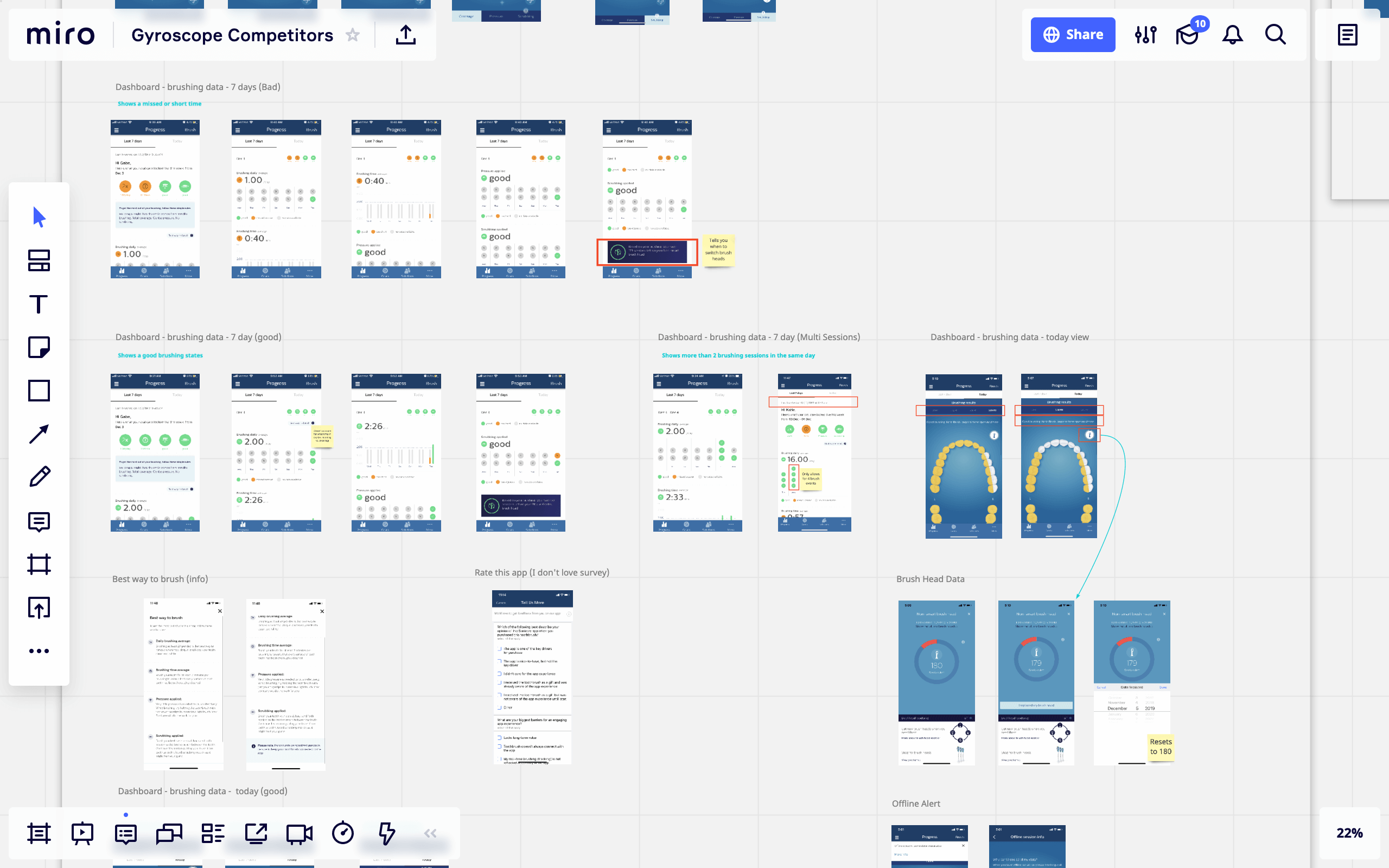
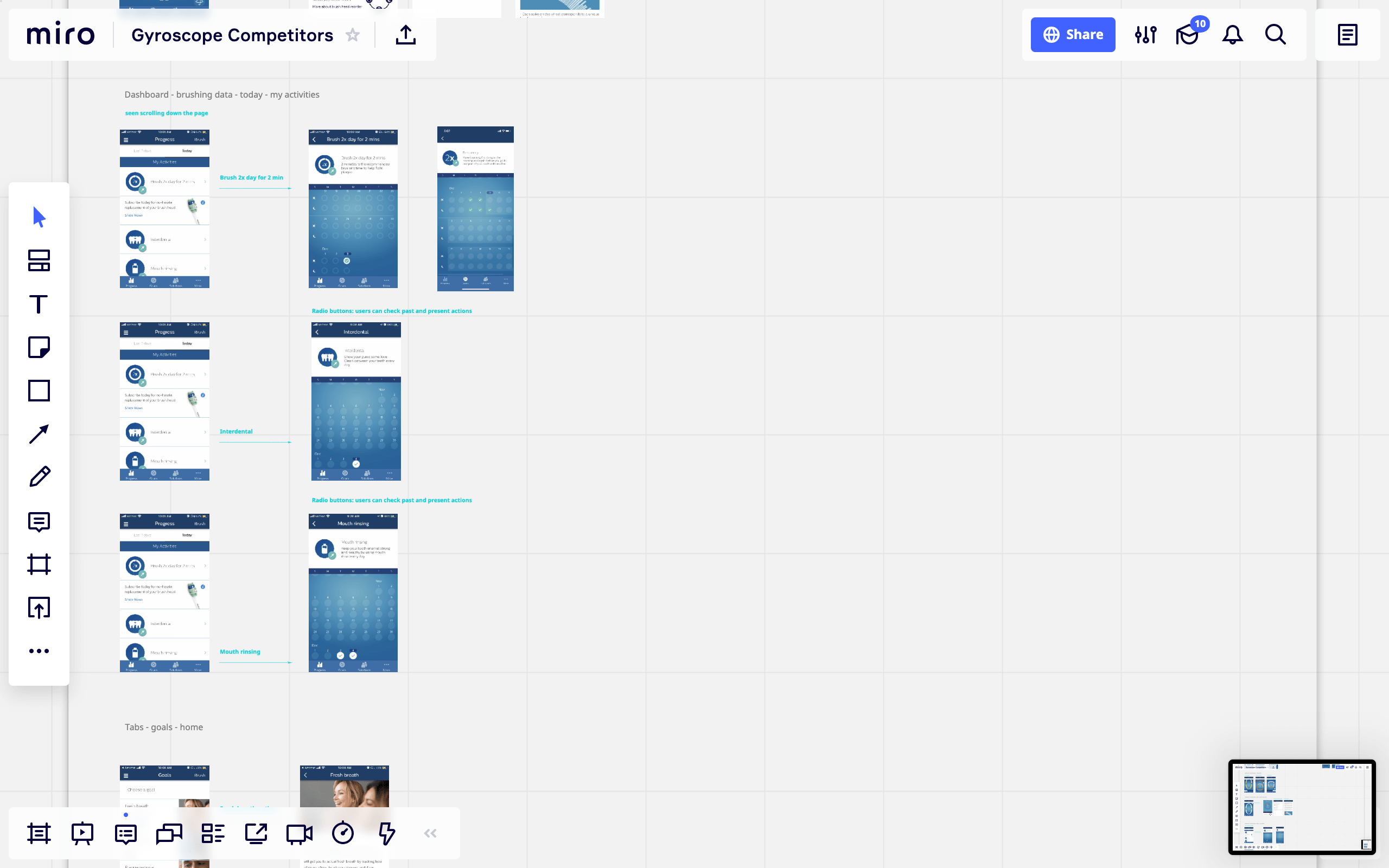
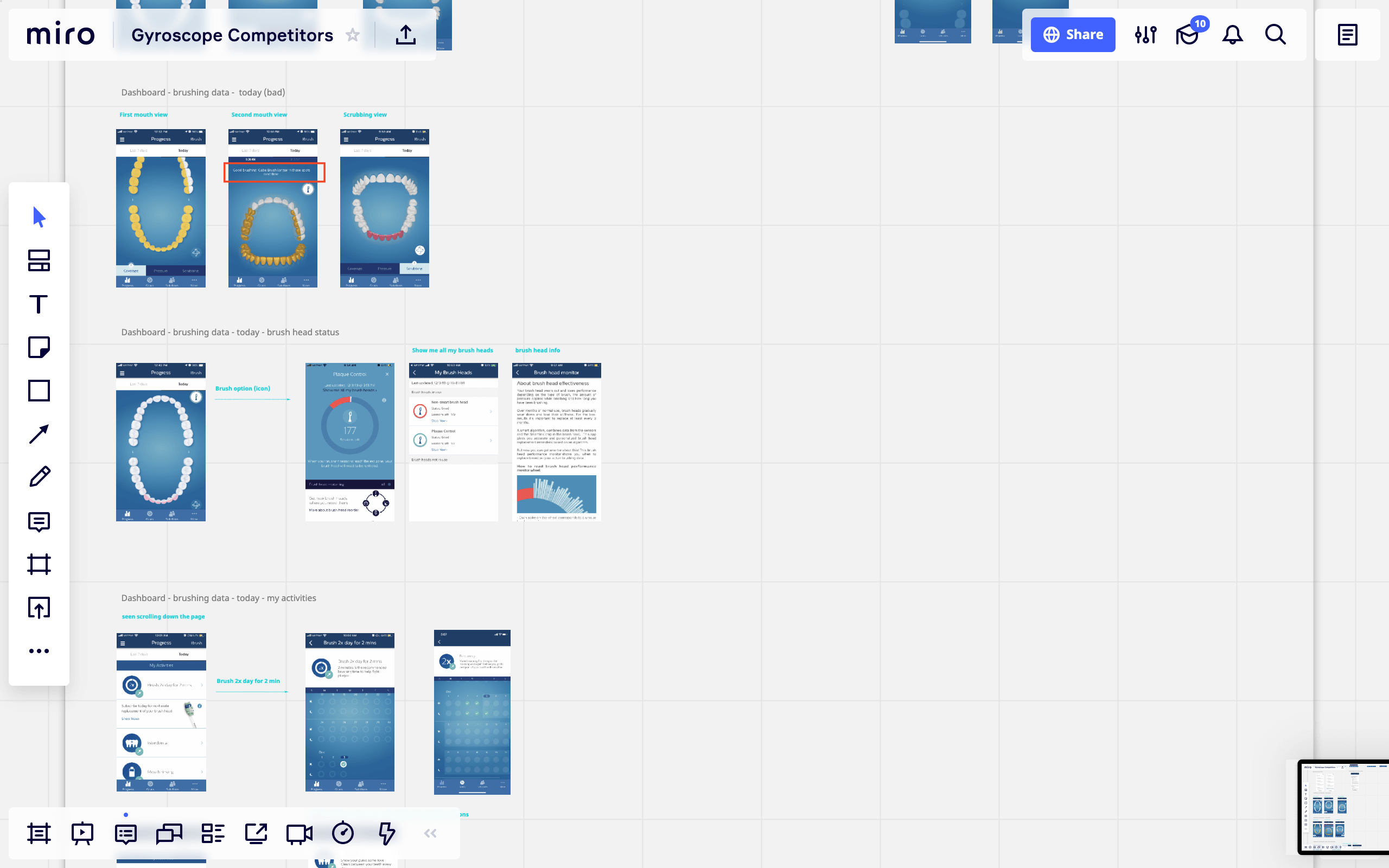
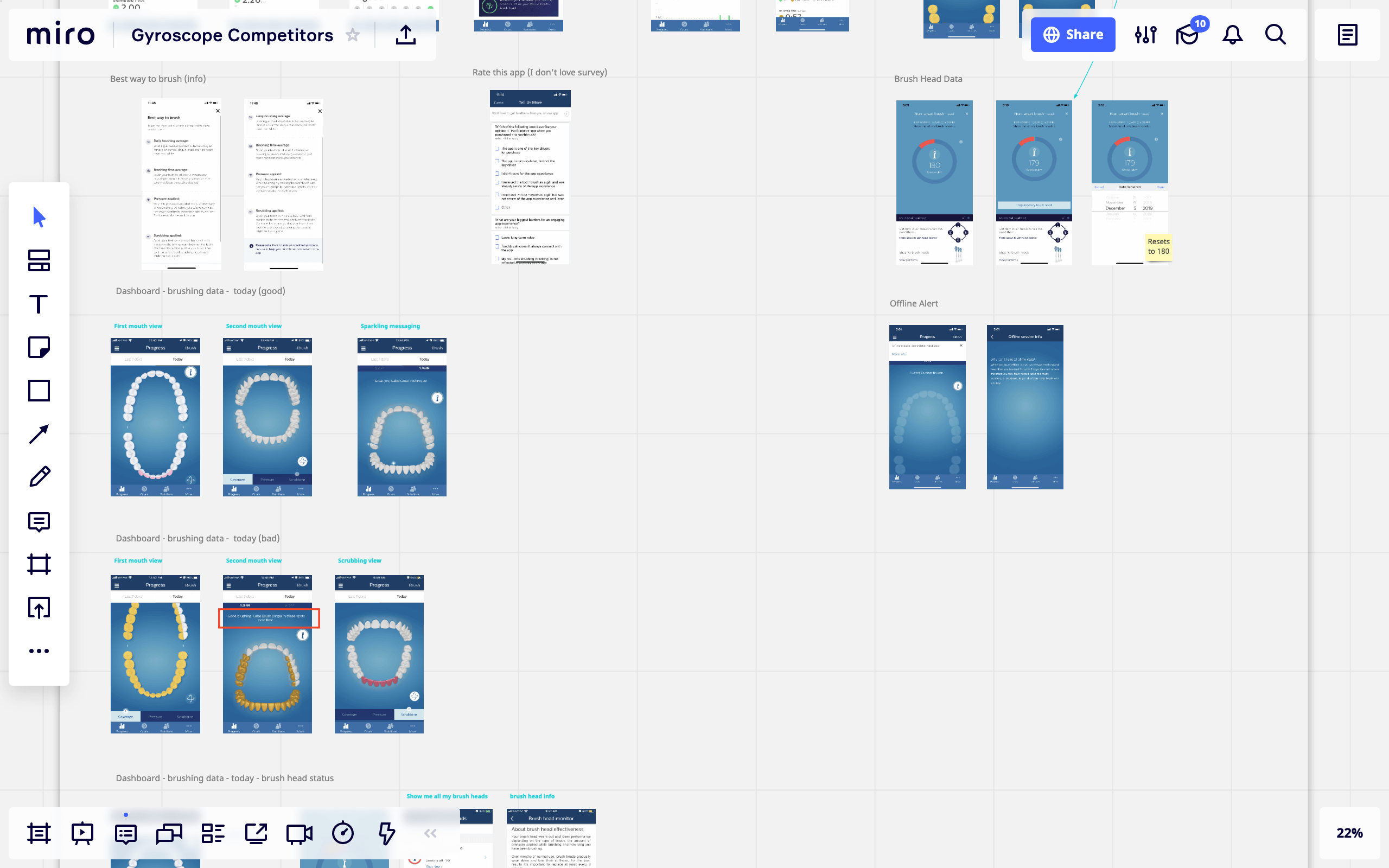
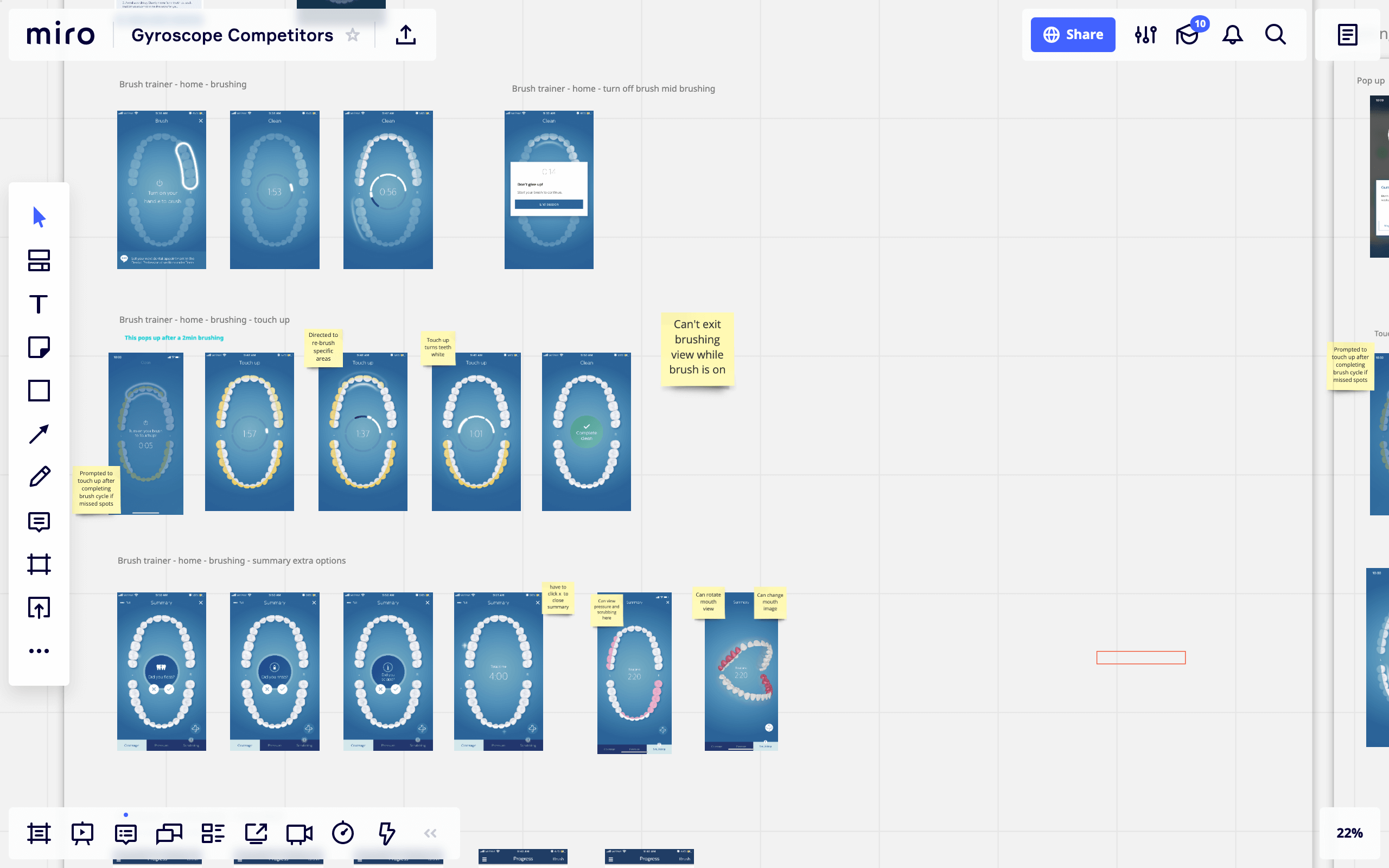
Use competitive research/studies to better understand the hardware and app relationship space
Understand the uses of a gyroscope vs an accelerometer for brushing meta-data and tracking and how to best design for it
Cross team proficiently is vital to create synergy and transparency and work towards a singular goal
Begin building an MVP Alpha for hardware testing and user testing
Begin dual design process of creating a low/med level fidelity version in mind for Alpha testing/MVP and a 2nd design that is high level fidelity keeping for possible release candidate
How can we use various forms of data.
Data is a designers best pal for crafting an experience that delights and guides a user around a product with ease. We as designers cannot make our decisions based just on what we think or believe we know. We have to research, and engage our users to better understand their experience and insights when using a product so we may design the best possible experiences for the user and meet the goals of the business too. When pondering how best to create this new app experience for quip customers I started to question what data would help us best do this. Thus below are a few points I begin to ponder about when starting off on this project.
1░
Focus on our users.
- Create mental models of our users, This helps design for their expectations and understanding from other apps to Astor
- Understand how users interact with tracking apps to find out what they may expect from something similar
- Be clear, set a focus on screens. User attention is short and users are less likely to notice things not expected
- Understand and create simple outlines models of current users motivations, goals, needs, desires, and behaviors
- Users and reviewers favor the quip brand for its minimal design, keep this model in UX/UI
2░
Current Analytics.
- Understand what users are doing on quip now, IE shopping, reading blogs, etc.
- Current customer engagement, and ways bring a similar experience to the Astor app
- Understand different click events. How many users interact with sale-headers, featured actions, and item-suggestions
- Identify the scenarios which are failing for most users. Such as common page journeys causing high bounce/exits
- Understand how current users react to promotion, and rewards,can we use this behavior to make the app sticky
3░
Evaluation testing.
- Testing a set of tasks from users help determines errors, painpoints and areas of improvement
- Employ qualitative data research from user testing to understand how customers use the app an refine design
- Quantitative data is measurable IE, rates of success, goals, task completion time to complete, etc.
- Test various elements, IE are UI elements clear and easy to interact with, are messages and action clear
- Testing helps reduce,unintuitive designs, and limits reworking designs solutions later in the game
Researching current trends with Think Google
▀ ▀ ▀ ▀ ▀ ▀
As I do with most of my projects, I enjoy to get a lay of the land in terms of current trends, what users are doing or not doing and overall simply reset myself to what is happening in the current landscape. I took upon Think with Google's service to unearth some current data points of users that relate to both quips mission and our goal for quips Astor app.
I use these data points along with trend articles from Think w/ Google and used them to help me understand current users and build user personas to design user experiences against. Some of these data points I found interesting are points such as parents searching for "kids brushing apps" has gone up 60% which I can align to quips new line of kids brushes and bring to the table a possible kids feature to the app, thus add more value to customers who are parents, use quip currently and have kids. Data points like 63% of people who download an app for a deal/reward, delete the app soon after helps me understand we need to offer more benefits to the user other than a deal to help keep the users sticky and maintain higher retention. Also another set of data points such as seeing and up tick in health and fitness apps lets me know users do value some sort of health/fitness tracking apps and allows me to further dig into competitive research and see what these app have to offer their own users and get insight to how they layout their apps, features, and services to users. Think w/ Google does not answer all my questions about trends and users, but it's a nice place to begin getting a basic understanding.
87%
of smartphone users who reported tracking their own health activity on their smartphones in the past month used apps to do so.
63%
of people say that when forced to download an app to access a deal, they will typically delete it shortly thereafter.
81%
of mobile users are more likely to purchase from companies with mobile sites or apps.
>50%
of people say they won’t consider purchasing from a brand that has a poorly designed mobile site.
65%
Queries for health and fitness apps, such as “Nike Training” or “Strava" have increased 65% YOY.
^65%
Searches for parenting/family-related apps, such as "brushing teeth app for kids " have grown 65% YoY.
SOURCES
1. Google/Ipsos, U.S., Playbook Omnibus 2019, n=1,610 U.S. online smartphone users, A18+, Jan. 2019.
2. Google/Heart+Mind Strategies, U.S., “Getting Things Done on Mobile,” n=1,847, A18+ smartphone users, Dec. 2017.
3. Google/Ipsos, U.S., Playbook Omnibus 2019, n=1,610 U.S. online smartphone users, A18+, Jan. 2019.
4. Google/Heart+Mind Strategies, U.S., “Getting Things Done on Mobile,” n=1,847, A18+ smartphone users, Dec. 2017
5. Google Data, U.S., Mobile, Jan.–Sept. 2016 vs. Jan.–Sept. 2017
6. Google Data, U.S., Mobile, Jan.–Sept. 2016 vs. Jan.–Sept. 2017
░
The process break down.
Below is a little break down of the overall process myself and our team did as we began to build this new app experience for quip. This is more of a high level break down meant to better illustrate my design thinking, working with teams/across teams and how a product came to be.
░
1░
It starts with research.
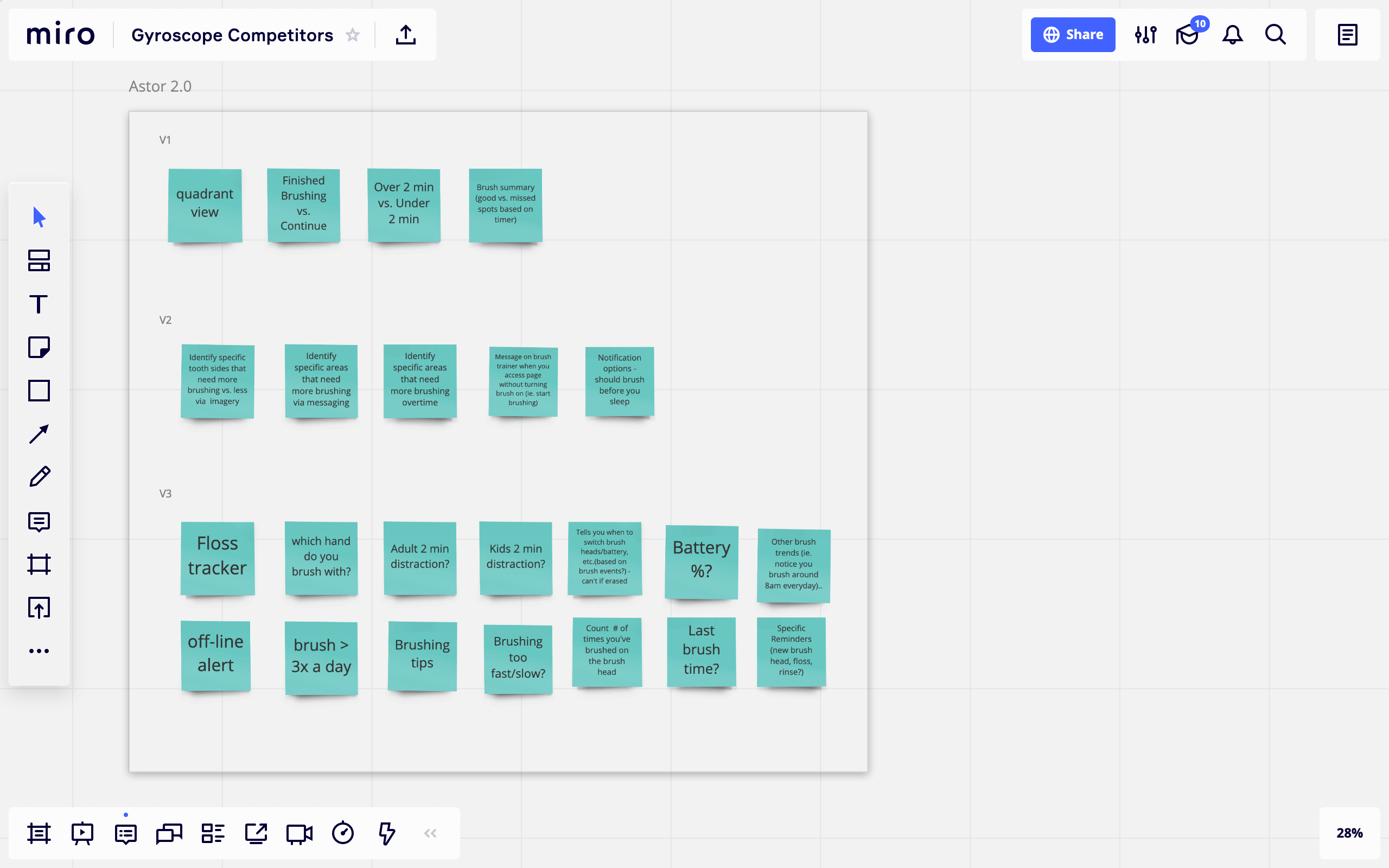
- Started competitive analysis matrix charts with PM
- Research tech, bluetooth, gyroscope and accelerometer
- Research users, current trends in health and habit tracking
- Define product goals and narrow down a product roadmap
- Convert roadmap into smaller chunk sprint tickets with PM
2░
Setting a plan in motion.
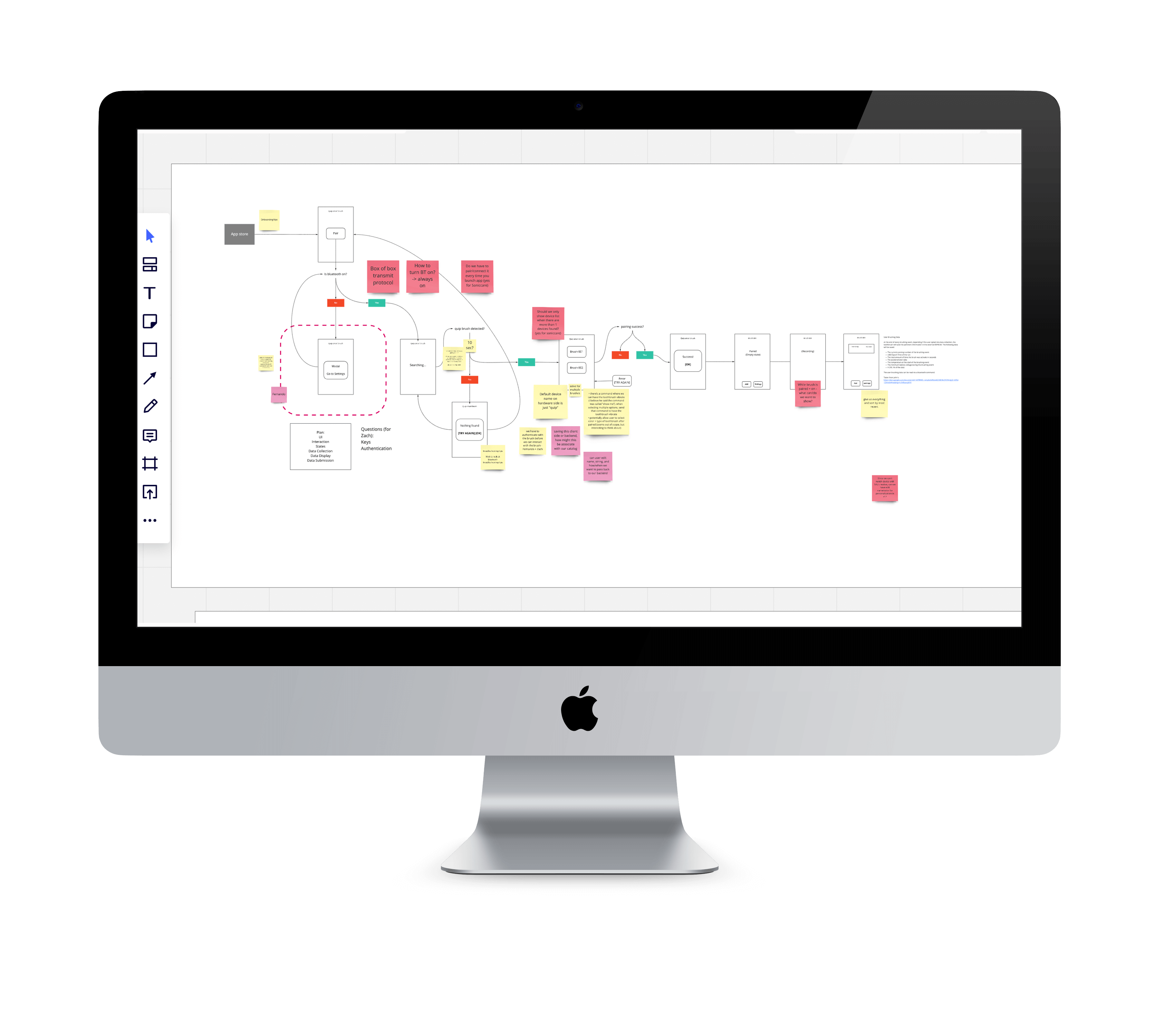
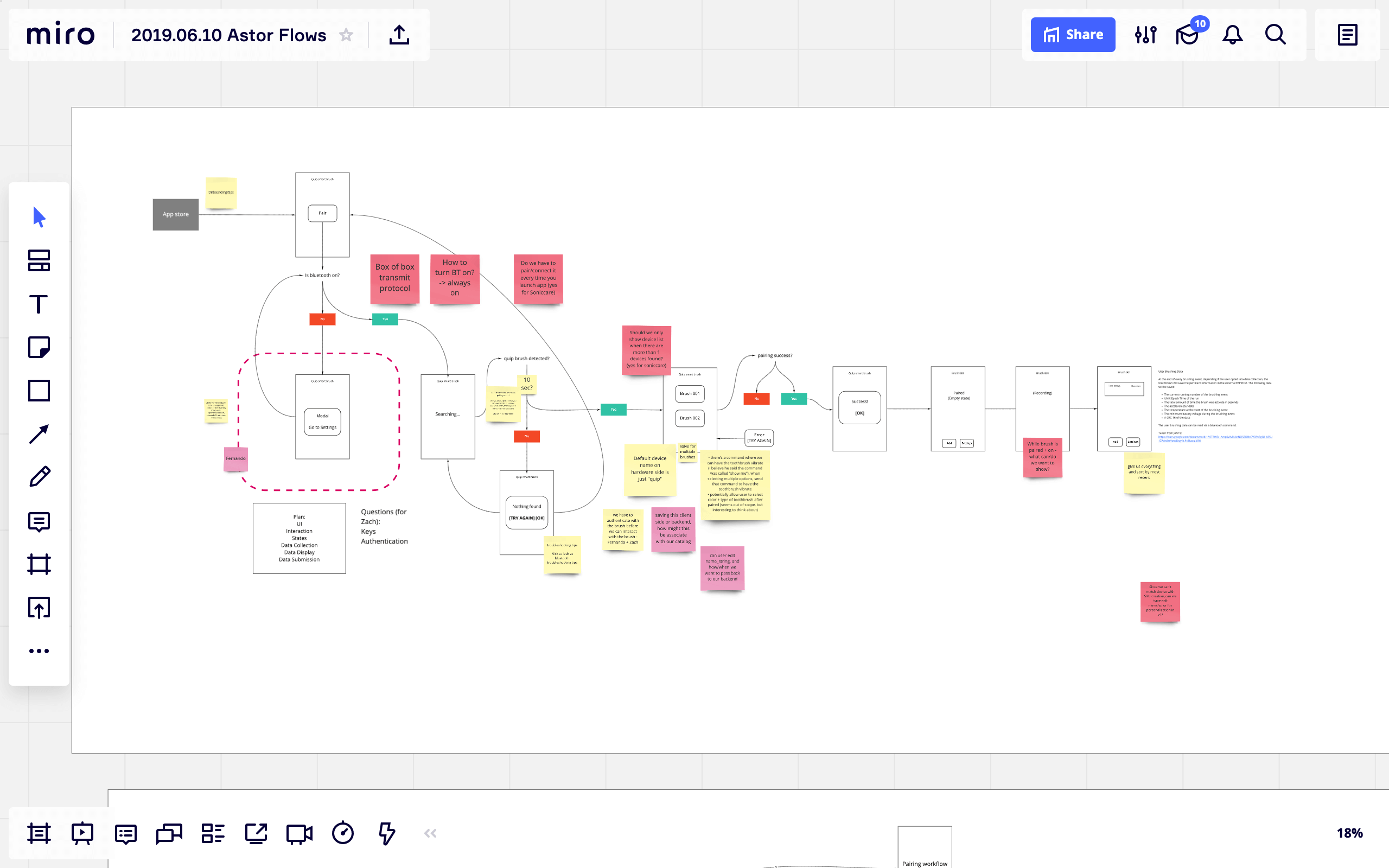
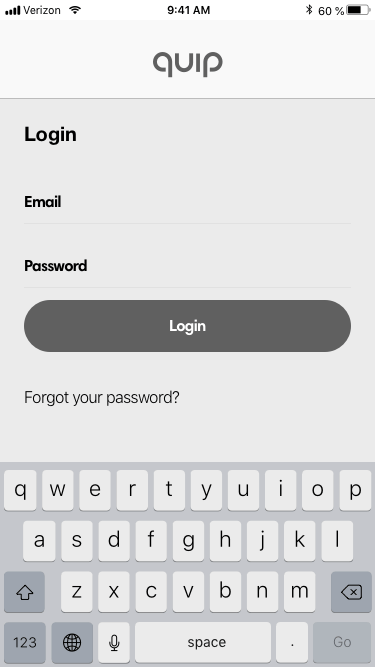
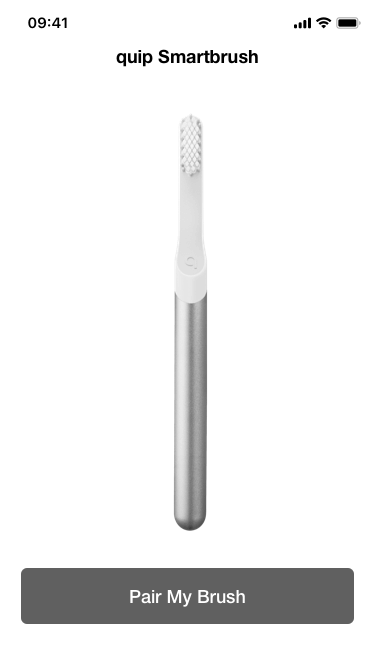
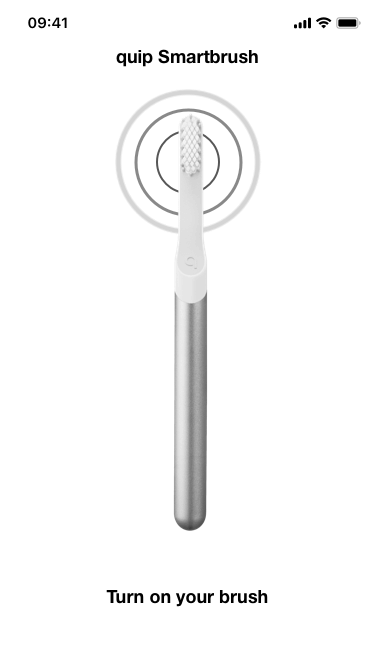
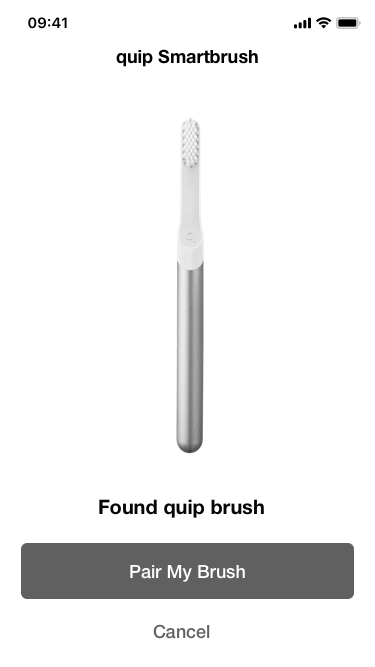
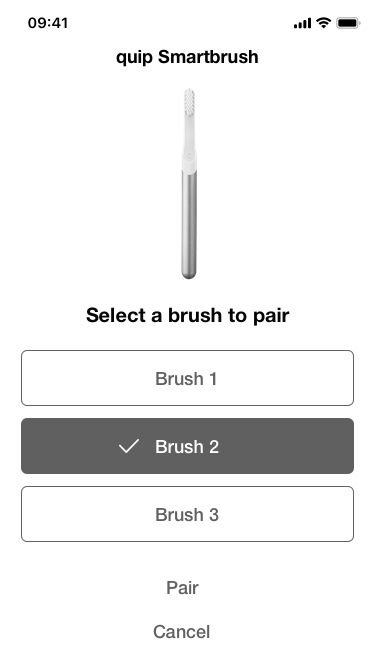
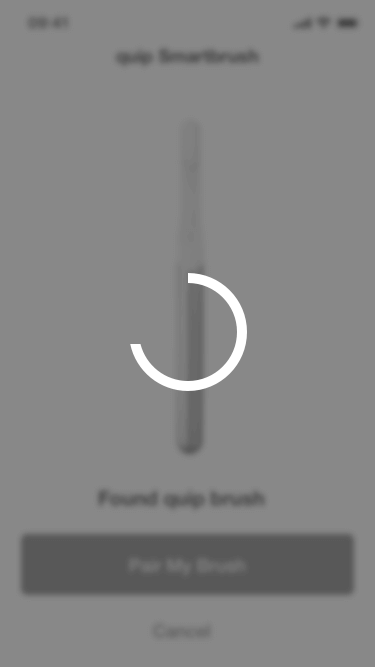
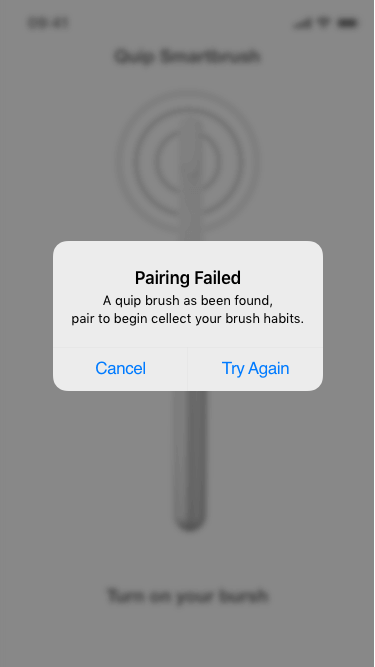
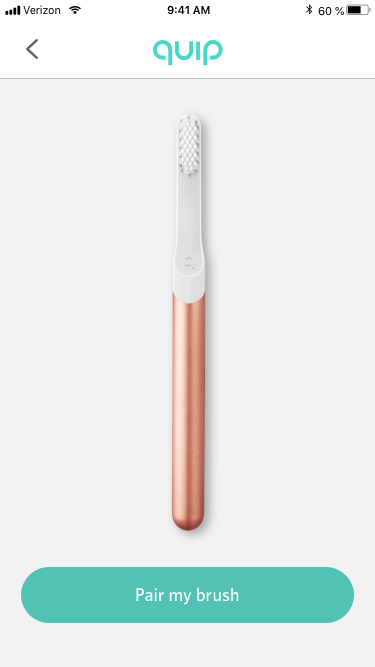
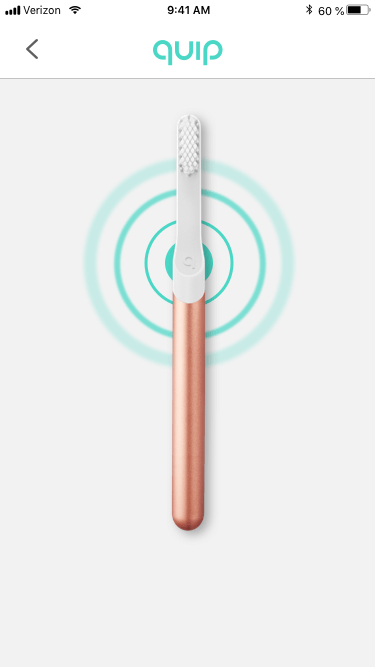
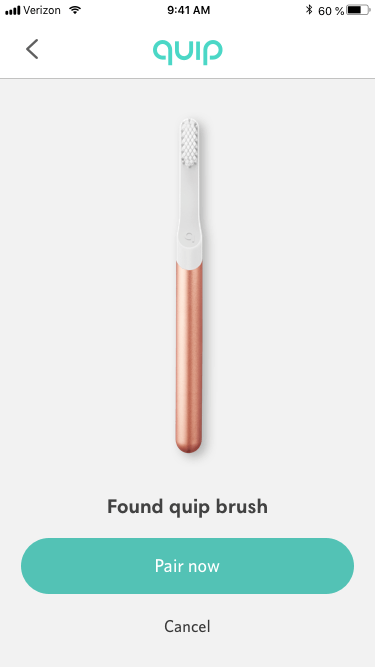
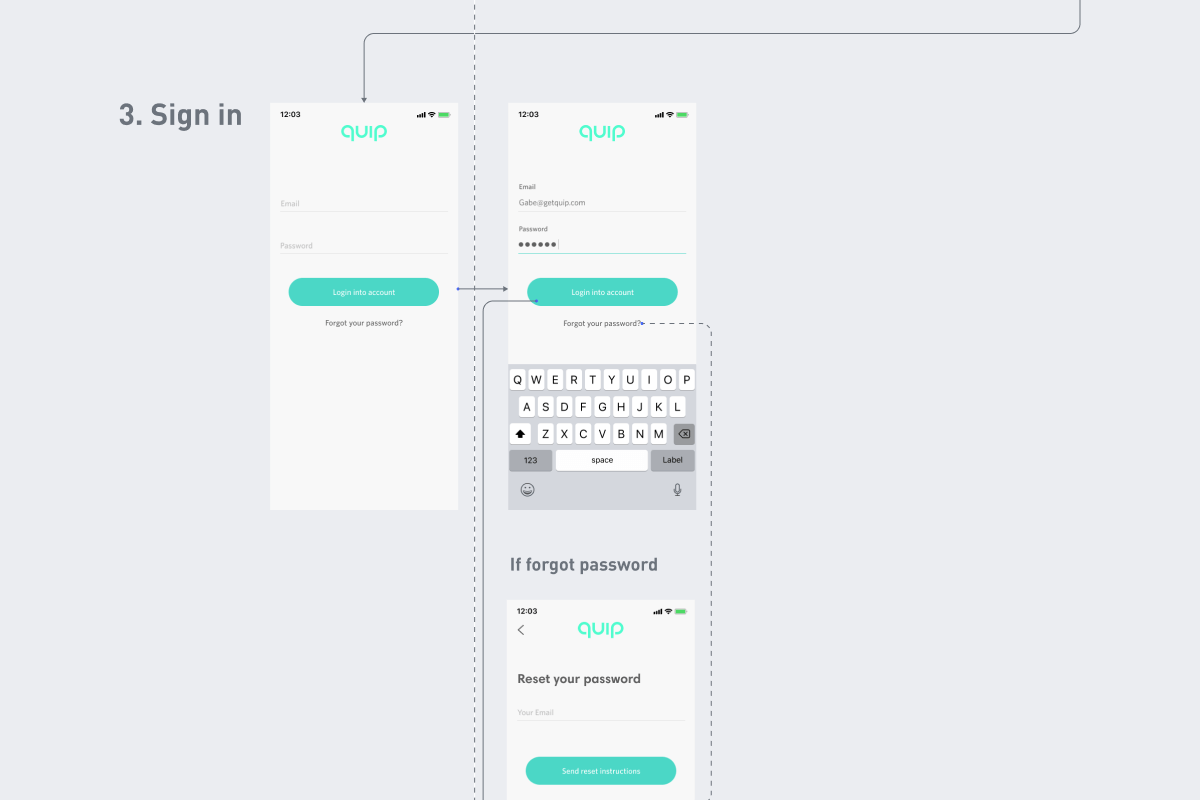
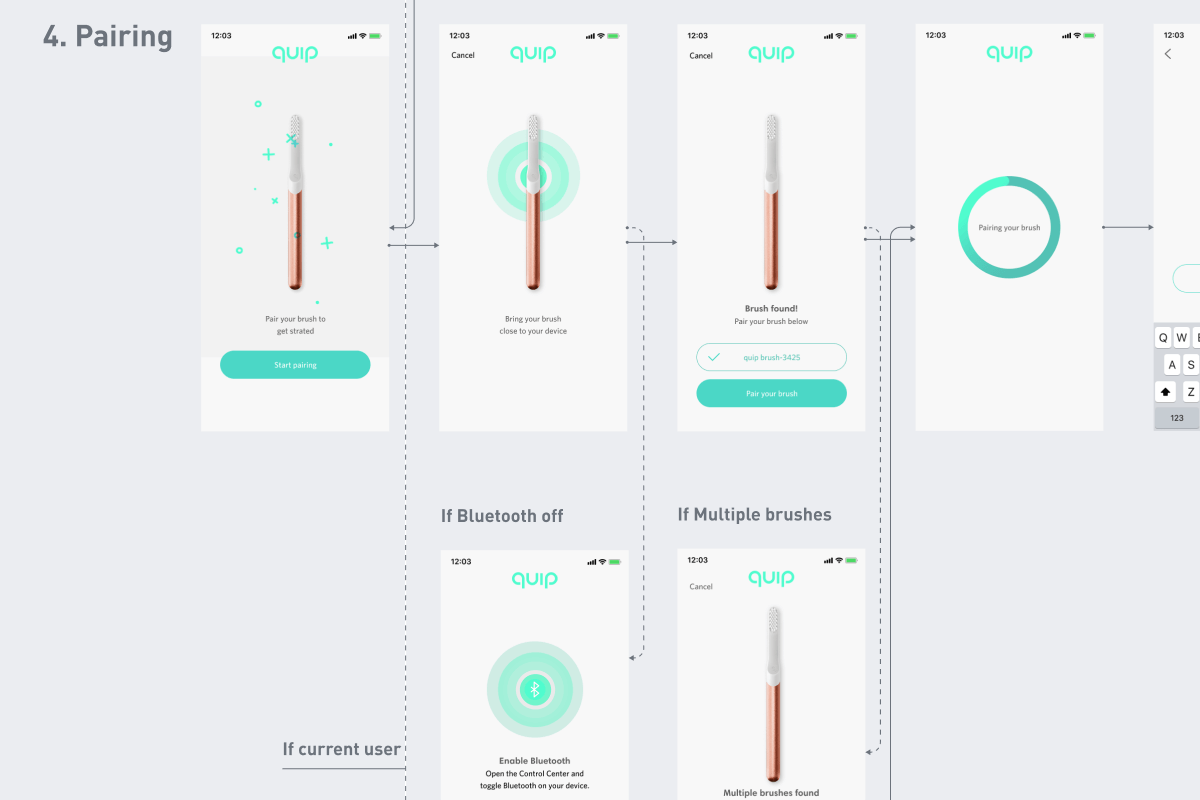
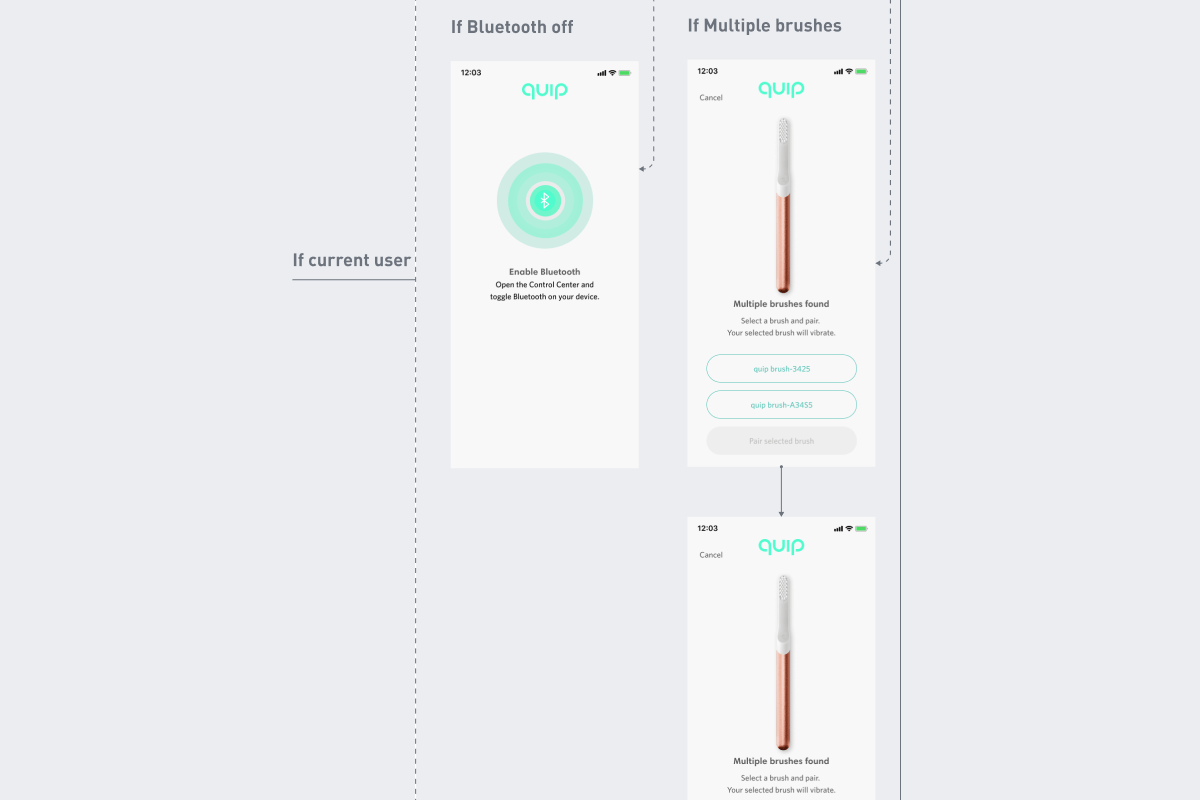
- Create basic flows on pairing experience
- Work on user journey maps
- Define user personas to help guide in design experience
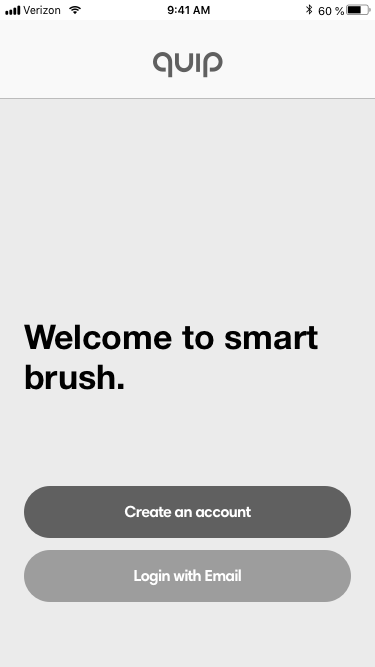
- Begin very basic low fidelity screens to start base framework
- Share and present first pass flows and wireframes for review
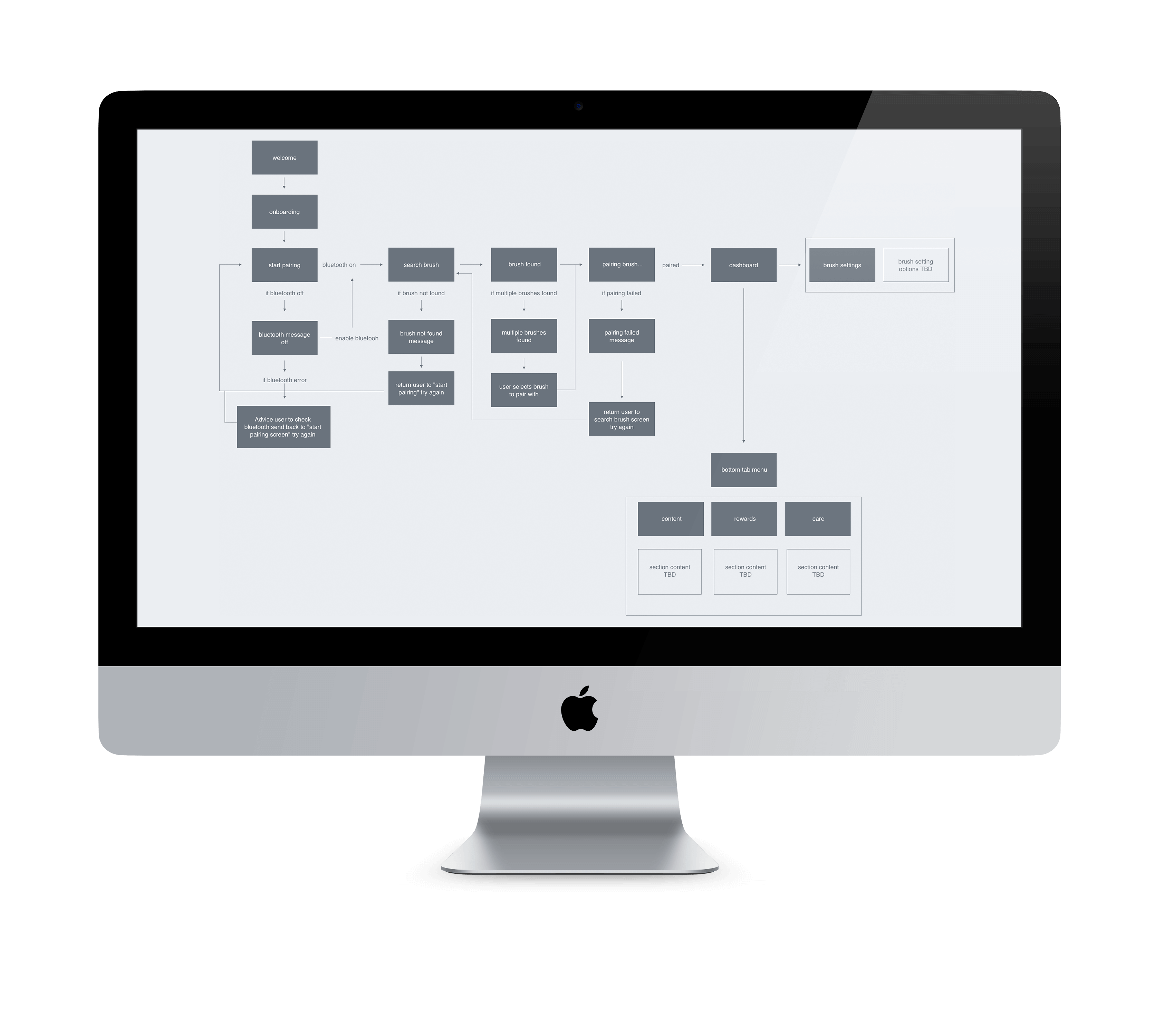
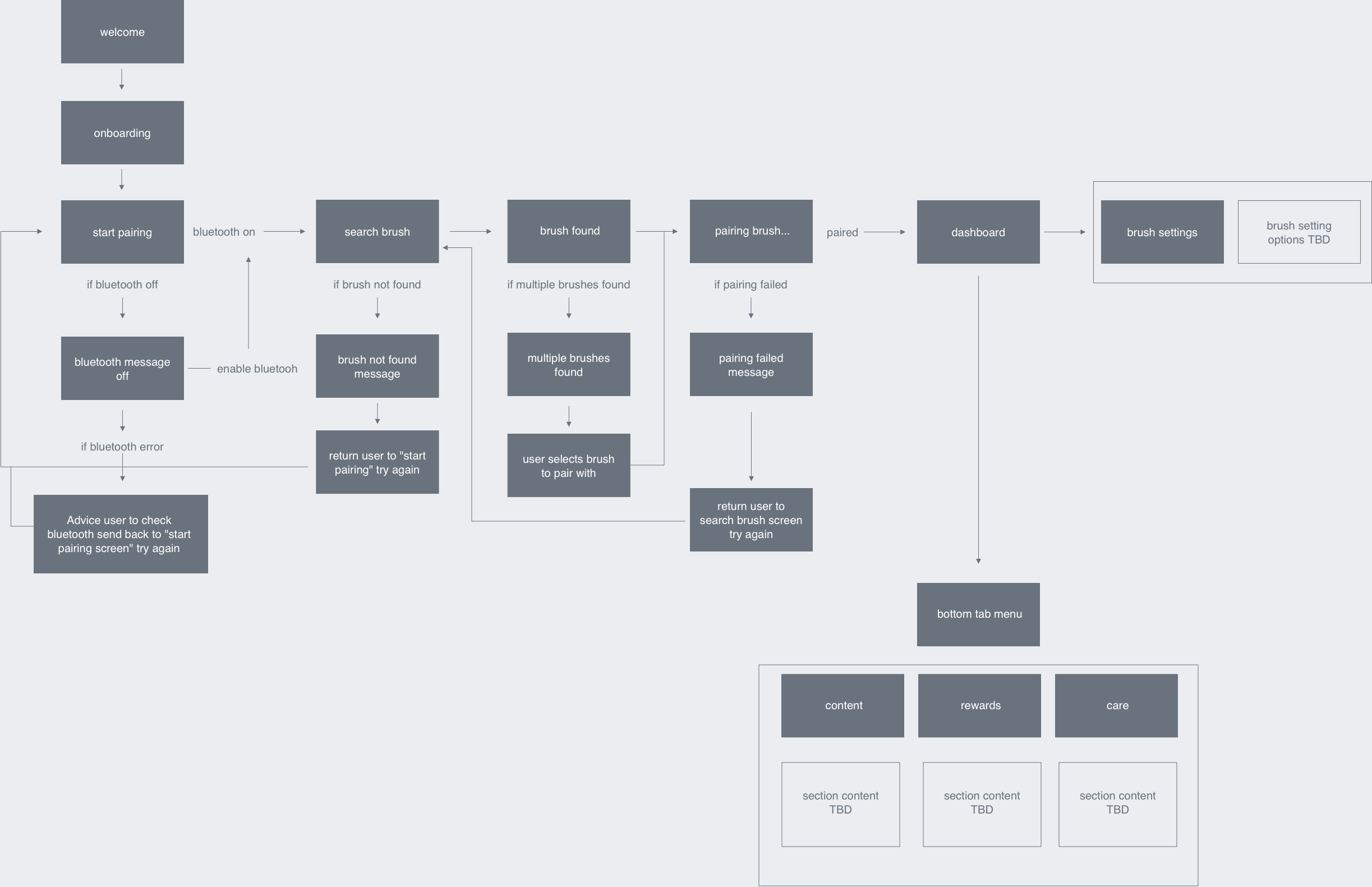
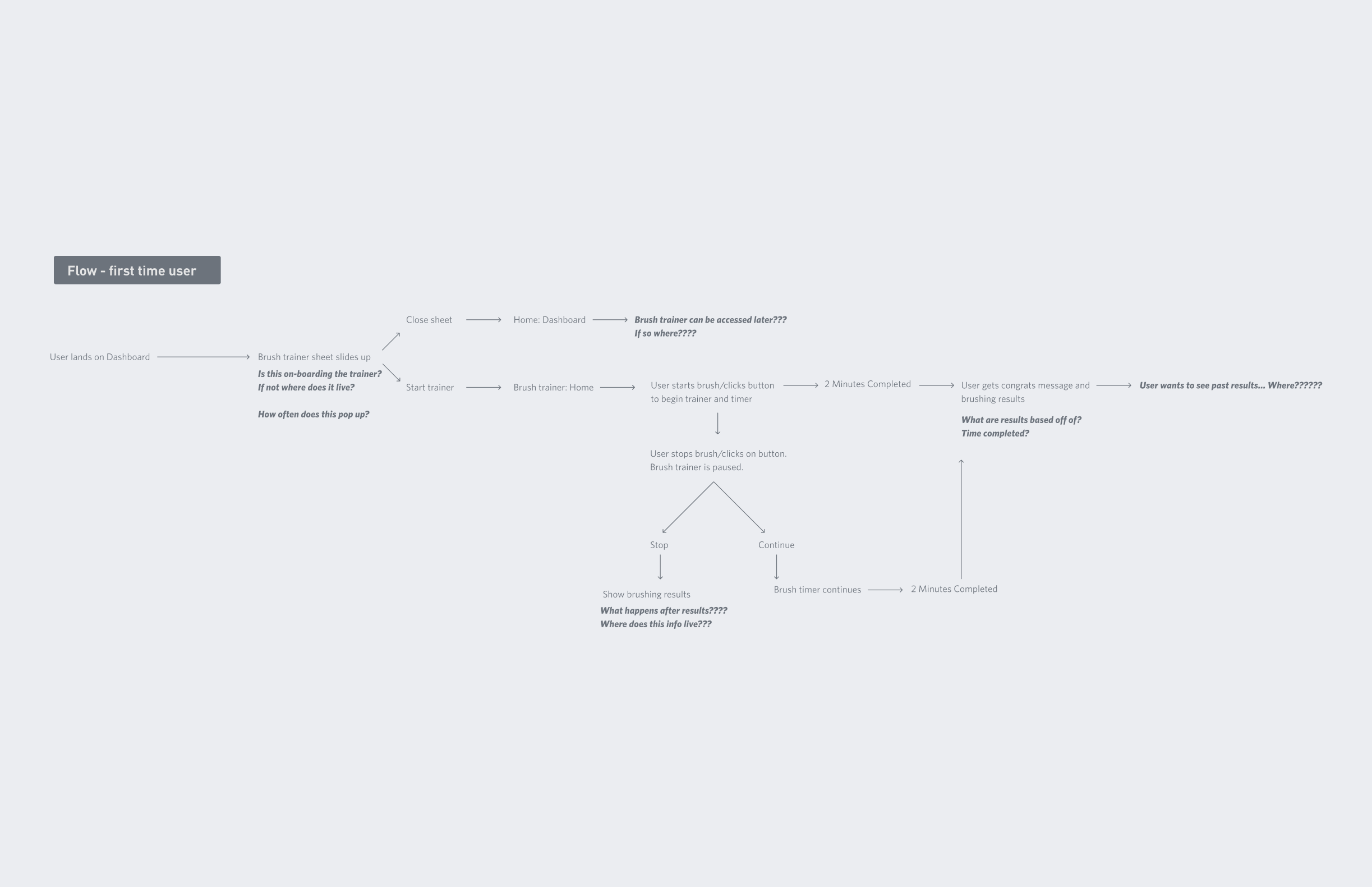
3░
Building a framework.
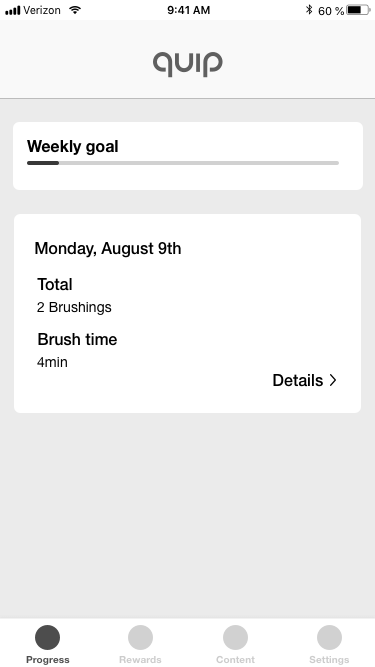
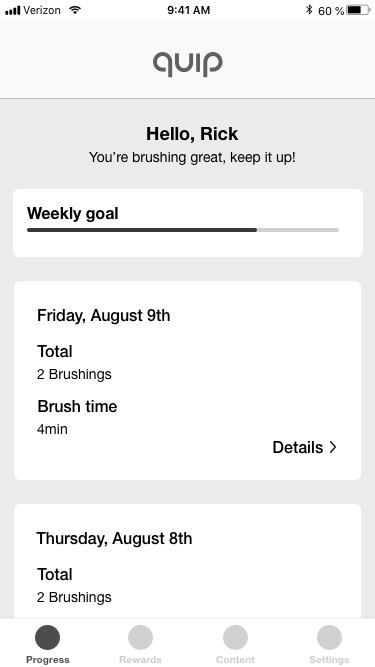
- Refine first pass framework wireframes to more med level fidelity
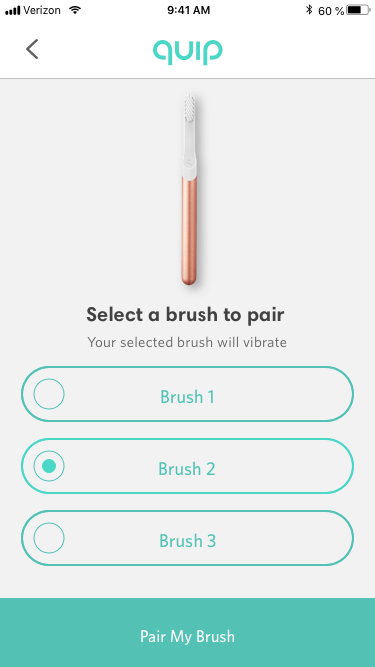
- Work with dev on bluetooth pairing function, limitations, what to design for
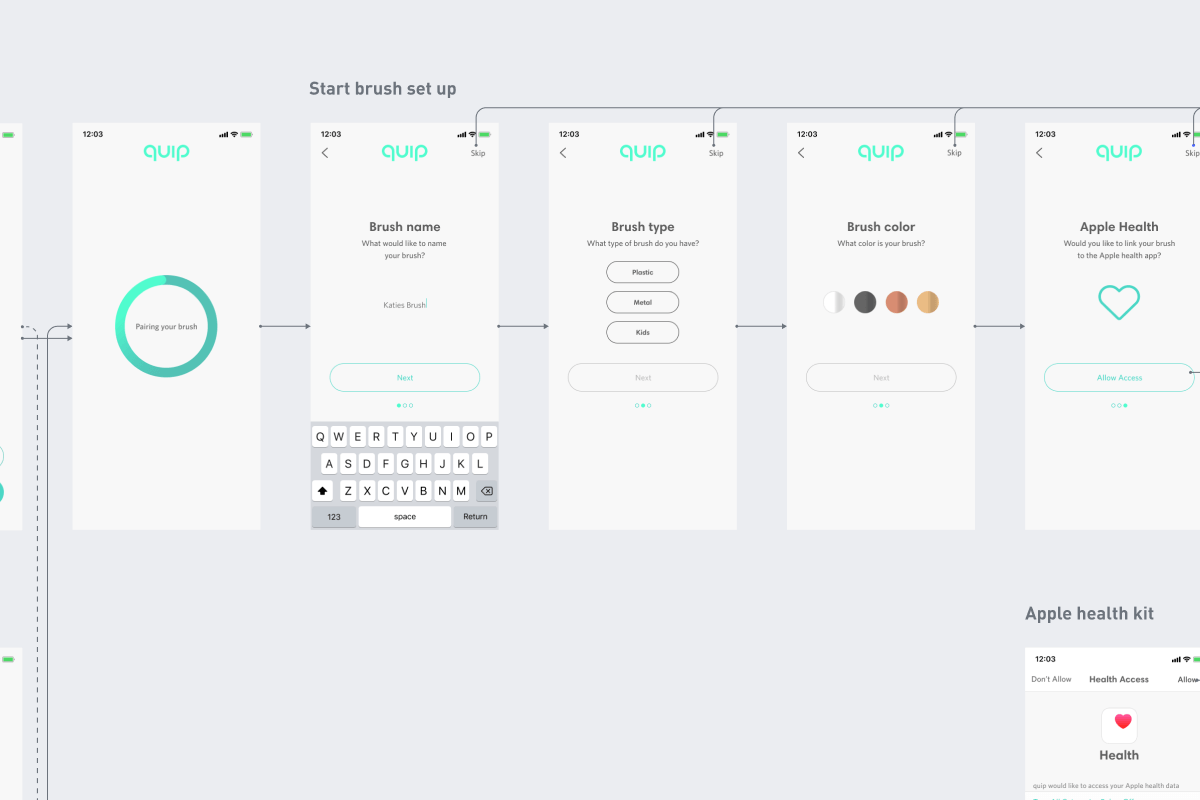
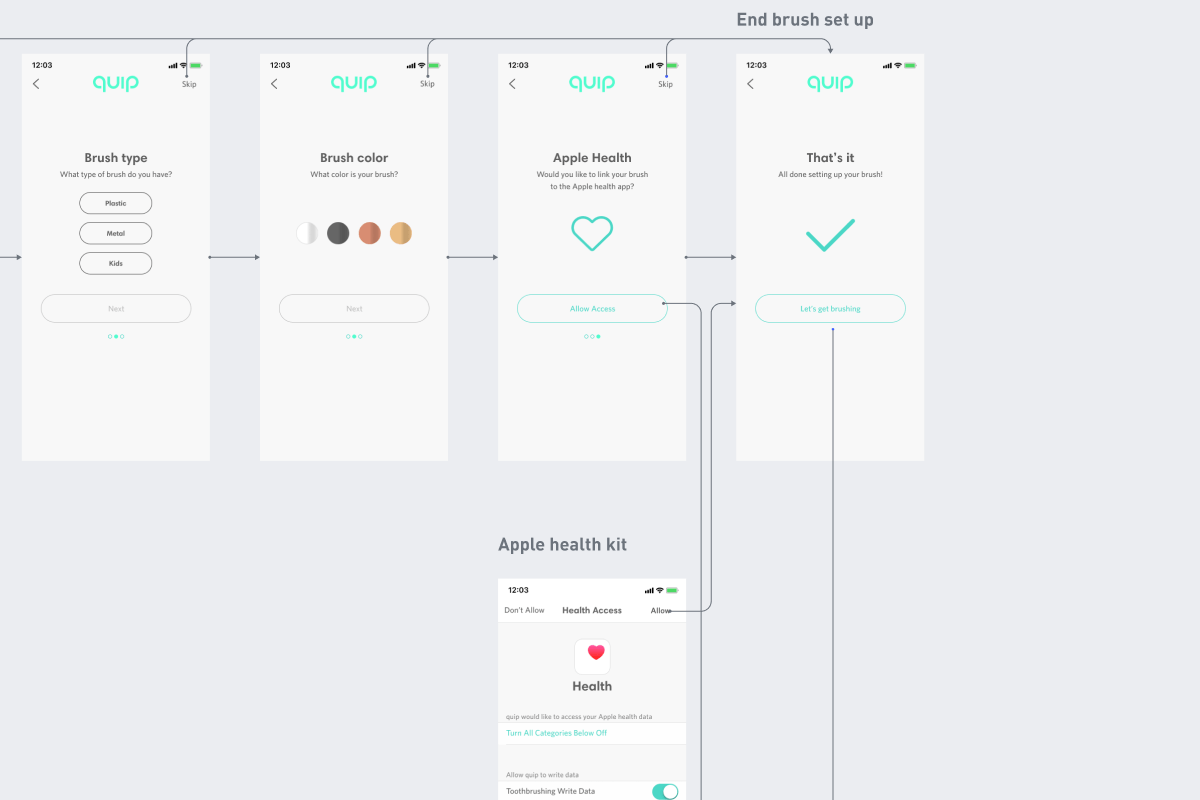
- Begin to create more in-depth flow chart including various tabbed sections
- Start low pass prototype of wireframes
- Present prototypes to PM, Directors, Dev for review and feedback
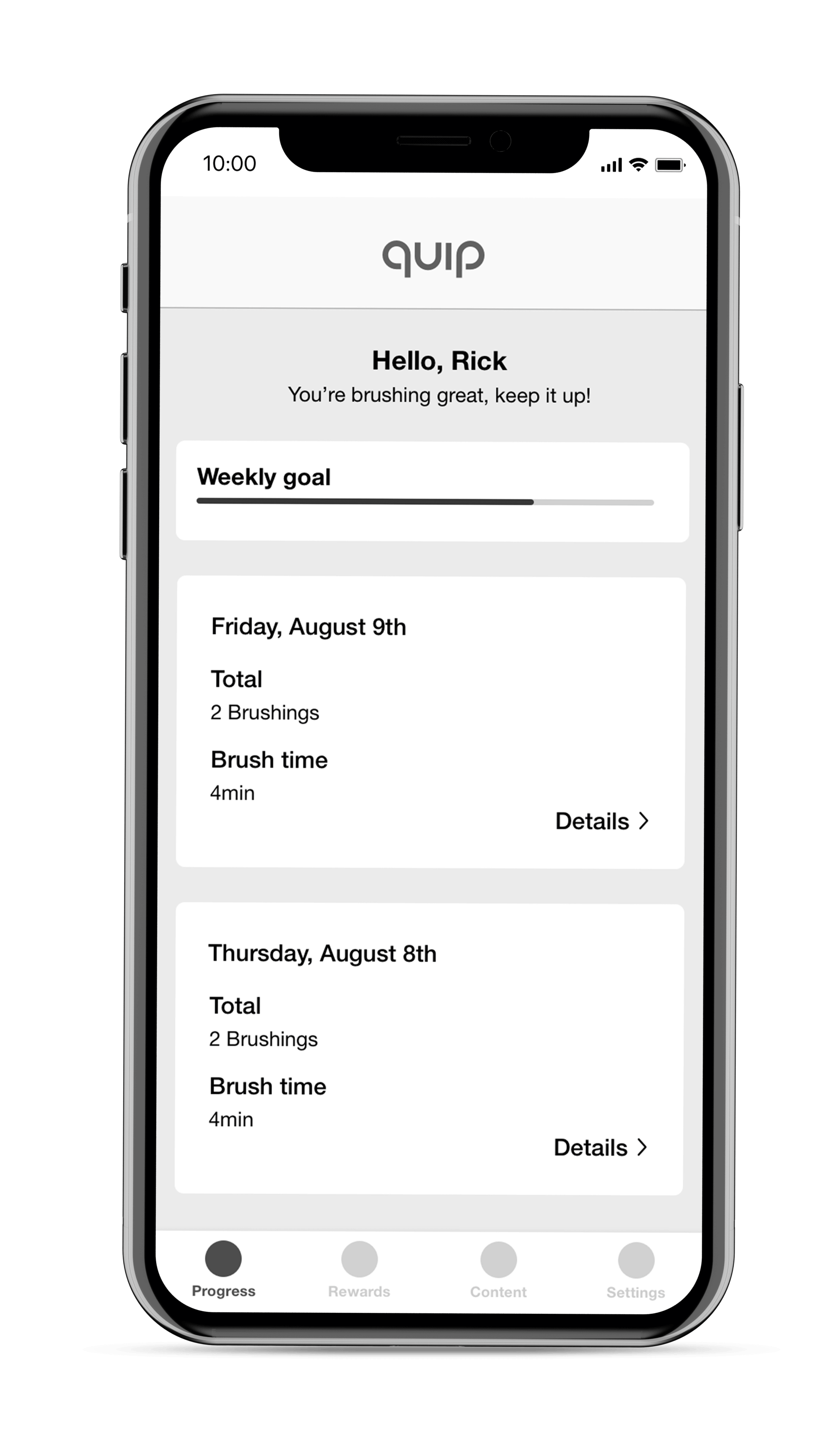
4░
Let's add a coat of paint.
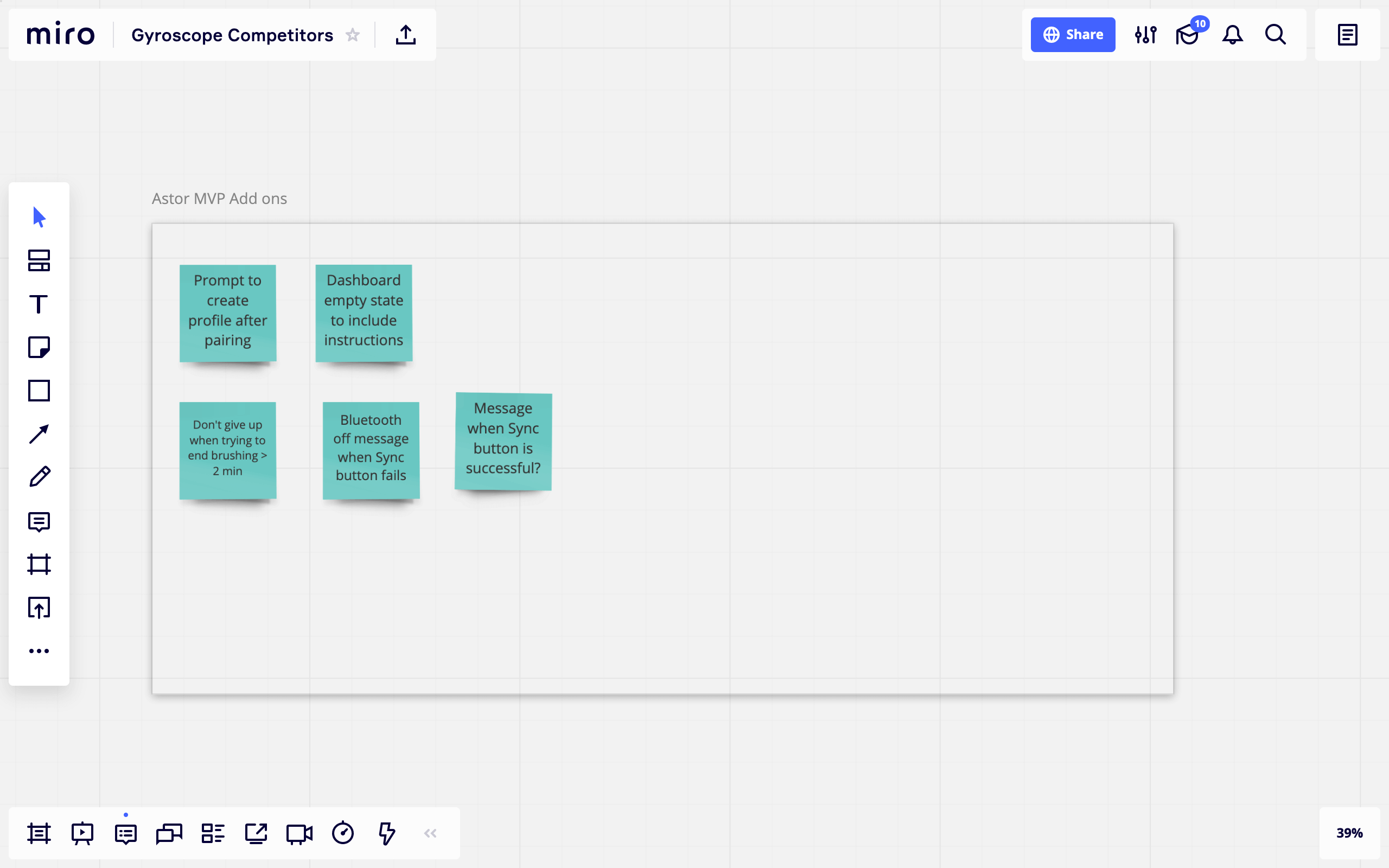
- Refine wireframes and user experience flows based on feedback
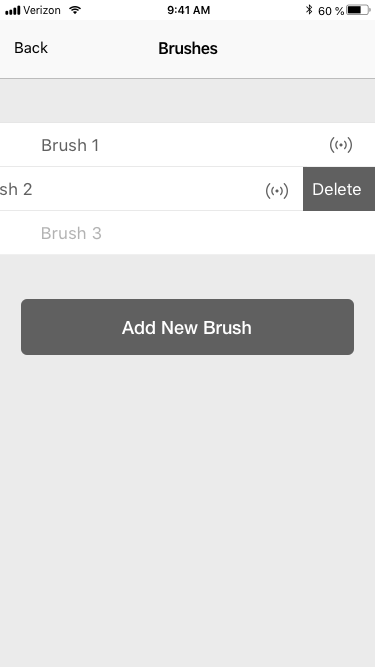
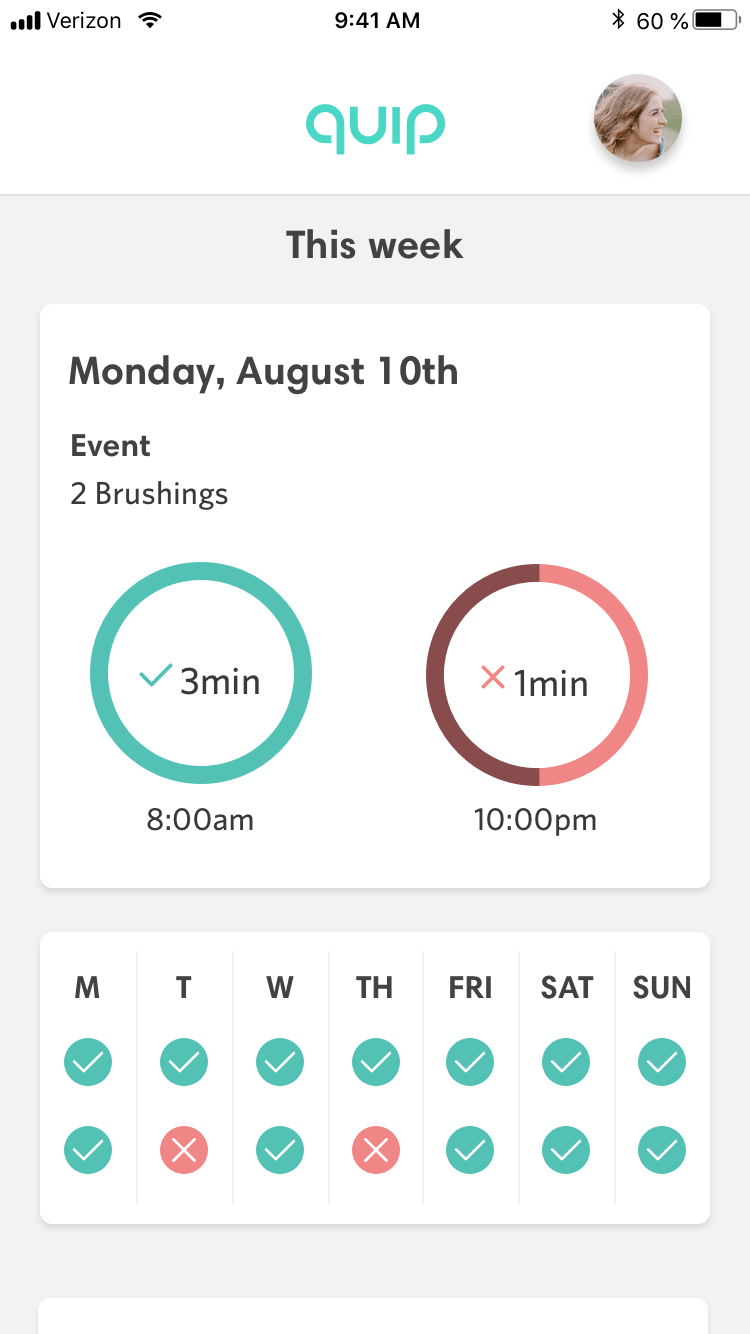
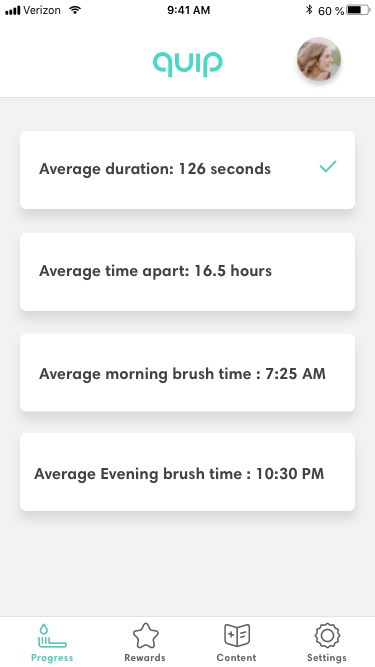
- Begin to layout mid level polished designs for MVP build
- Start to piece together a design system and component library
- Begin basic prototyping to get a sense of the app and overall experience
- Present latest versions of screens and prototypes to PMs, Directors and Dev

5░
Time for testing.
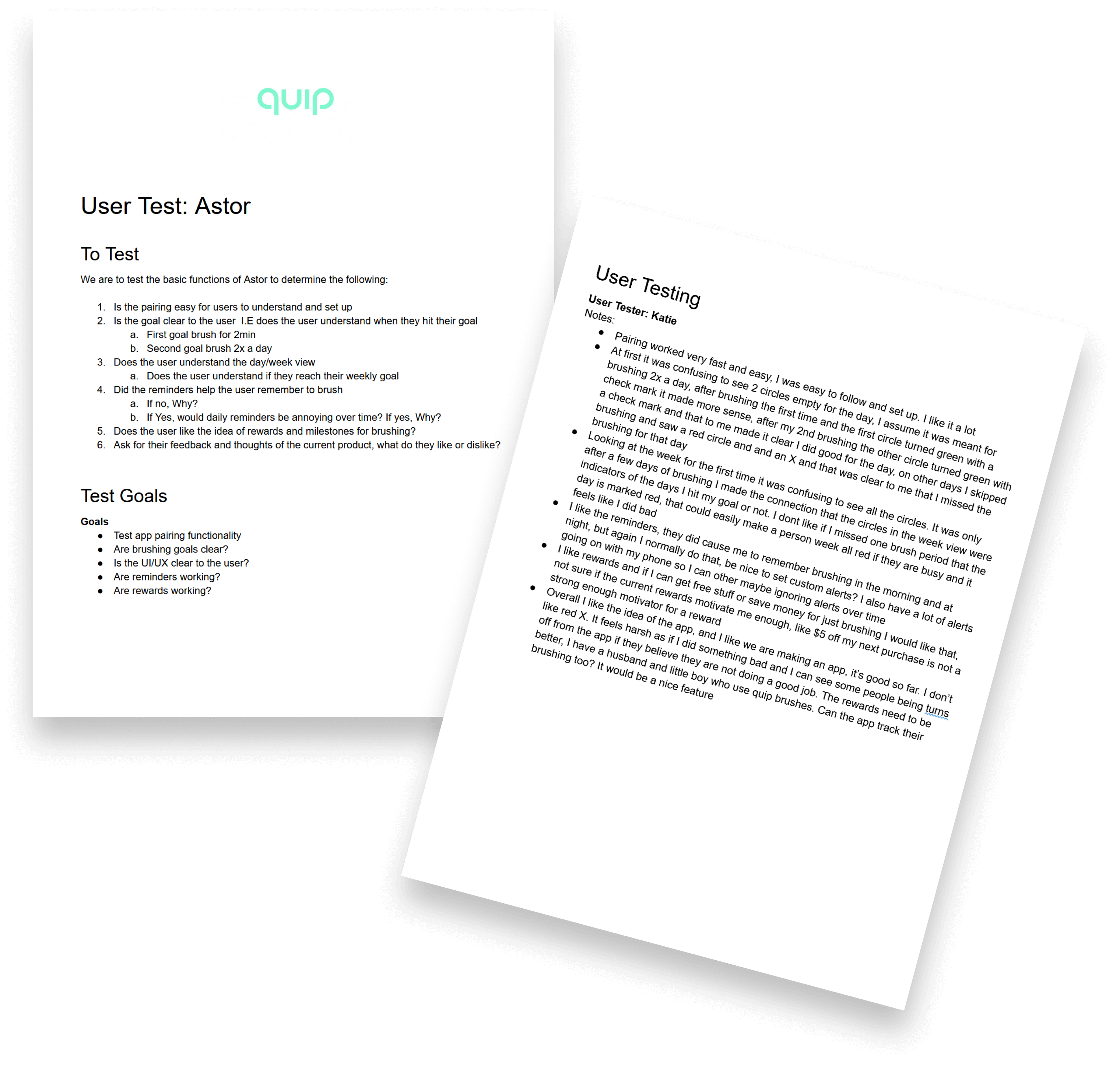
- Set up internal testing among various teams
- Give teams test brushes and the Alpha app for 1 week and interview testers
Some of the Feedback from testing
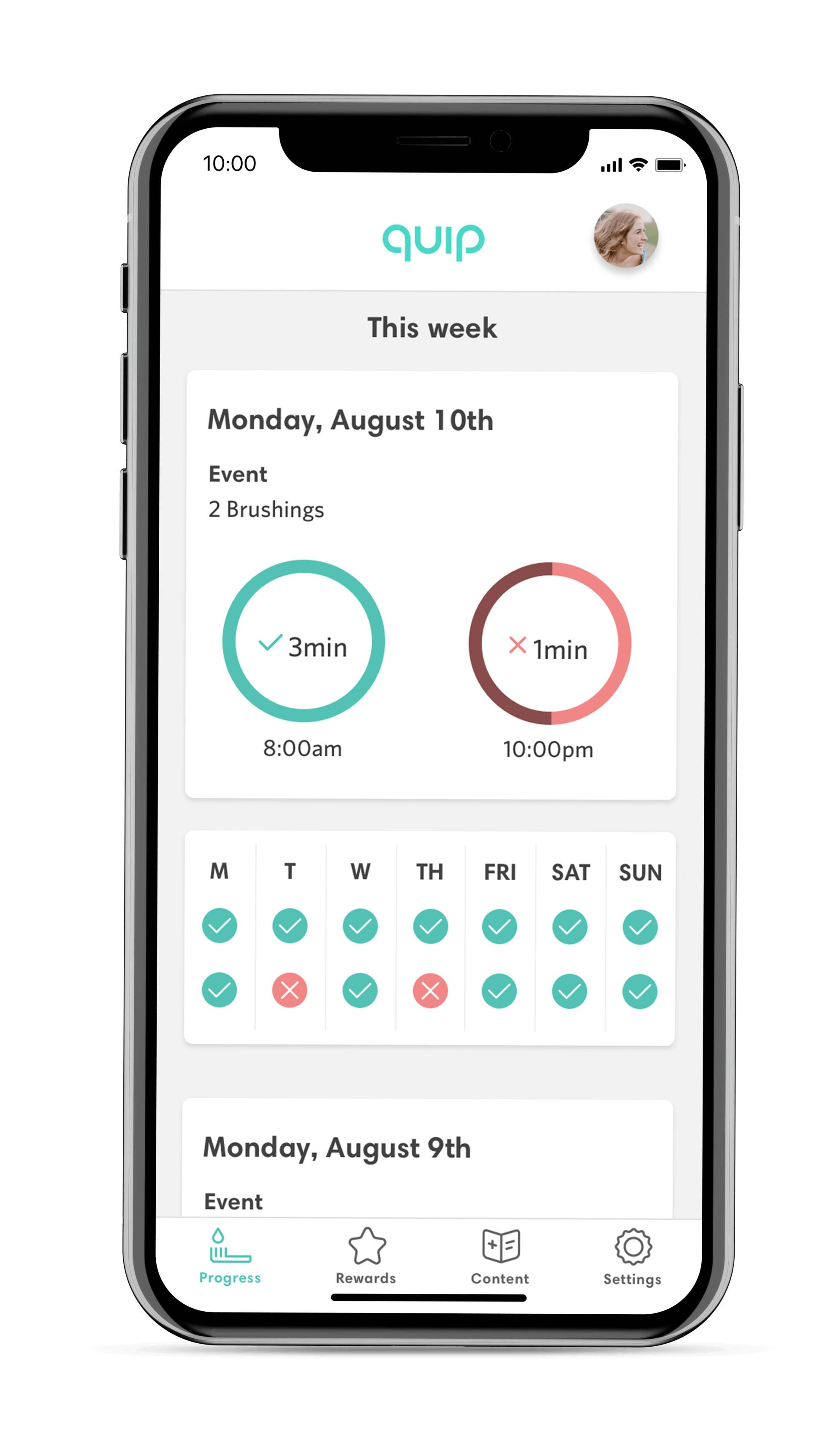
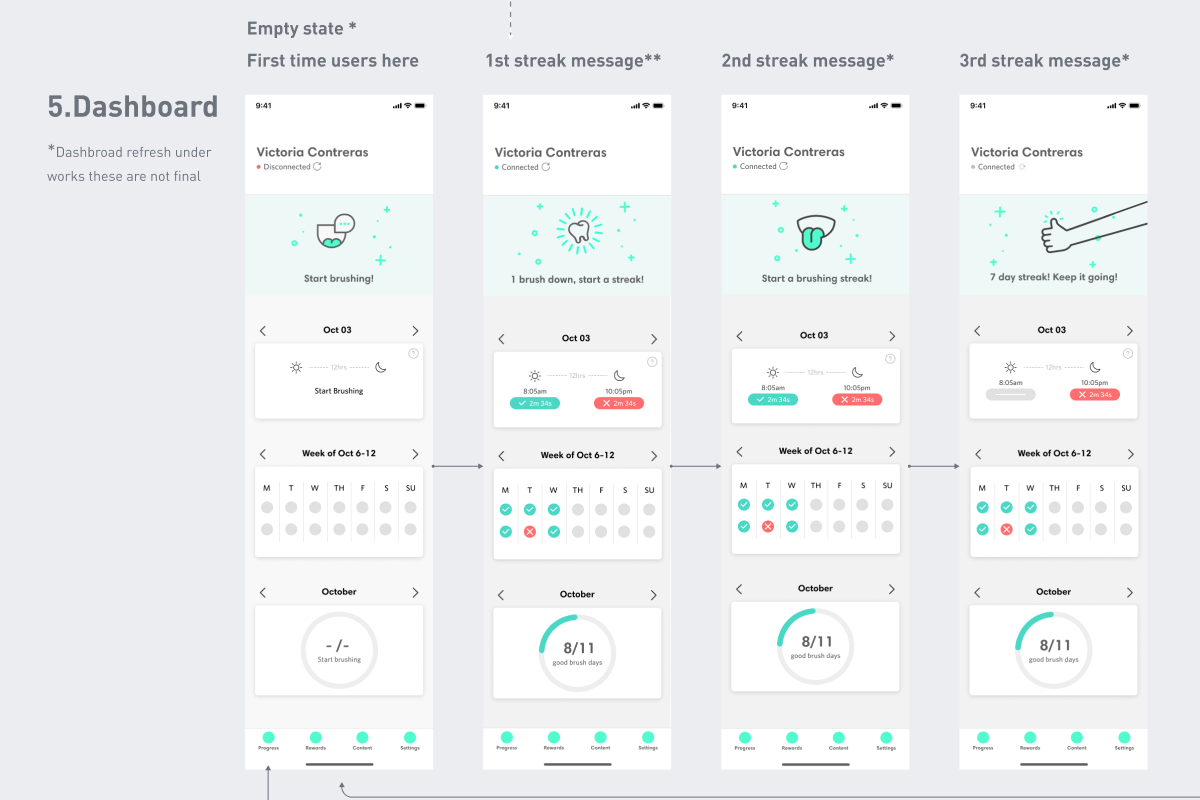
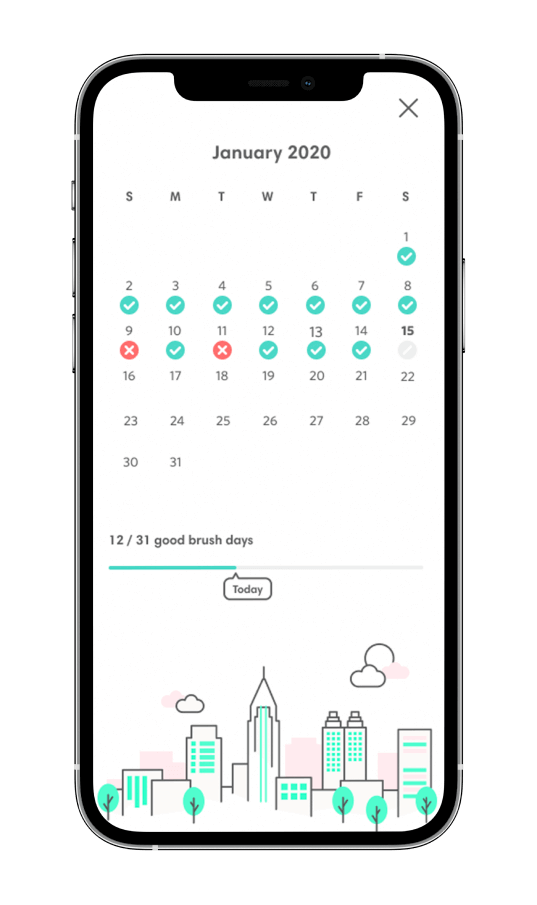
- Most users felt the use of Checks and X’s were harsh and did not encourage them
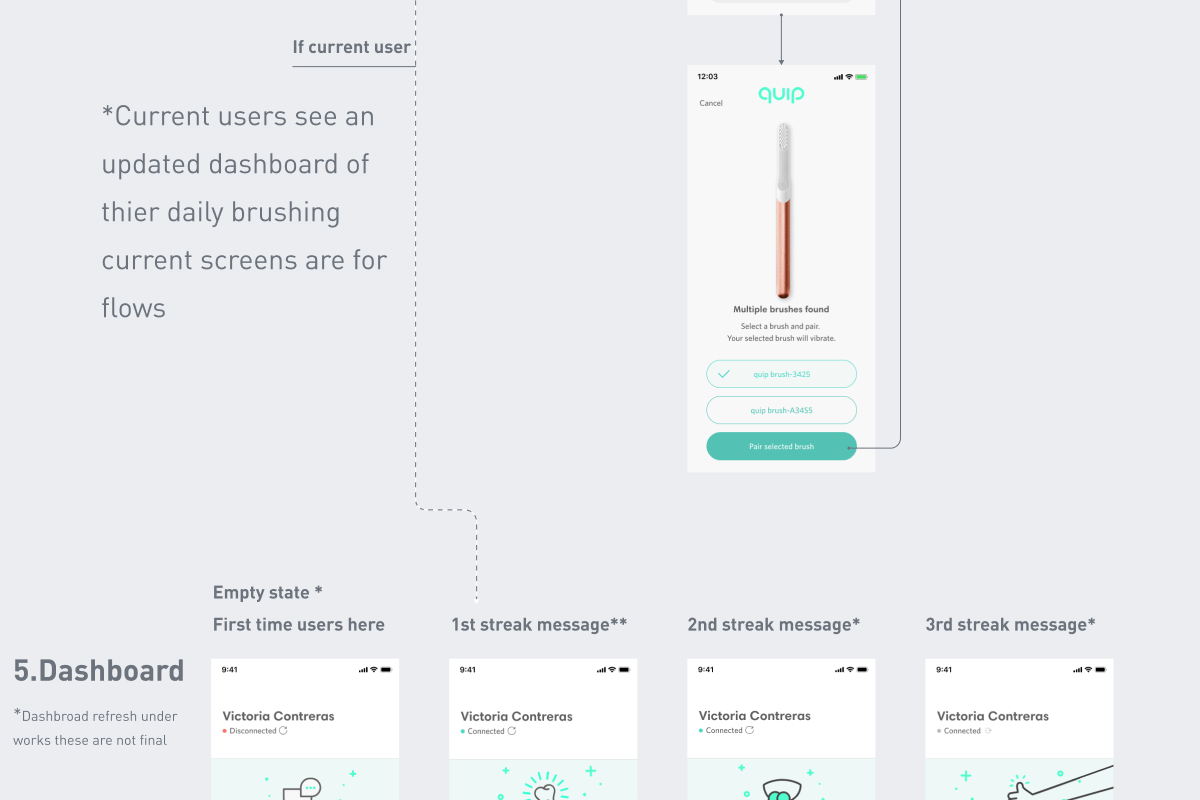
- Empty states were a common source of confusion at first, however after a first time brush the state was made clear
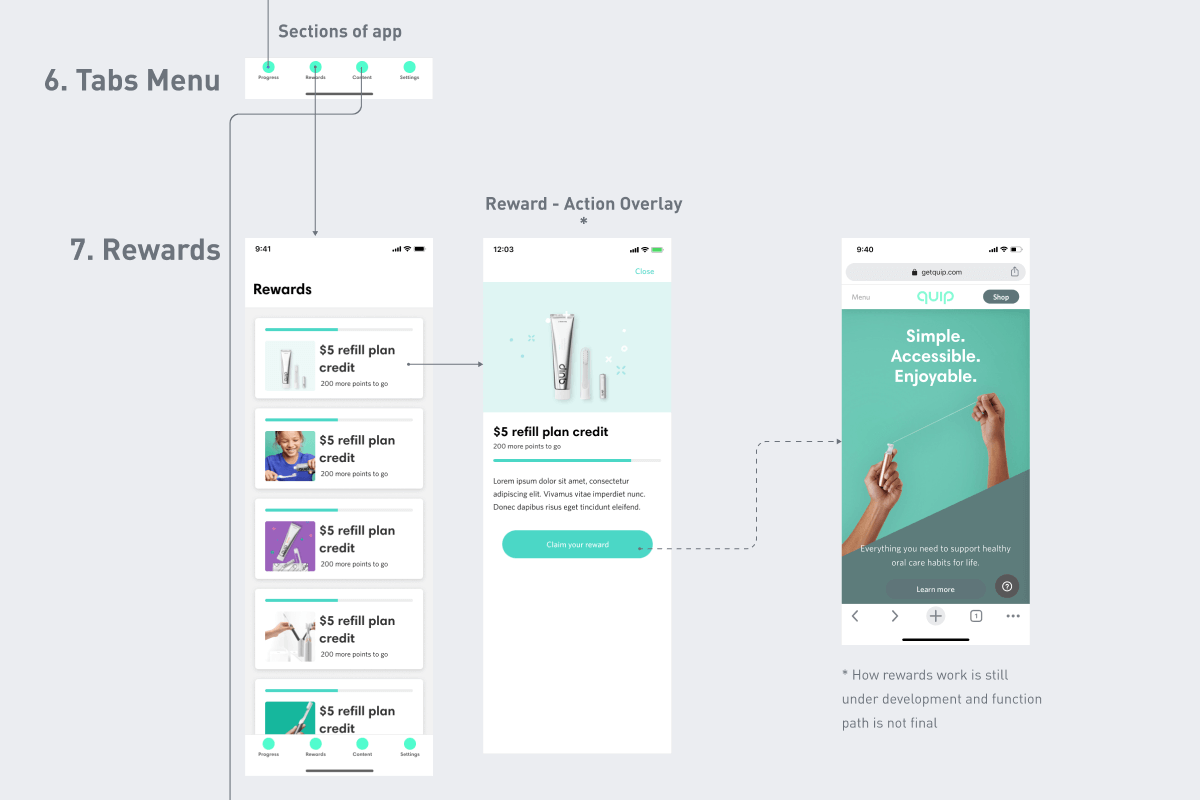
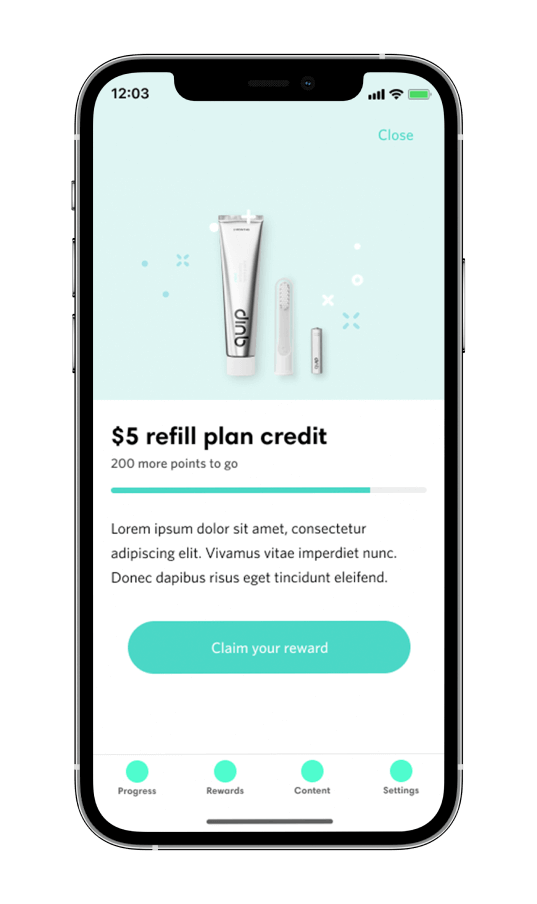
- Rewards did not feel to be enough to drive daily use, suggestions came in as, more positive messaging, points, streaks, etc.
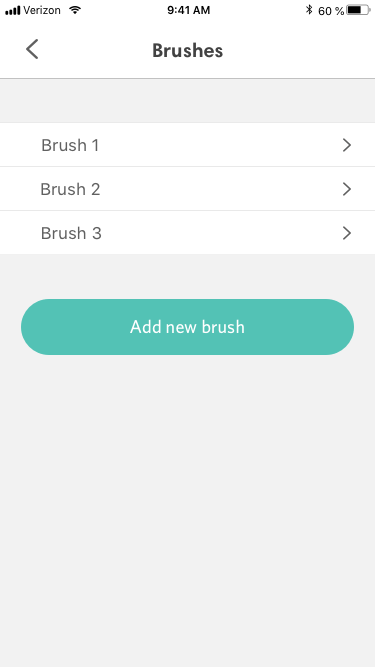
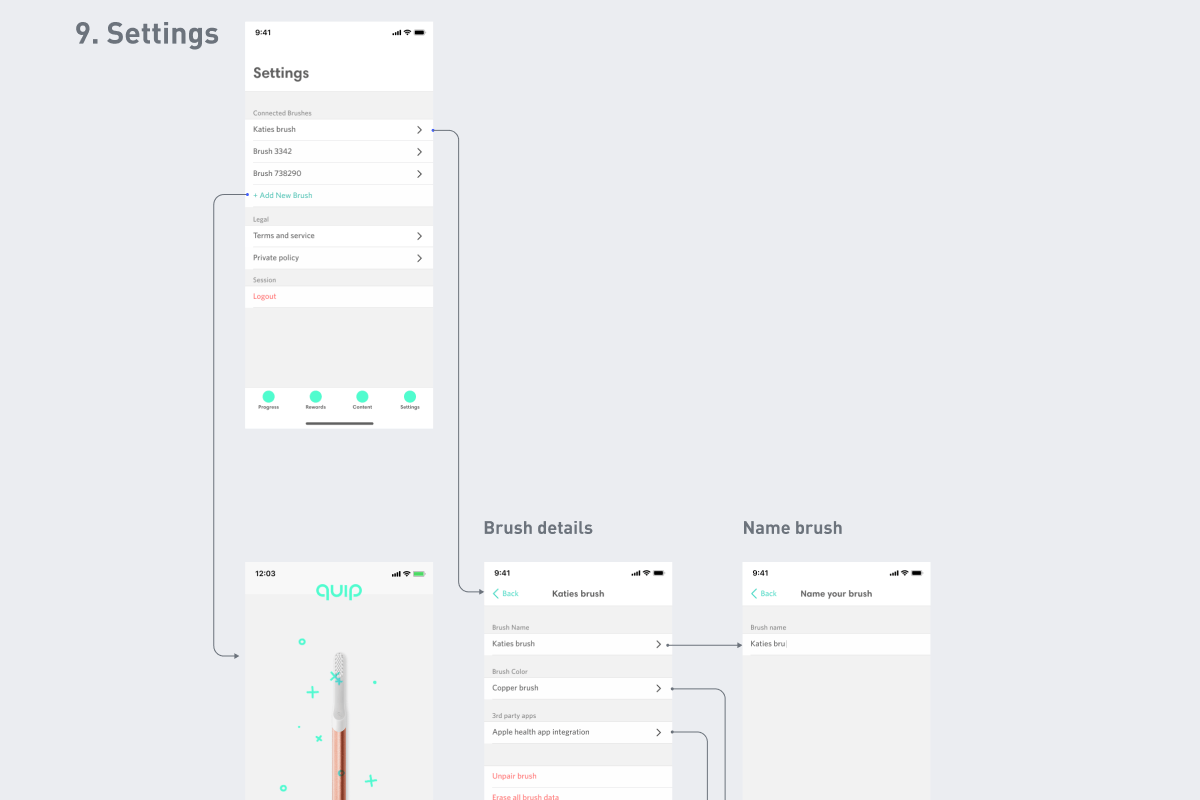
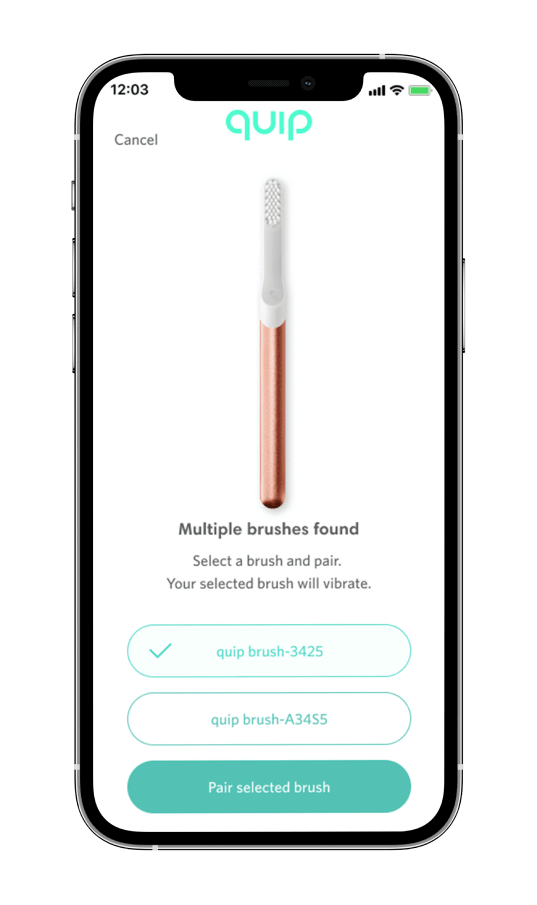
- Allowing multiple brushes was a popular options mostly among testers with children
6░
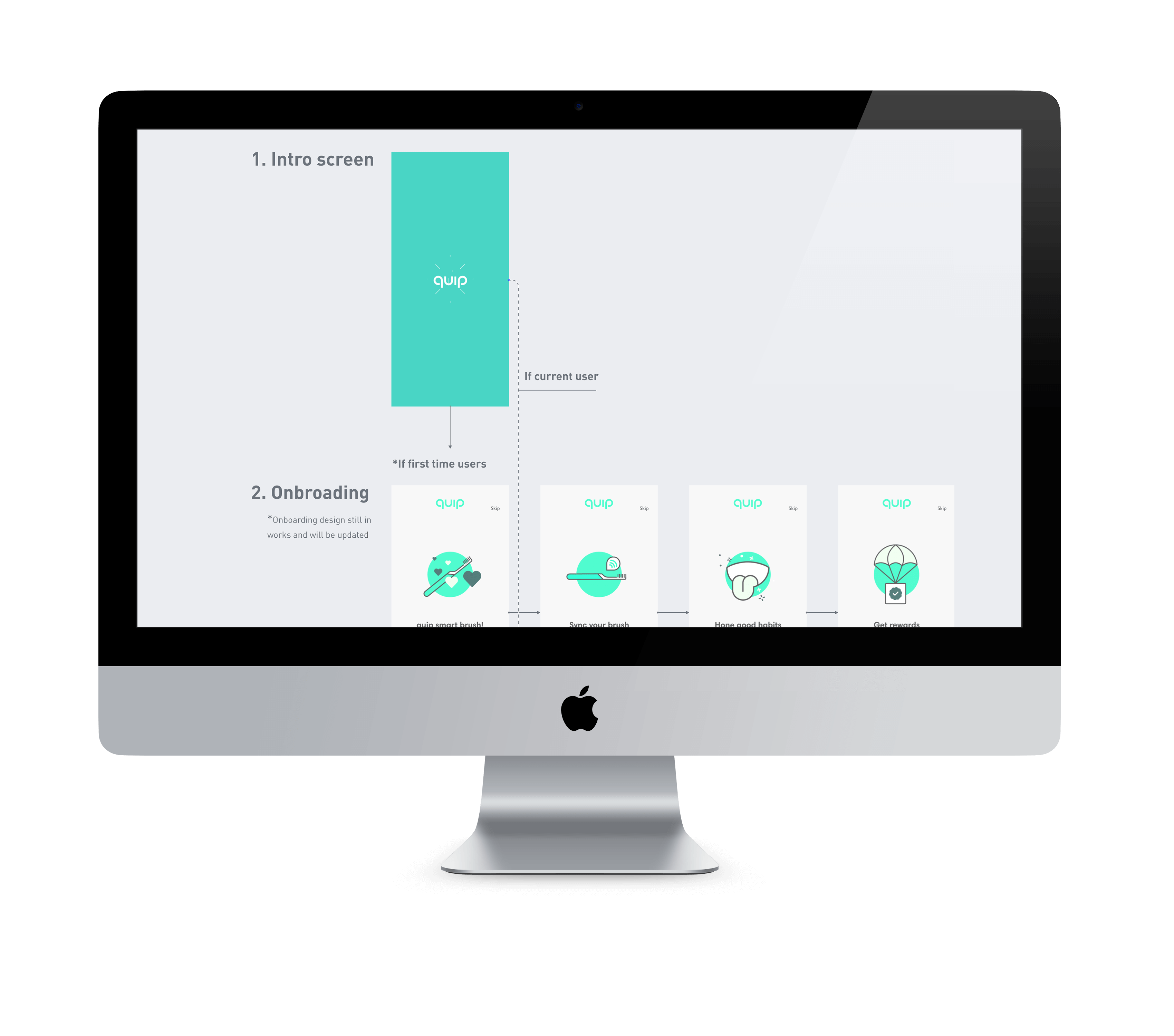
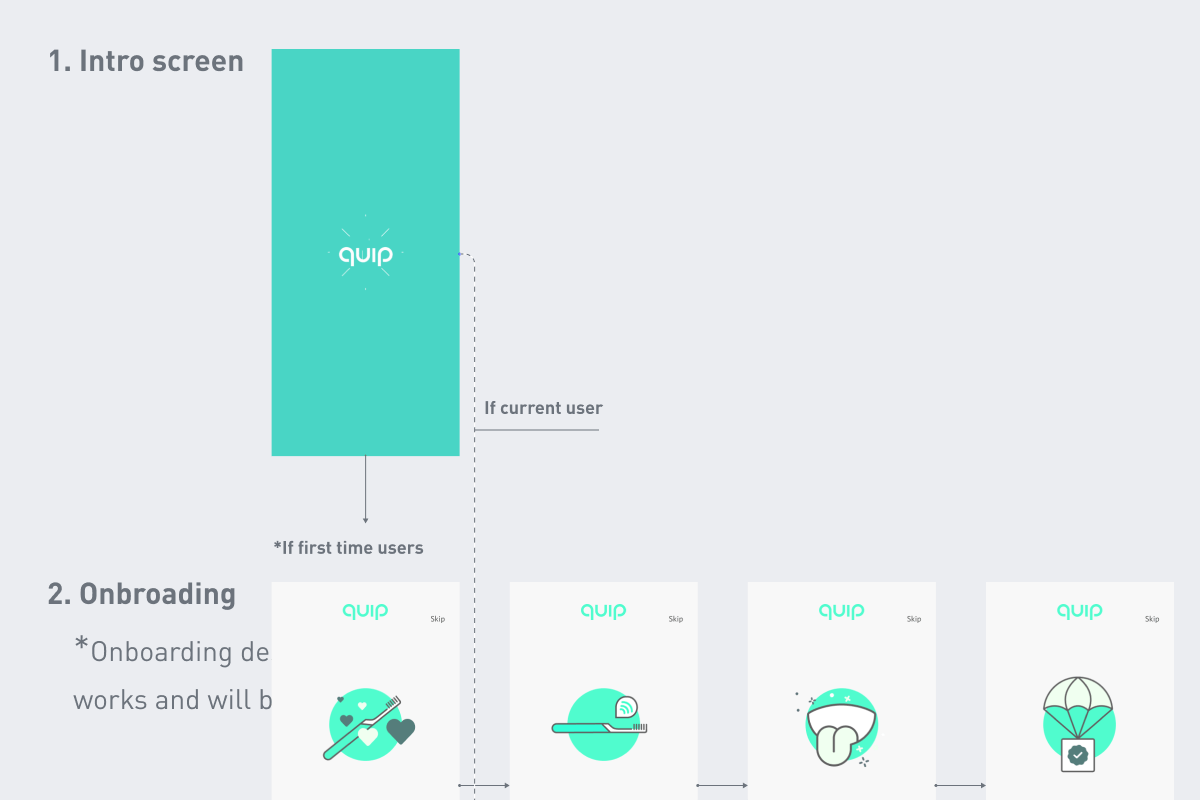
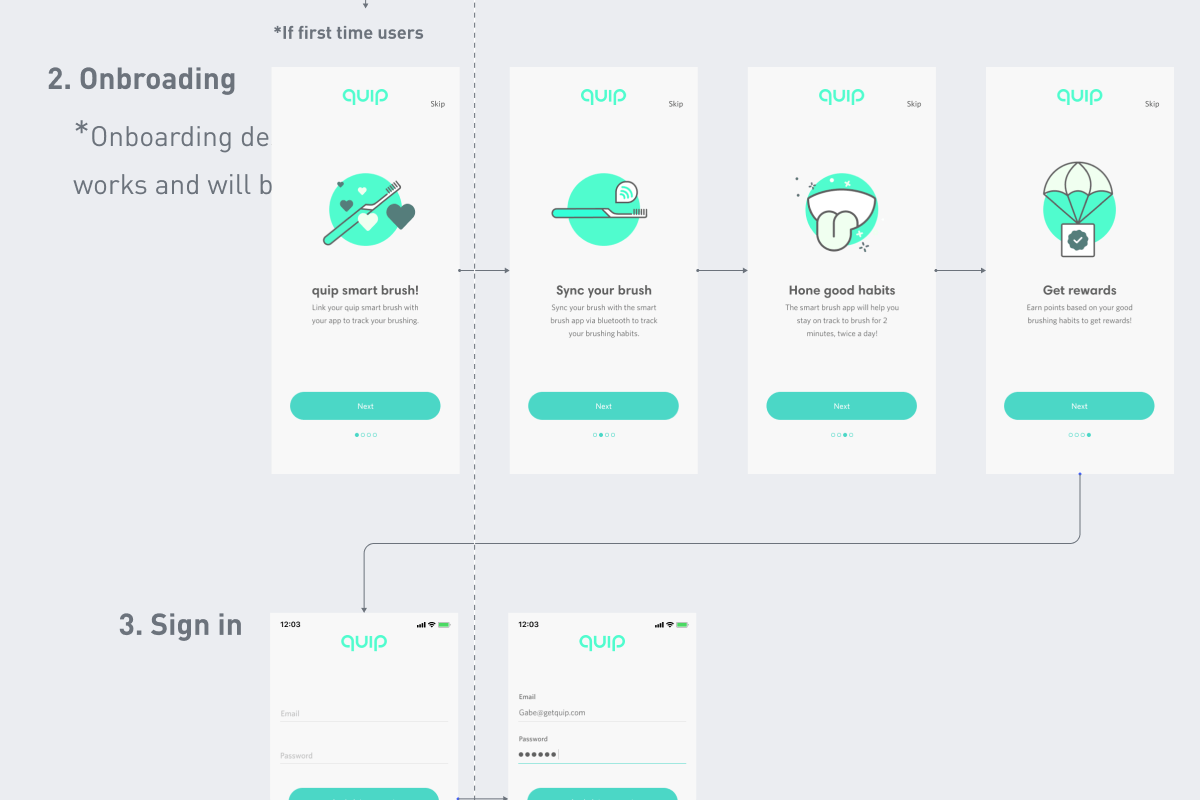
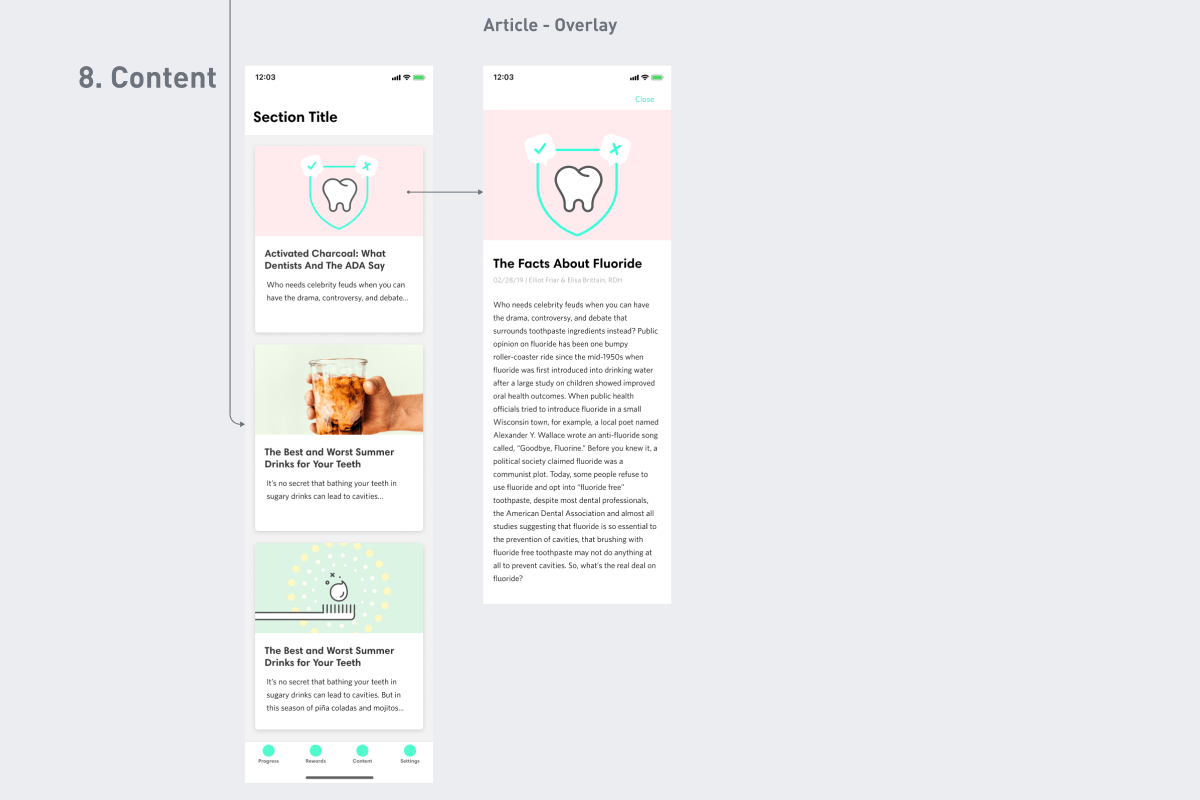
updated user journeys and created higher fidelity version.
- Begin working on 2nd higher polished version of app
- Create more detailed app flow and share with teams
- Refine current component library with new UI elements
- Create prototype to show complex features and interactions
- Present latest design build and prototypes
7░
Prototyping and testing the journey.
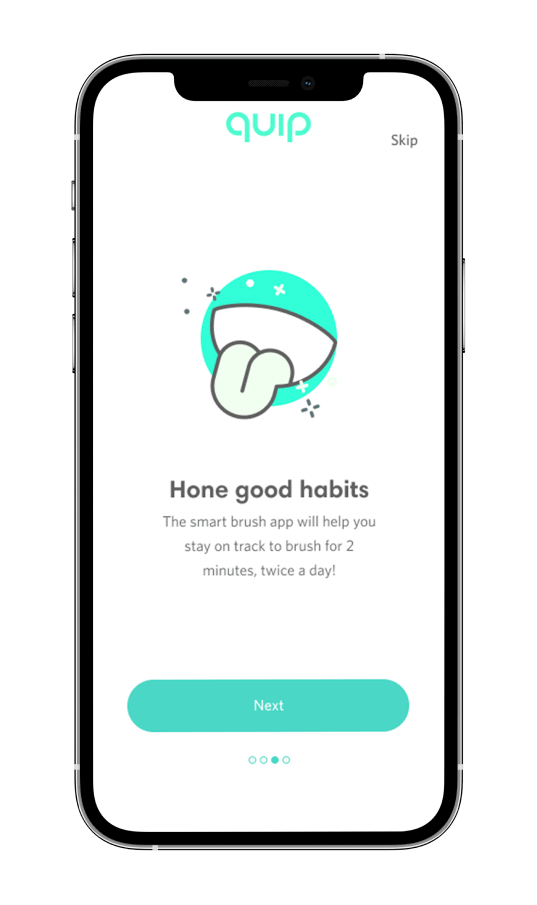
- Created a more detailed prototype to help illustrate features and app experience
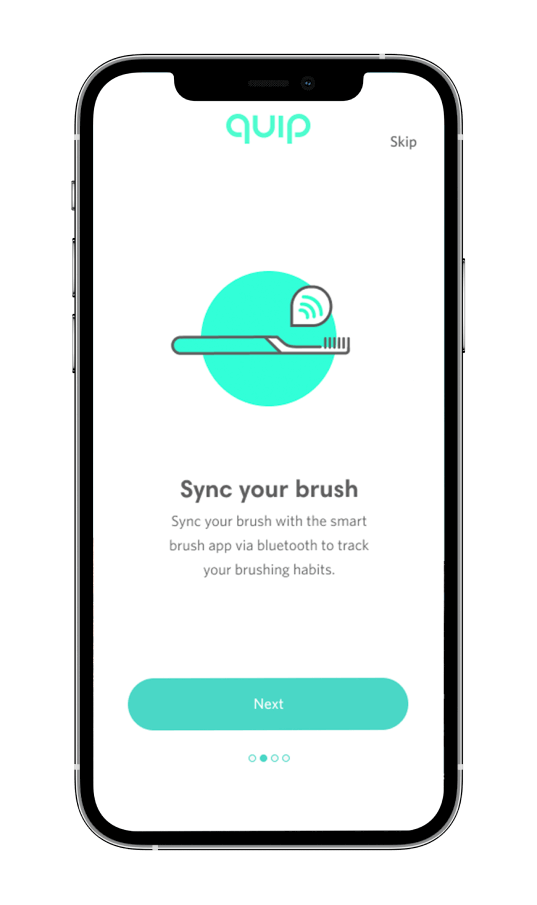
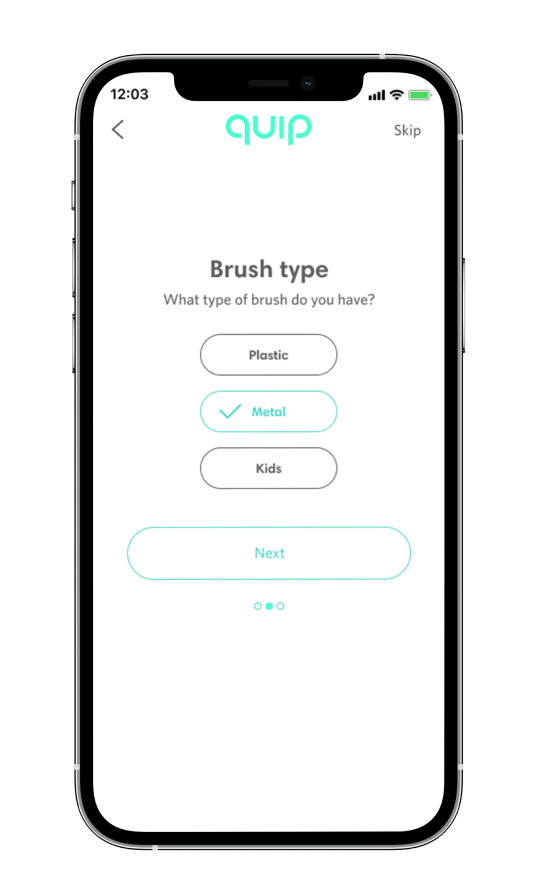
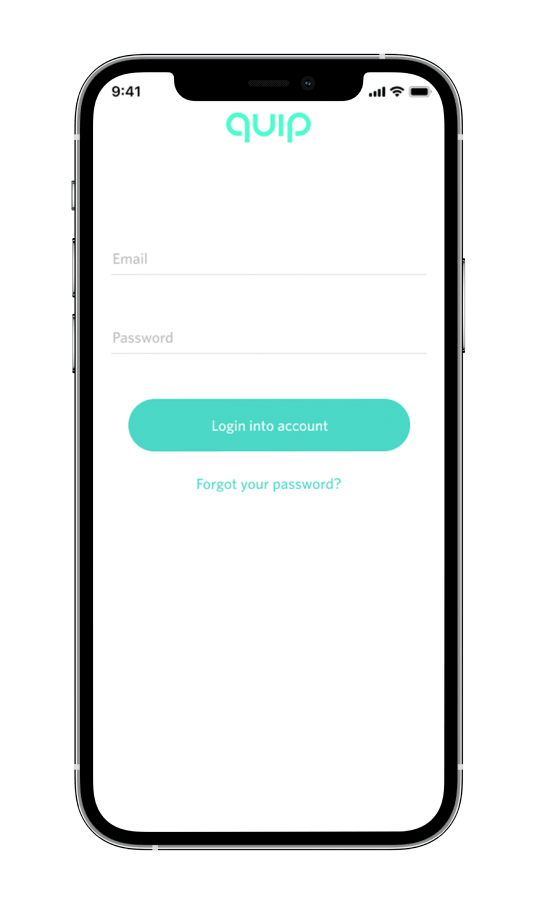
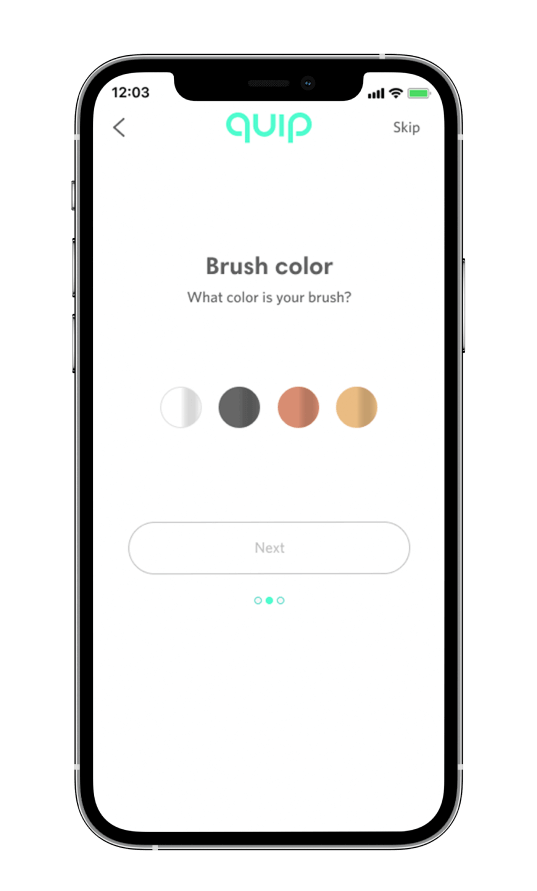
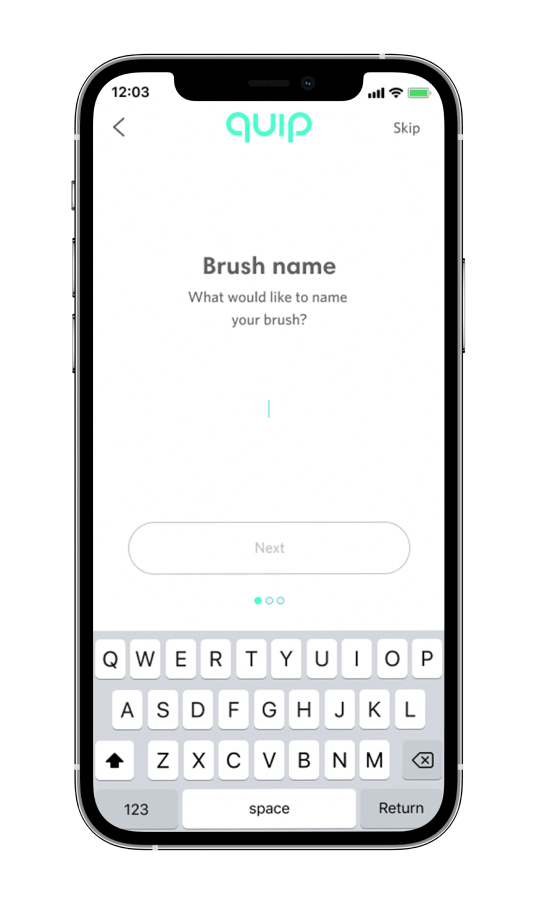
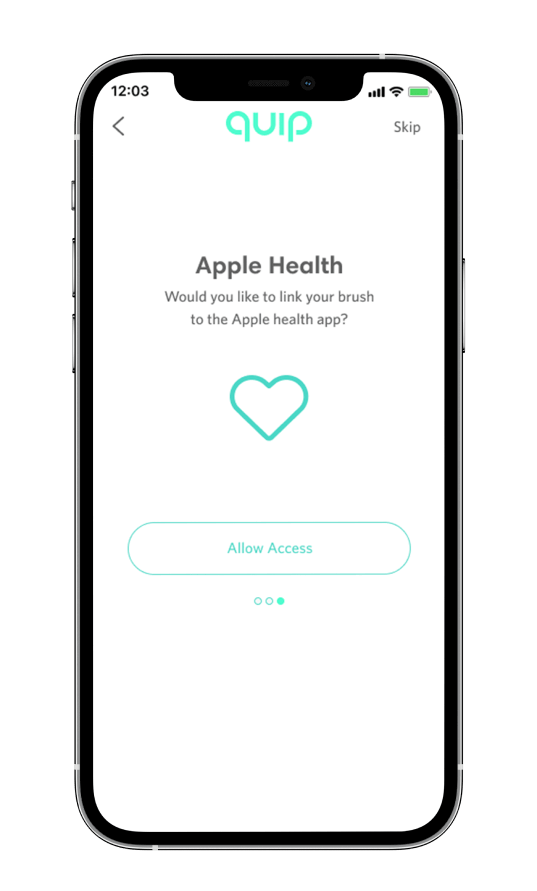
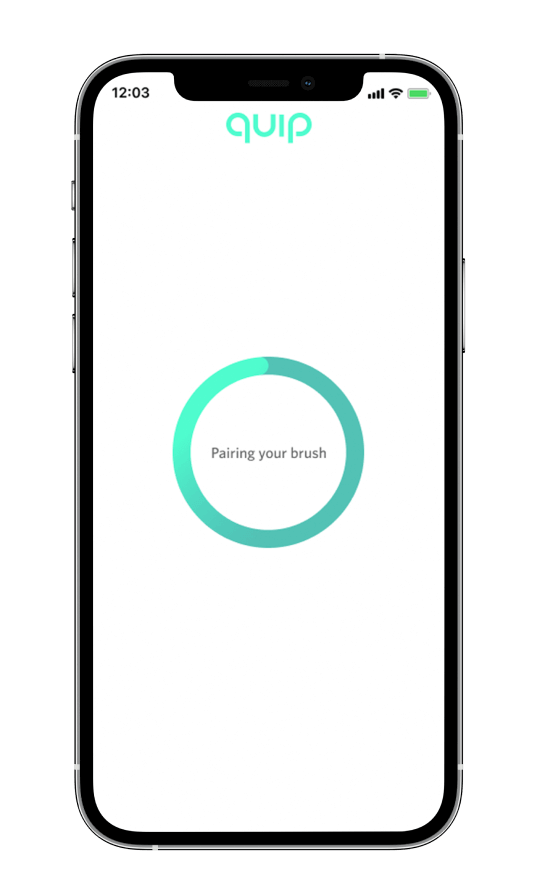
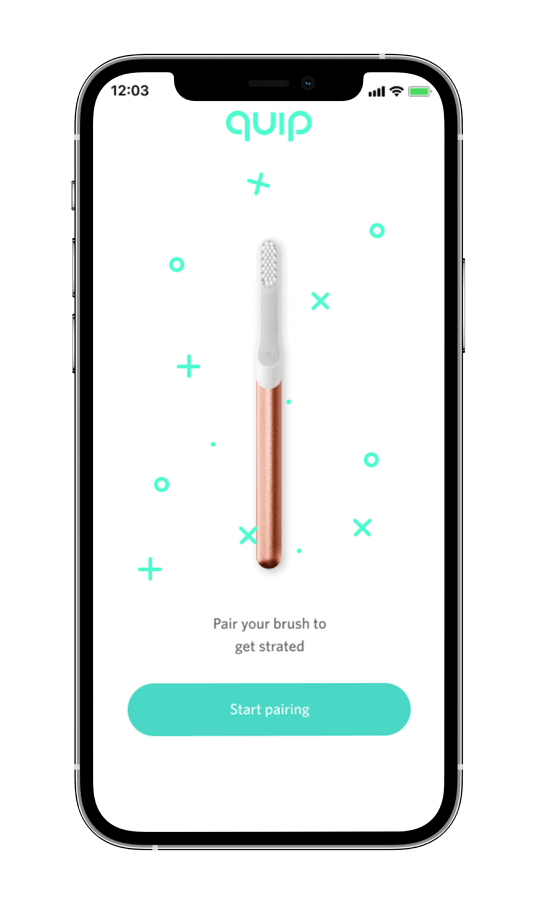
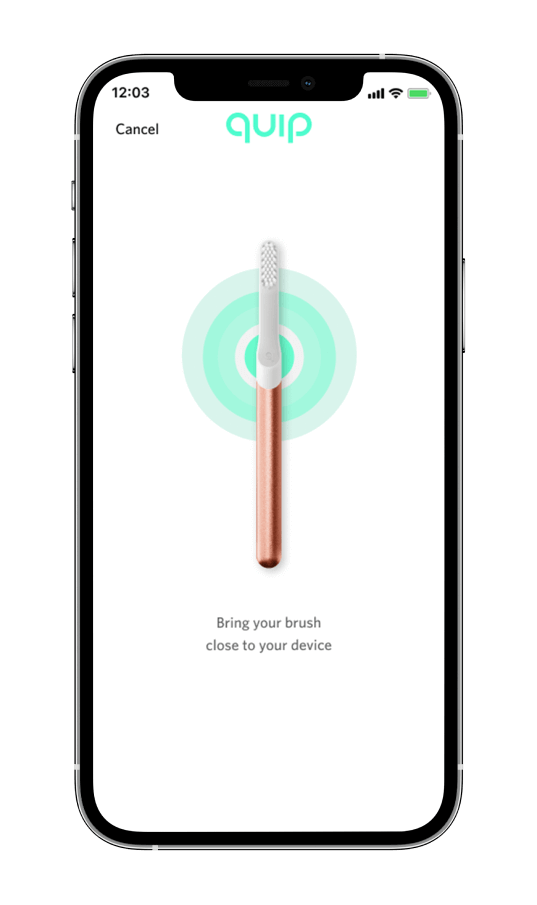
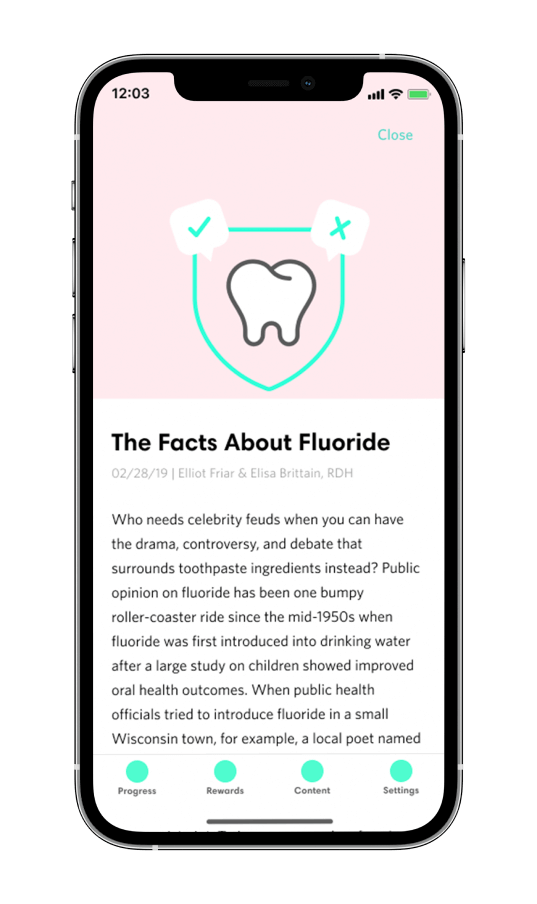
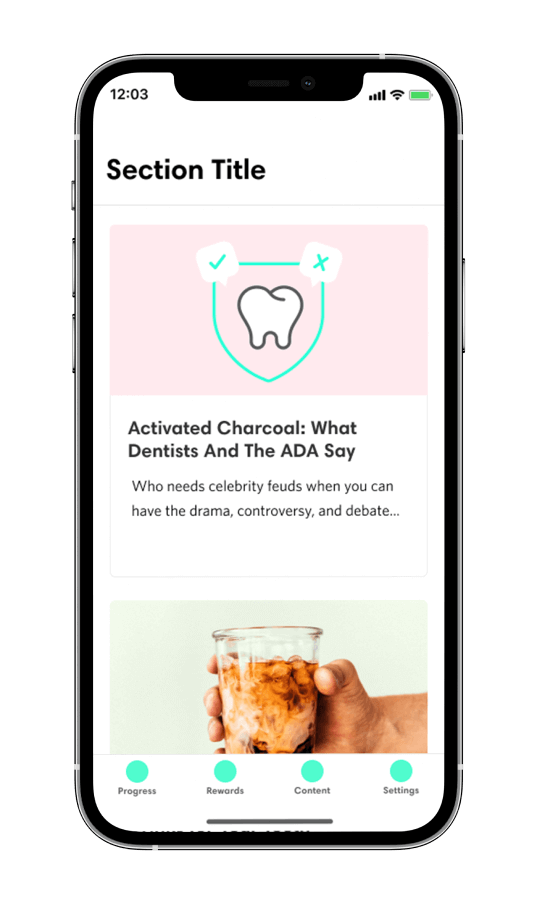
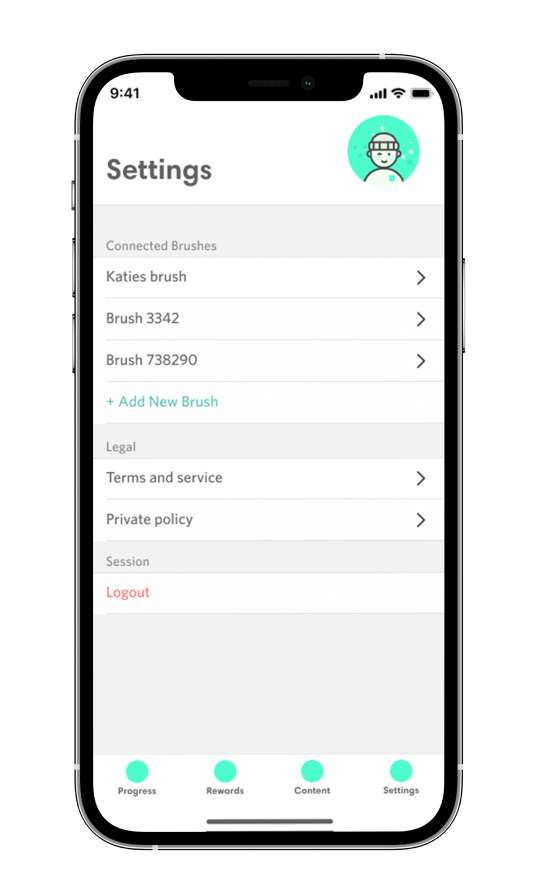
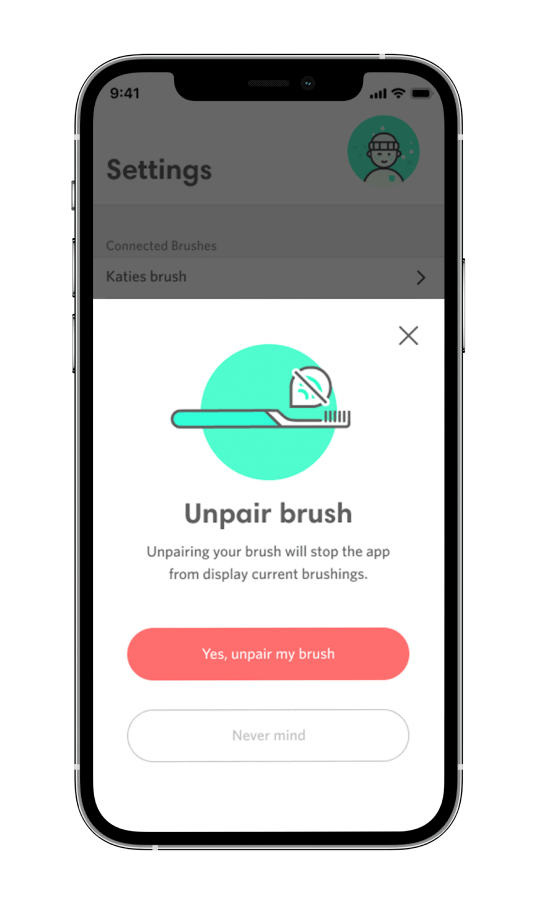
- These new features for exmaple were a new on-boarding experience where we have the user set up their brush within the on-boarding flow as opposed to setting up their brush in the settings, and added in touches of animated UI elements to help give the app an Immersive enjoyable experience to the user
8░
Not done yet...
This case study breaks down the first early stages of quips mobile app Astor. There is still much more work, research, user-testing and refinements to be done, but overall it has been a fun and challenging journey.