Designing a TV app.
Vimeo is a video sharing platform that was launched in 2004 by a group of filmmakers. Since then, the platform has grown to over 80 million creators — most of them artists in film, animation, music and other works of art — who’ve been able to use Vimeo as a way to share and promote their work. Vimeo was thrilled to announce their brand-new Apple TV and Android TV apps — with Samsung Smart TV too— All of which bring the best of Vimeo to the big television screen.
I had no experience in the TV app space, but I did have TV experience before. This project for me and the team was a great learning experience, and we worked together to really push ourselves and the result is an awesome new TV app. Below are the steps and outlines of how we did it.
ROLES
PRODUCT DESIGN
EXPERIENCE DESIGN
RESEARCH
PROTOTYPING
░
Overview
This is the first time Vimeo has built a native app for Android TV, Apple’s tvOS, and the first time the service has had an HTML5 app on Samsung smart TVs. Vimeo wanted to get a line of TV apps on the market to not only promote Vimeos library of user content to the wide audience range of TV viewers, but also in preparation of a new streaming service (At the time of the project, later this service was canceled). This new streaming service would have run along side Vimeo current catalog of user content.
Approach
- Work along side PM to plan out roadmap, user journey, and best processes to design and build out an MVP TV app for Vimeo
- Plan out a process of discovery, ideation, validation, feedback and repeat to keep project moving in the right direction
- Plan out in parallel different versions of the TV app from iOS, Android and HTML (For Samsung TV)
- Work closely with key members of engineering team to act as a guide to make sure project is realistic and on scope
- Set bi weekly meetings to showcase progress of wire frames, prototypes and designs
░
The process break down.
Below is a little break down of the overall process myself and our team did. We were all new in this TV space and but that just made this process fun and exciting.
░
1░
It starts with research & discovery.
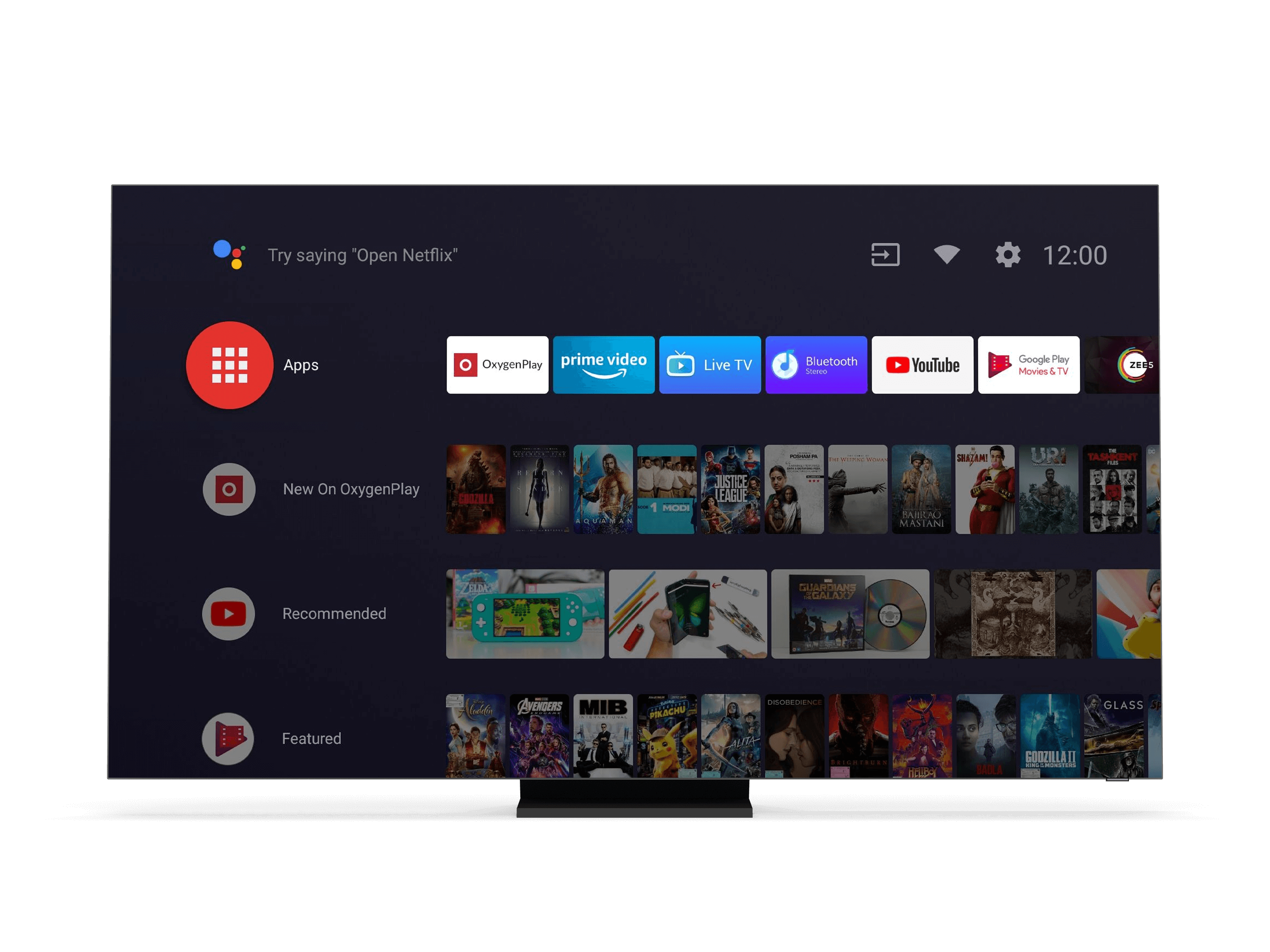
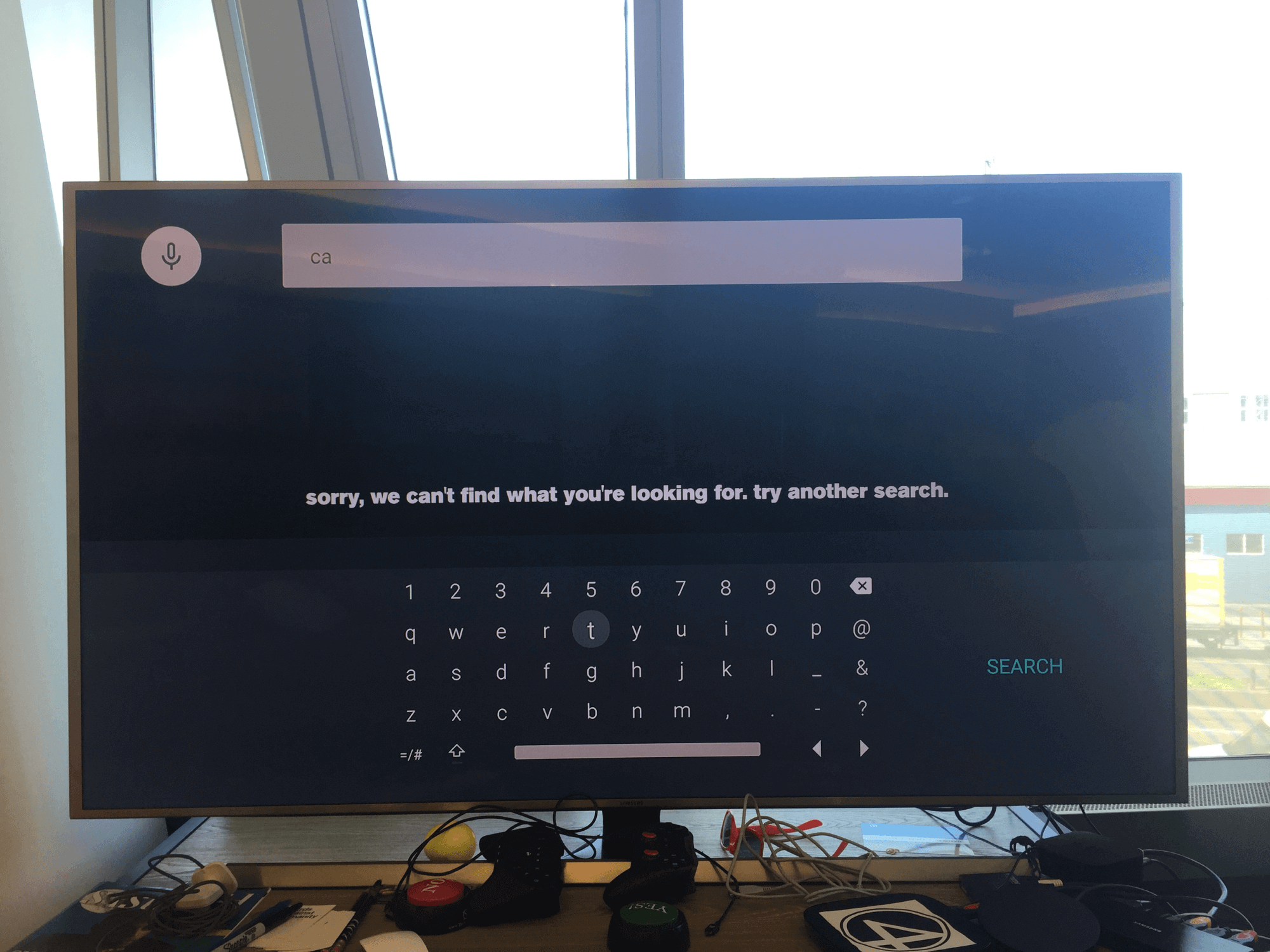
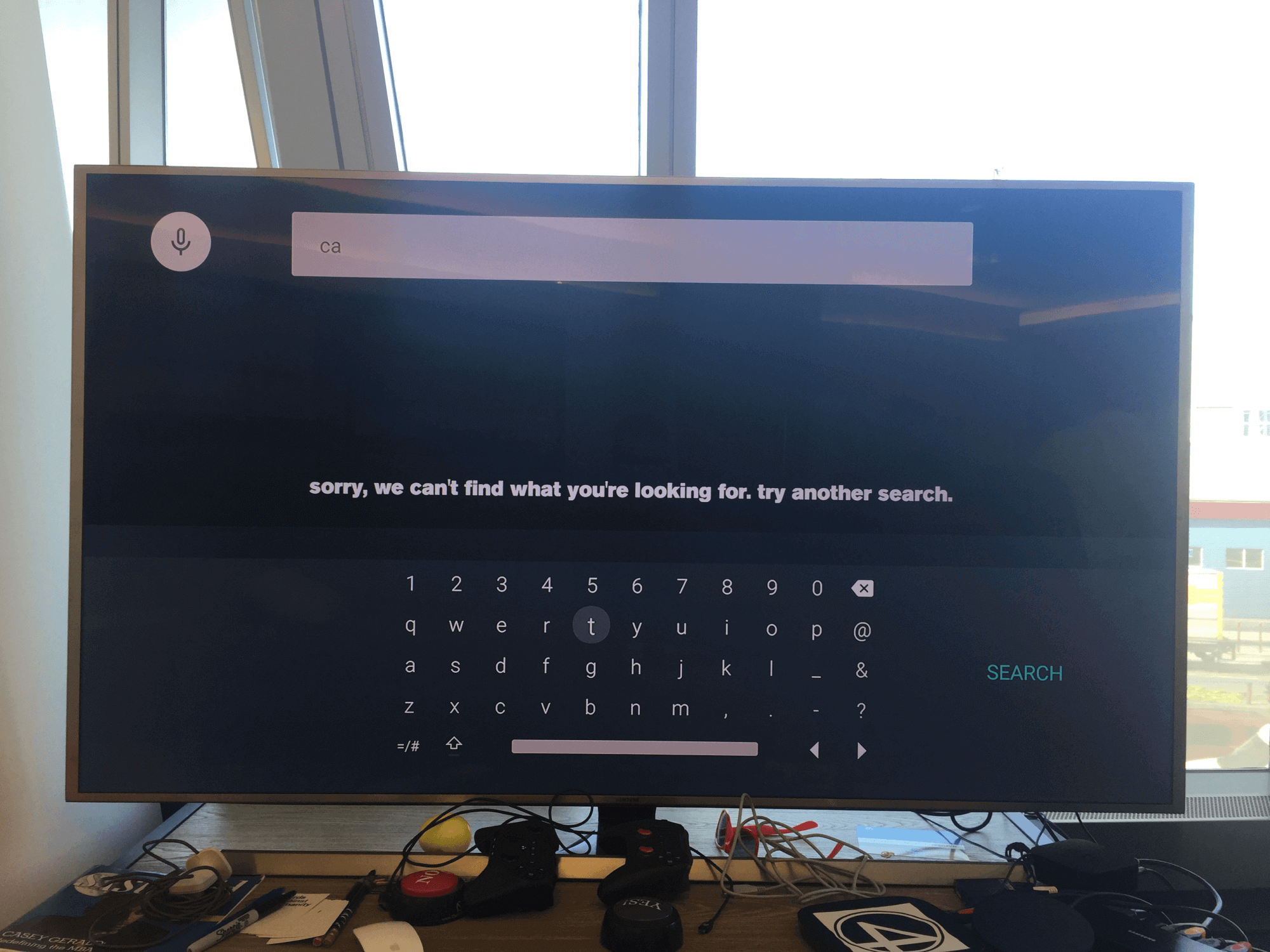
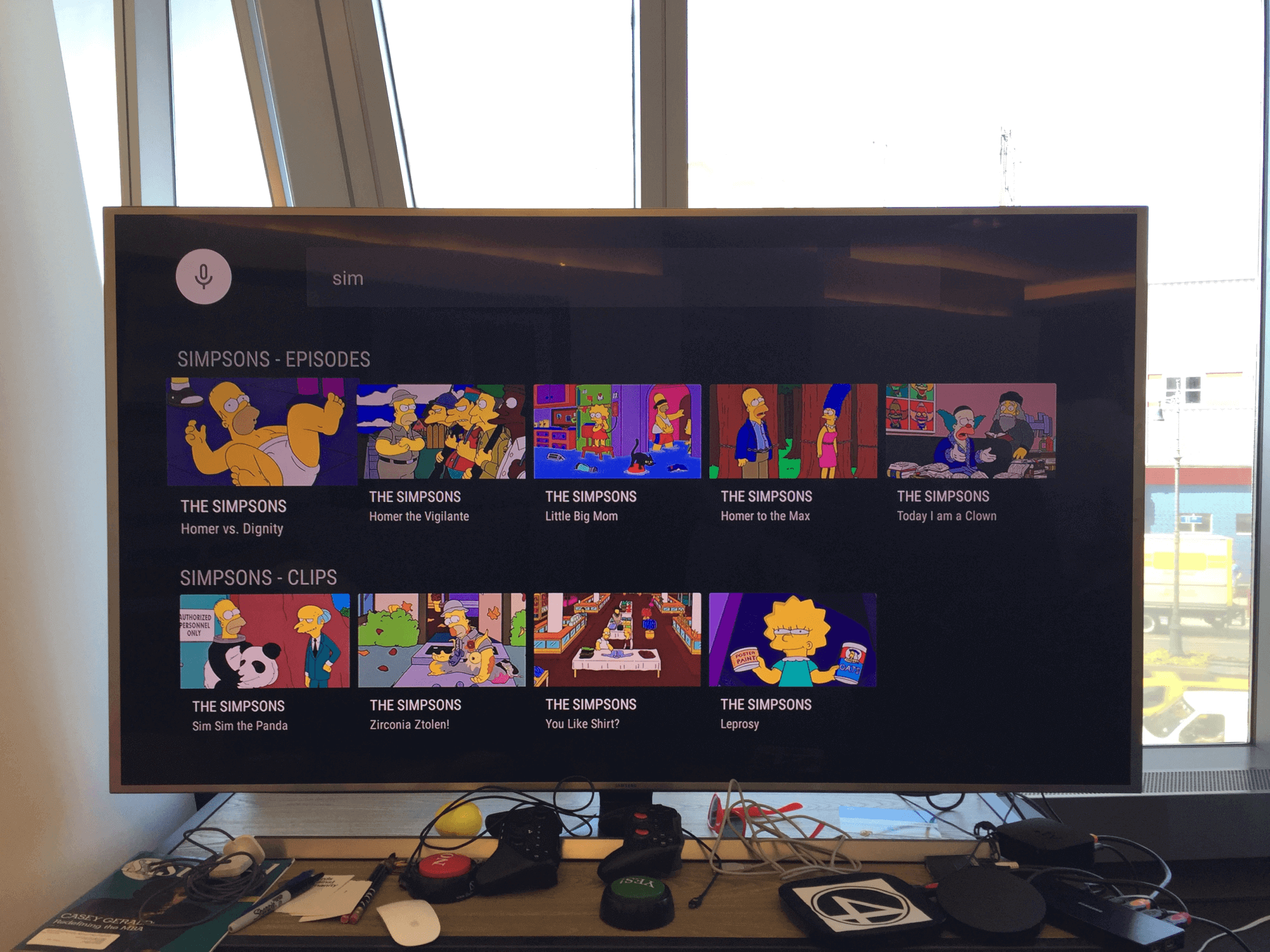
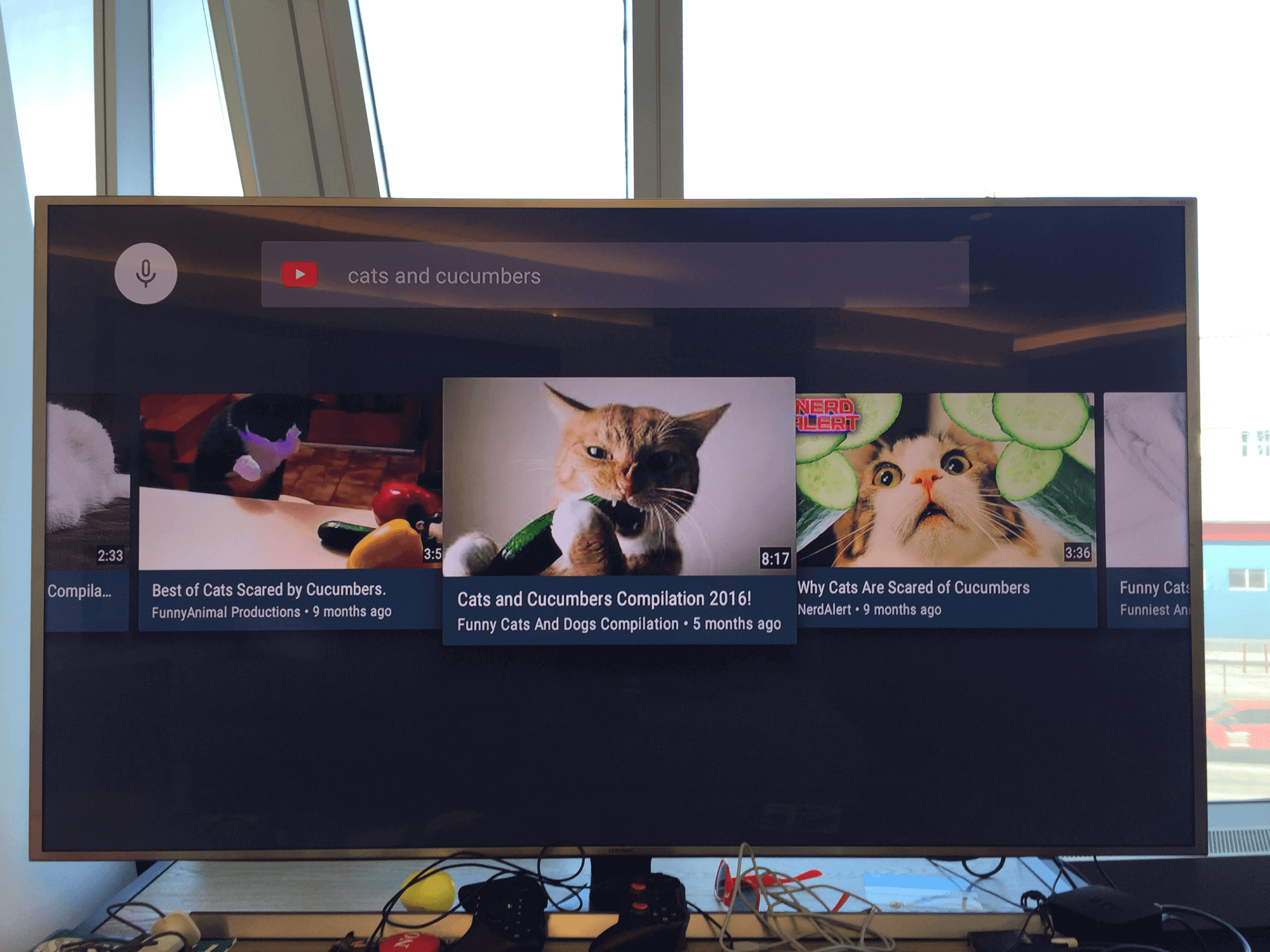
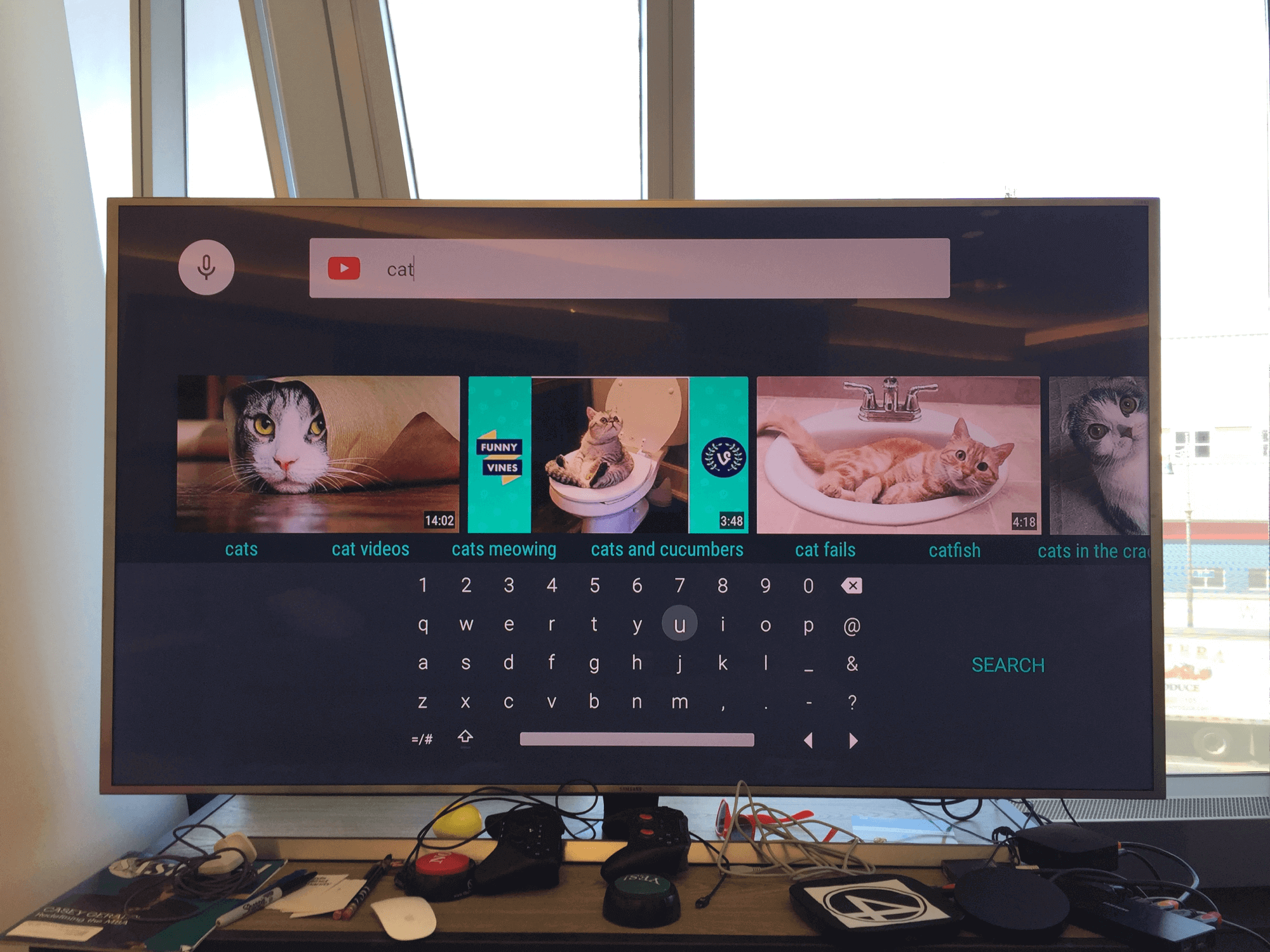
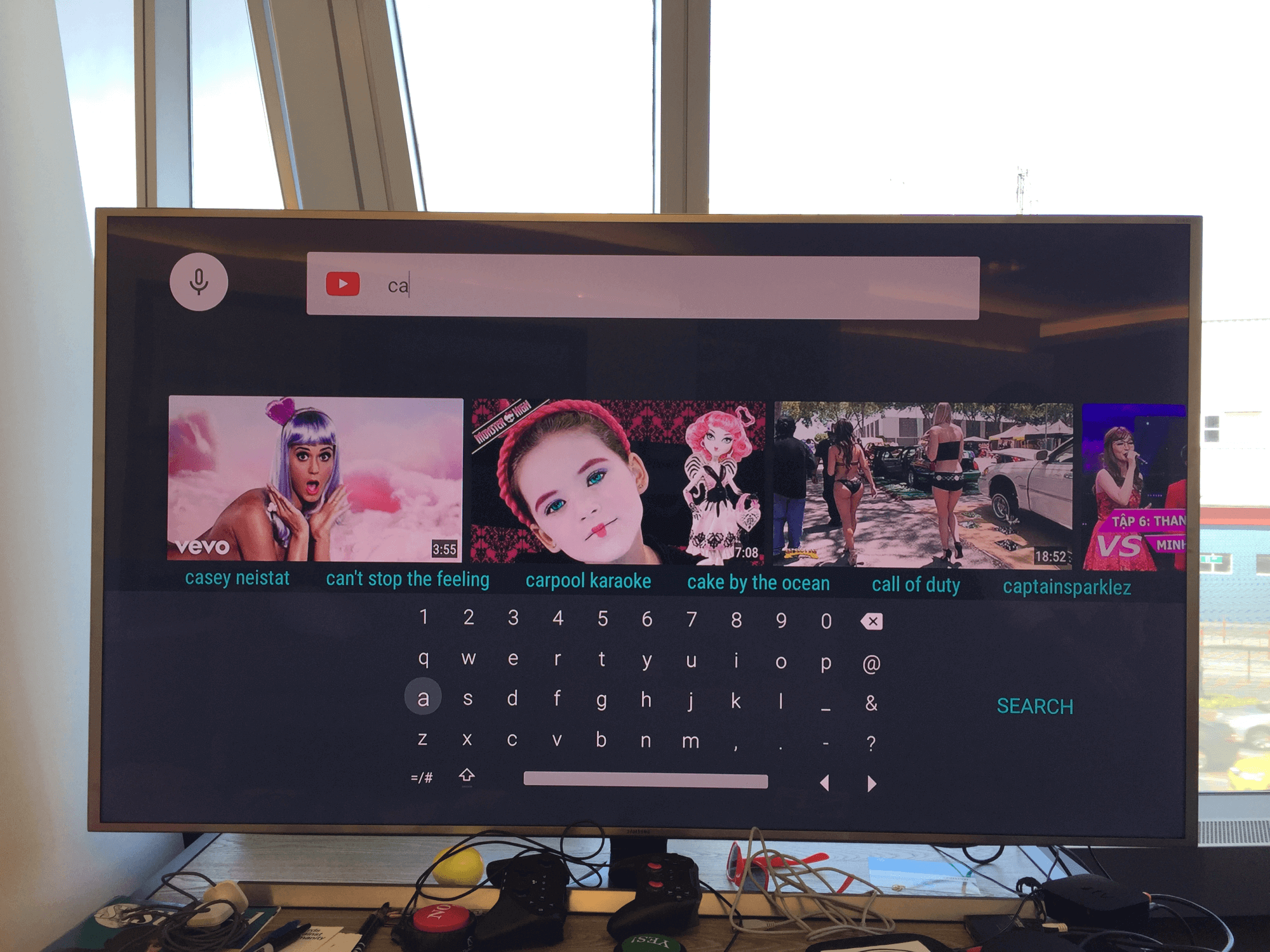
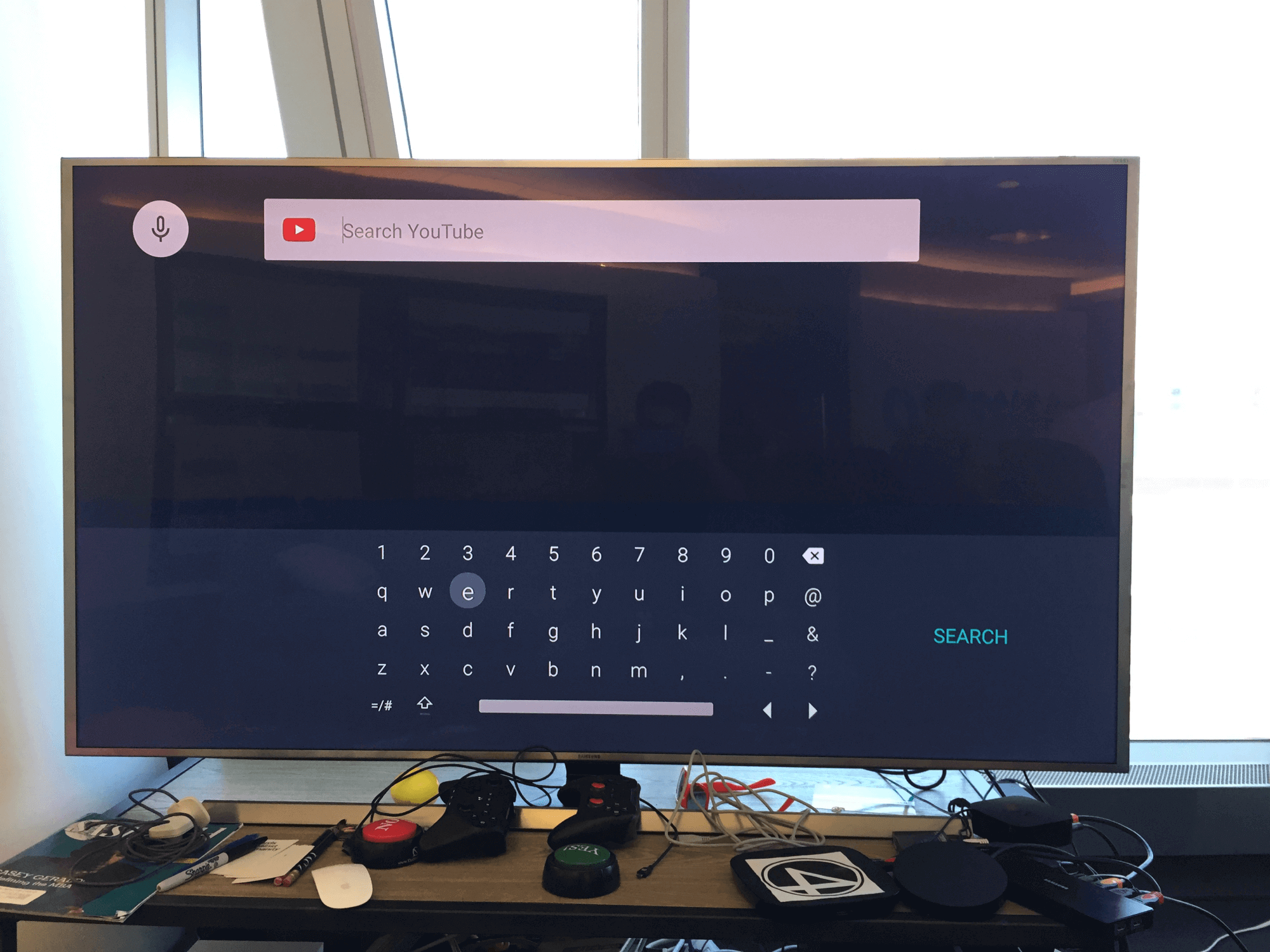
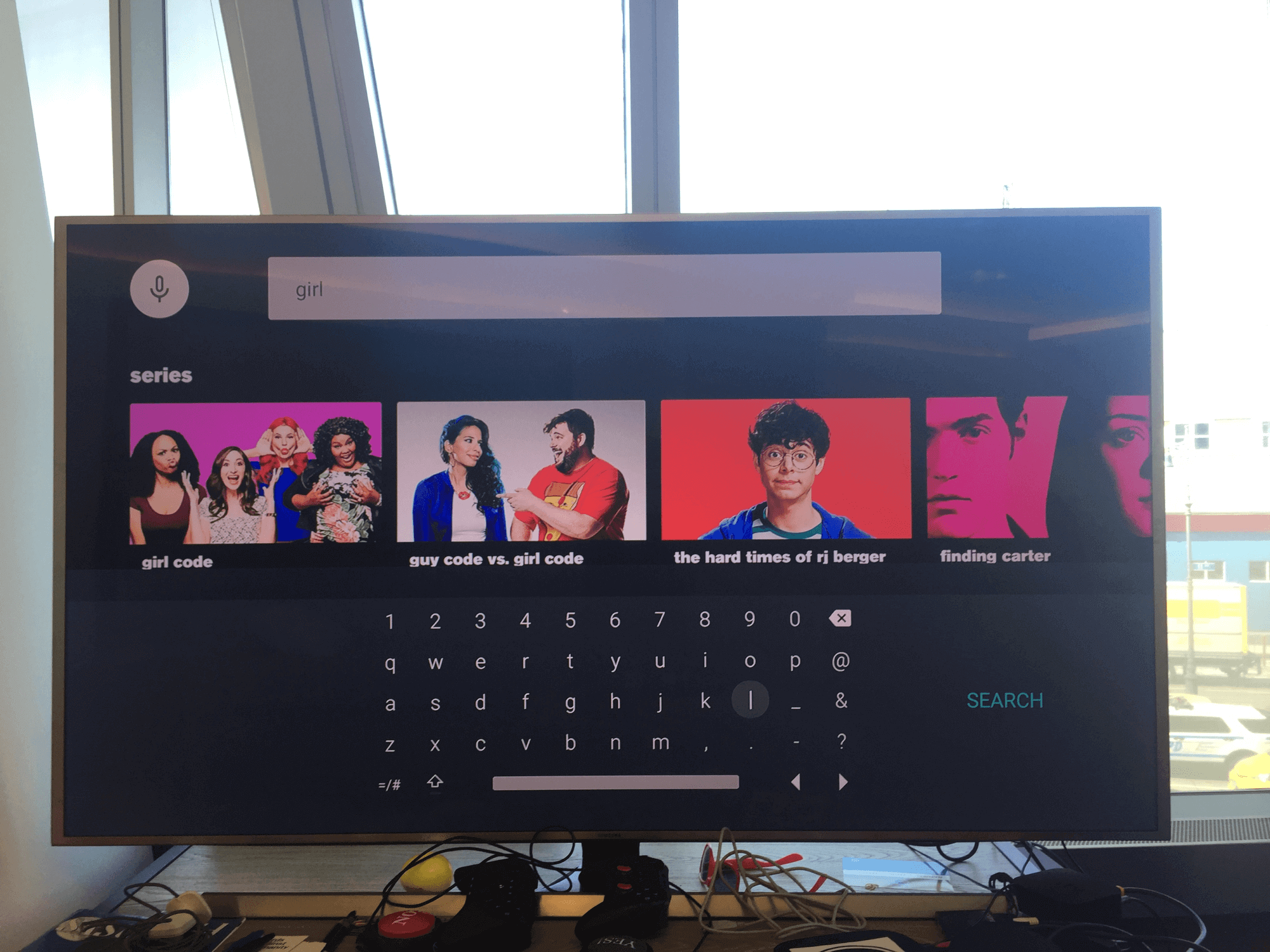
I was not fully experienced with TV apps let alone even owned a TV for over a decade. My first approach was to understand the TV space and spend time in a discovery and competitive review of current TV apps.
- Discovery to research the TV space
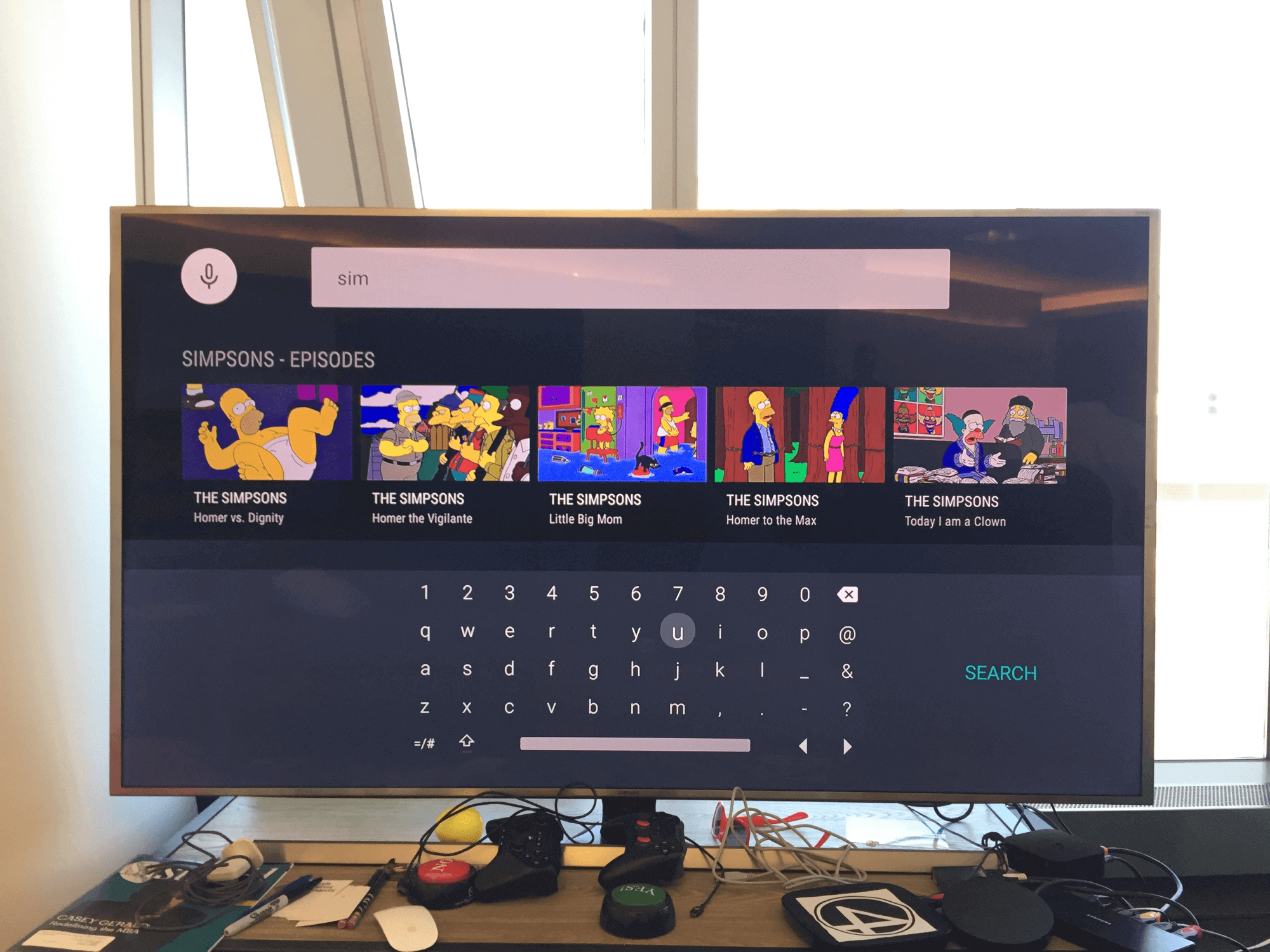
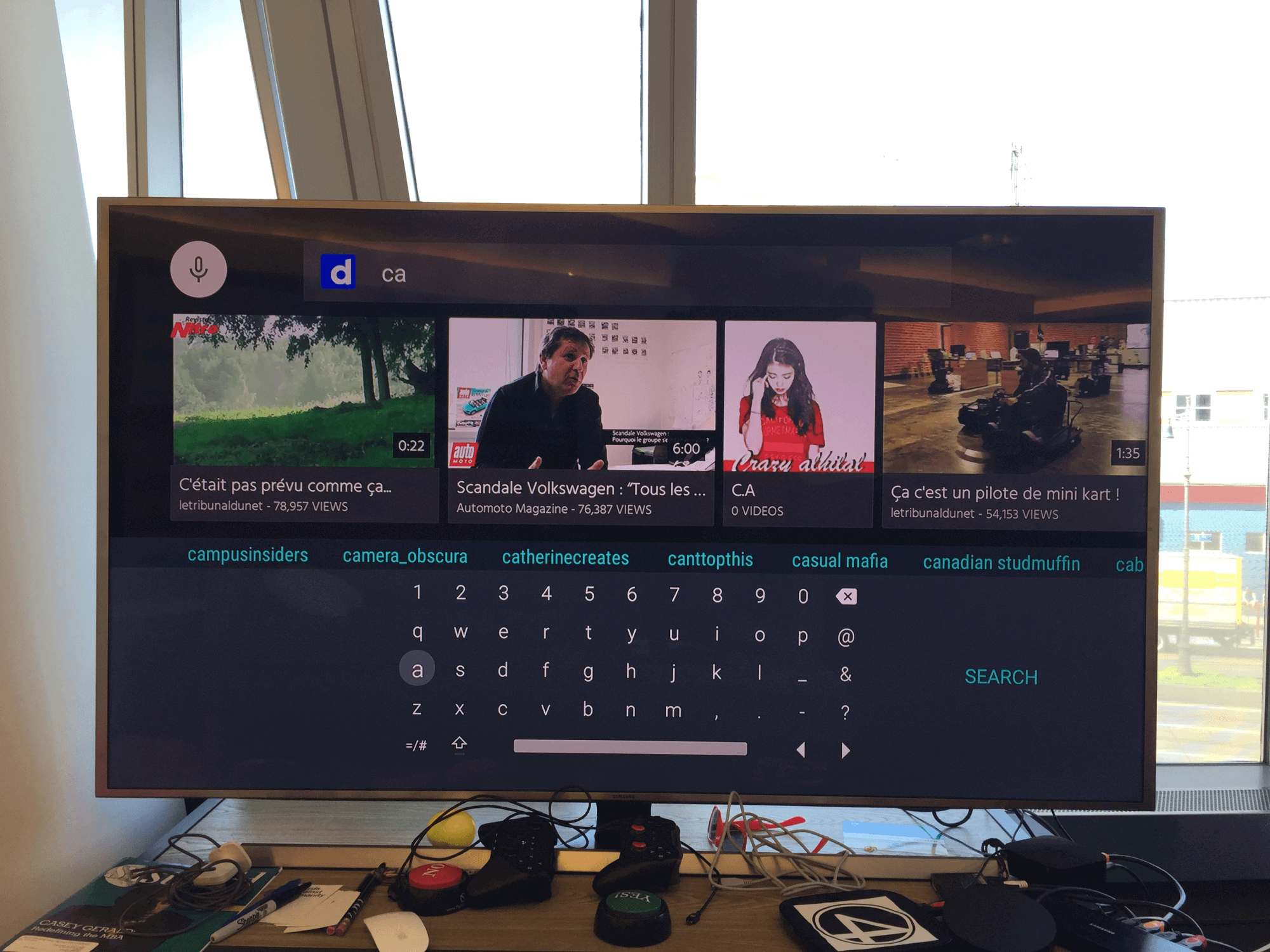
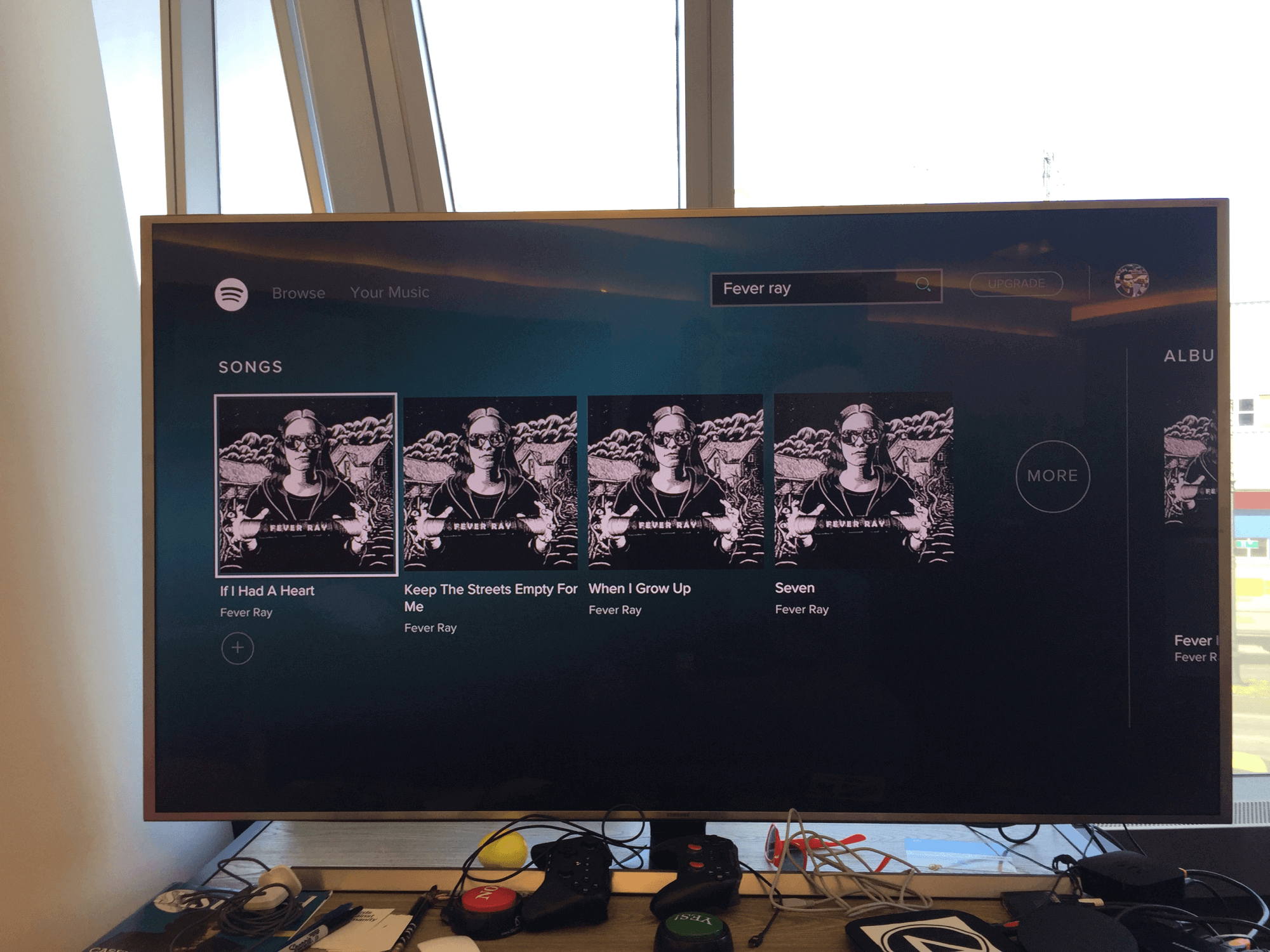
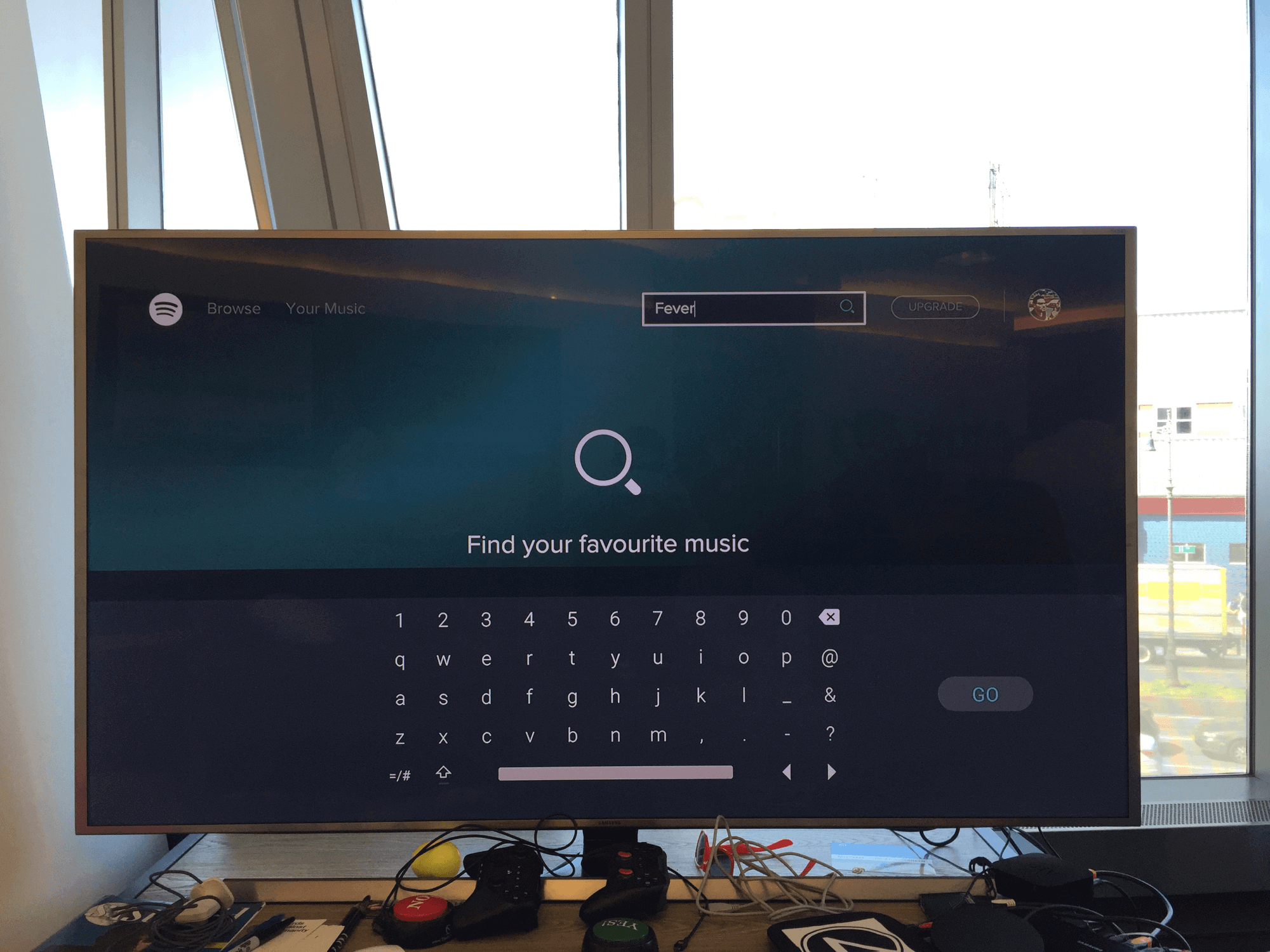
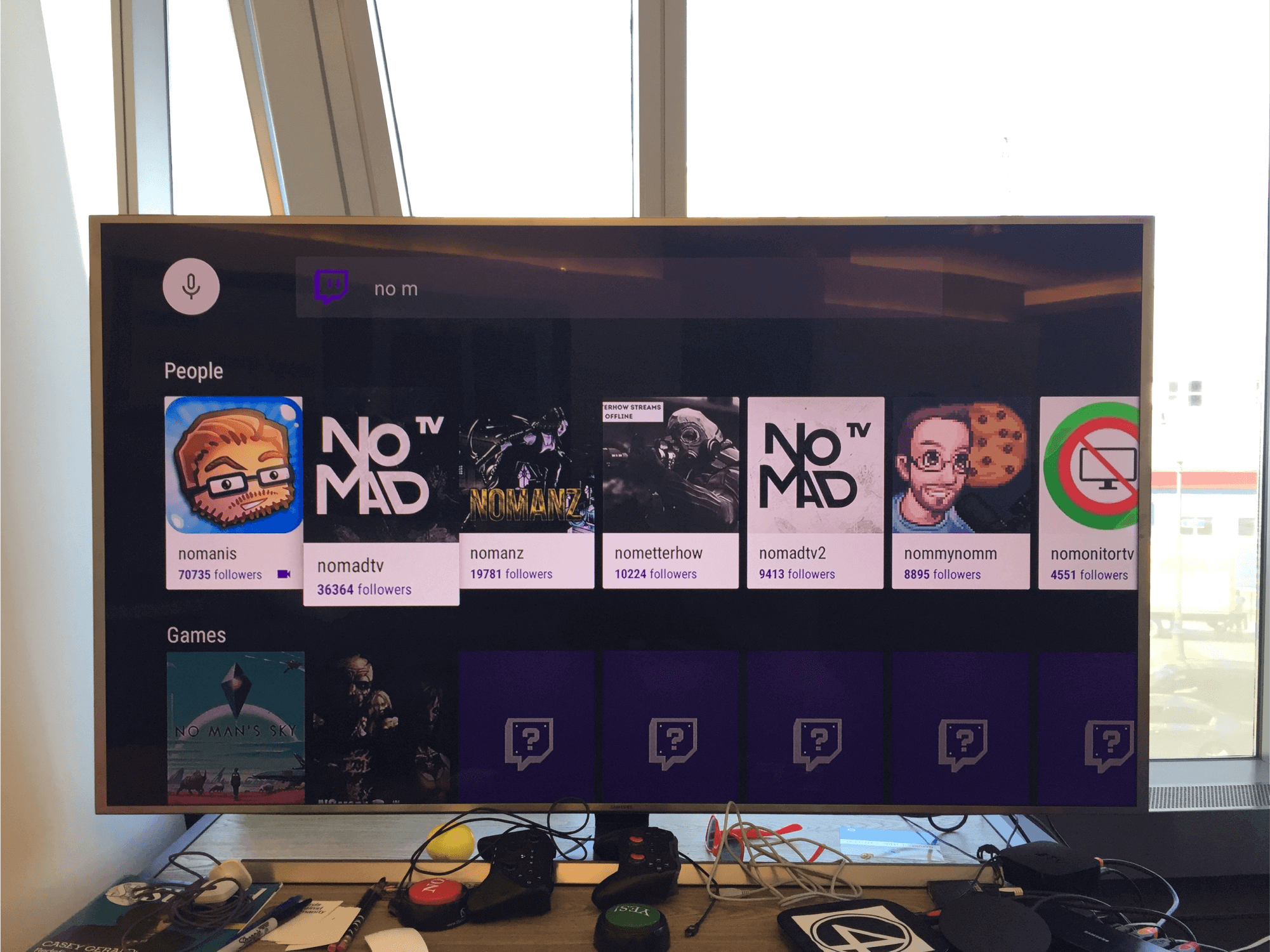
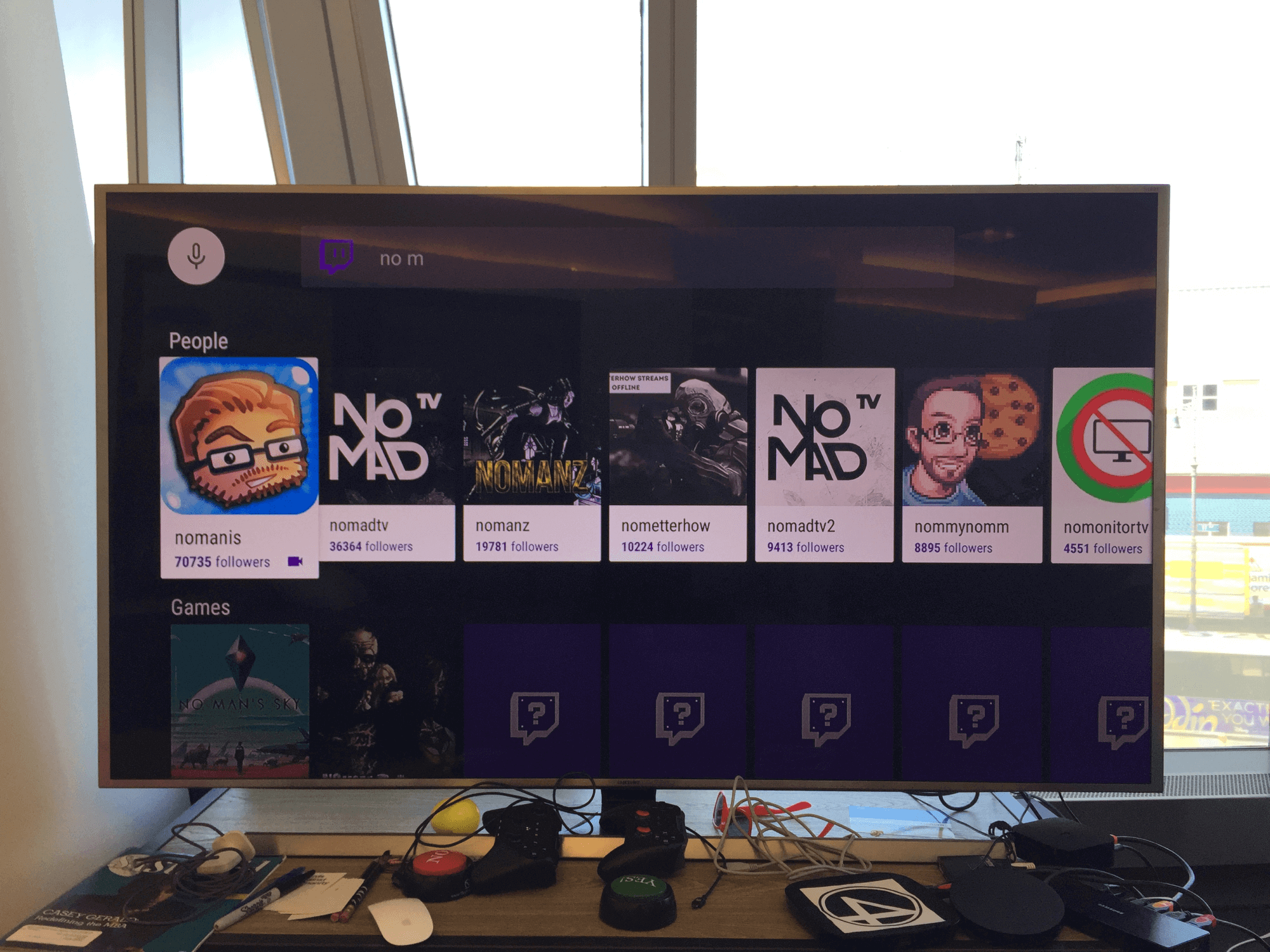
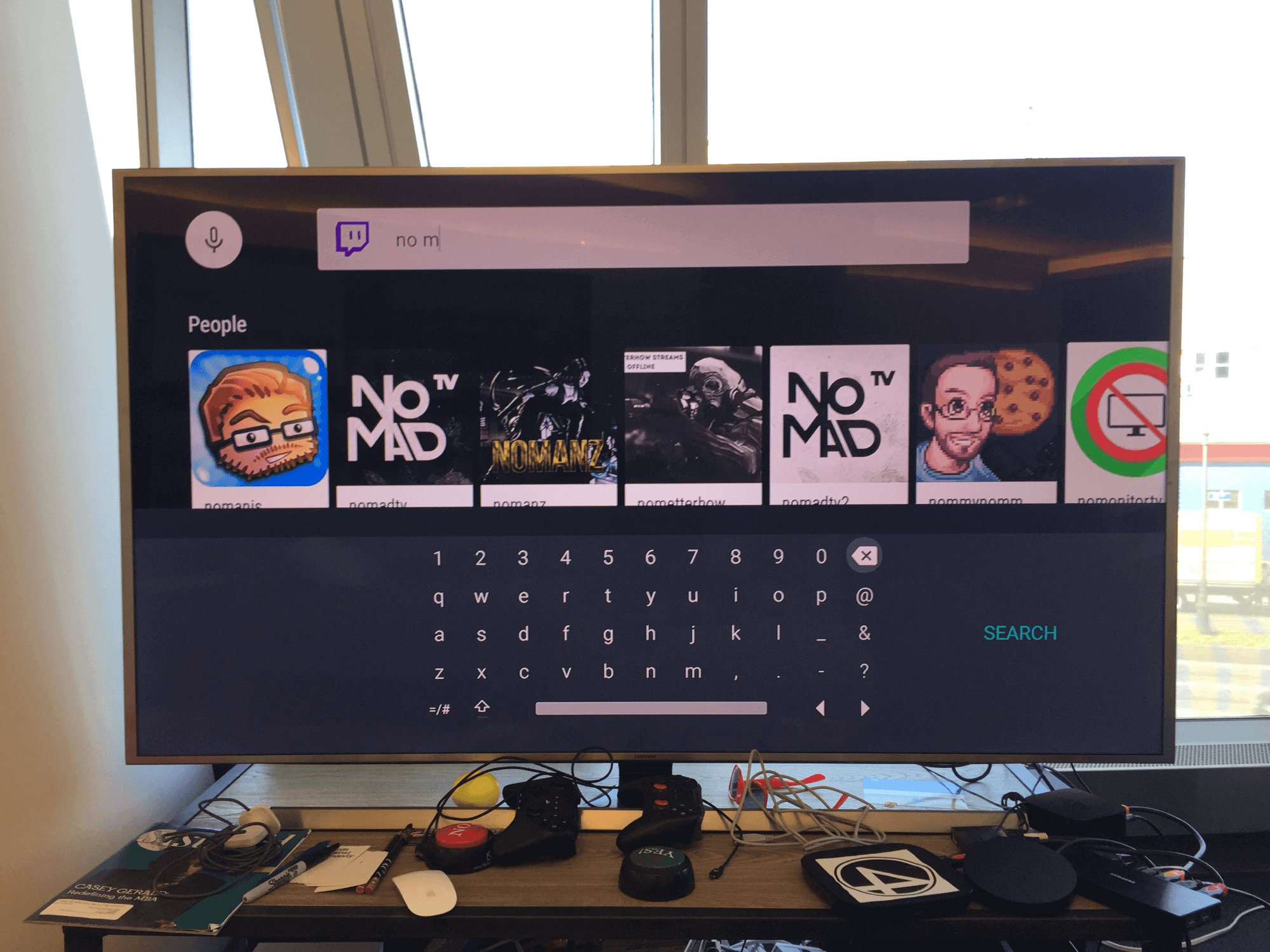
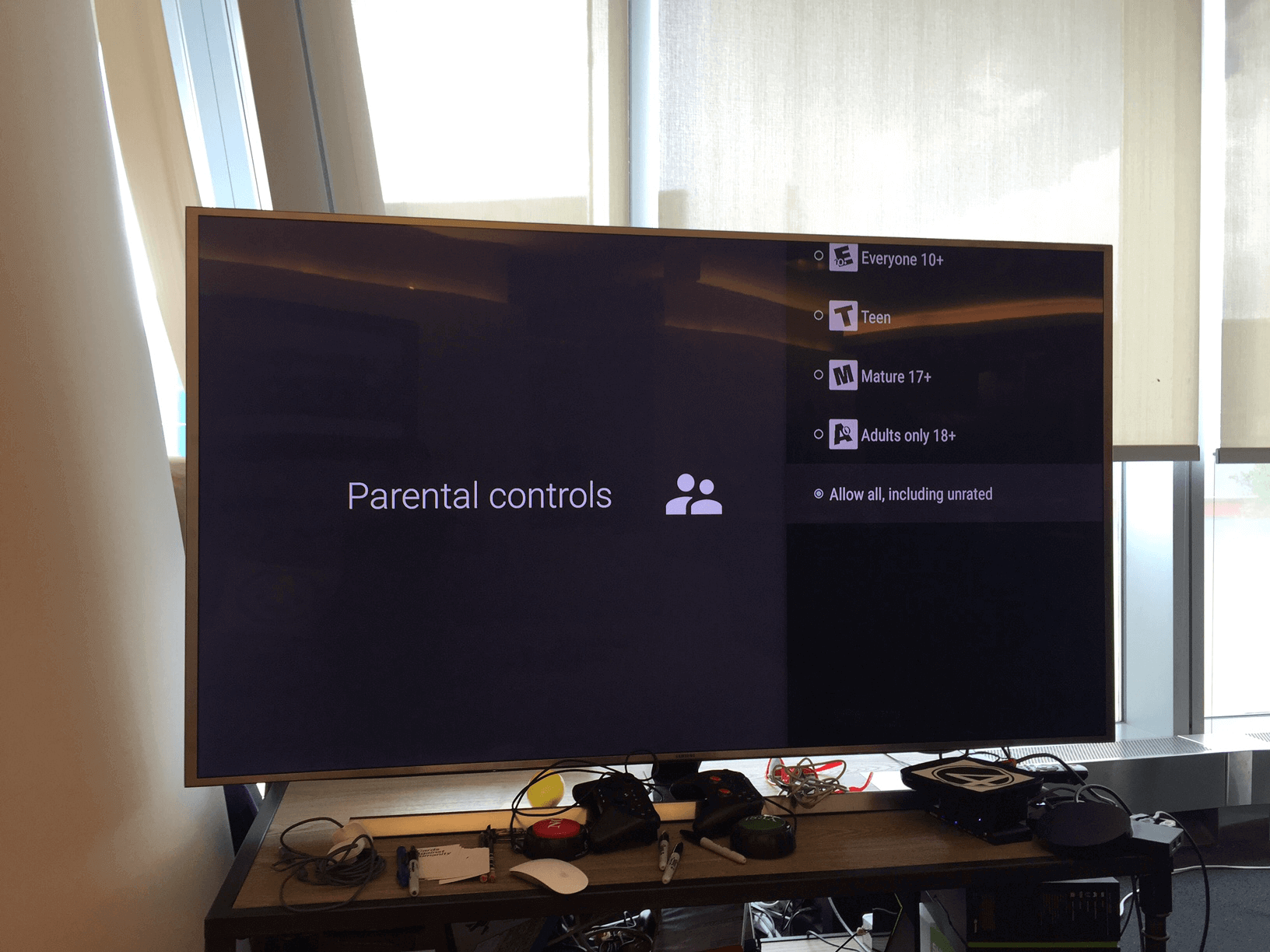
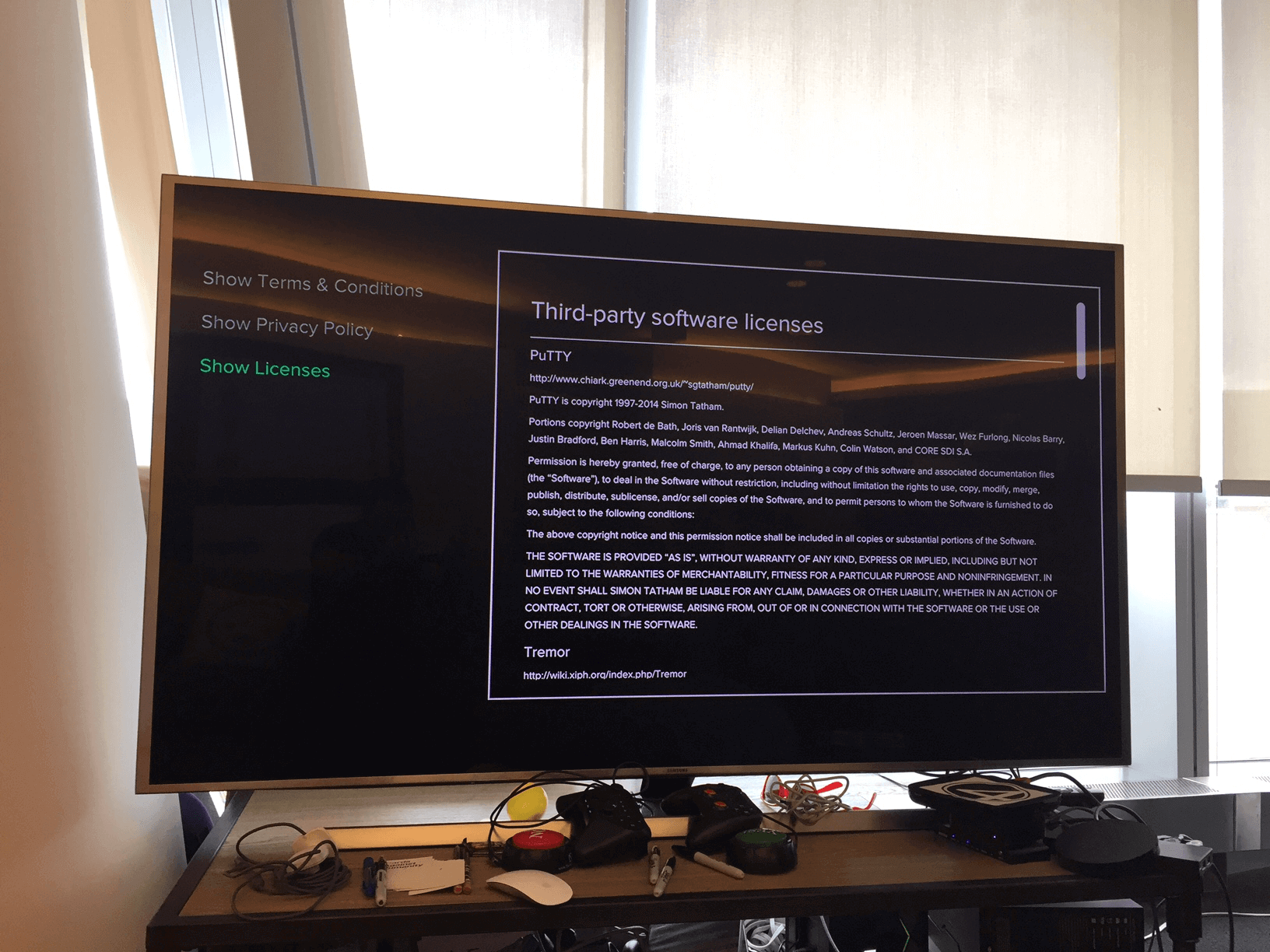
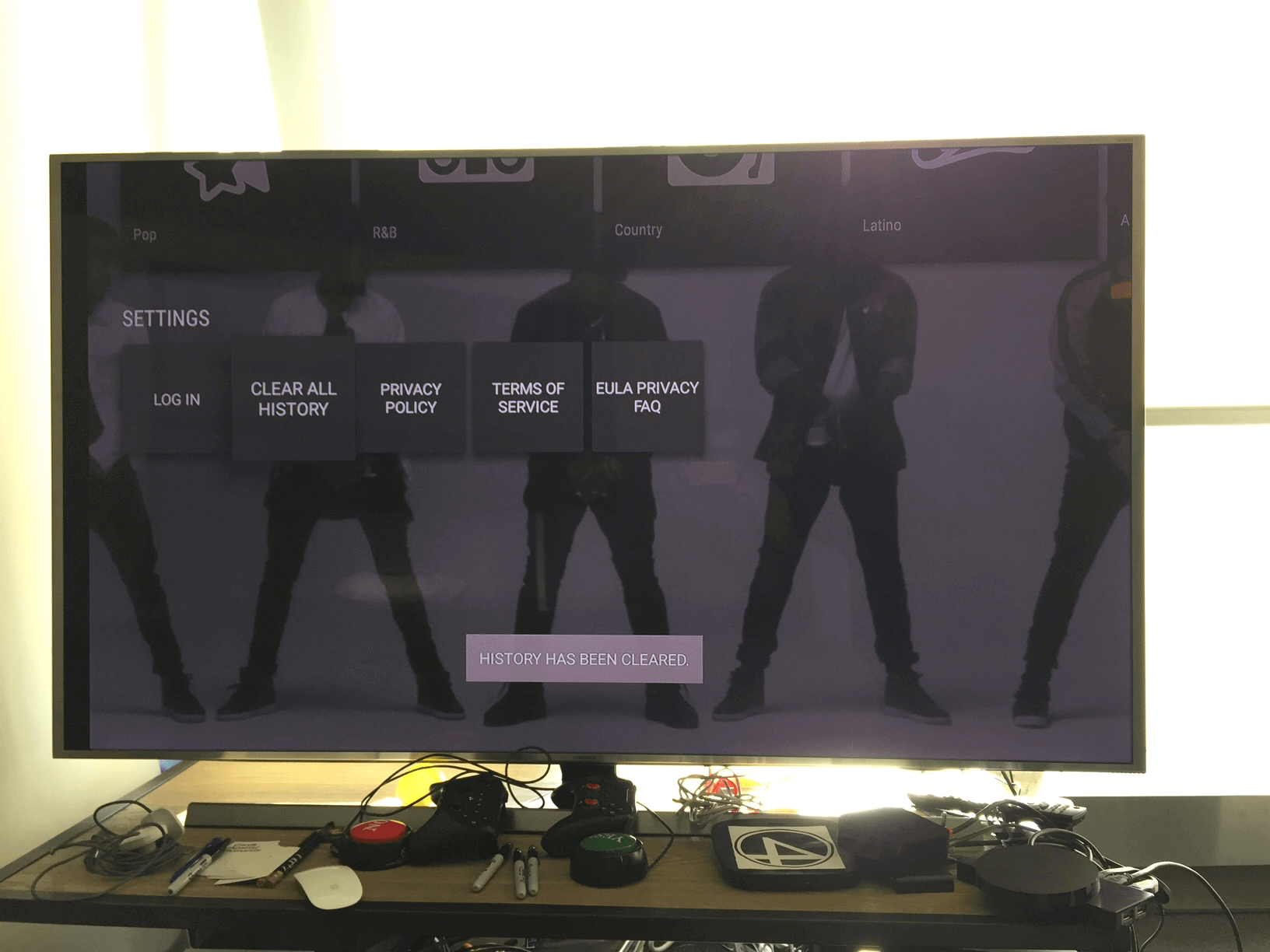
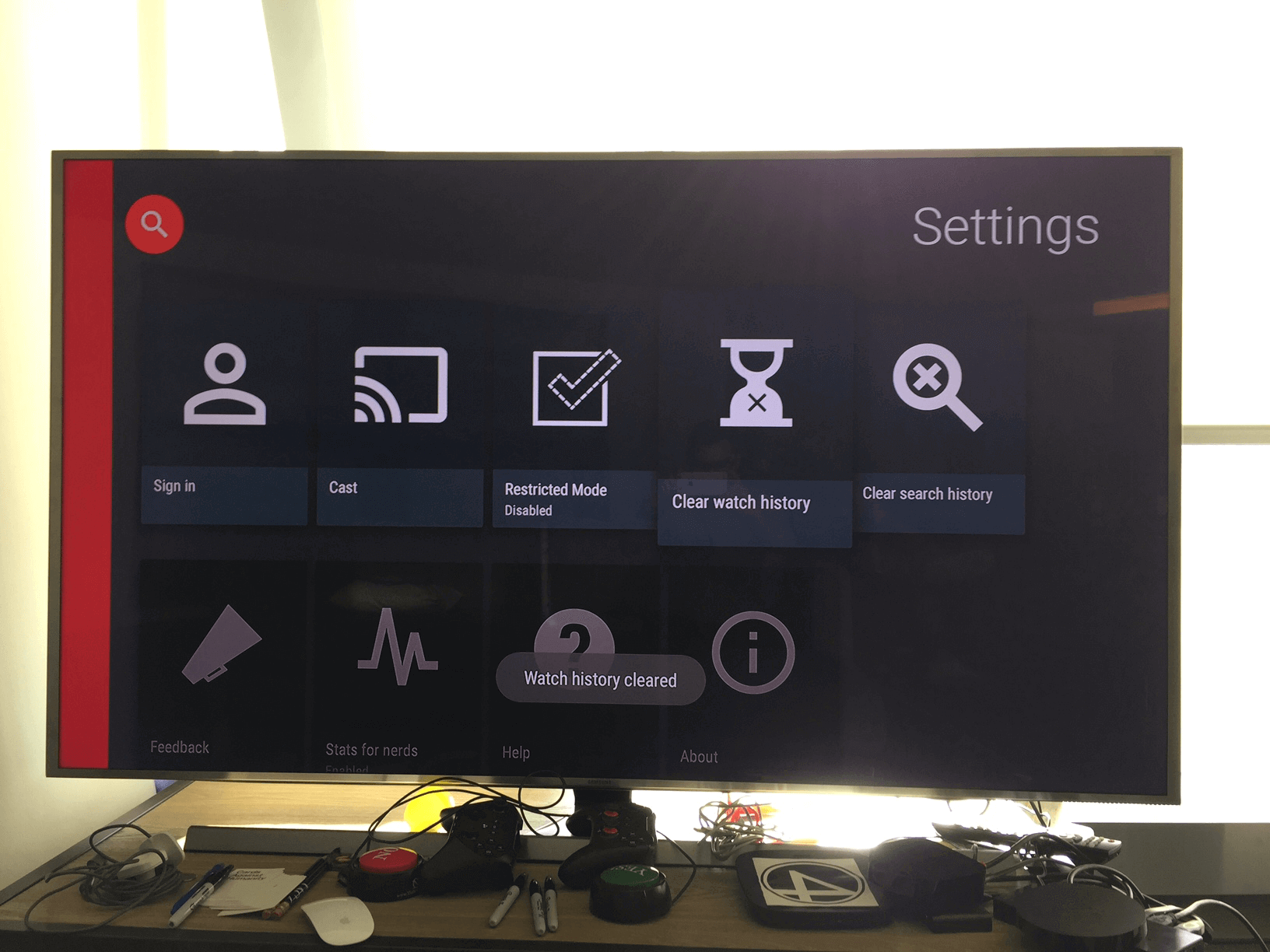
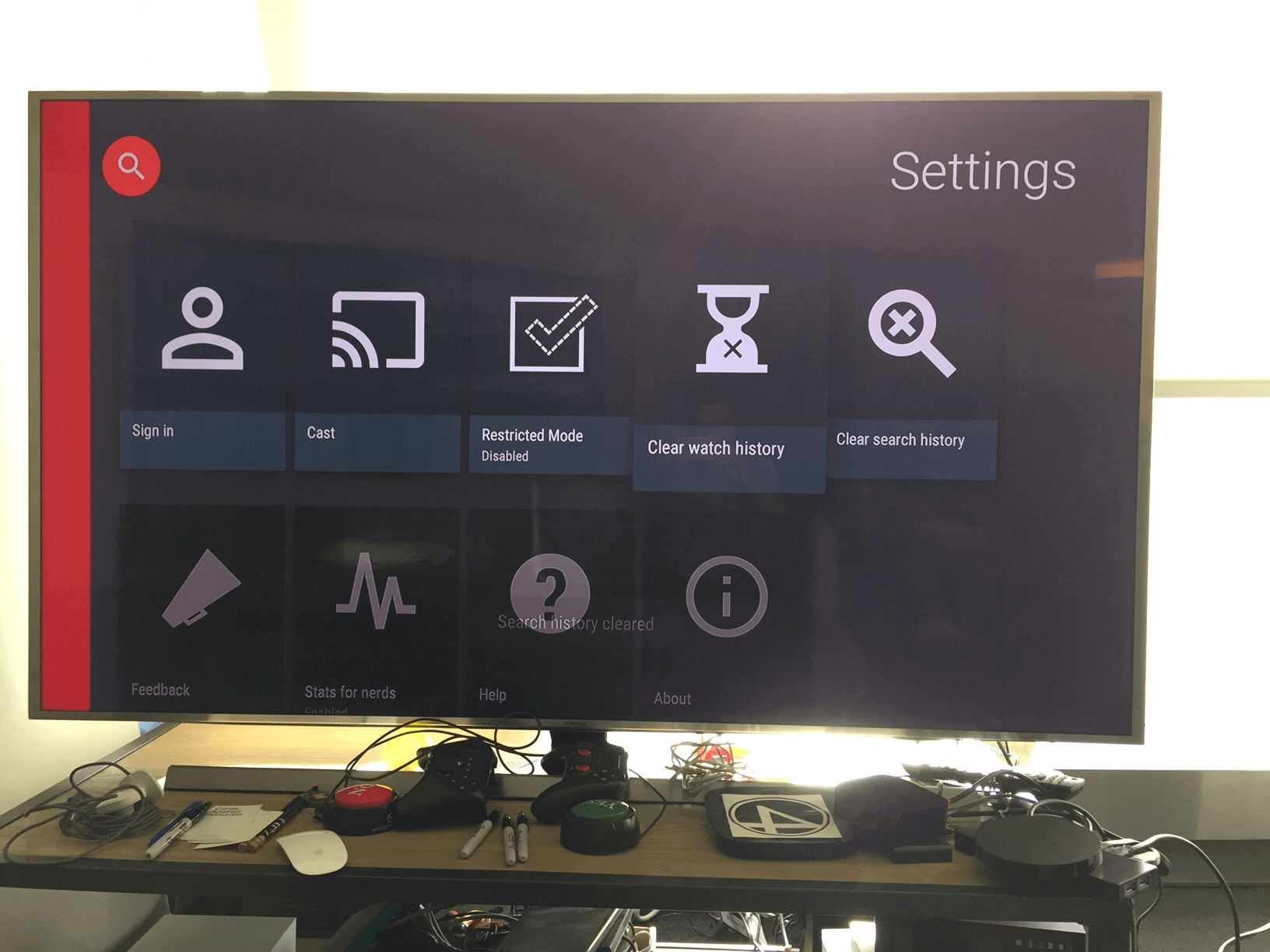
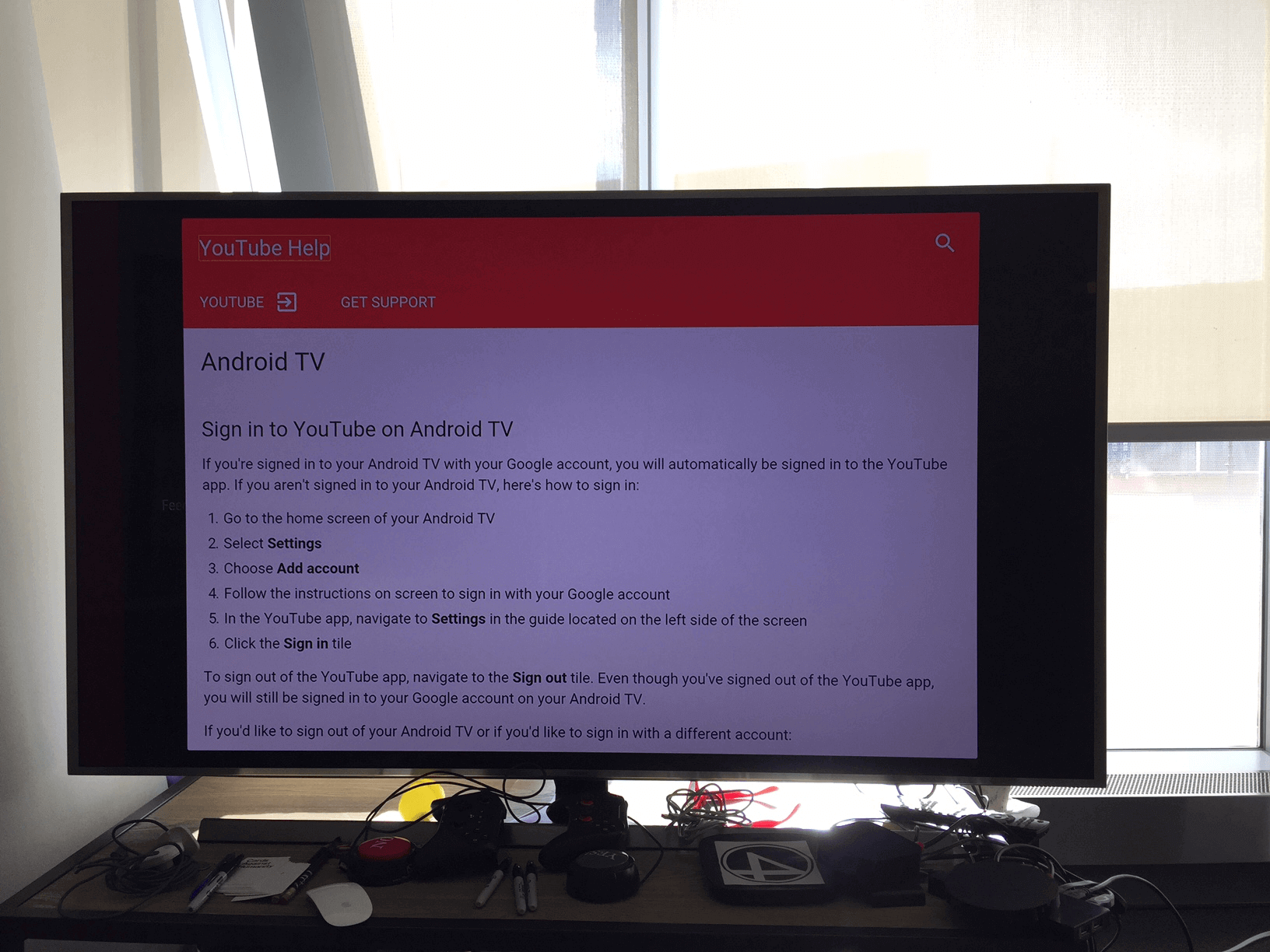
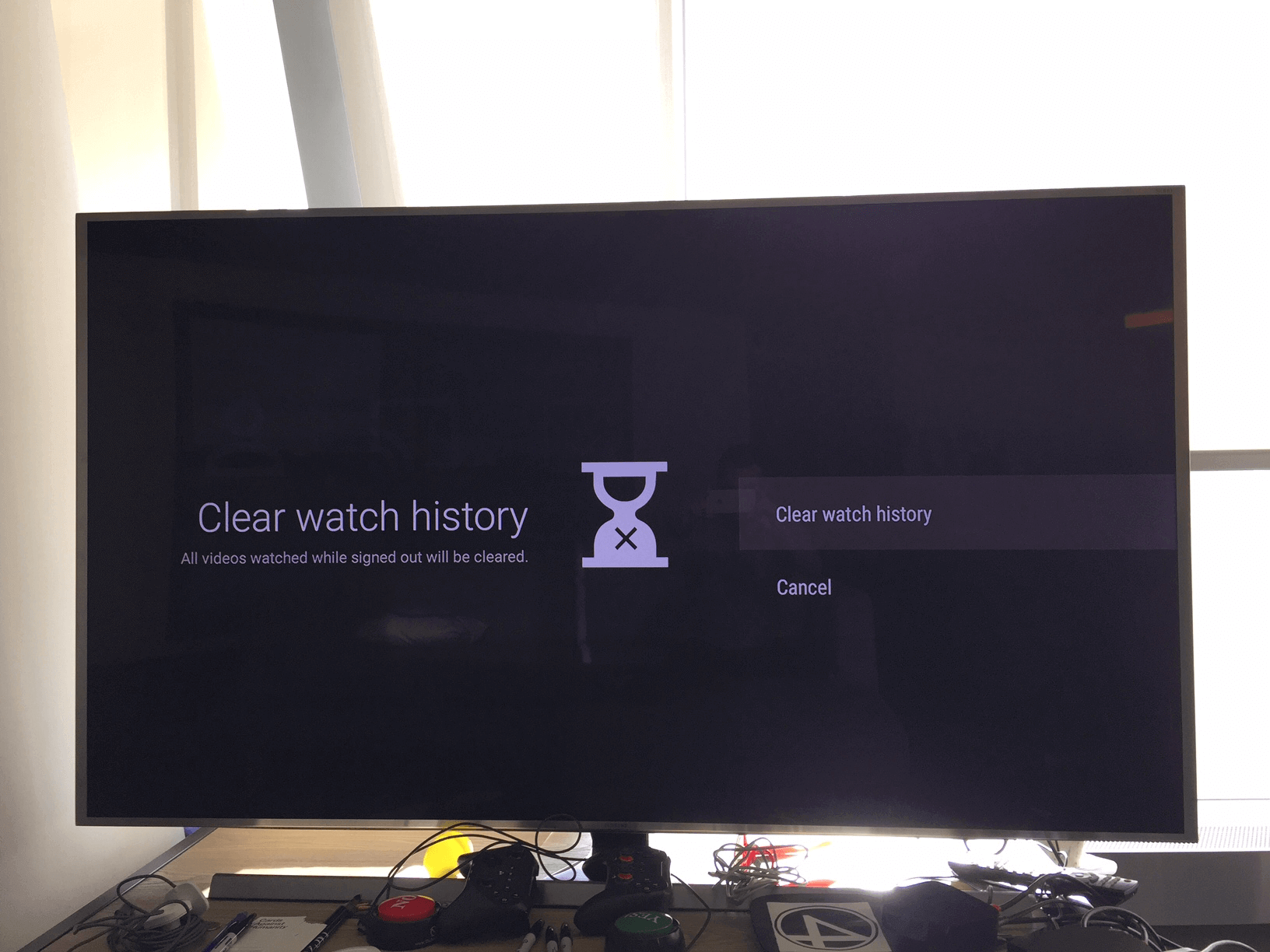
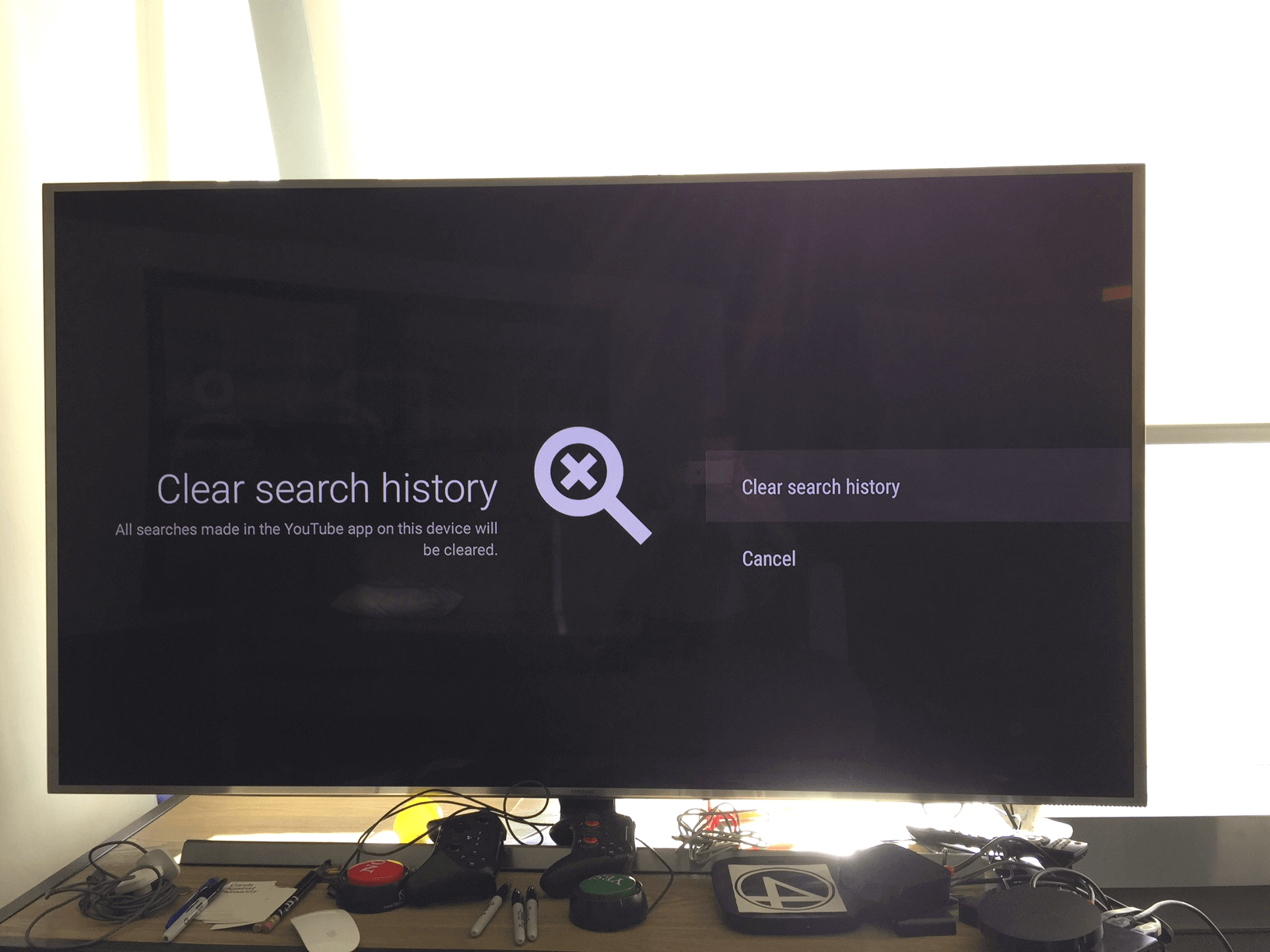
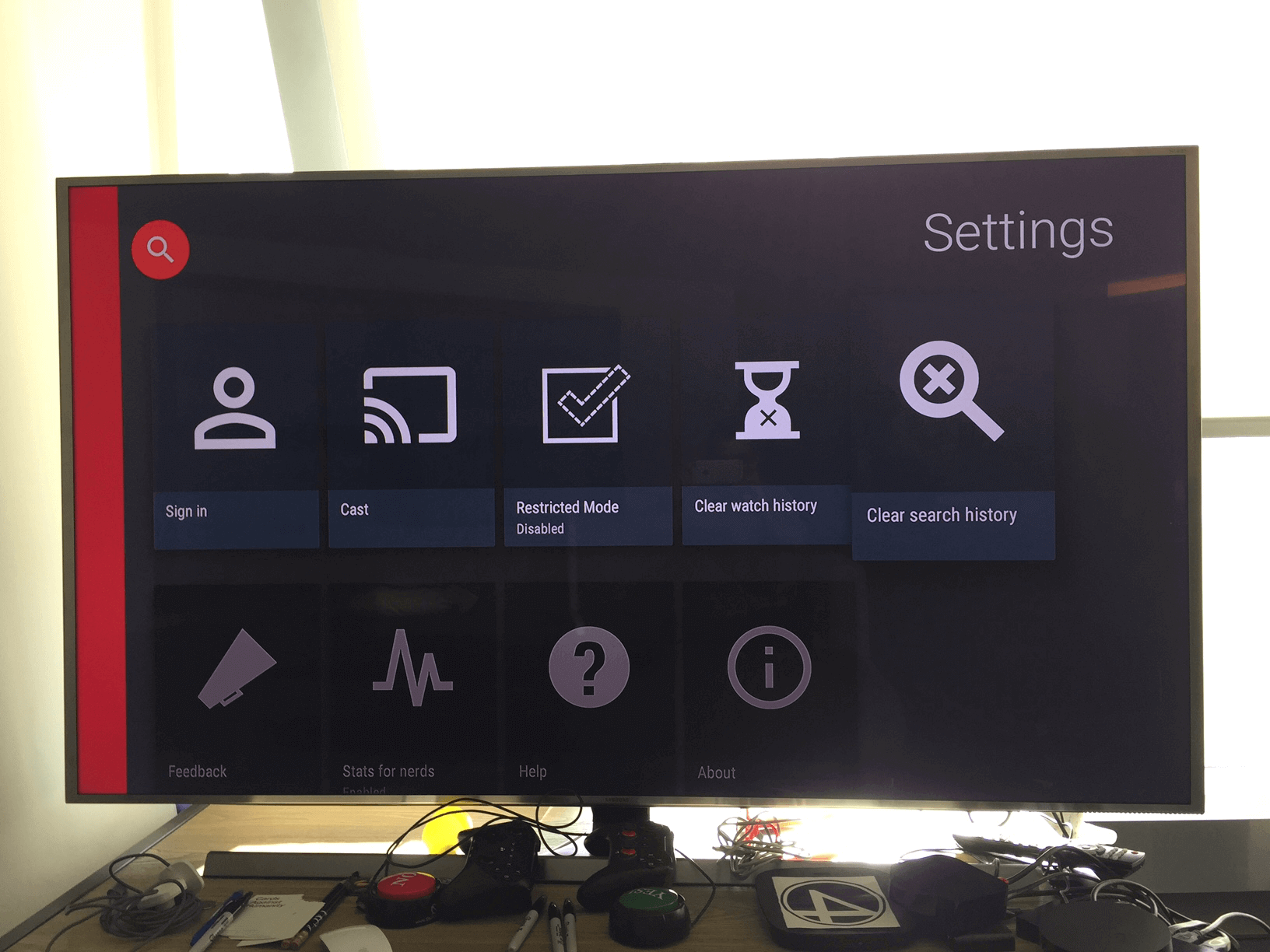
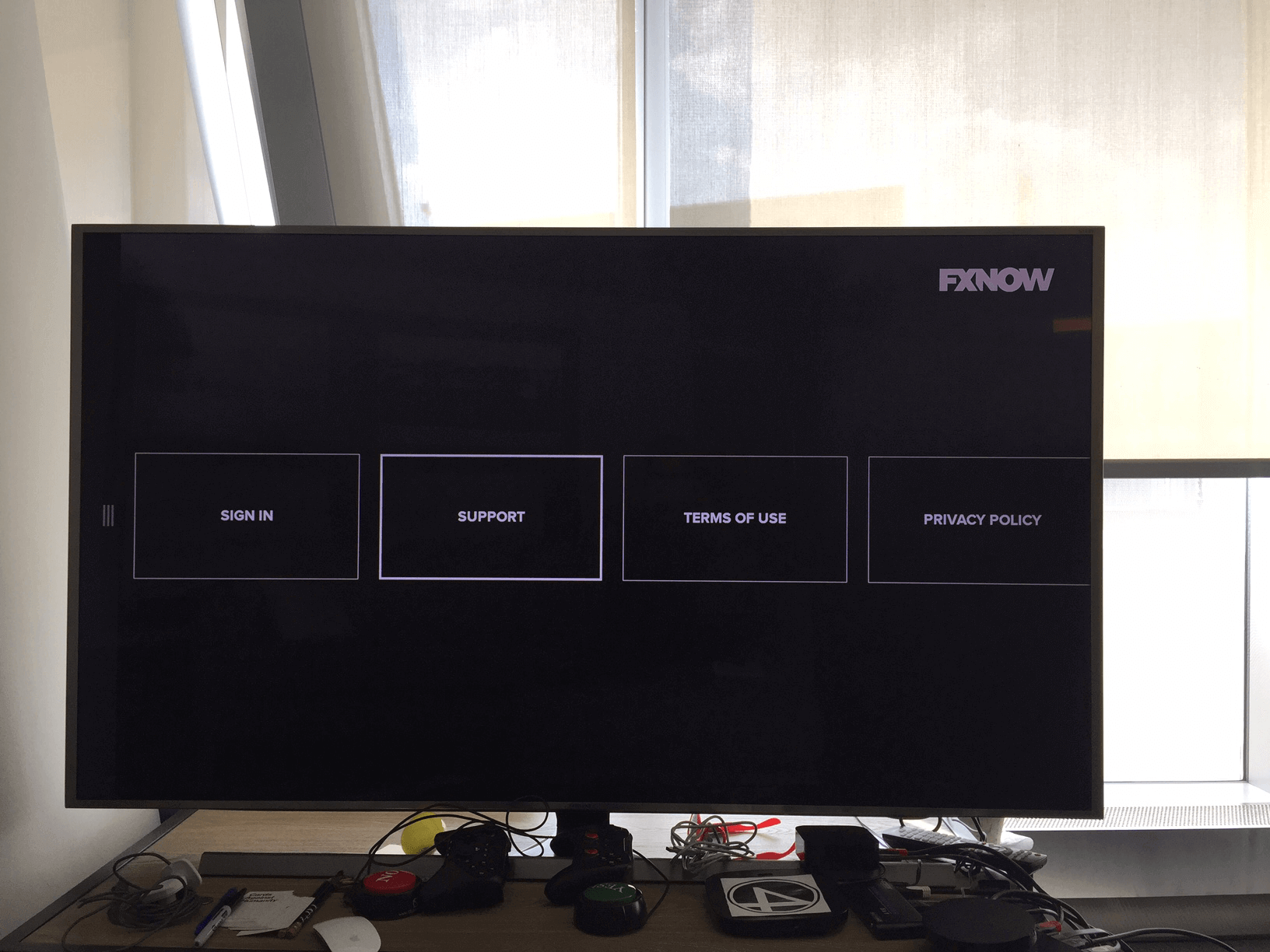
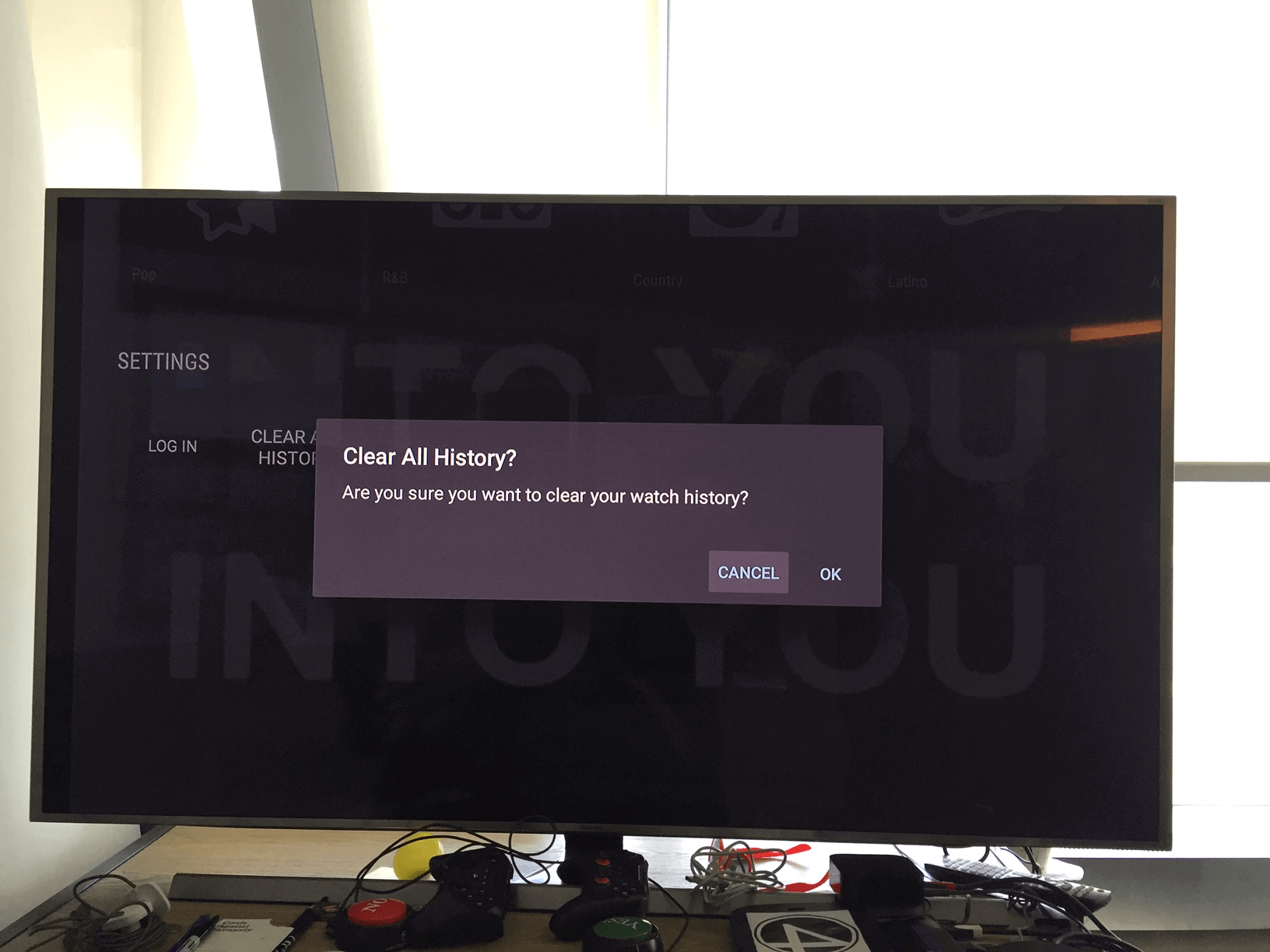
- Went through various apps, took screenshots for reference and comparing features of each app
- Put together a competitive matrix of various apps
- Researched common TV app patterns and use cases
1░
Let's create a journey.
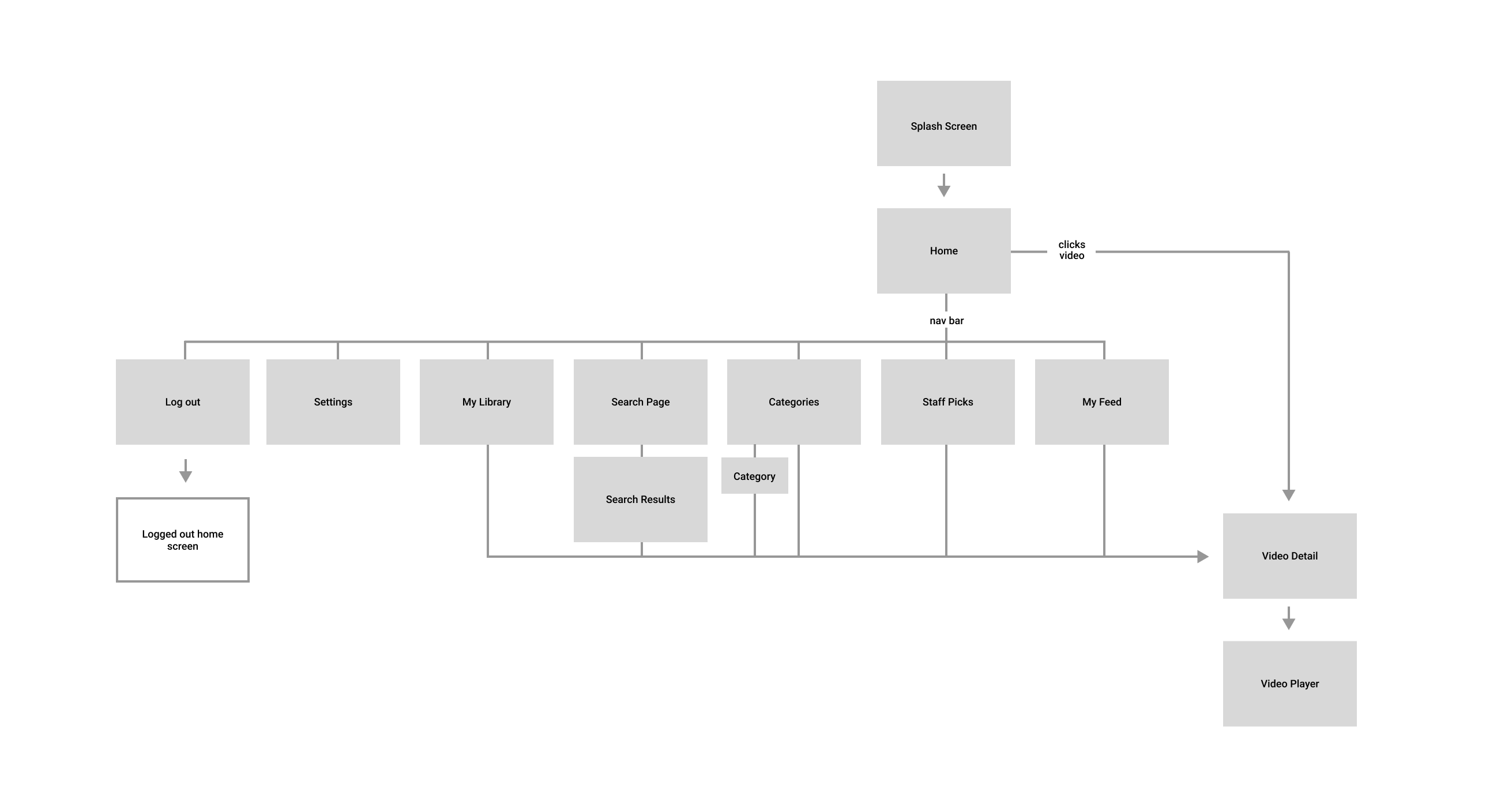
After the discovery phase, we moved on to the planning phase with the team. The team and myself mapped out what we wanted the Vimeo TV app to include for an MVP build.
- Planning session with PM to plan out the flow of the MVP build
- White boarded with team and engineers before approving final flow
2░
Building out the framework.
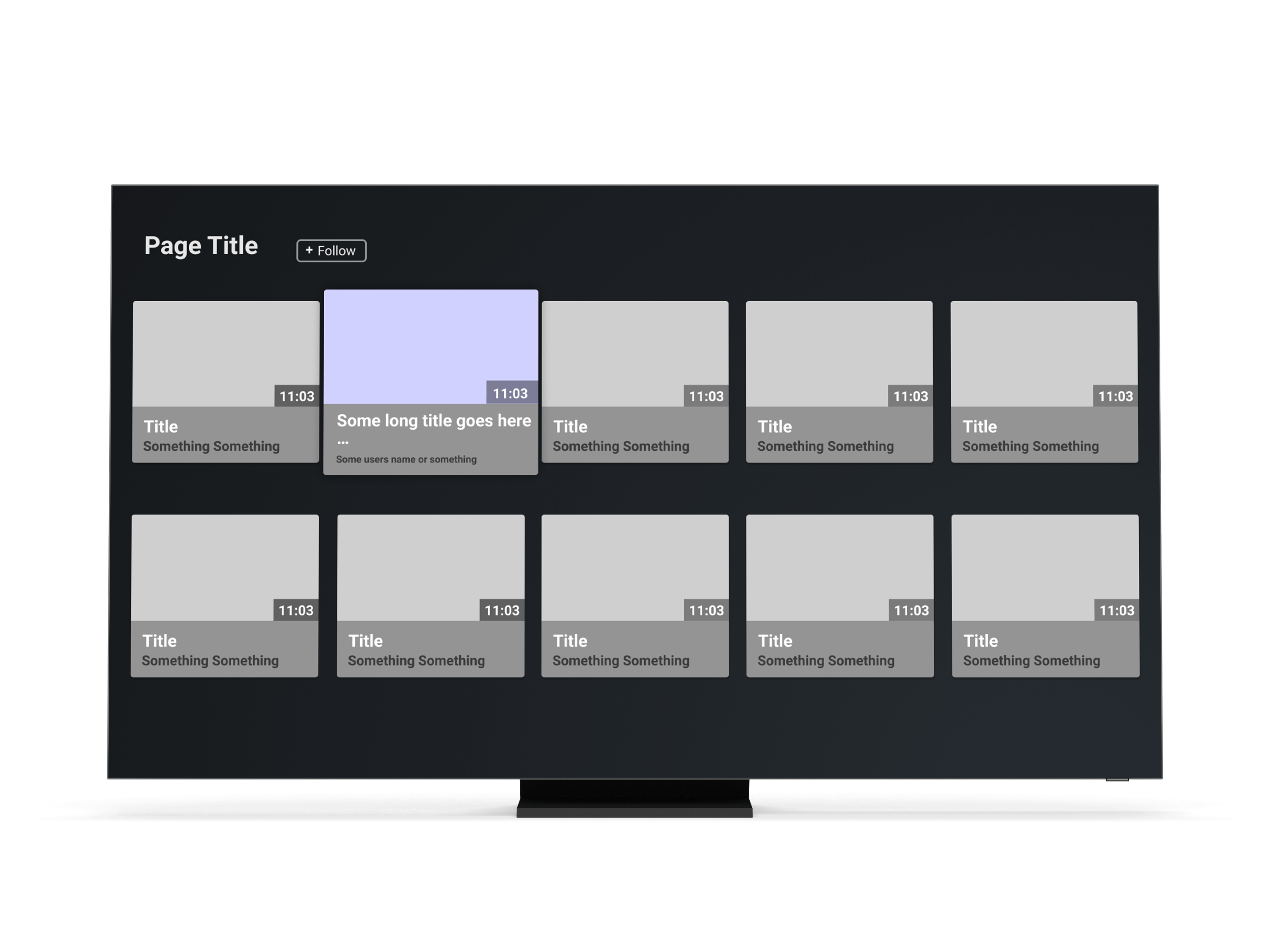
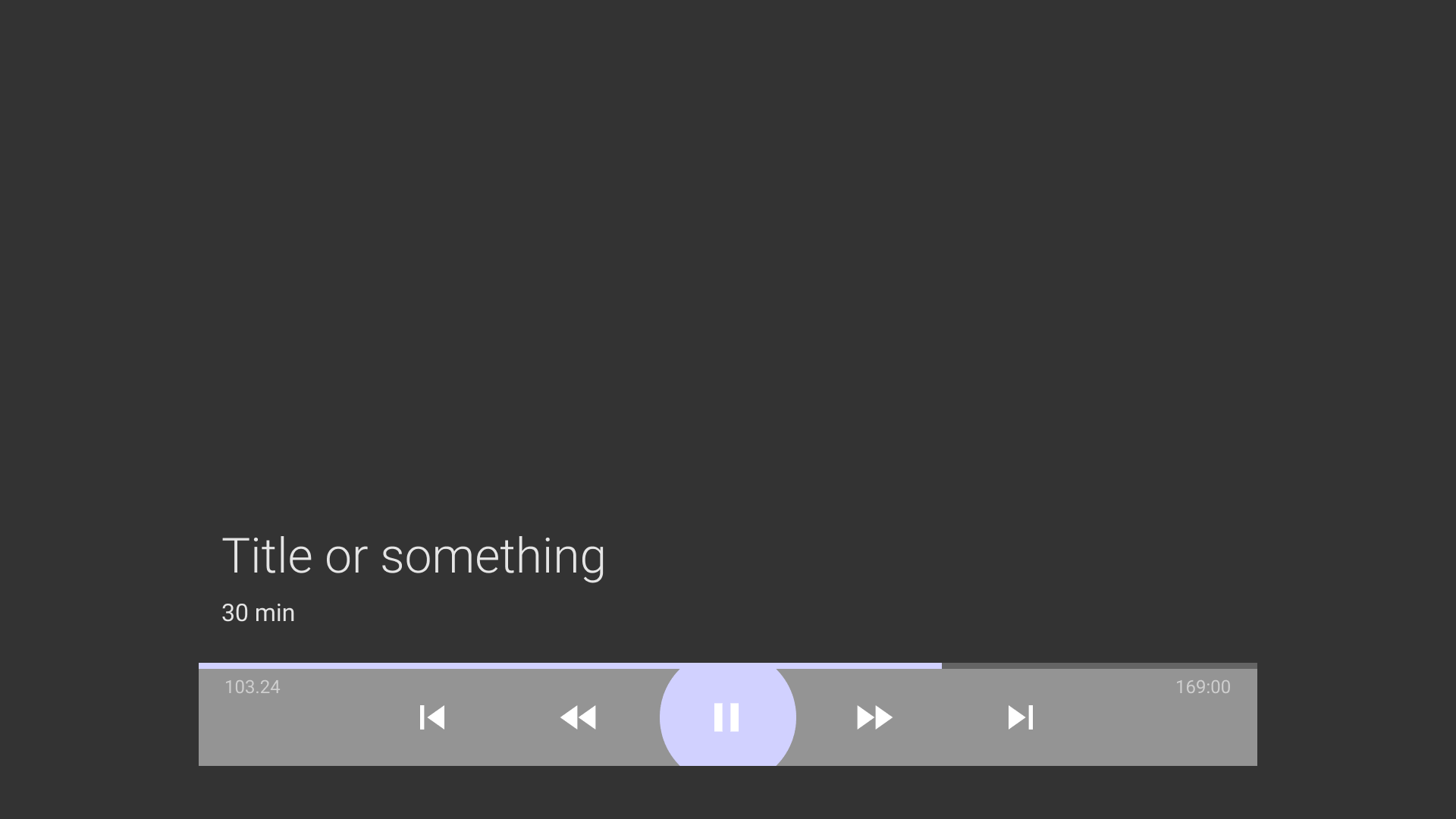
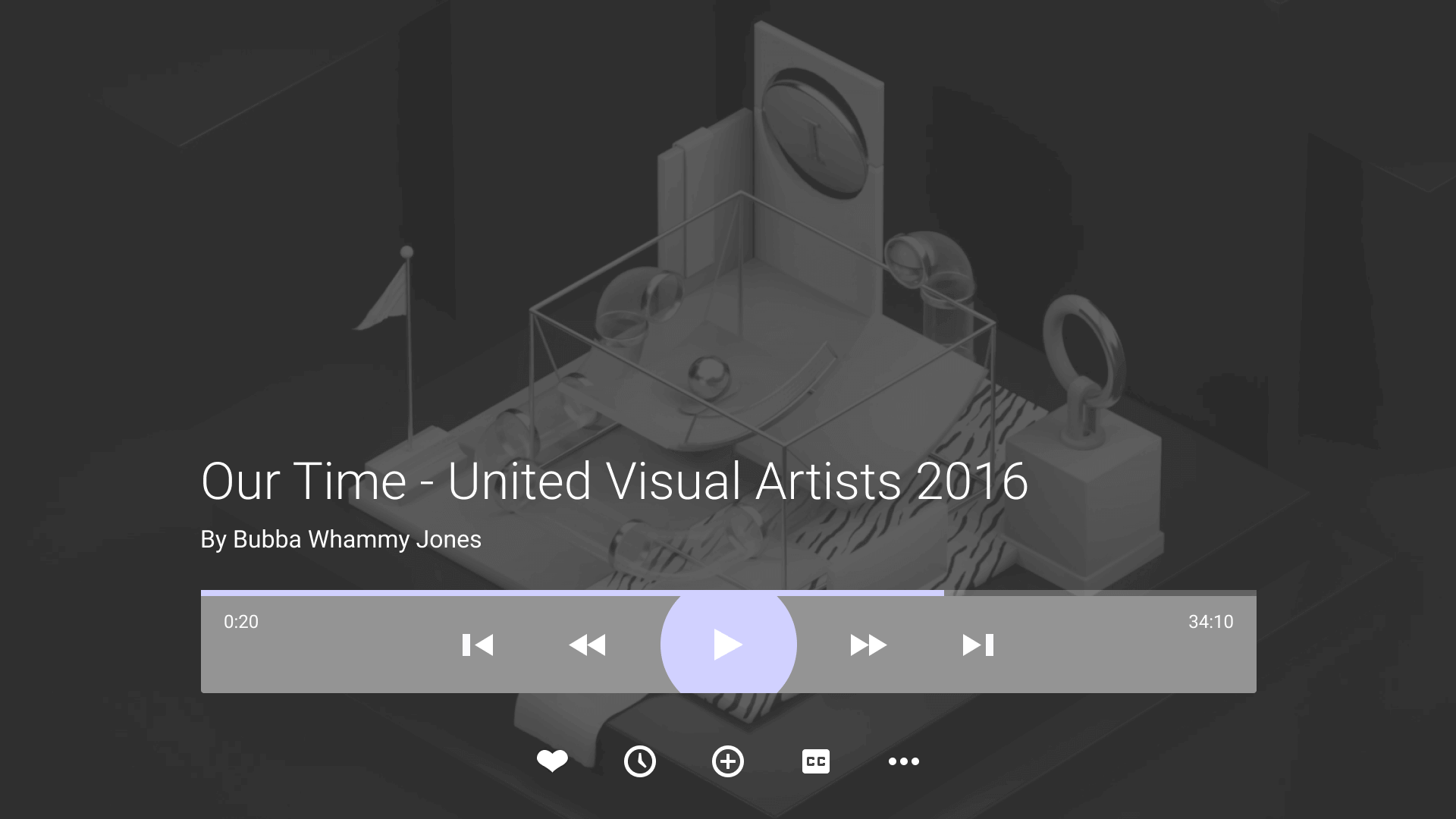
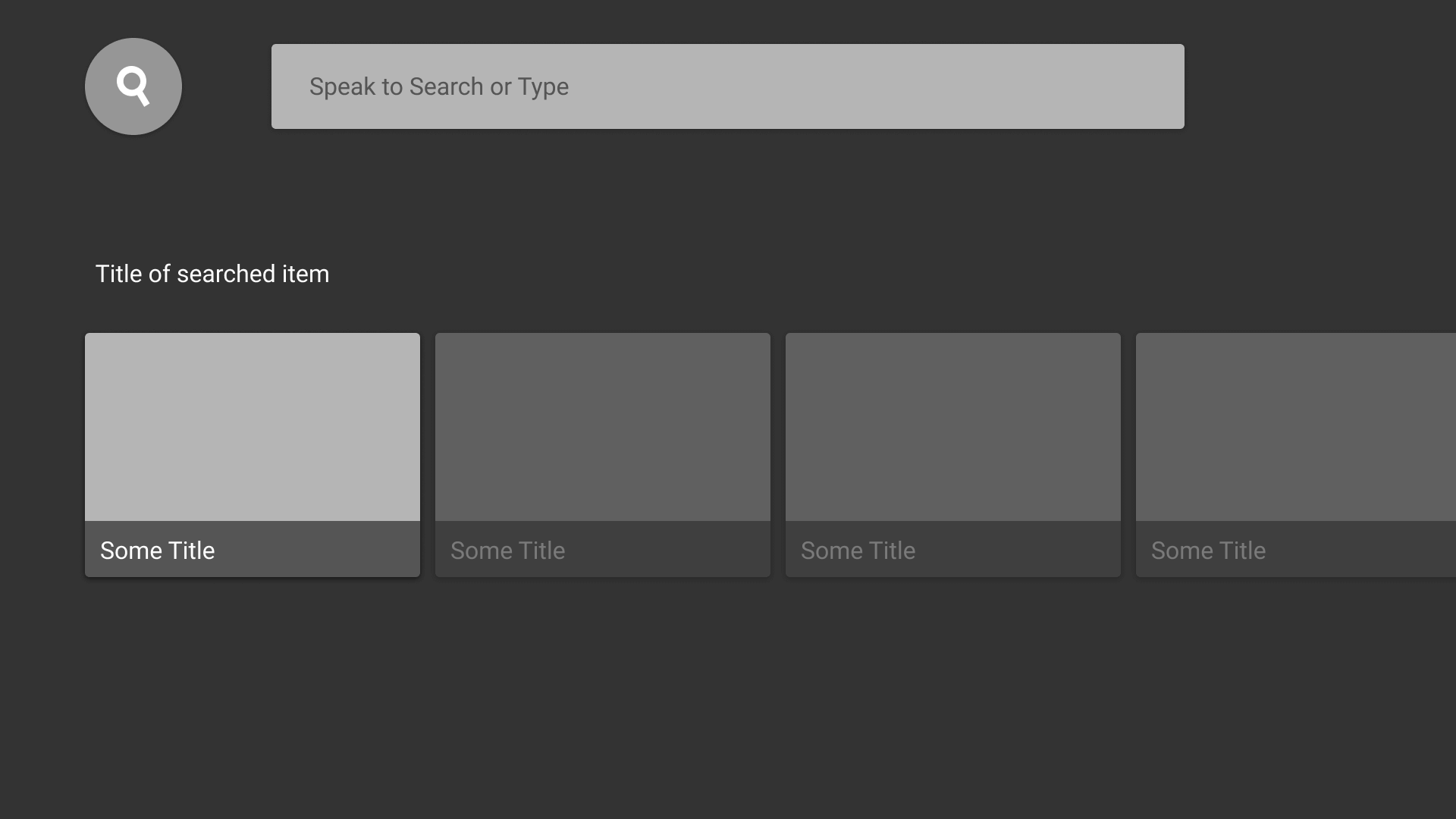
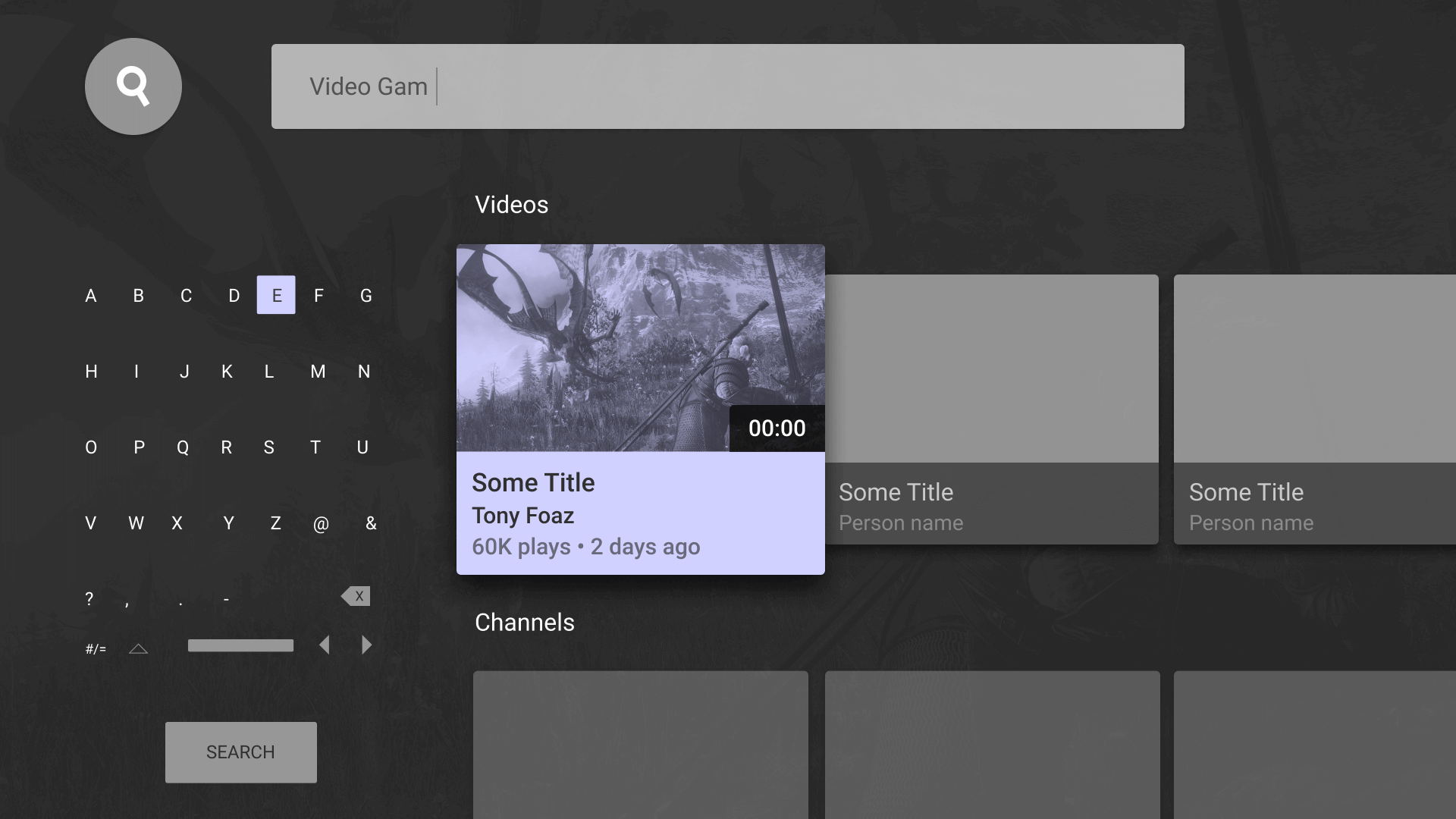
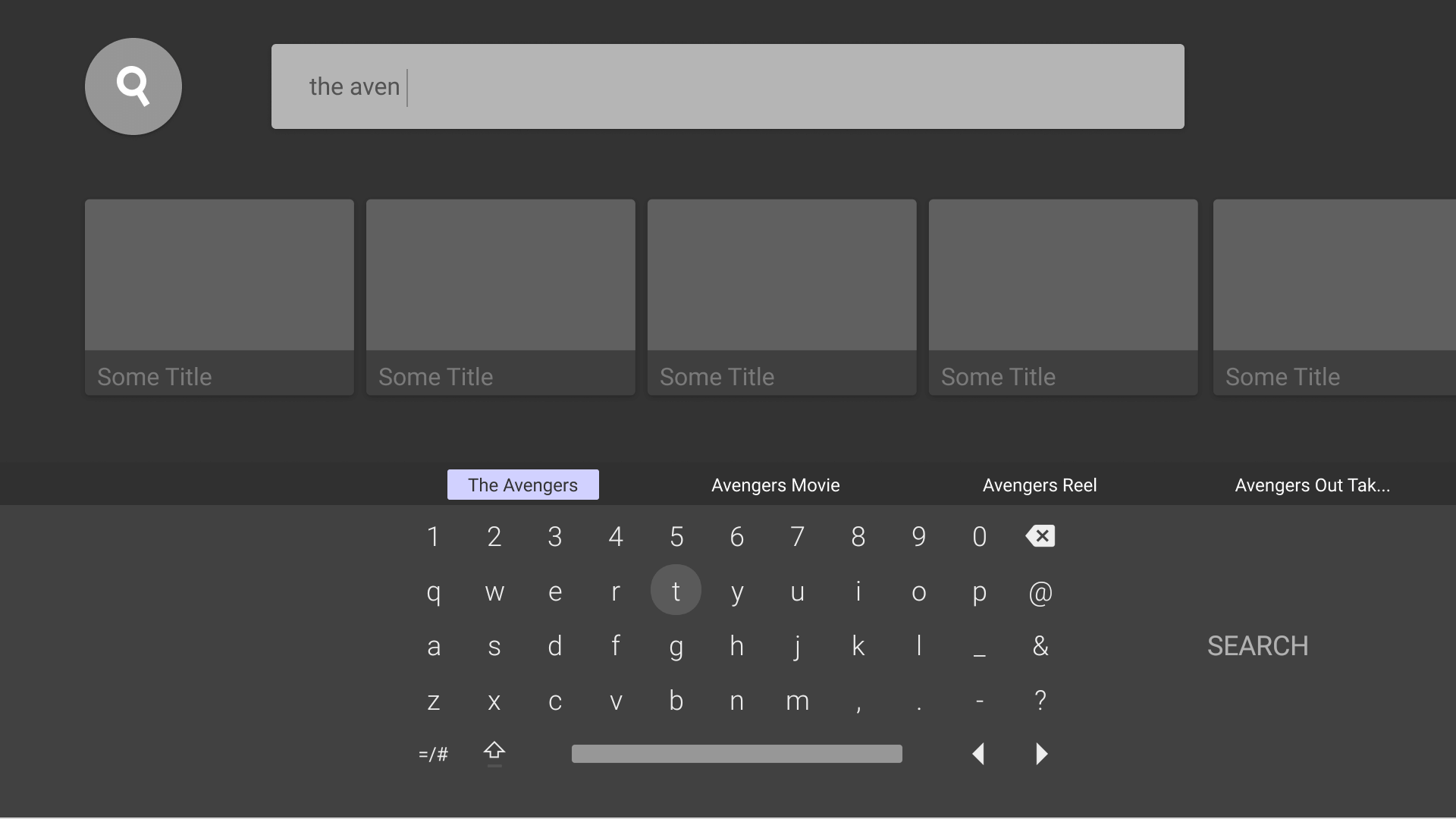
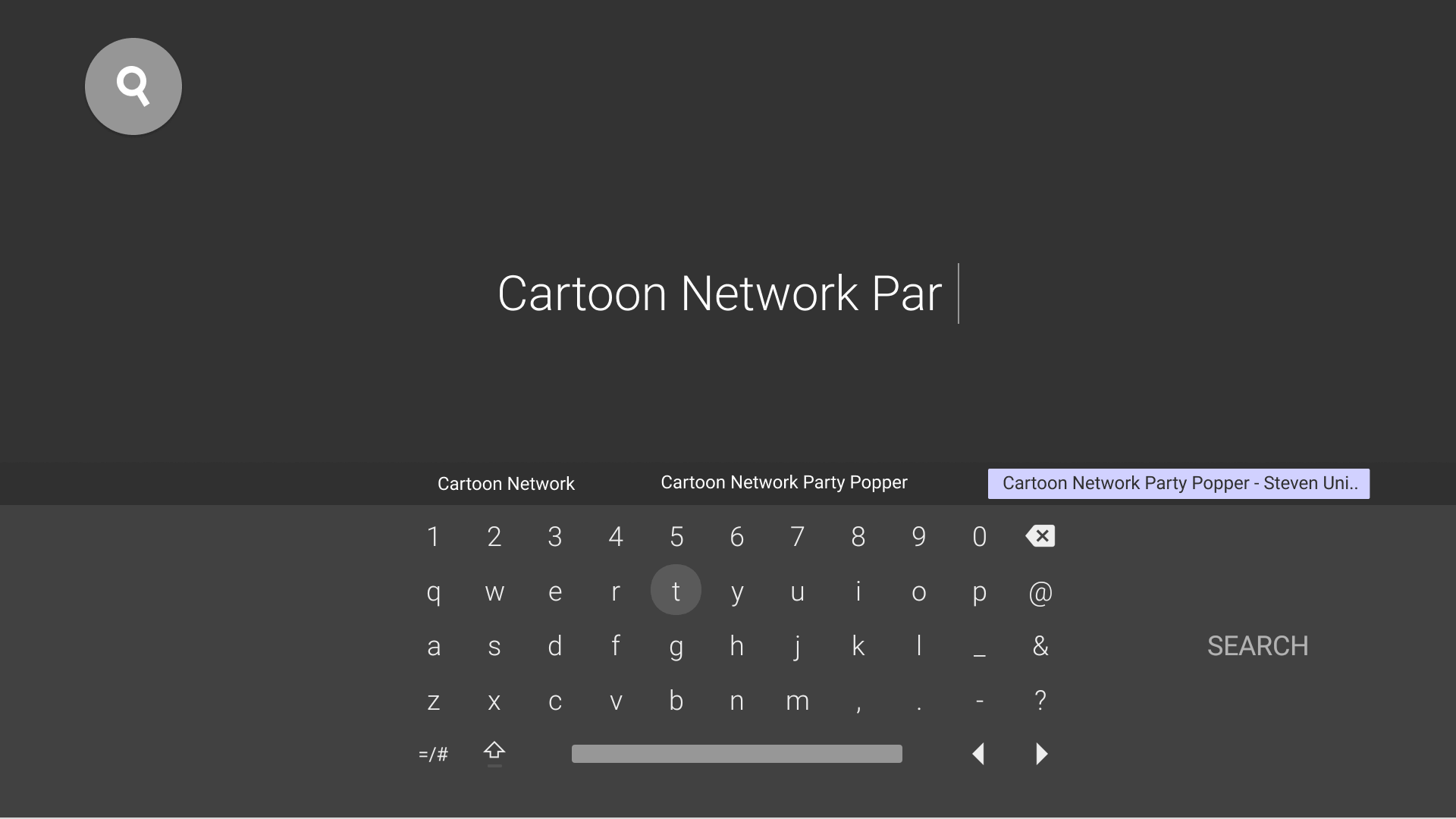
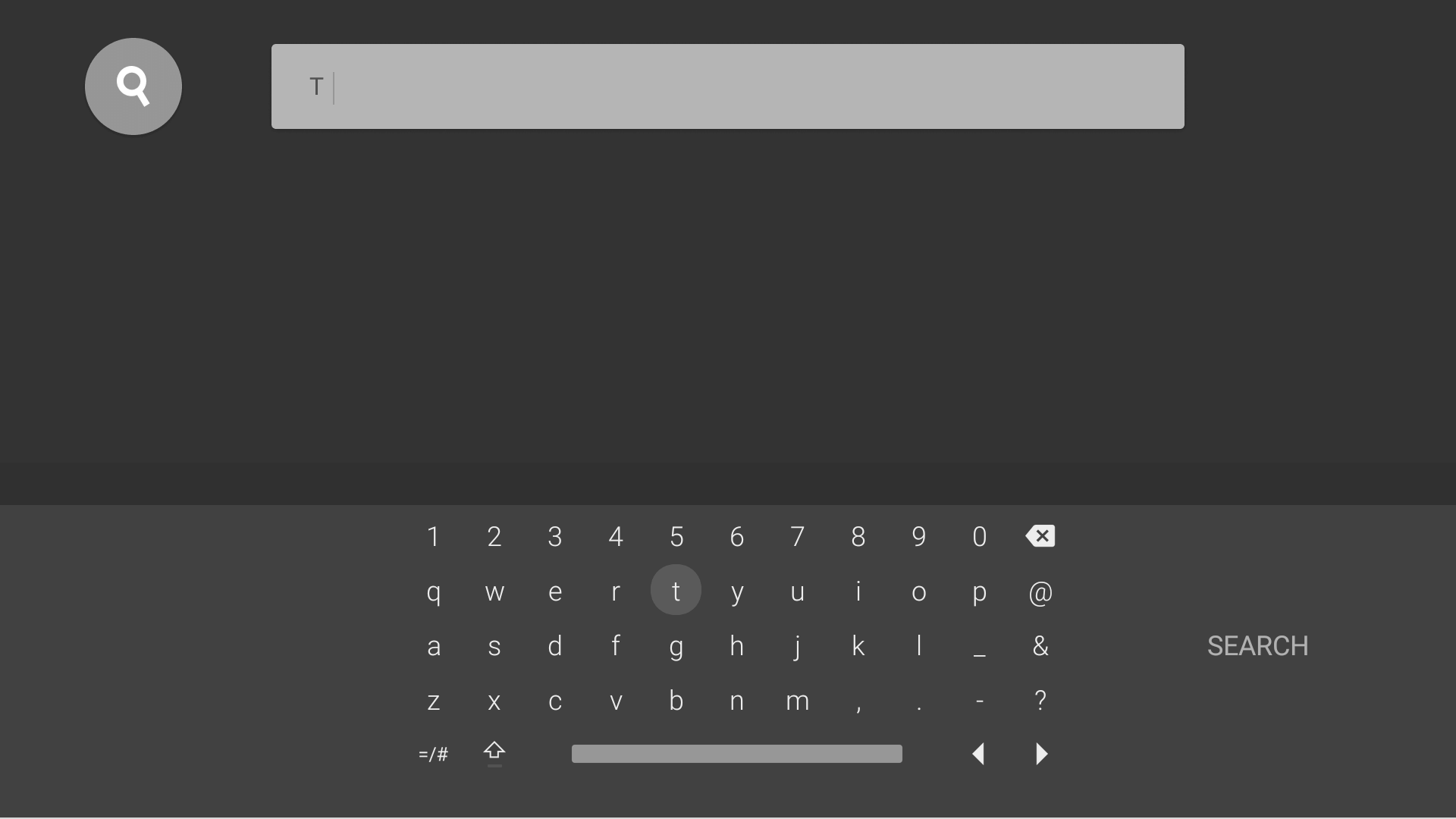
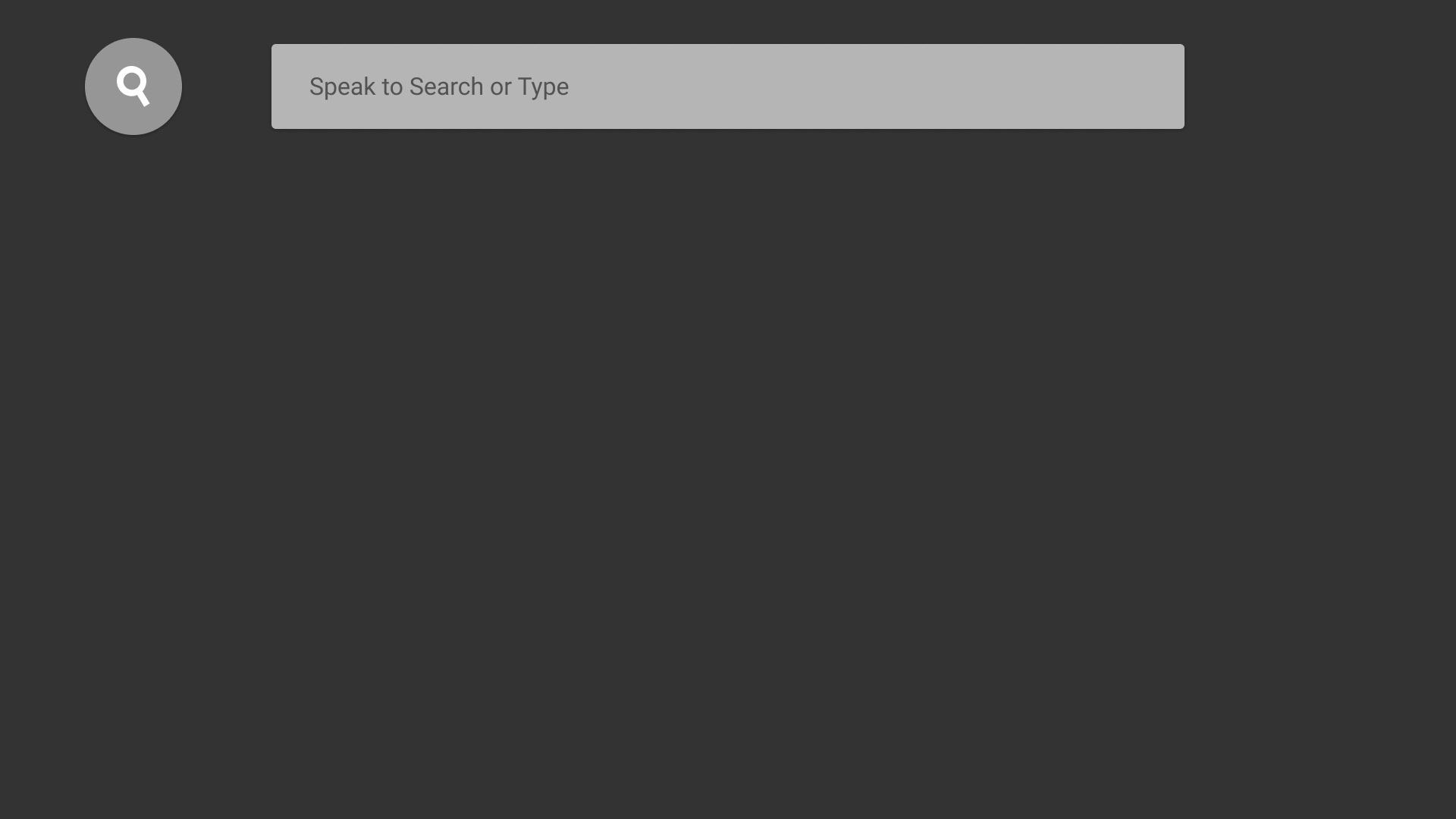
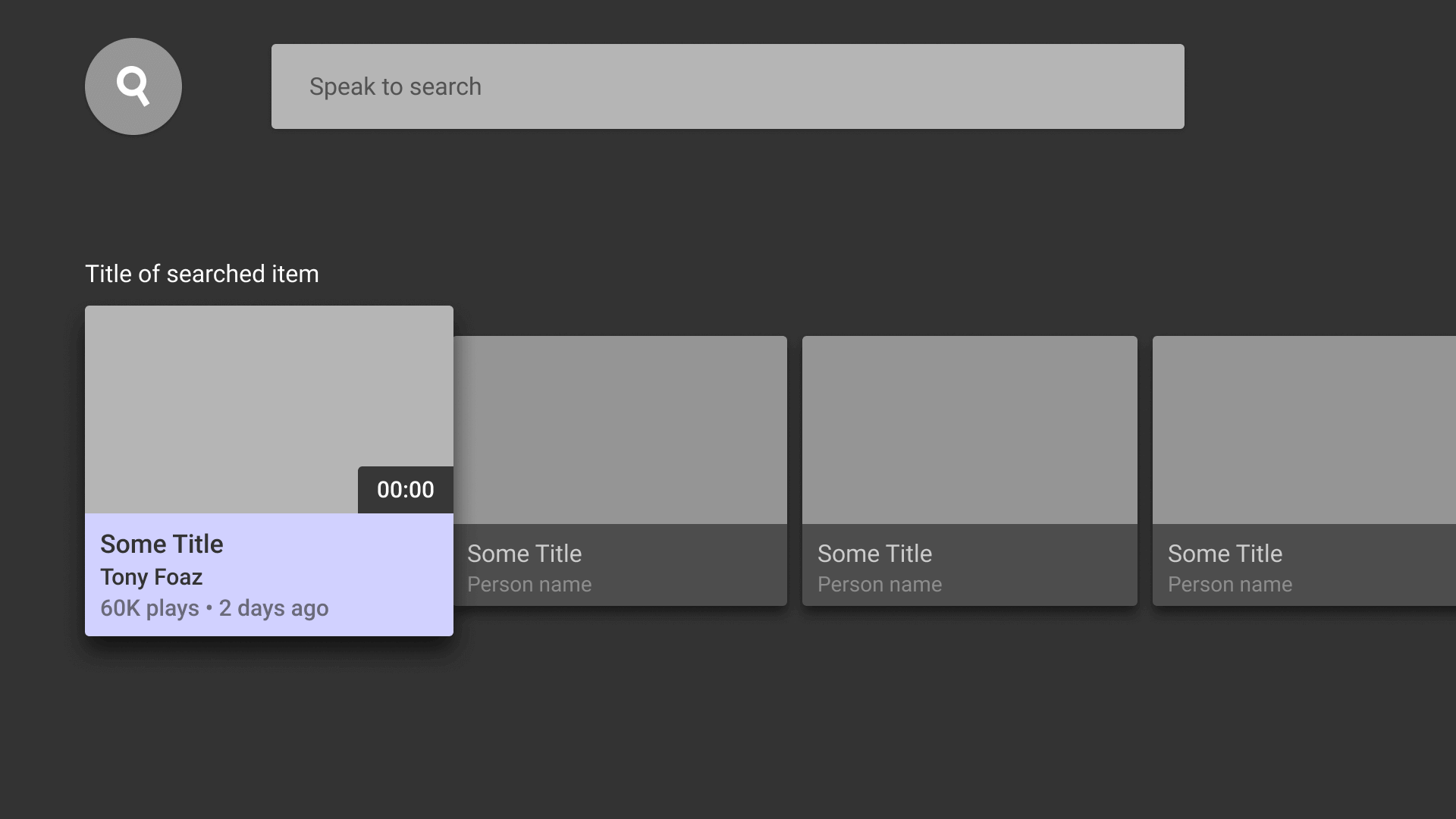
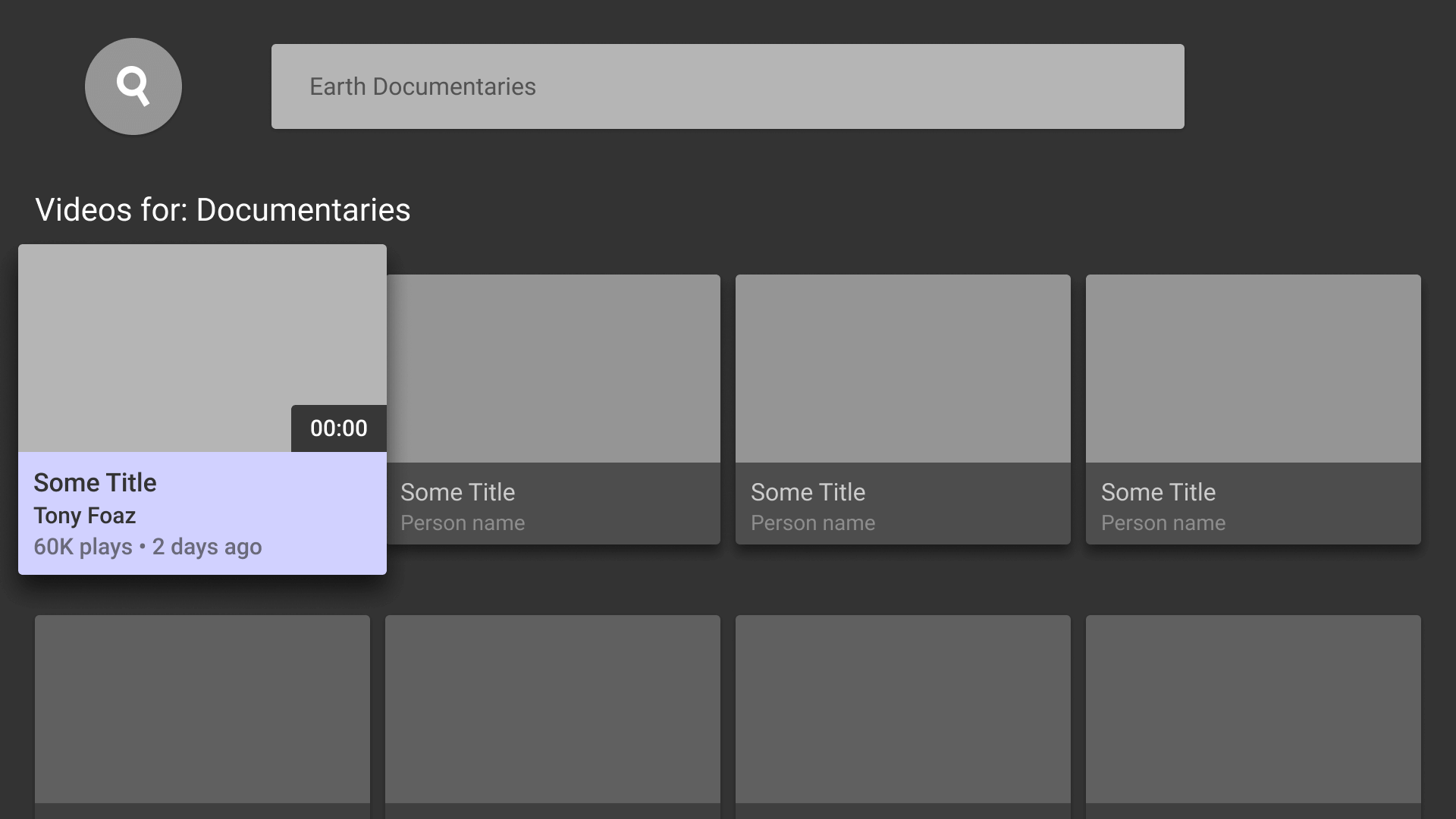
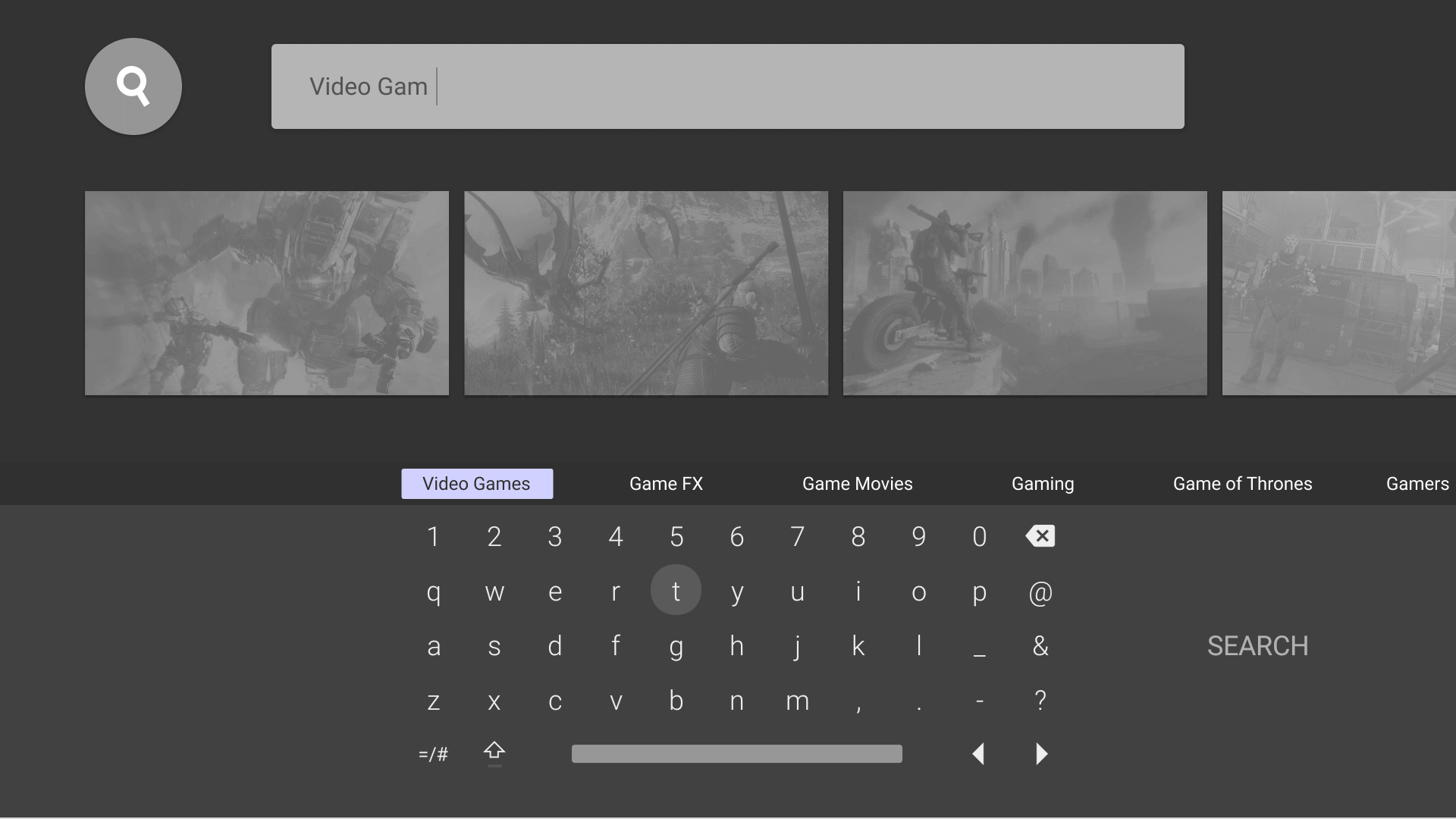
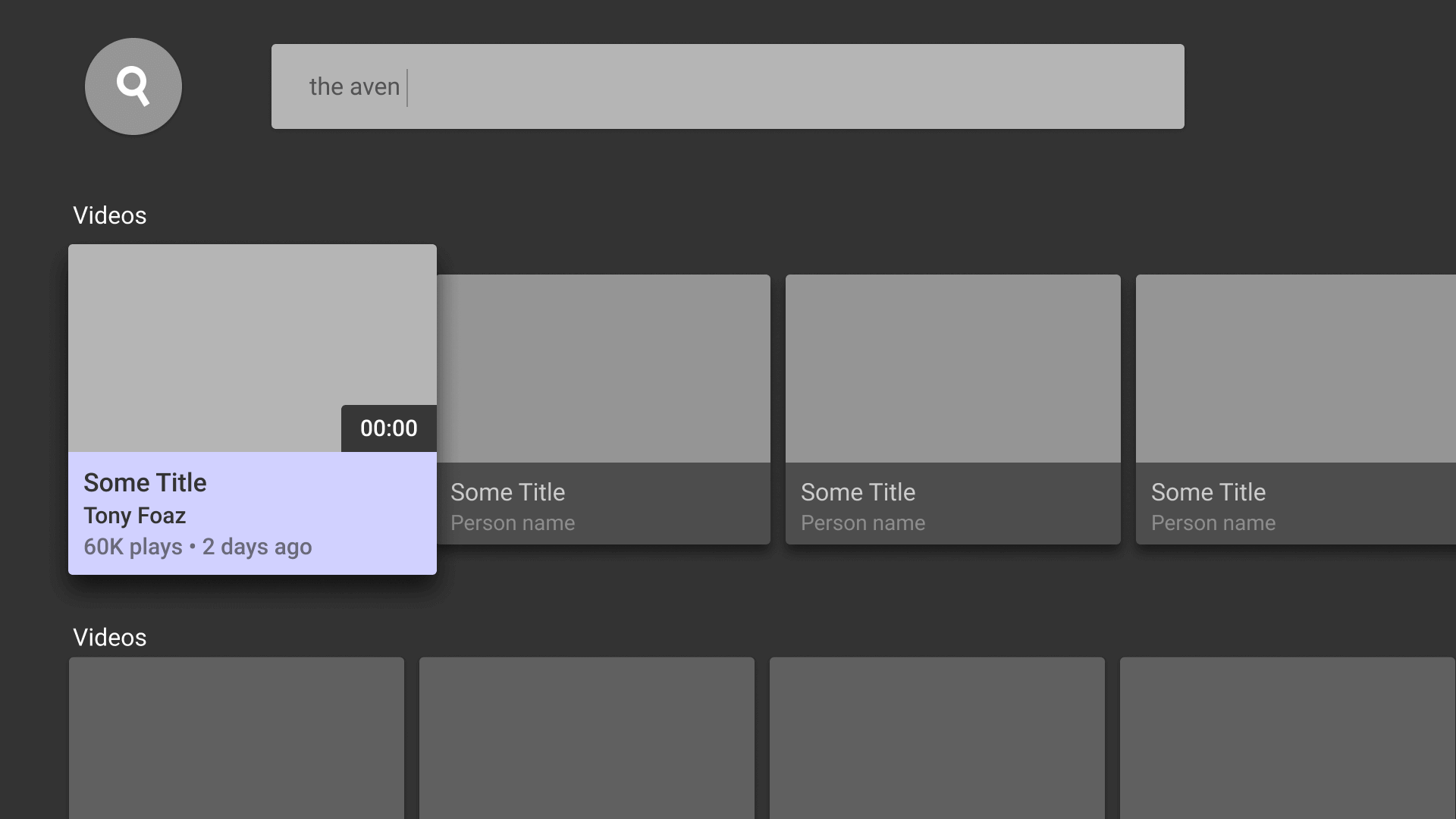
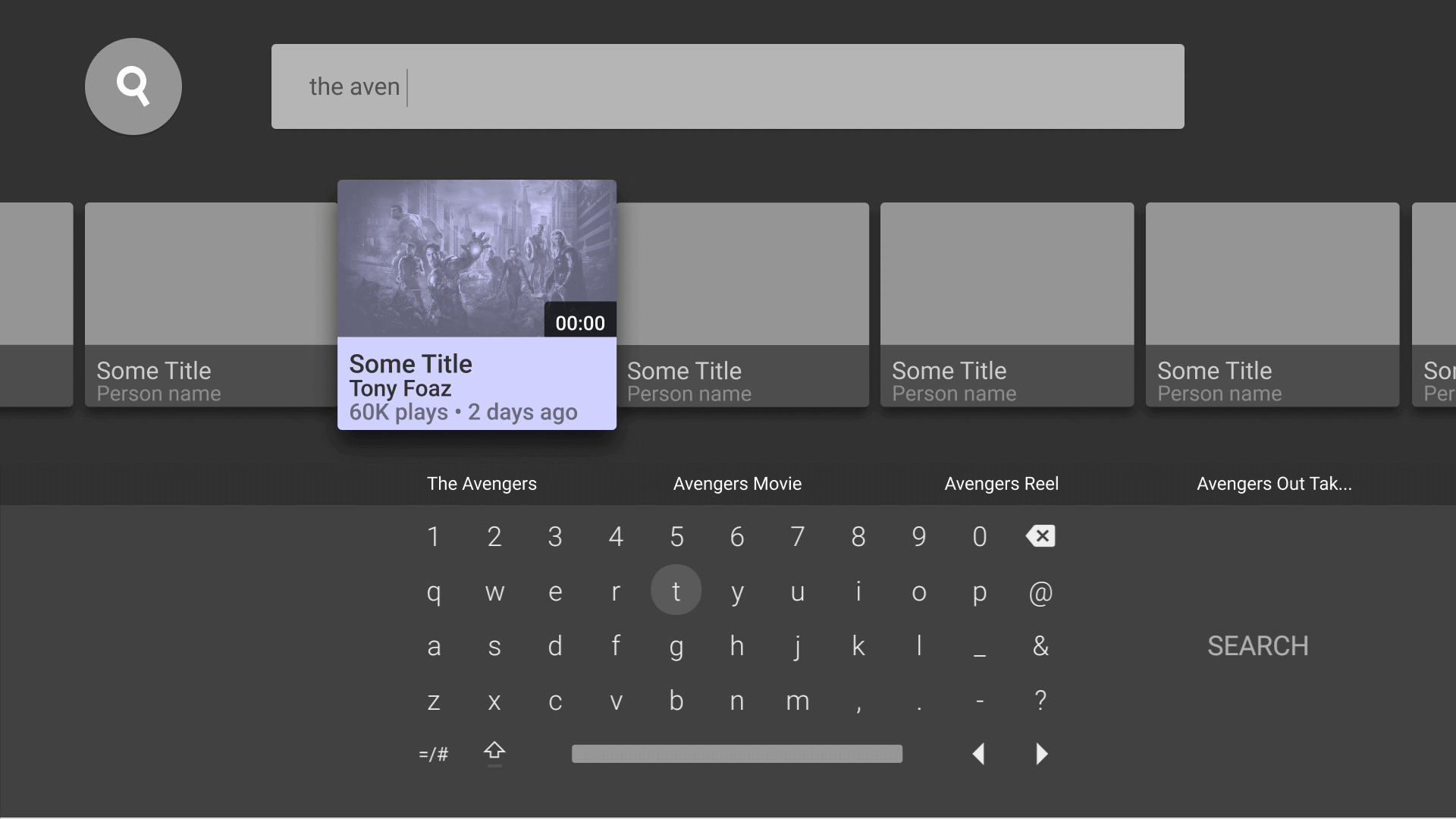
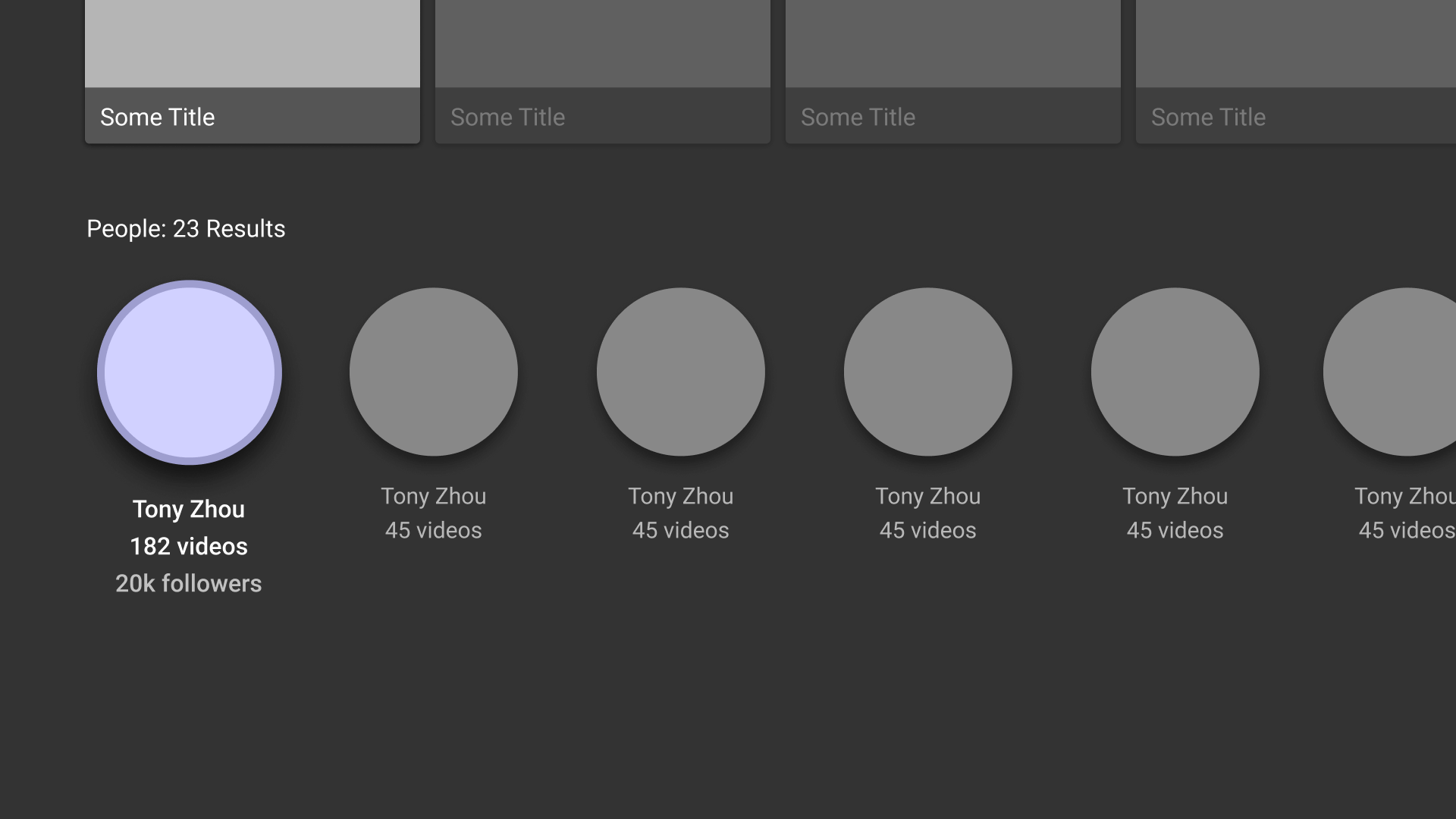
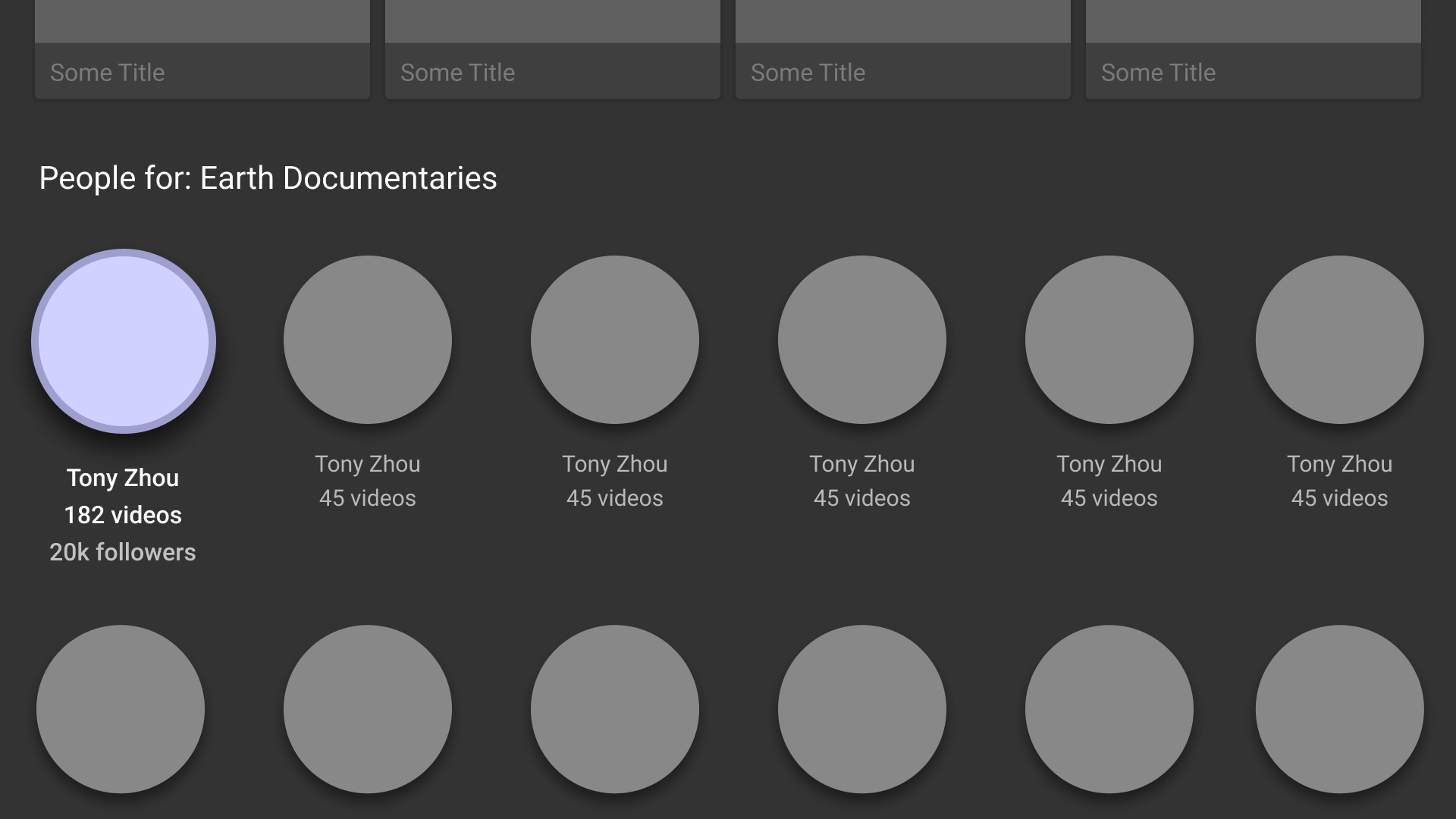
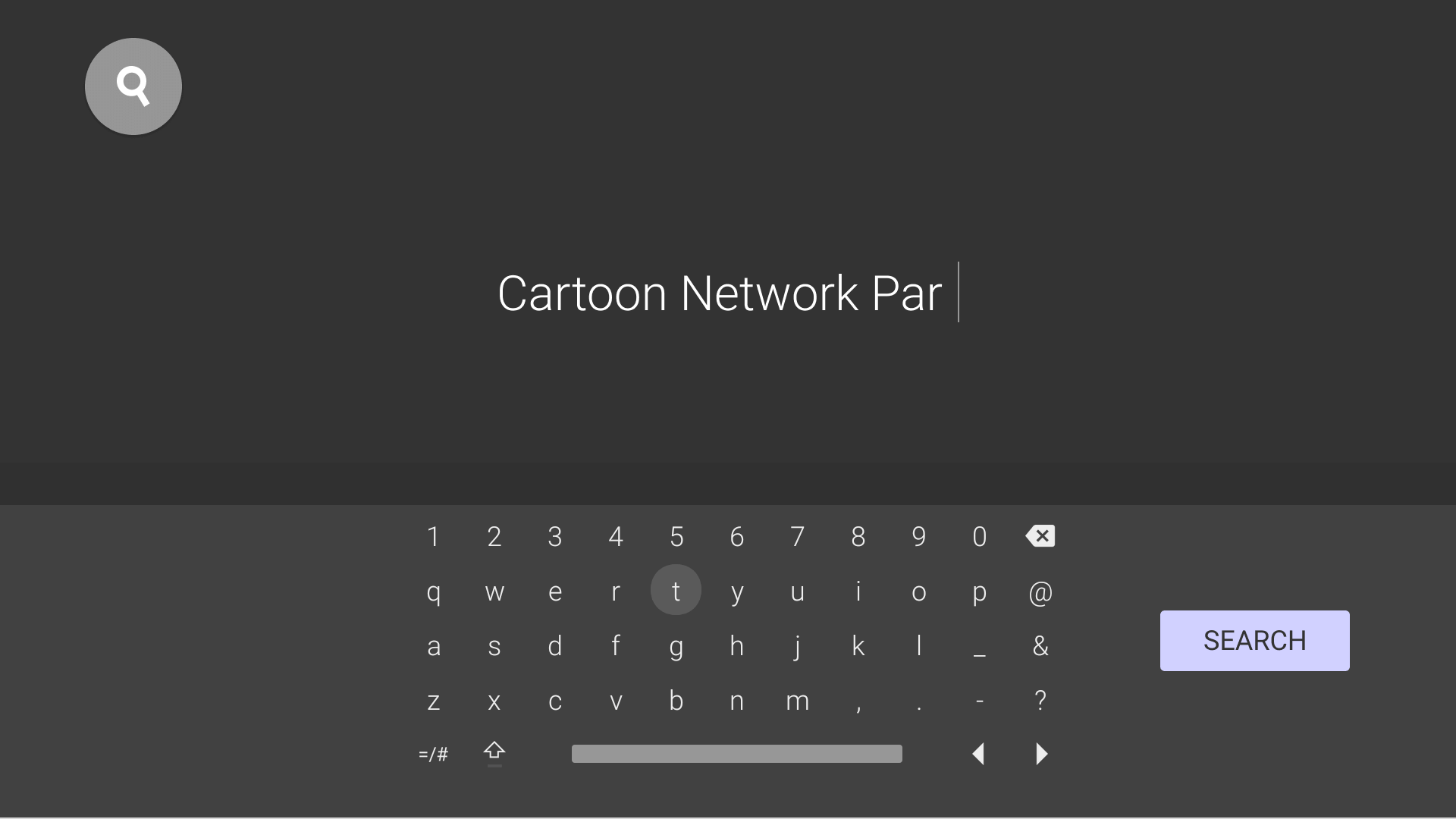
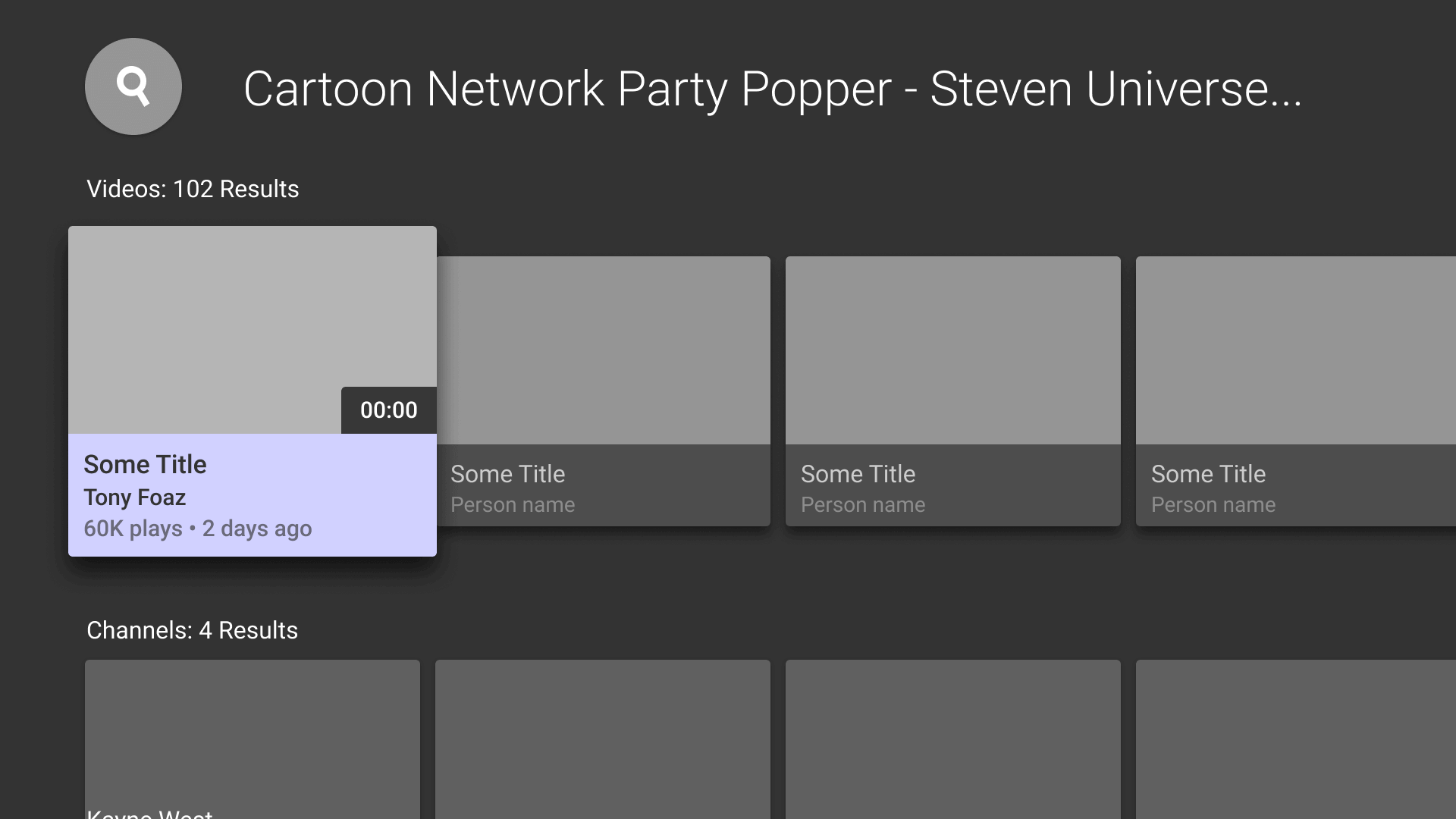
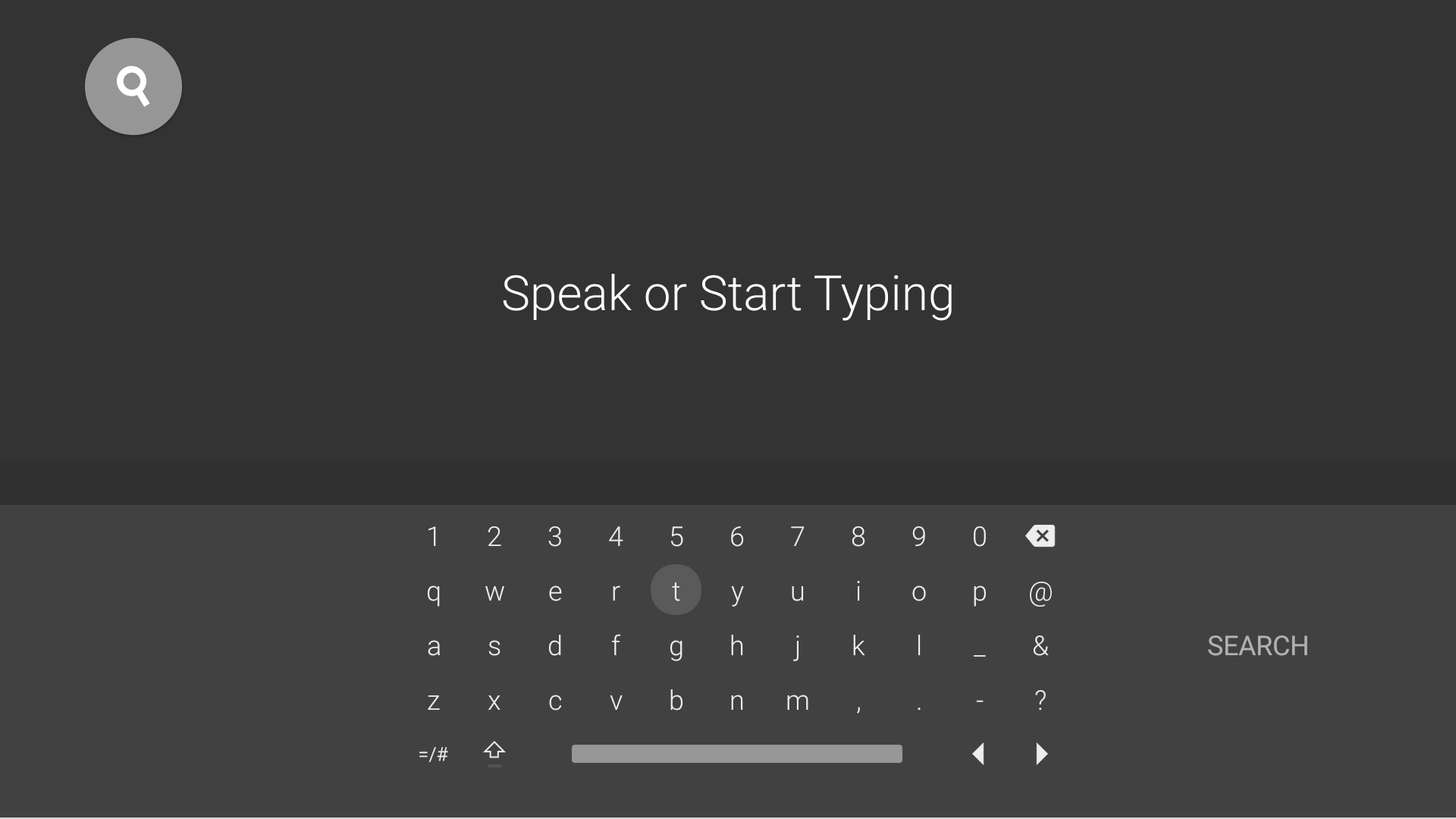
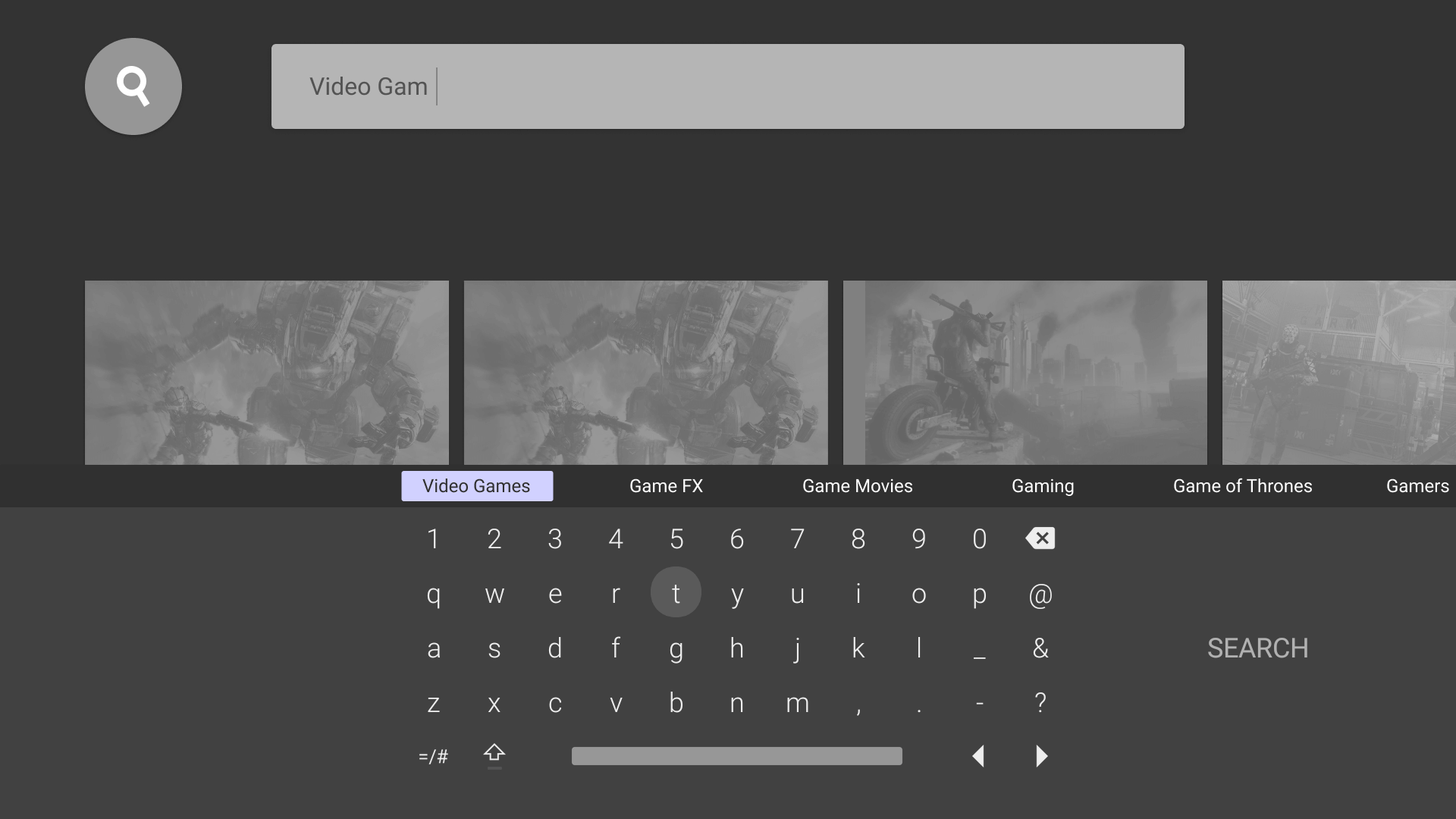
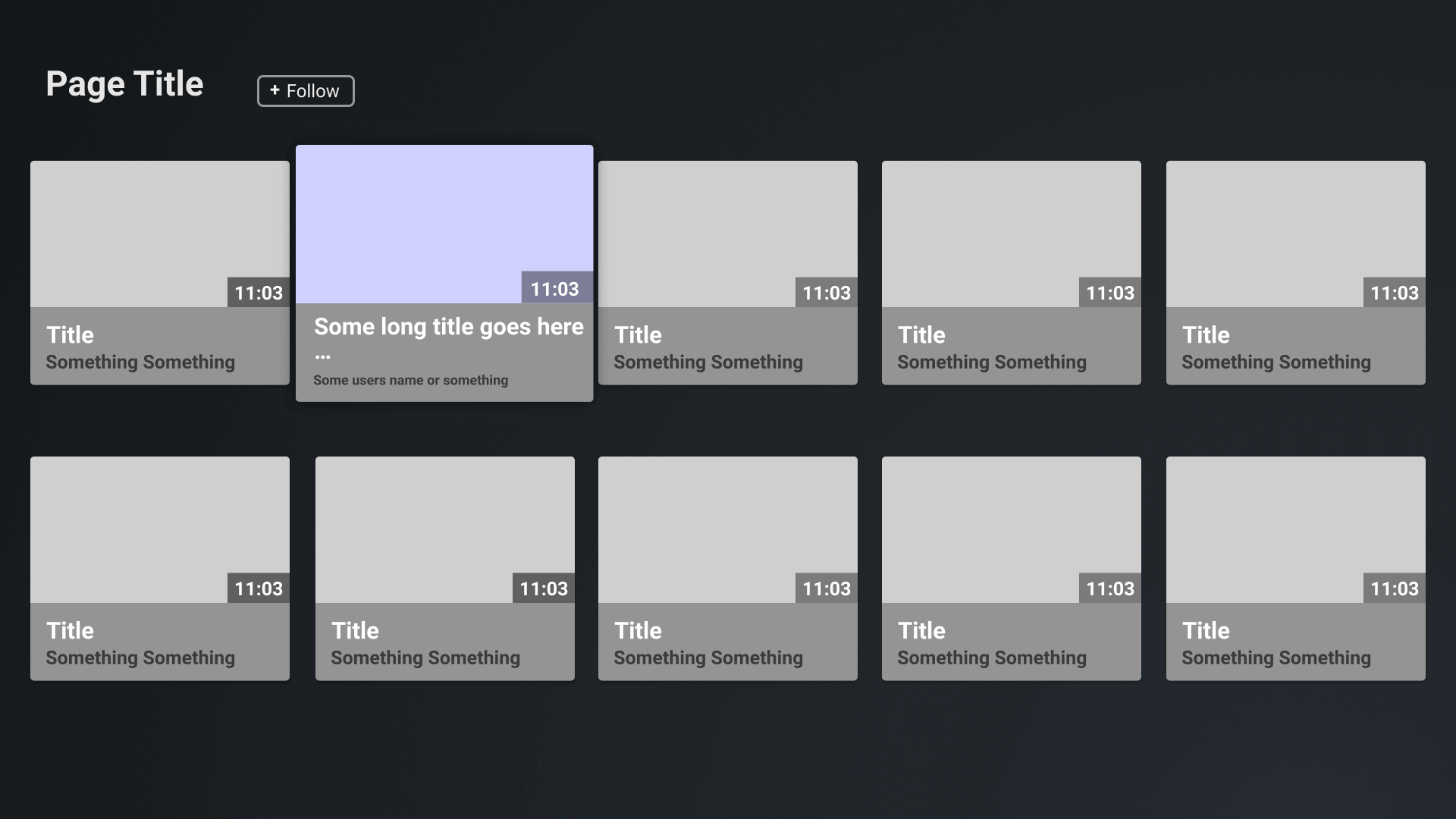
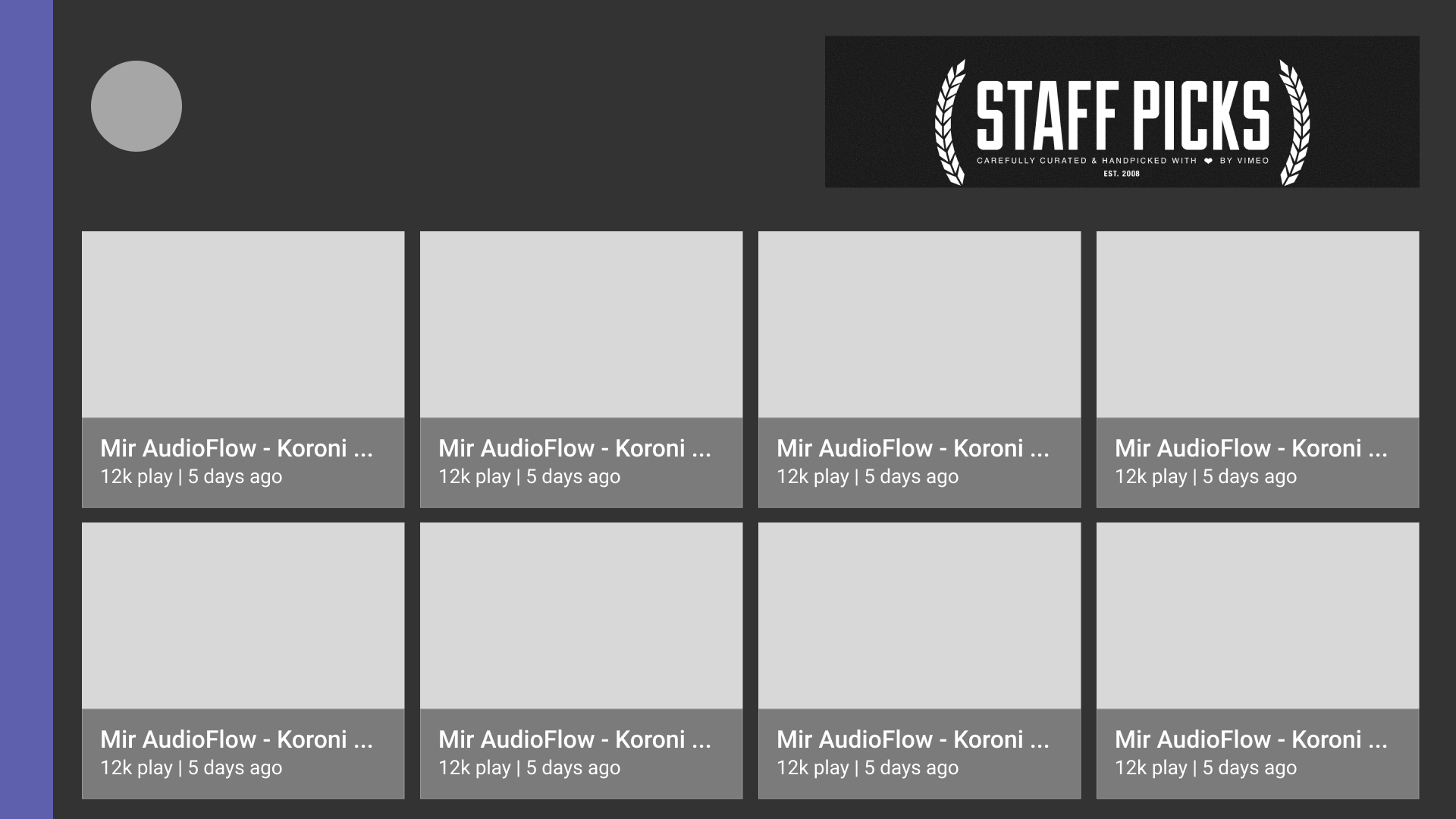
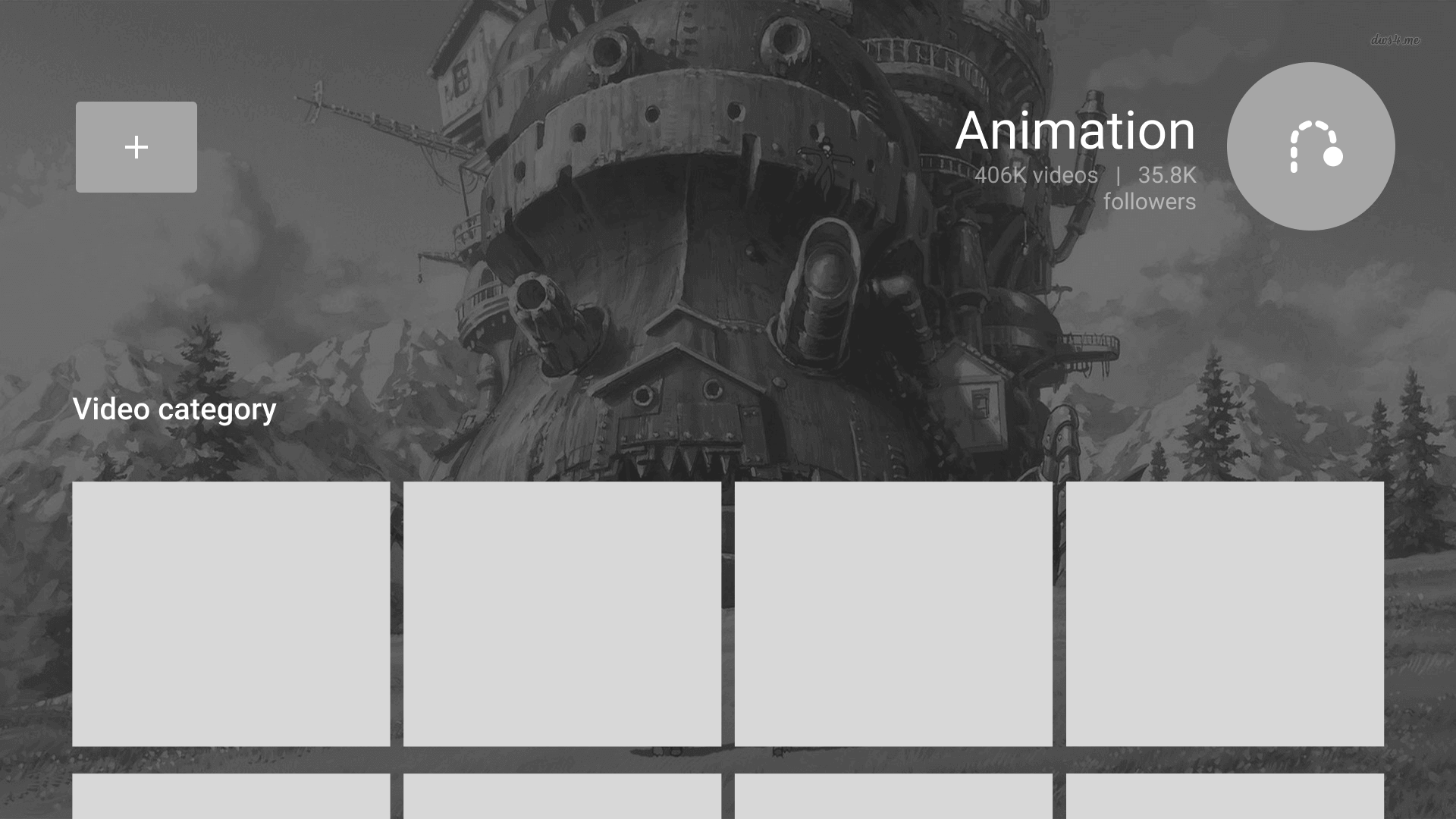
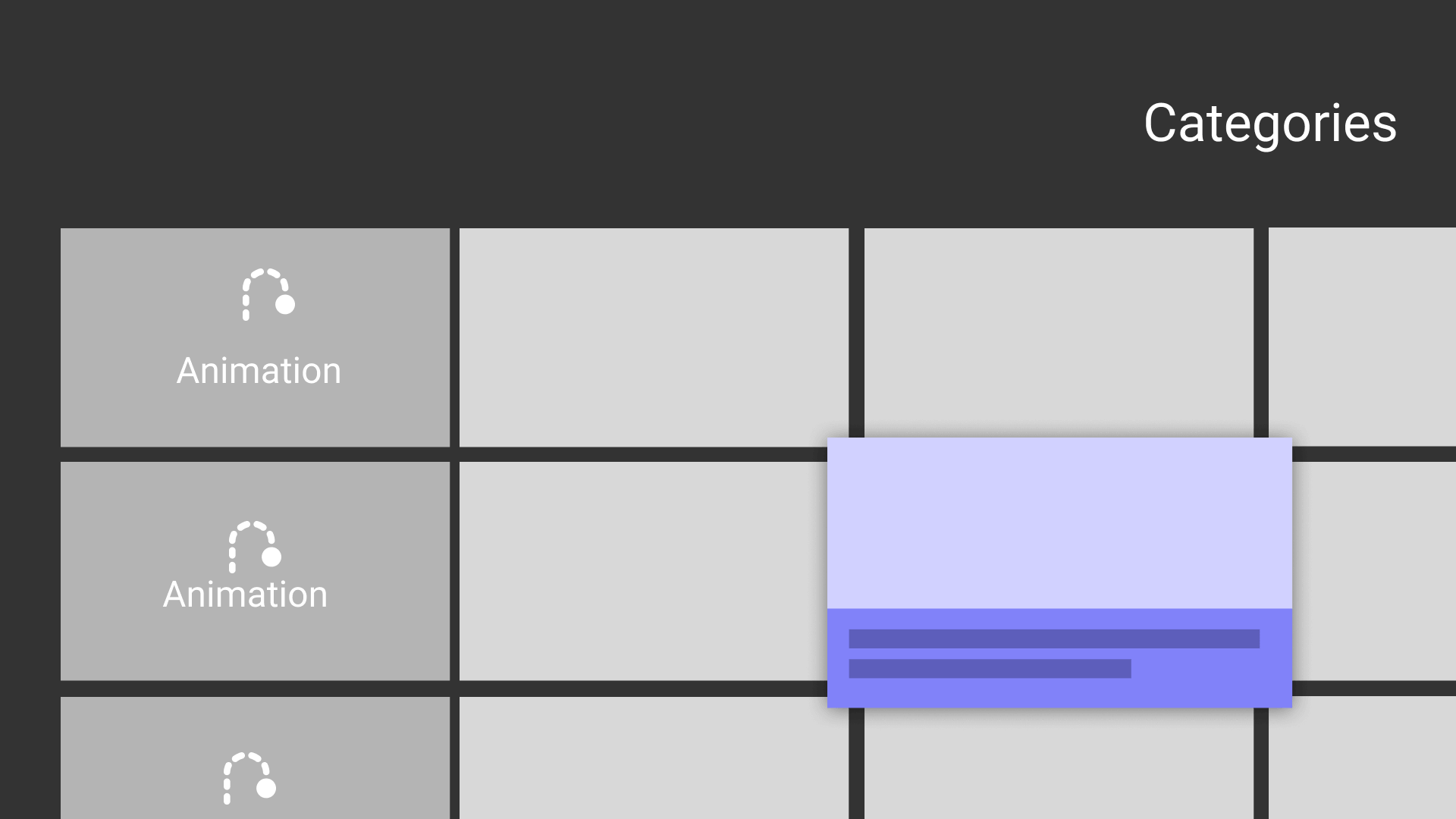
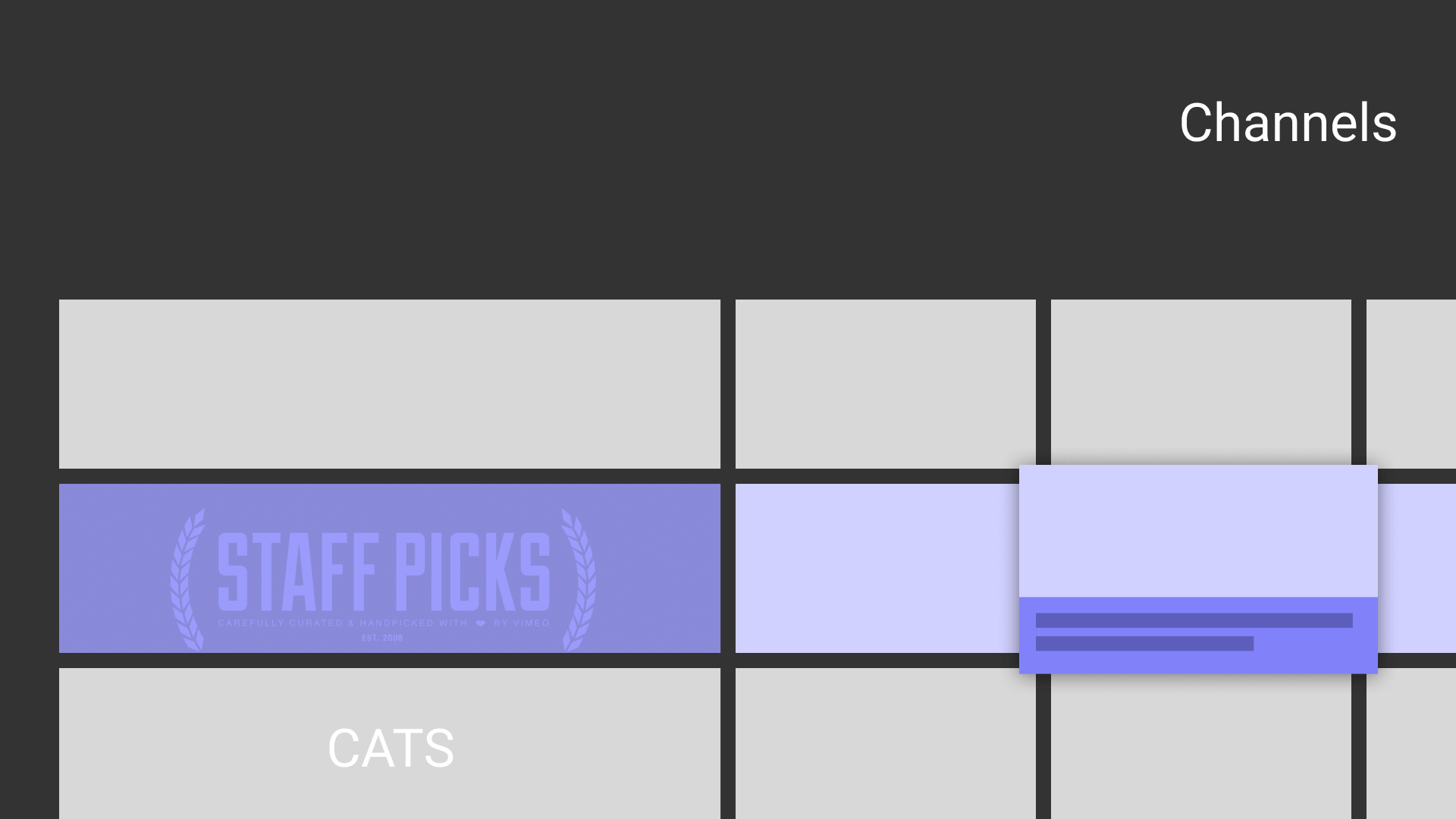
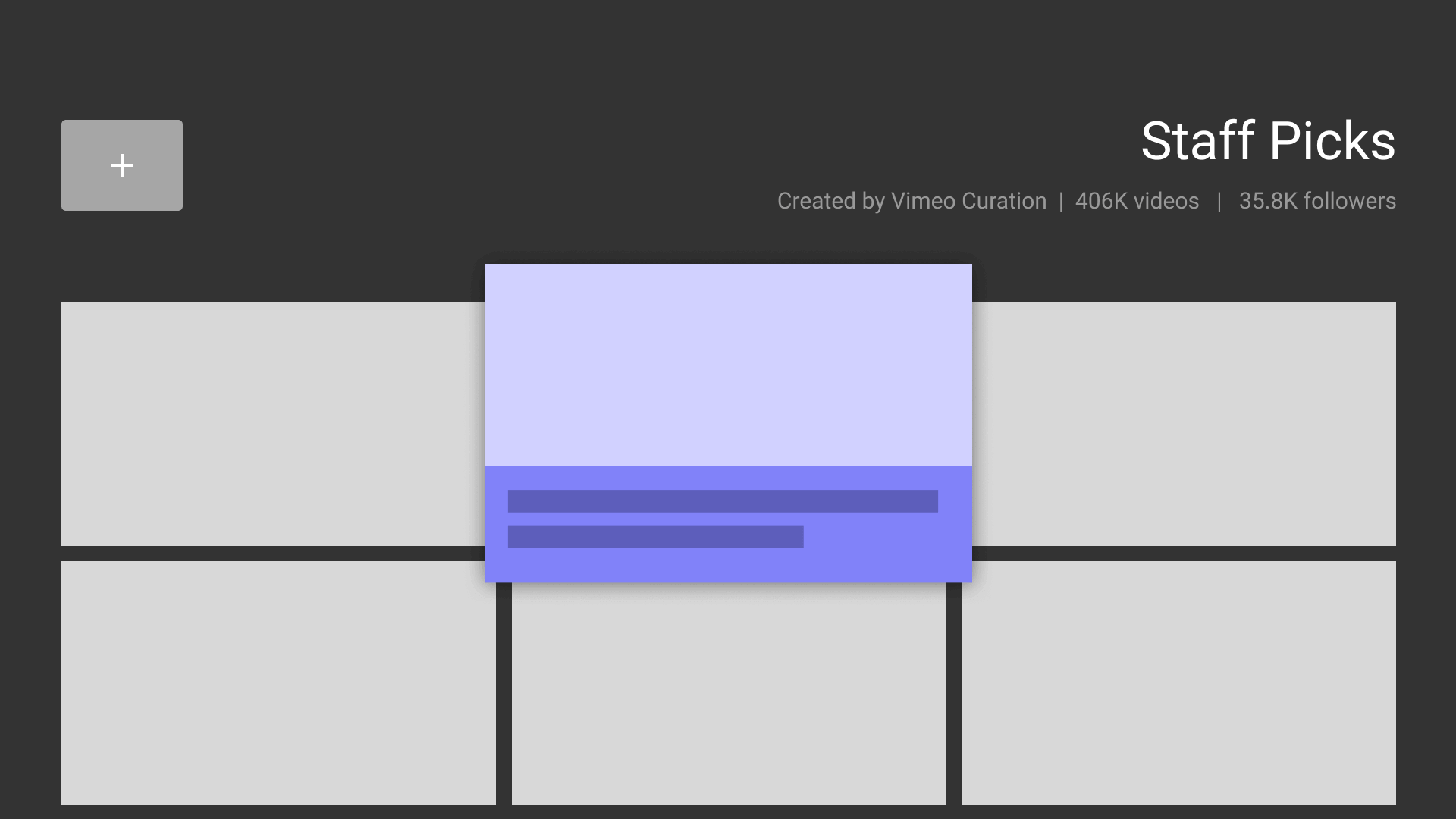
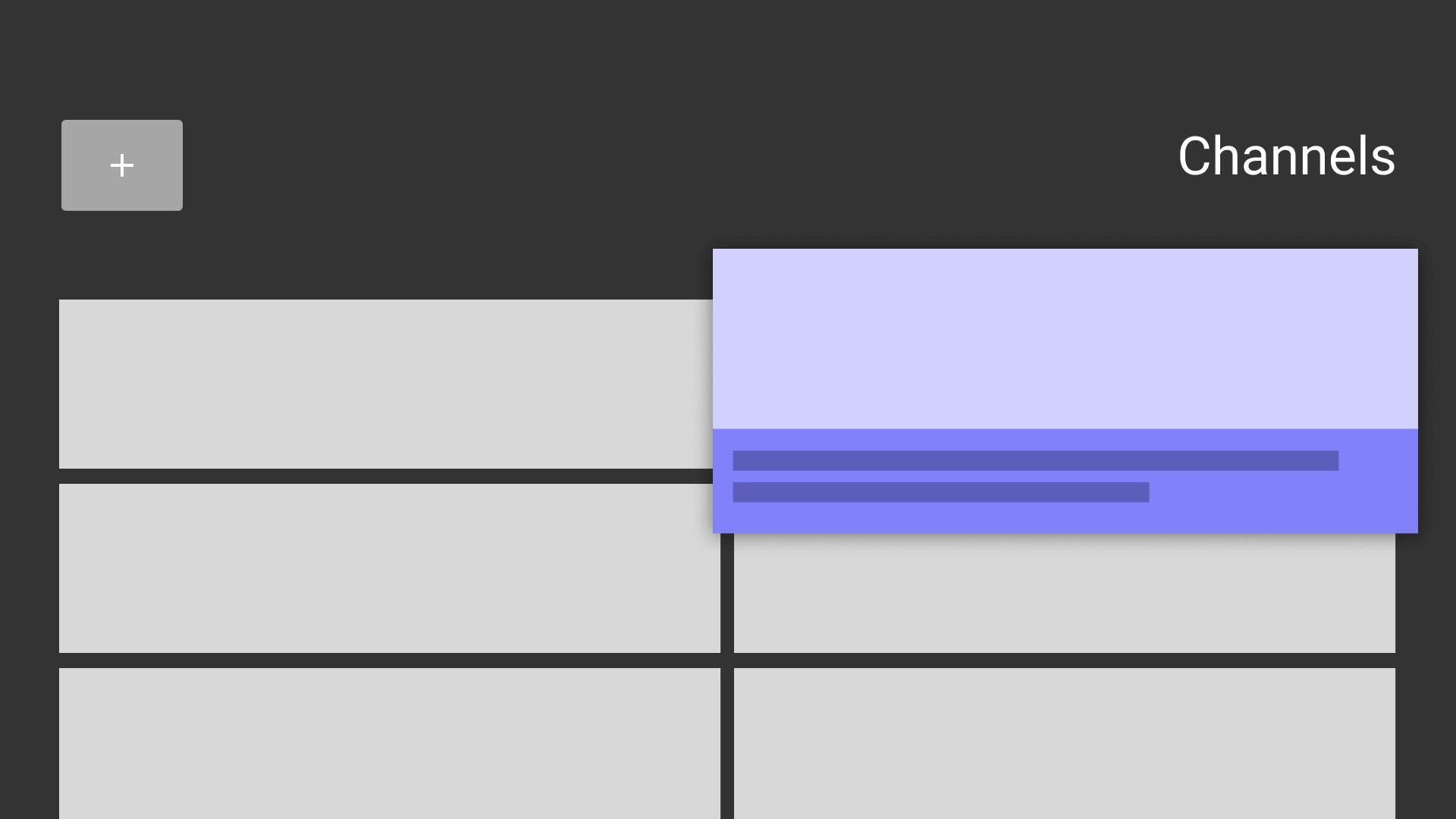
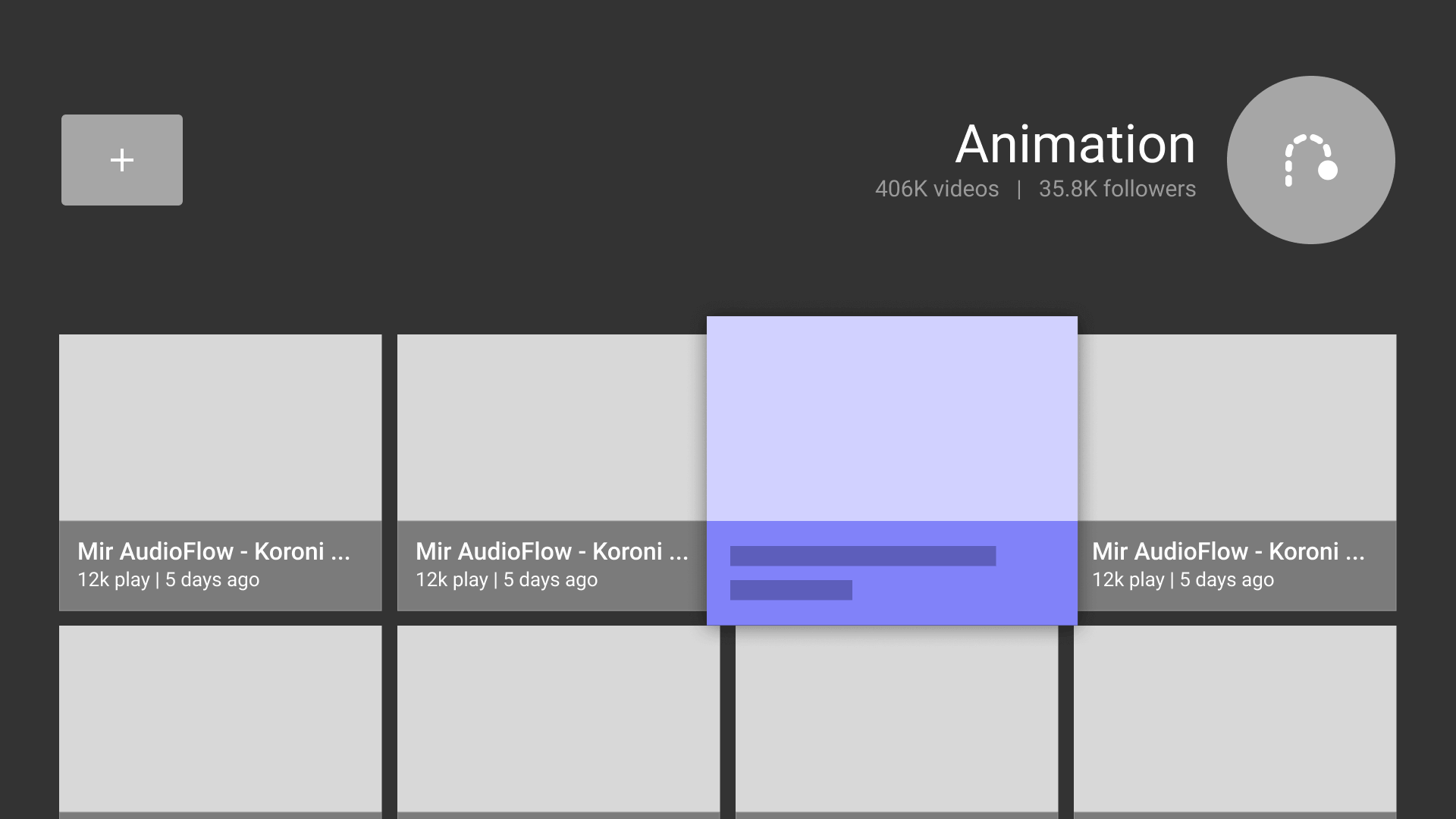
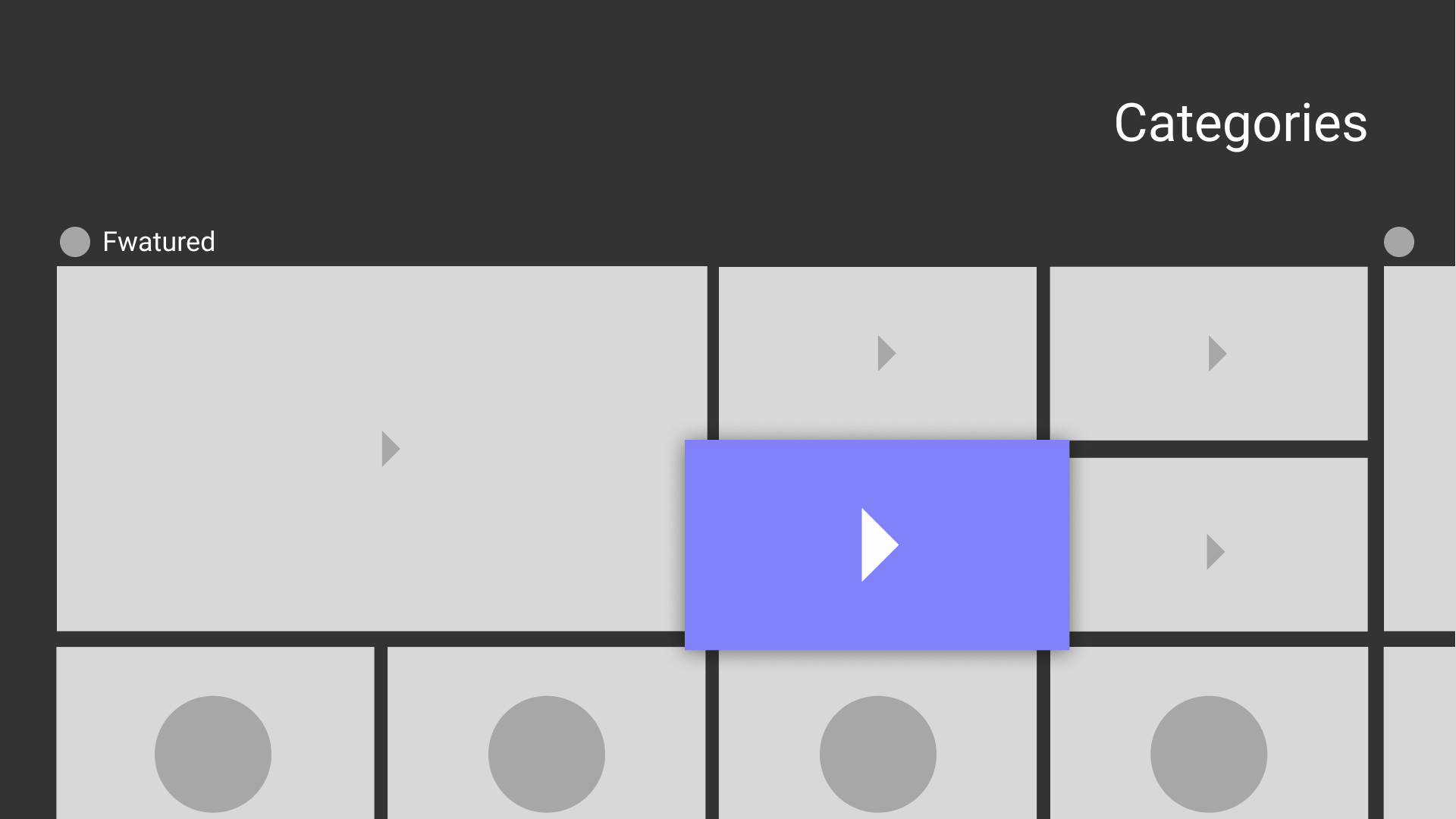
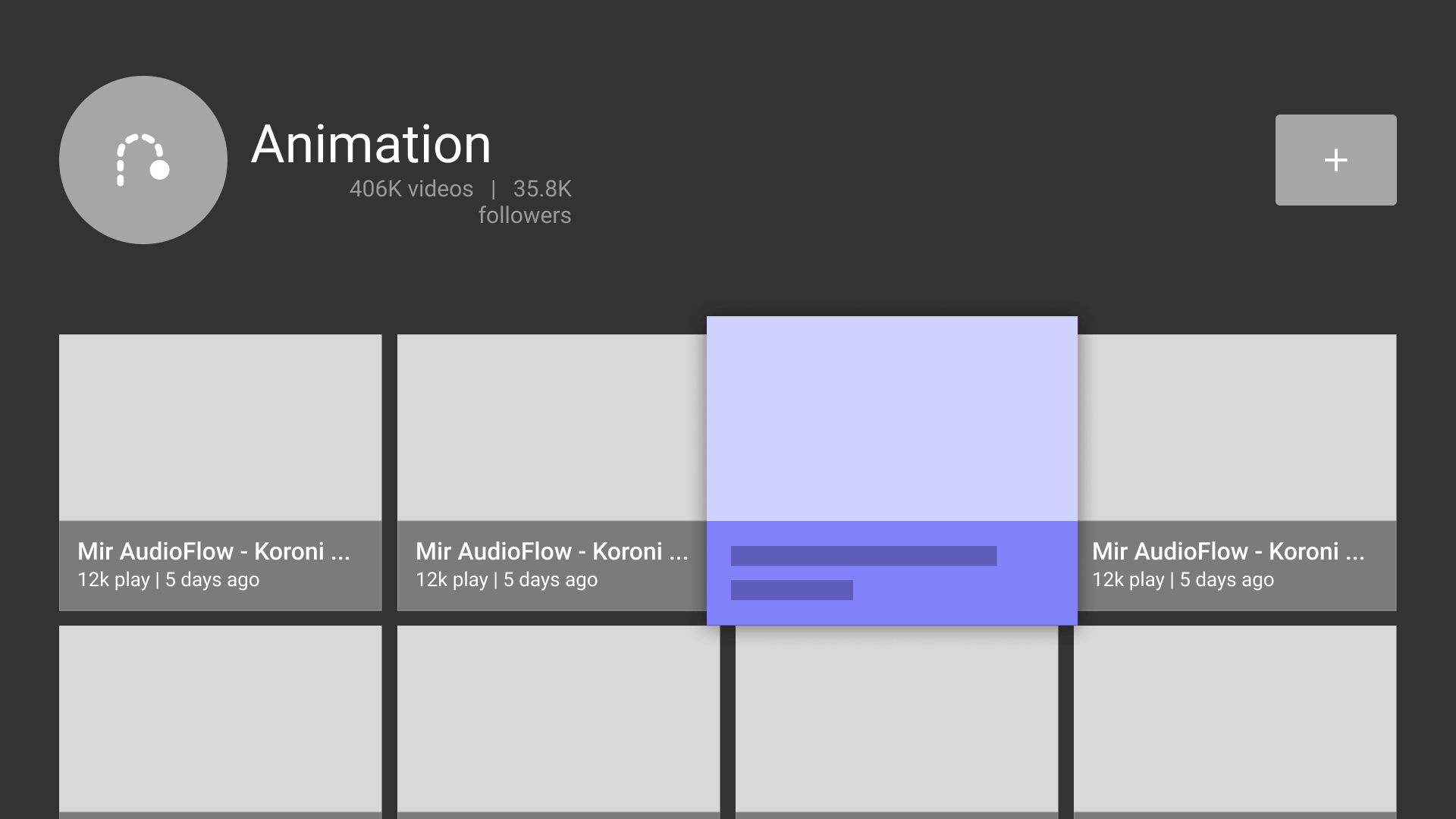
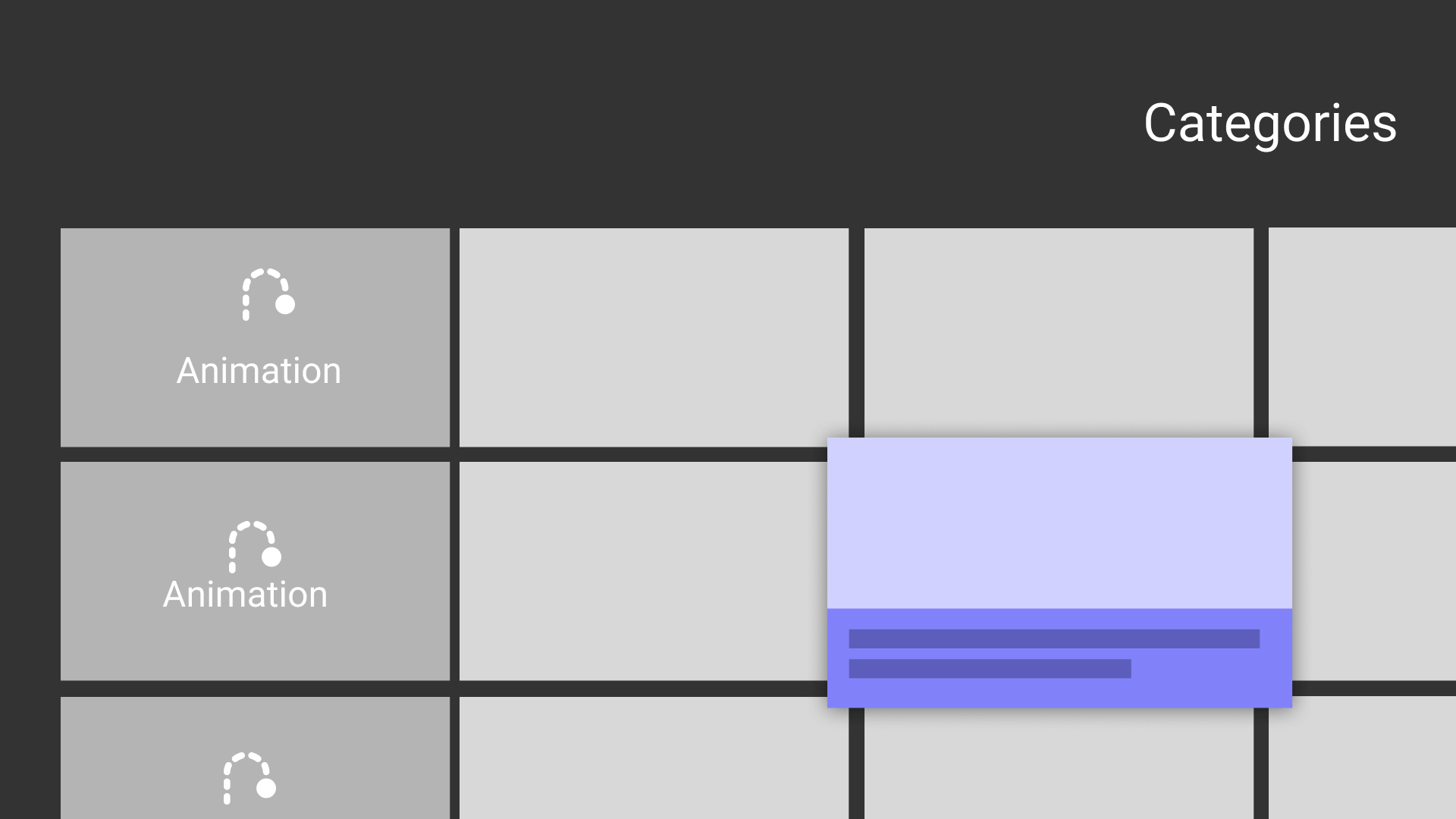
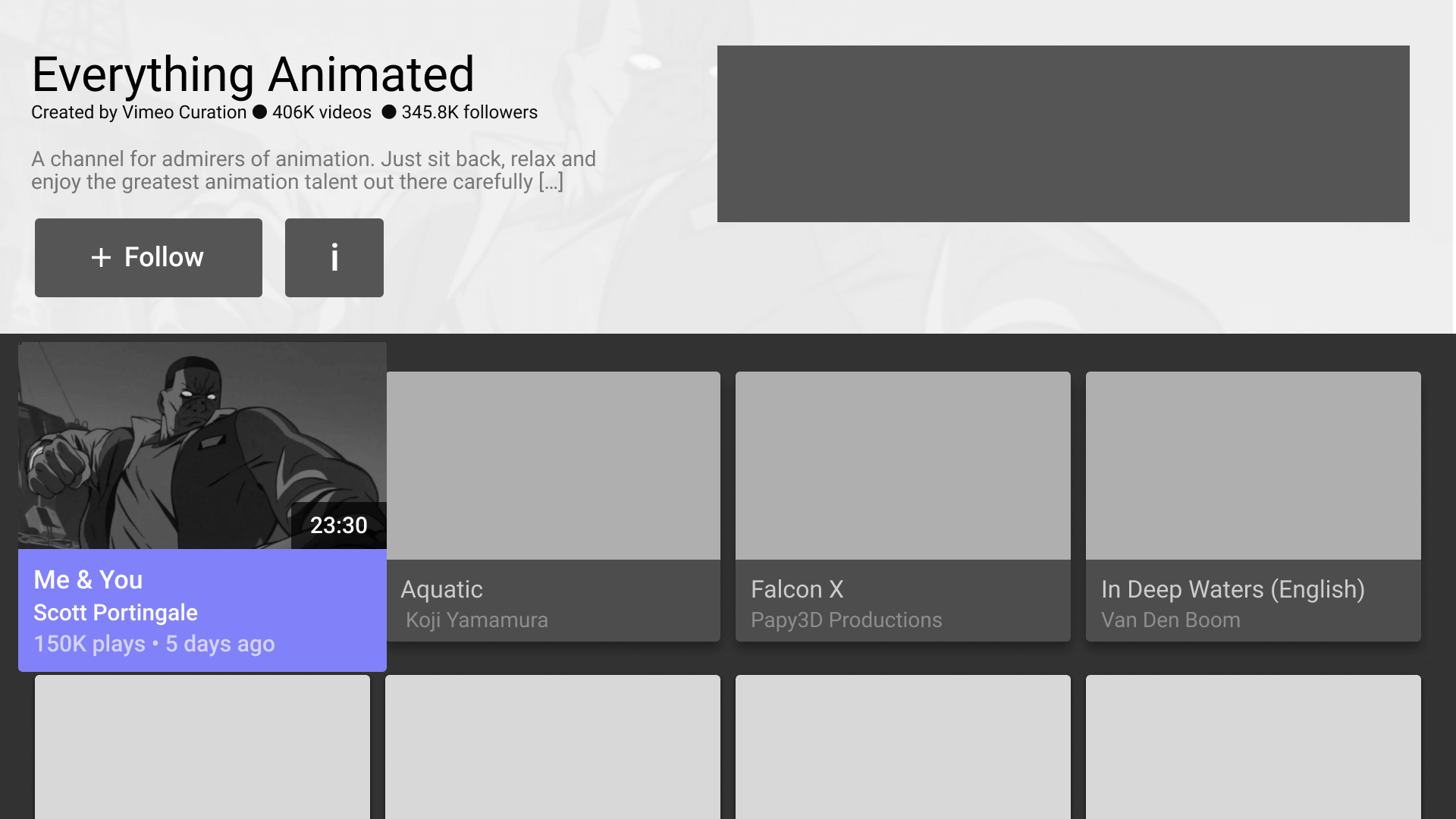
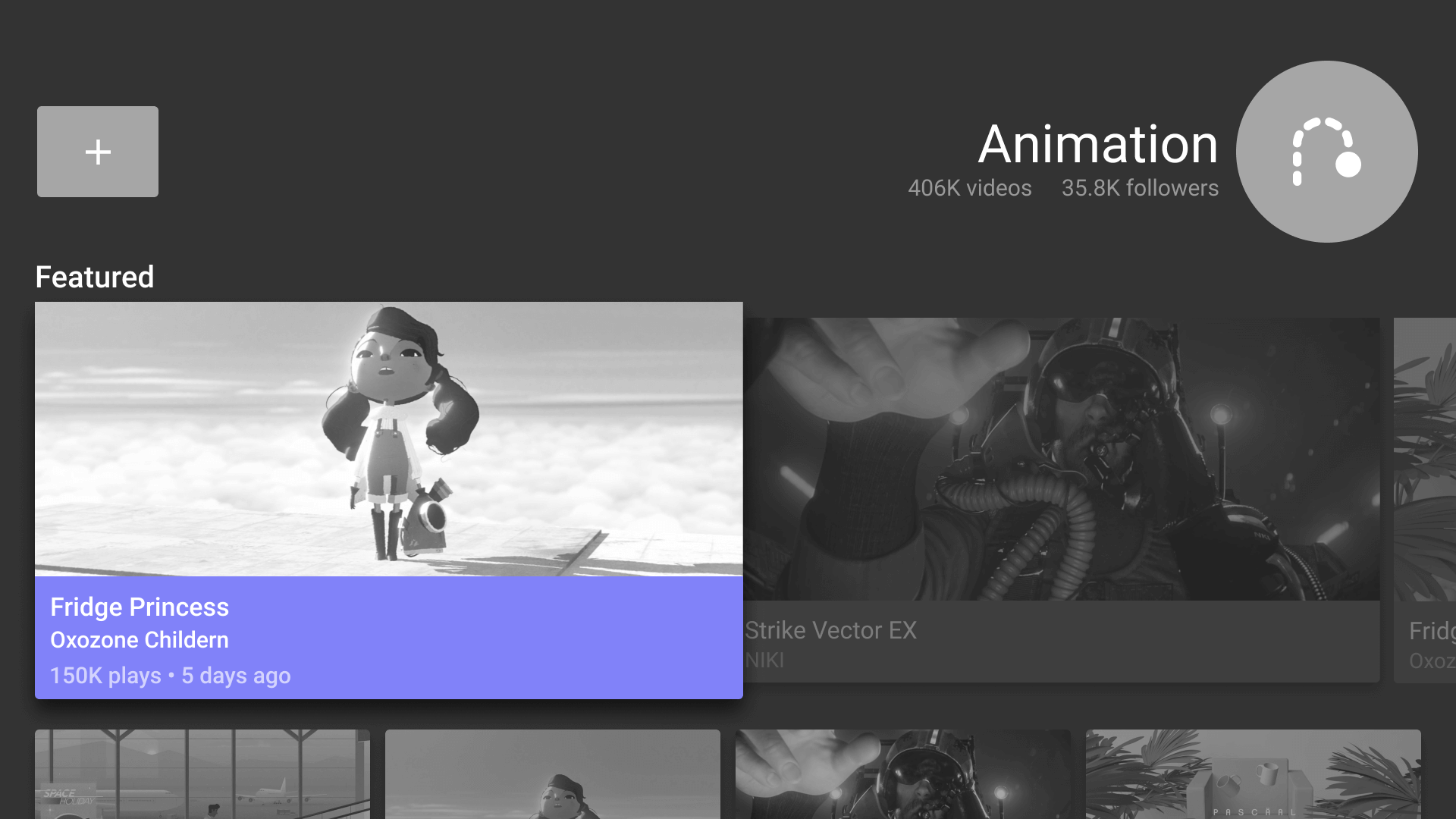
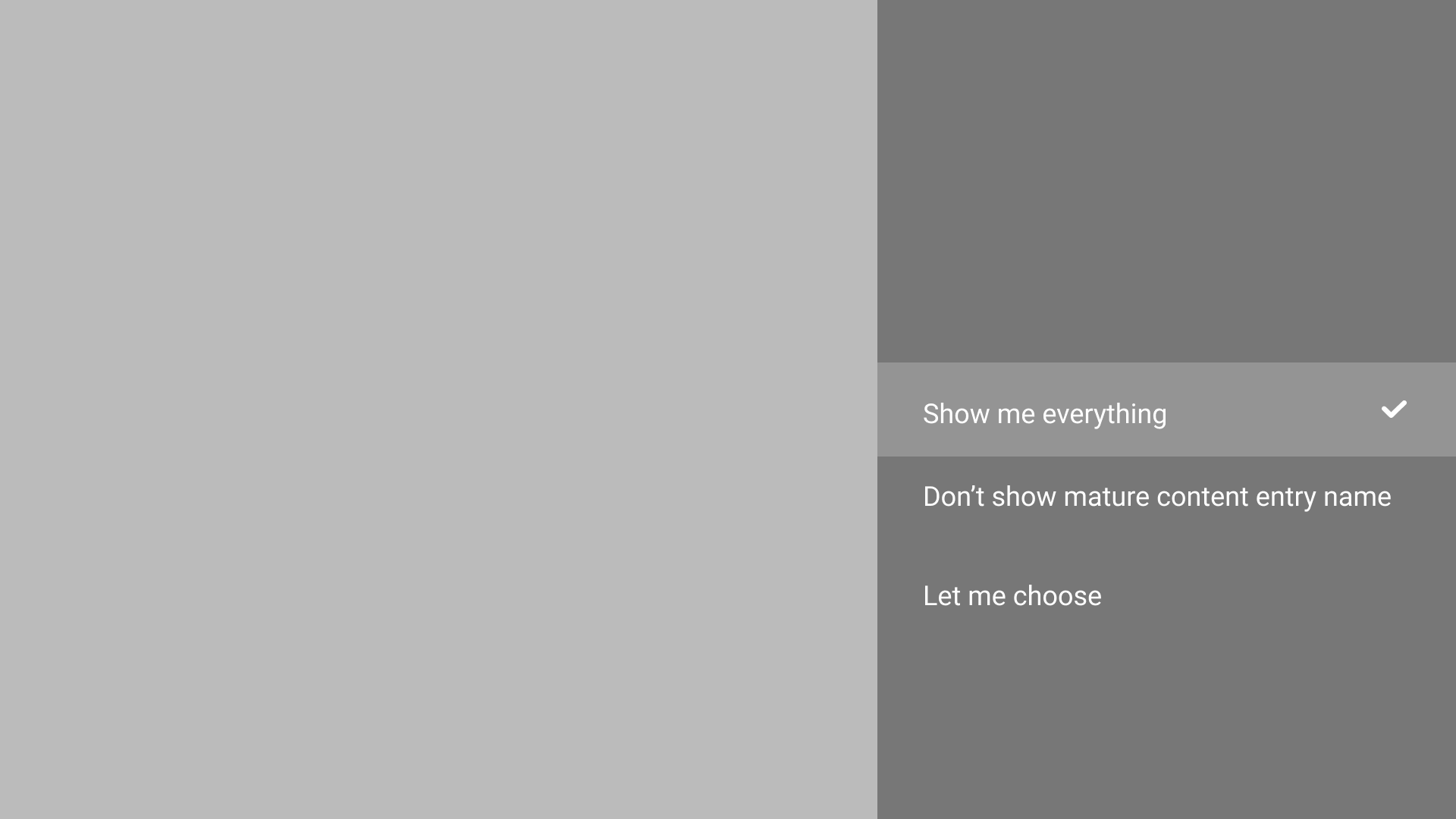
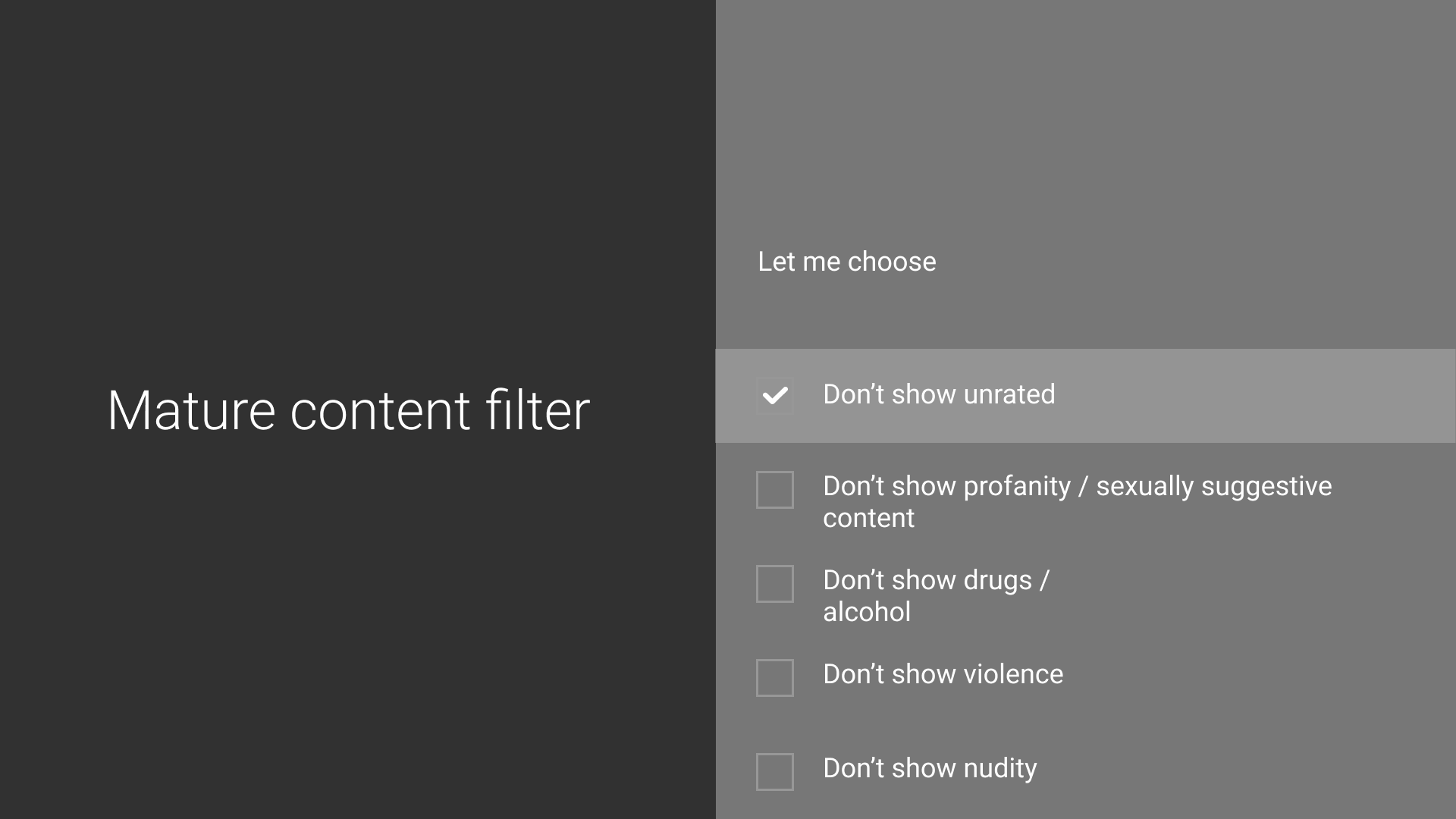
After the team settled on a flow for the MVP build. I began work on the framework of the app and created wire frames and low fidelity prototypes to test the user interaction of screens.
- Ideation phase to hash out various framework ideas for the TV app
- Created wire frames of key screens to build up base framework
- Worked closely with engineers to insure wire frames and prototypes were within scope for MVP
- Tested wire frames and prototypes in real TVs to insure dimensions and interactions were on point for a TV space
3a░
Let's see how this works.
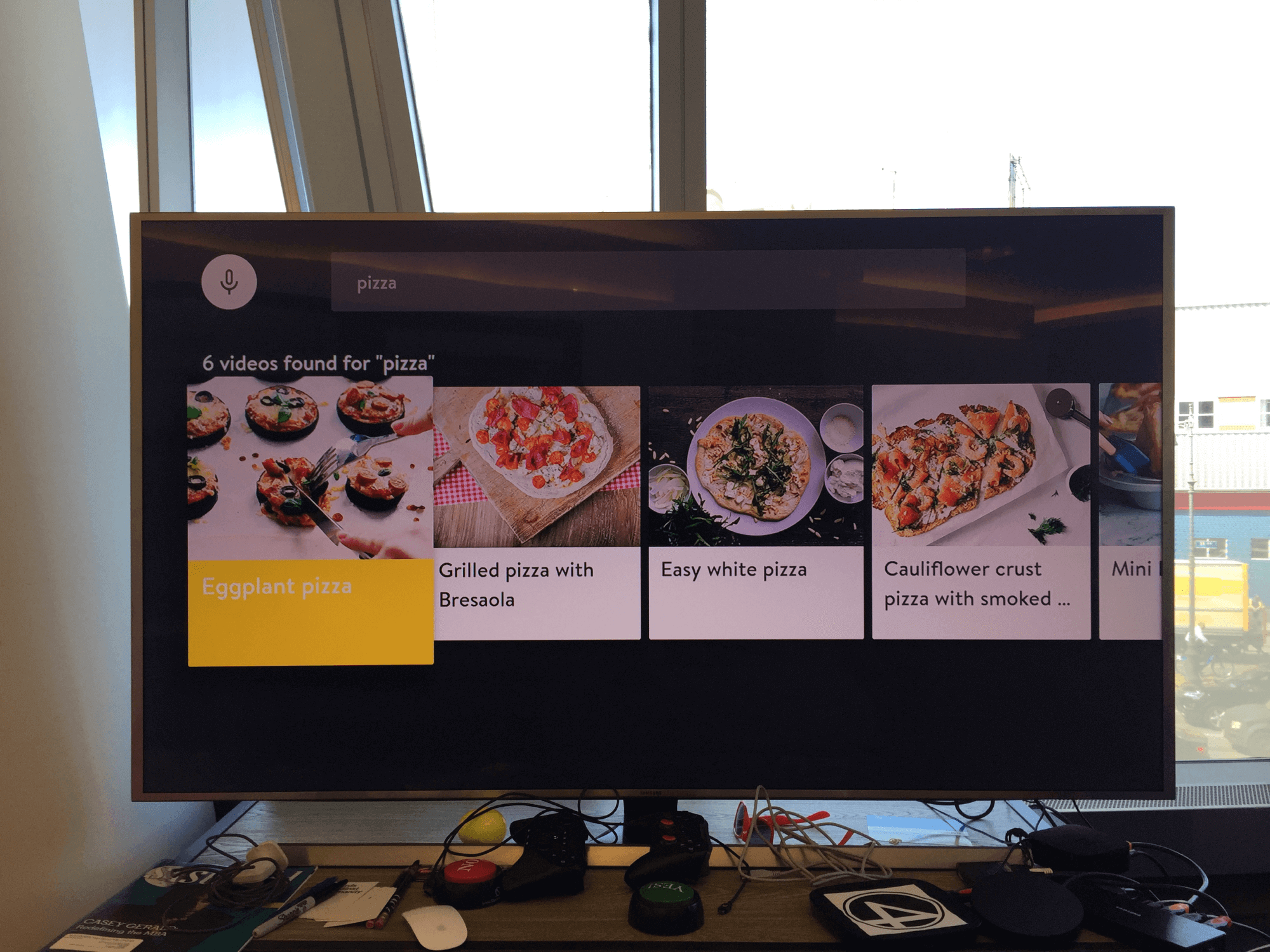
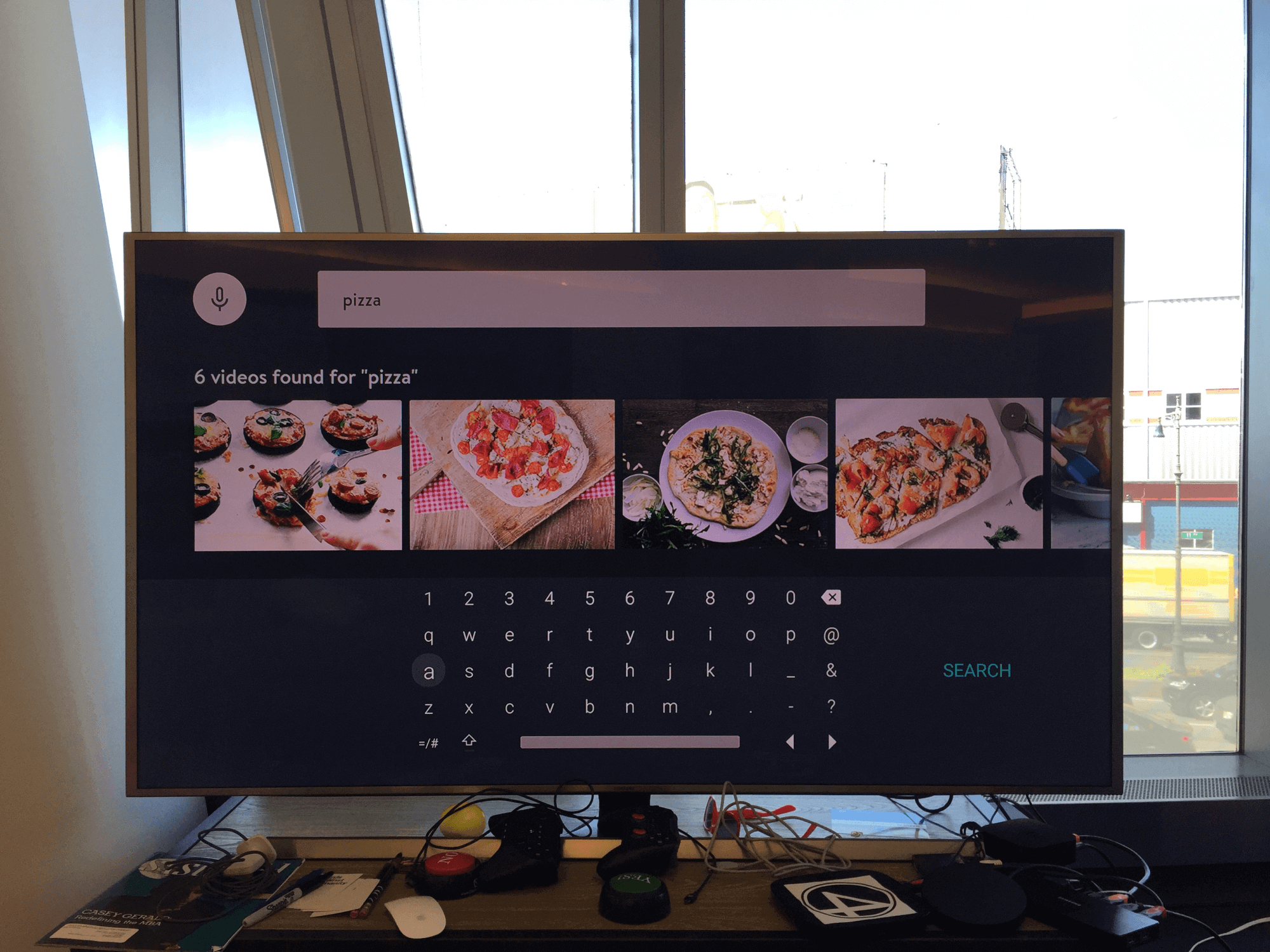
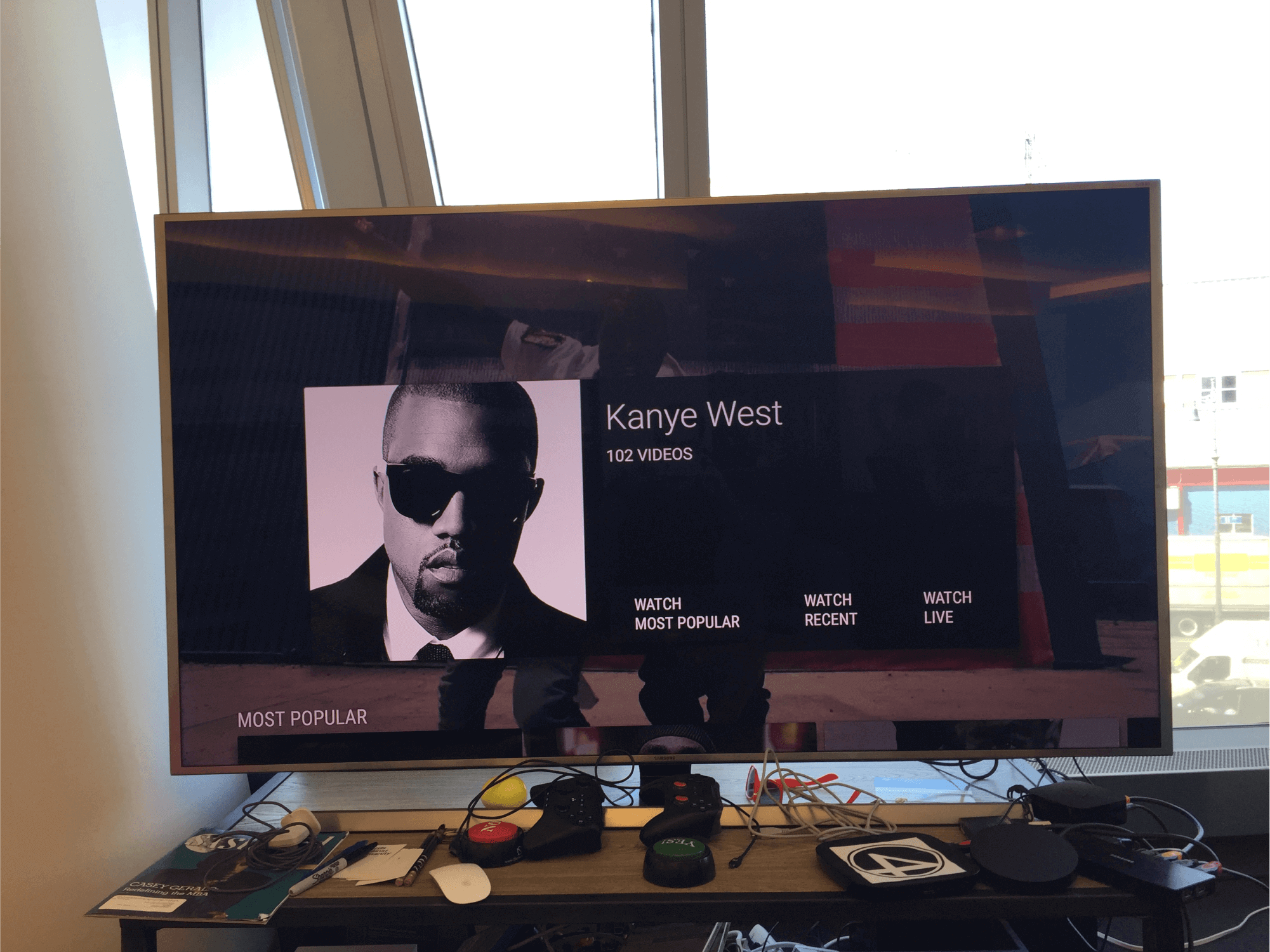
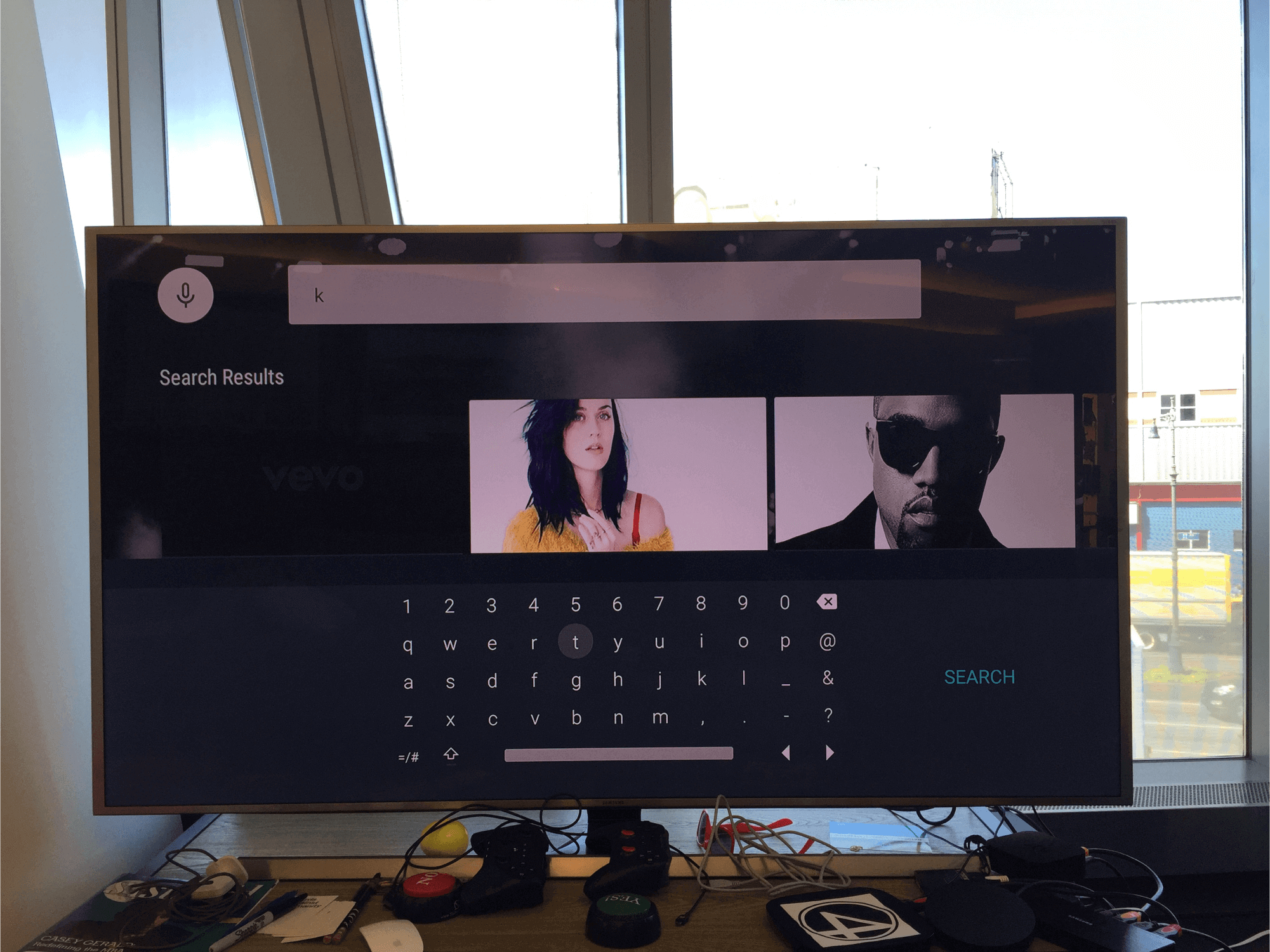
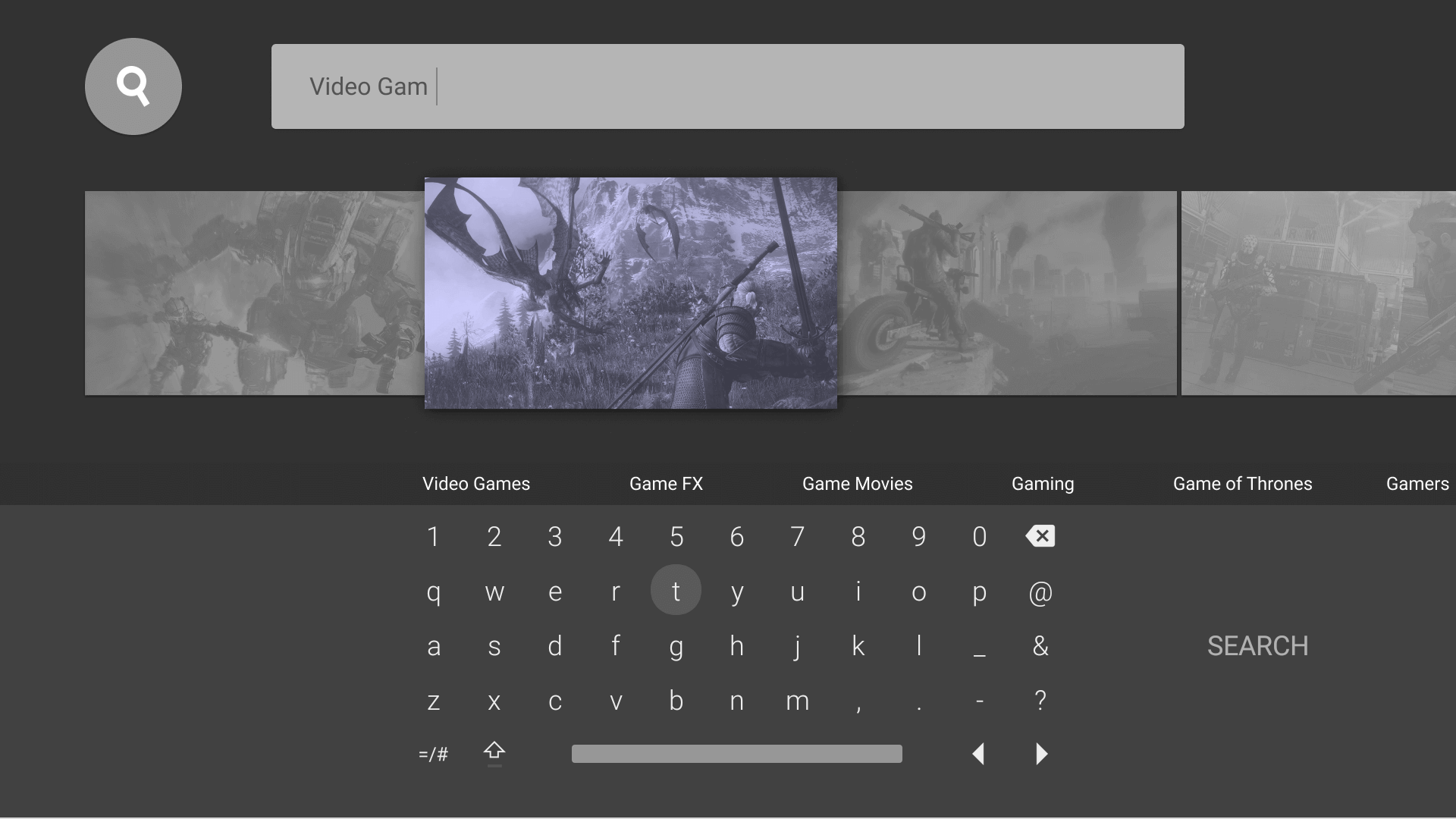
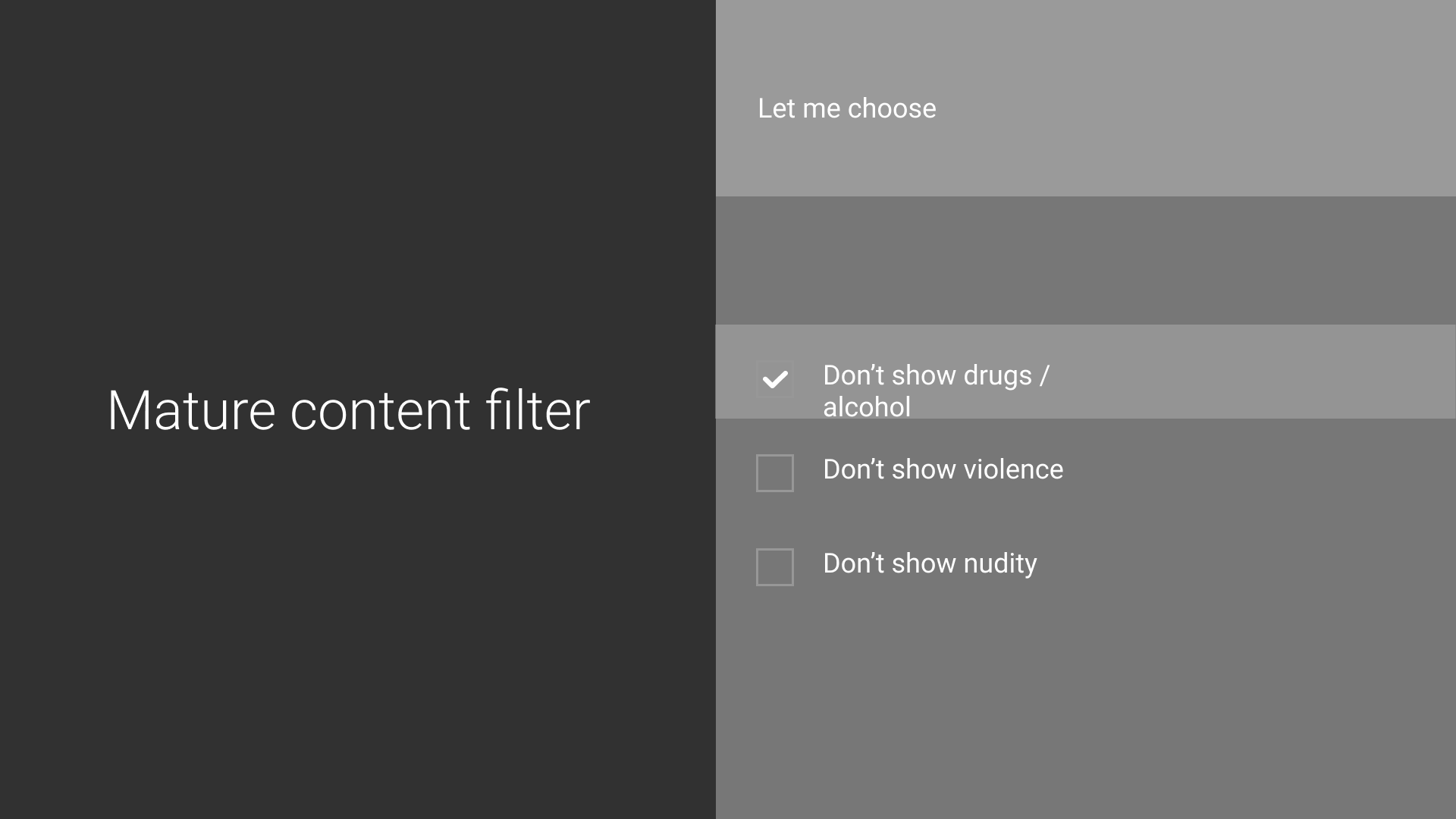
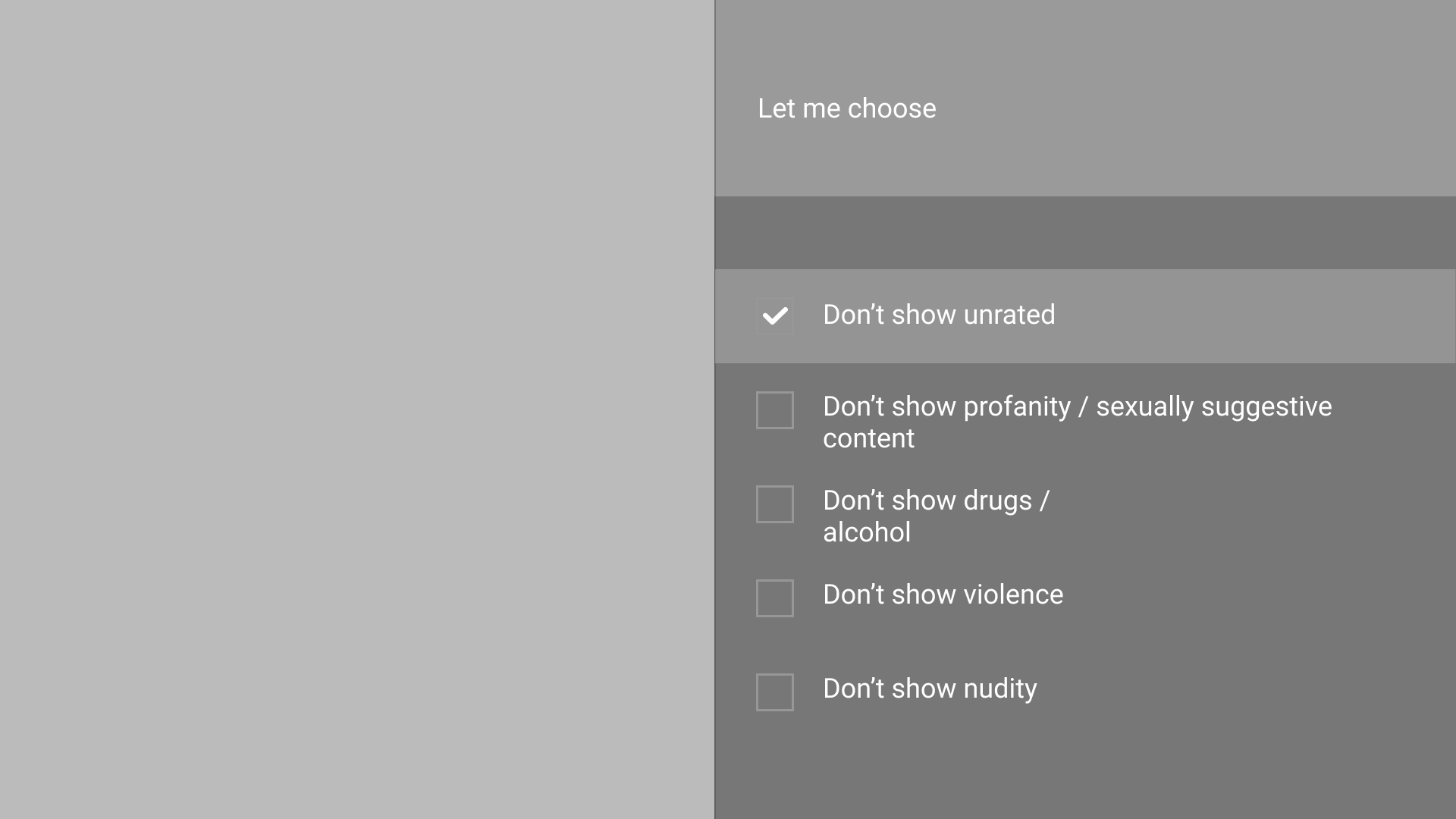
Created several prototypes to test the user interactions using a directional remote
3b░
Prototyping the experaince cont'd.
Testing the new "Blooming" feature devised by a fellow designer Stephan, where the block content expands open to show more content lines within a selected row.
4░
Let's tighten up the framework for TV.
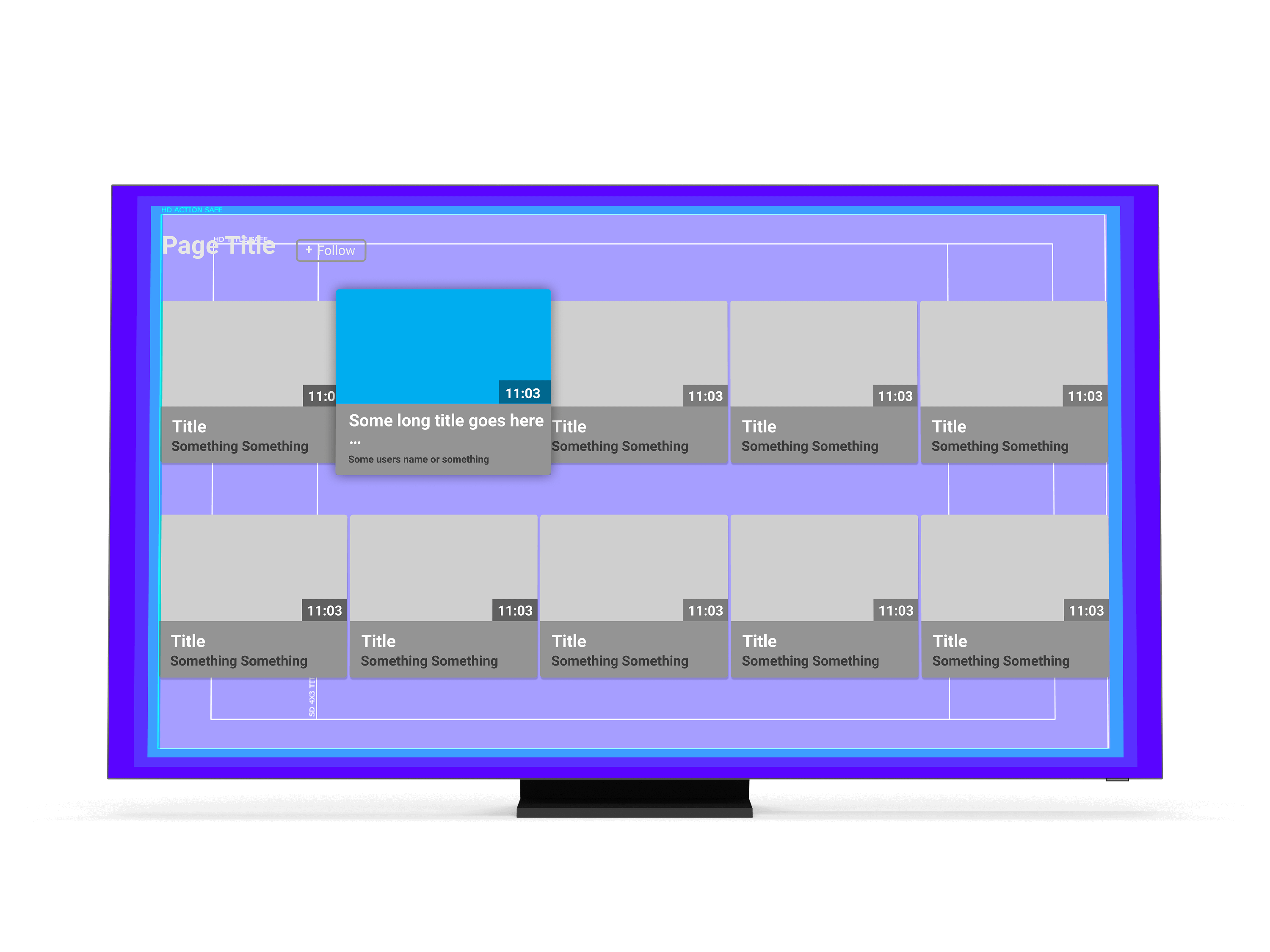
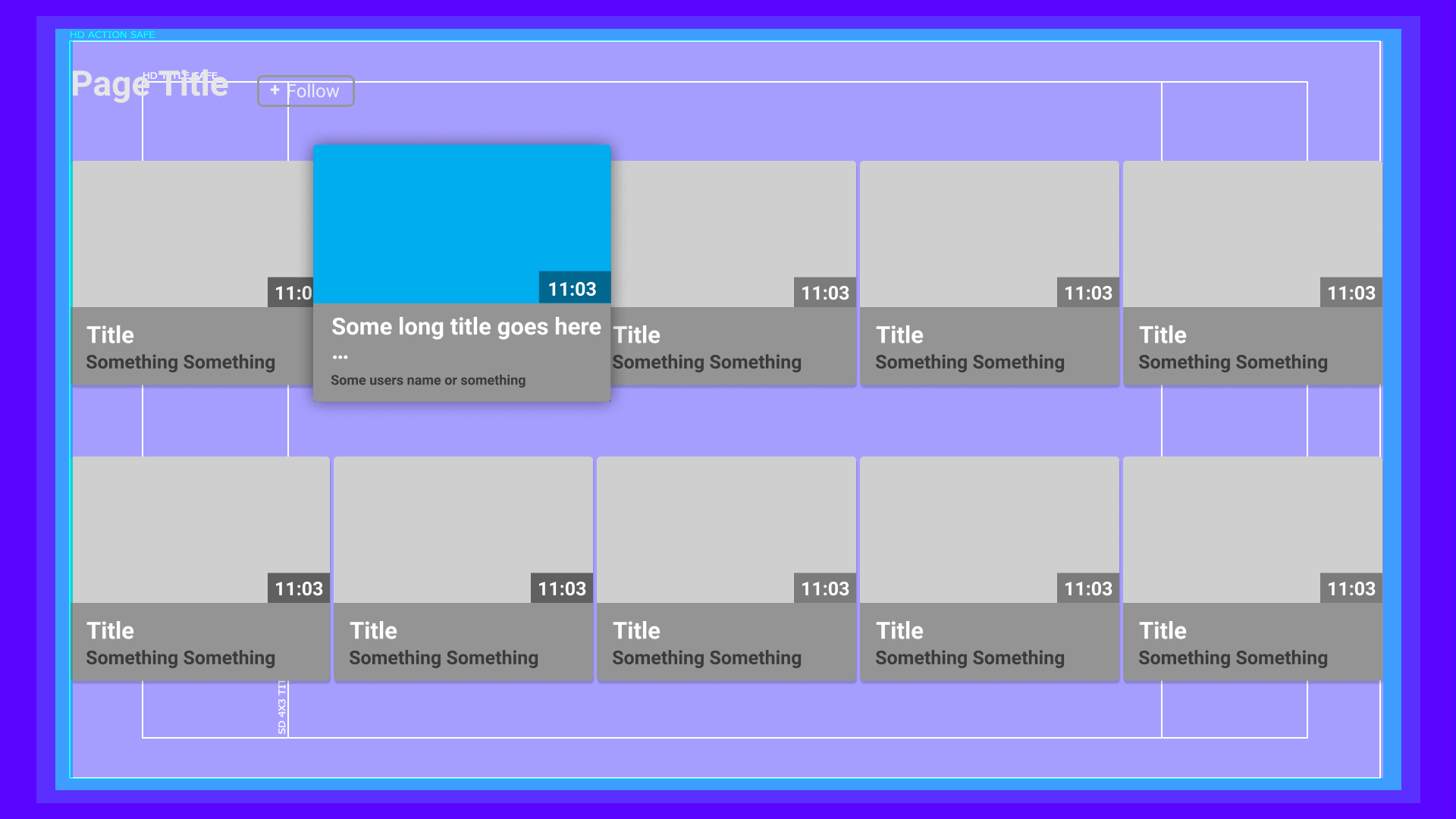
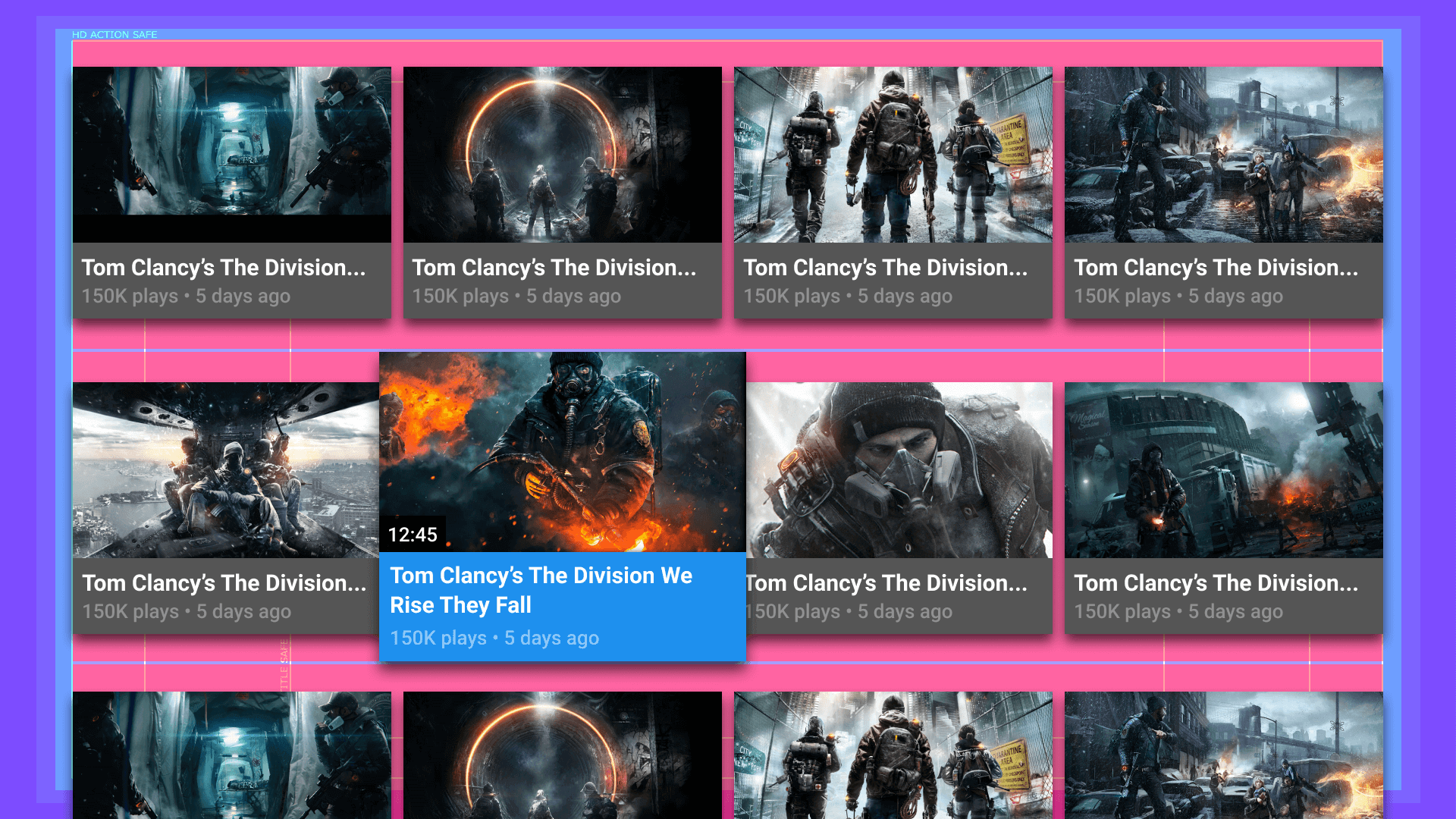
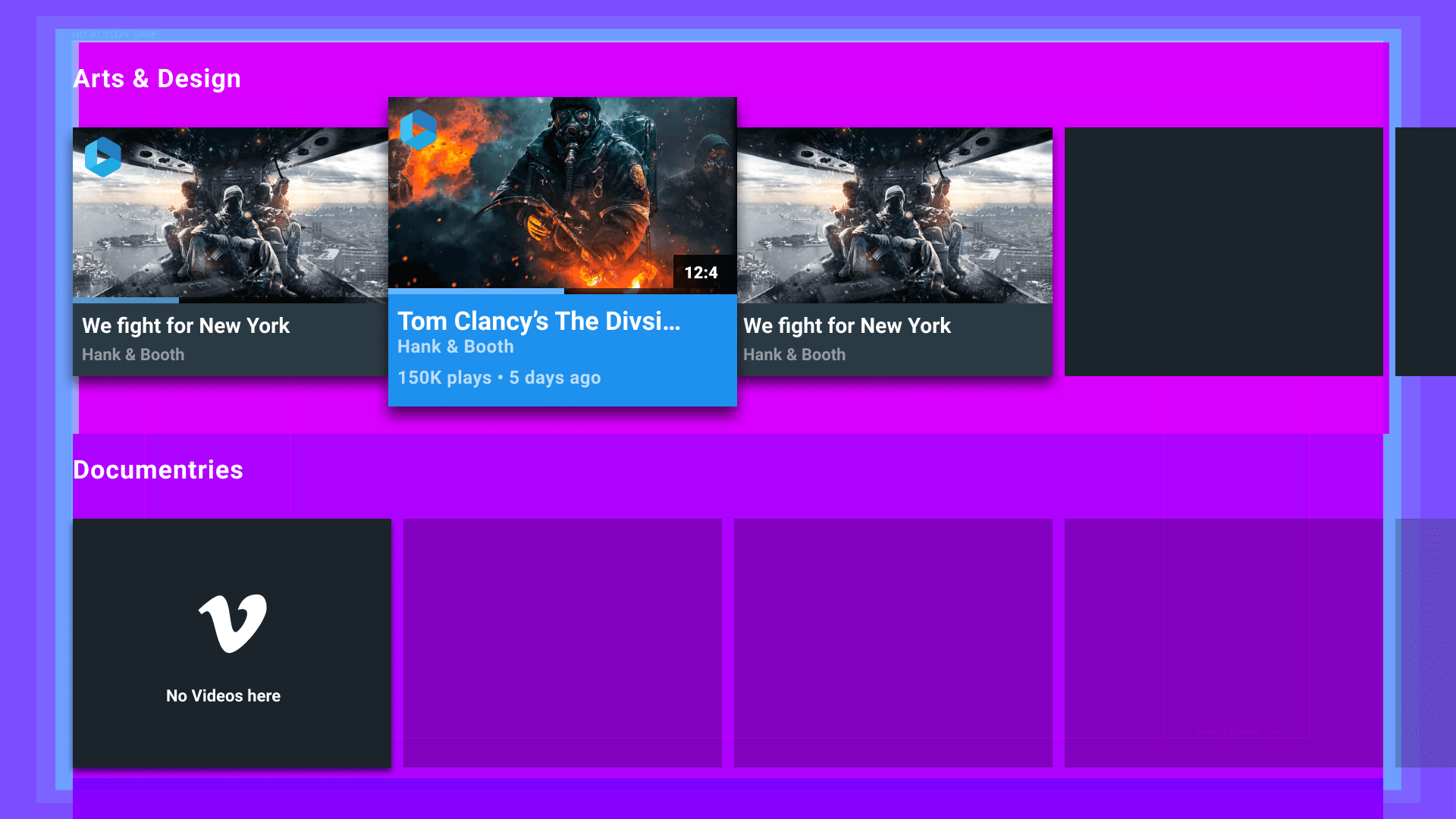
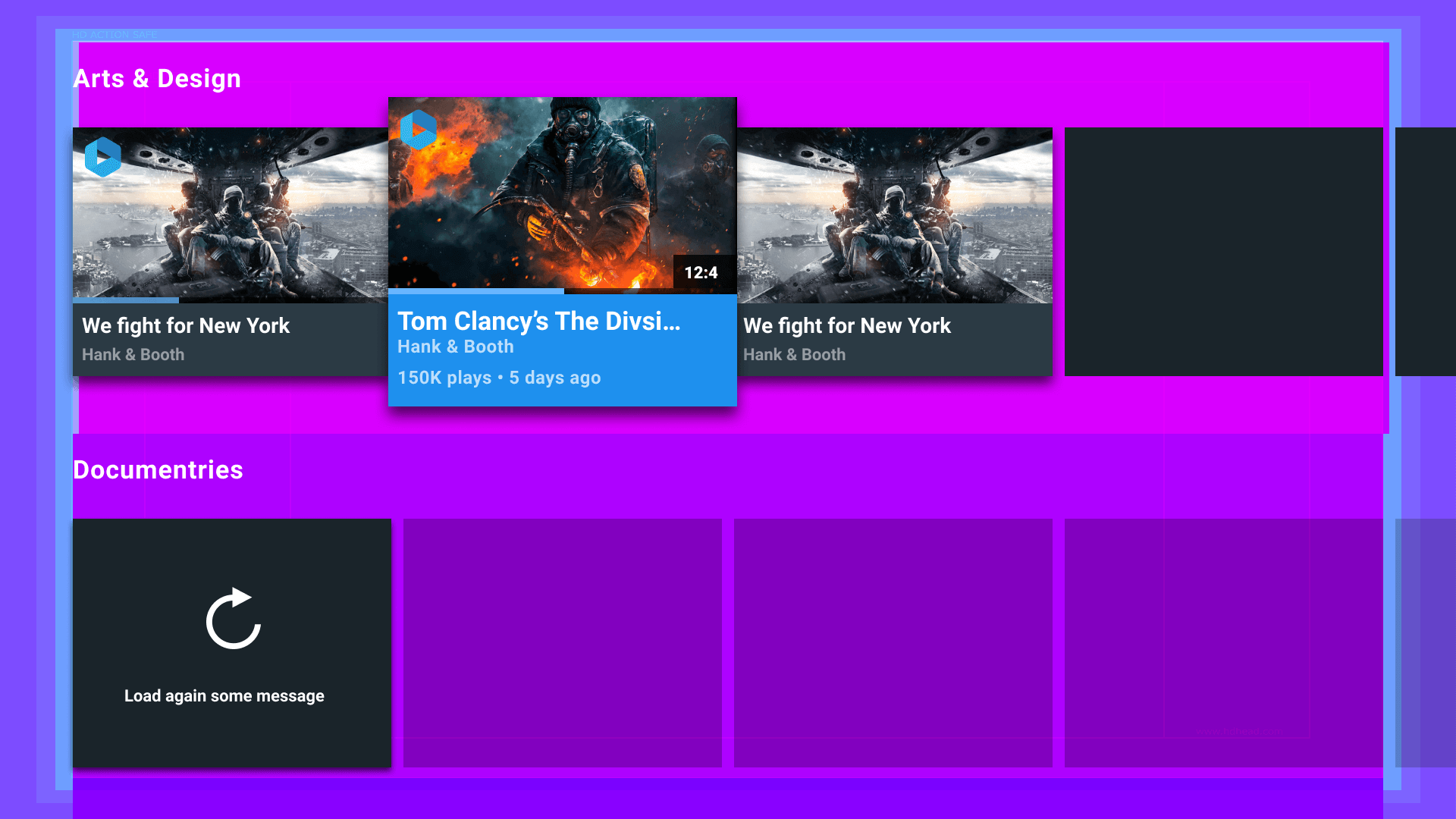
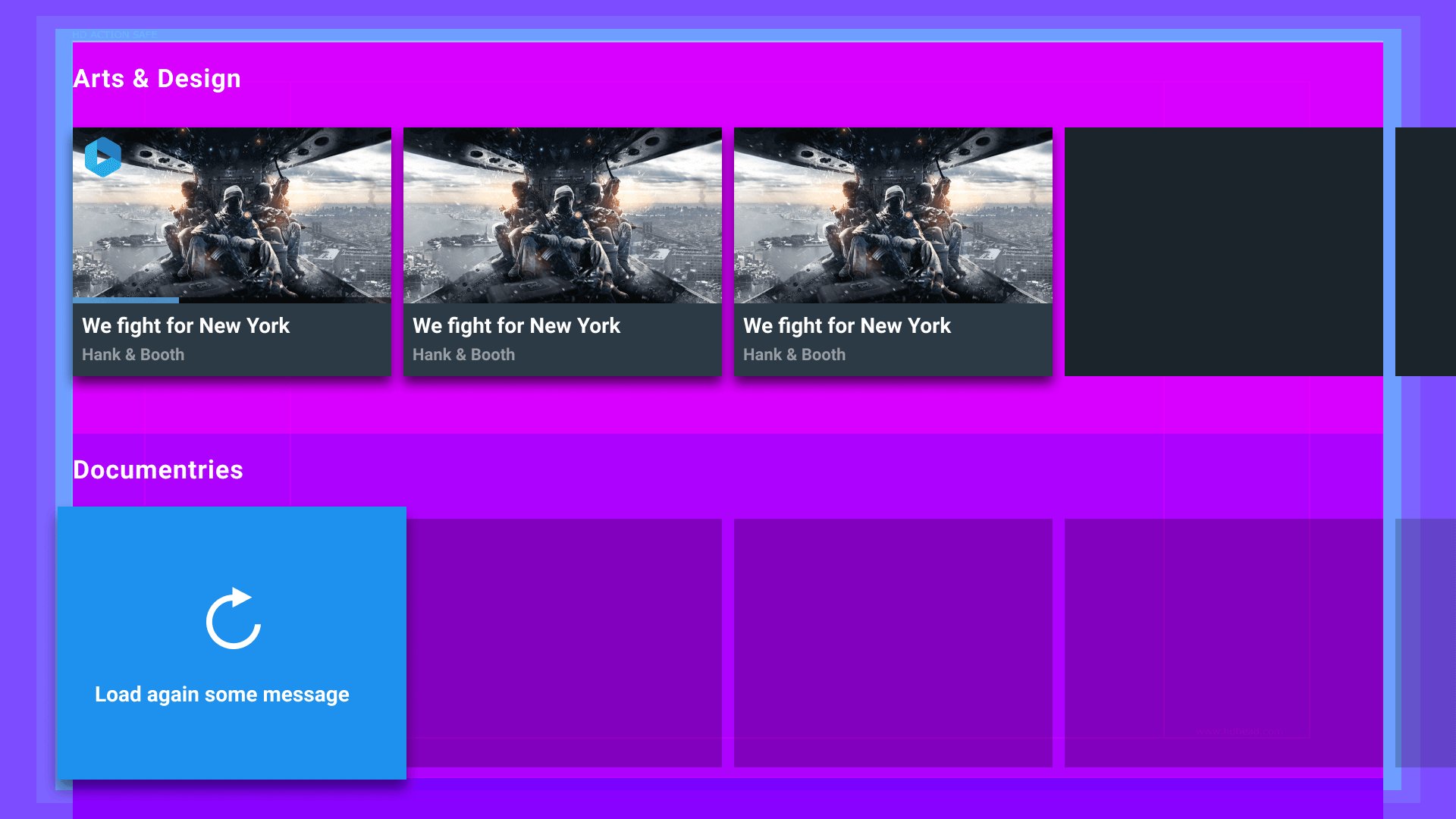
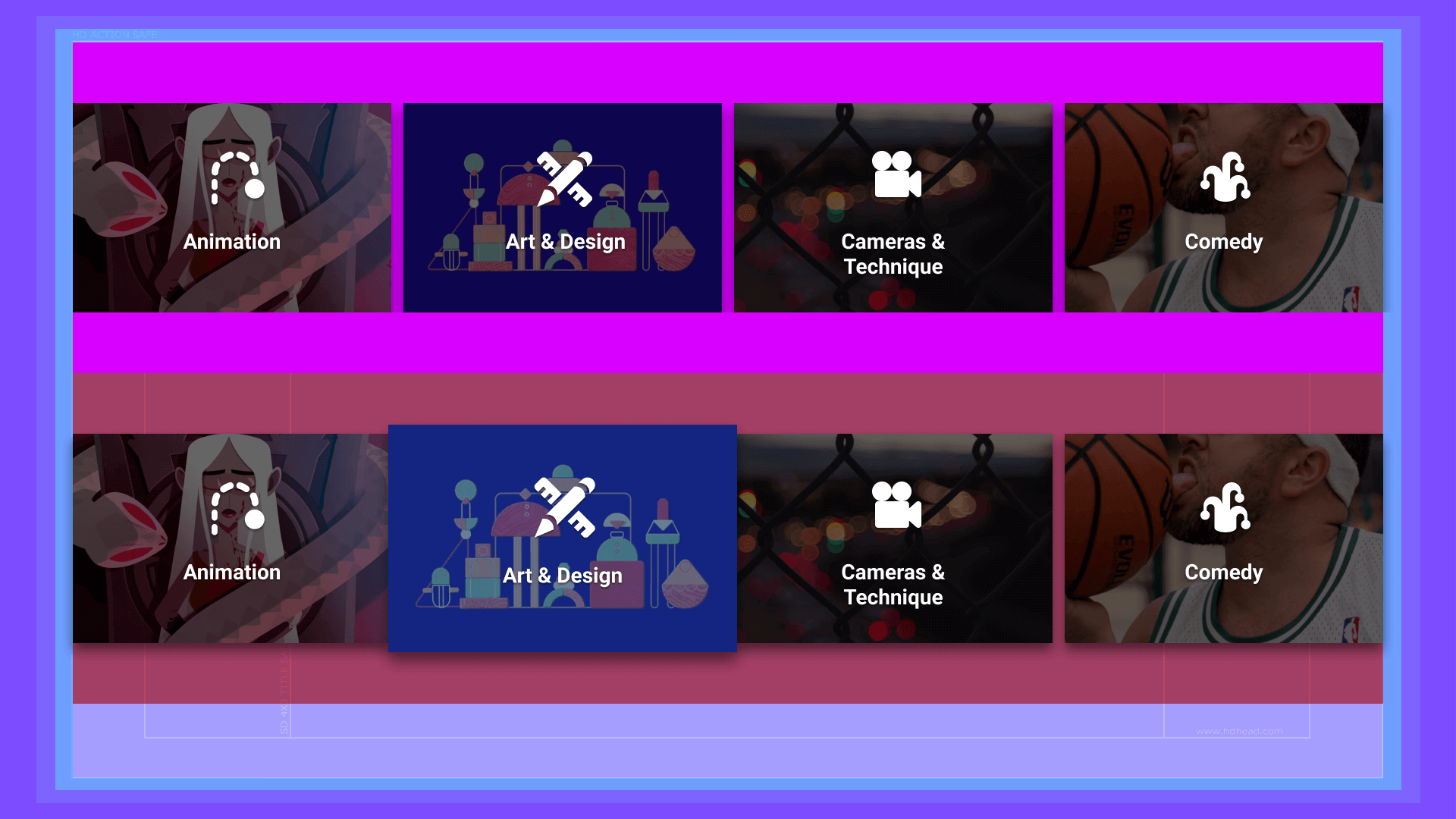
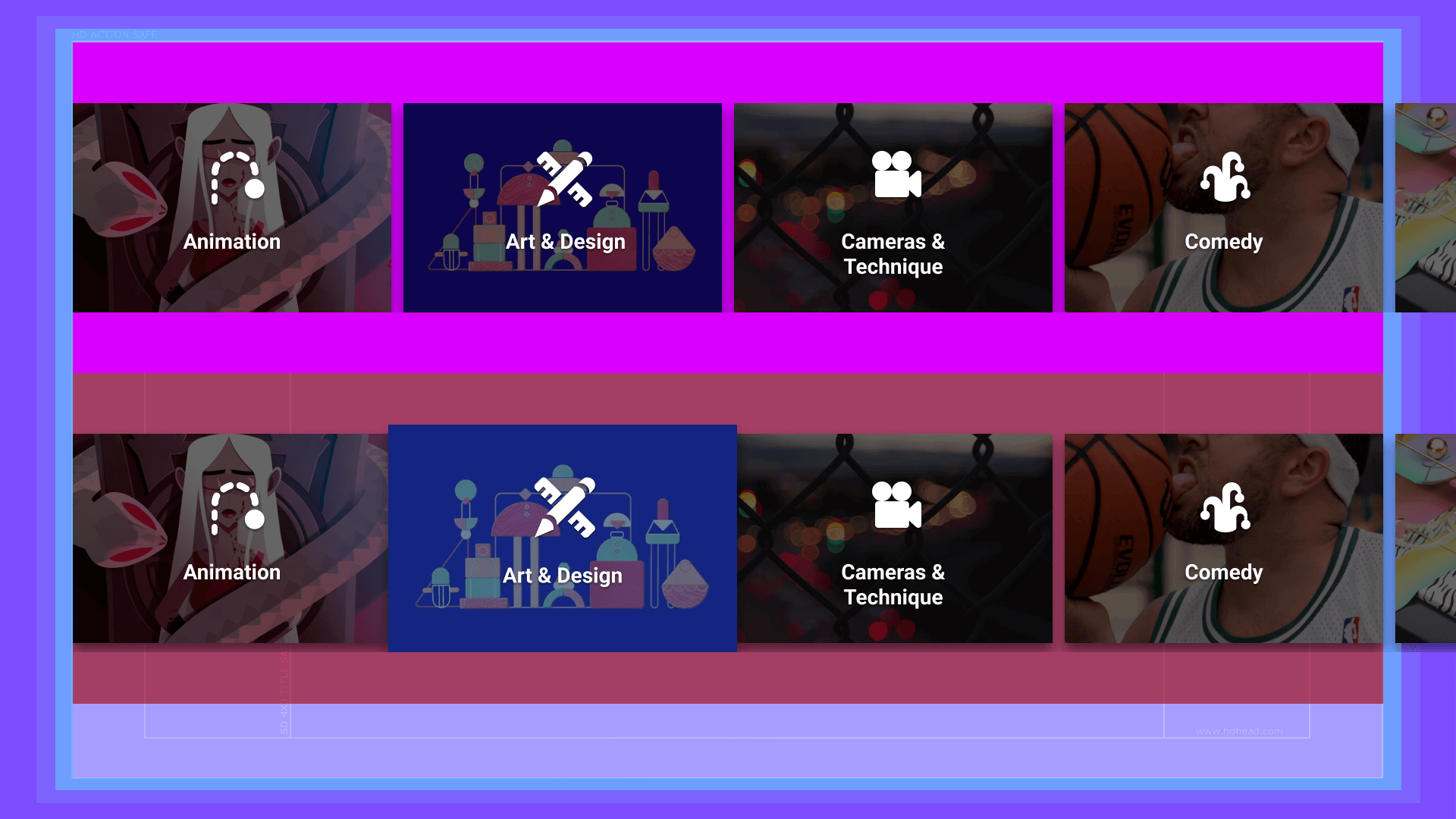
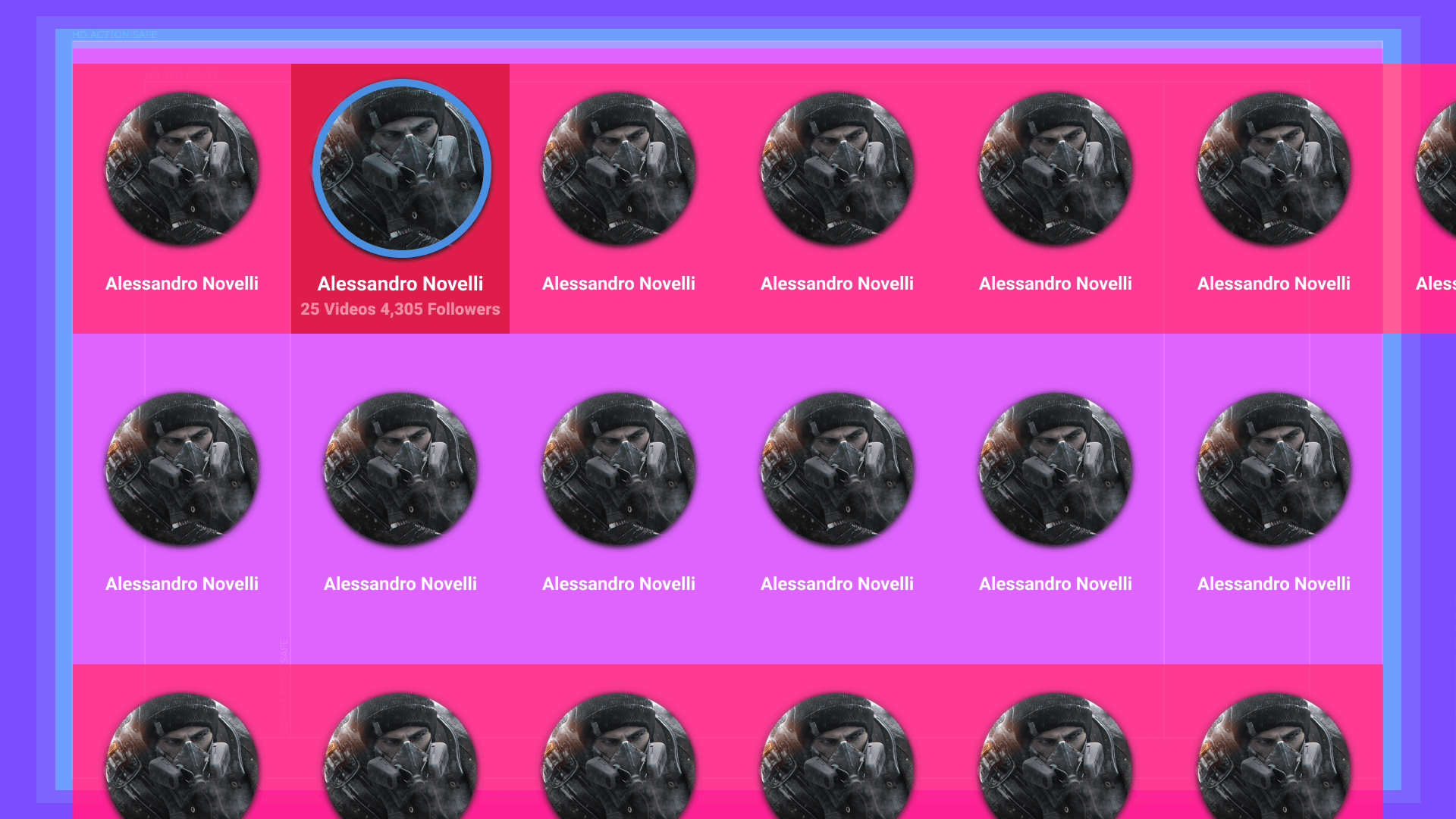
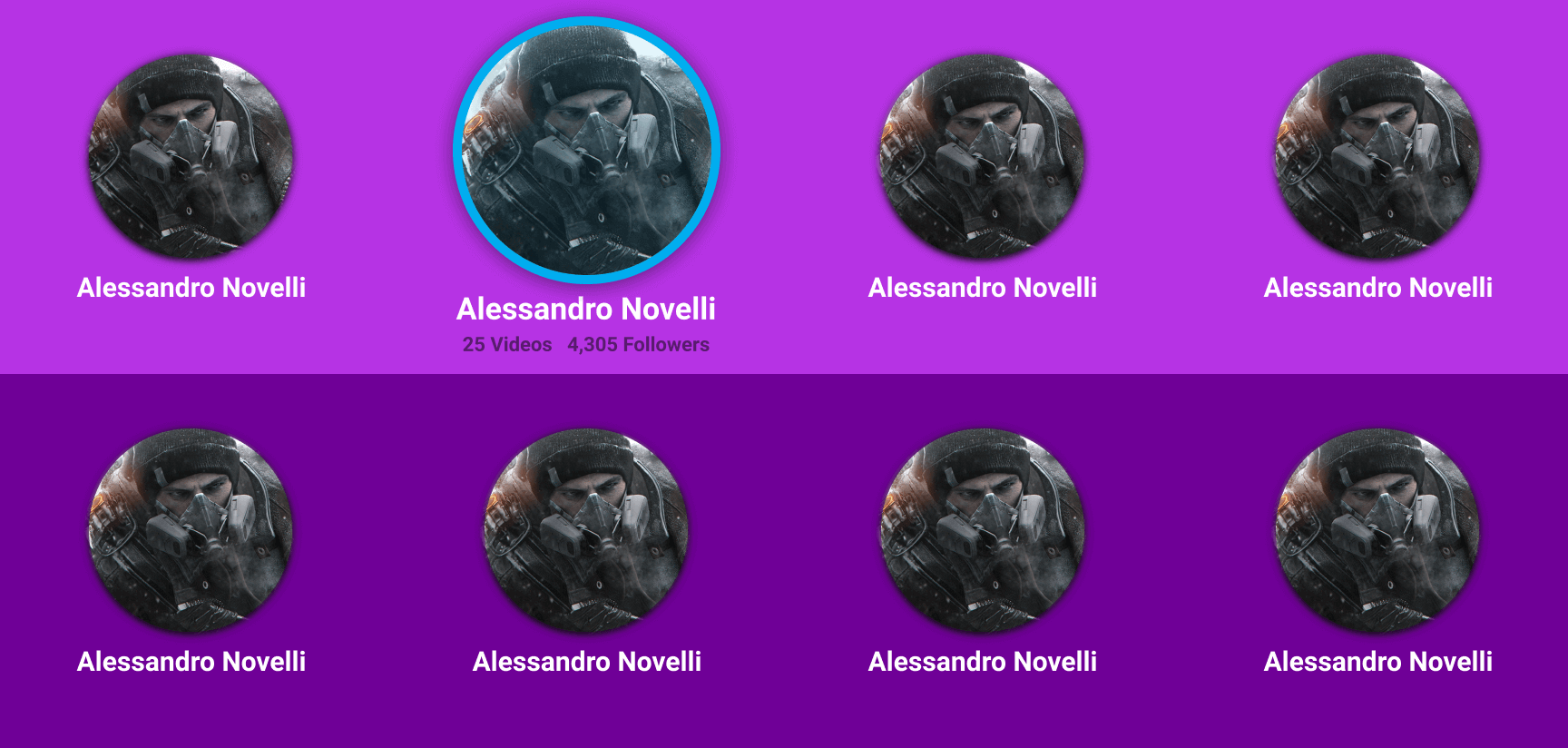
Once we had strong framework base with the wire frames, the team and I went through the wire frames and began the sign off process for the next steps in design. Before I deep dived into the designs, I did an audit of the wire frames to verify my specs were on point for TV and created a TV safe guide and applied the guide to all the screens to insure the wire frames were on point before design and prepping for engineers.
5░
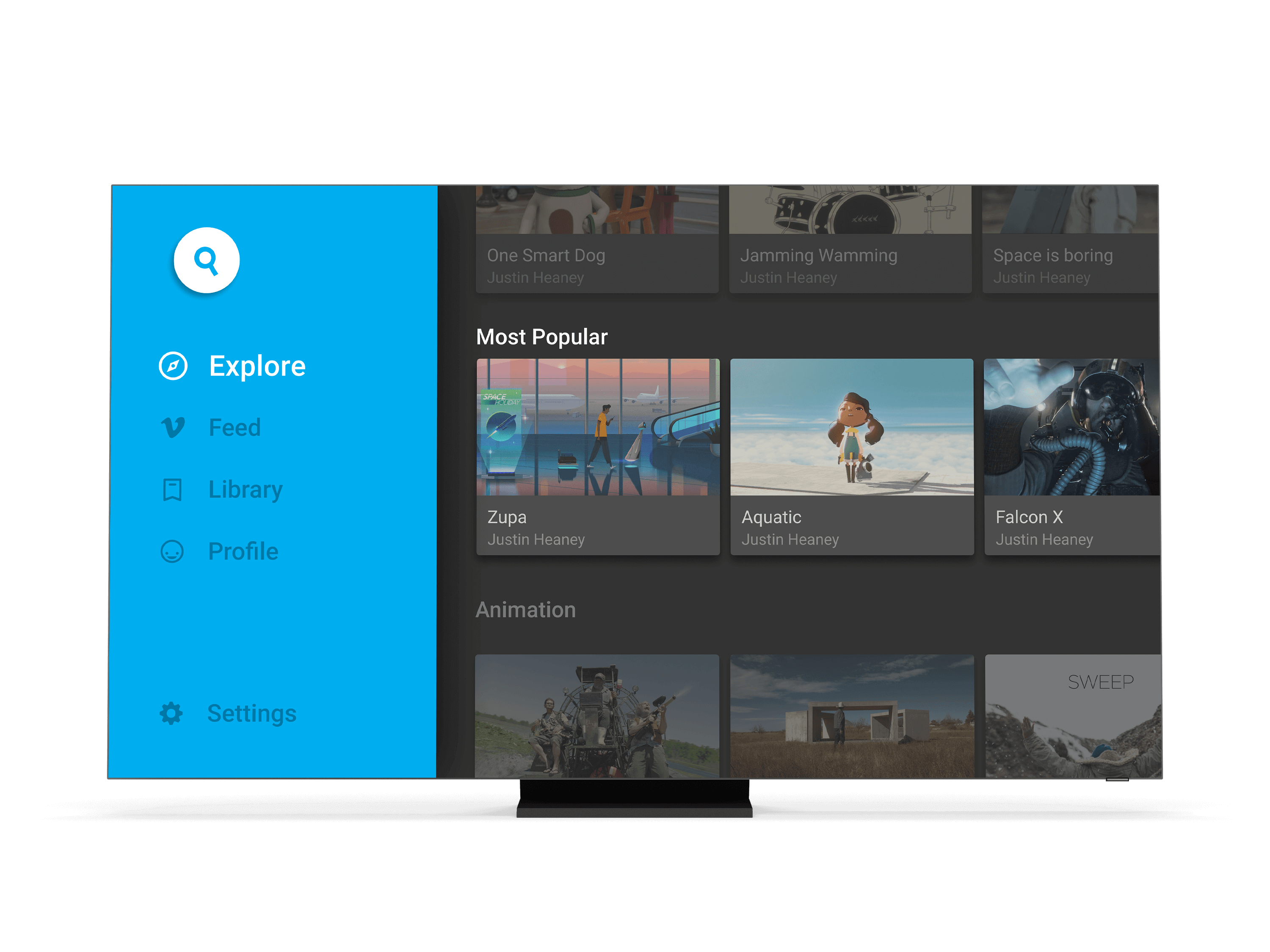
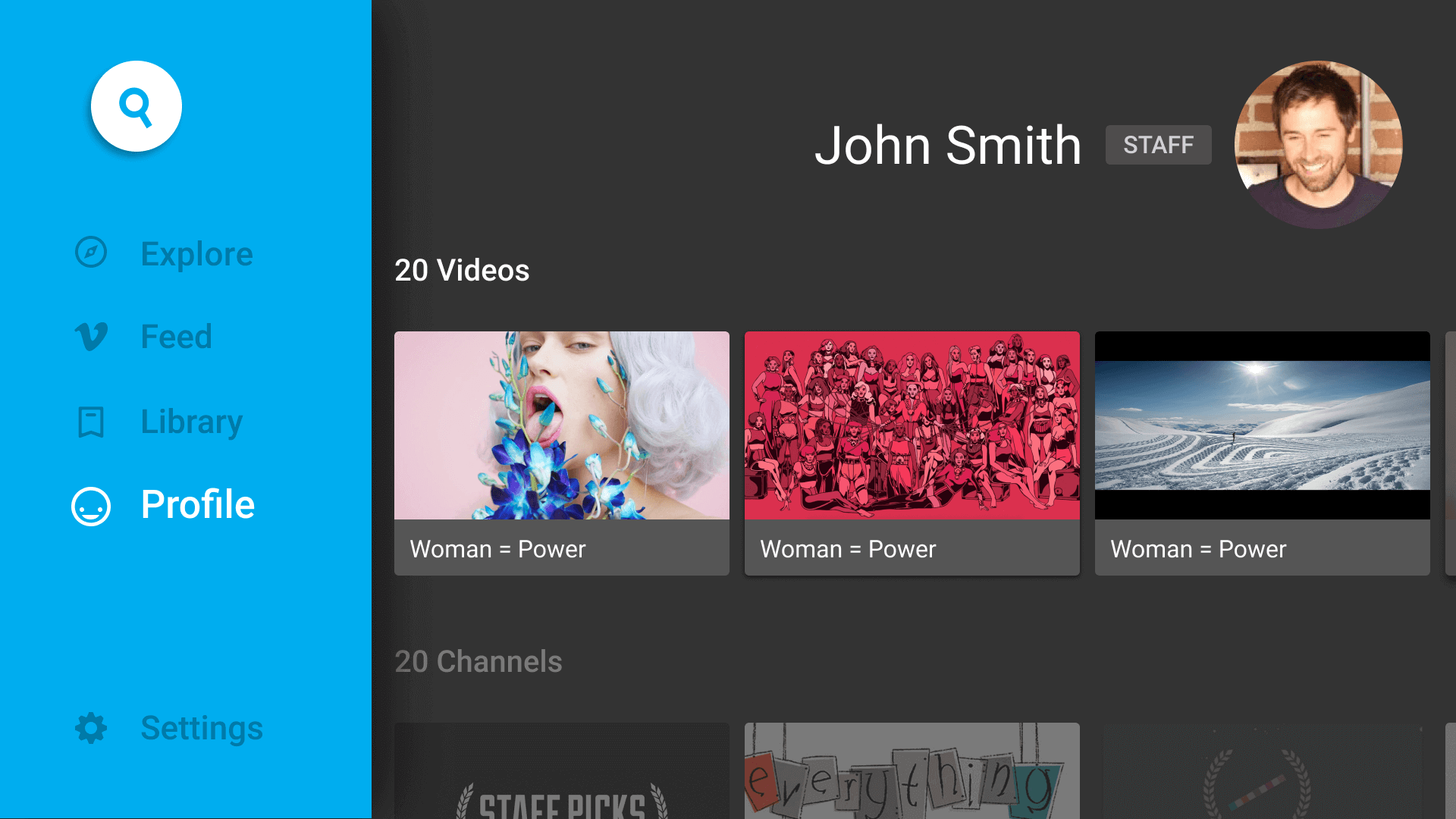
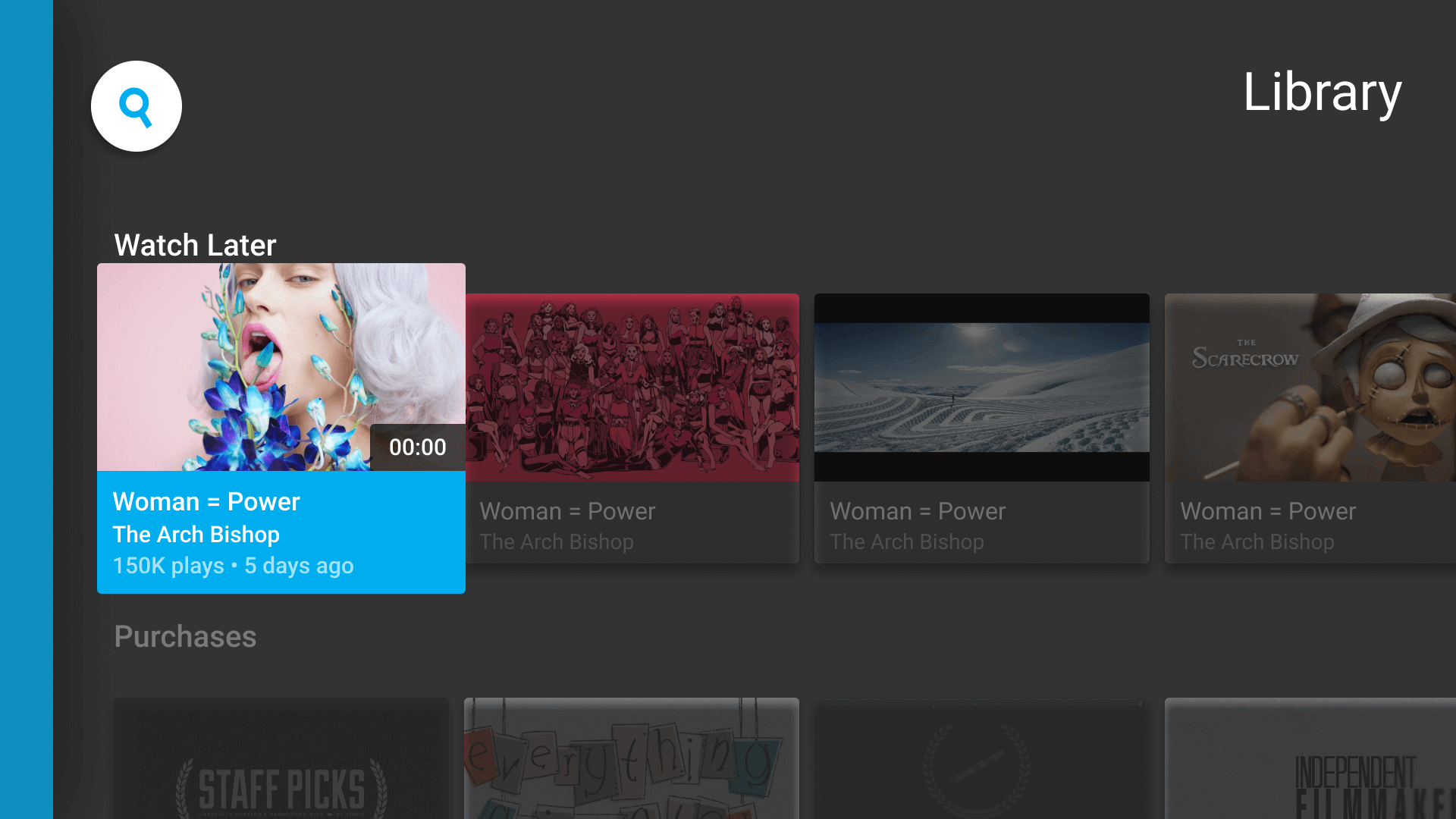
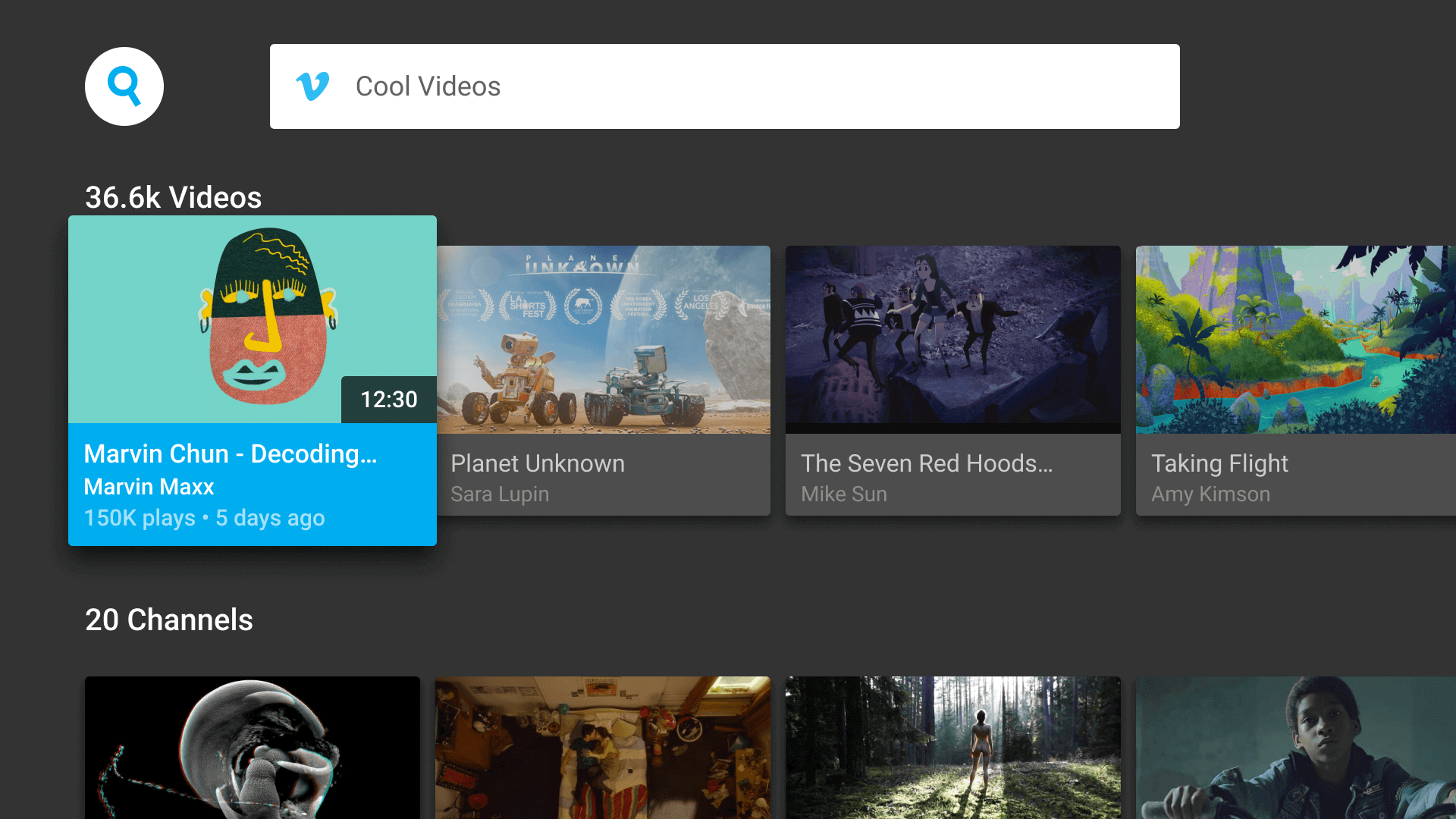
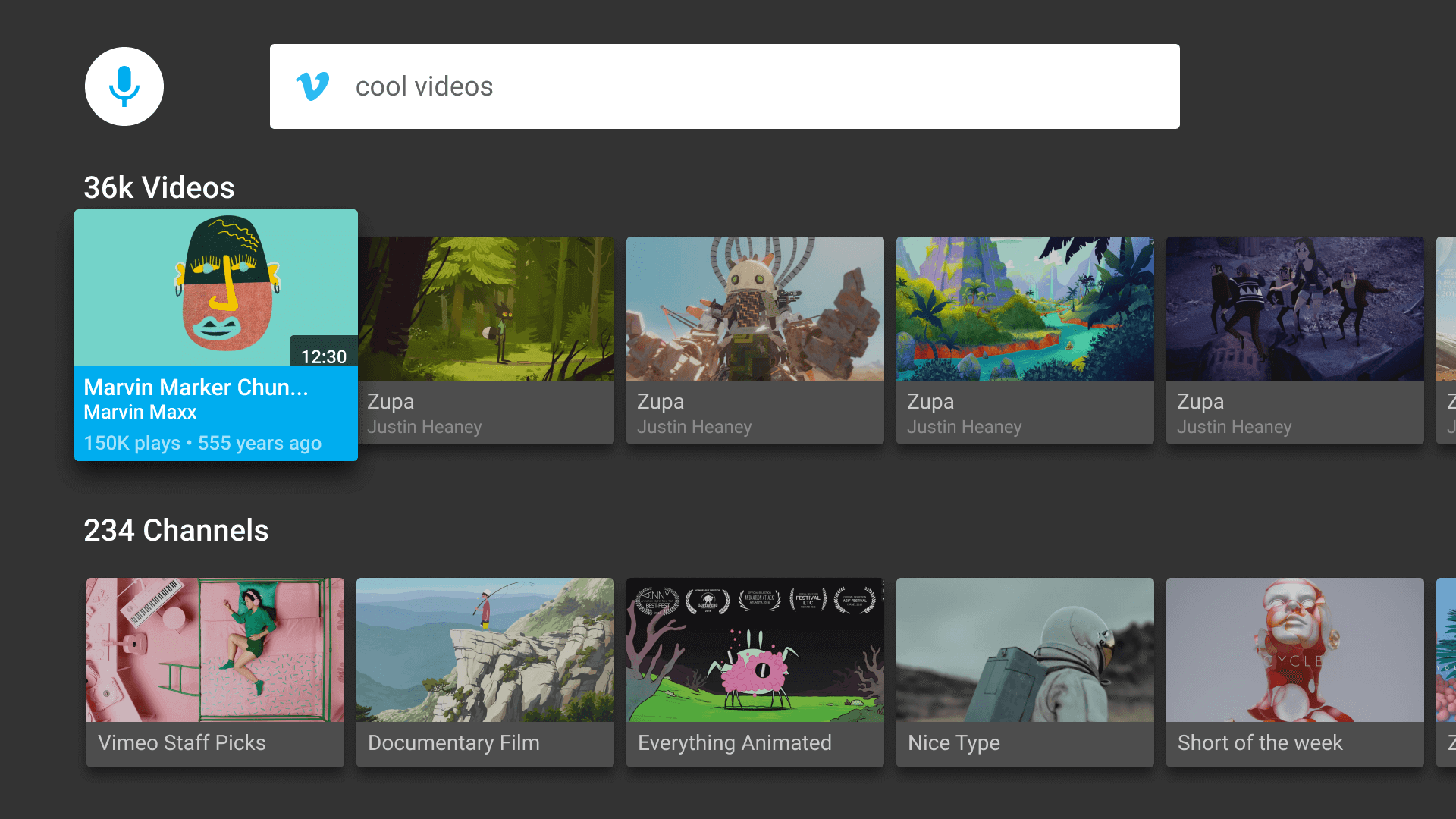
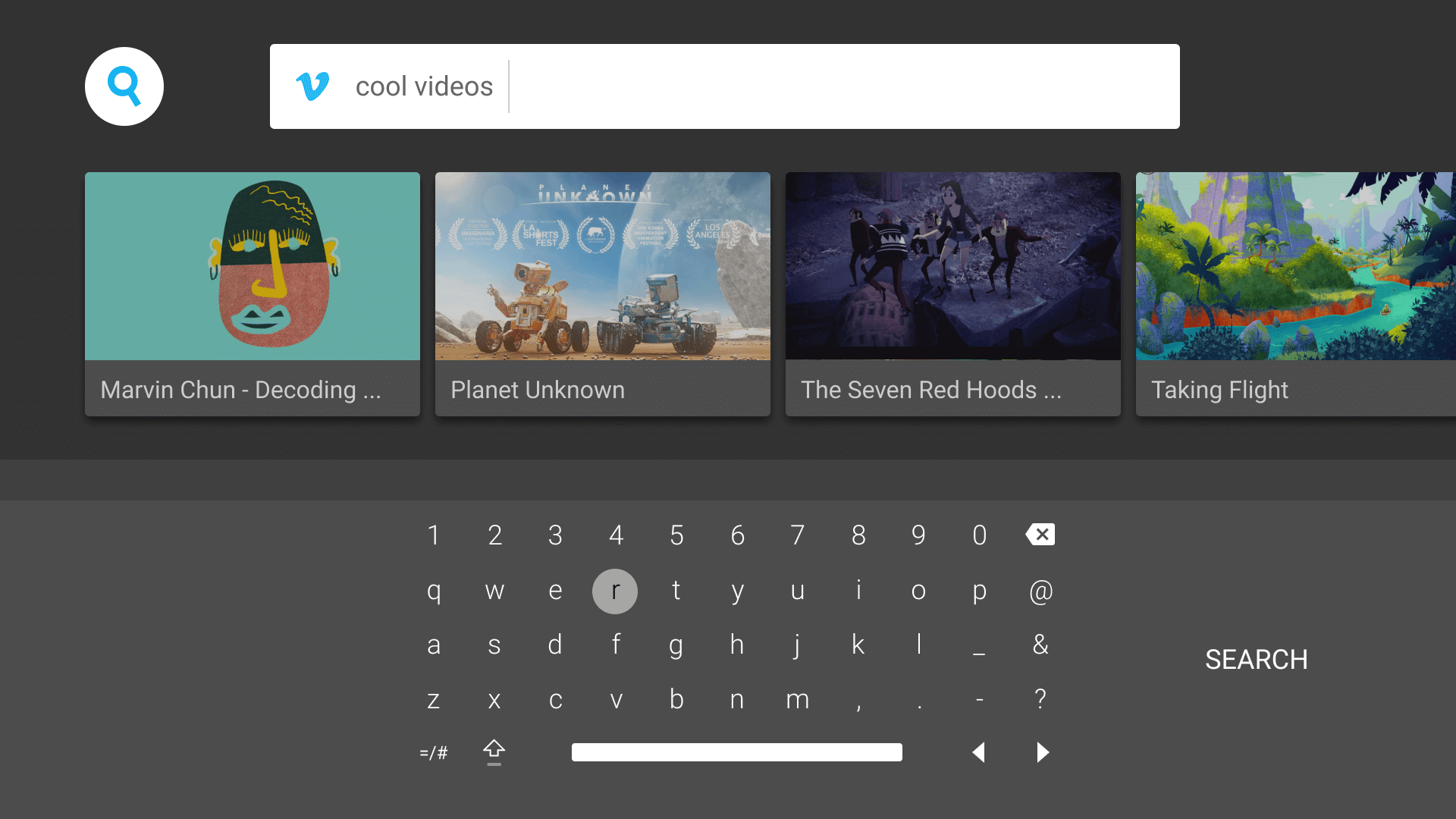
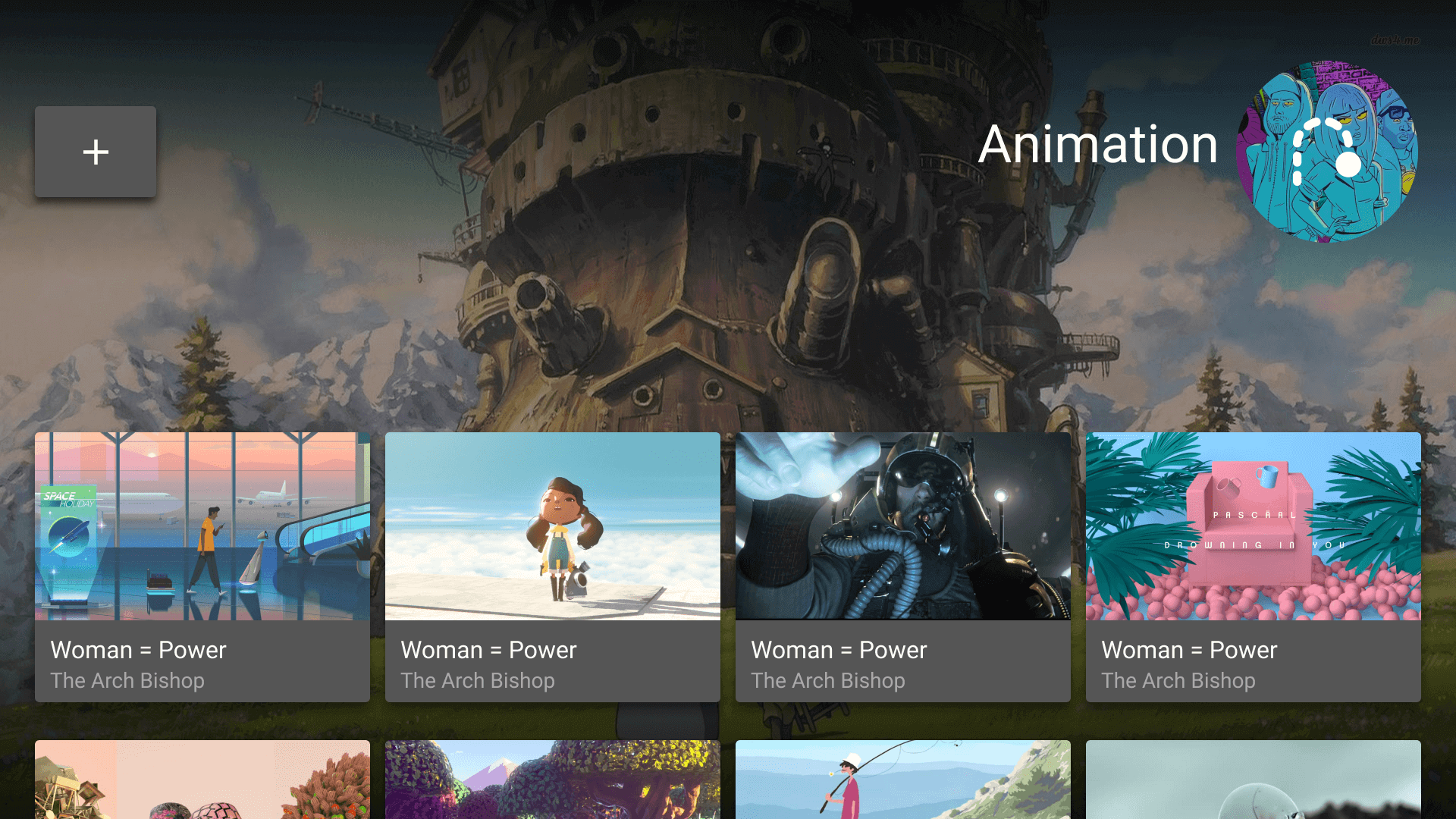
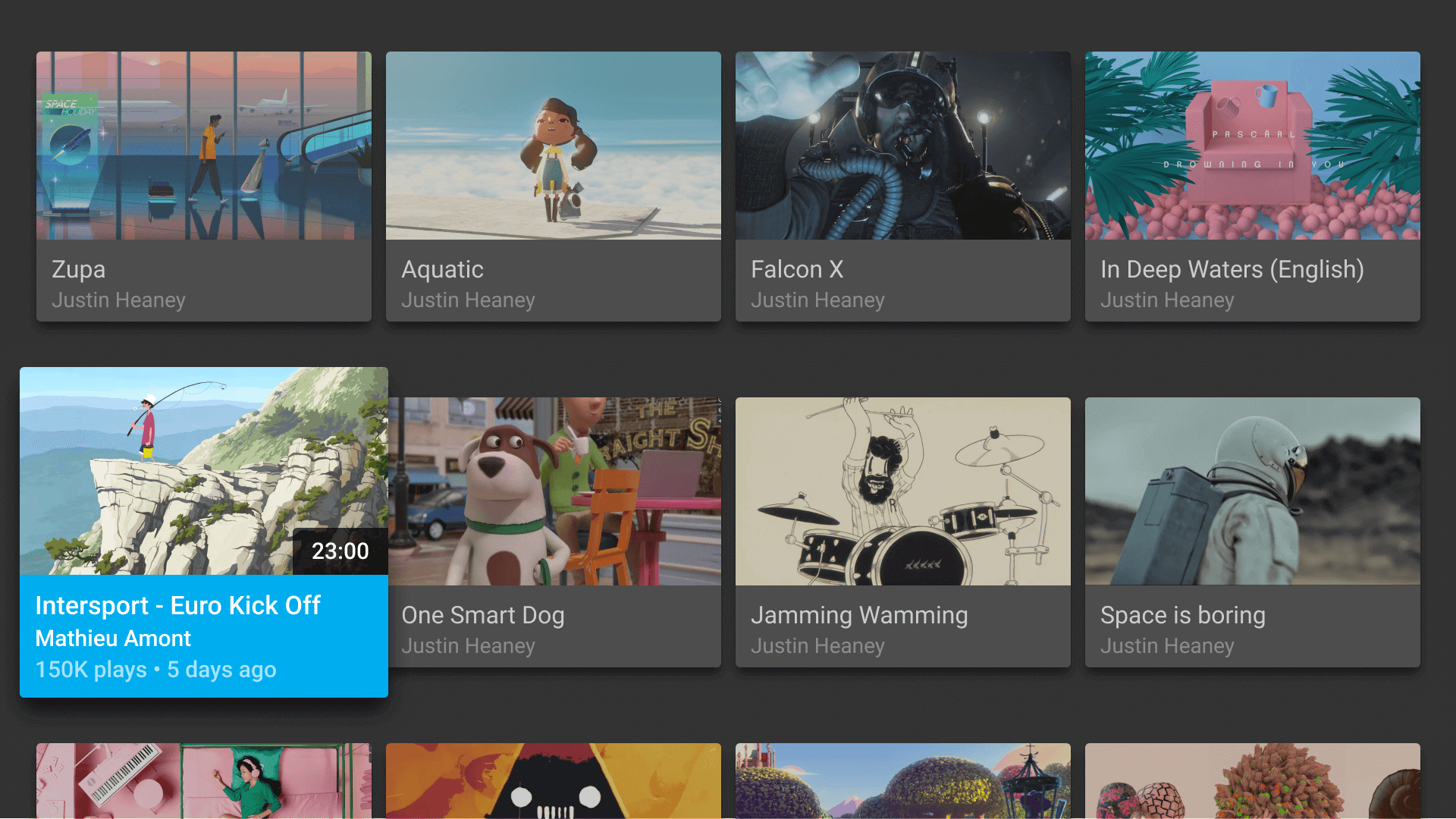
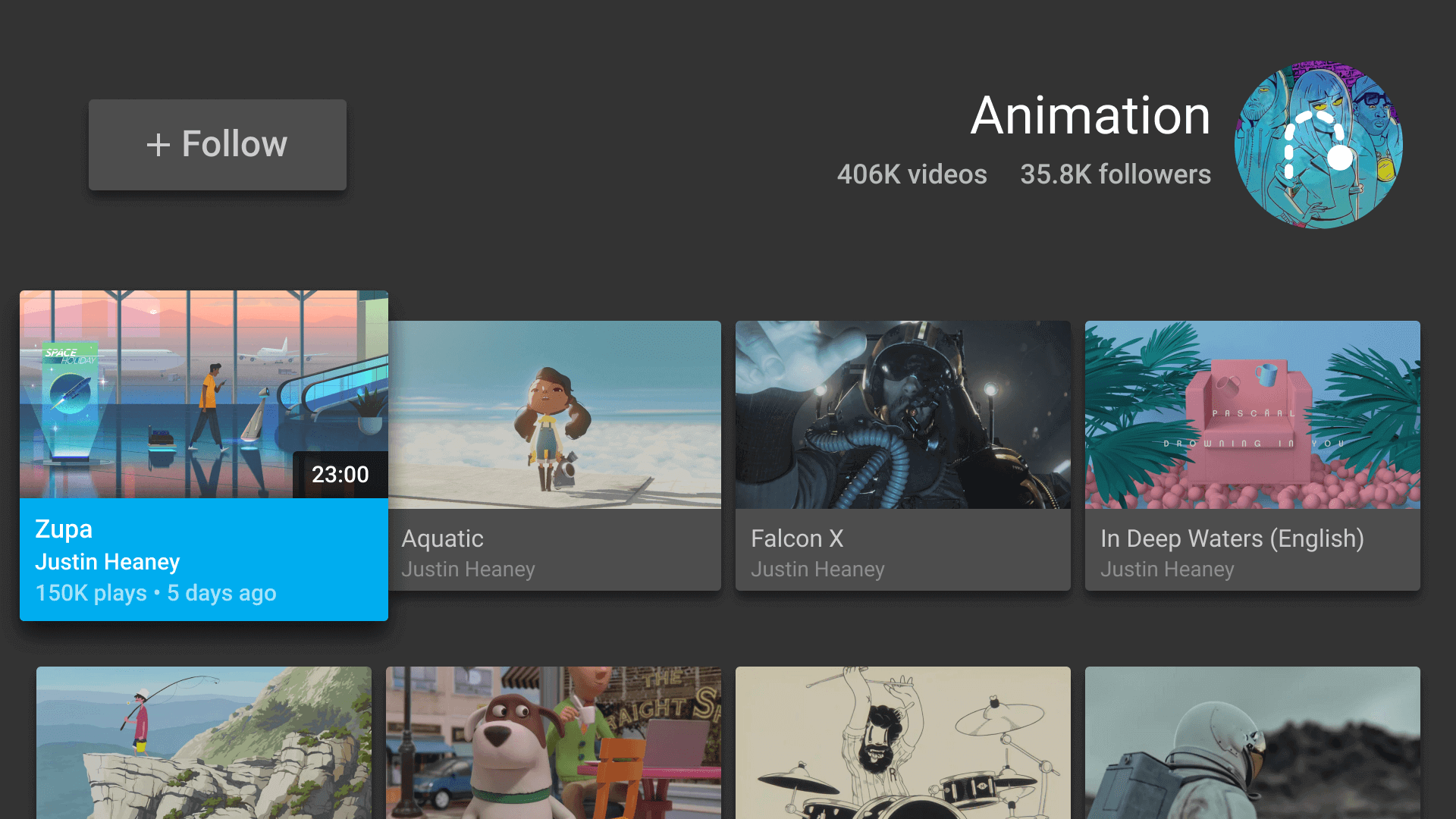
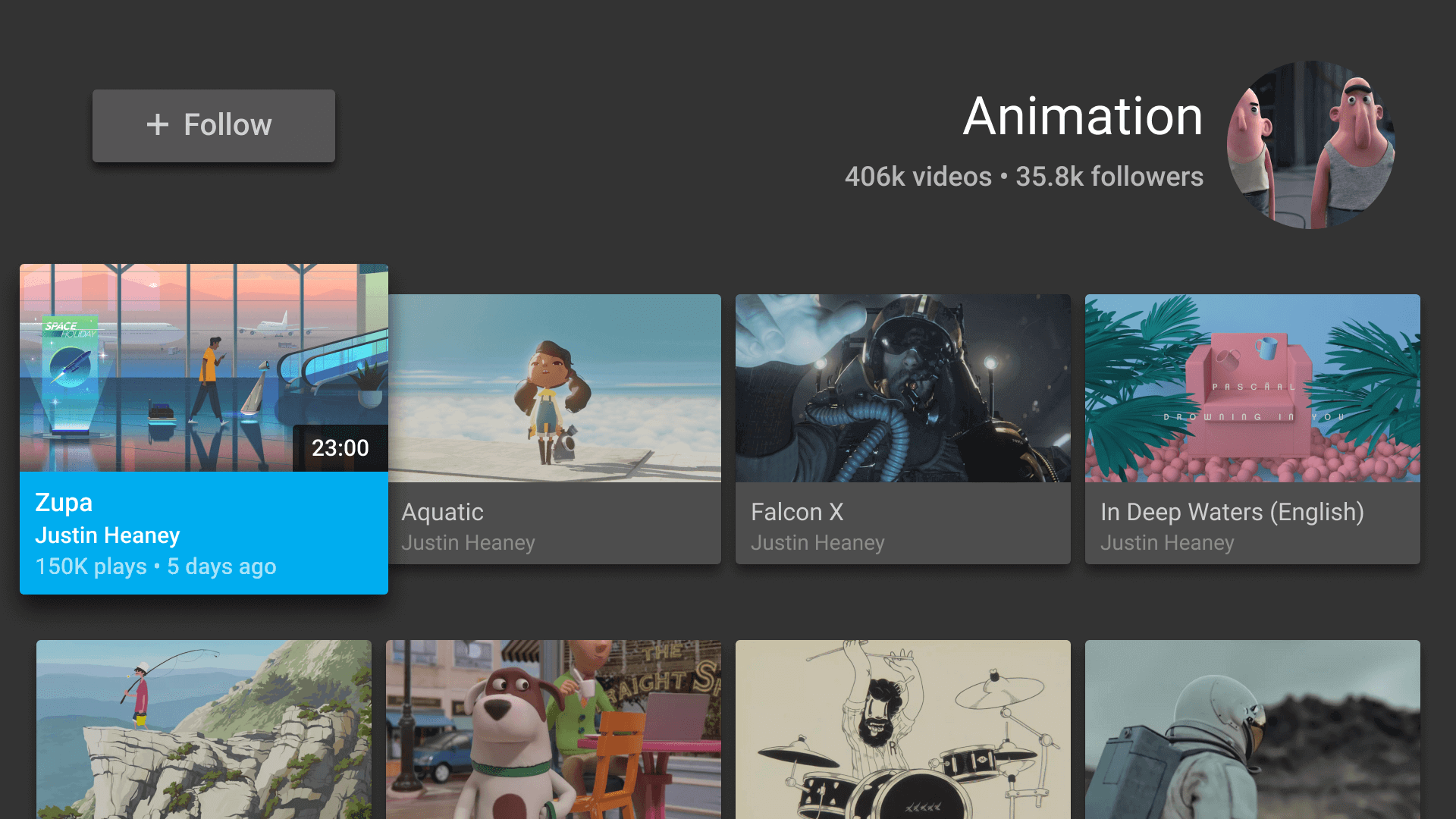
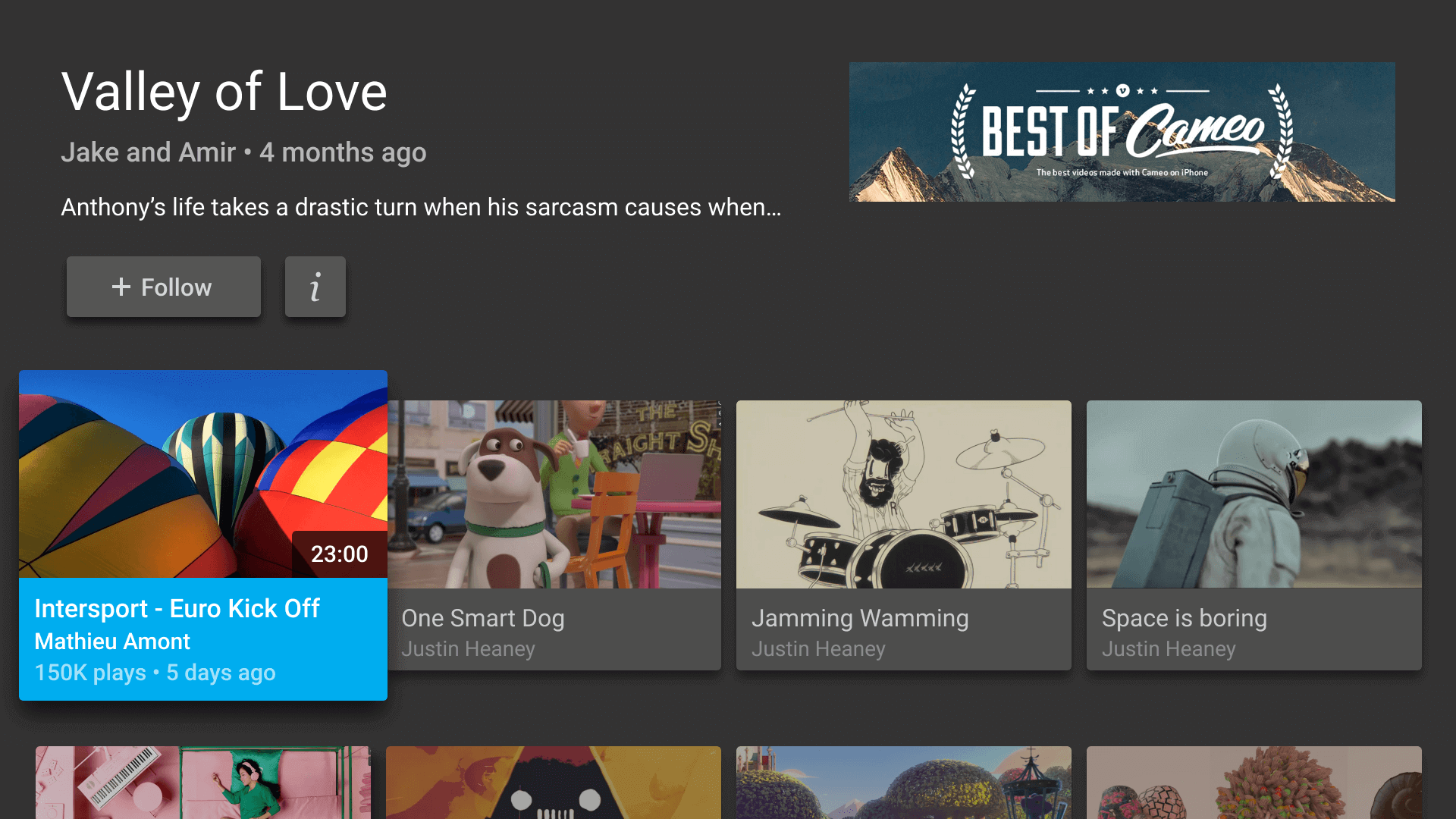
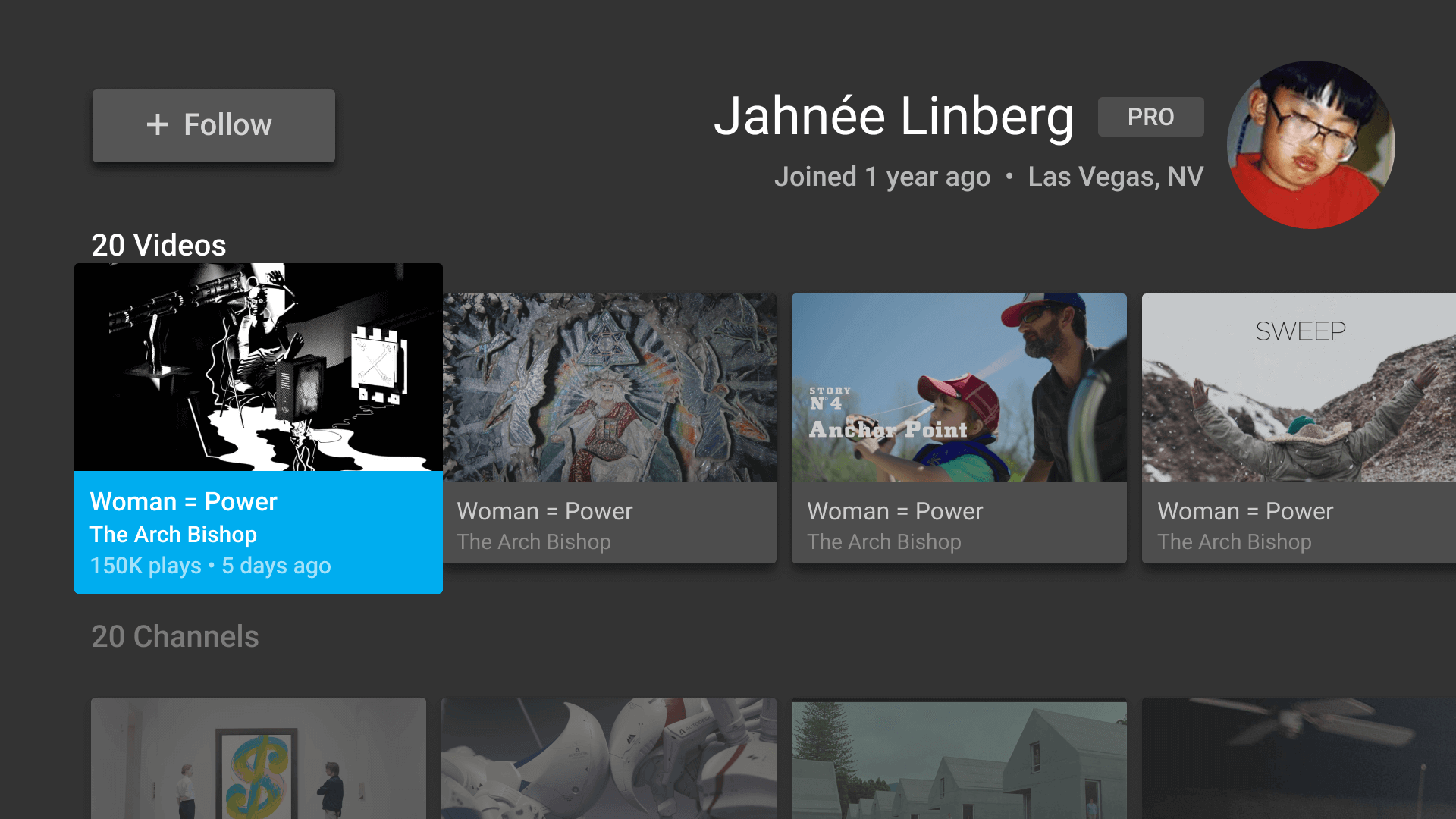
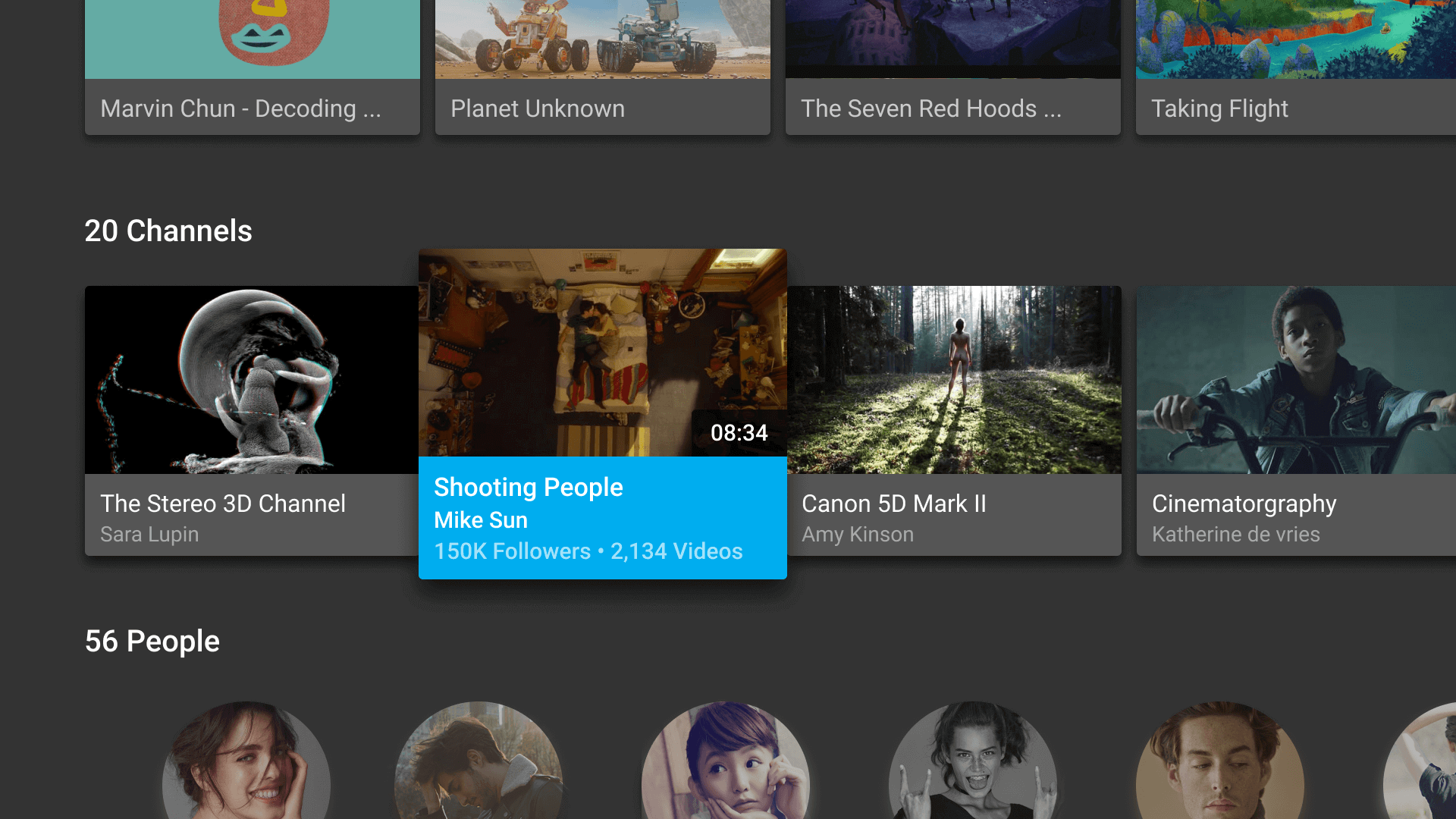
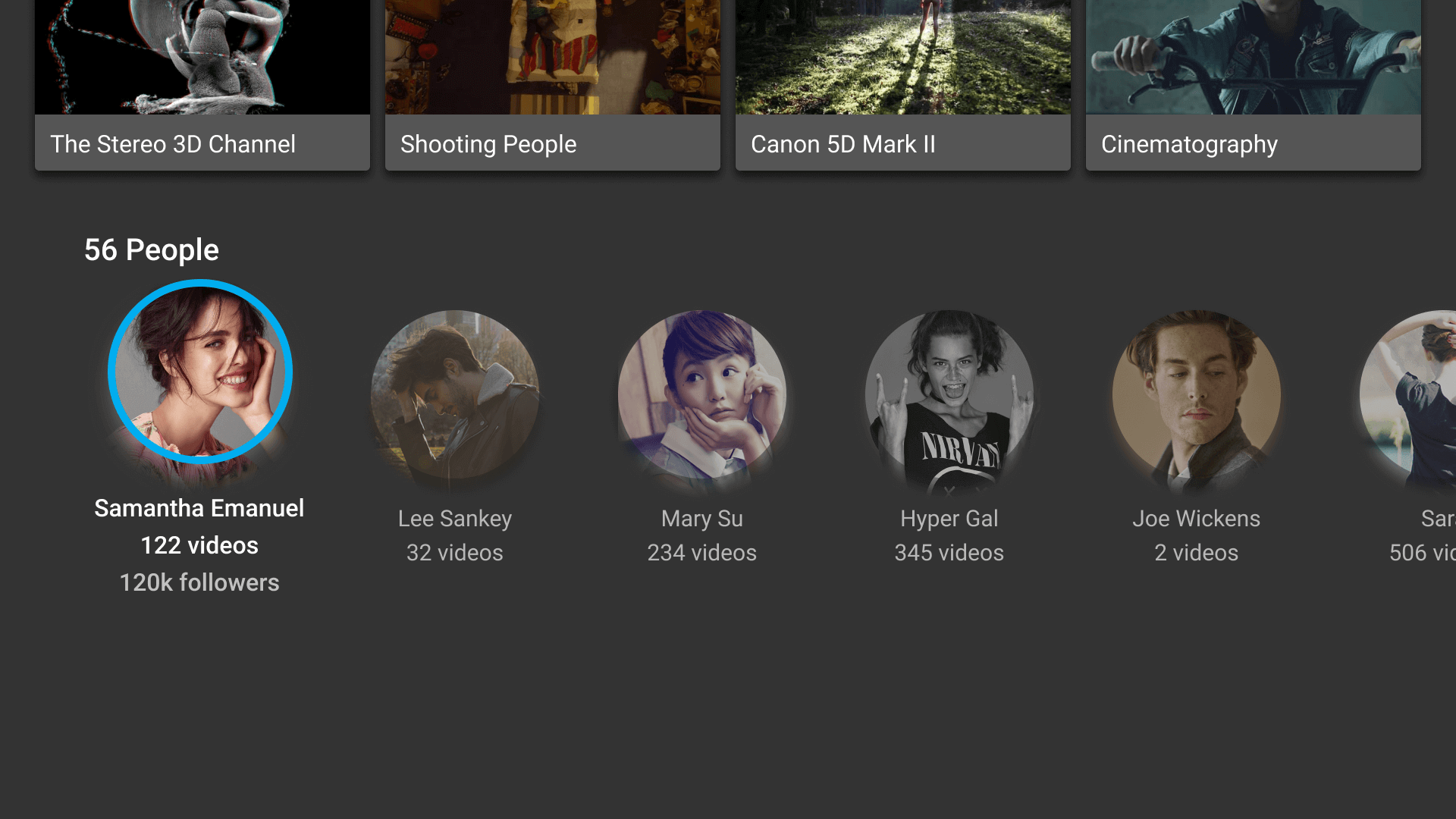
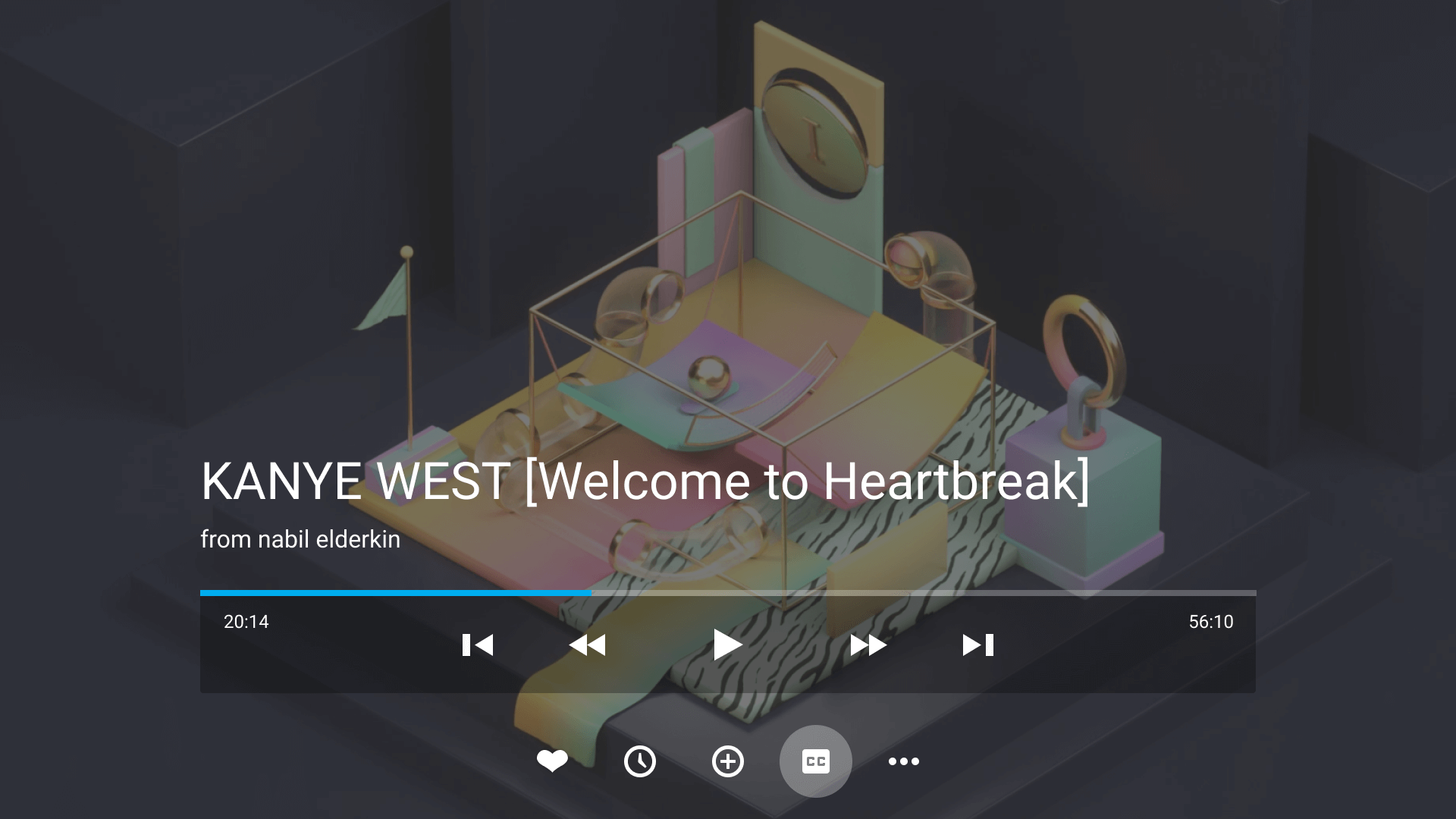
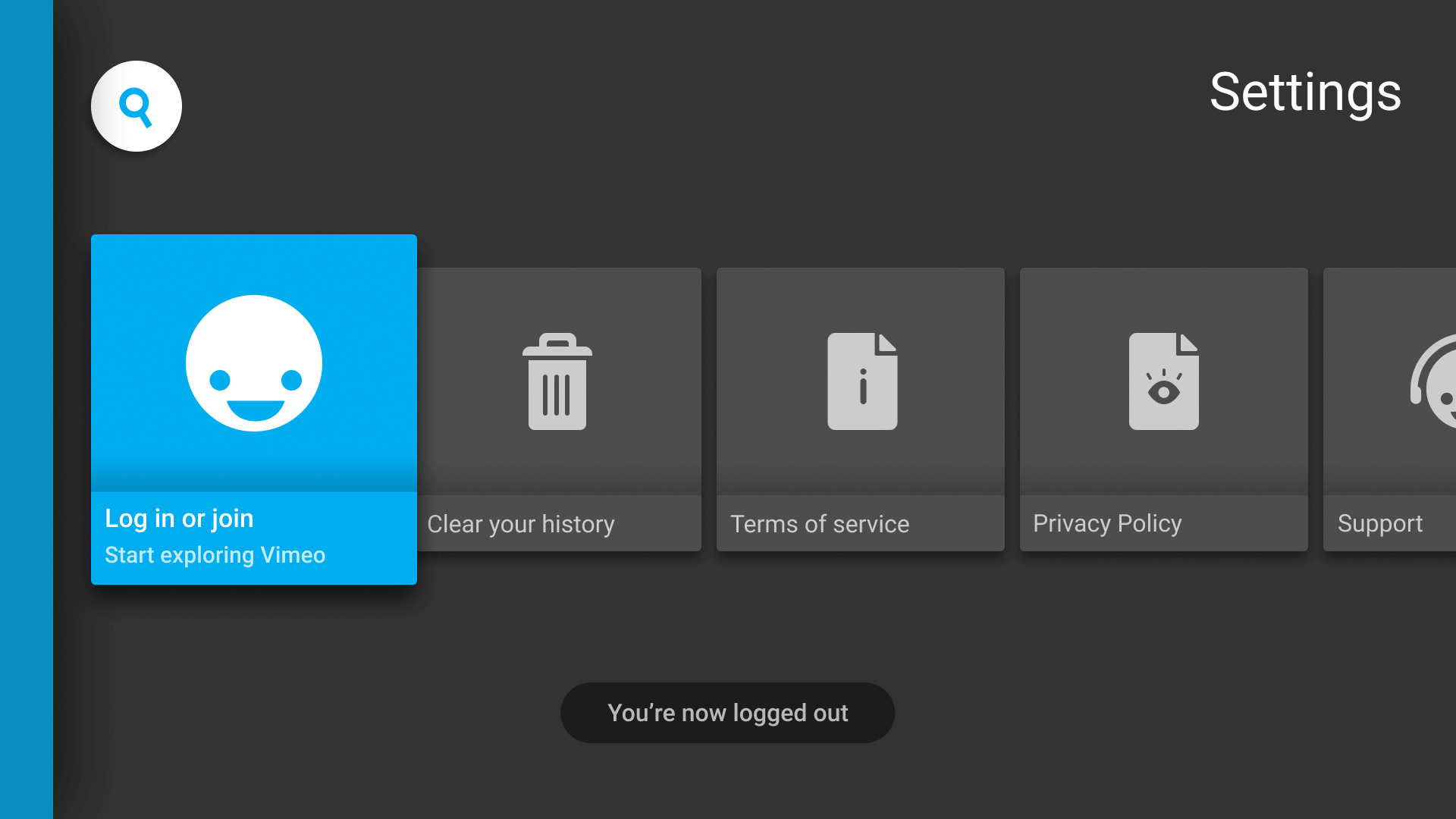
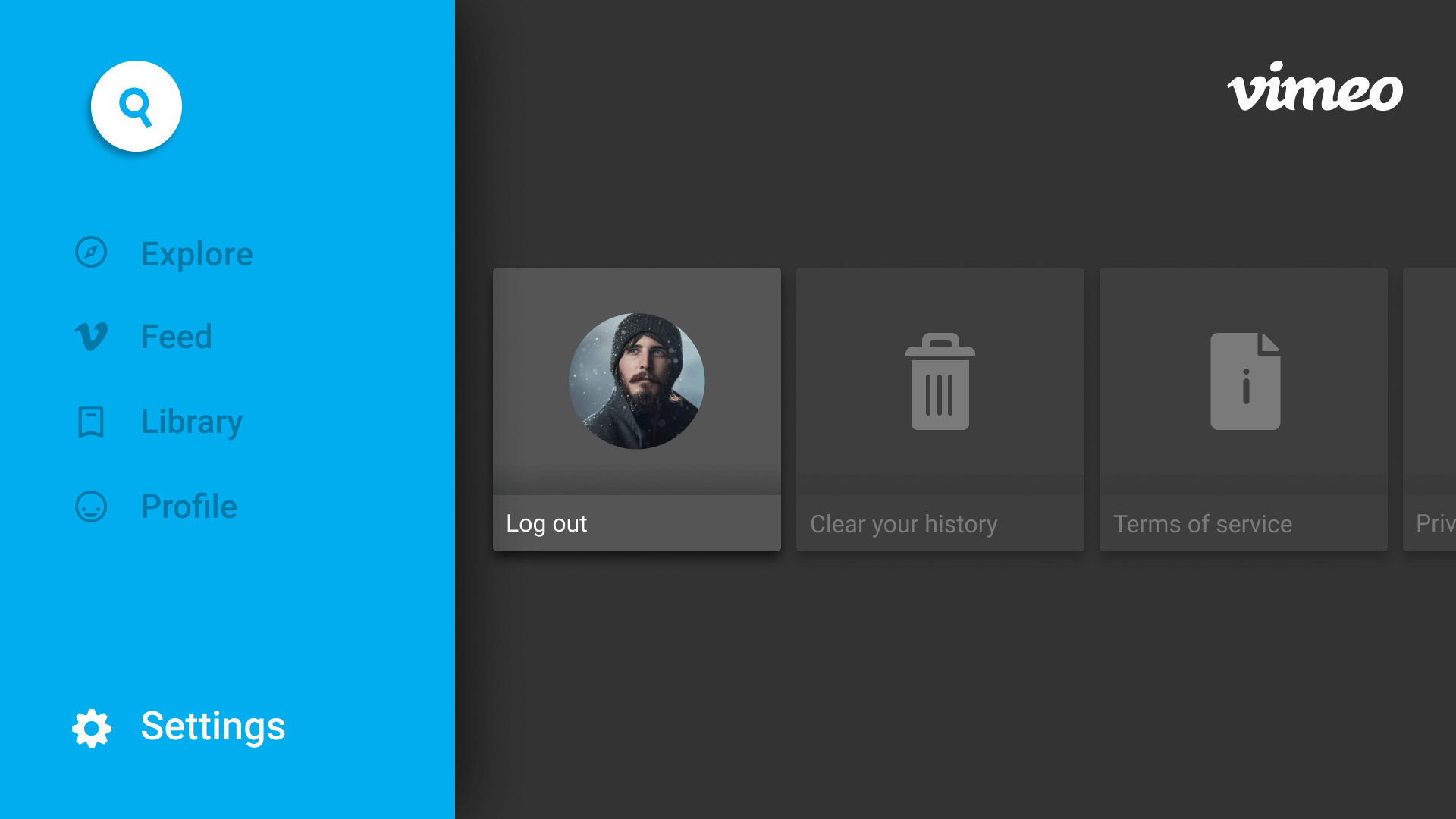
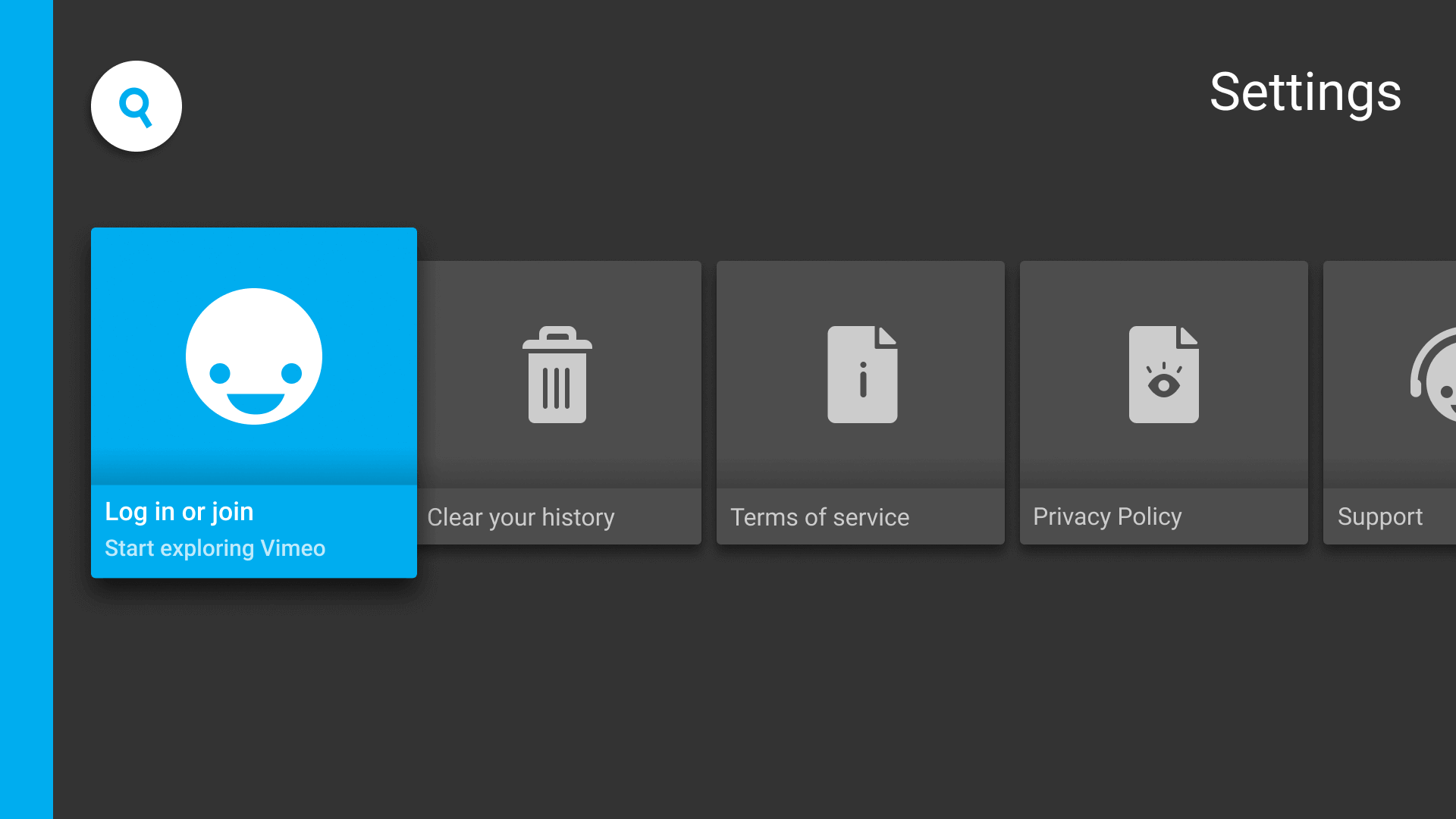
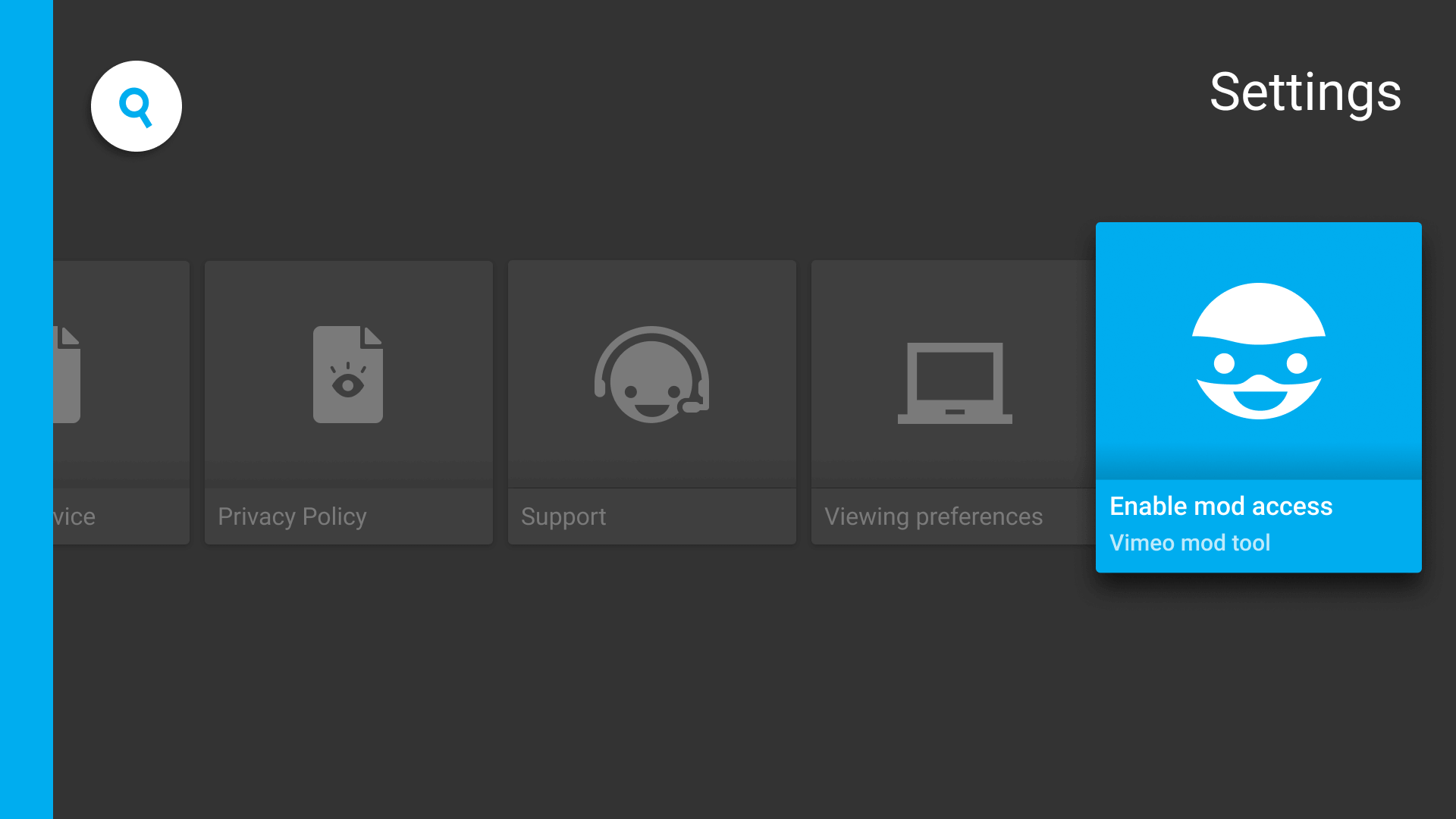
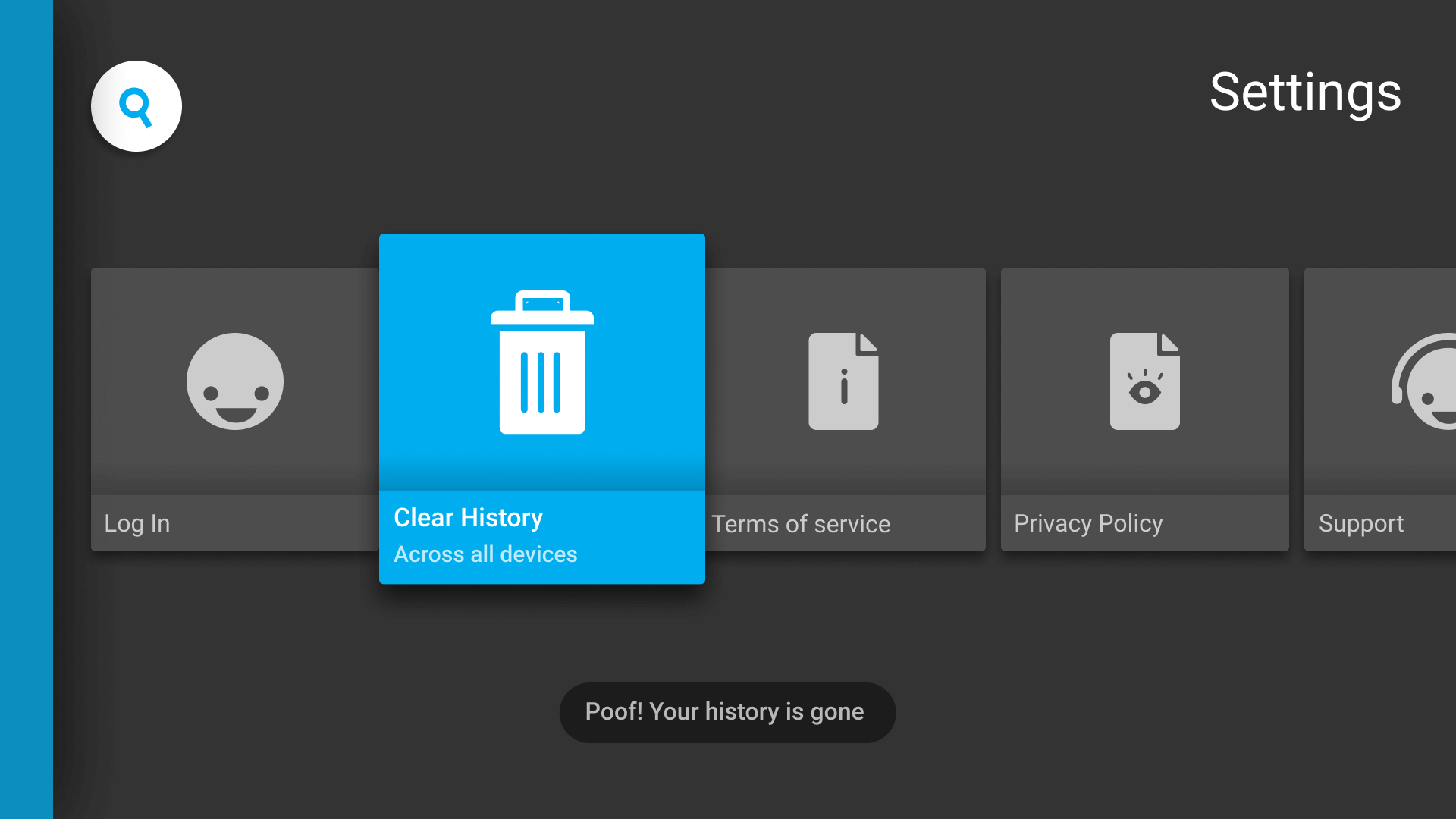
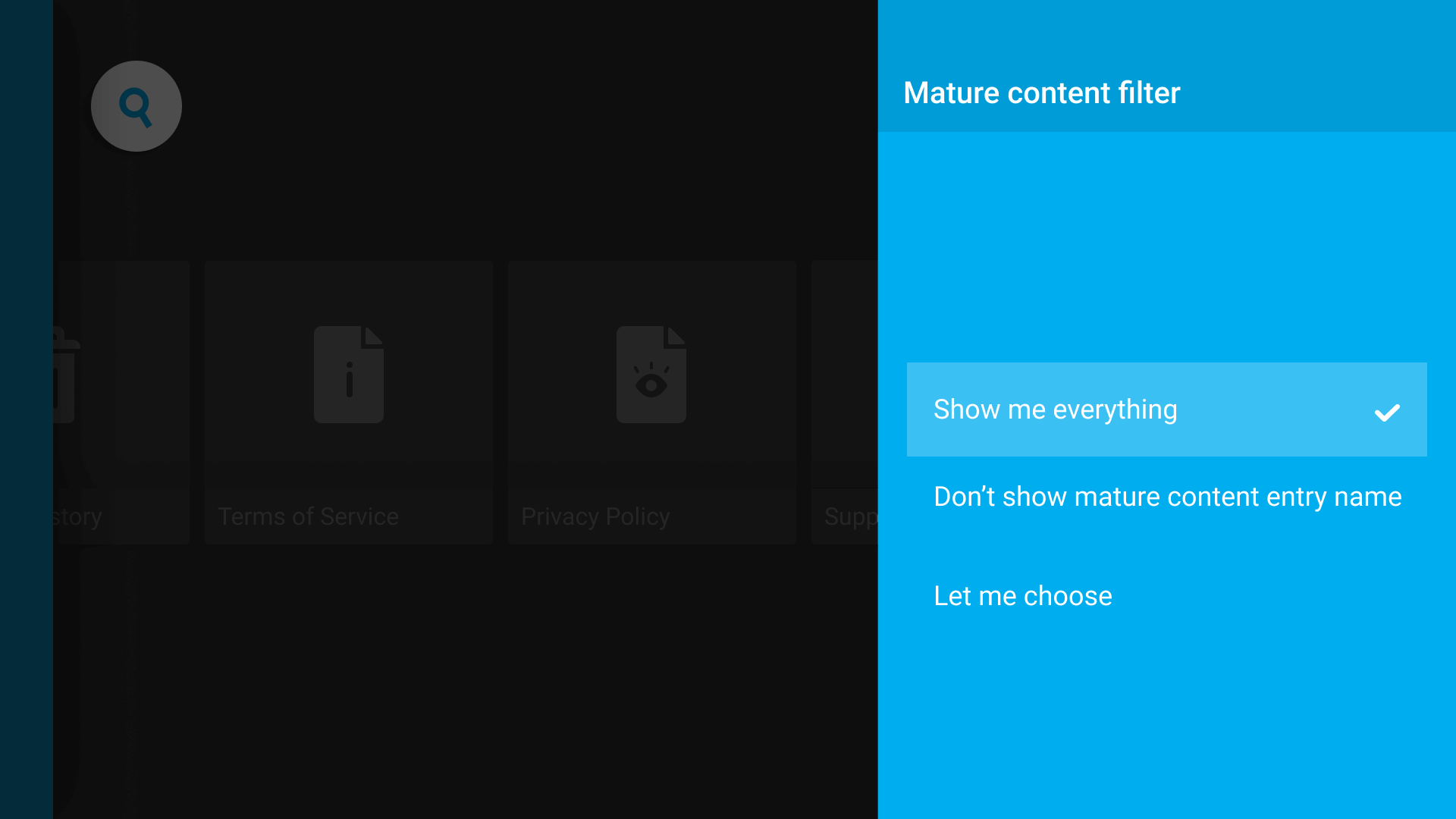
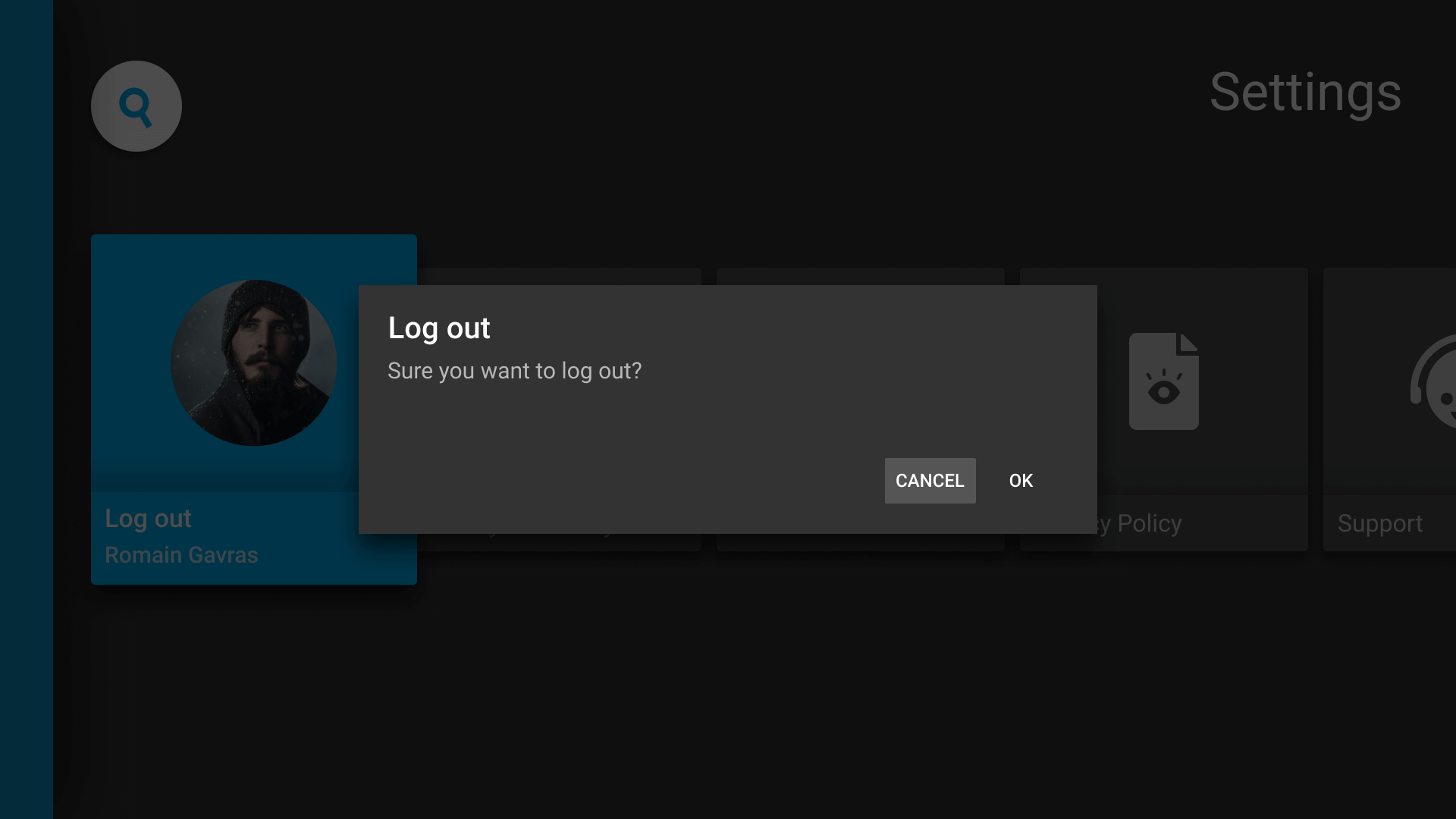
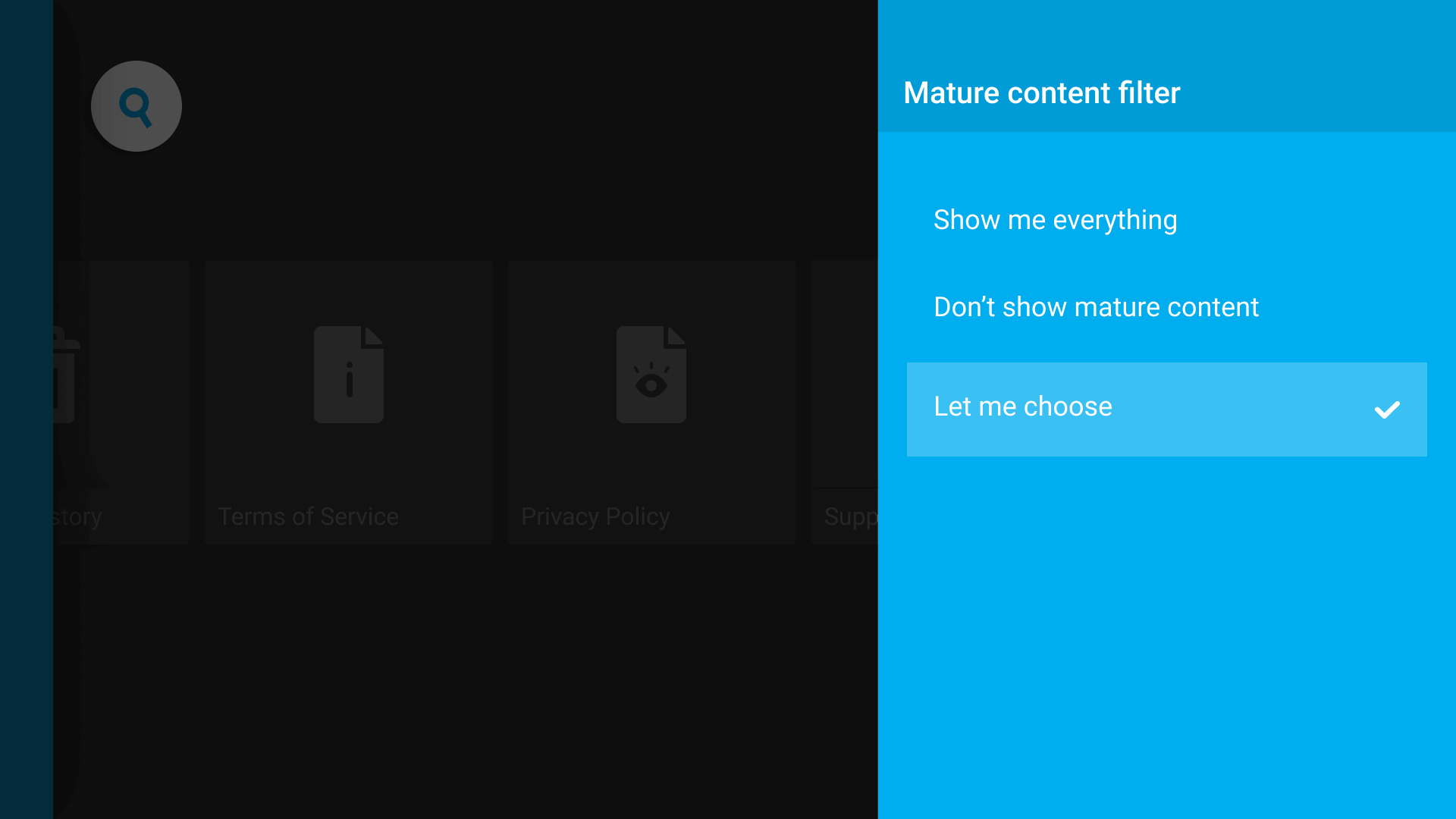
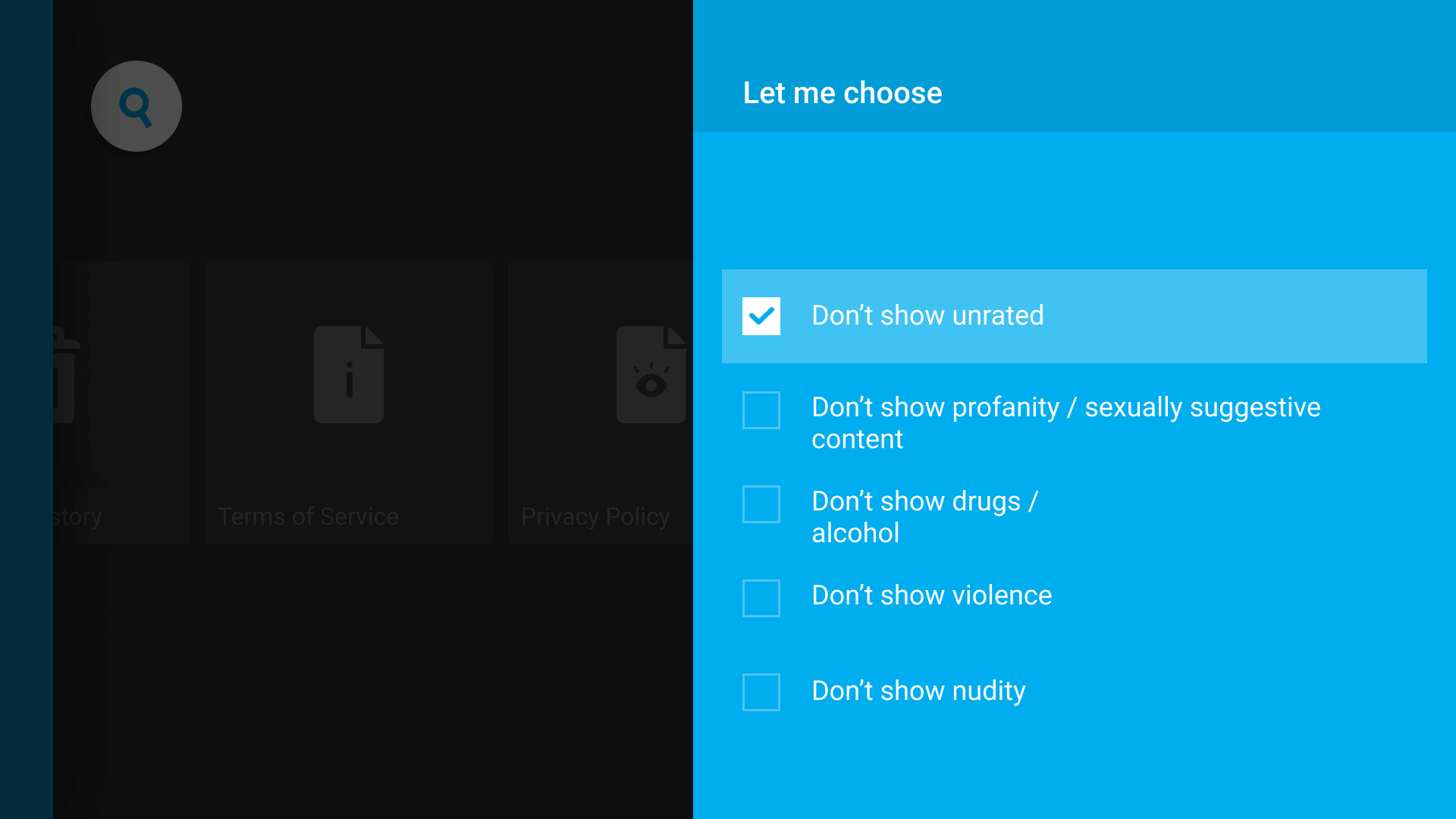
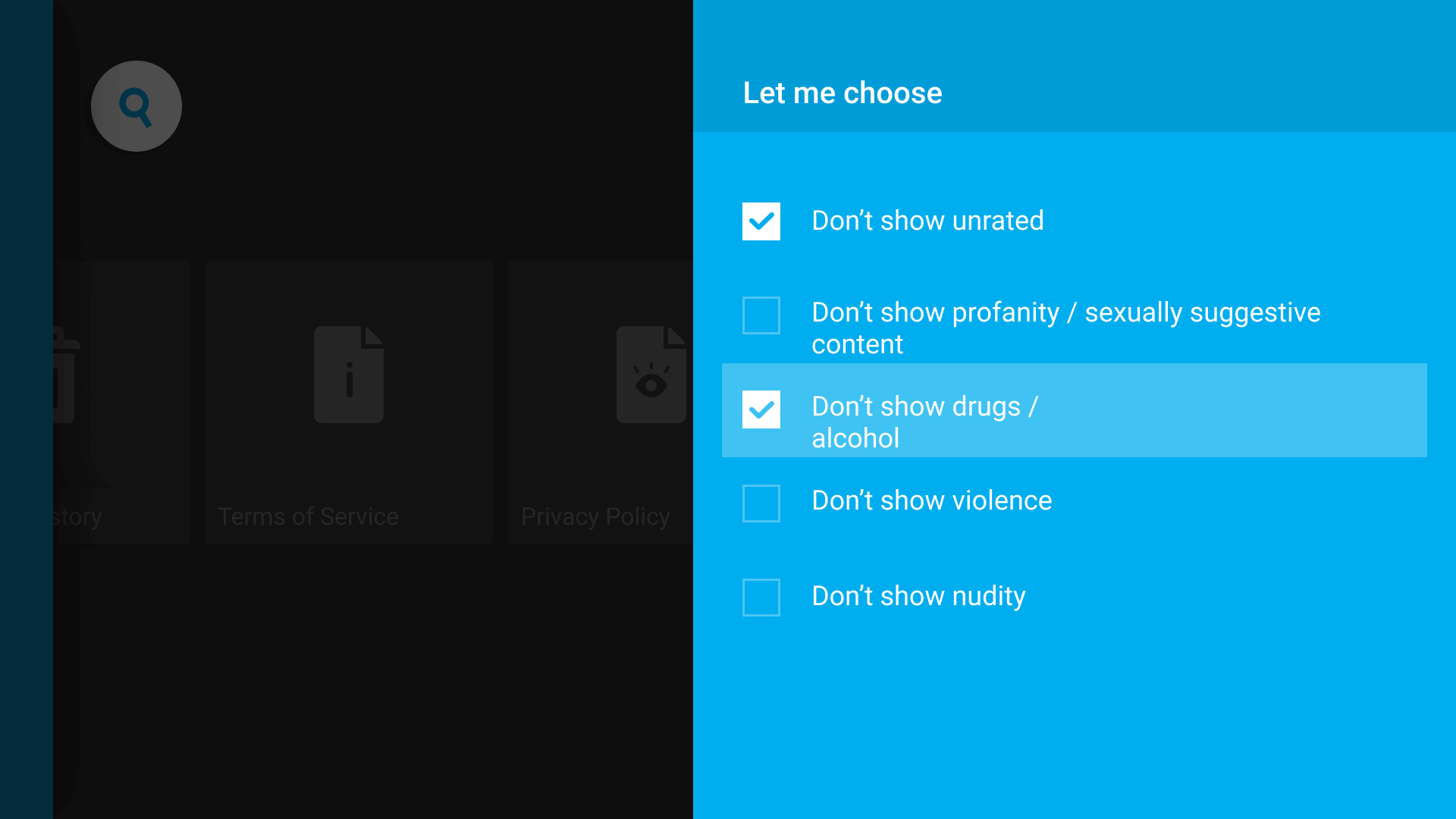
Let's add a coat of paint with design.
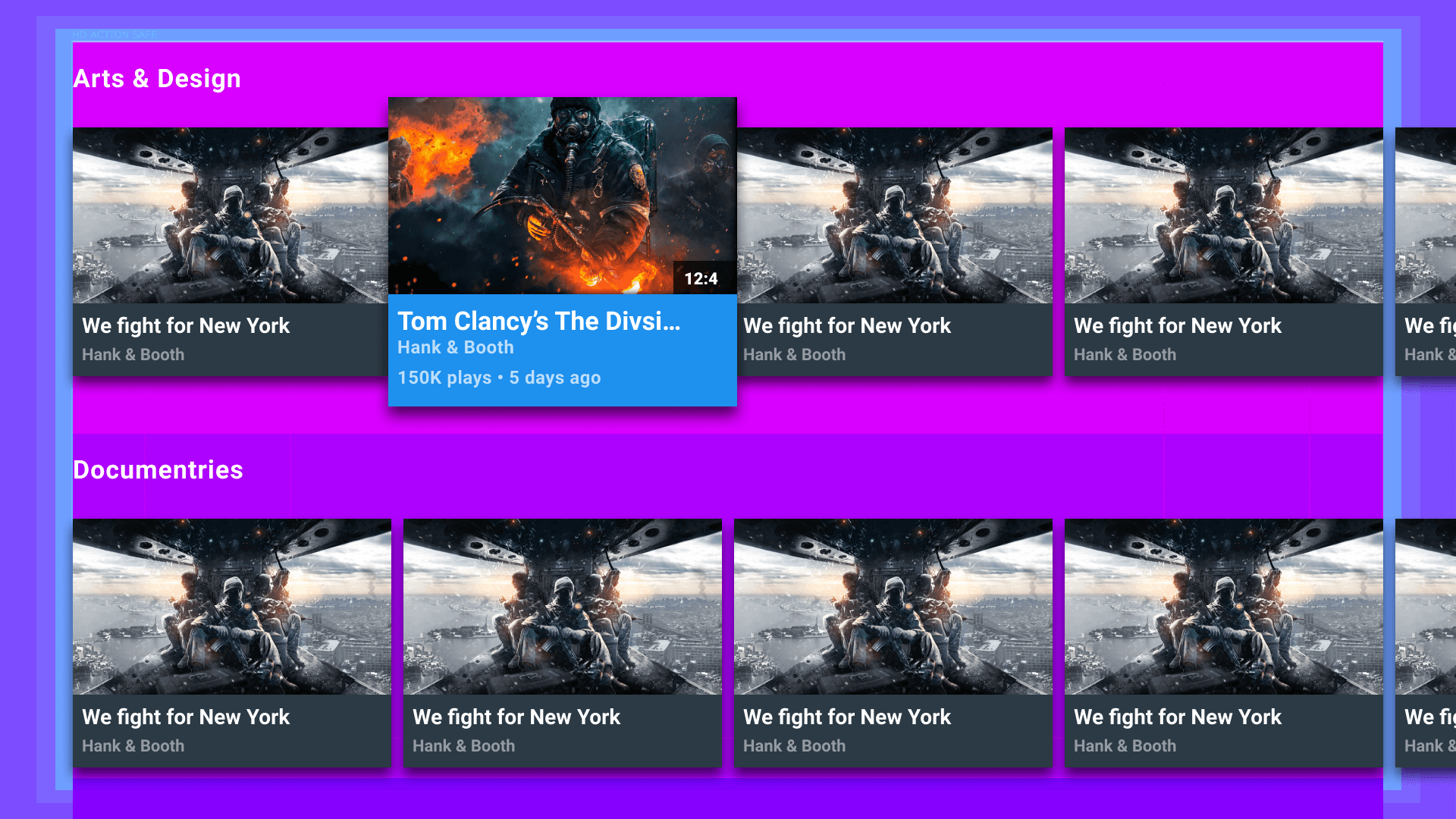
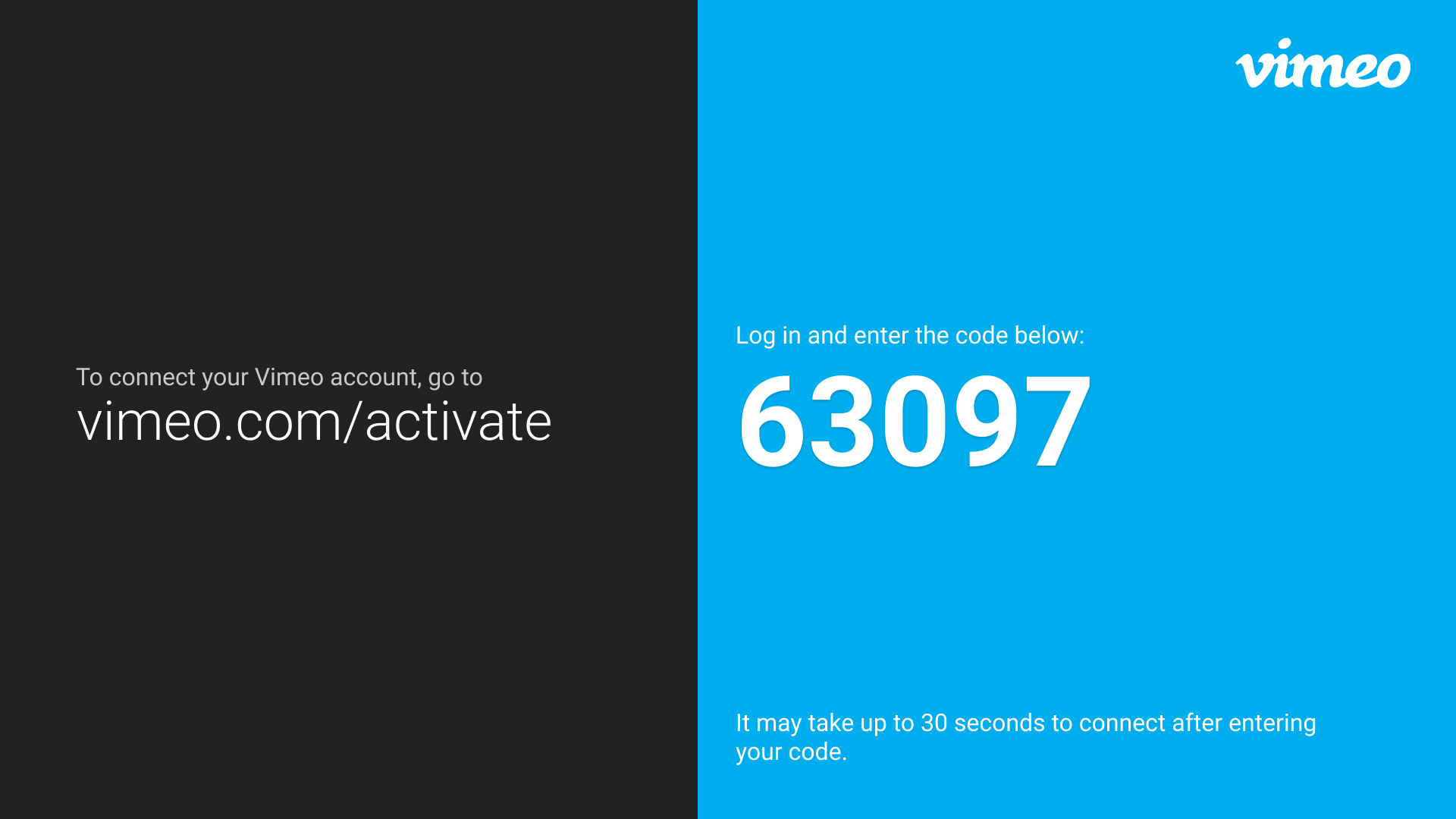
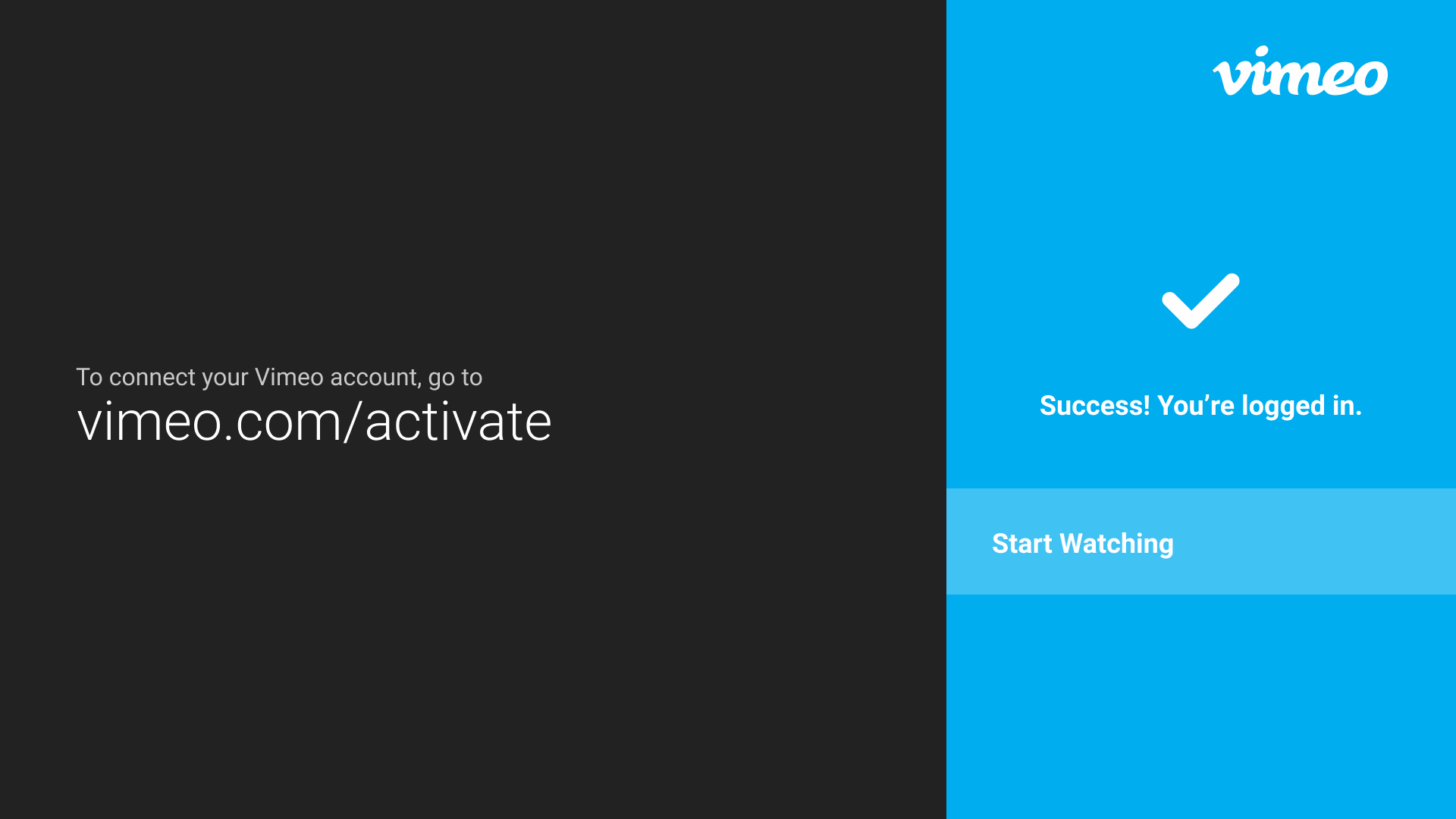
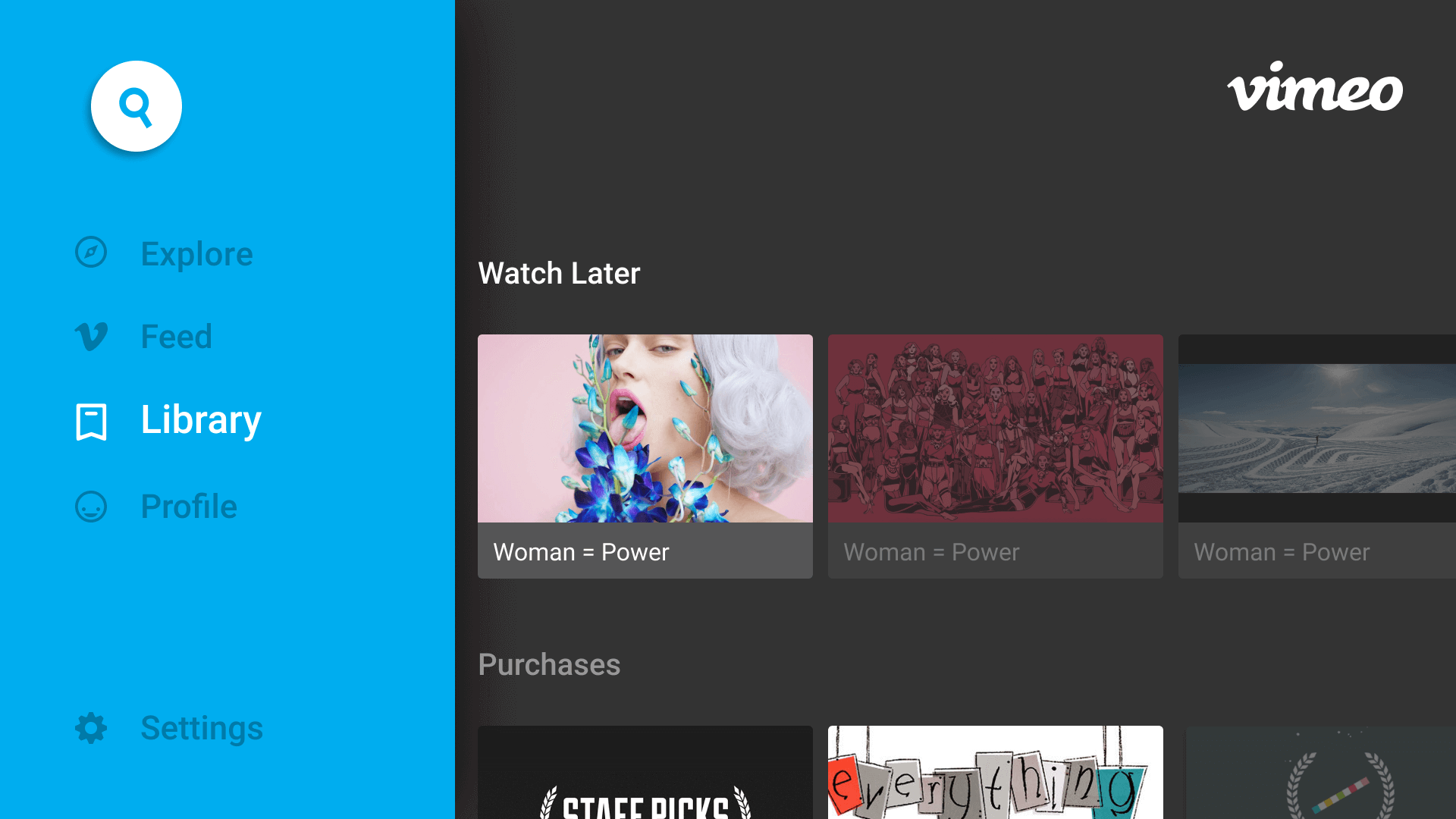
The fun part, not to say the discovery, ideation,wire framing, and prototyping were not fun, but now the next phase is seeing it all in the Vimeo brand and make this TV app really shine.
6░
With lots of hard work from the team, we lauched and shipped.
Overall this was my first TV app and the process thanks to an awesome team at Vimeo made it fun, and a deep learning experience. We launched the Vimeo TV app ahead of our launch date and the Vimeo TV app received a lot of praise from the rest of the Vimeo team and tech editorial publishers. Great effort from Mobile/TV team on this app.