A new app in 3-4 weeks?...Sure.
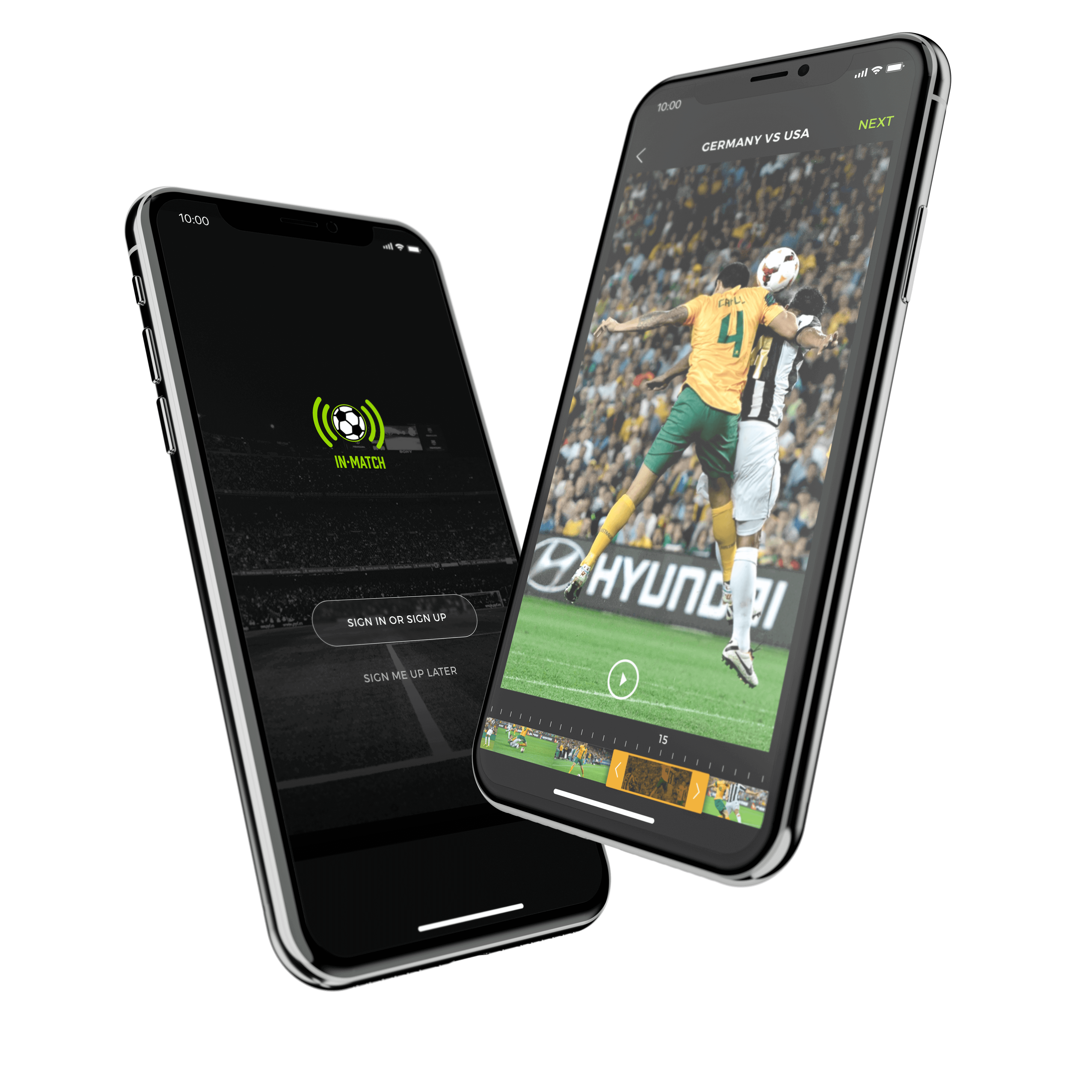
InMatch is a mix of Snapchat meets a streaming app like LiveStream. The concept was simple enough. A user can capture video of their live soccer games at the site, crop the video to their liking and upload 15s-30s clips to InMatch, where others can view the clip, save, like and or share. InMatch came as the idea of 2 UK soccer fans who wanted to live stream and share highlight moments clips in soccer games live. They figured an app with a simple to use interface, to capture, edit videos and share highlight clips would be a prefect.
I took on a role as a Lead Product Designer for an agency in which I was tasked to design an app from conception, whiteboard sketches to a final polished designed app in 3-4 weeks (1 week sprints, 3-4 sprints total). We also had 2 stakeholders with different ideas/views on what they wanted this app to be. None the less, I took on the role as this was interesting and offered a unique design challenge and I figured it could be horrible or go great —if anything it could be something I may write about later and also making a fun new app is always a plus.
App design presents a unique challenge to product teams just in itself, however when having multiple stakeholders in the process things can get tricky. By having more than one stakeholder, one must identify the needs, wants and limitations of each and focus on the end users too, then find where they overlap, conflict and find the best middle-ground to meet on design, experience, feature-sets and so on. With that said, below is an outline of my process during these fast paced 3-4 weeks creating an app from scratch
—Enjoy.
ROLES
PRODUCT DESIGN
EXPERIENCE DESIGN
RESEARCH
PROTOTYPING
░
Some things I kept in mind.
Before diving into this accelerated project— I had to take a moment to ponder some guildlines for myself to keep this project moving at a steady pace.
1░
Stick to the timeline
One can ponder a design forever. To avoid delays, feedback needs to be delivered on- time and rounds need to be capped.
2░
This is an "MVP"
We’re always looking to push the design further. But often times, sacrifices need to be made for the sake of development.
3░
This isn't branding
Branding and UI design are undeniably linked. But one cannot deeply explore the brand when crafting high-fidelity screens.
My post planning steps
After prepping myself with guidelines I worked on breaking up what steps would best help me during these weeks and how to best break them up into smaller parts.
1░
Define
What are we making
For who are we making this for
What do we want to achieve
2░
Design
How can this be intuitive for all users
What UI patterns can we adopt
Ideate, test, refine and repeat
3░
Develop
How will this work
What limitations in tech do we have
Best ways to design/build for scale
Researching current trends with Think Google
▀ ▀ ▀ ▀ ▀ ▀
I started my research on both the competitive level with streaming video apps, like Snapchat, Vimeo, LiveStream, Vine (at the time) and others. In other to understand better the current design trends, user experience/journeys, and overall get a better sense who and what is on the app playing-field.
While doing my research about soccer and their fans I decided to use Google Think. Since it is a one-stop shop for consumer trends, marketing insights and industry research. Think includes statistics, research libraries including videos and info-graphics, planning tools, and sections for emerging digital trends.
I found interesting data-points about fan behavior that lined up well to just what we were planning on building— which was an app for soccer fans to focus on their favorite highlights and smaller chucks of the game rather-than watching the entire game itself. These data-points helped me understand the users wants and needs and helped me both create user-personas to design for and view the product more in the eyes of a soccer fan (user). Below are just a few samples of the data points I uncovered about soccer and the fans.
84%
soccer fans on YouTube say they watch past World Cups or other soccer games.
80%
of sports viewers use a compter or smartphone while watching live sports on TV.
1/3
of soccer fans say they want the ability to fast-forward or watch highlights instead of the game.
6X
Since the 2014 World Cup, there has been a 6X increase in watch time for drills and skills videos.
9X
There has been a 9X increase in watch time for highlight videos since the 2014 World Cup.
>50%
Watching the World Cup live is important to fans, but more than half plan to watch it at a later time.
SOURCES
1. Google/Ipsos Connect, U.S., Sports Viewers Study, n of 1,520 adults aged 18 to 54 who identify themselves as sports fans, Dec. 2017.
2. Google/Ipsos Connect, U.S., YouTube Sports Viewing Study, N=505 adults ages 18–54, Sports fans that use YouTube at least monthly, December 2017.
3. Google-commissioned Ipsos Sports Viewing Study, Global (US, UK, CA, AU, FR, DE, JP, BR), Soccer fans who watch the World Cup at a later time (n=3,977), April 2018.
2. YouTube Internal Data, Global, Classification as soccer "Drills, Skills, or Practice" videos was based on public data, such as headlines, tags, etc., and may not account for every such video available on YouTube, 2014 vs. 2017.
3. YouTube Internal Data, Global, Classification as “Soccer Highlight" videos was based on public data, such as headlines, tags, etc., and may not account for every such video available on YouTube, 2014 vs. 2017.
4. Google-commissioned Ipsos Sports Viewing Study, Global (US, UK, CA, AU, FR, DE, JP, BR), Soccer fans (n=7,509), April 2018.
Sprint Roadmap
After getting myself all prepped to get into the project, I collaborated with the PM, Developers and Stakeholders to help define roadmaps for the coming weeks. These roadmaps were nothing set in stone but a means for the team to use as a guide to help keep the project on track and moving at a steady pace, we allowed room for changes when needed.
Sprint 1░
Define goals and users
- Complete user flow maps
- Create user personas and user story maps
- Whiteboard user flows, happy-path-experiences, use cases, and feature sets
- Competitive research, sport research and design-discovery
Sprint 2░
Design, test and refine
- Refine user flows and use as design-roadmap
- Create wireframes and prototypes
- Internal group testing and external using testing of wireframes/prototypes
- Gather user testing feedback and refine designs where needed
- Present to PM, devs and stakeholders on new design refinements based on testing
- Create high-fidelity screens
- User test high-fidelity designs and refine
Sprint 3-4░
Develop, test, and ship
- Build back-end infrastructure (This was started a week earlier)
- Build Alpha
- Alpha internal user testing - bug bashing and QA
- Build front-end interface
- Develop beta
- Test, QA and refine where needed
- Prep last designs for hand off, clean files, UI kits, prototypes for reference,etc.
- Build Release candidate
Let's get this party started.
1░
Project Plan in Motion.
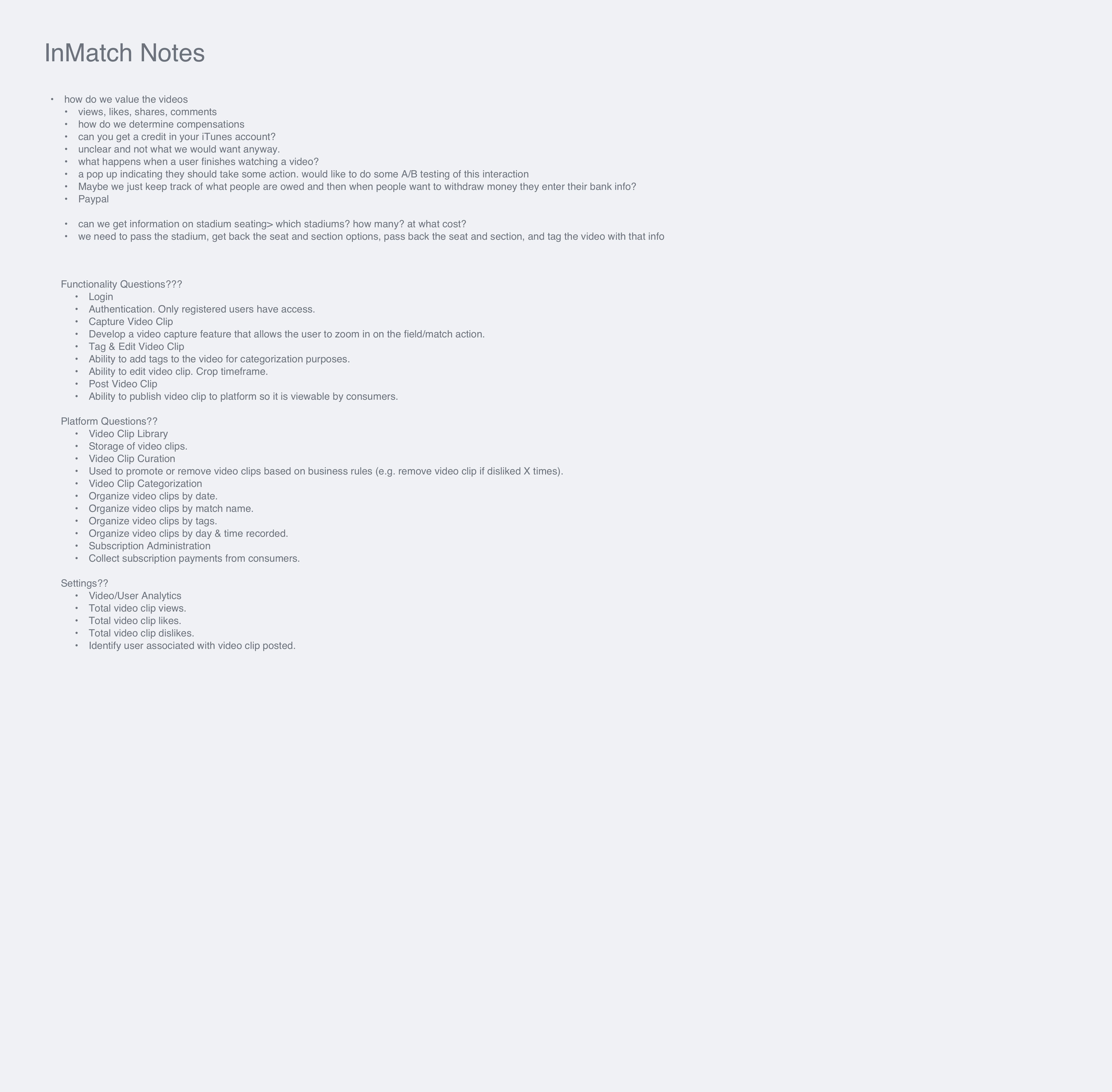
- Created story-maps through client workshops
- Reviewed user-stories and use cases with PMs
- Create app flows with PM and Devs to layout structure
- Created user personas and use-cases
- Presented stories and reviewed flows and project plan
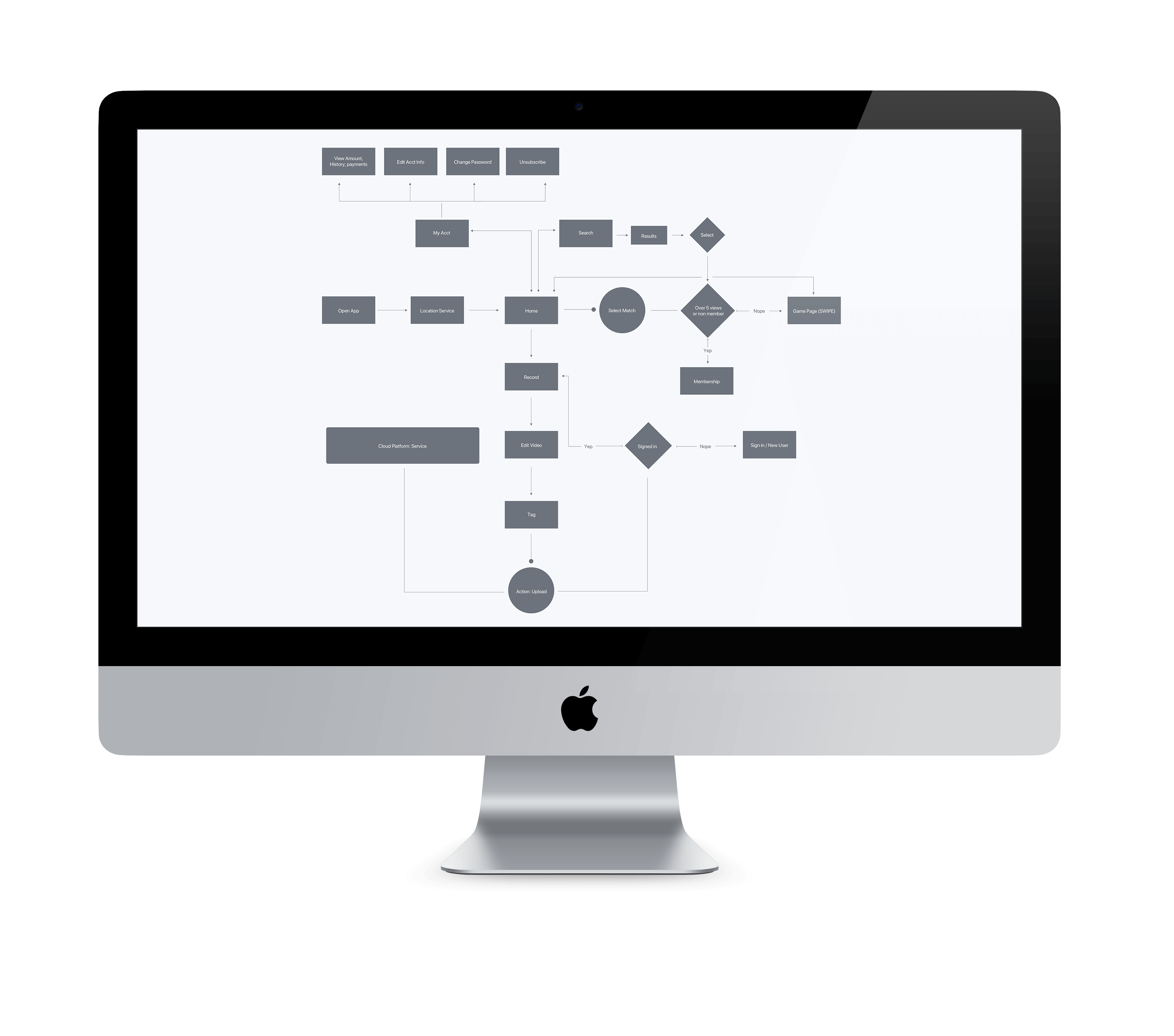
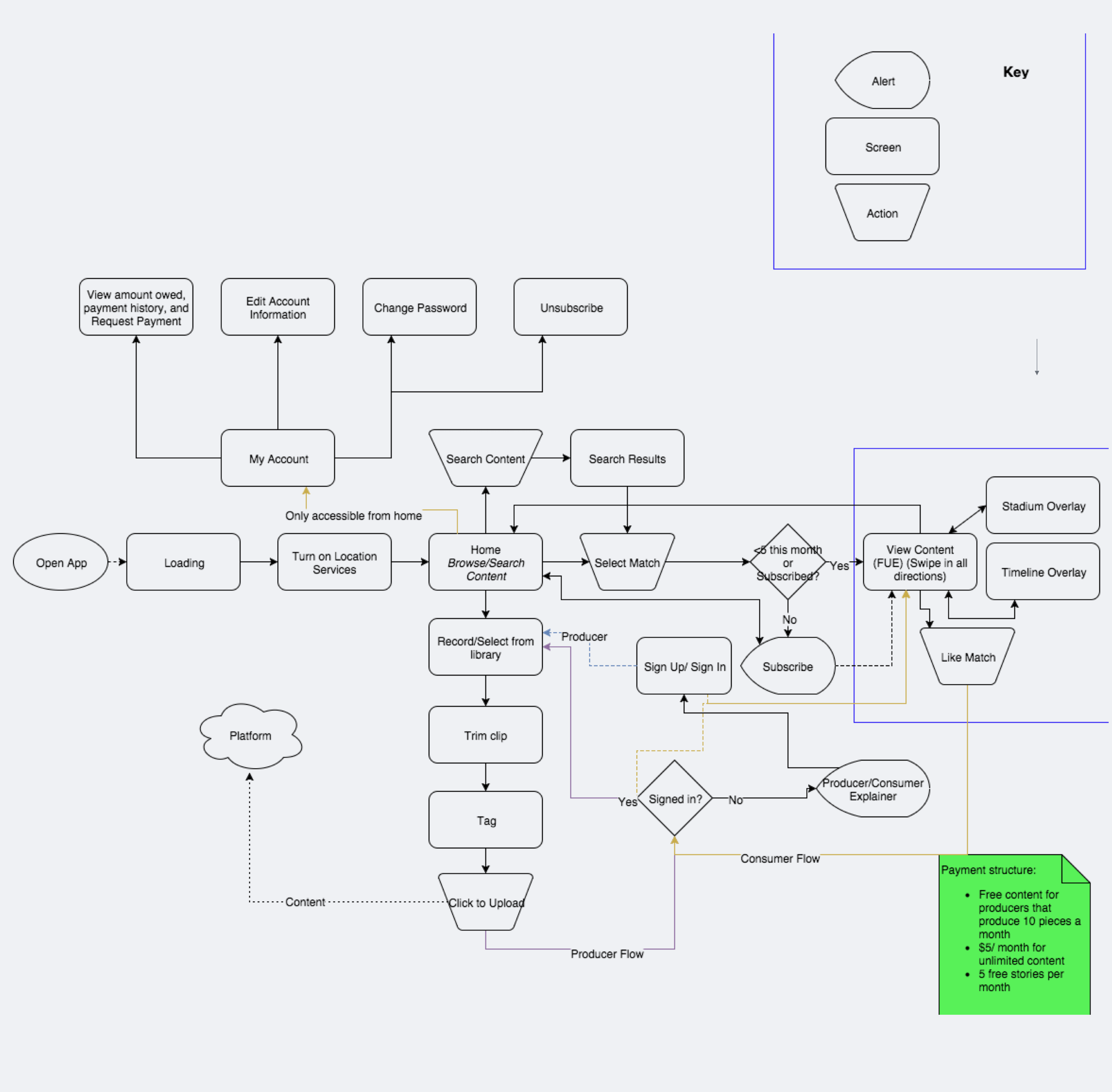
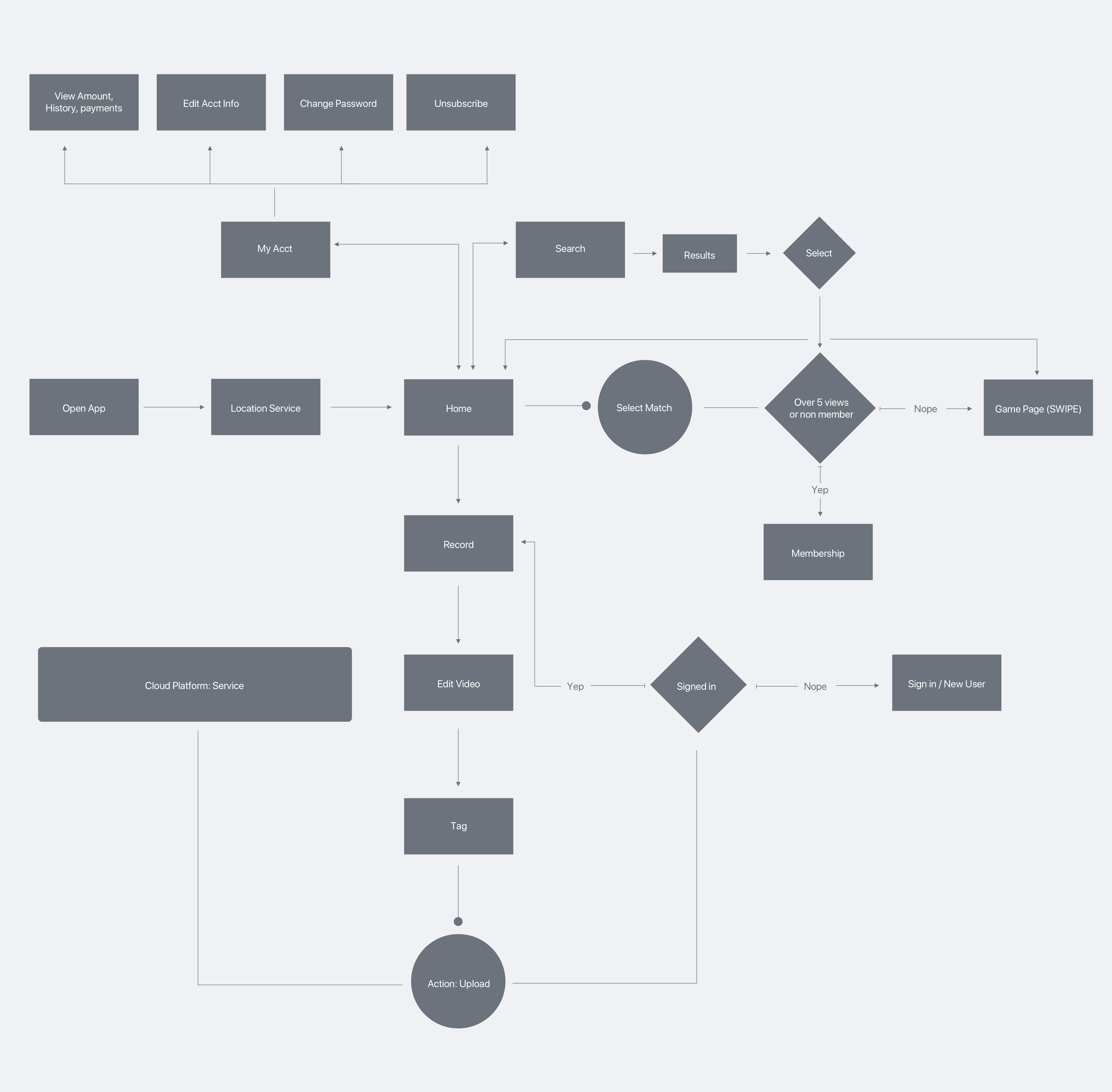
2░
Putting it all together.
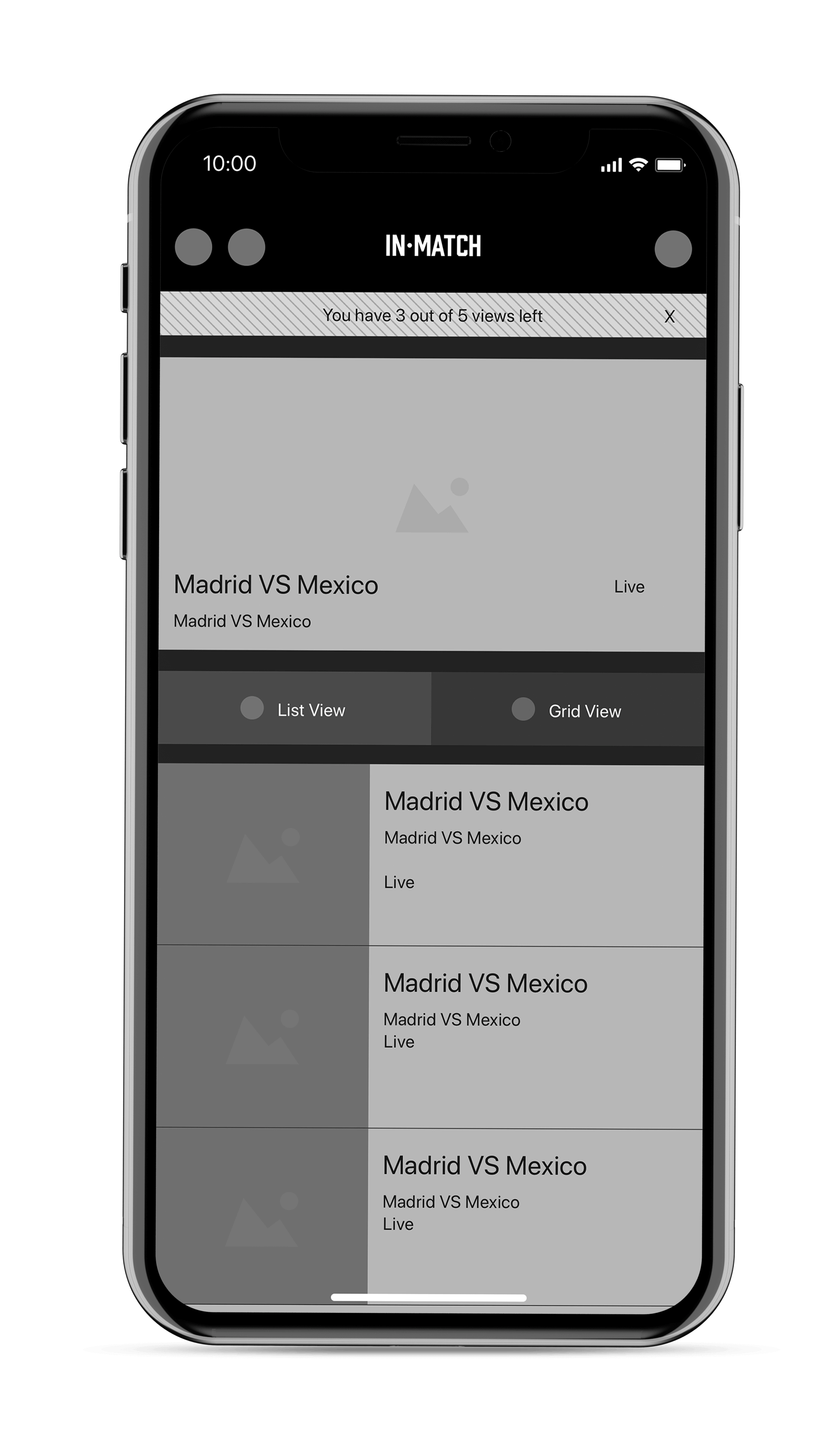
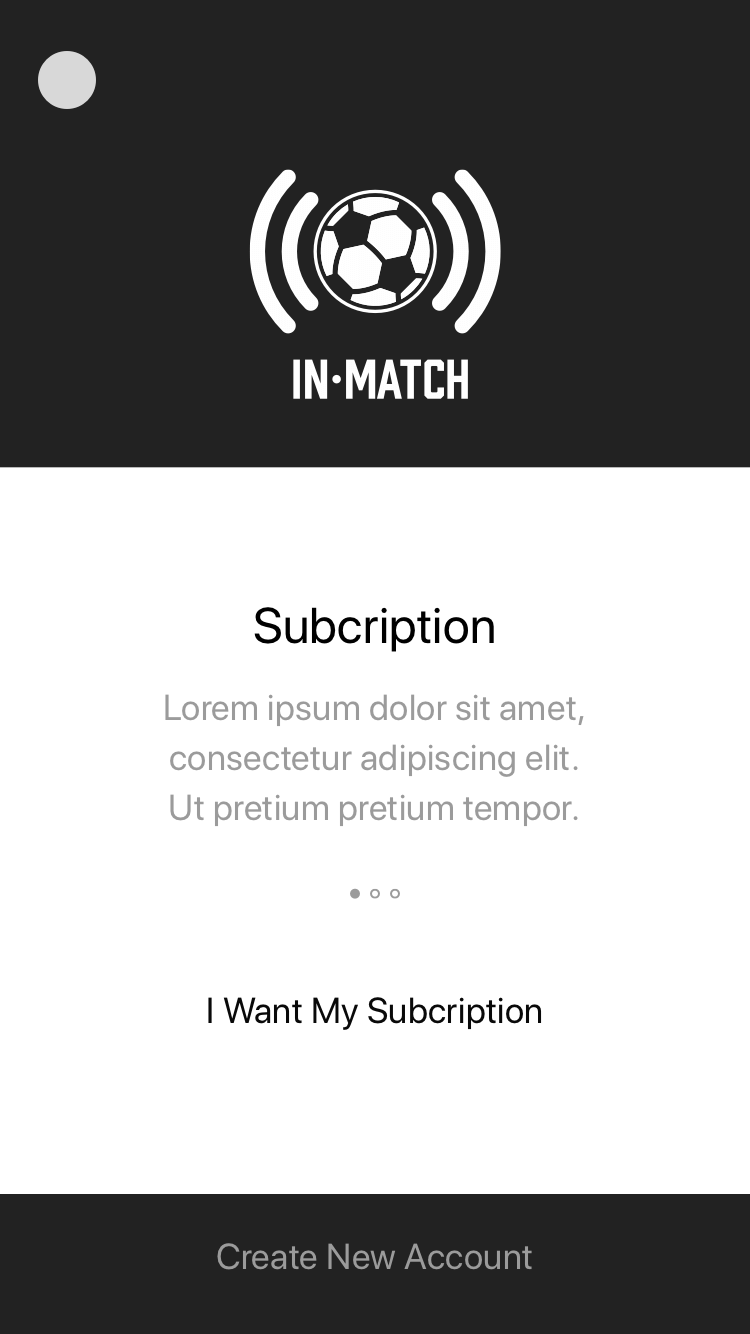
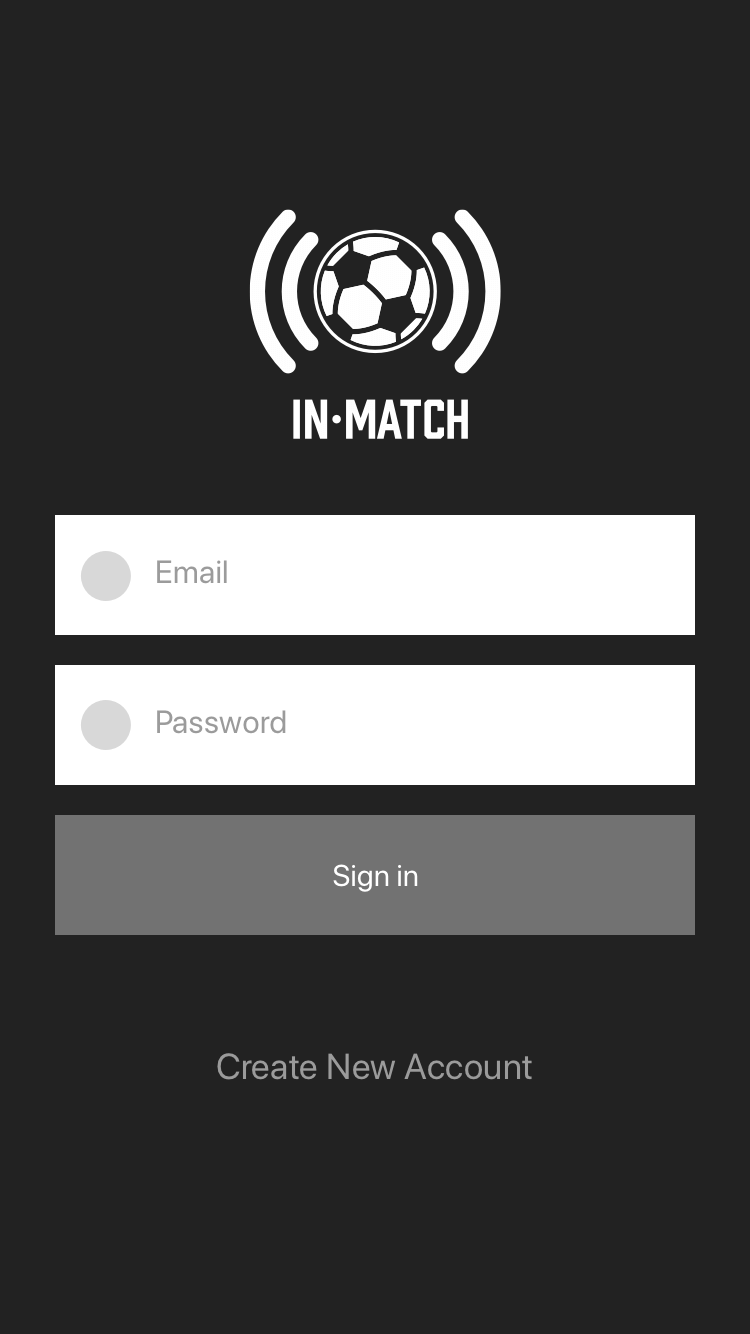
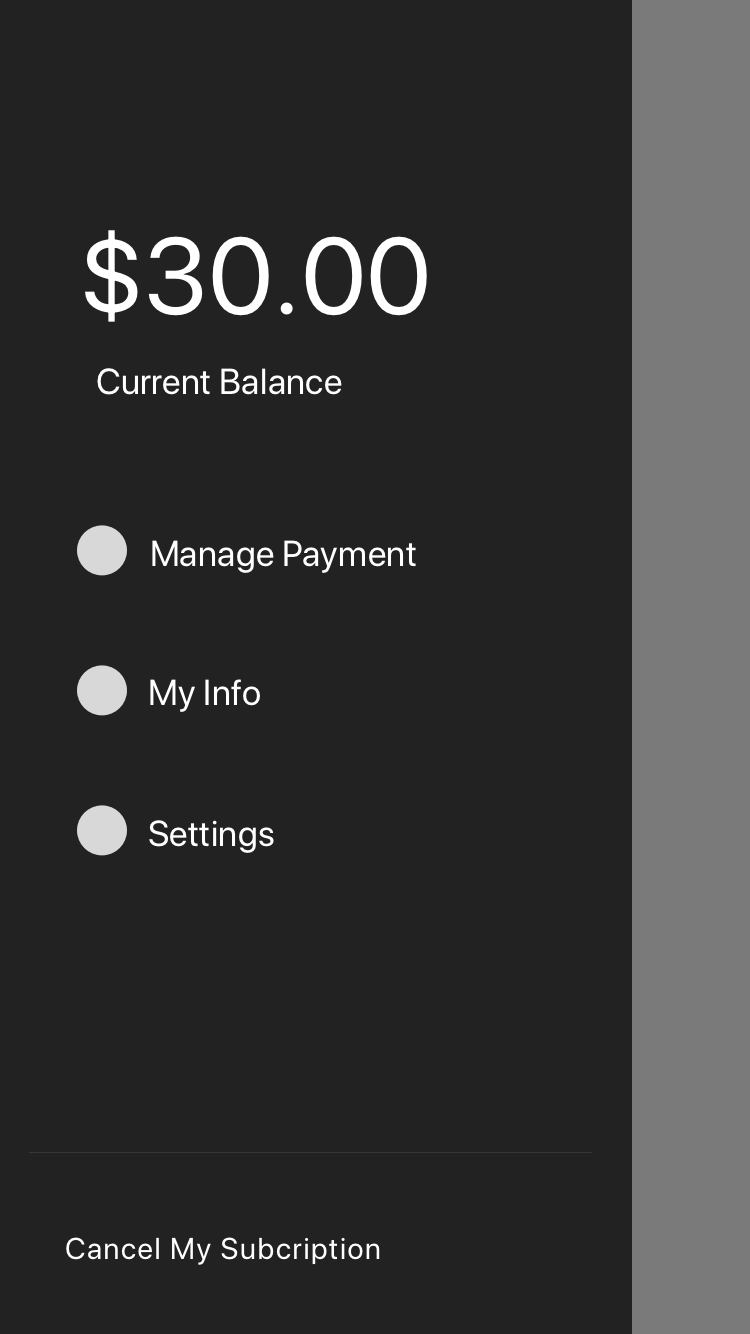
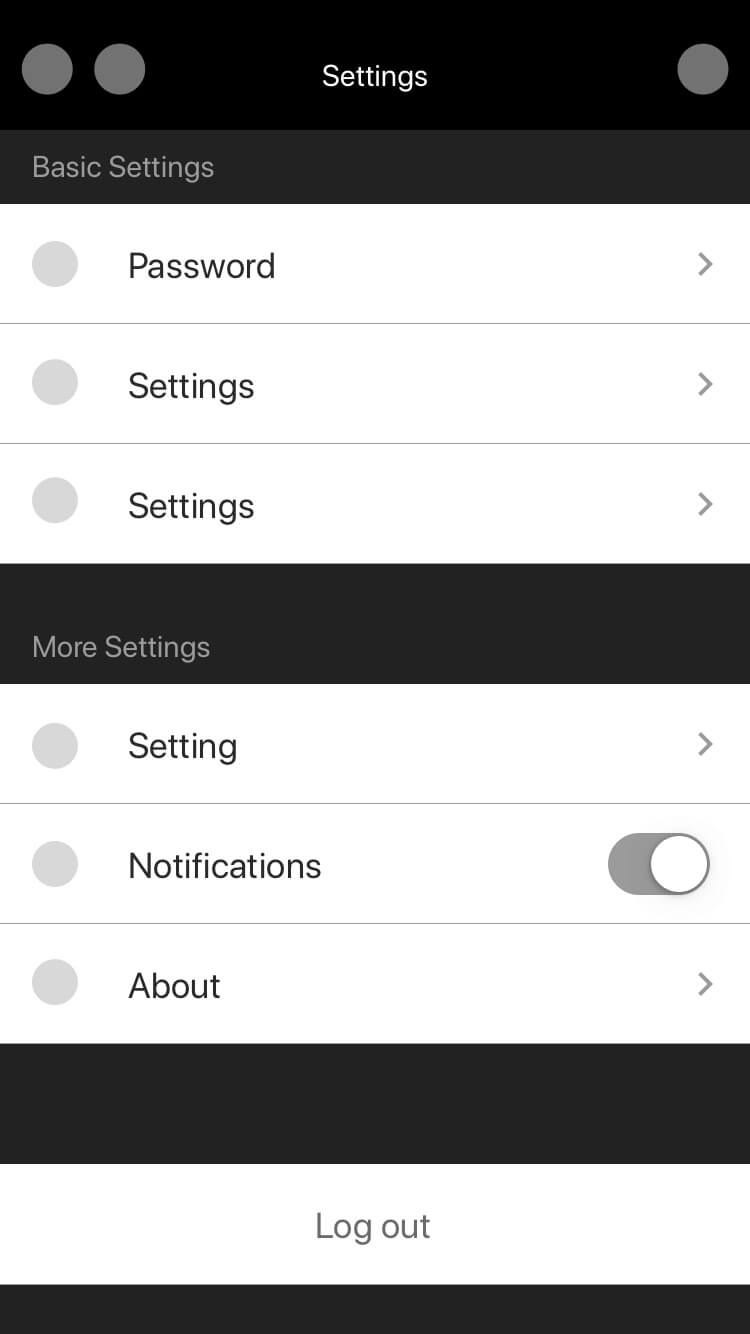
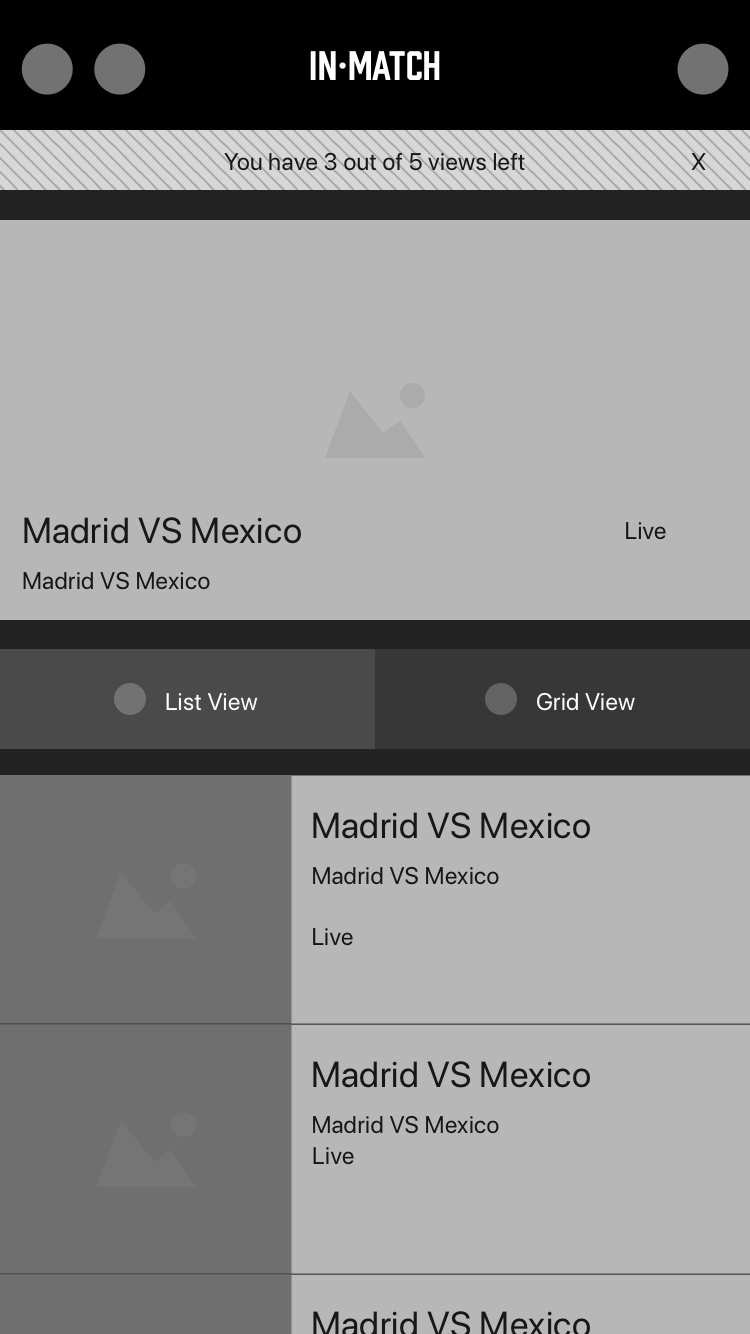
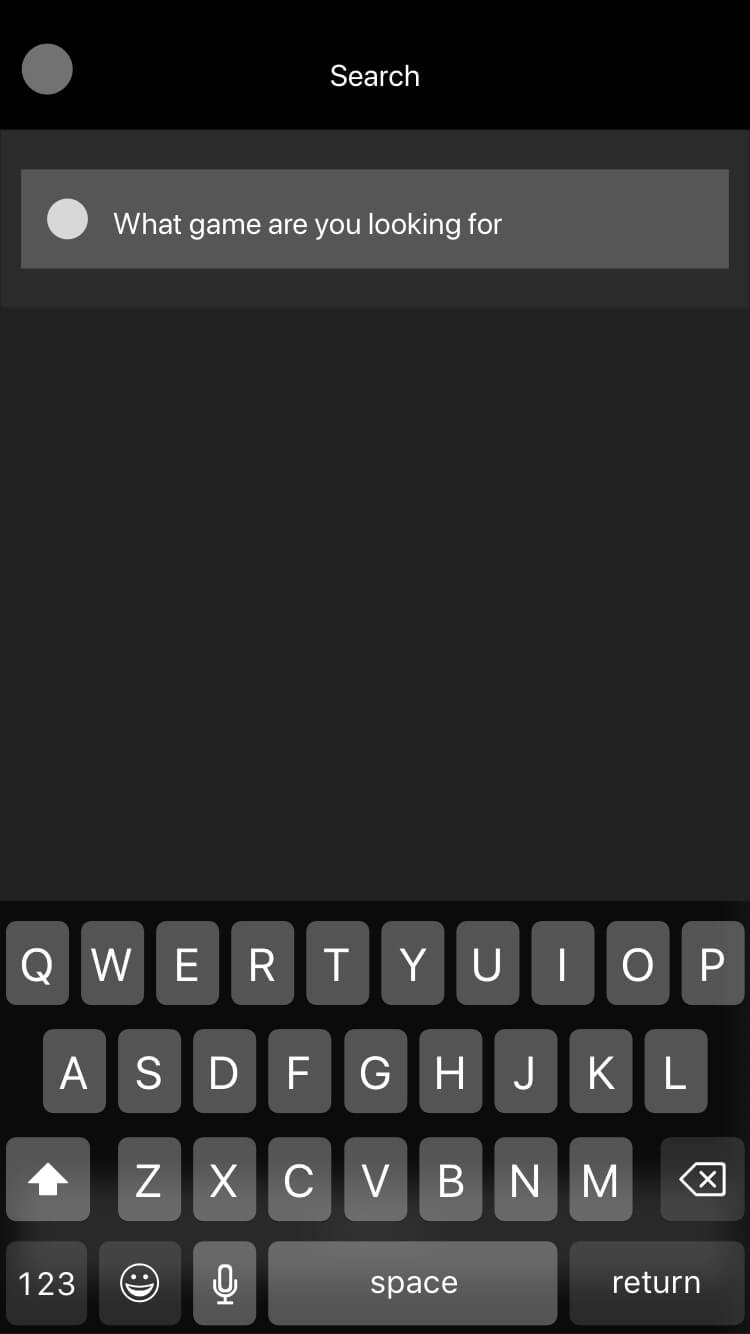
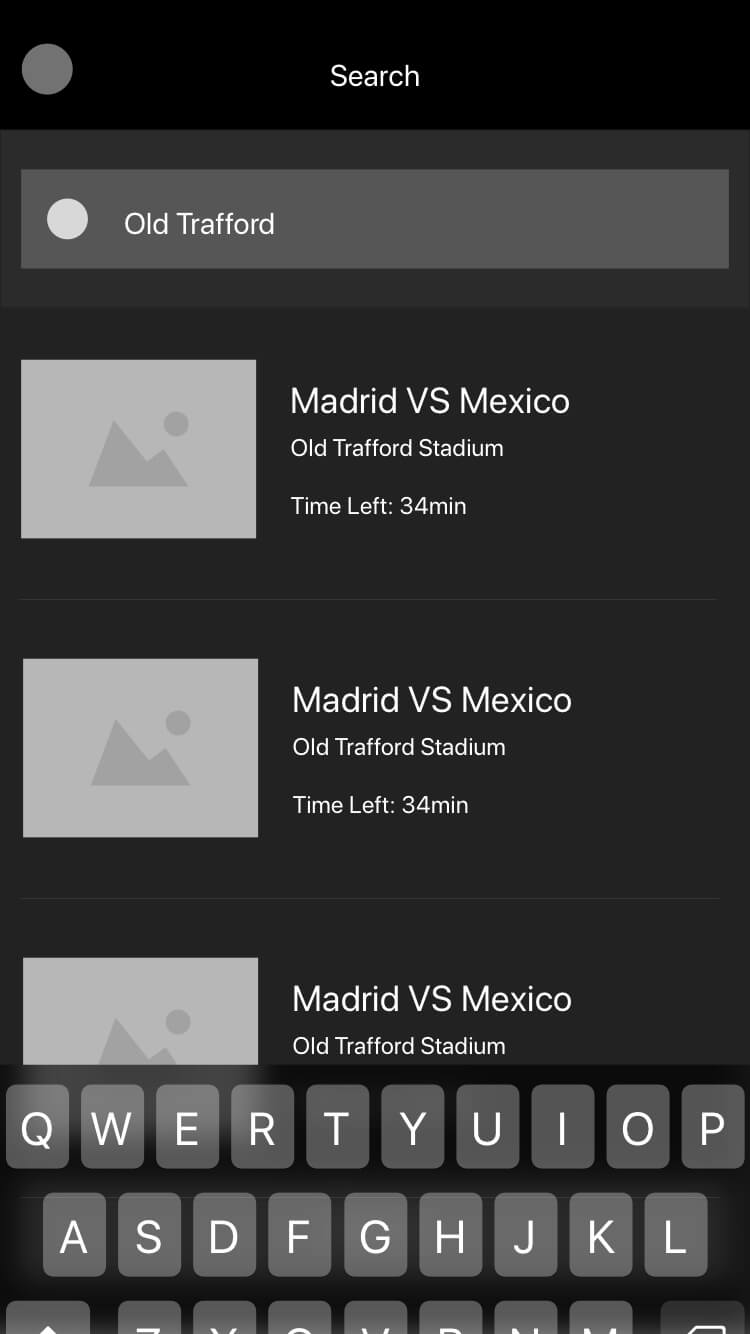
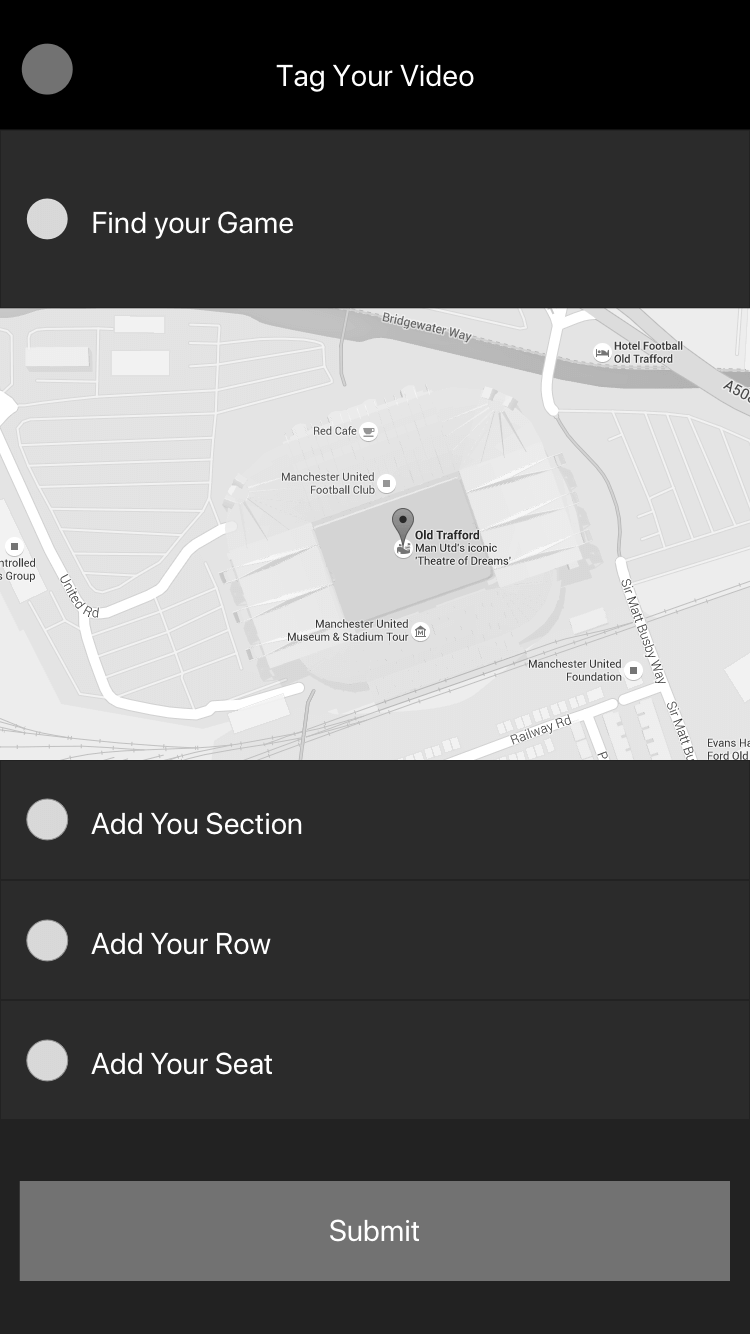
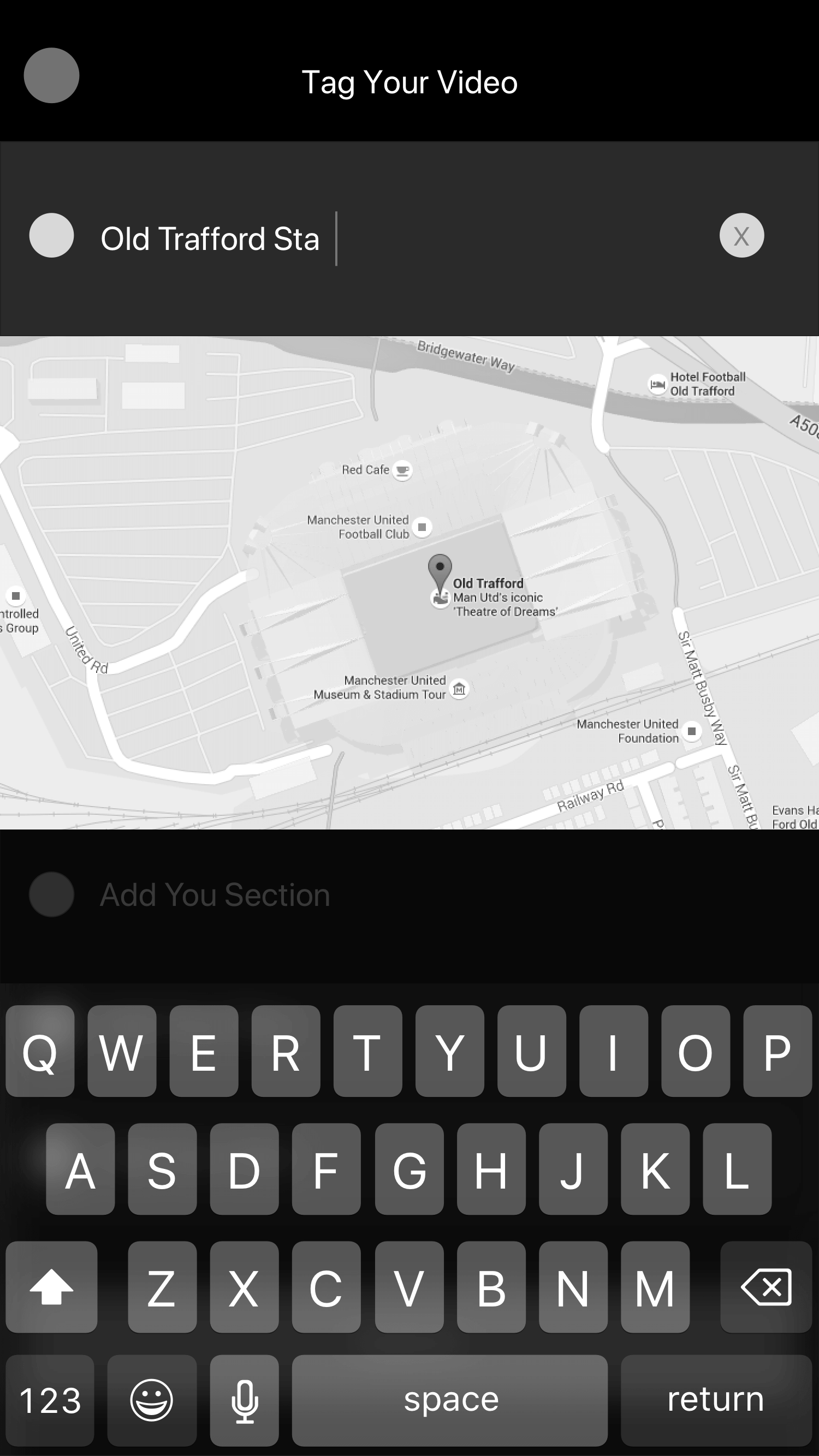
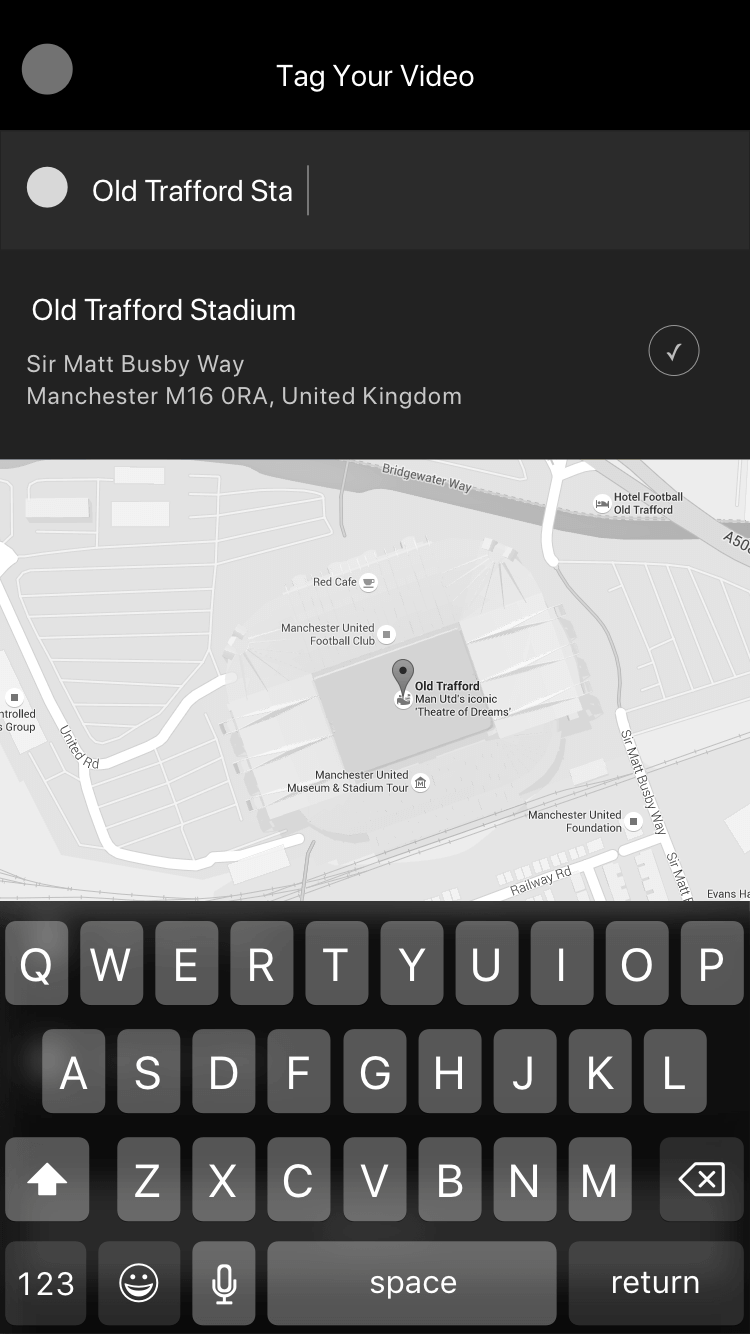
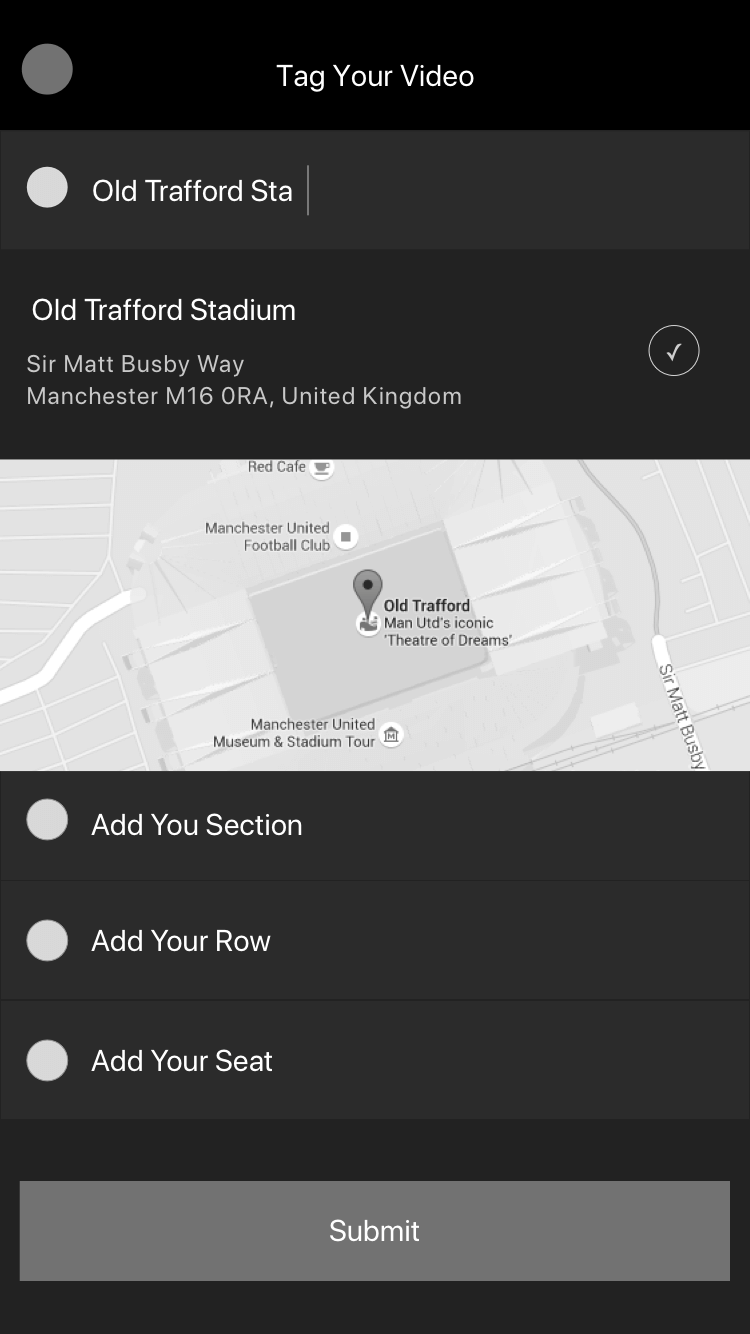
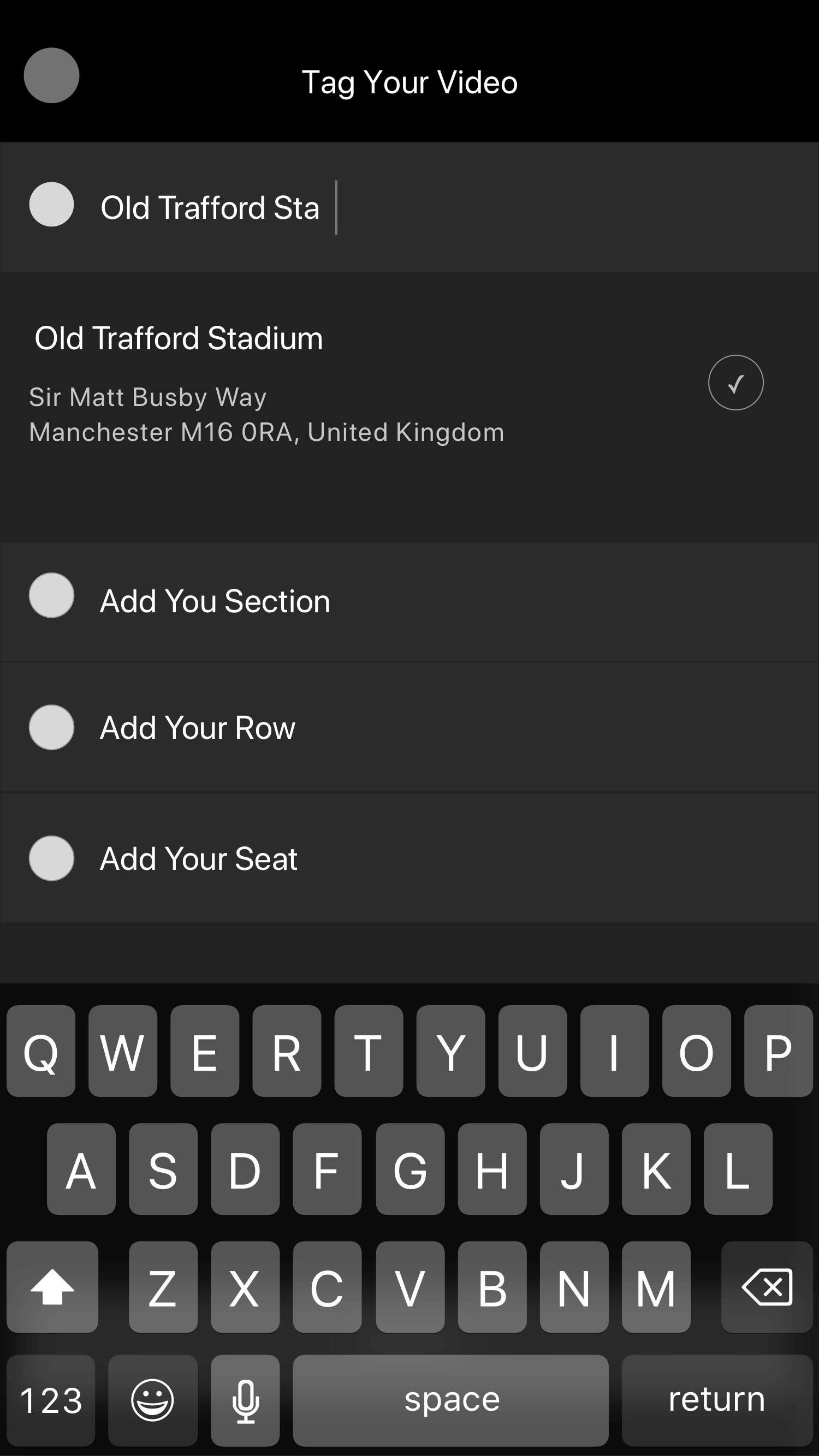
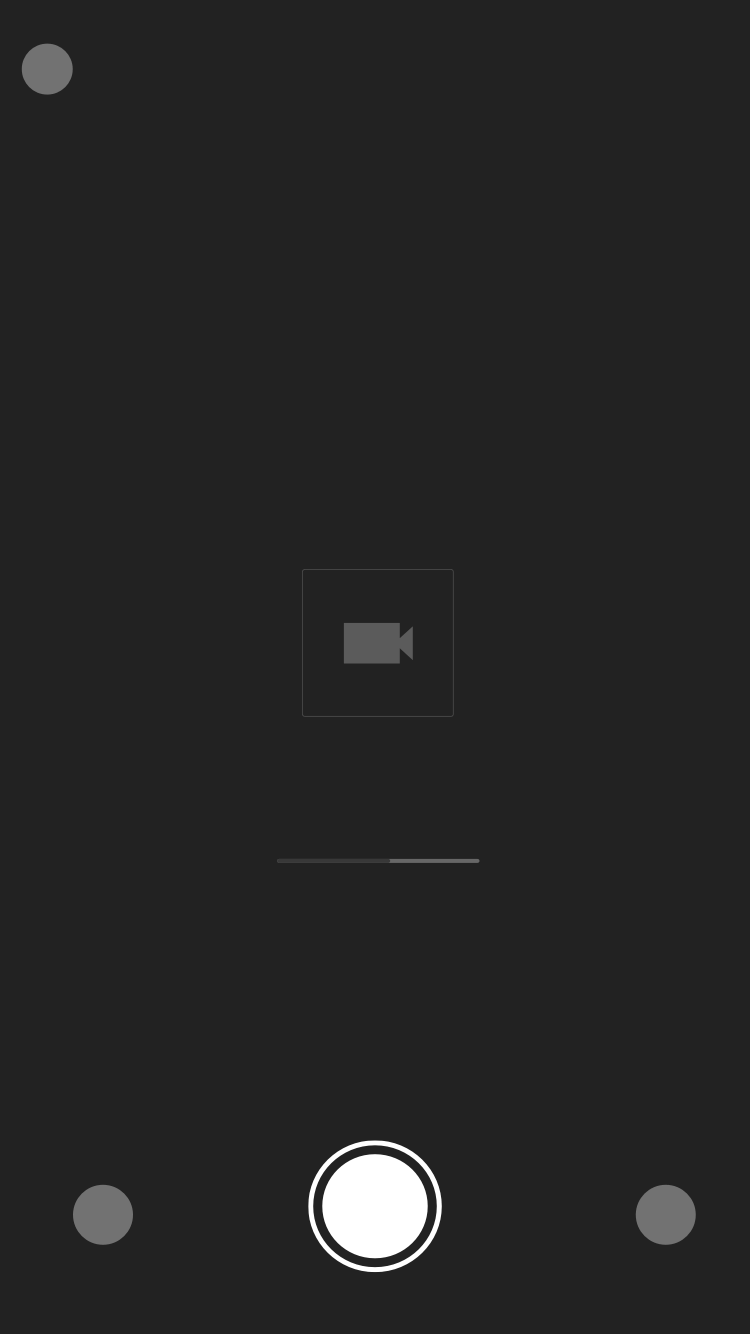
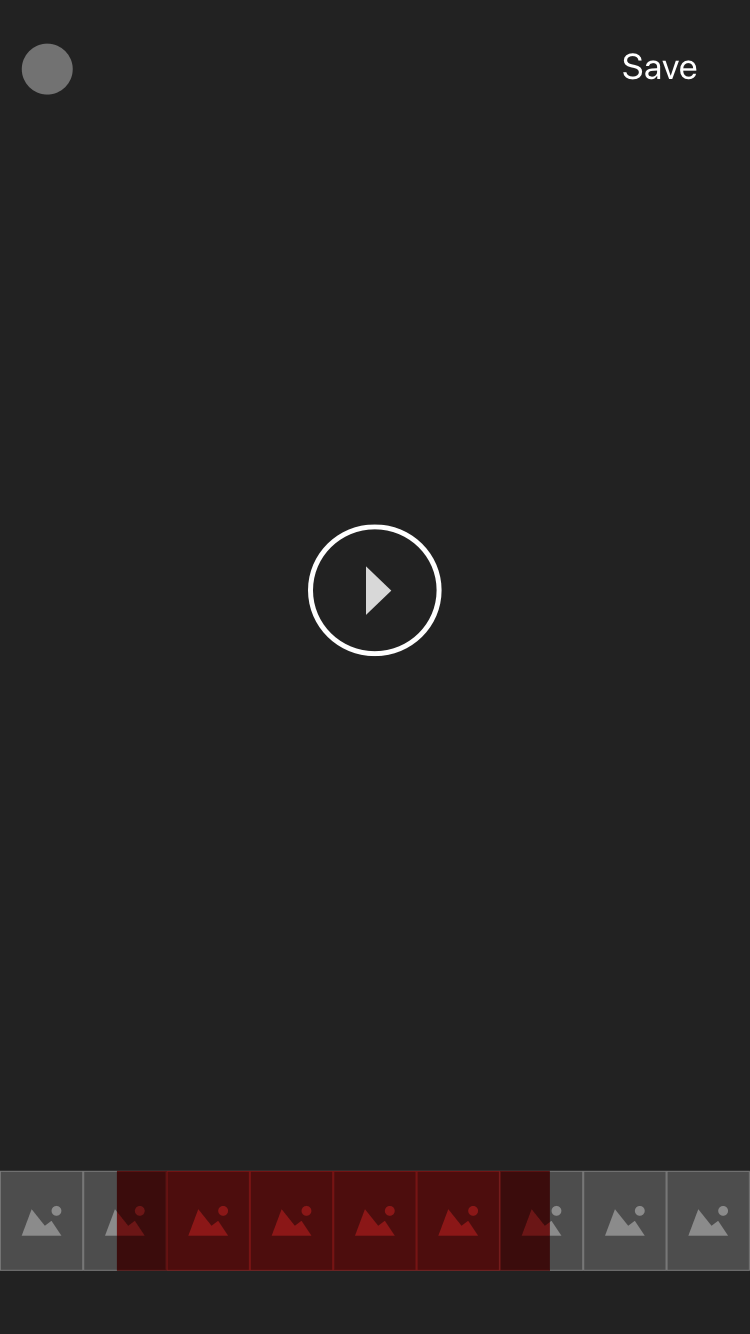
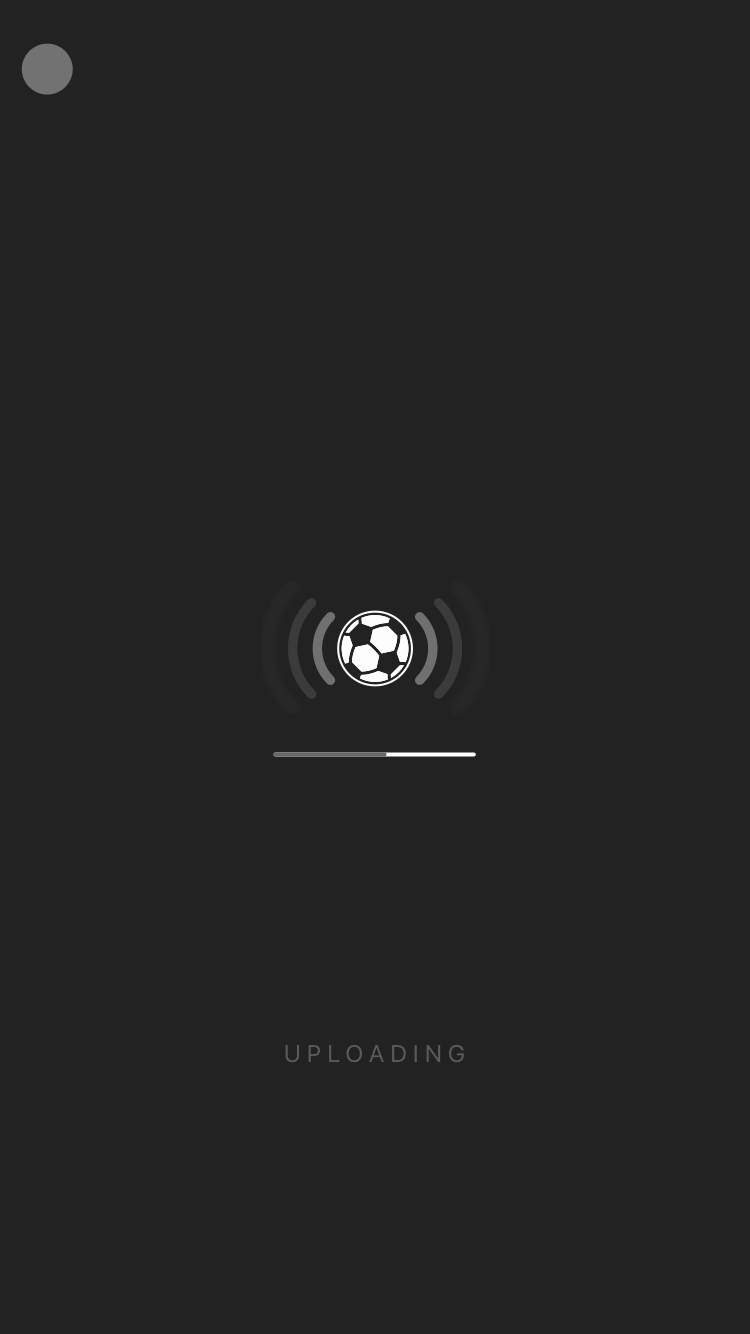
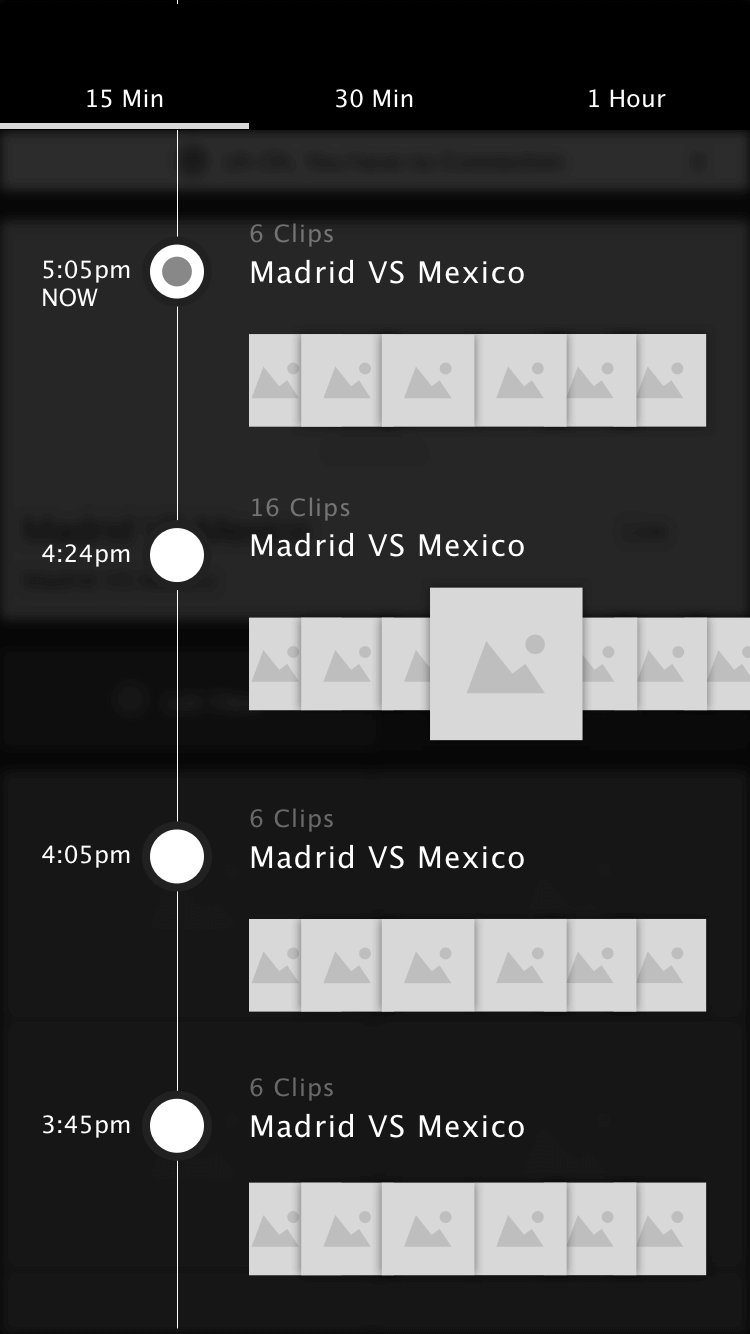
- Designed wireframes for primary happy-path-experience
- Heavy research on competitive apps and soccer
- Conducted user testing on wireframe designs to help determine any painpoints
- After testing, refined user-flows and wireframes designs where needed
- Created prototypes for presentations to PMs, Devs and Stakeholders
3░
Now we are cooking.
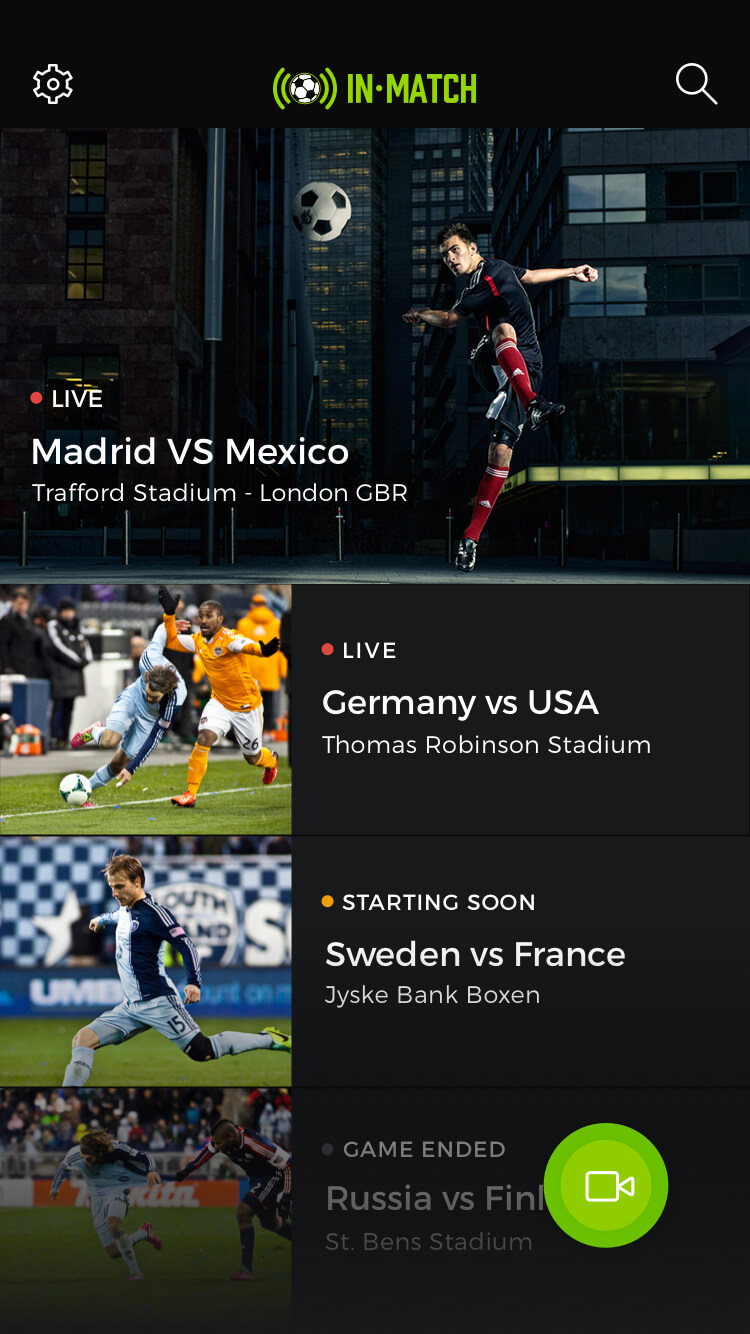
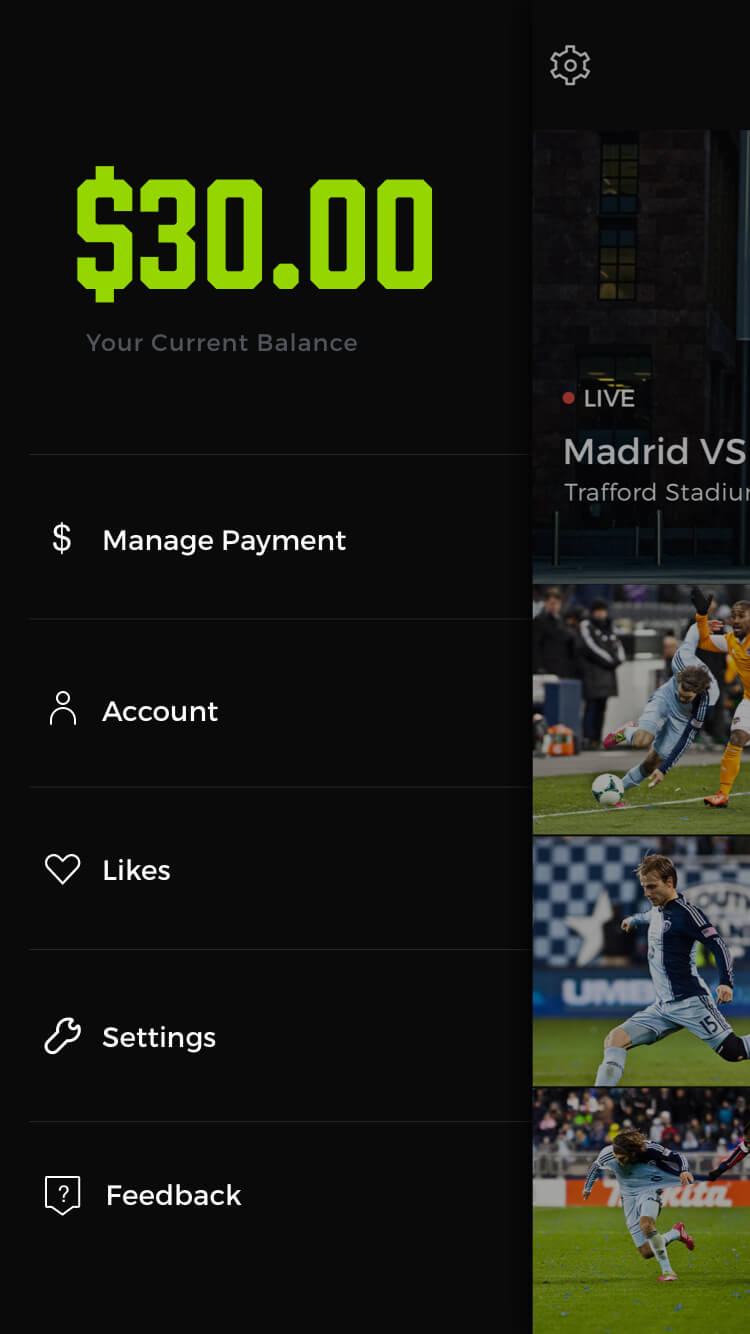
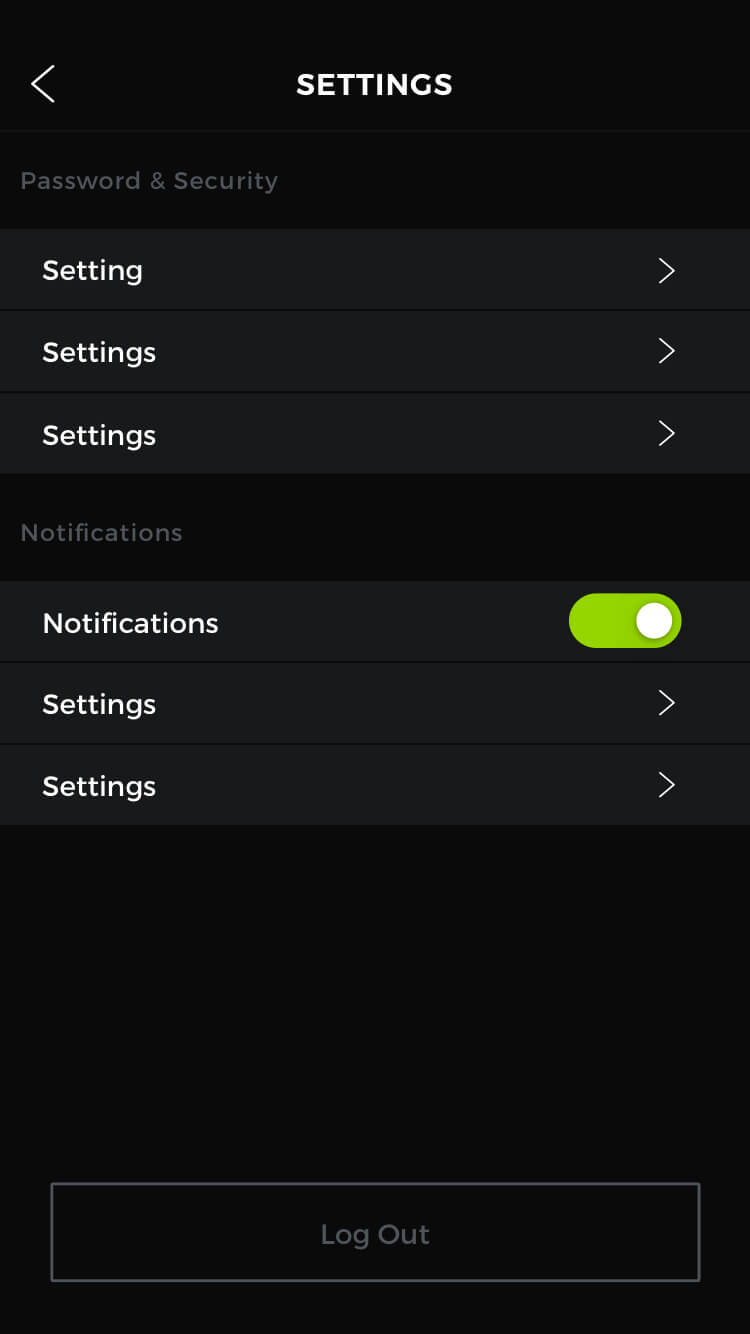
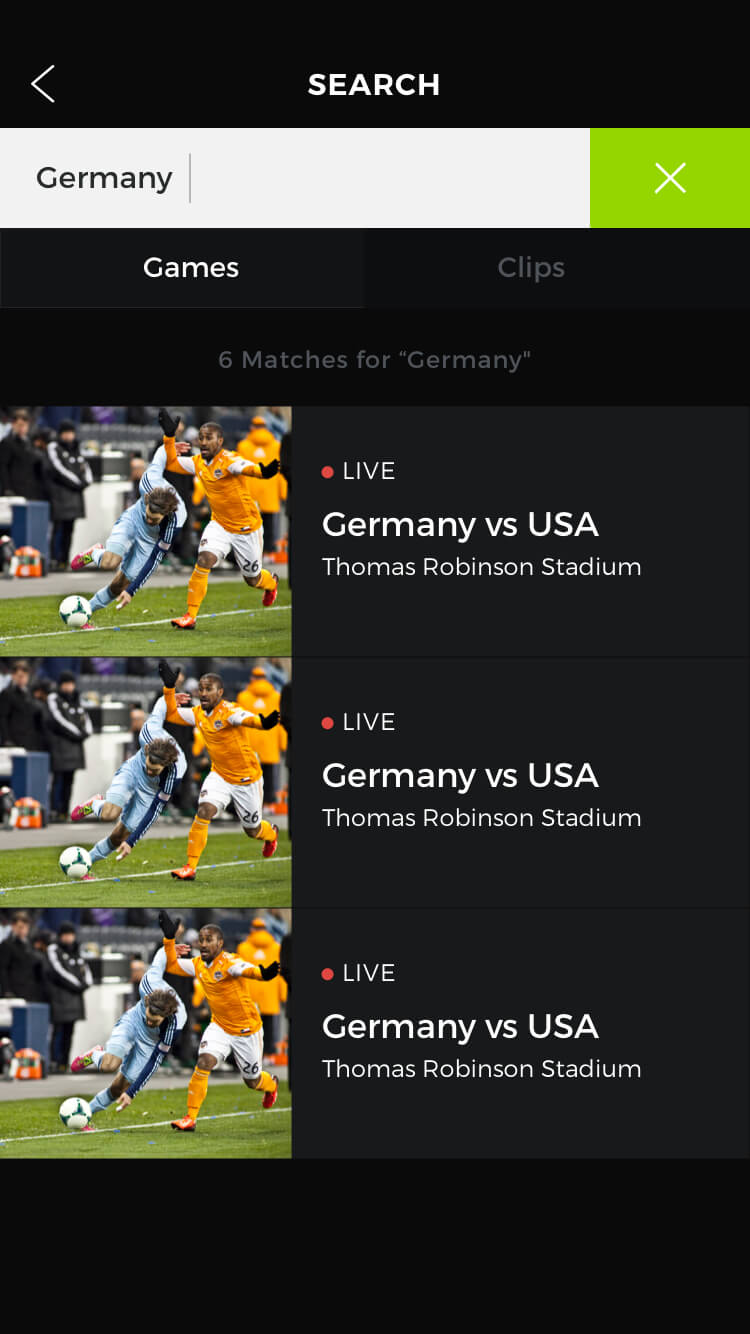
- Created polished version of app screen designs
- Reviewed and consulted with PMs and Dev team on new designs
- Presented final app designs for review via prototype to stakeholders
- Created development kit and design assets at time of development hand off
- Completed small branding kit, and UI refresh for the polish phase after Beta
4░
Let's Prototype this baby.
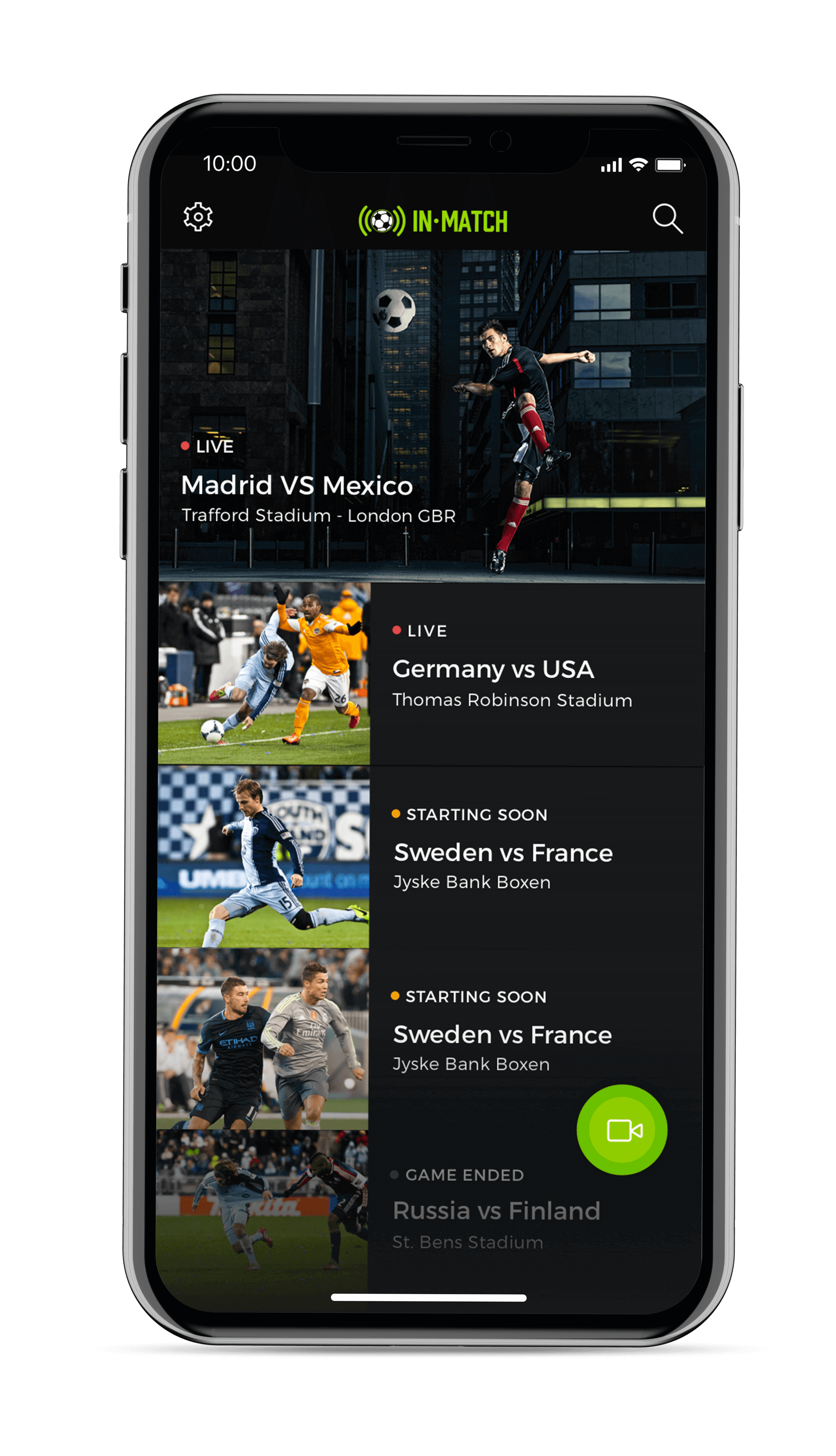
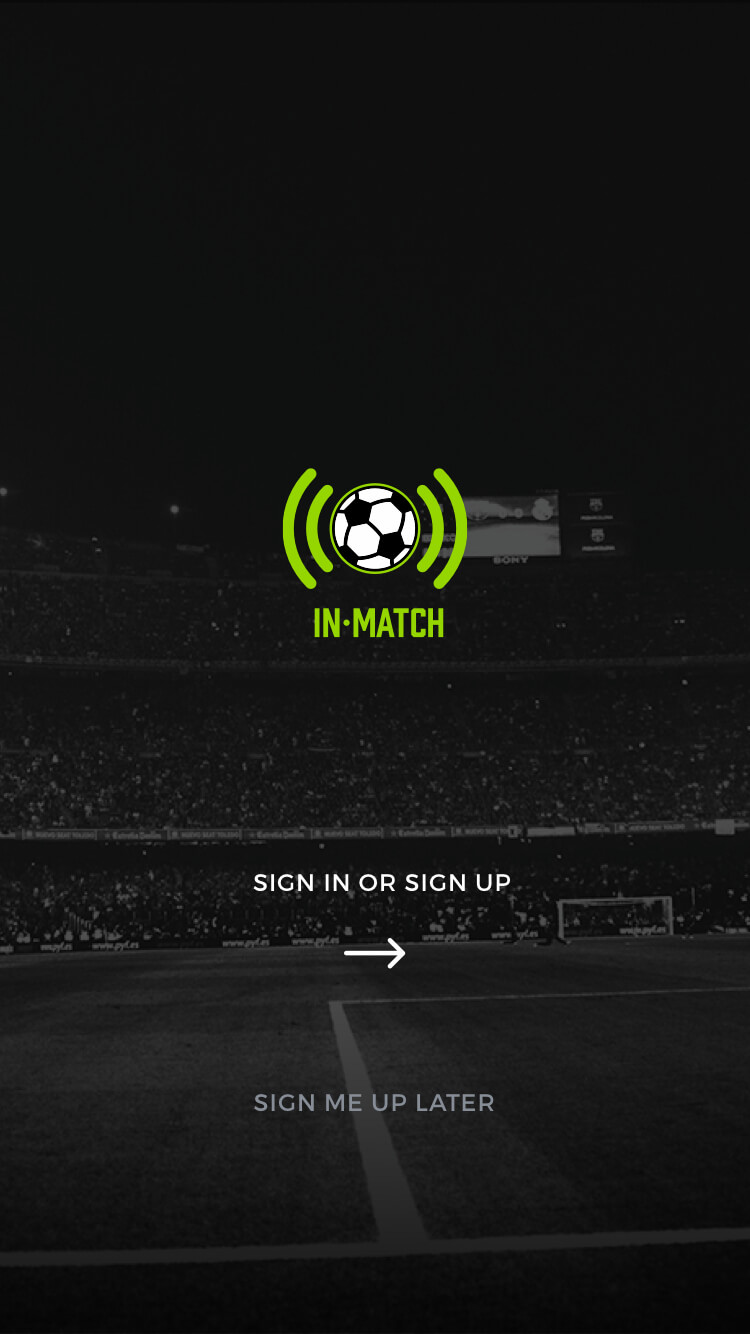
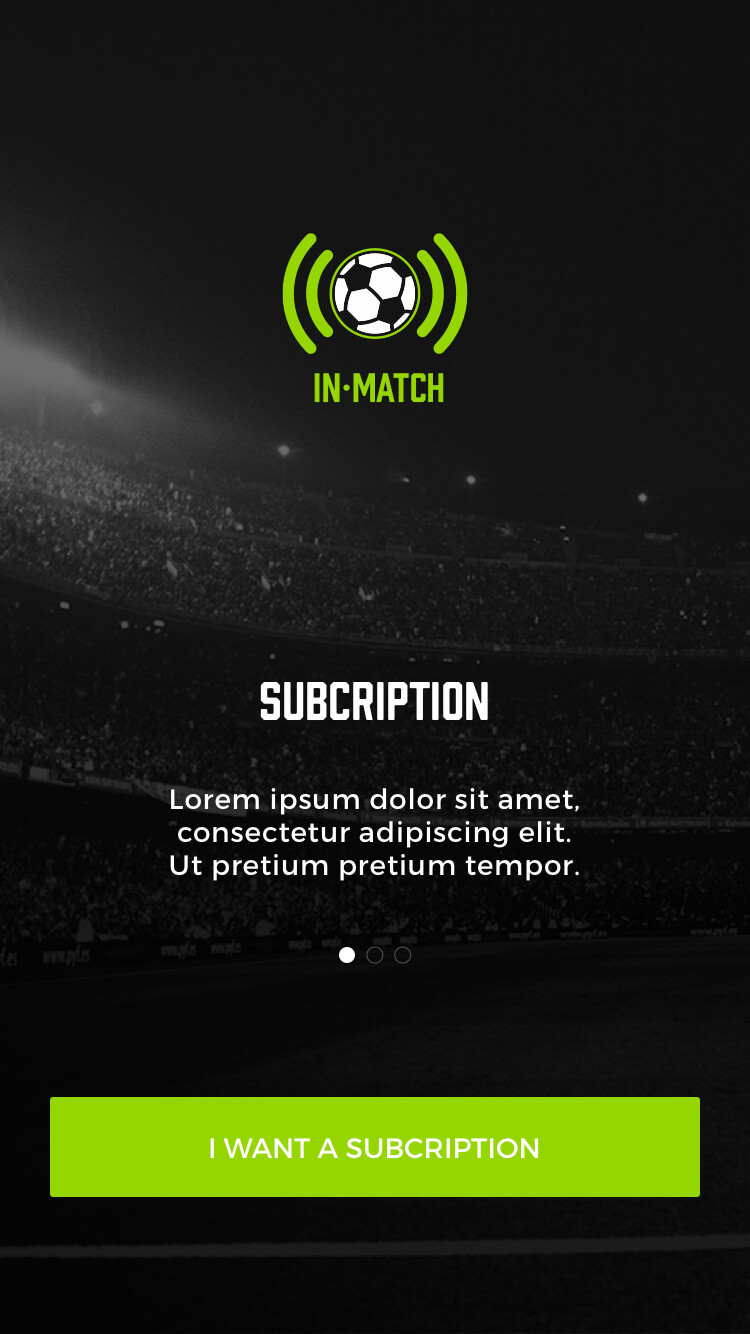
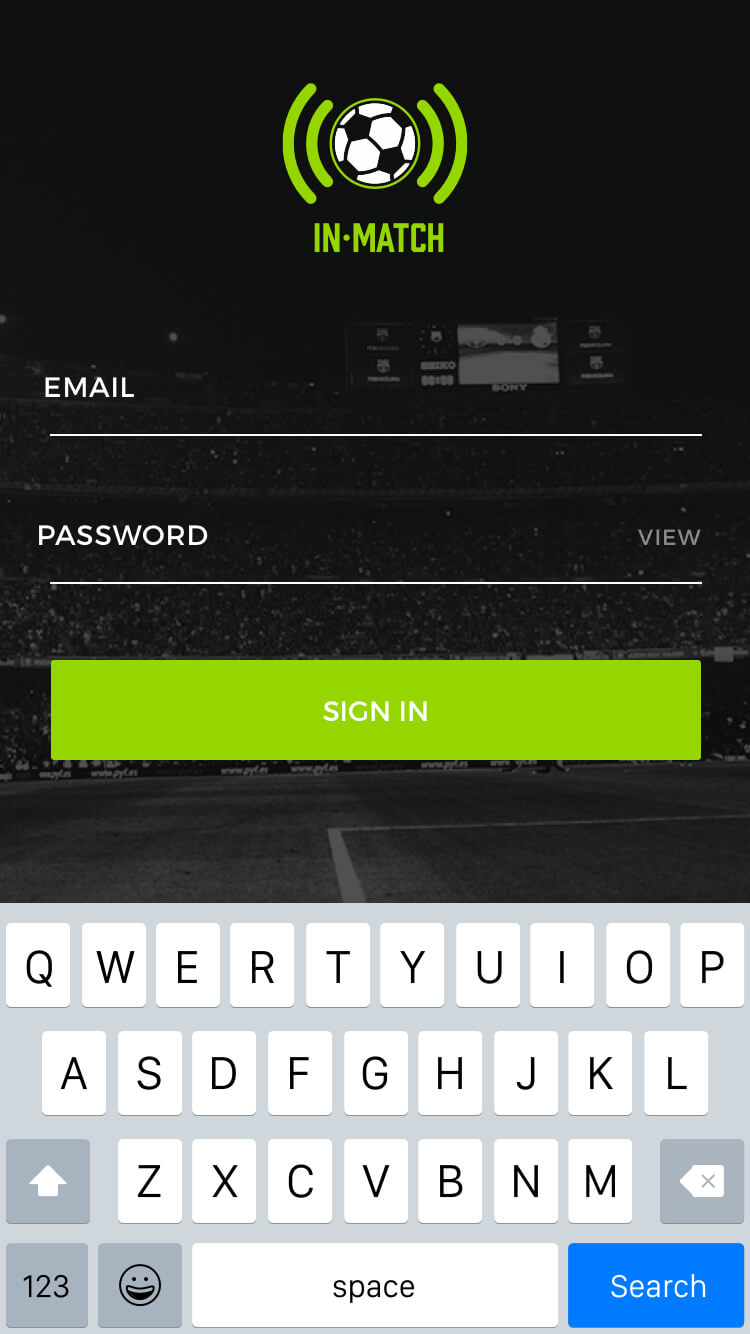
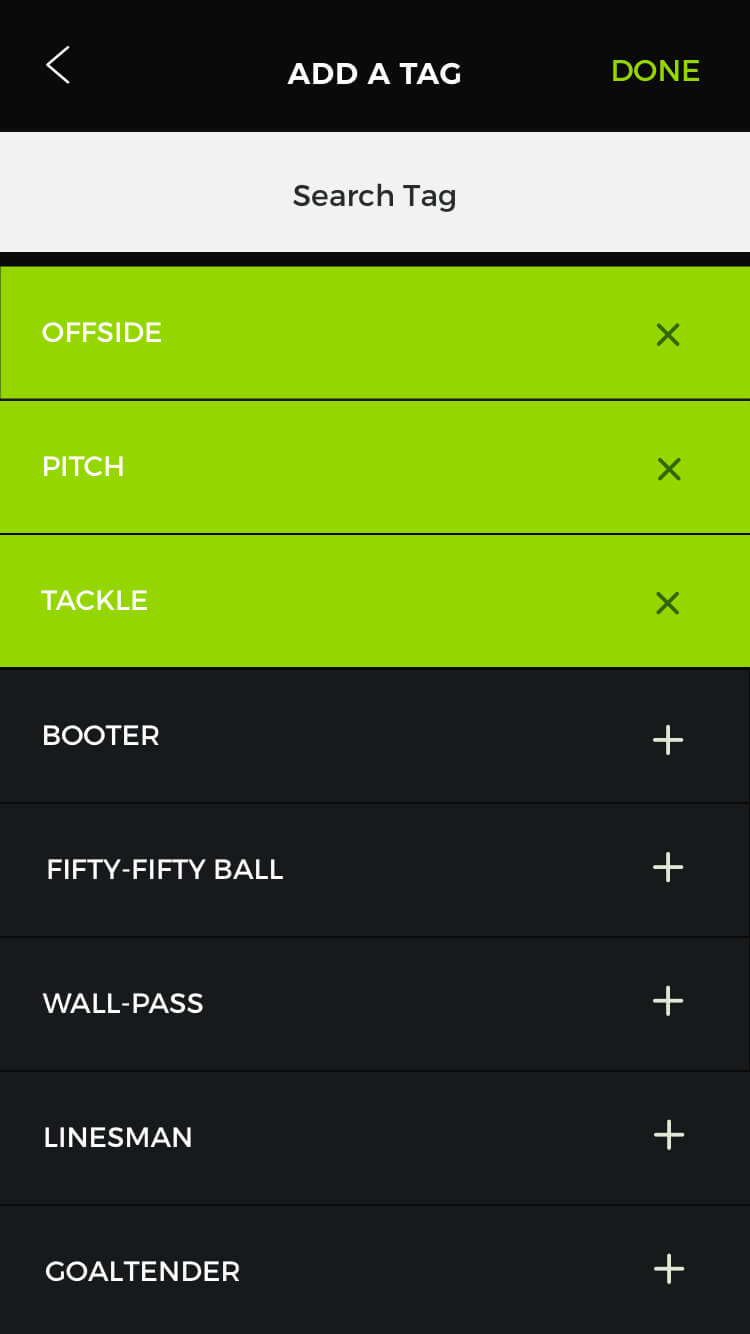
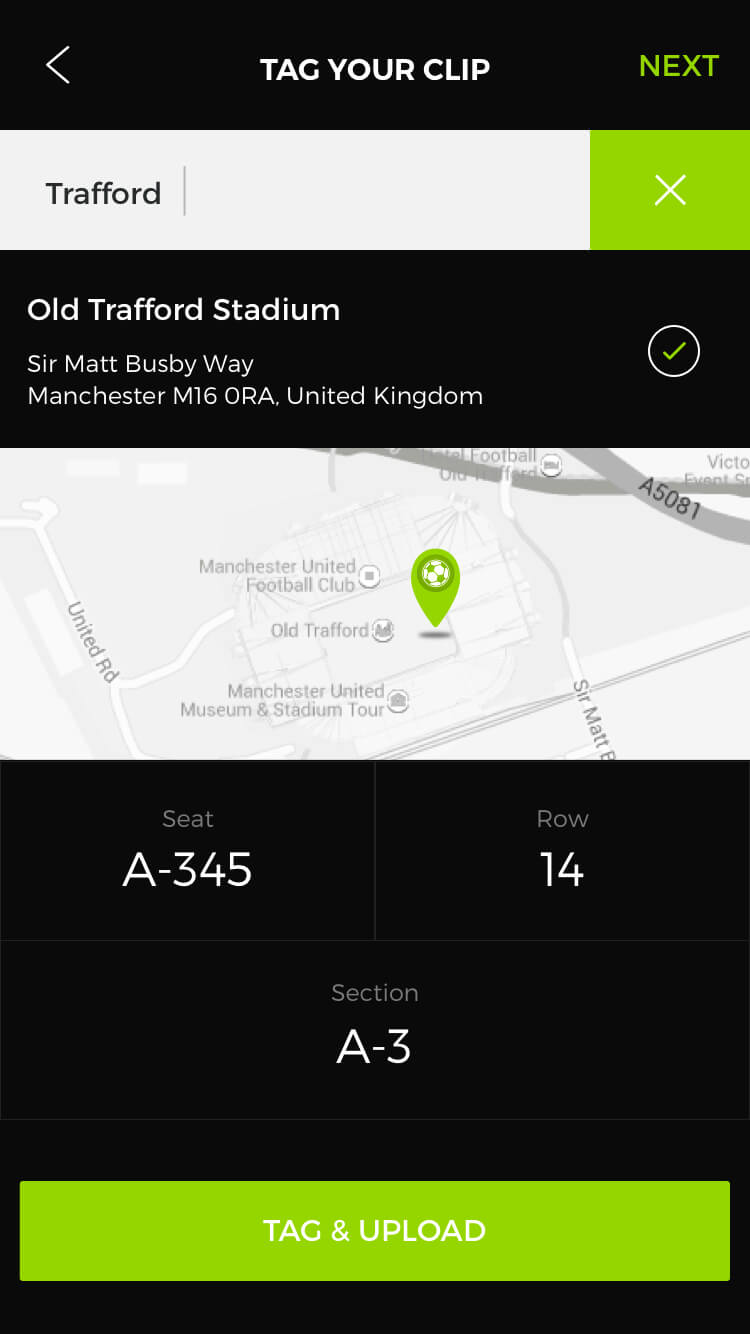
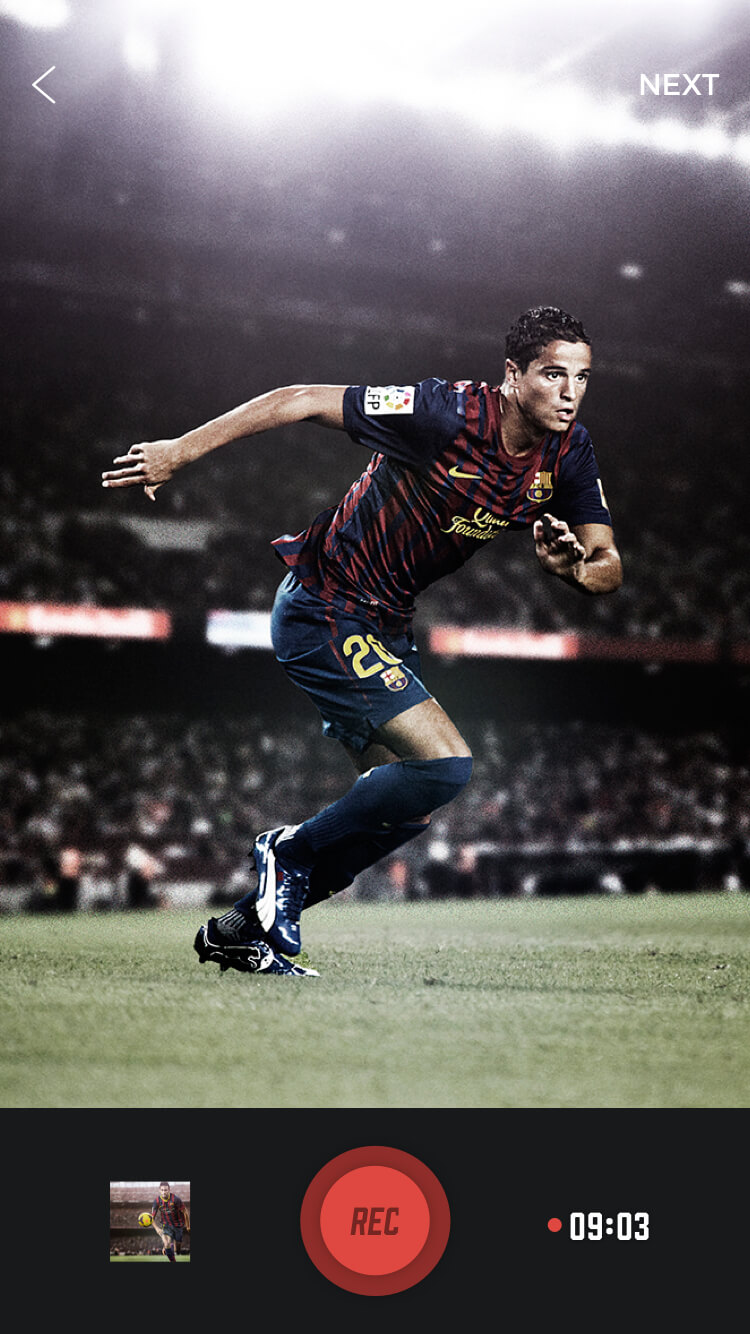
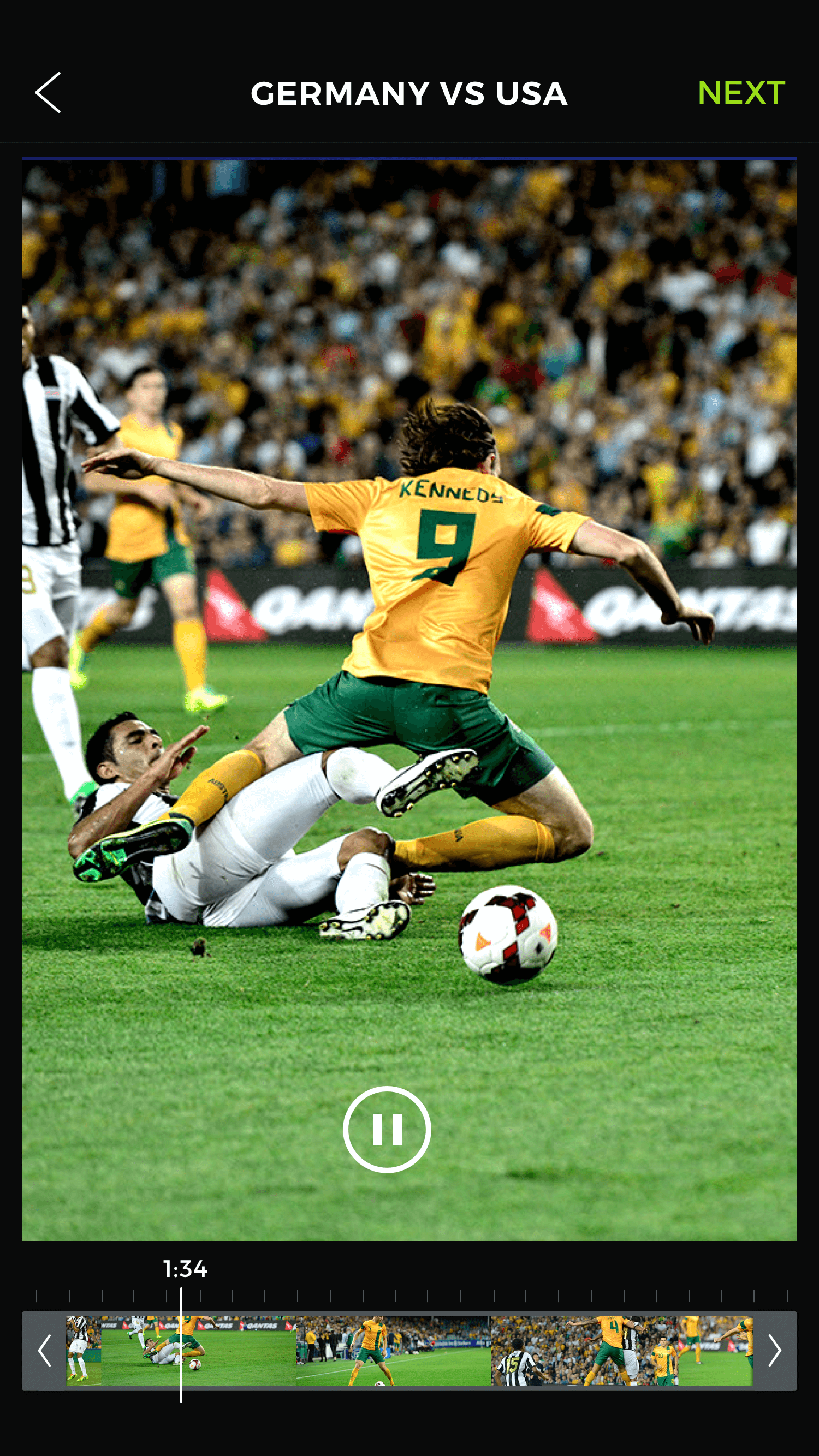
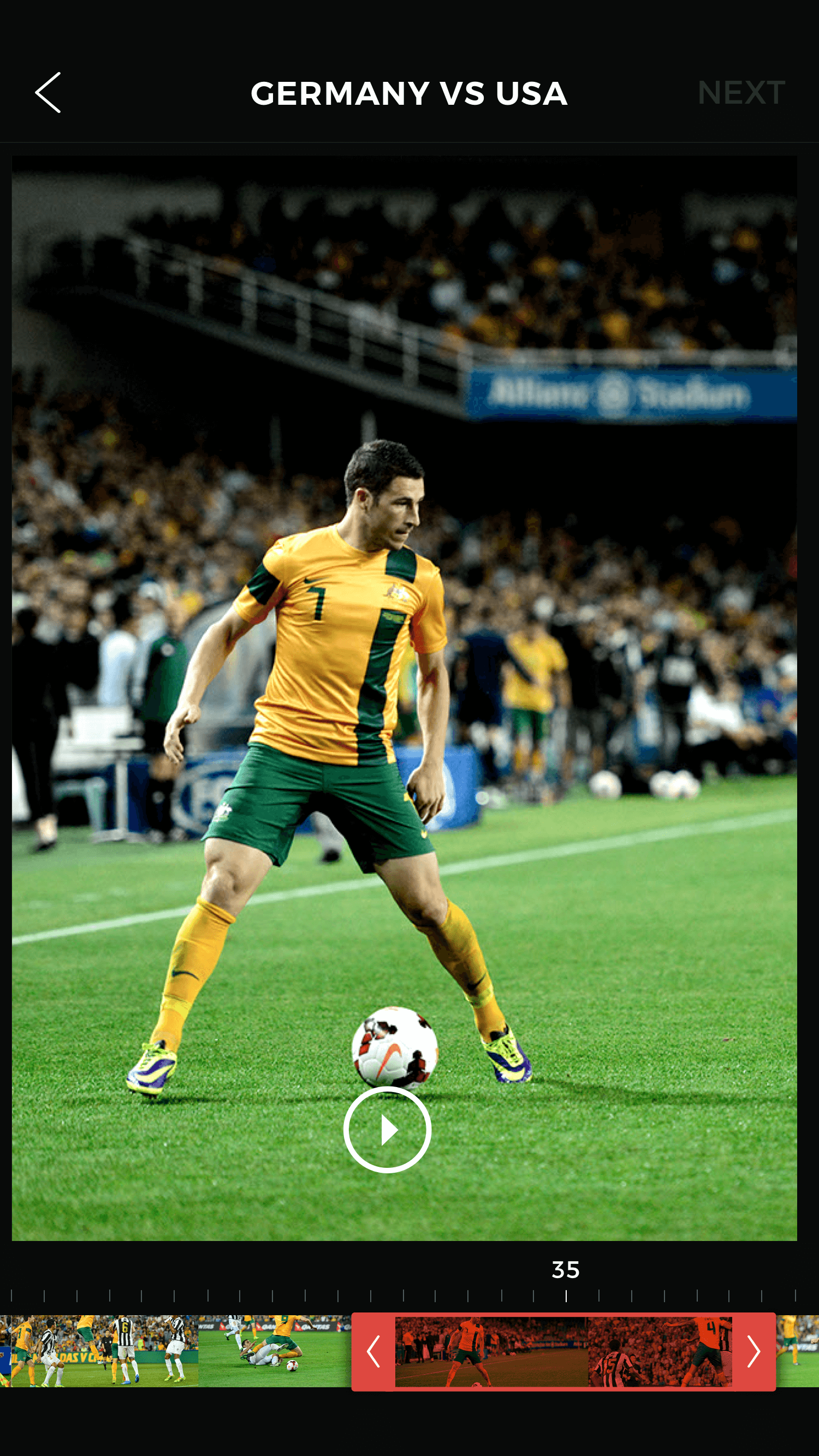
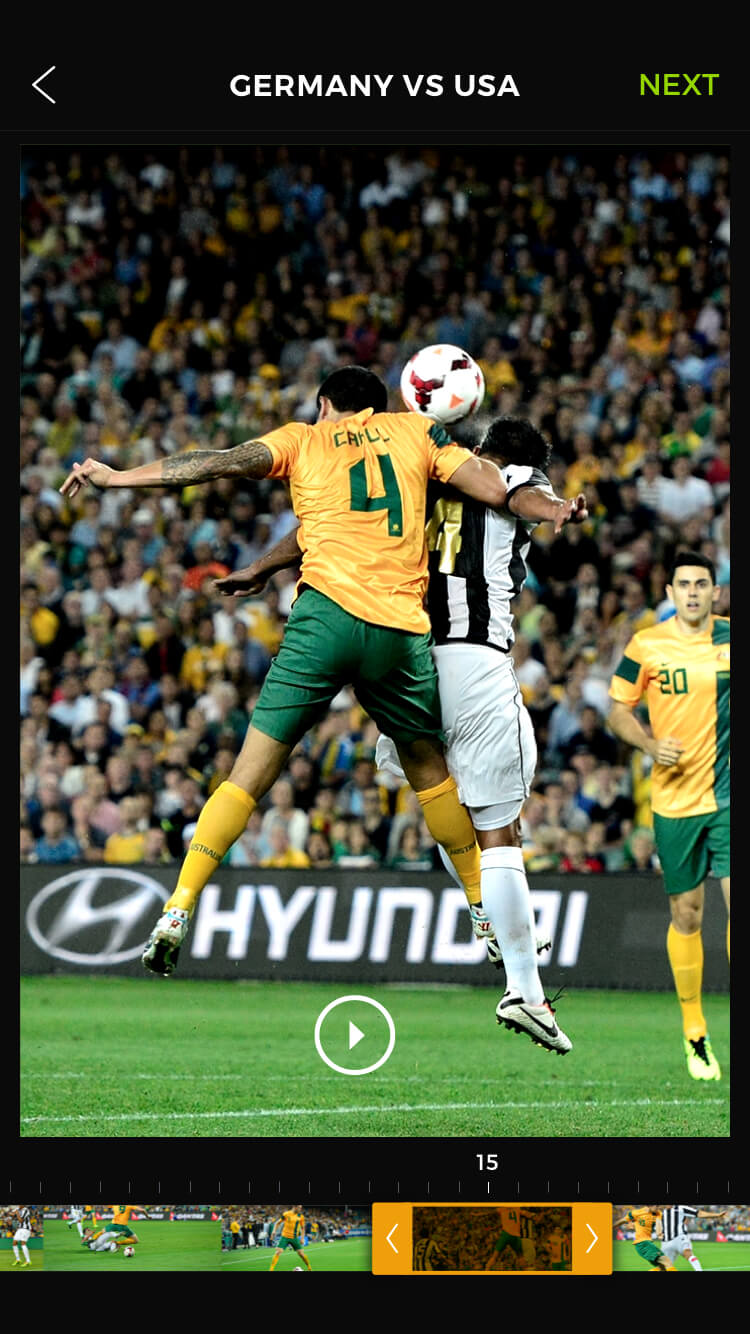
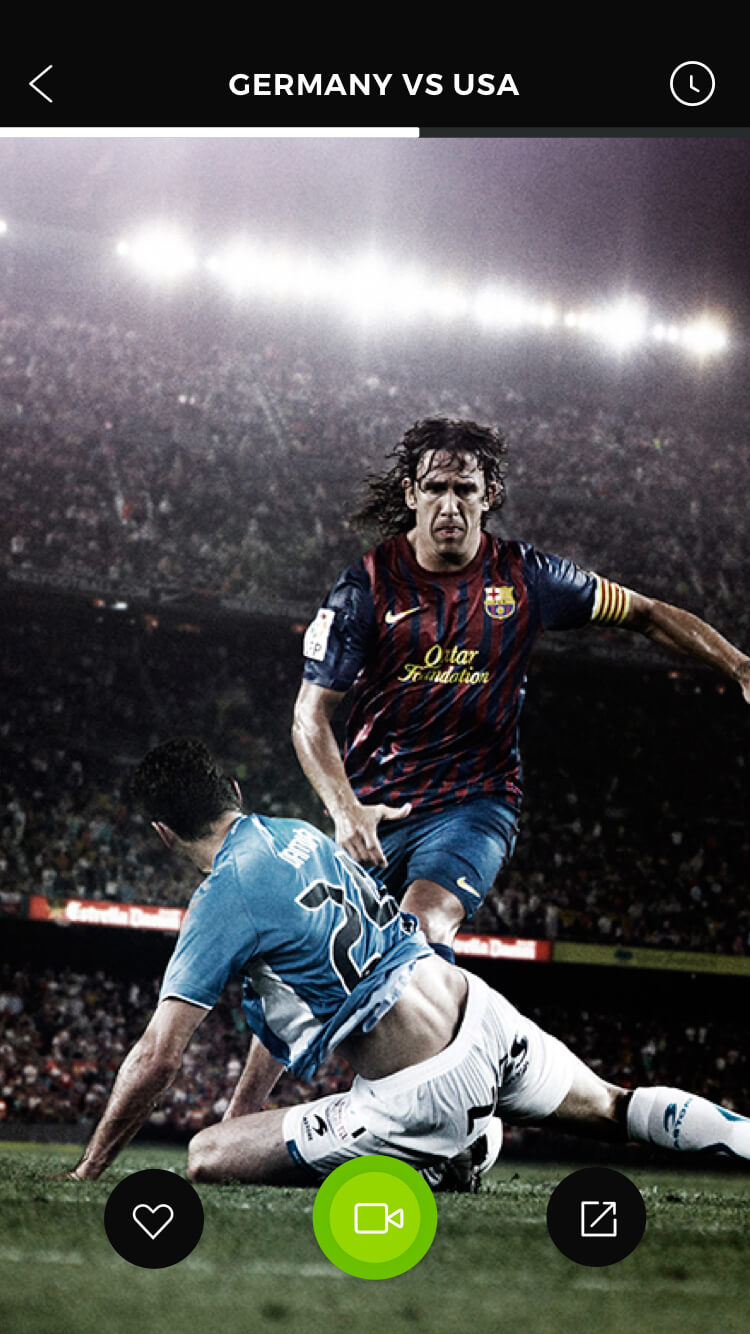
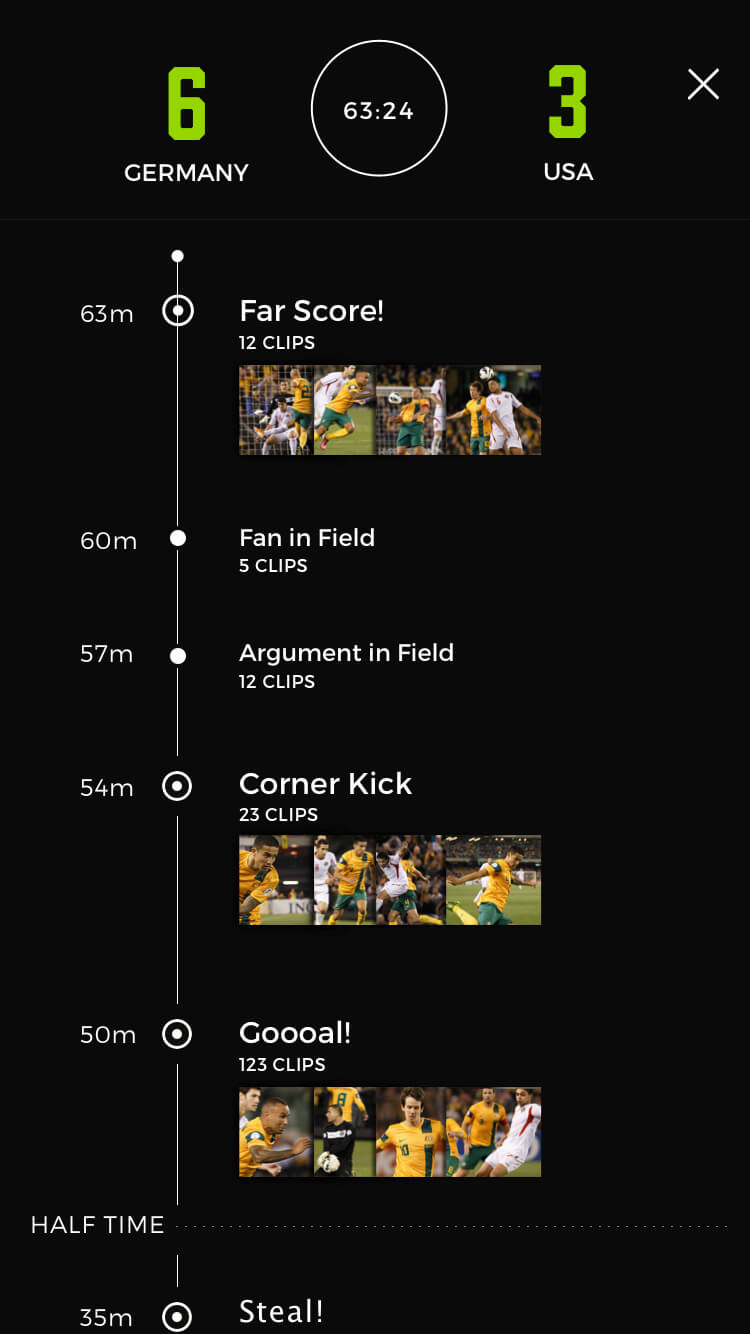
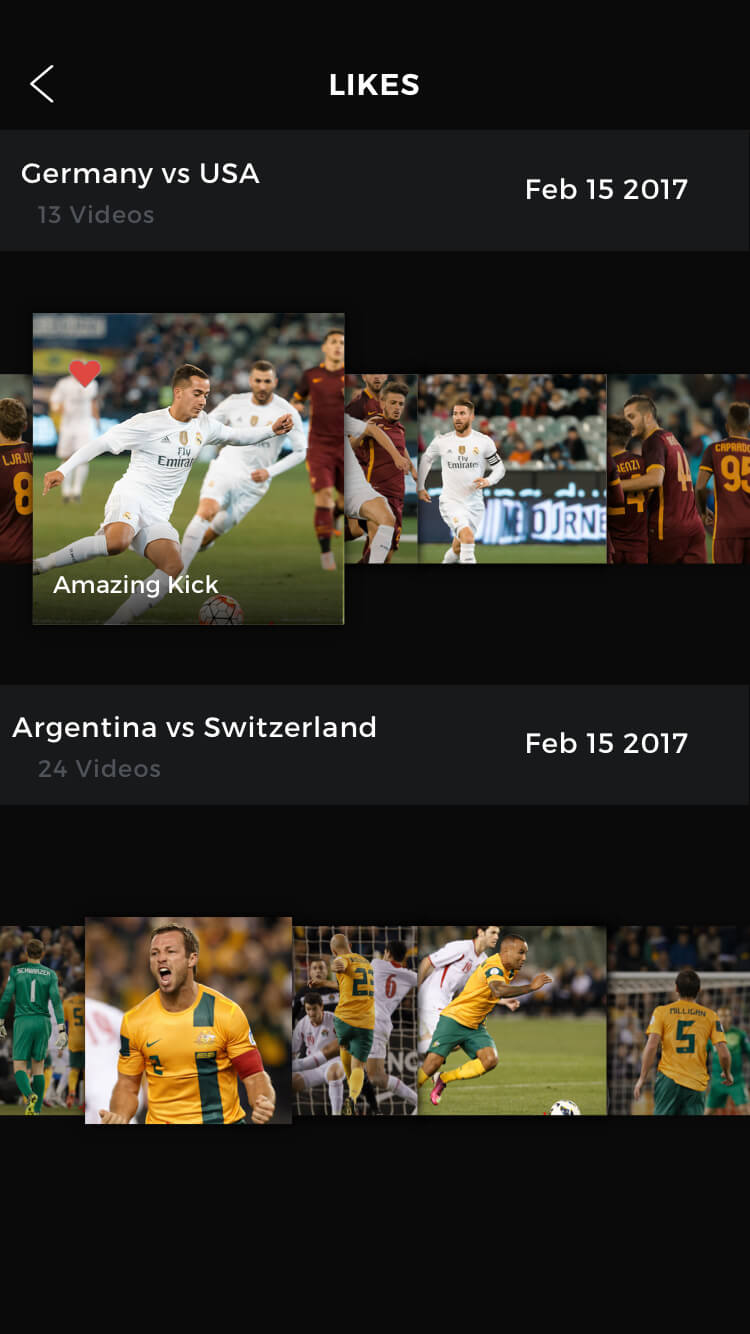
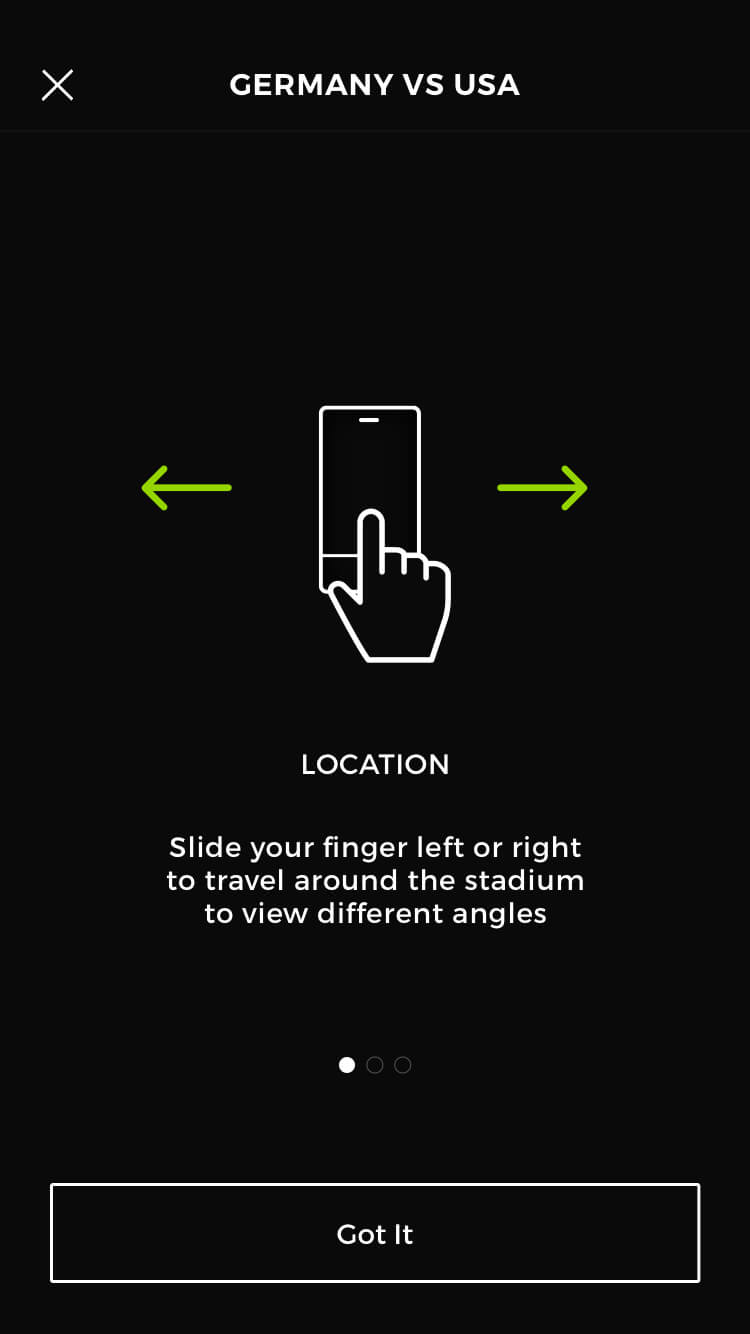
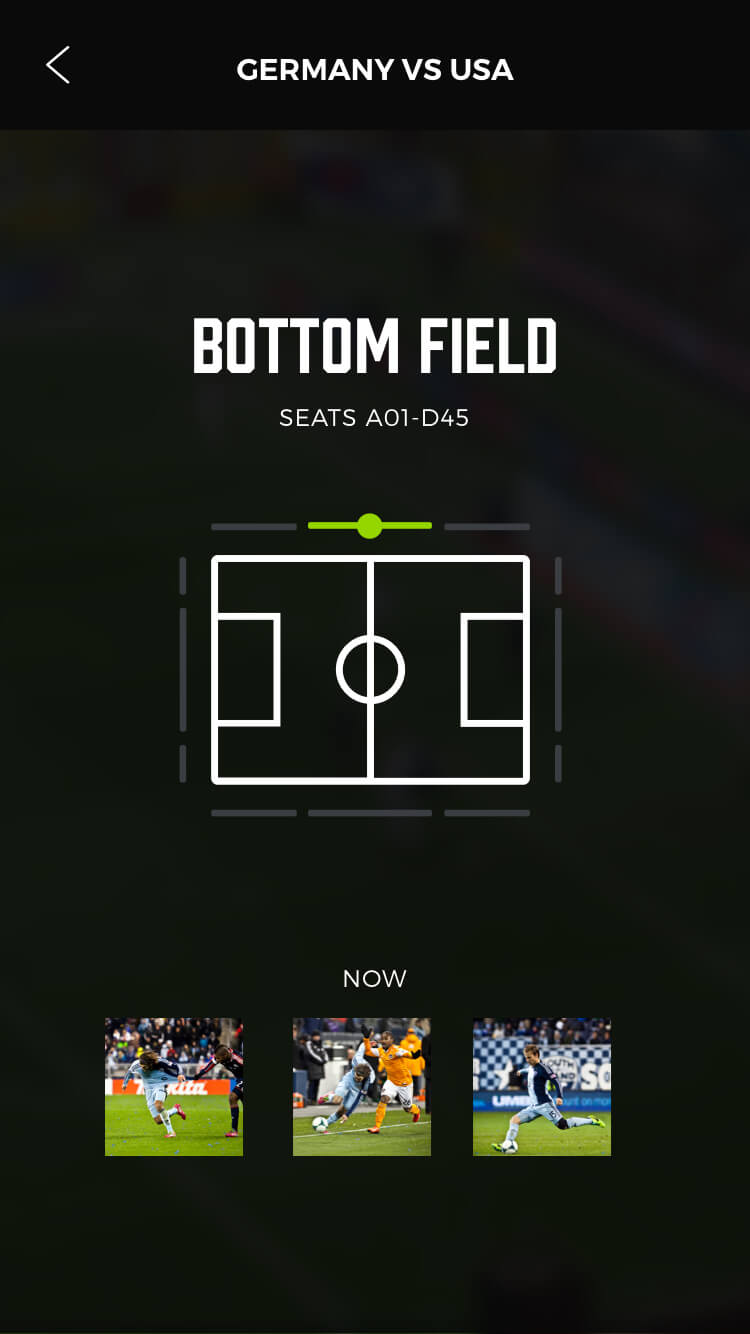
- This is a sample of the prototype presented at the time of the project
- I also made an interactive invision prototype (Now using Figma) used for user-testing, painpoint discovery during testing, use-case discovery, general feeling of the app/user experience and for team and stakeholder presentations to get feedback
5░
A Job Well Done.
- Downloaded the app and had a beer :)